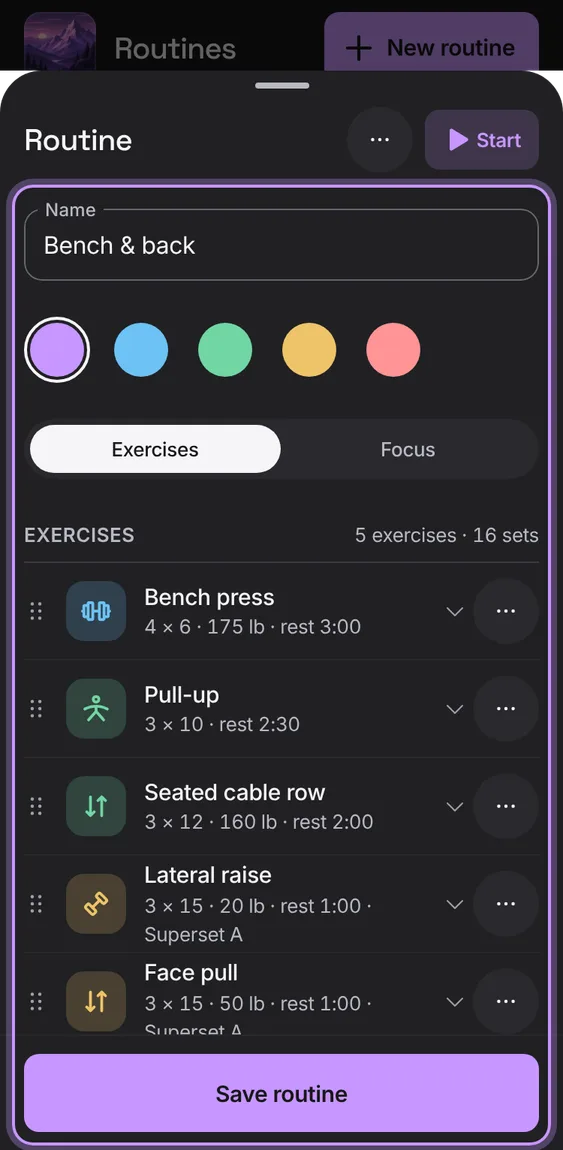
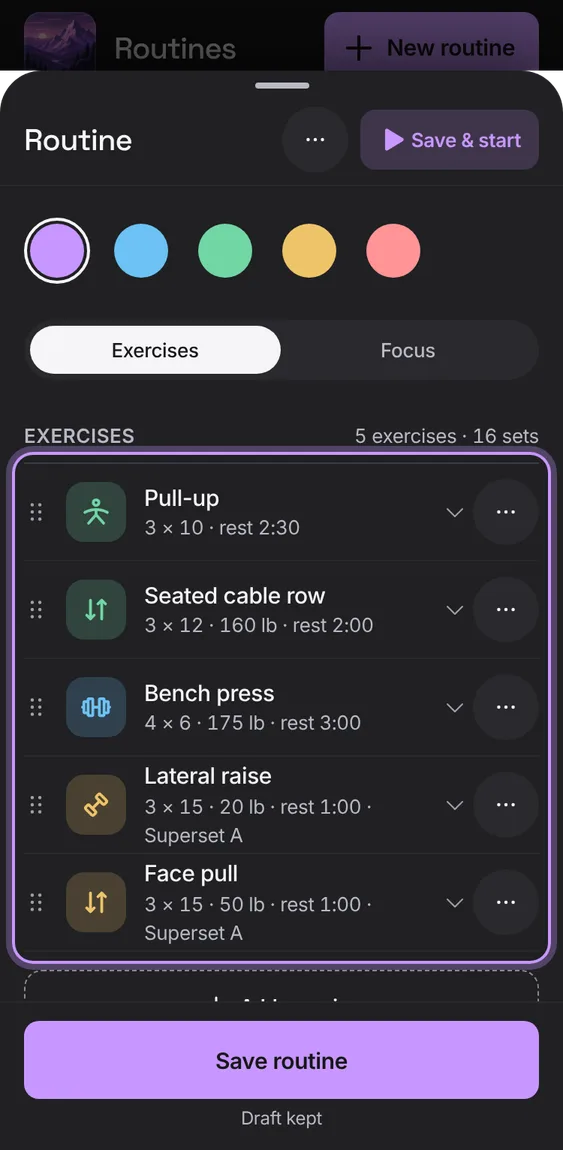
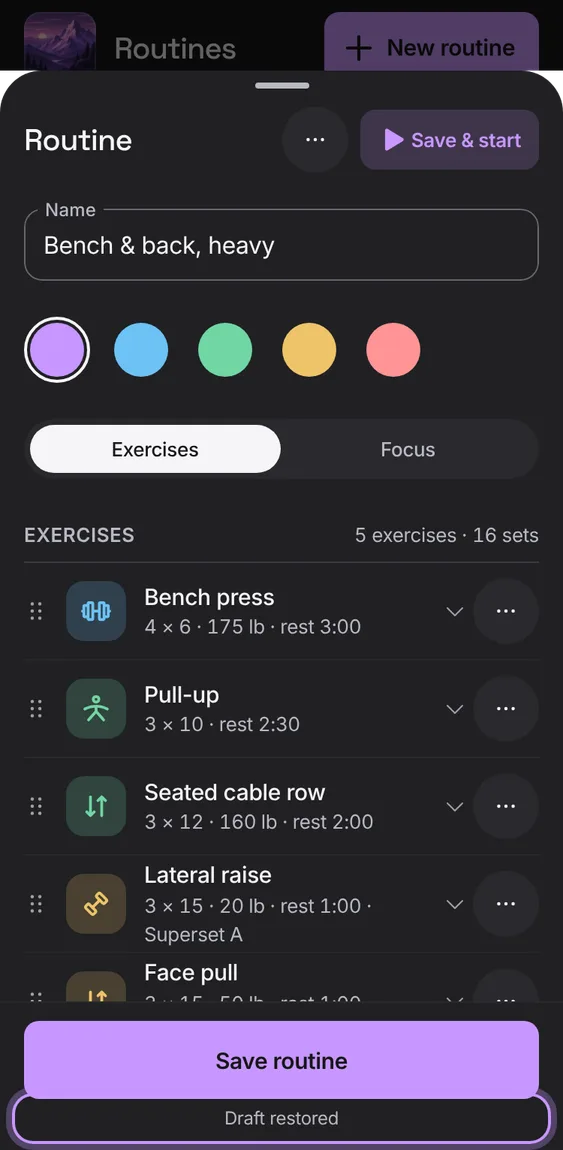
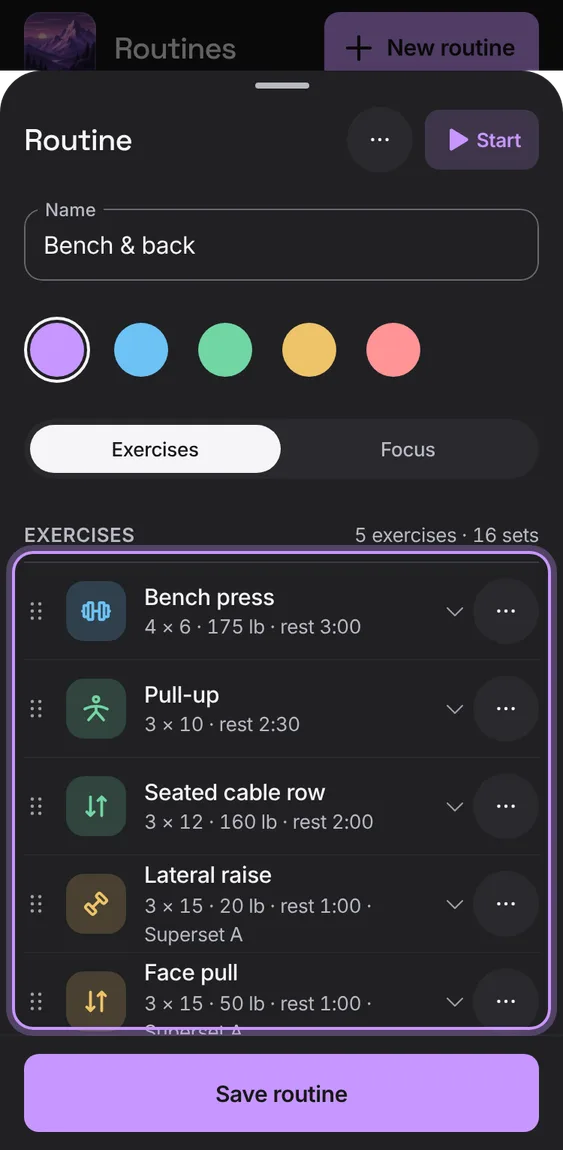
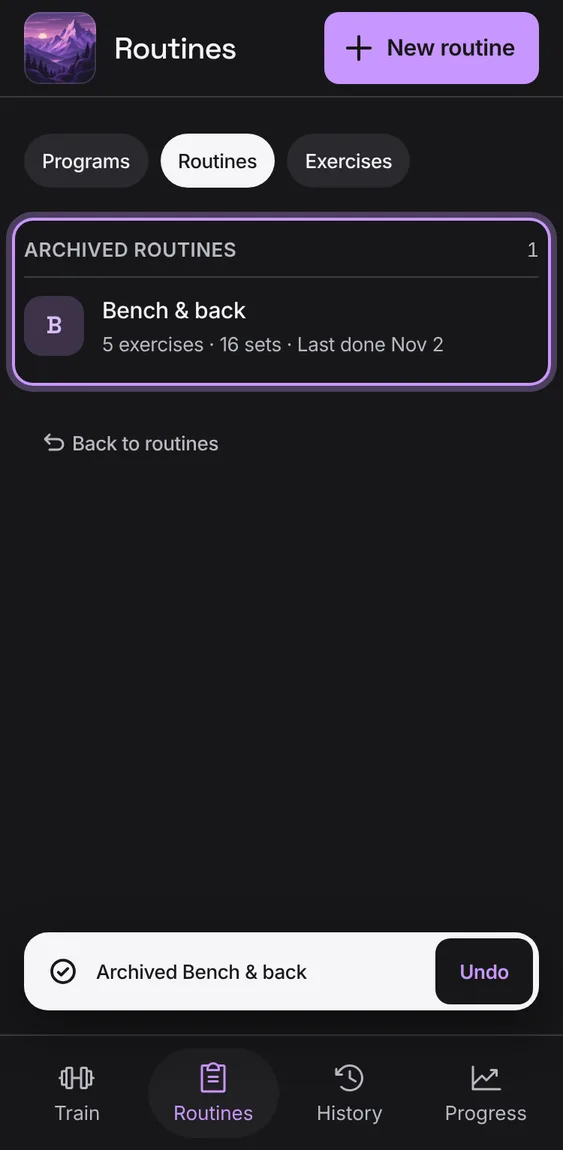
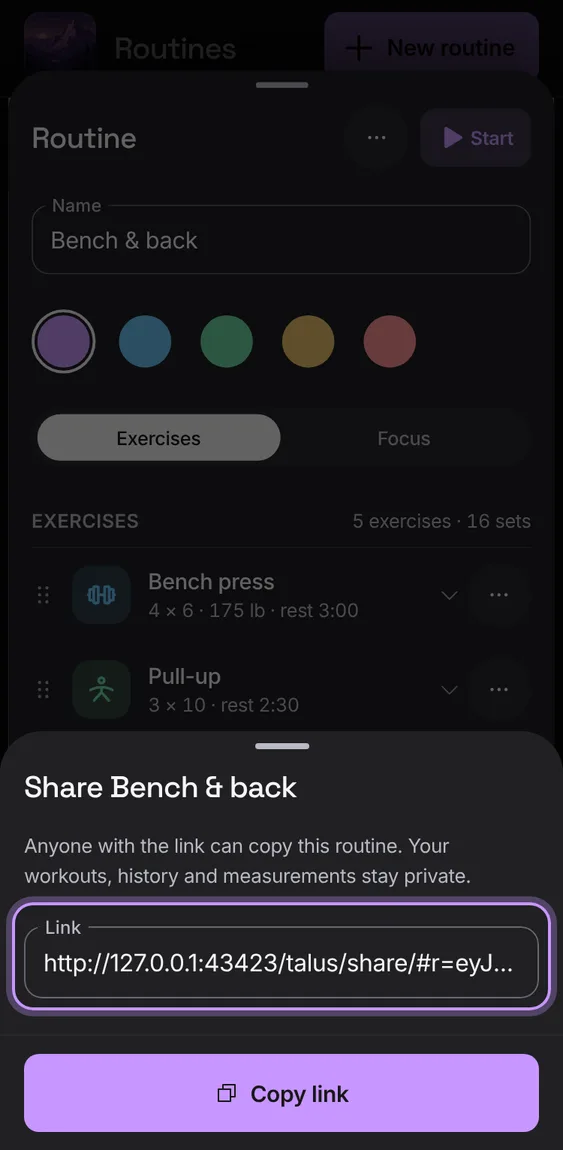
Add exercises, drag them into order (or use the arrow keys), replace one, or remove it with Undo.
Tap Add exercise.
Drag the handle, or use ⋯ for Move up, Move down, Replace exercise or Remove exercise.
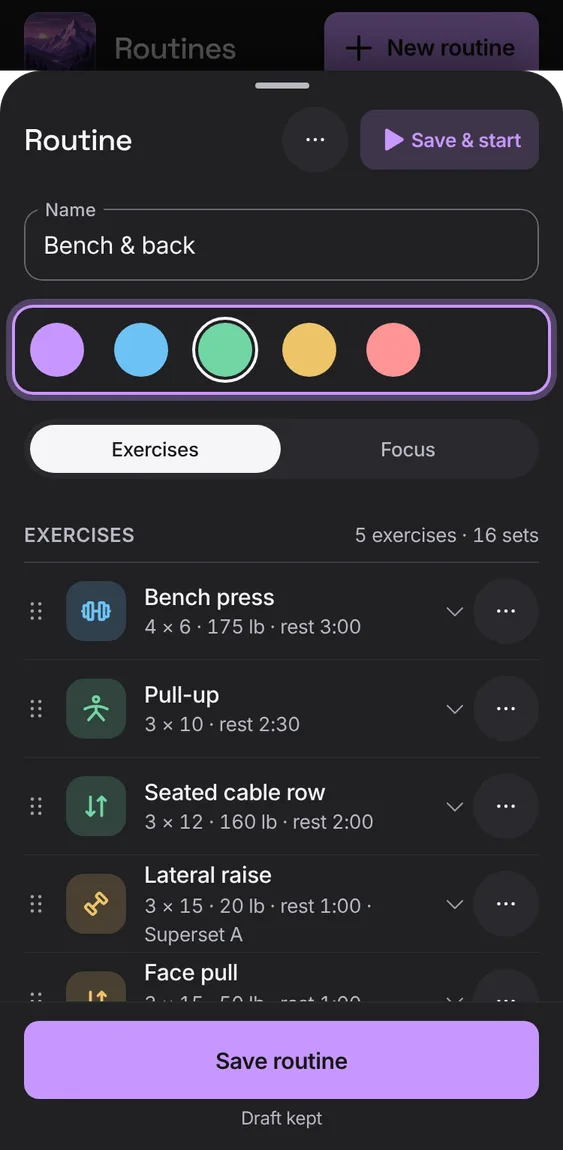
Pick a routine's colour; its tile shows it everywhere.
Choose a colour under Colour and save.
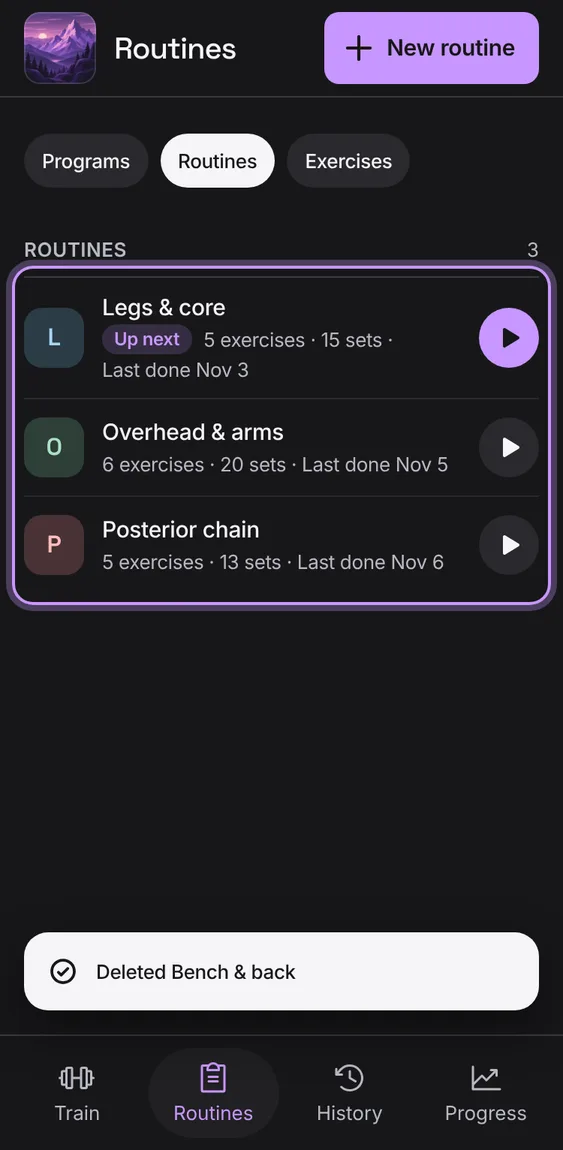
Delete a routine after confirming; workouts already started from it keep their own copy.
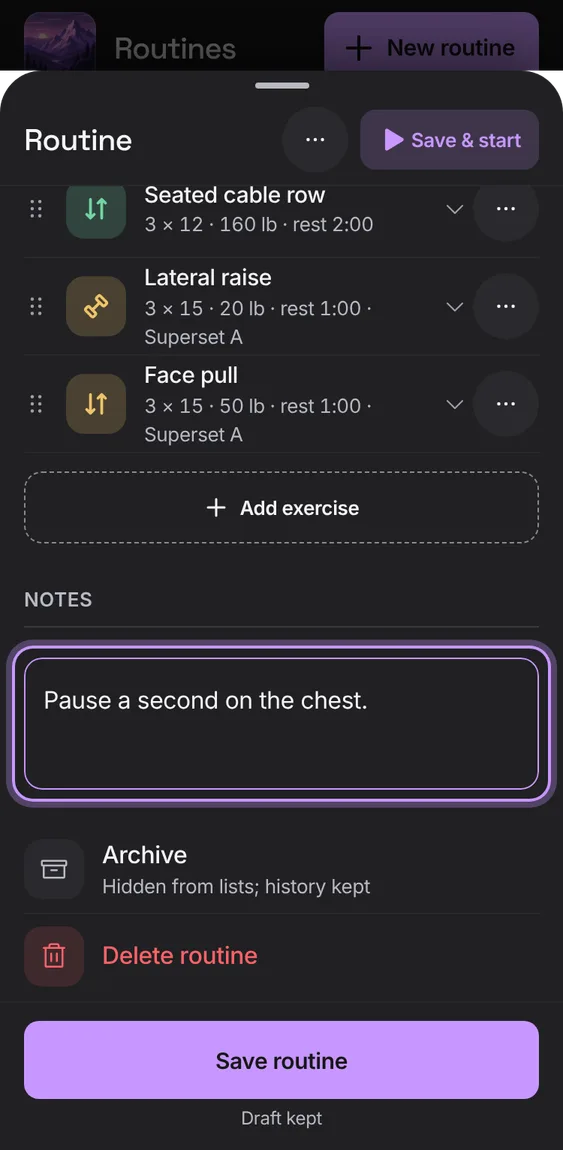
Tap Delete routine at the end, then Delete routine again.
A half-typed routine is kept on this device: close it, reload, and it's still there, saved exactly once. A refused save keeps your input and says why.
Close the editor; reopen it to carry on (Draft restored).
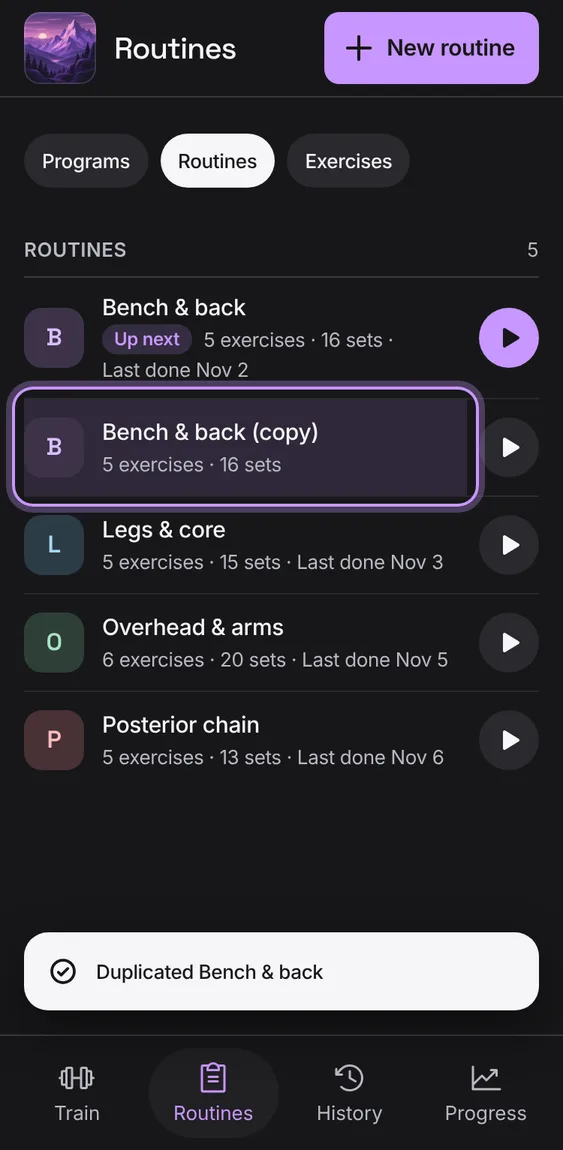
Copy a routine as a new one, which is shown and marked in the list.
Open Routine options and tap Duplicate.
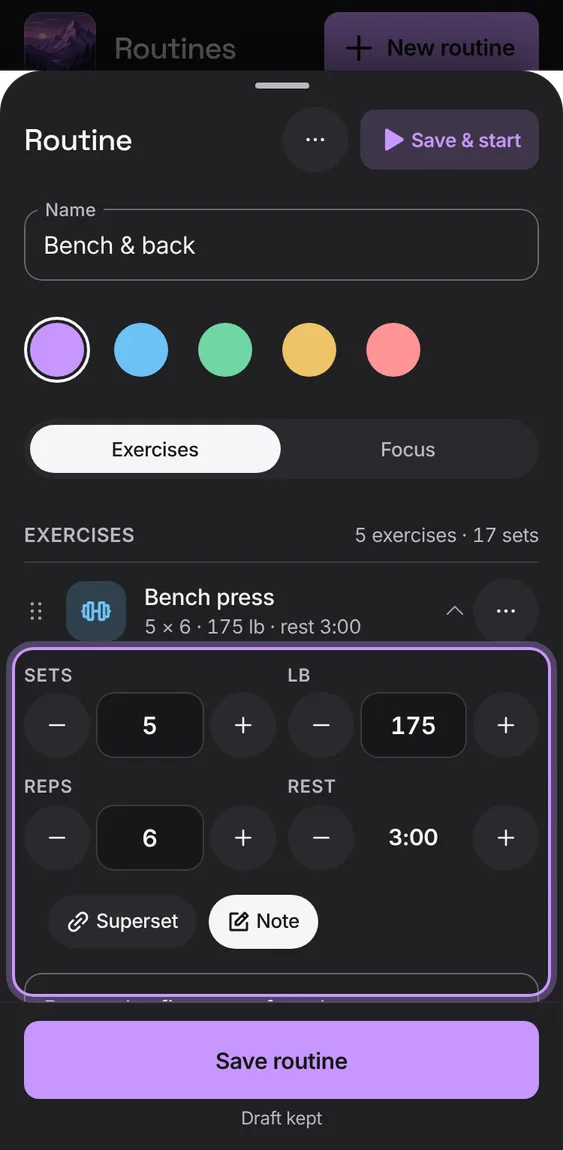
Open an exercise to set its sets, weight, reps and rest with steppers, in your unit. A cardio exercise is planned by its sets.
Tap an exercise in the routine; use − and + or type.
Notes for the routine (cues, warm-up) and for each exercise.
Write under Notes, or tap Note on an exercise.
Starting a routine copies it onto the workout. Later edits, archiving or deleting never change a workout already started.
Nothing to do: edit freely.
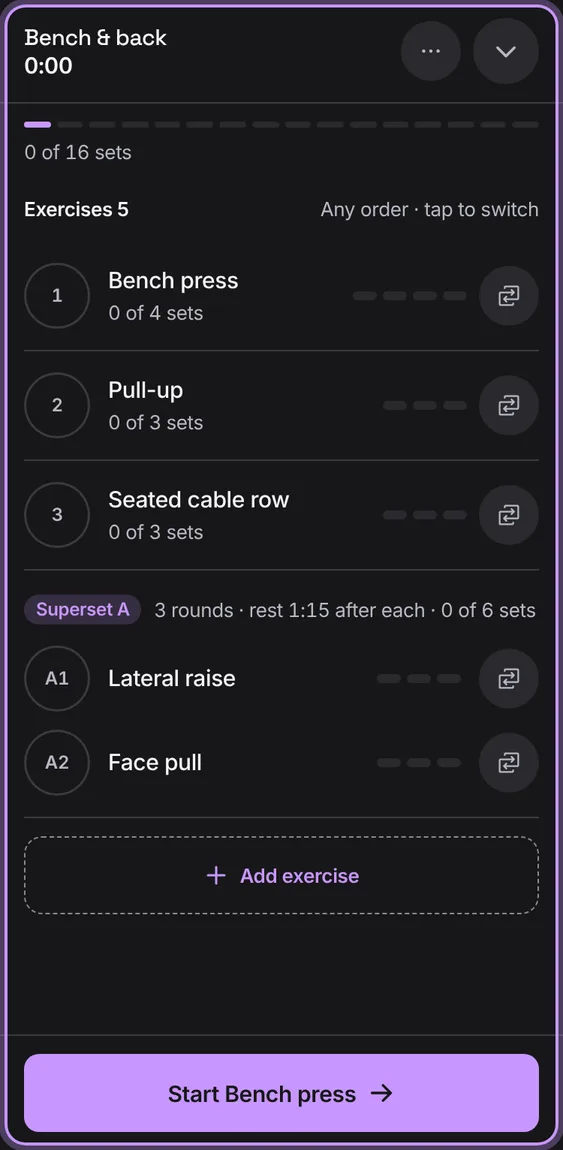
Start the routine from its editor; with unsaved changes it reads Save & start.
Tap Start (Save & start) in the routine's bar.
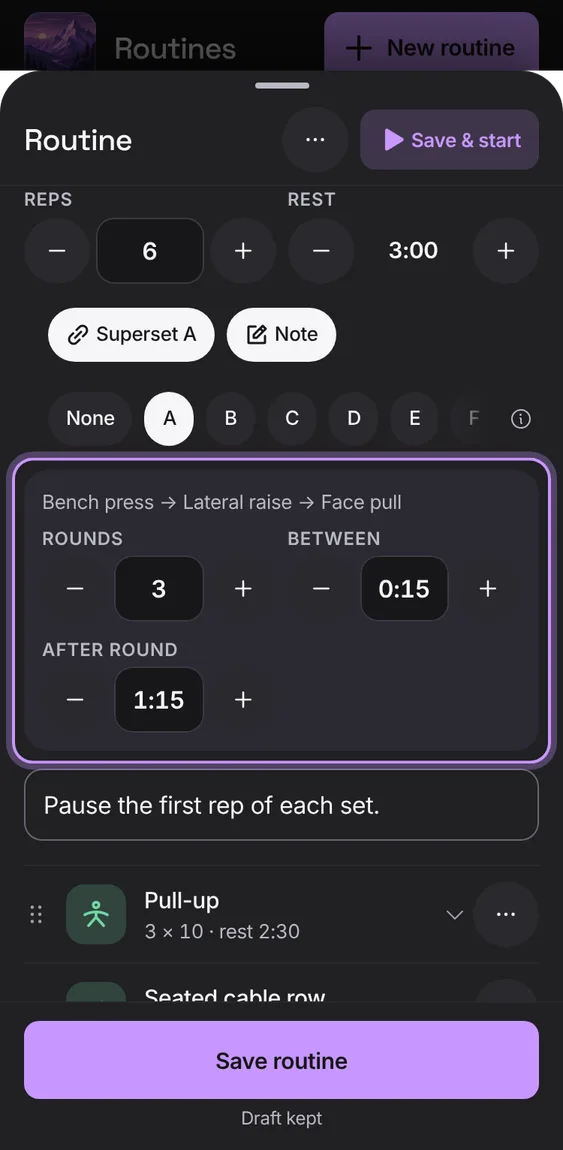
Give exercises the same letter to do them back to back, one set of each per round, with rounds, rest between exercises and rest after each round.
Open an exercise, tap Superset and pick a letter.
Set Rounds, Between and After round.
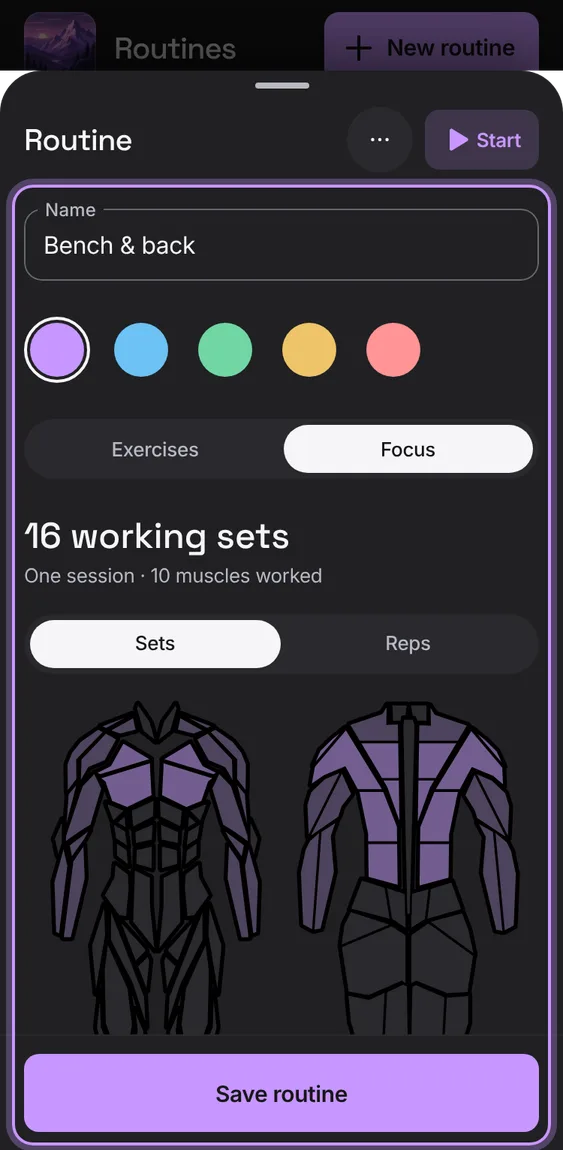
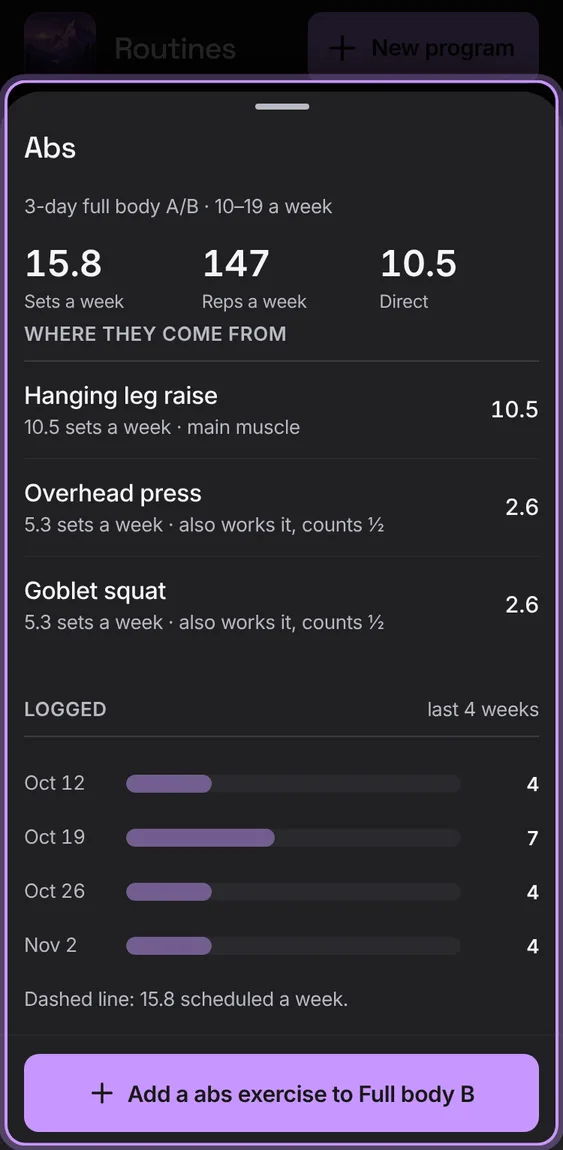
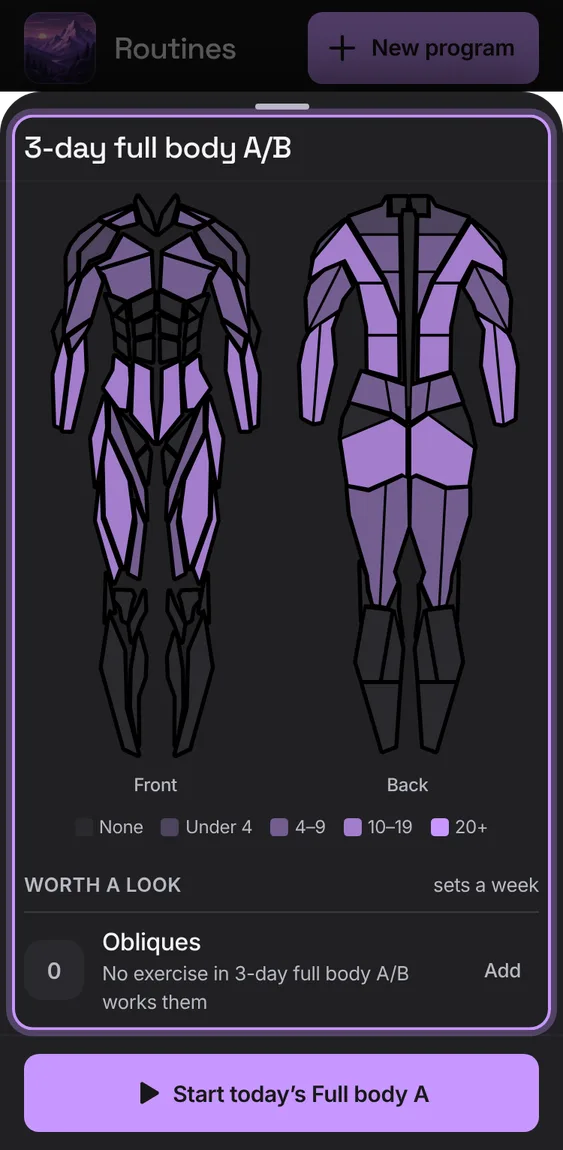
Where a routine's or a program's working sets land on a front and back body map, in 19 muscle groups, with exact bars. A set counts 1 for its main muscle and ½ for each one it also works.
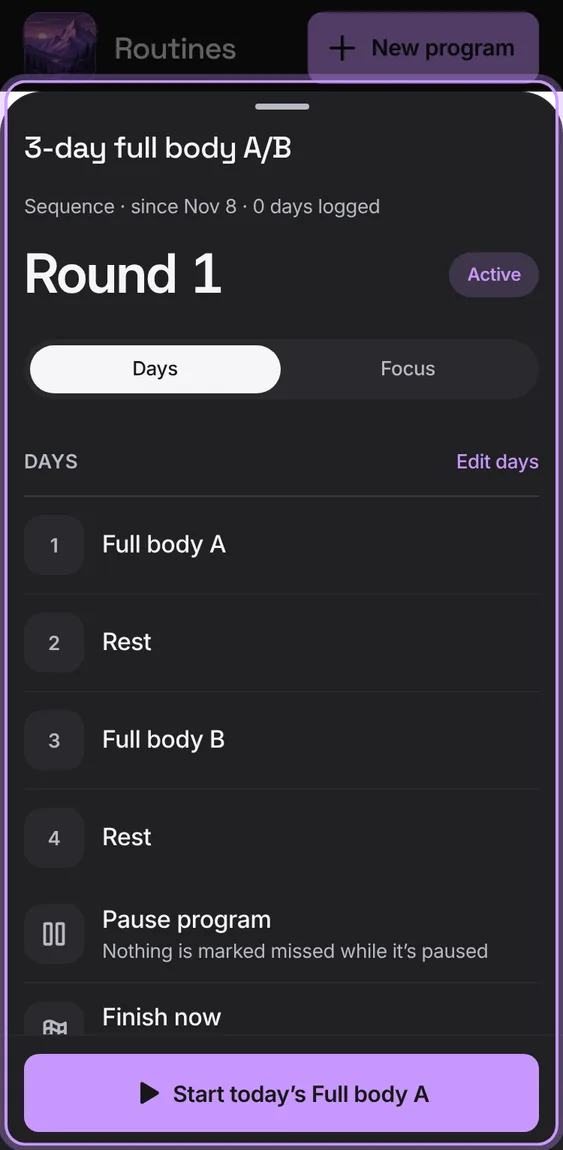
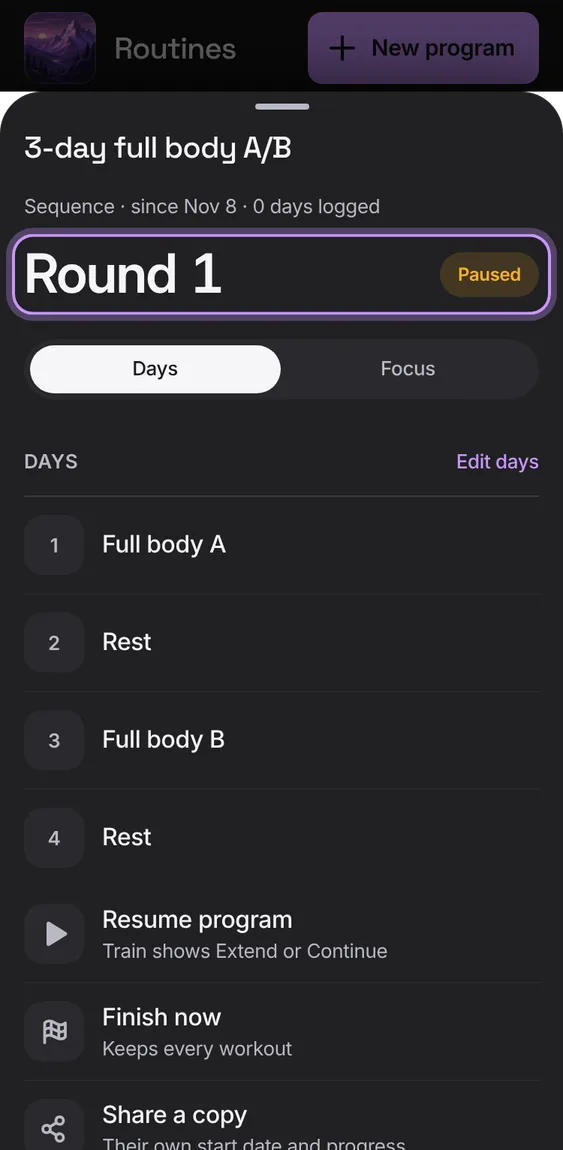
Where a program stands (week or round, and a bar of its weeks), its days or focus, and Pause, Resume, Finish now, Share a copy and Delete program, with Start today's routine.
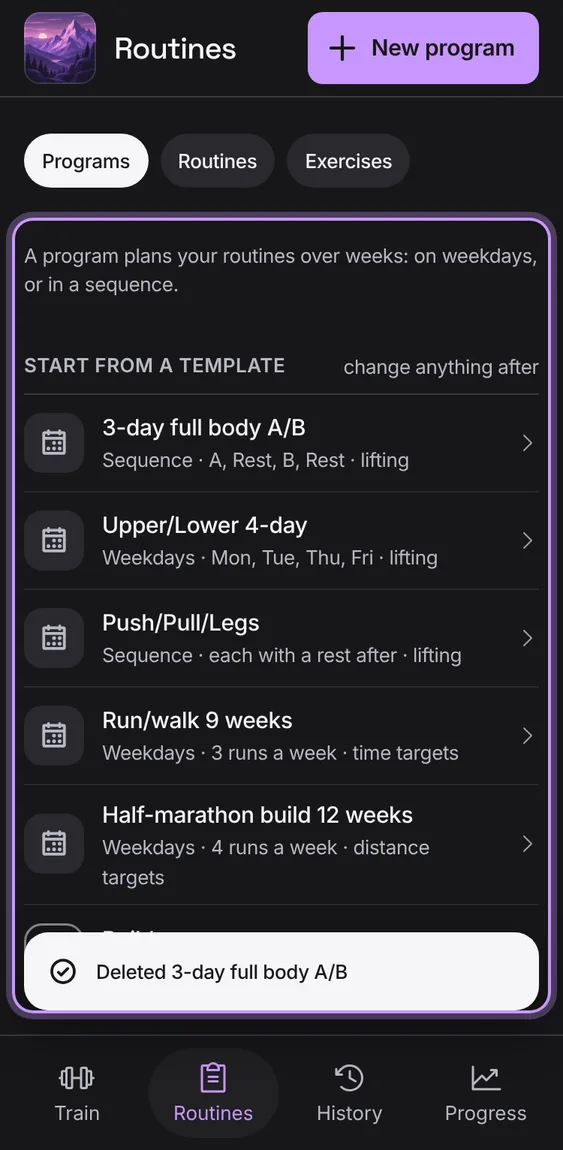
Delete a program after confirming; its routines and workouts stay.
Tap Delete program, then confirm.
Pause a program and nothing is marked missed; resume it from Train with Extend or Continue; finish it now and keep every workout. Starting one pauses any other.
Tap Pause program, Resume program, Finish now or Start it again.
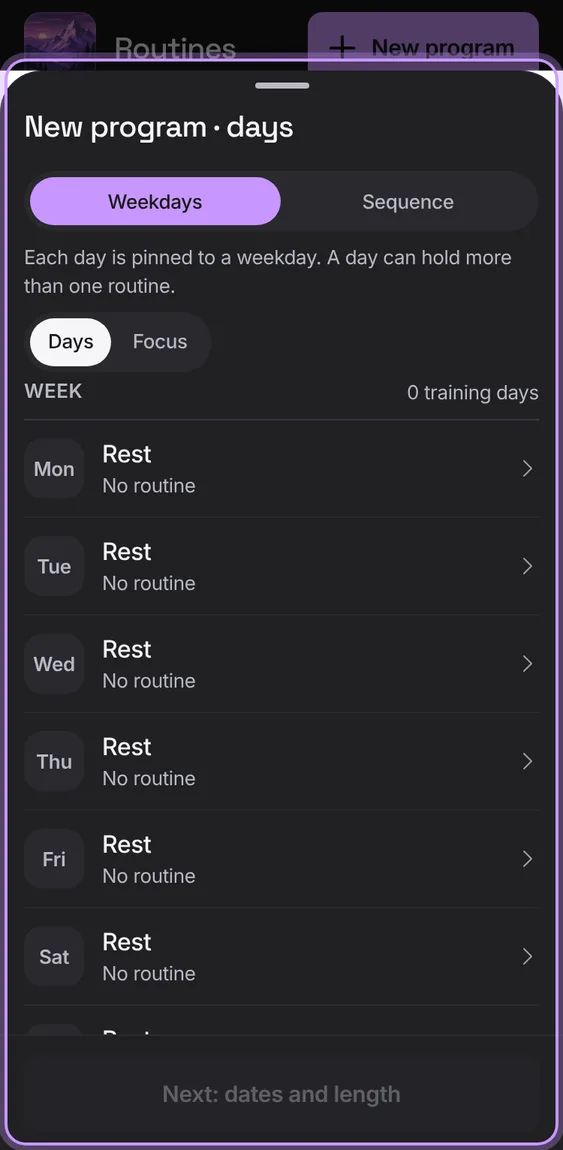
Choose Weekdays or Sequence and fill each day with routines (or rest), then name it, set the start, and add a length, lighter weeks or repeat.
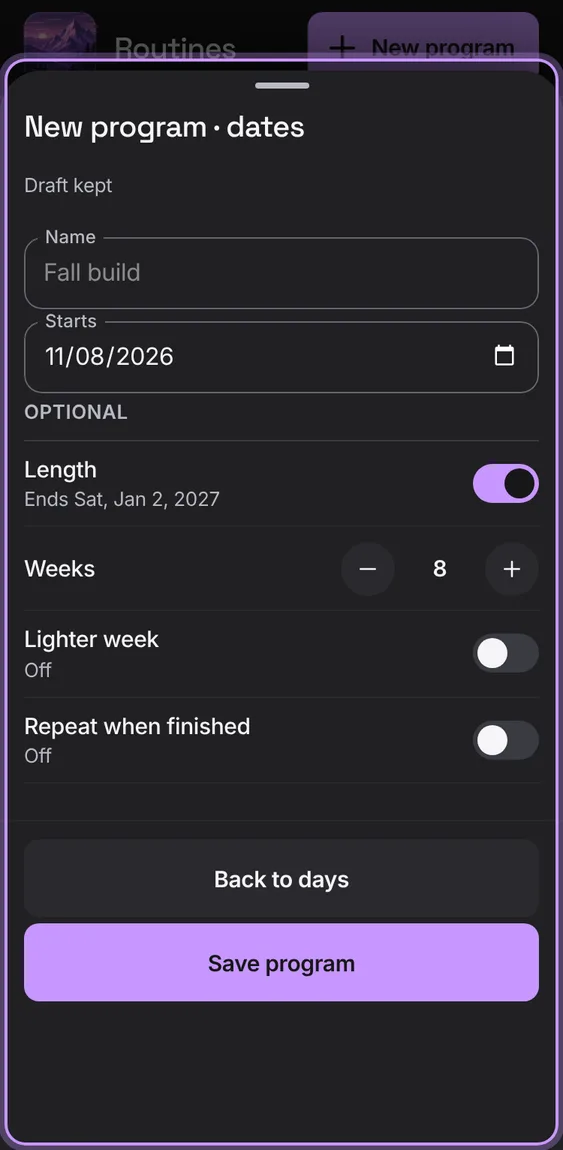
Name, start date and status, then optional Length in weeks, a Lighter week every few weeks (about 90% weight, one set fewer) and Repeat when finished.
On the second step, set what you need and tap Save.
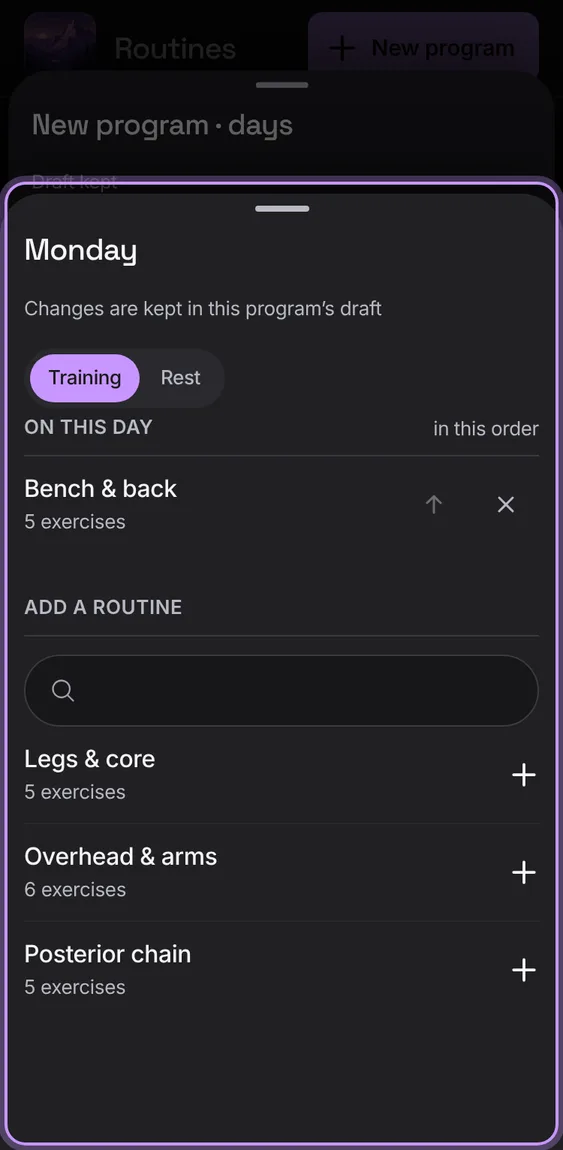
One day's routines in order, to add, move up or remove; a day with none is a rest.
Tap a day, add routines from the search, or choose Rest.
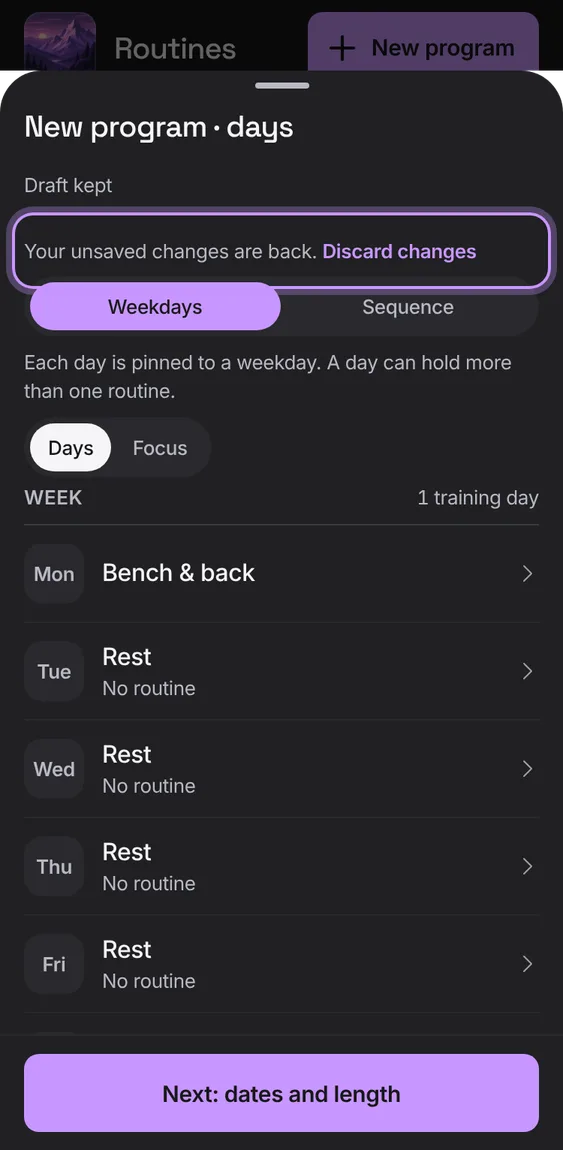
Changes to a program are kept on this device until you save or discard them; opening it again picks them up.
Close the editor; reopen the program to carry on, or tap Discard changes.
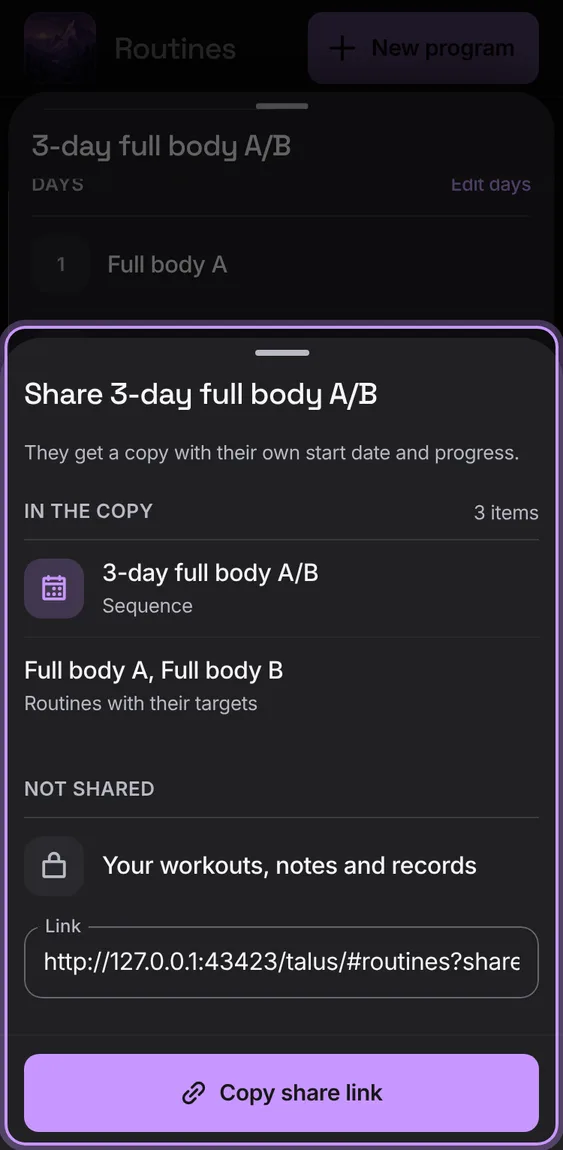
Send someone a link to their own copy of a program: the plan and its routines' targets, never your workouts, notes or records. They pick their own start and add it.
In the program, tap Share a copy, then Copy share link.
Opening the link shows Shared with you, Your start and Add.
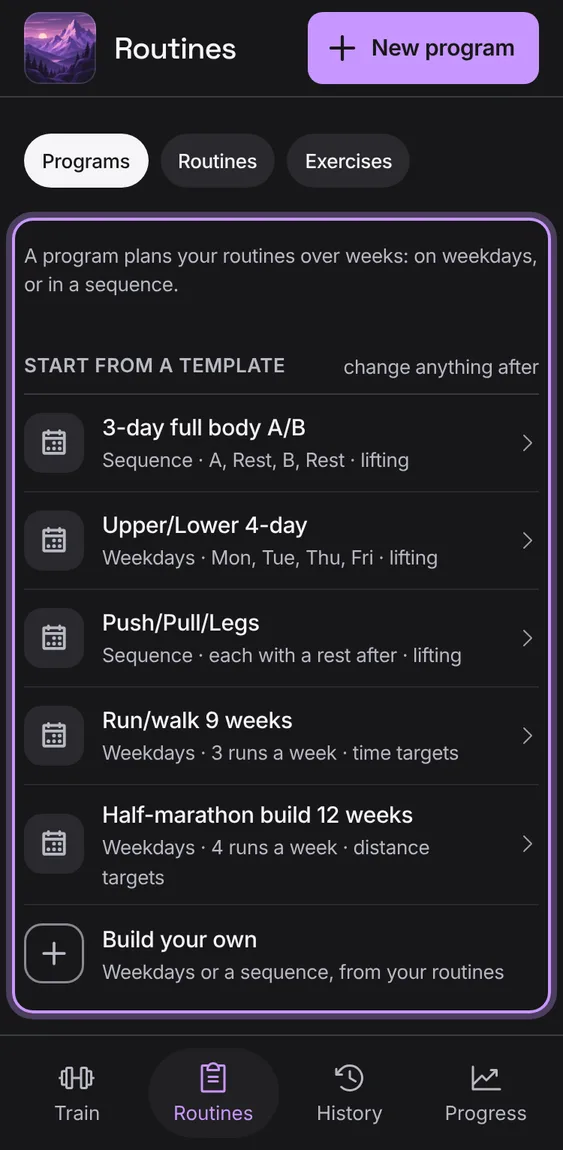
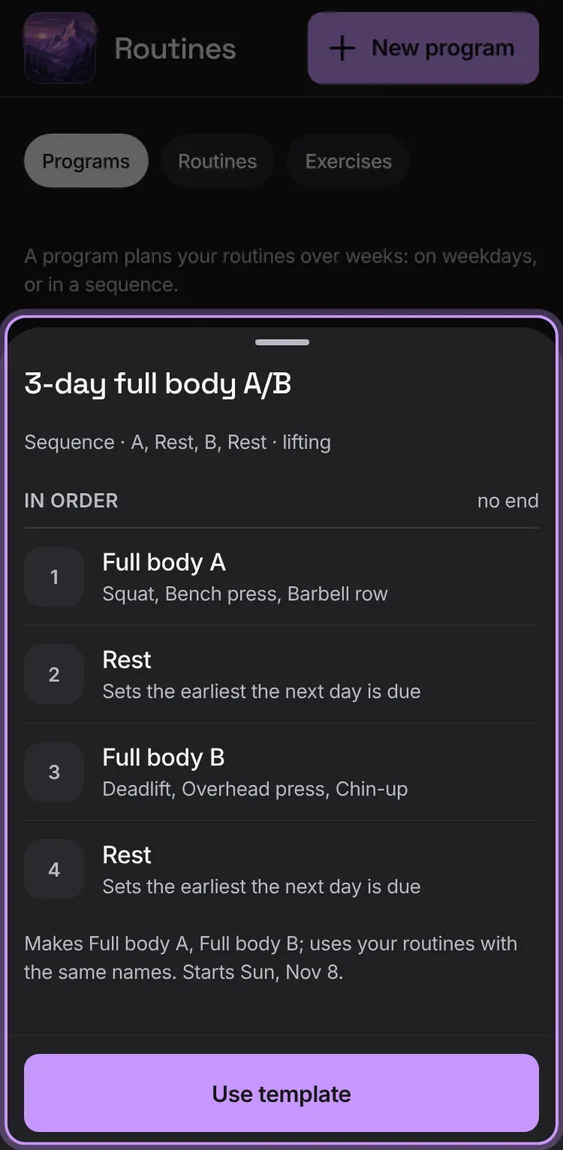
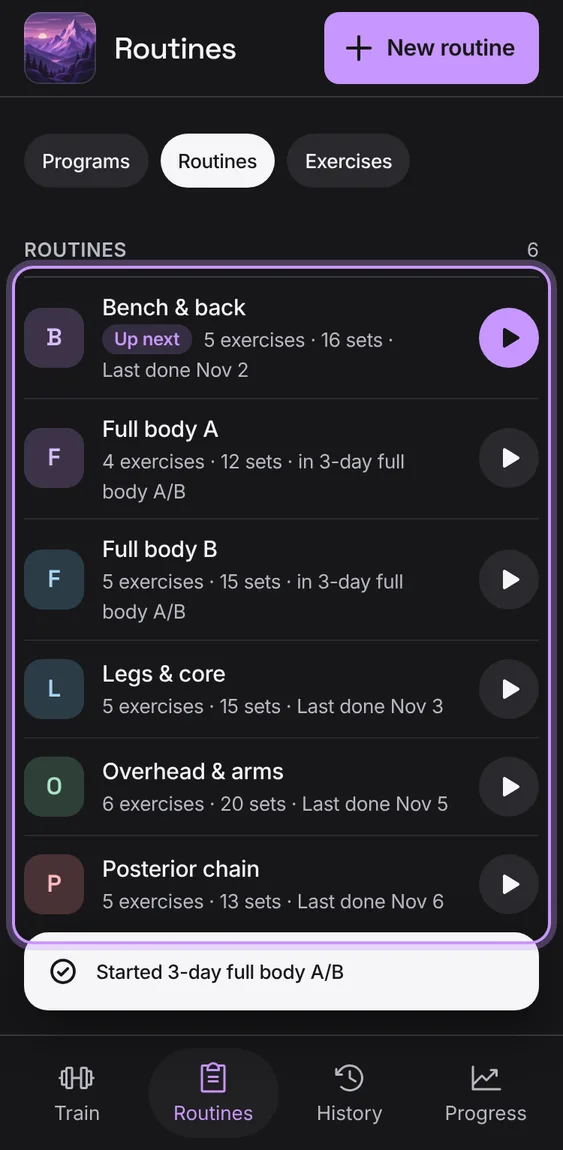
Five templates (full body A/B, upper/lower, push/pull/legs, run/walk, half-marathon) to preview and use. A template uses your routines with the same names, makes the rest, and starts today.
Tap a template to preview it, then Use template.
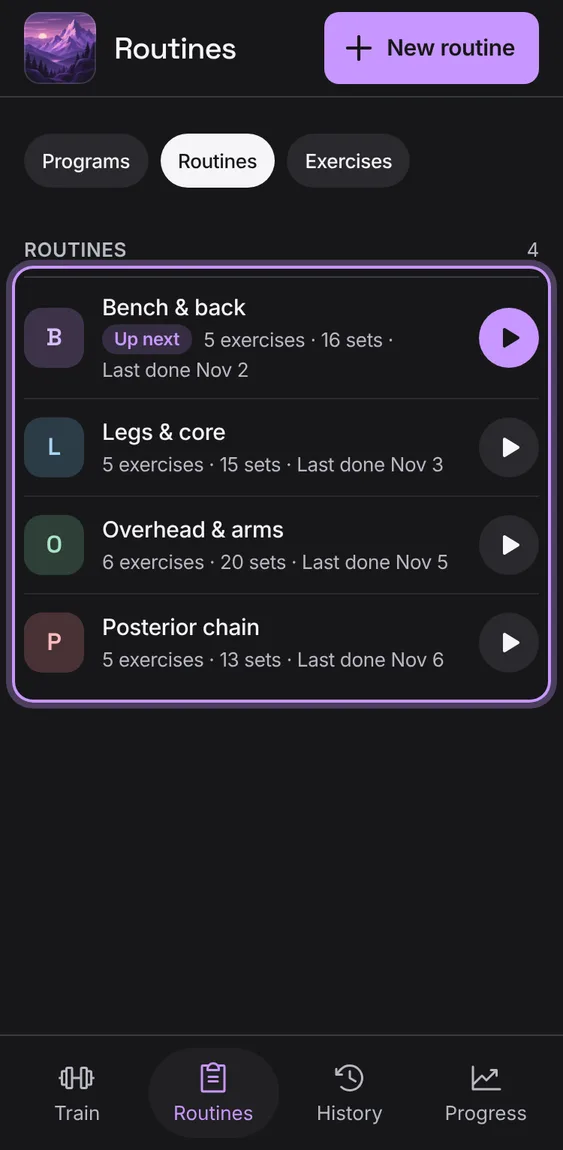
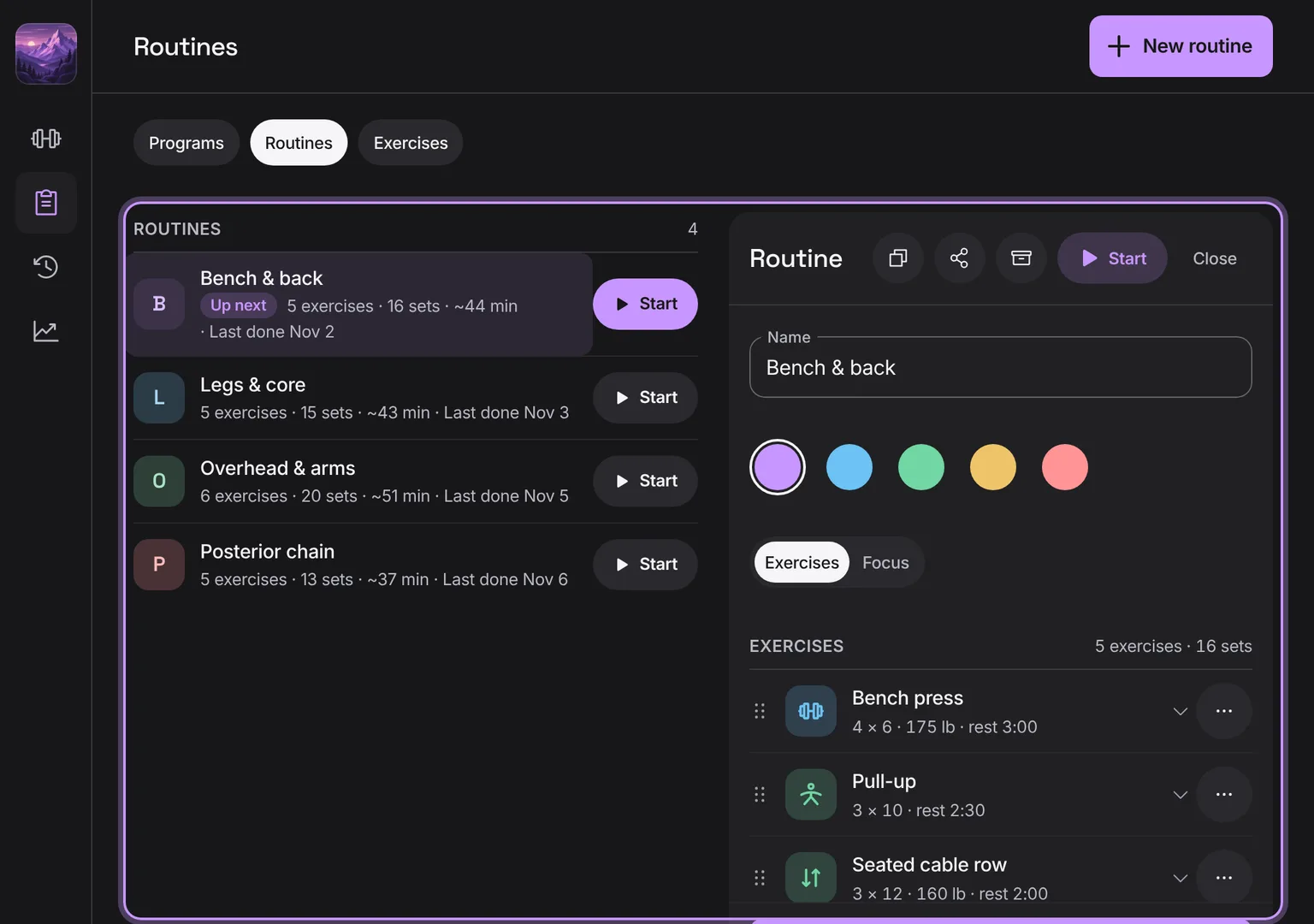
Save routines with target sets, reps, weight and rest, and start a workout from one. Each row shows its colour, exercises, sets, about how long it takes and when you last did it.
Tap New routine (the +).
Tap Start beside a routine, or the row to open it.
 Talus