Talus
Build or change a program
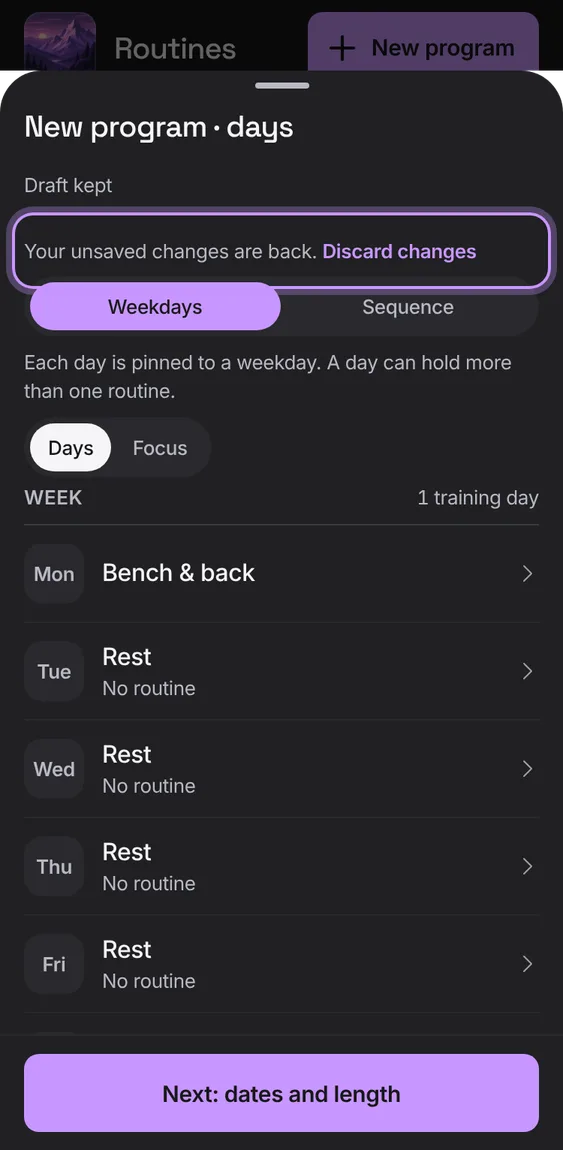
Choose Weekdays or Sequence and fill each day with routines (or rest), then name it, set the start, and add a length, lighter weeks or repeat.
Every Build or change a program feature
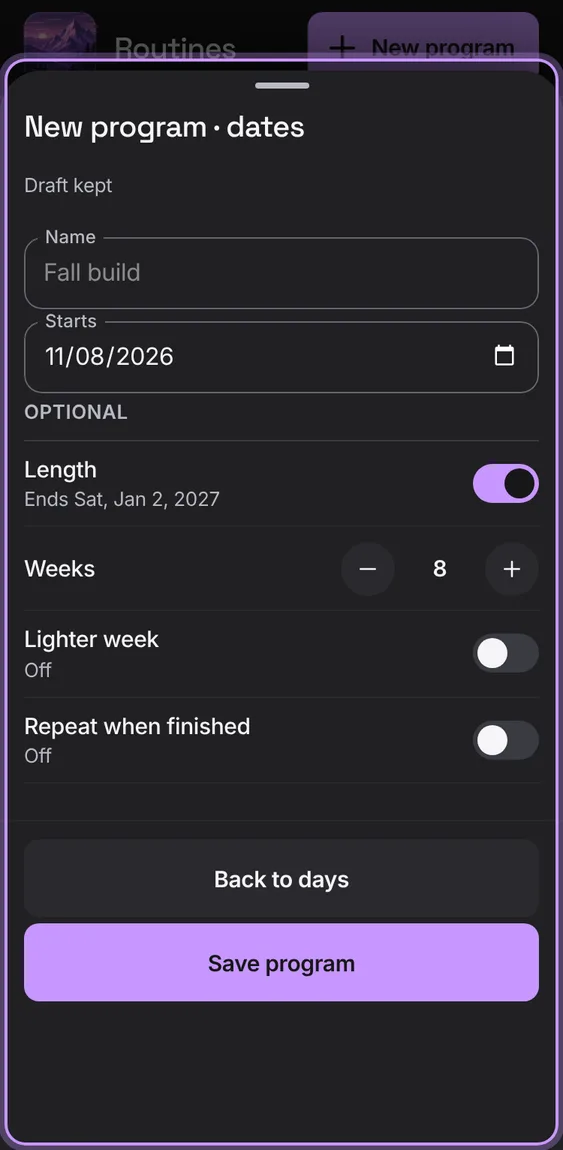
Name, start date and status, then optional Length in weeks, a Lighter week every few weeks (about 90% weight, one set fewer) and Repeat when finished.
- On the second step, set what you need and tap Save.
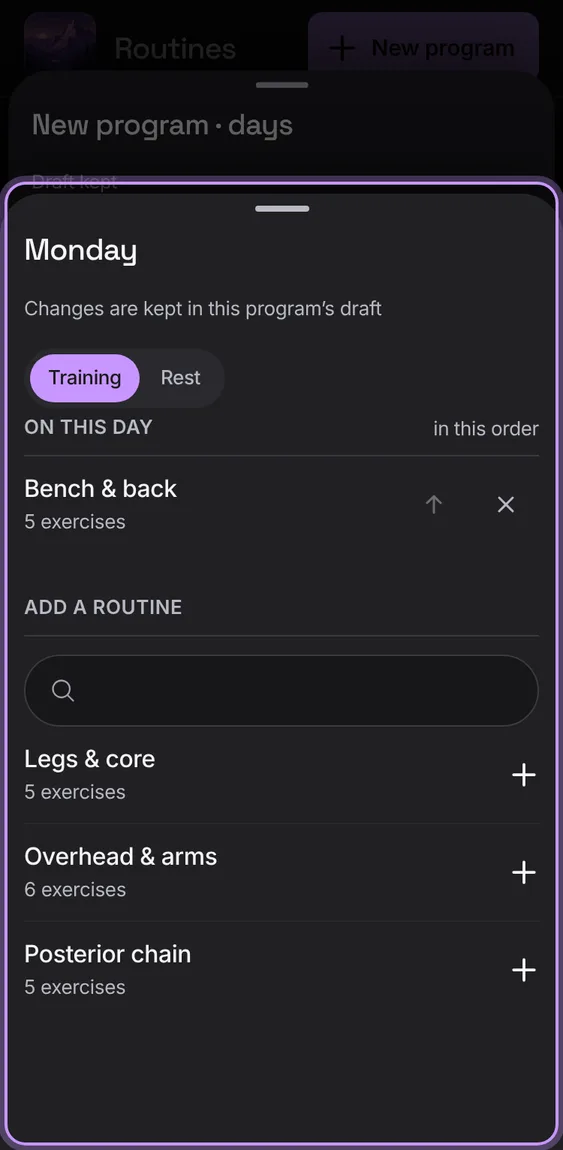
One day's routines in order, to add, move up or remove; a day with none is a rest.
- Tap a day, add routines from the search, or choose Rest.
Changes to a program are kept on this device until you save or discard them; opening it again picks them up.
- Close the editor; reopen the program to carry on, or tap Discard changes.