A plan of your routines over weeks: on fixed weekdays, or as a sequence that moves on when you log a day. Only one runs at a time.
Every Programs feature
9
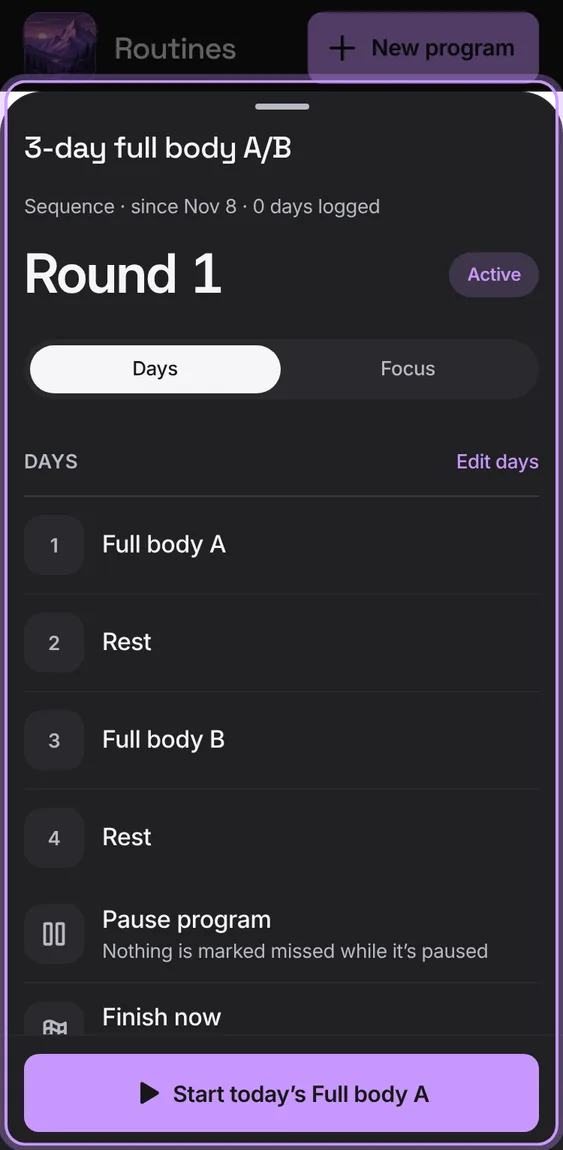
Where a program stands (week or round, and a bar of its weeks), its days or focus, and Pause, Resume, Finish now, Share a copy and Delete program, with Start today's routine.
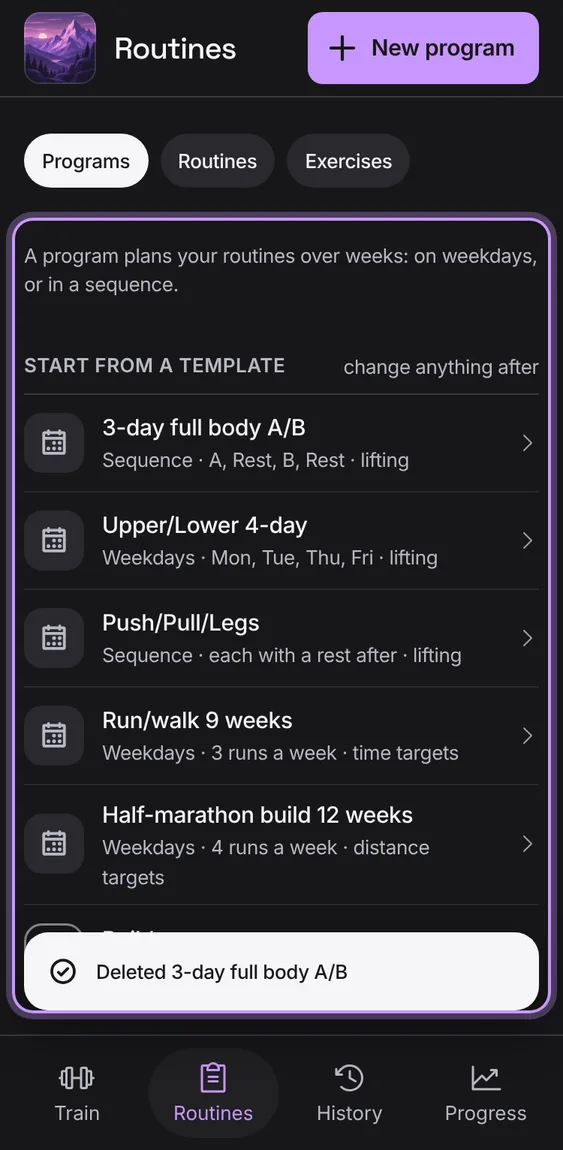
Delete a program after confirming; its routines and workouts stay.
Tap Delete program, then confirm.
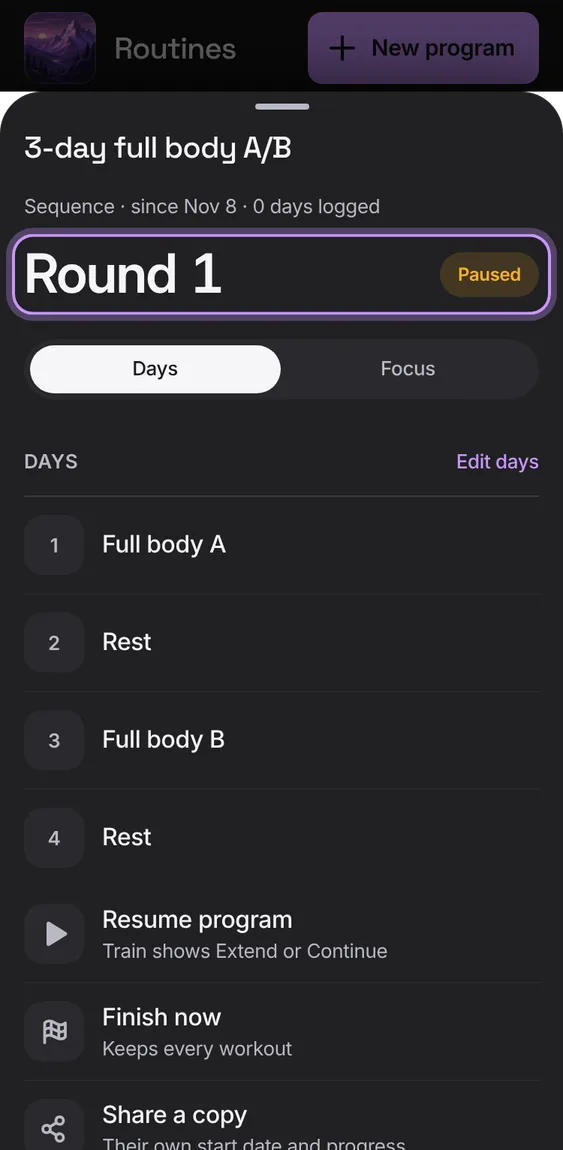
Pause a program and nothing is marked missed; resume it from Train with Extend or Continue; finish it now and keep every workout. Starting one pauses any other.
Tap Pause program, Resume program, Finish now or Start it again.
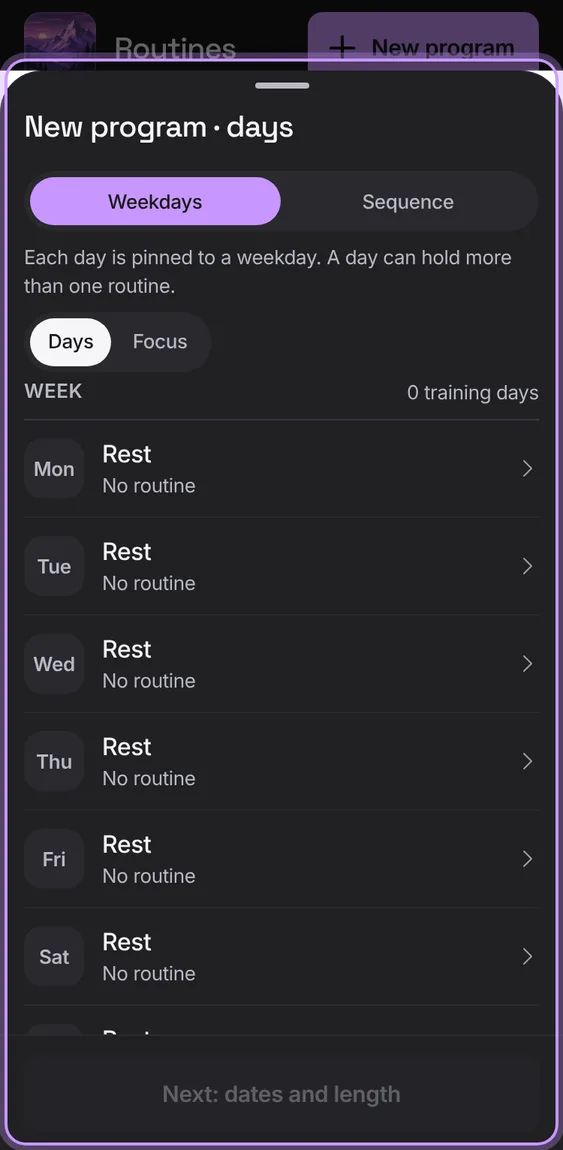
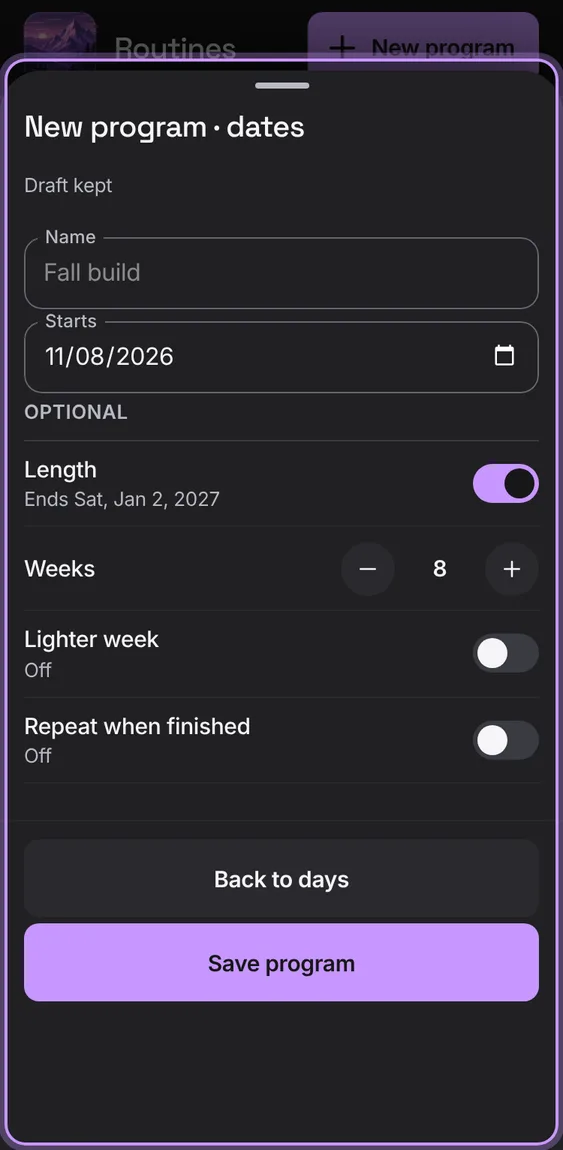
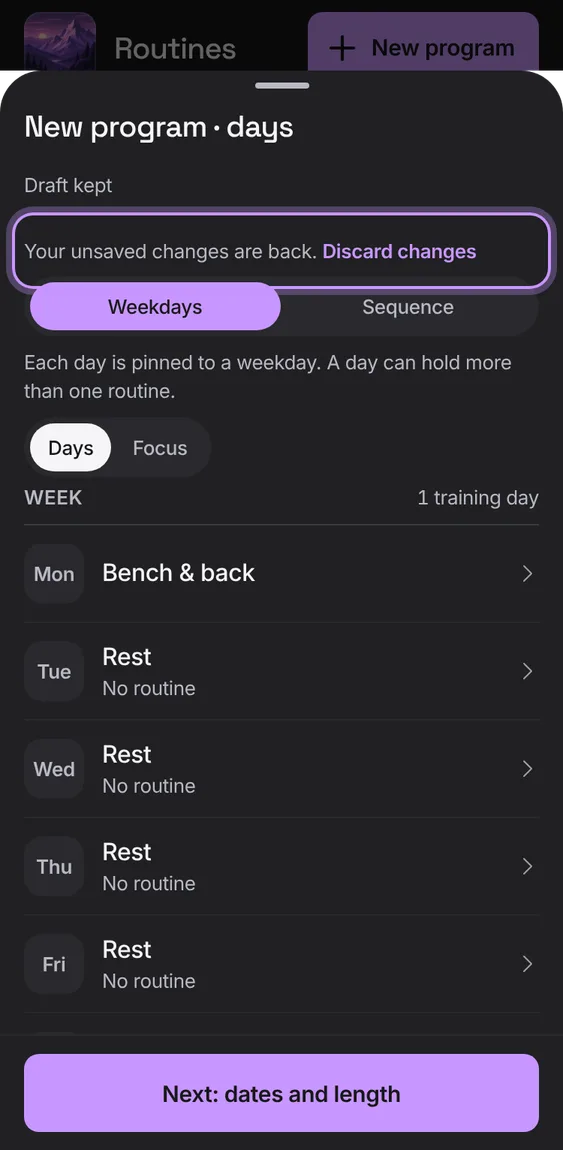
Choose Weekdays or Sequence and fill each day with routines (or rest), then name it, set the start, and add a length, lighter weeks or repeat.
Name, start date and status, then optional Length in weeks, a Lighter week every few weeks (about 90% weight, one set fewer) and Repeat when finished.
On the second step, set what you need and tap Save.
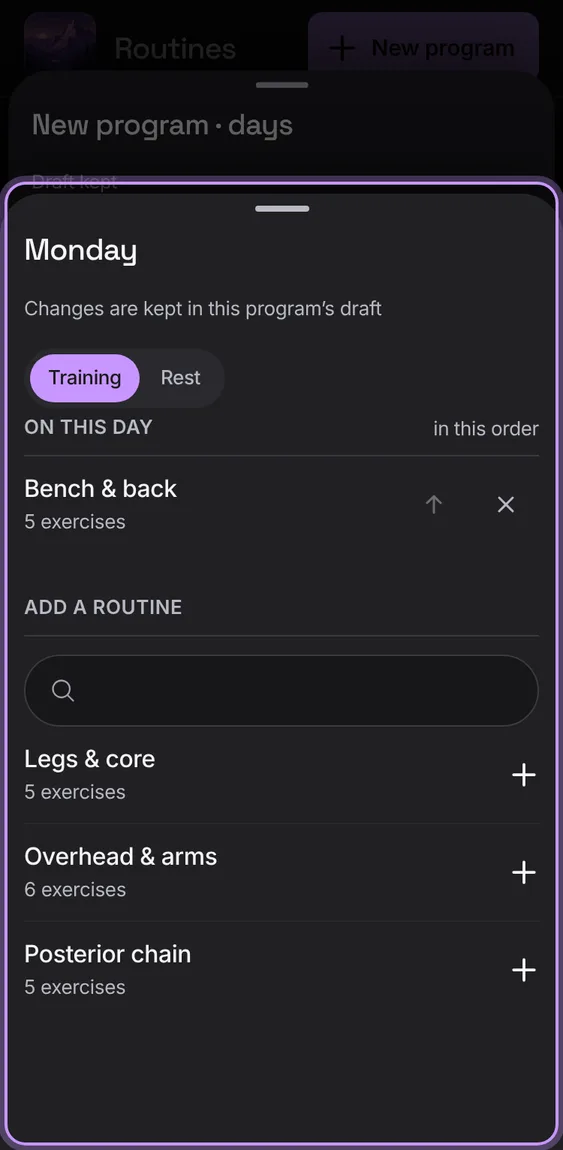
One day's routines in order, to add, move up or remove; a day with none is a rest.
Tap a day, add routines from the search, or choose Rest.
Changes to a program are kept on this device until you save or discard them; opening it again picks them up.
Close the editor; reopen the program to carry on, or tap Discard changes.
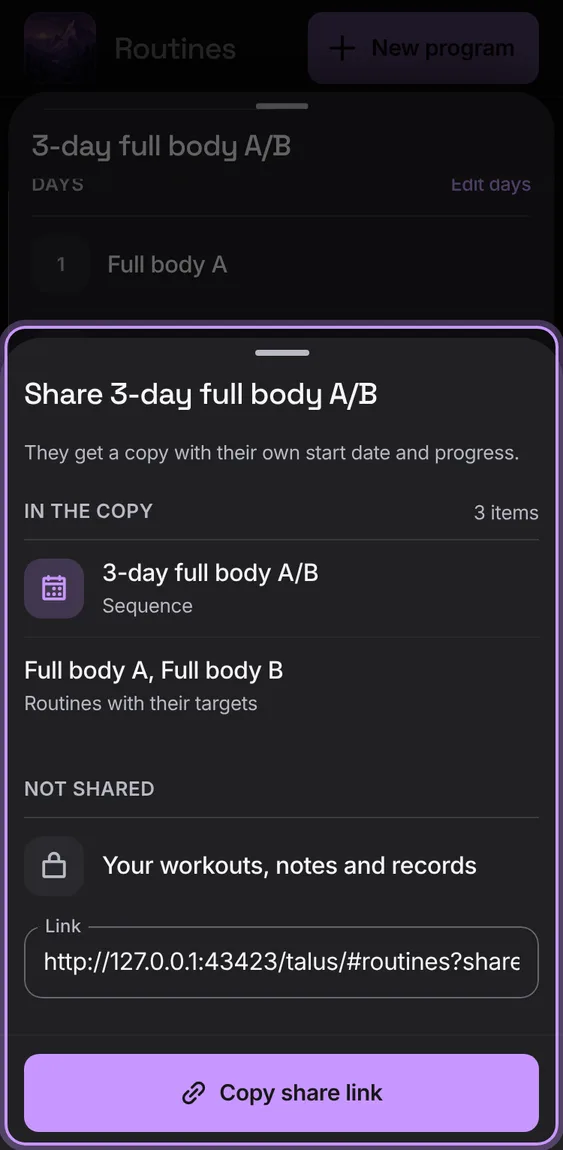
Send someone a link to their own copy of a program: the plan and its routines' targets, never your workouts, notes or records. They pick their own start and add it.
In the program, tap Share a copy, then Copy share link.
Opening the link shows Shared with you, Your start and Add.
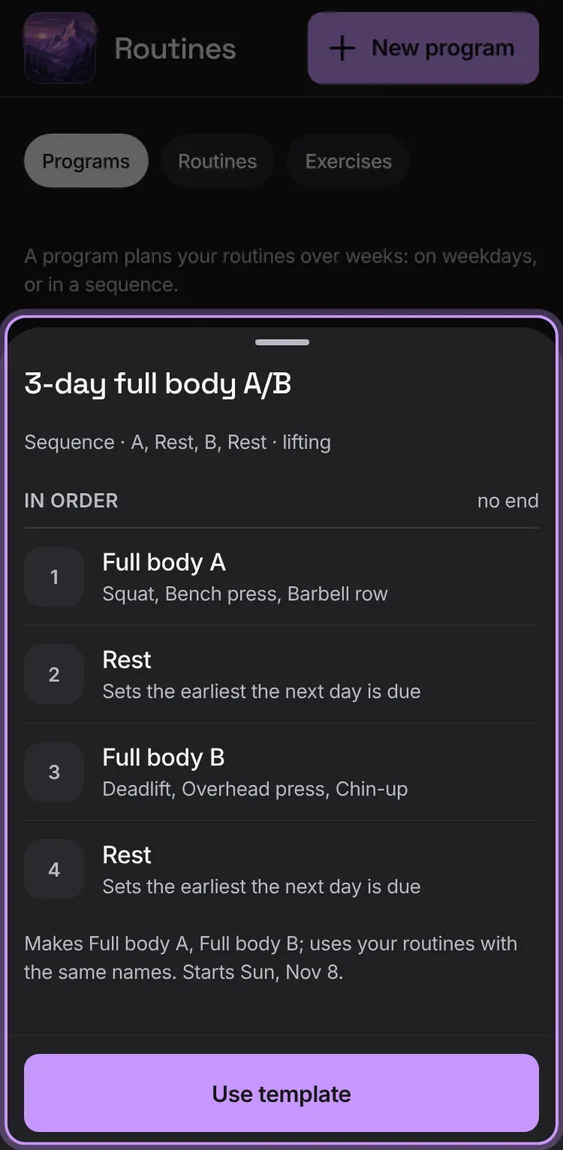
Five templates (full body A/B, upper/lower, push/pull/legs, run/walk, half-marathon) to preview and use. A template uses your routines with the same names, makes the rest, and starts today.
 Talus