Talus
The routine editor
A routine's name, colour, exercises with their targets, supersets and notes. Everything typed is kept as a draft until you save it.
Every The routine editor feature
Add exercises, drag them into order (or use the arrow keys), replace one, or remove it with Undo.
- Tap Add exercise.
- Drag the handle, or use ⋯ for Move up, Move down, Replace exercise or Remove exercise.
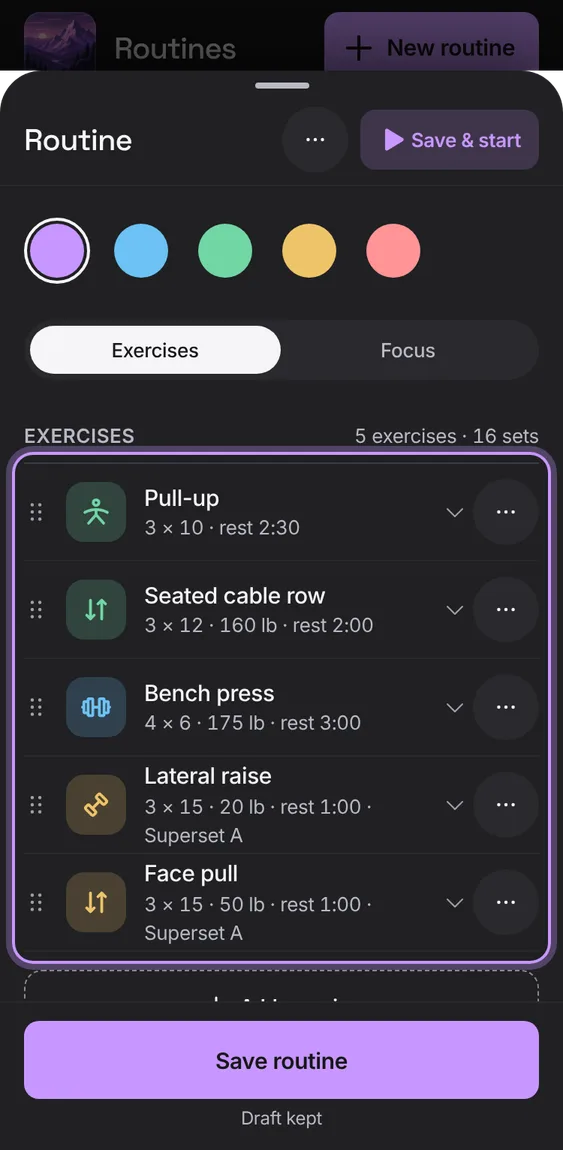
Pick a routine's colour; its tile shows it everywhere.
- Choose a colour under Colour and save.
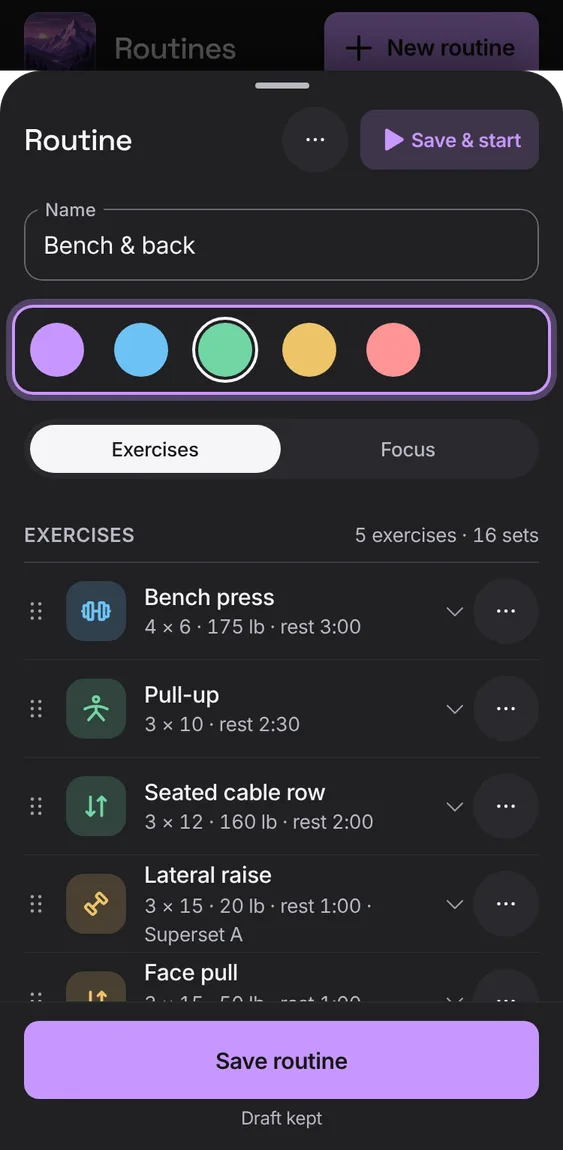
Delete a routine after confirming; workouts already started from it keep their own copy.
- Tap Delete routine at the end, then Delete routine again.
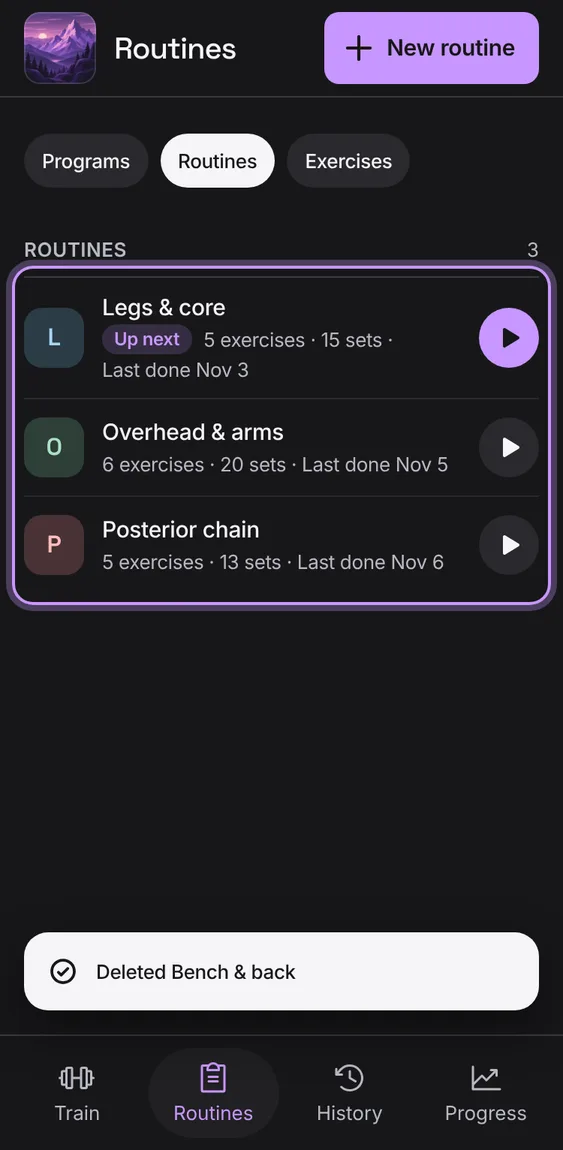
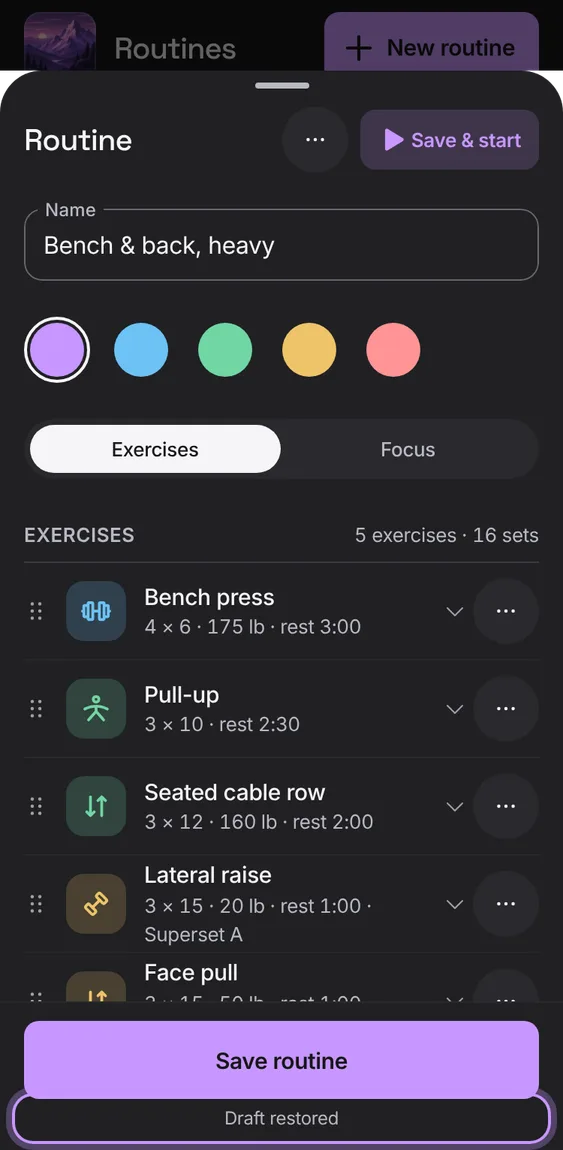
A half-typed routine is kept on this device: close it, reload, and it's still there, saved exactly once. A refused save keeps your input and says why.
- Close the editor; reopen it to carry on (Draft restored).
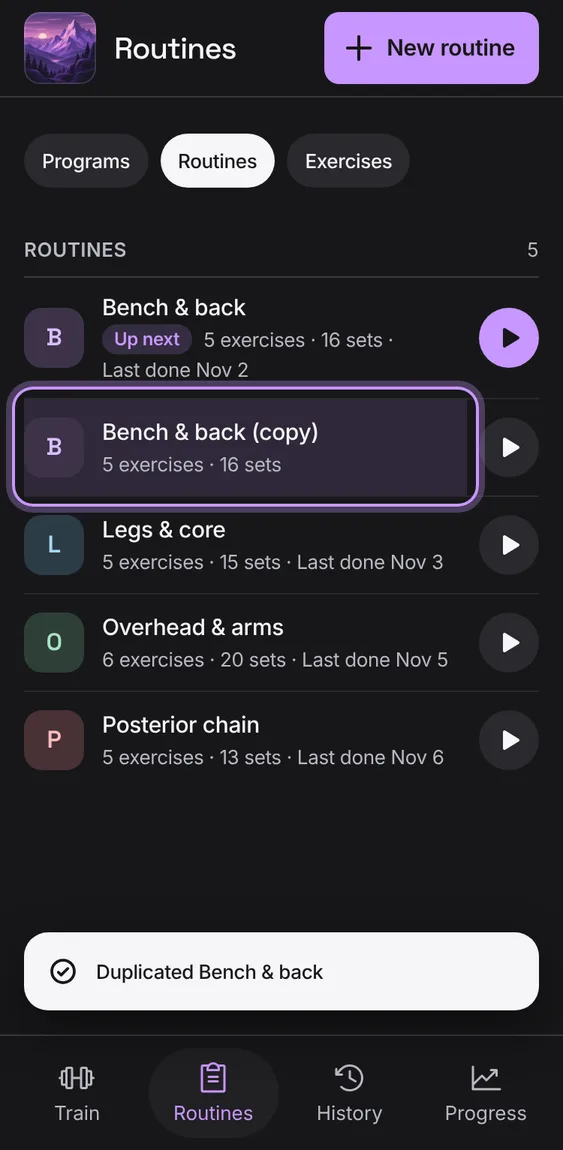
Copy a routine as a new one, which is shown and marked in the list.
- Open Routine options and tap Duplicate.
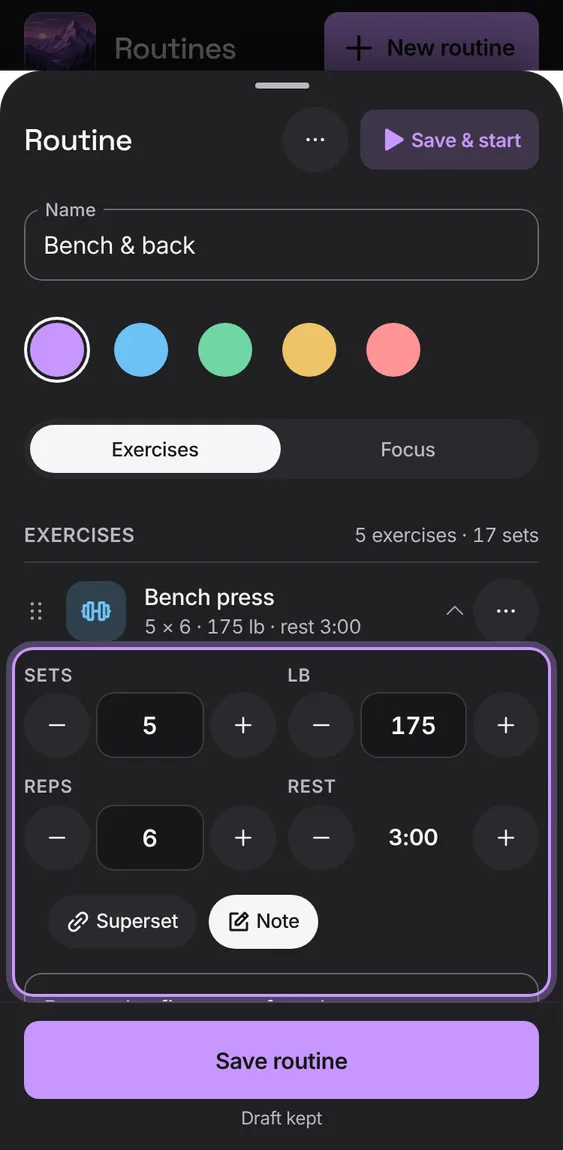
Open an exercise to set its sets, weight, reps and rest with steppers, in your unit. A cardio exercise is planned by its sets.
- Tap an exercise in the routine; use − and + or type.
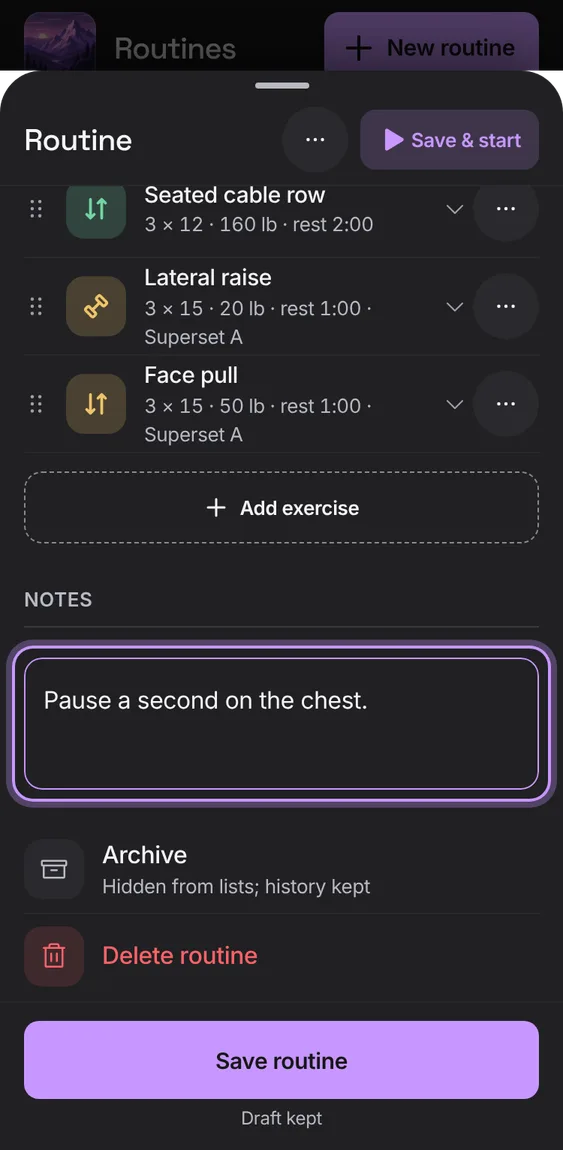
Notes for the routine (cues, warm-up) and for each exercise.
- Write under Notes, or tap Note on an exercise.
Starting a routine copies it onto the workout. Later edits, archiving or deleting never change a workout already started.
- Nothing to do: edit freely.
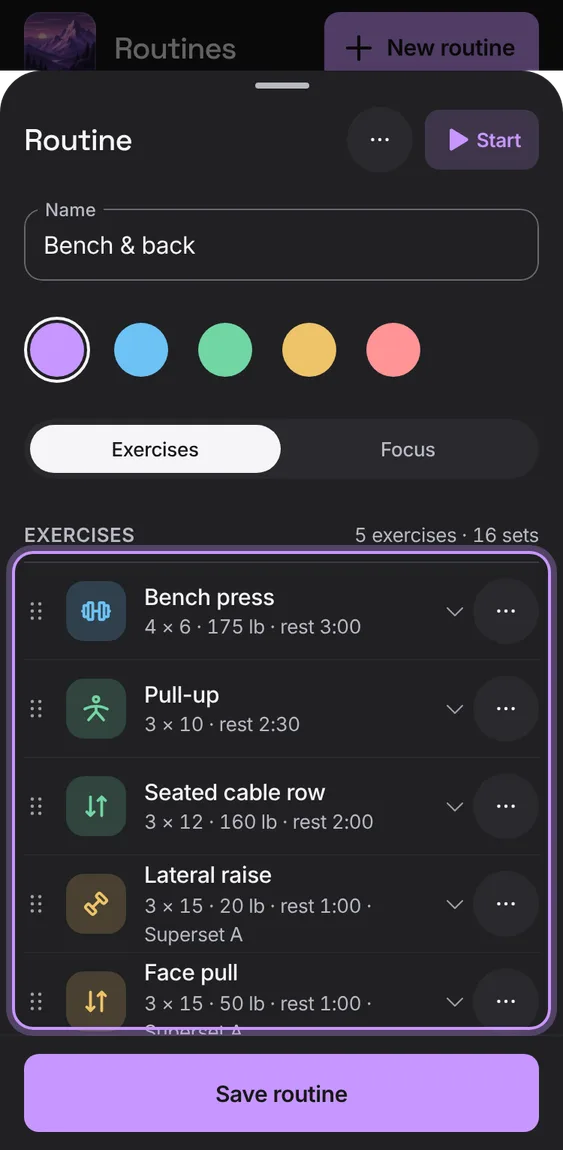
Start the routine from its editor; with unsaved changes it reads Save & start.
- Tap Start (Save & start) in the routine's bar.
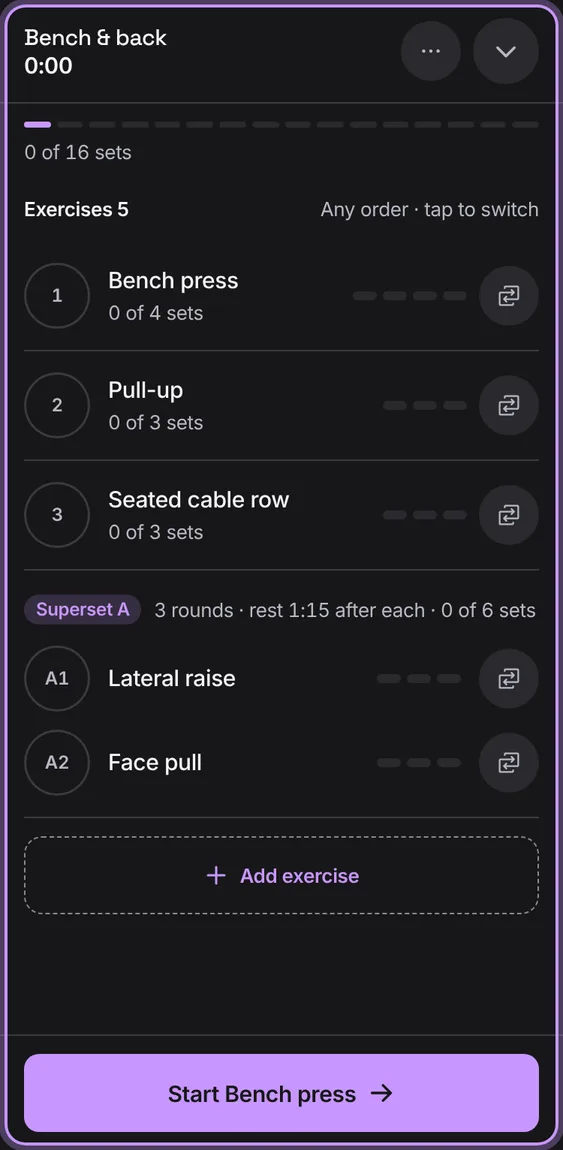
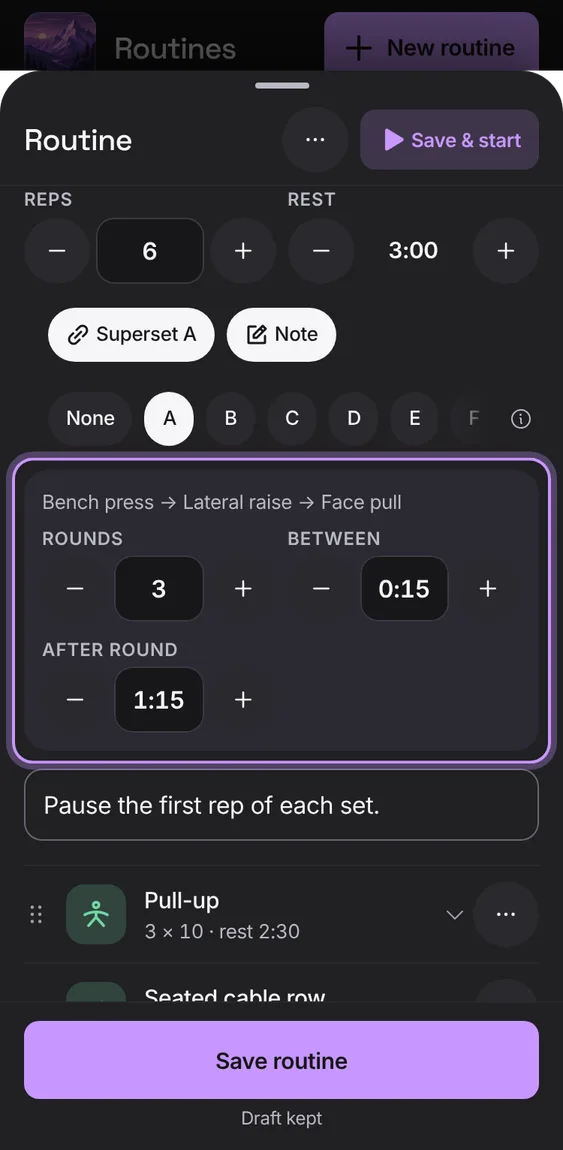
Give exercises the same letter to do them back to back, one set of each per round, with rounds, rest between exercises and rest after each round.
- Open an exercise, tap Superset and pick a letter.
- Set Rounds, Between and After round.