Each lift over time, training volume, goals, records and your body measurements.
Every Progress feature
18
With no lifts logged yet, Progress shows one message with Start workout, and Body to log measurements.
Tap Start workout, or Log.
Not in the demo. Shows before anything is saved; the demo has sample data.
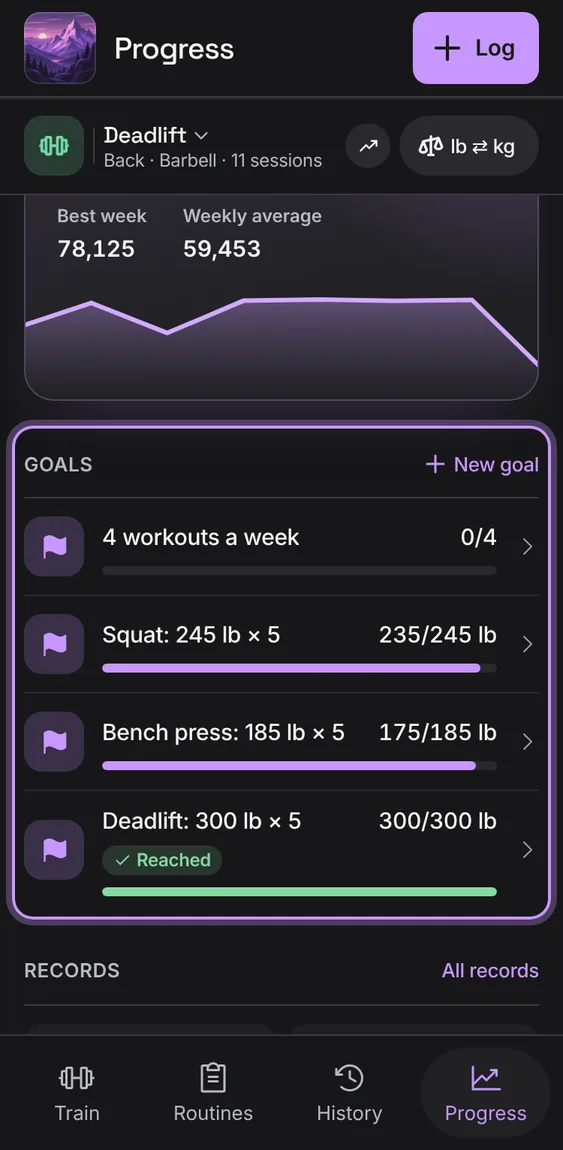
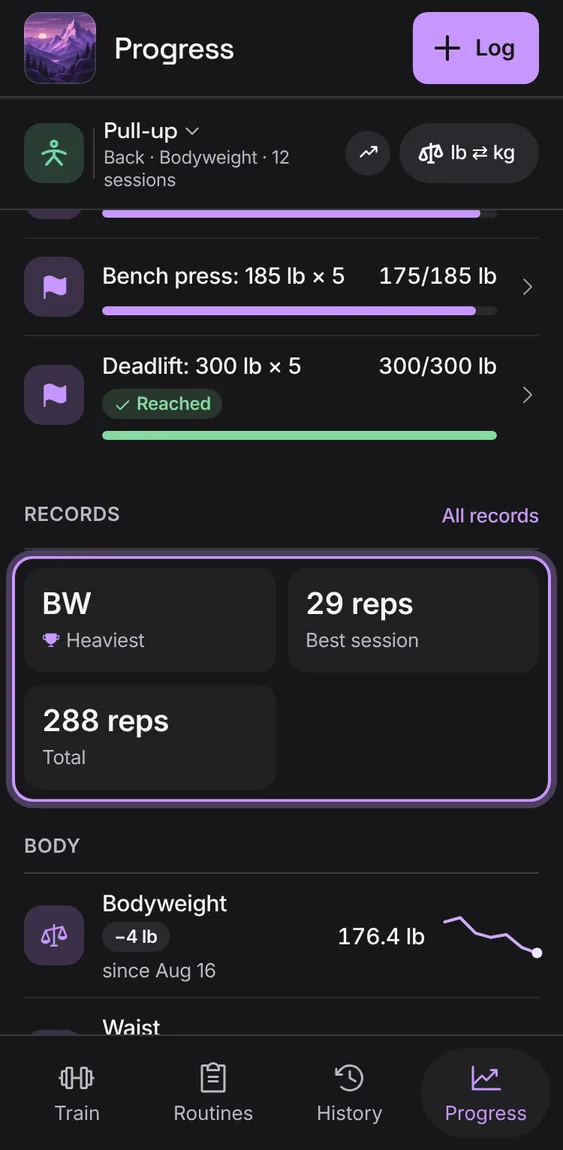
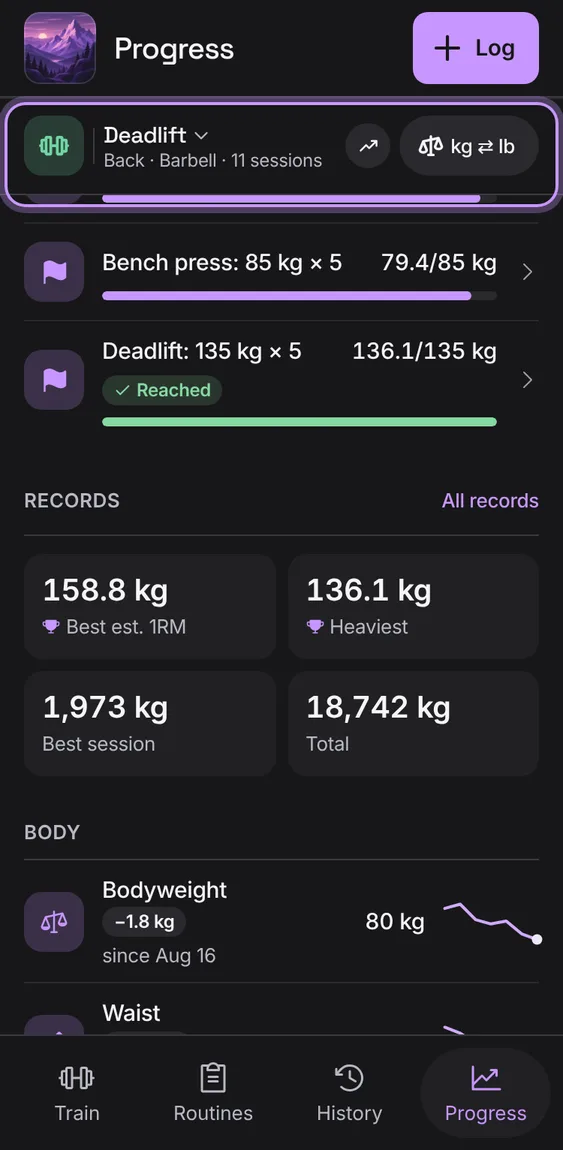
Set a weekly workout goal or a lift to reach. Each goal shows this week plainly as a bar with its figures, and Reached when it's done. No streaks or scores.
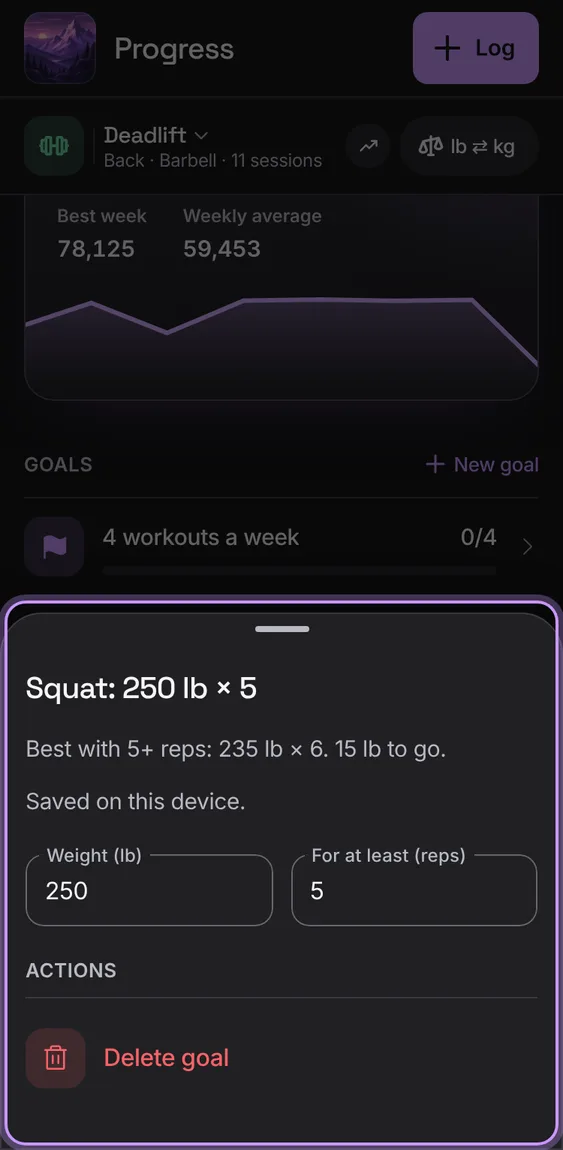
A goal's sheet changes its target and saves each change as it's made, and says so. Delete goal is last; Undo sets it again.
Tap a goal, change it, and close the sheet.
Tap Delete goal; Undo in the message.
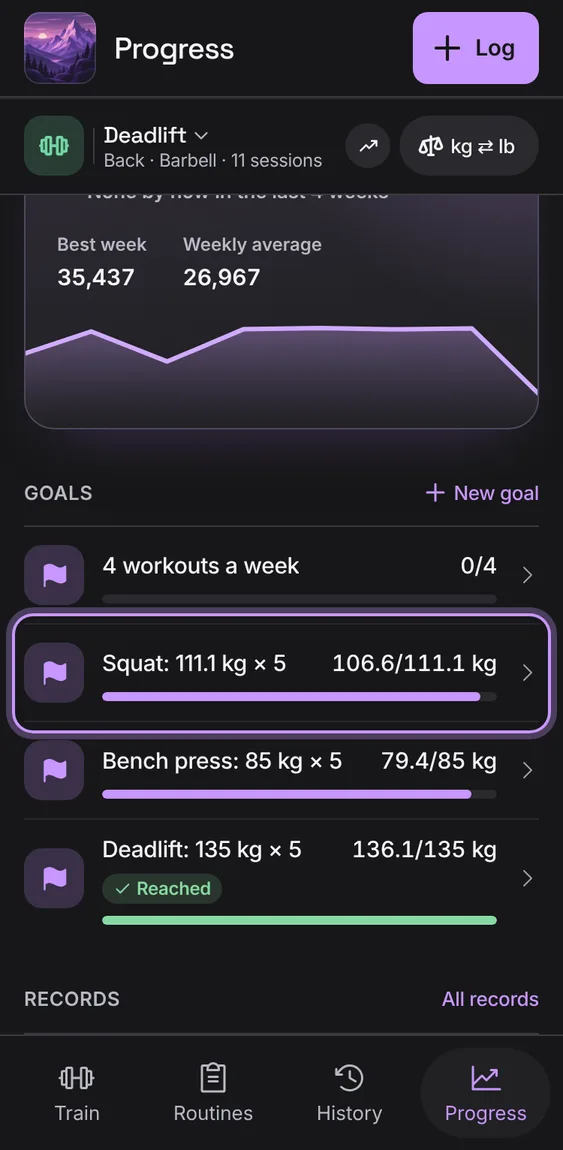
A lift goal reads in pounds or kilograms as you lift, kept to the gram, and is reached as it reads (never "0 lb to go").
Set a lift goal; switch units and it reads the same.
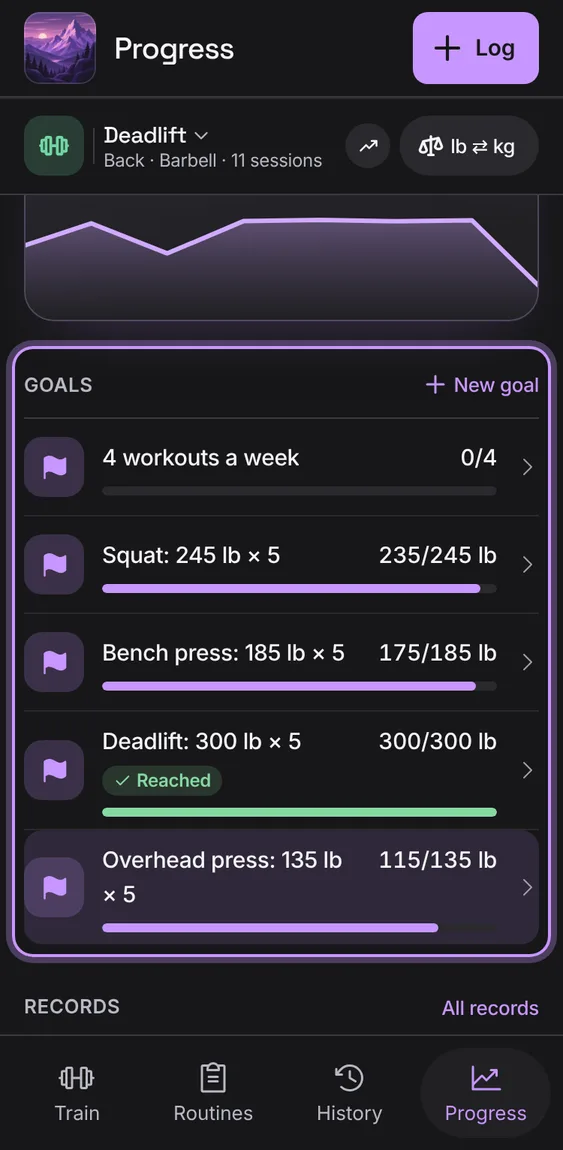
Choose Workouts a week or A lift to reach: the lift from the lift picker, a weight in your unit and at least how many reps.
Tap New goal, fill it in, and tap Add goal.
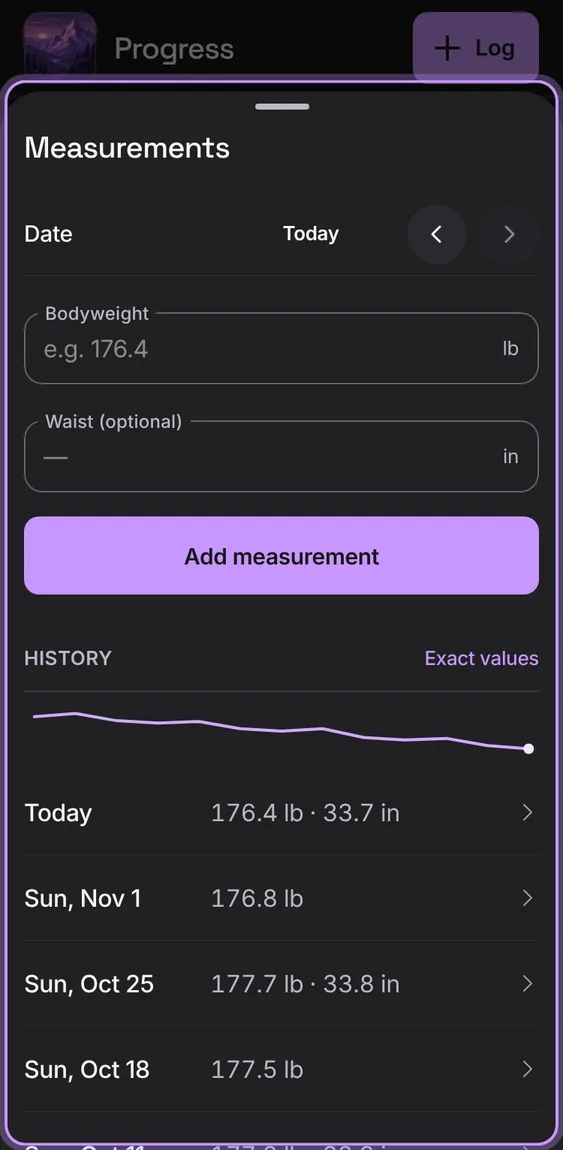
Log bodyweight and waist by date and see the trend: each latest reading with its change and the last few readings. Measurements stay private, even in a shared home.
Tap Log (the +), or Bodyweight or Waist under Body.
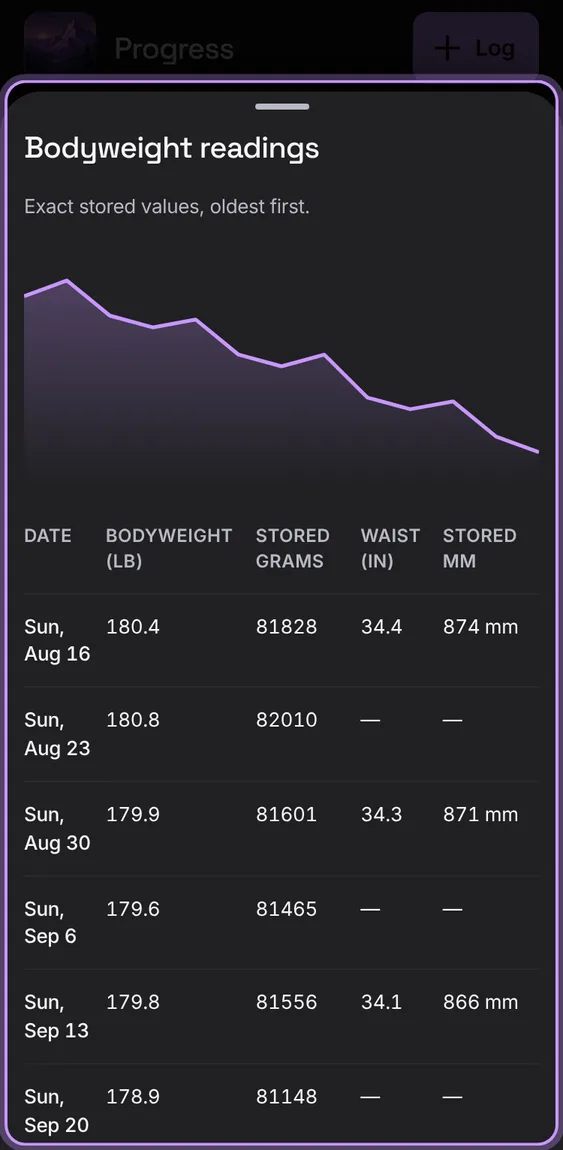
Every reading exactly: the line, then each date's values with the stored grams and millimetres, so a unit switch never changes a reading.
Tap Exact values in Measurements.
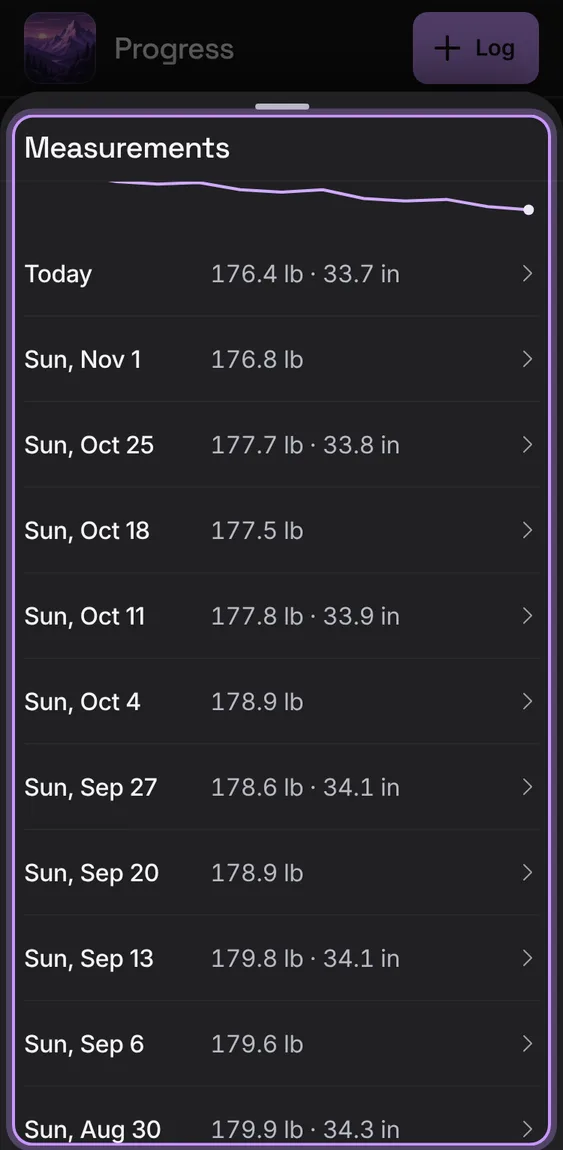
Pick a date, enter bodyweight and an optional waist, and Add measurement. Every reading is listed to edit; Delete reading is last, with Undo.
Change the date with the arrows, enter the readings and tap Add measurement.
Tap a reading to edit it.
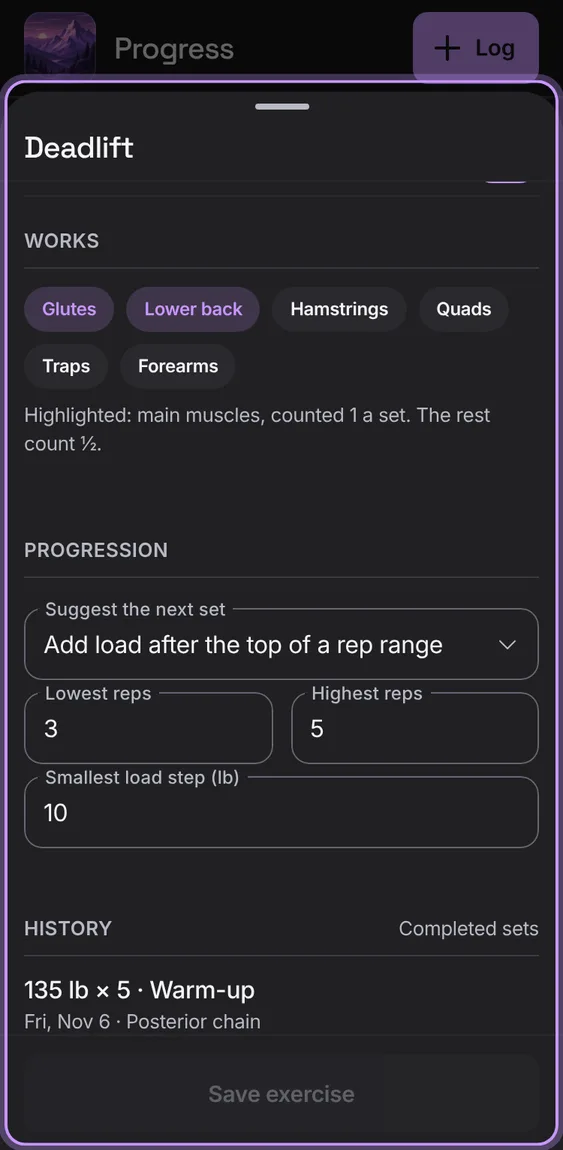
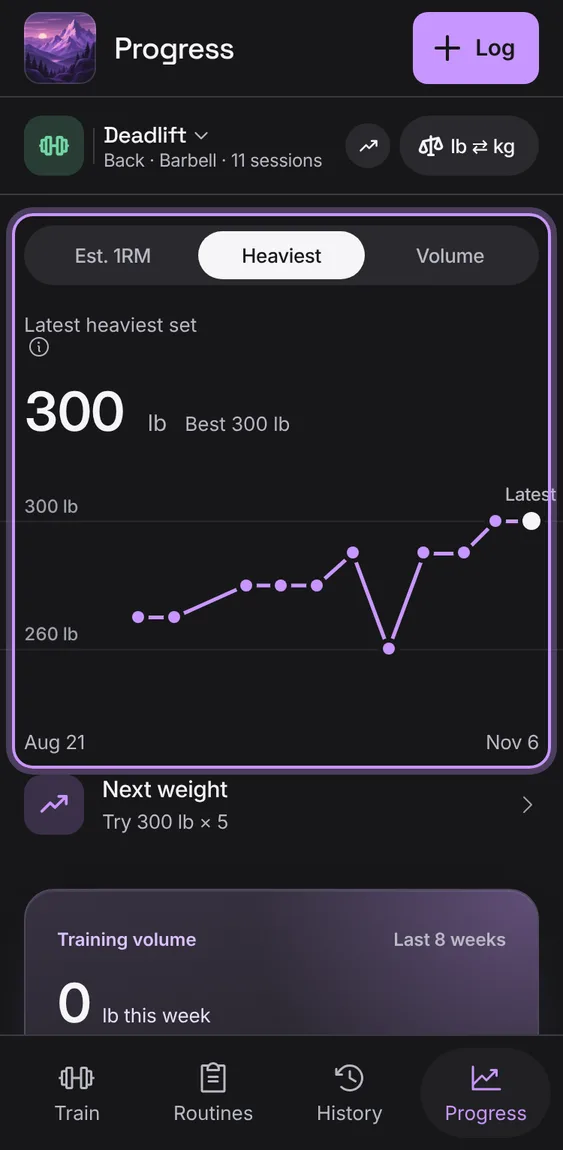
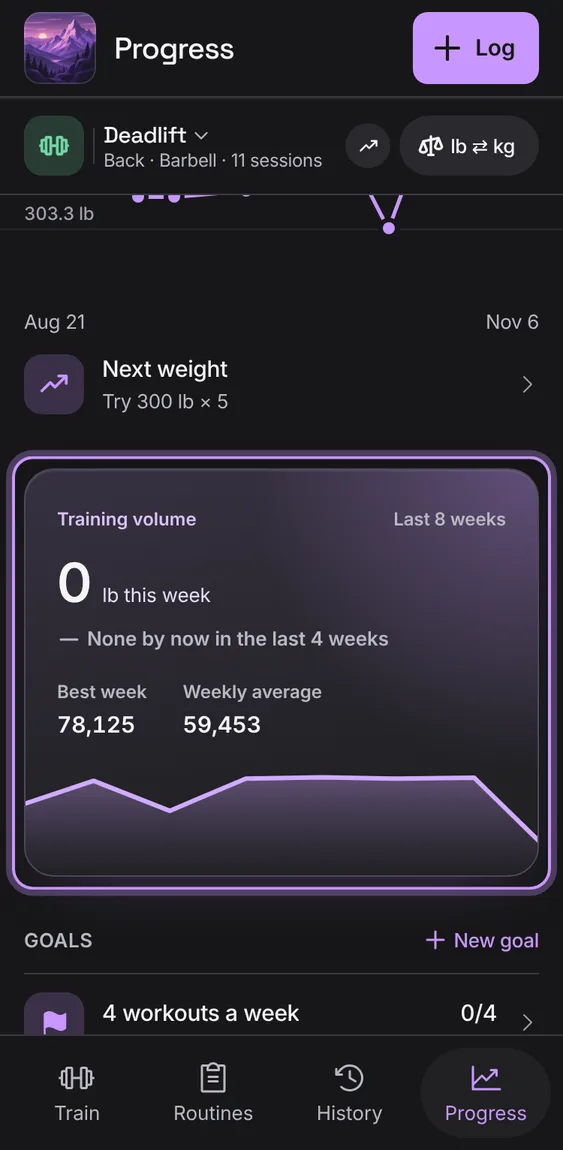
Under the lift's chart, what progression suggests you try next time, or Off until you turn it on. The row opens the lift's progression.
Tap Next weight.
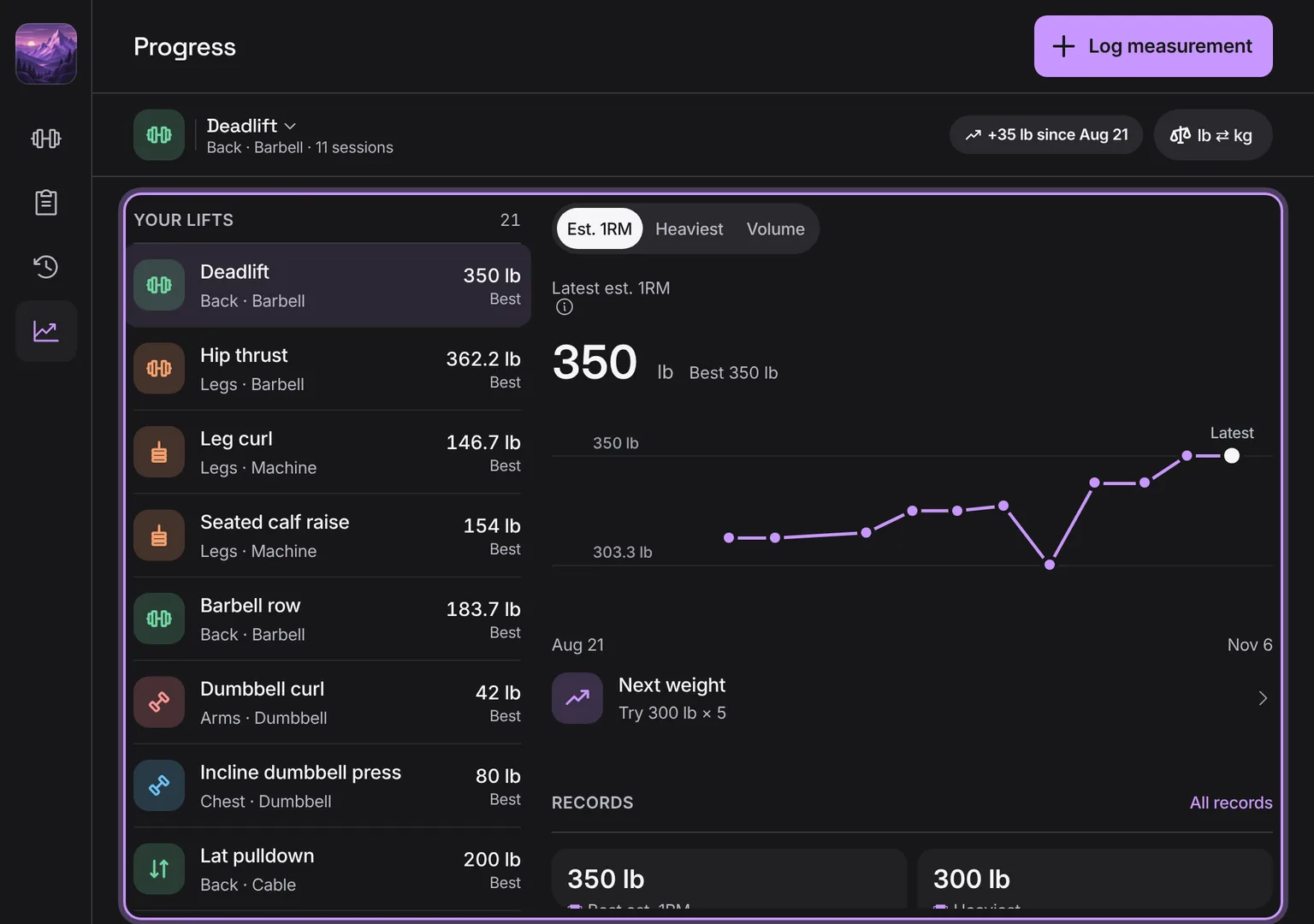
One lift at a time: estimated one-rep max, heaviest set or volume per workout as a line, with its latest and best. Estimates are labelled; warm-ups and sets not done never count.
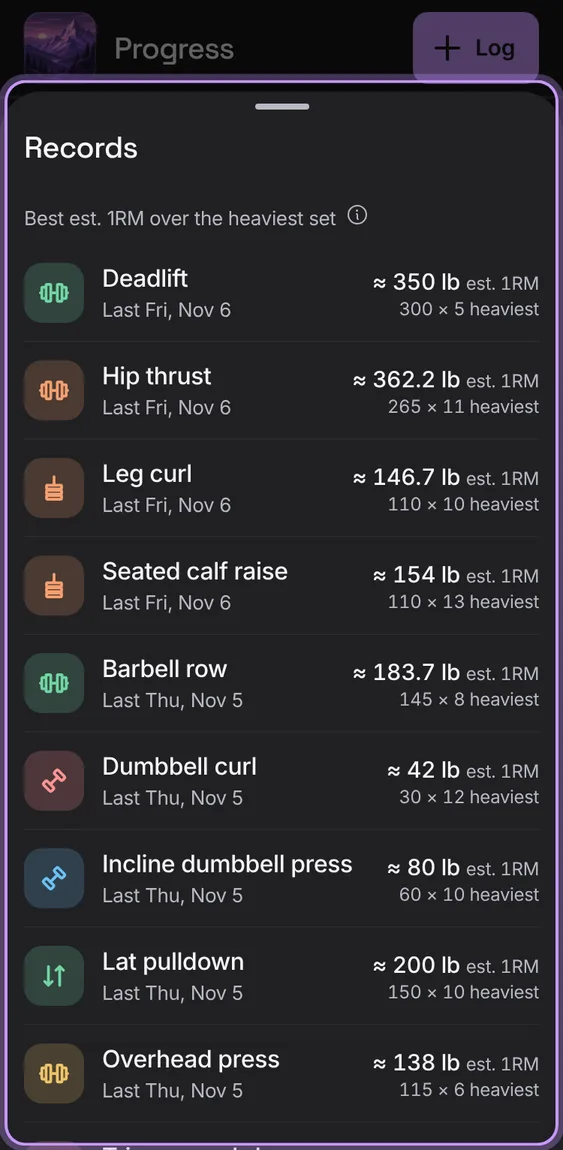
The lift's best estimate, heaviest set, best session and total as four figures, and All records for every lift.
Tap All records.
A bodyweight lift is followed in reps: the most in one set, and the reps in each workout, never a 0 lb estimate or volume. Its heaviest set reads BW (or BW plus what you added).
Choose a bodyweight lift, like Pull-up.
Switch between Most reps and Reps.
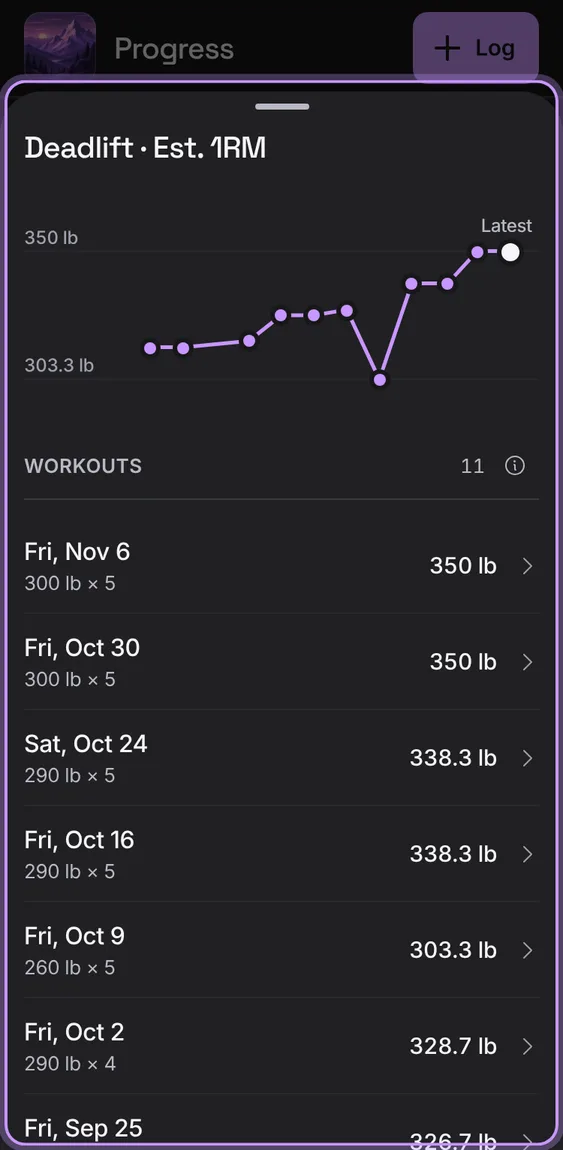
The lift's chart, then every workout's figure as a row that opens the workout.
Tap the chart.
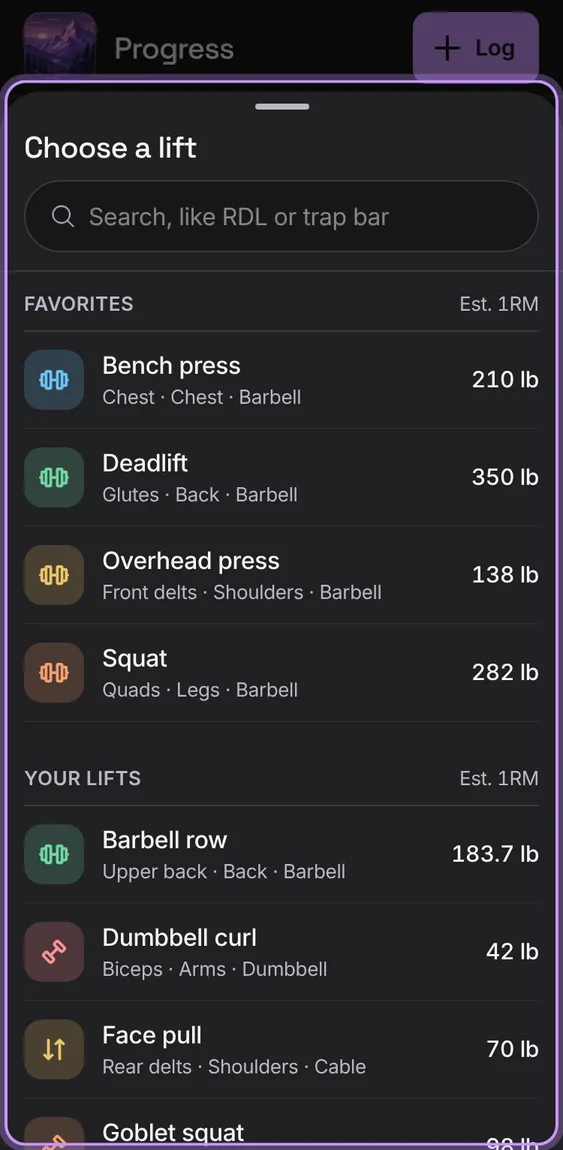
Your lifts, each with its best Est. 1RM, to show on Progress. The bar shows how much it's changed since your first workout of it.
Tap the lift's name in Progress's bar.
On a wide screen your lifts are listed beside the chosen lift's chart and records.
Open Progress on a computer or tablet.
Shown at a computer’s width.
Weights show in pounds unless you choose kilograms, and lengths follow. They're always stored exactly, so switching never changes a value; converted loads read as plate loads.
Tap lb ⇄ kg in Progress's bar (or Account › Units).
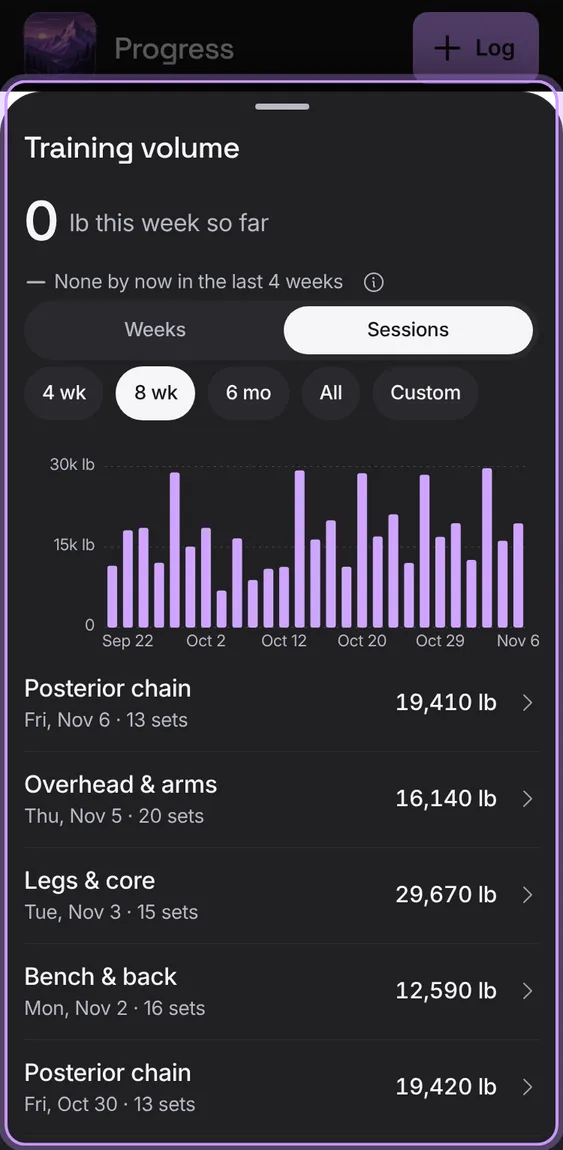
This week's volume (load × reps of completed working sets) against the four weeks before, on a card that opens weeks or sessions over 4 weeks, 8 weeks, 6 months, all time or your own dates.
 Talus