 Talus
Progress and records
One lift at a time: estimated one-rep max, heaviest set or volume per workout as a line, with its latest and best. Estimates are labelled; warm-ups and sets not done never count.
Every Progress and records feature
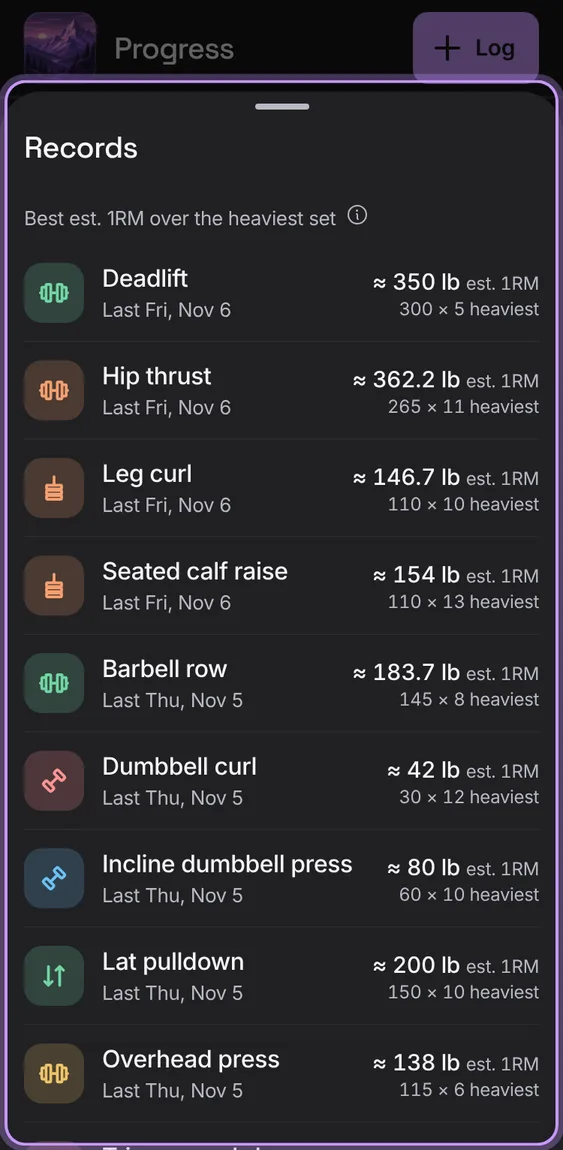
The lift's best estimate, heaviest set, best session and total as four figures, and All records for every lift.
- Tap All records.
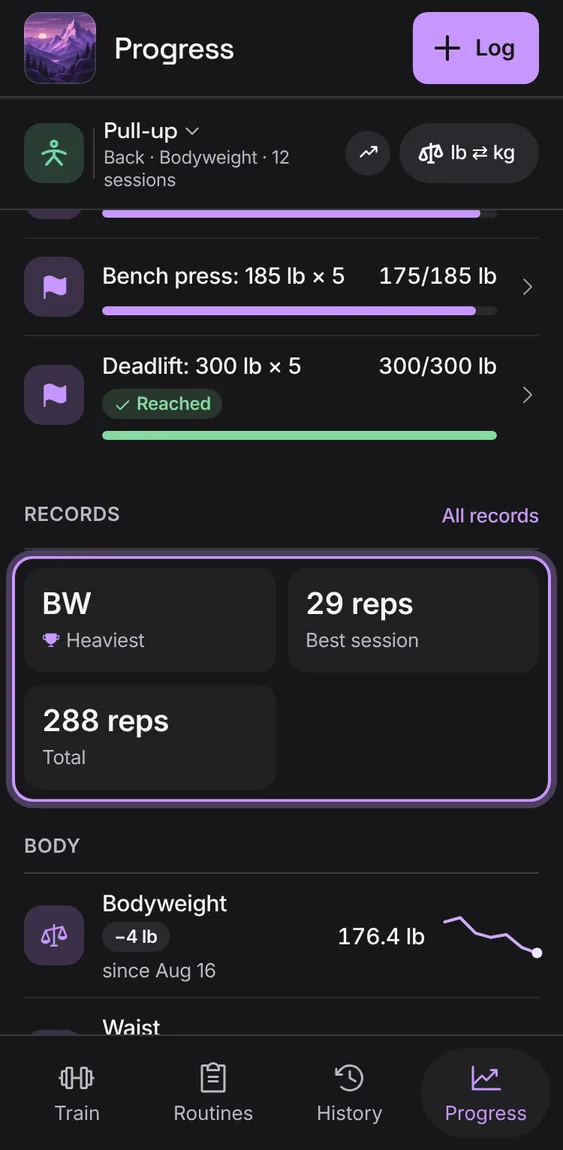
A bodyweight lift is followed in reps: the most in one set, and the reps in each workout, never a 0 lb estimate or volume. Its heaviest set reads BW (or BW plus what you added).
- Choose a bodyweight lift, like Pull-up.
- Switch between Most reps and Reps.
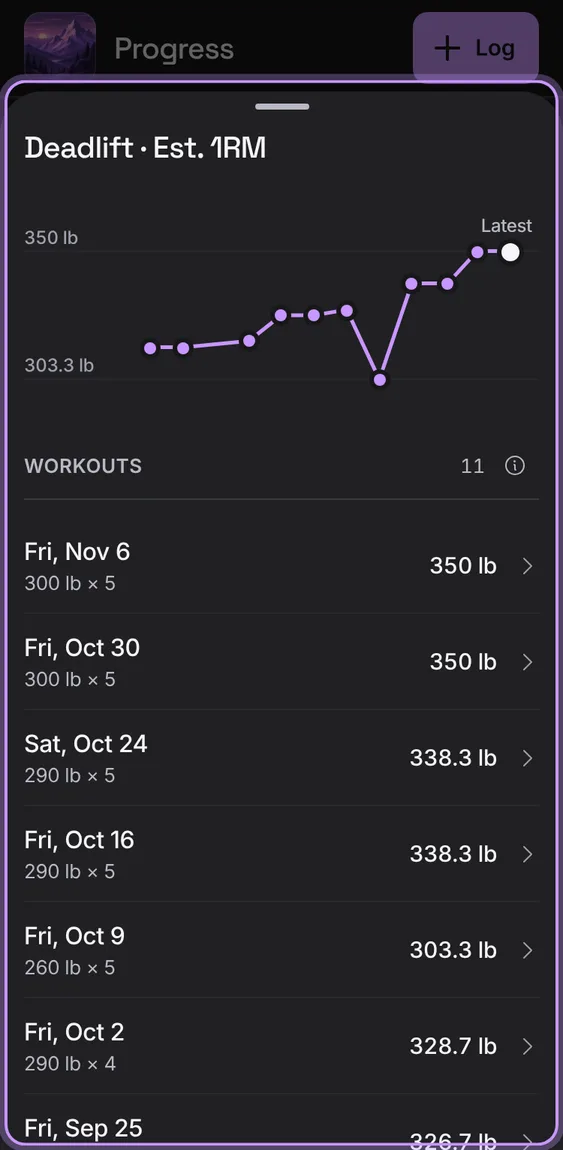
The lift's chart, then every workout's figure as a row that opens the workout.
- Tap the chart.
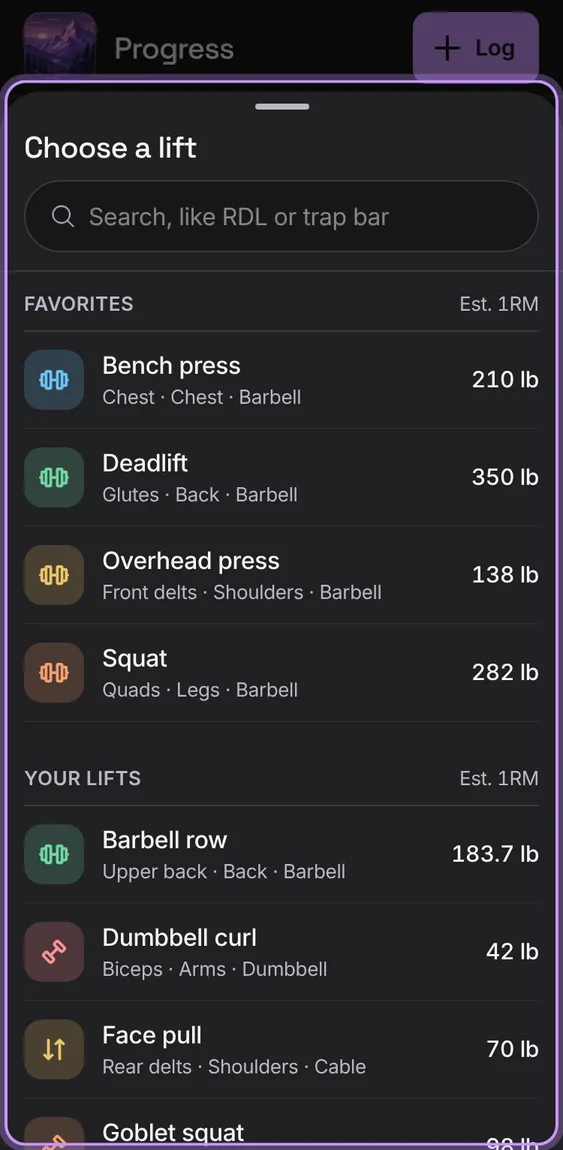
Your lifts, each with its best Est. 1RM, to show on Progress. The bar shows how much it's changed since your first workout of it.
- Tap the lift's name in Progress's bar.
On a wide screen your lifts are listed beside the chosen lift's chart and records.
- Open Progress on a computer or tablet.
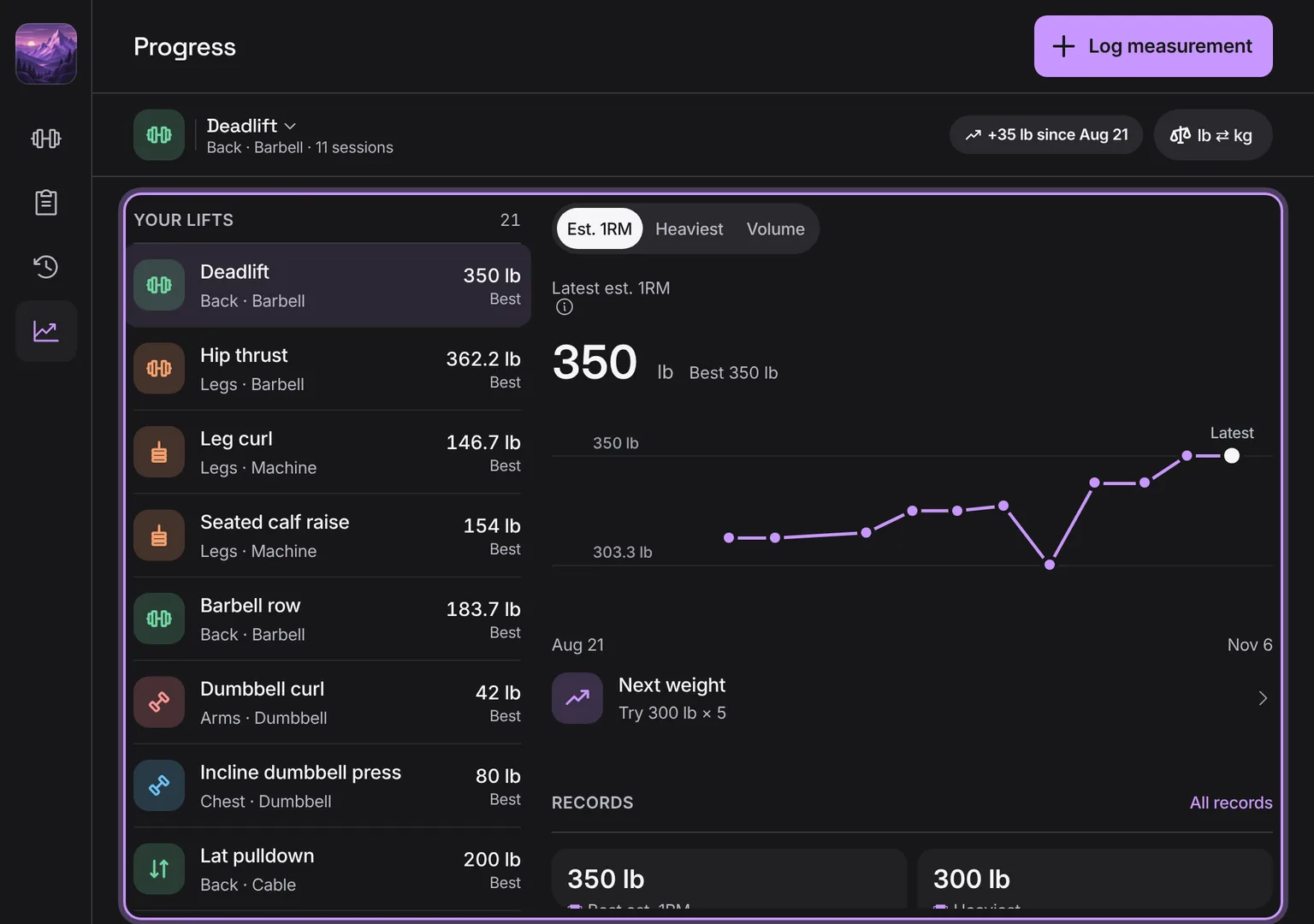
Shown at a computer’s width.