Hearth
Plan
Breakfast, lunch, dinner and snacks on a calendar, by day, week or month, with how many meals are planned.
Every Plan feature
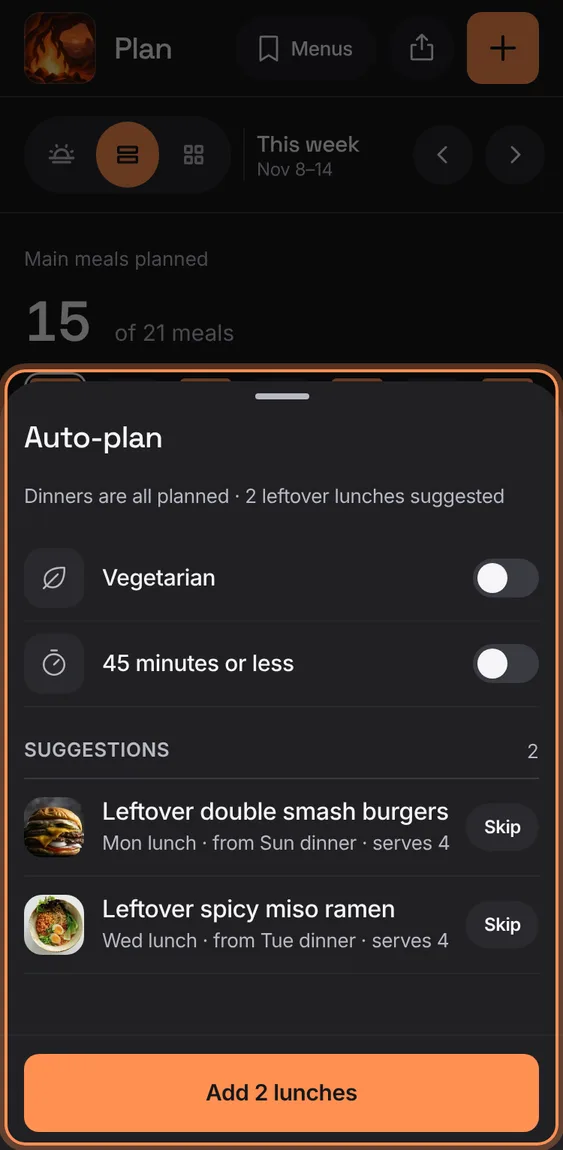
Fill the open dinners of the next seven days from your cookbook, each saying why; nothing already planned is replaced.
- Tap Auto-plan (it names the seven days it fills).
- Change or Skip a suggestion.
- Tap Add to plan them all together.
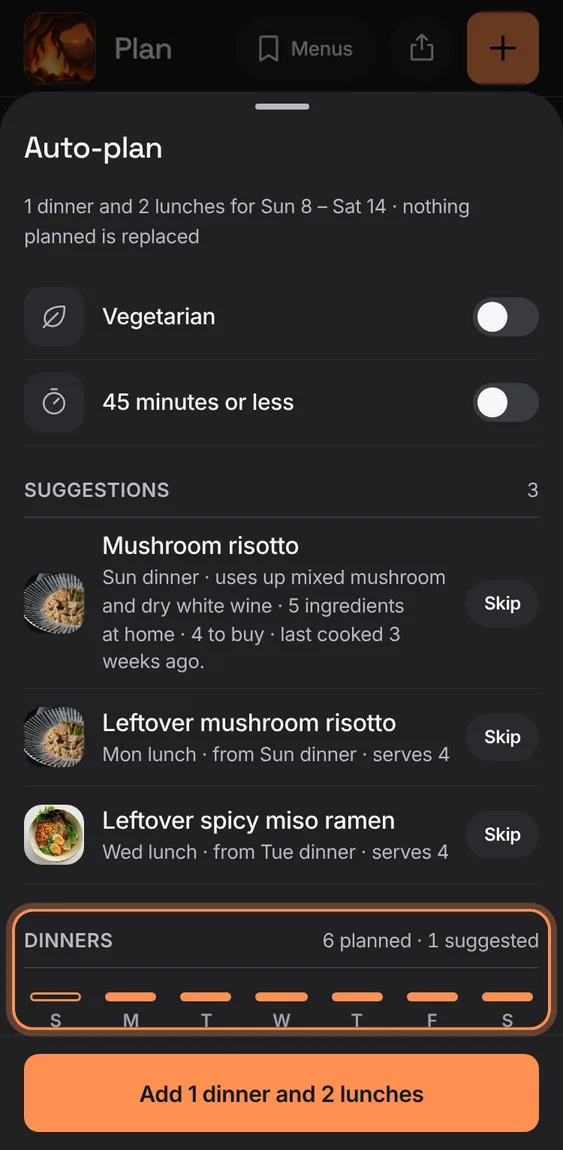
A strip of the seven days shows which dinners are planned, suggested or open.
- Read the Dinners strip under the suggestions.
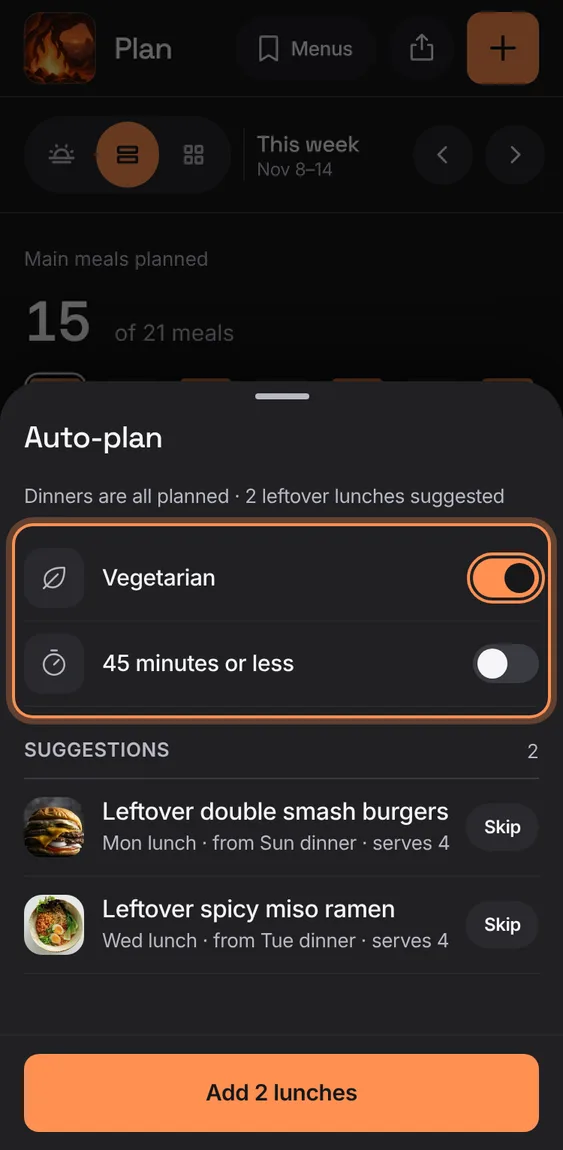
Switches limit suggestions to vegetarian recipes, or ones that take 45 minutes or less.
- Turn on Vegetarian or 45 minutes or less.
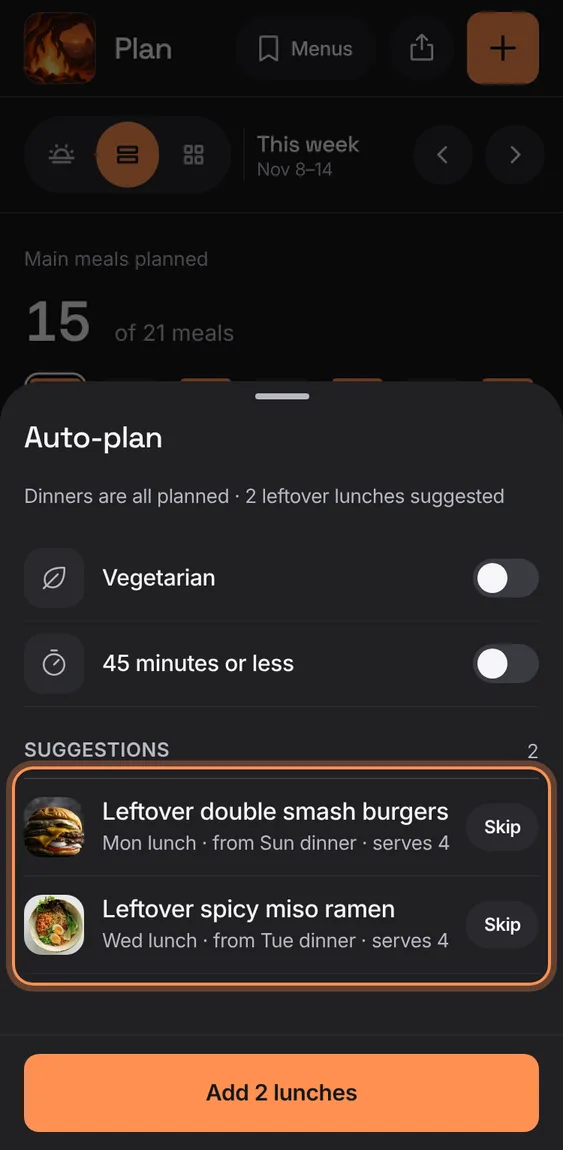
A dinner that serves four or more suggests the next day's lunch as its leftovers.
- Shown among the suggestions; Skip it if you don't want it.
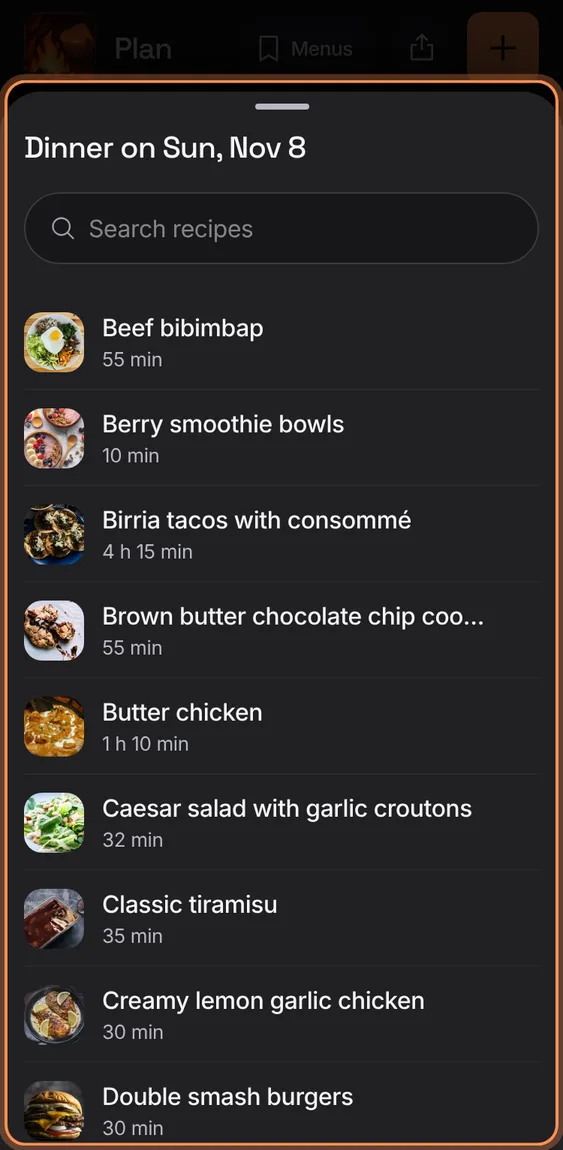
Swap a suggested dinner for any recipe, found by search.
- Tap a suggestion, then choose a recipe.
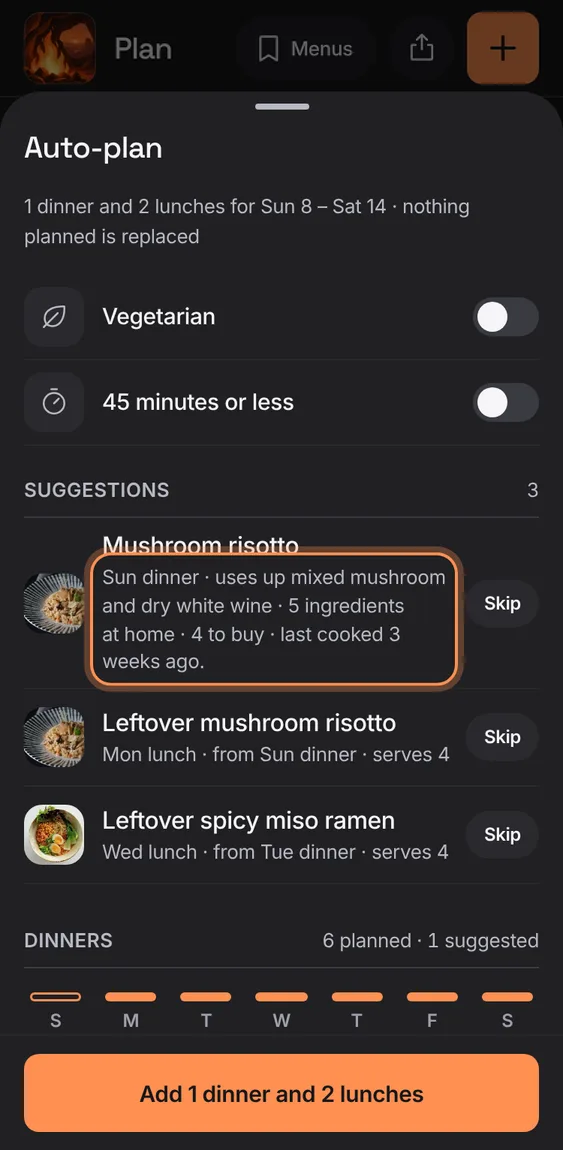
A suggestion says why: it uses up spinach, everything's at home, or another dinner buys it anyway.
- Read the line under each suggestion.
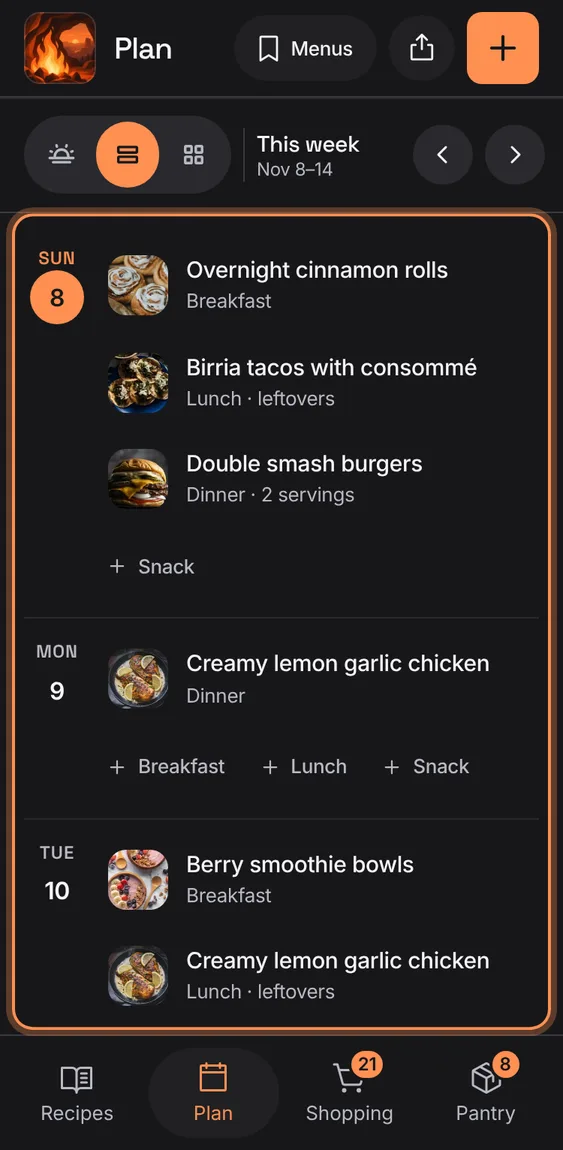
Each day with its meals, a + for each open one, and your recipes' photos.
- Tap + Dinner (or any meal) to plan it.
- Tap a meal to change it.
From tablet width the week is a board, seven days across and a row per meal; drag a meal to move it (hold Alt or Ctrl to copy).
- Tap + in a cell to add.
- Drag a meal to an open cell.
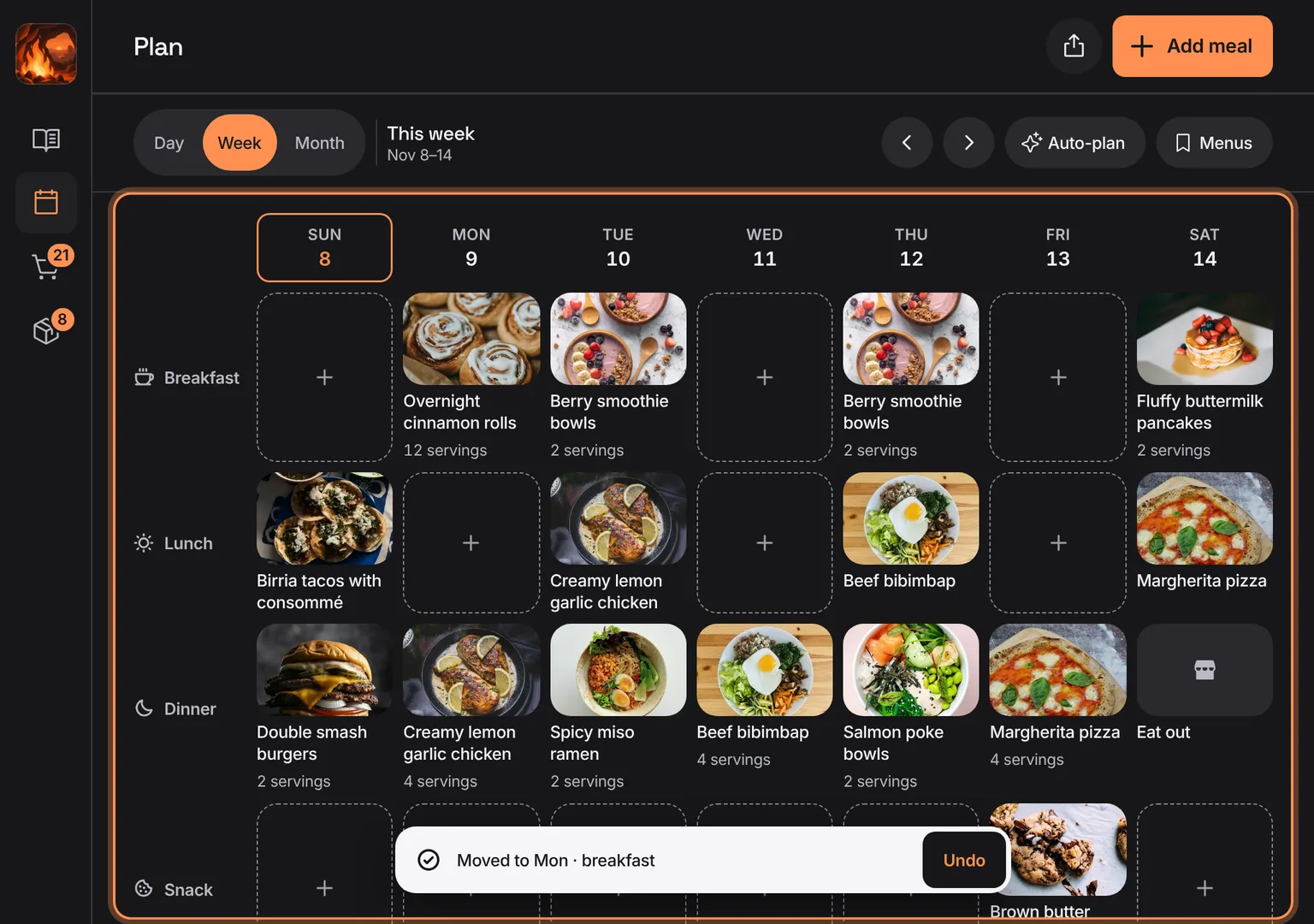
Shown at a computer’s width.
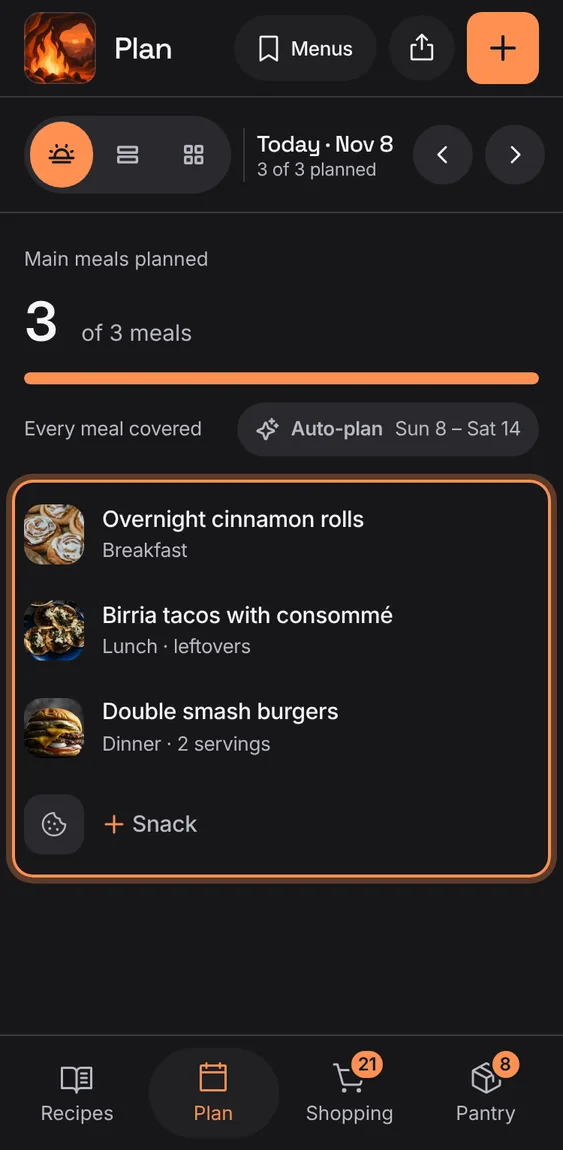
One day's meals in slot order, with a quiet + row for each open meal.
- Tap Day in the bar.
- The bar says "2 of 3 planned".
On a big screen the Day view shows the chosen meal's recipe beside the day, with Start cooking, View recipe and Change.
- Tap Day, then a meal.
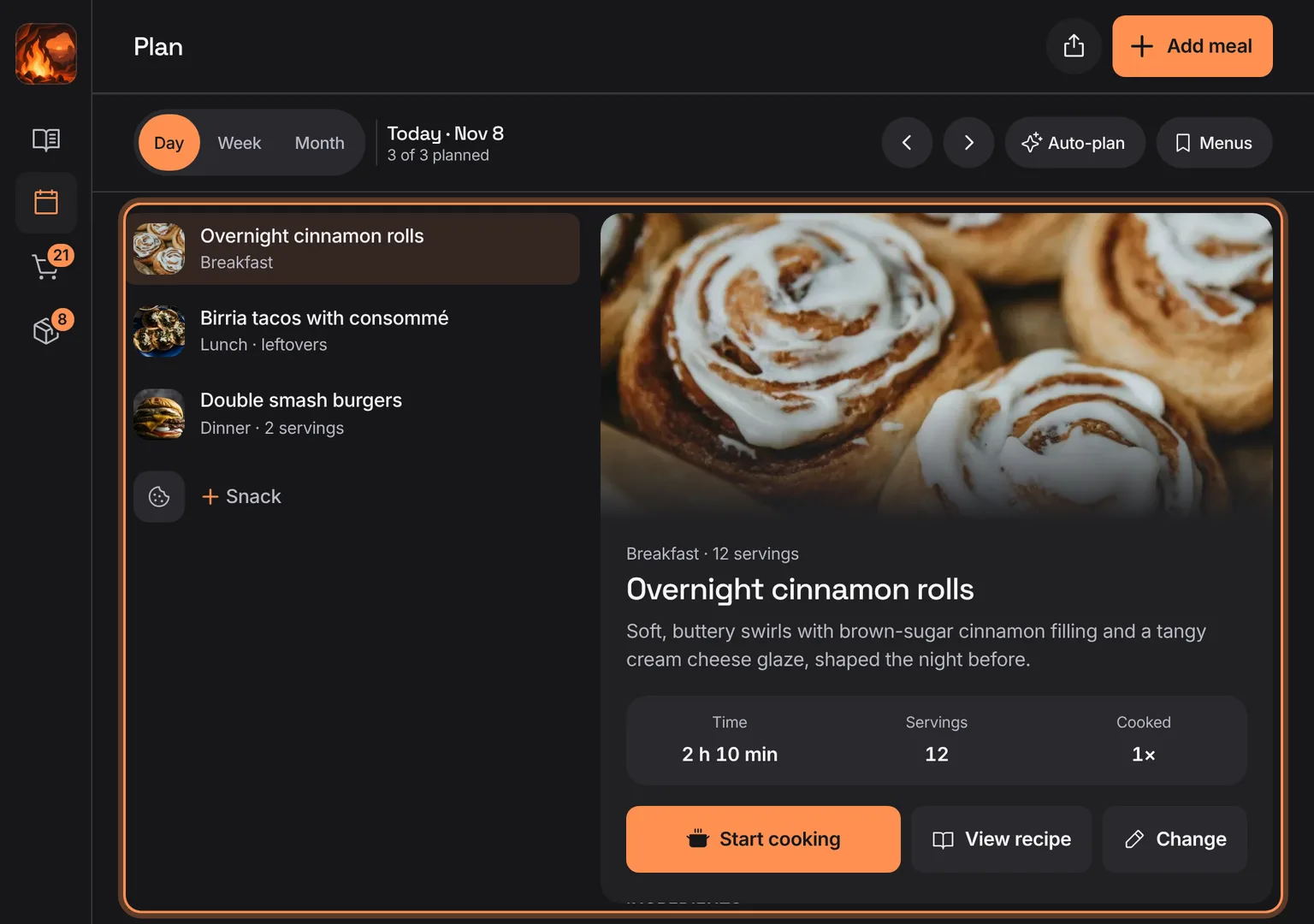
Shown at a computer’s width.
Before there's a recipe, the plan says meals come from your recipes, with Add recipe.
- Tap Add recipe.
Not in the demo. Shows before anything is saved; the demo has sample data.
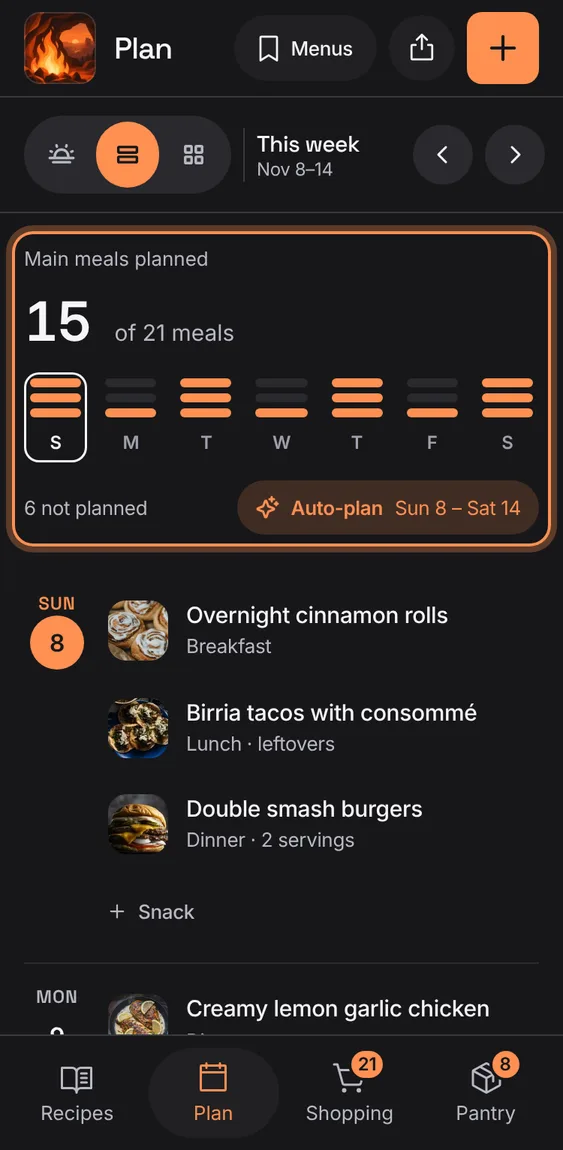
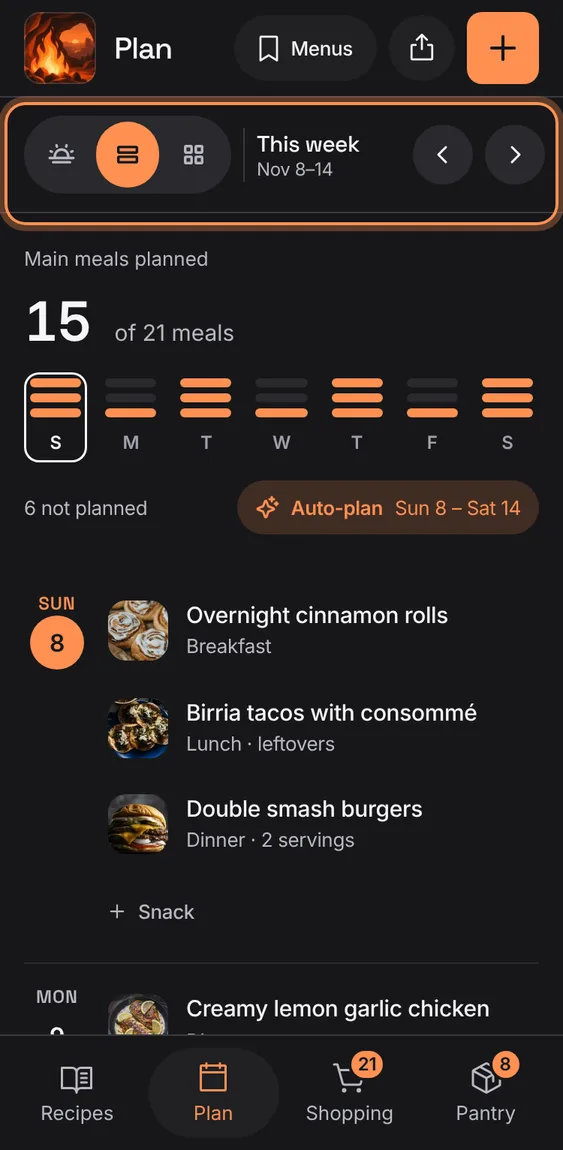
How many main meals are planned in the period, with a week strip of dots per day and how many are still open from today.
- Tap a day in the strip to open it.
The Hub's Plan dinner opens tonight's dinner: the planned one, or the picker to choose it.
- Tap Plan dinner on the Hub.
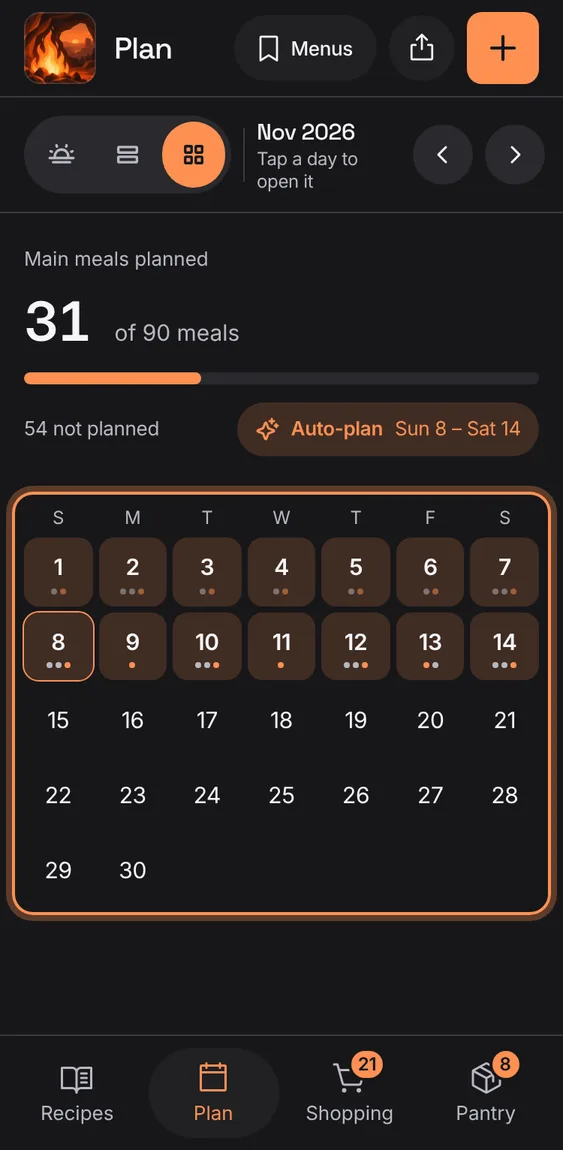
The month as a calendar with a dot for each meal; tap a day to open it.
- Tap Month in the bar.
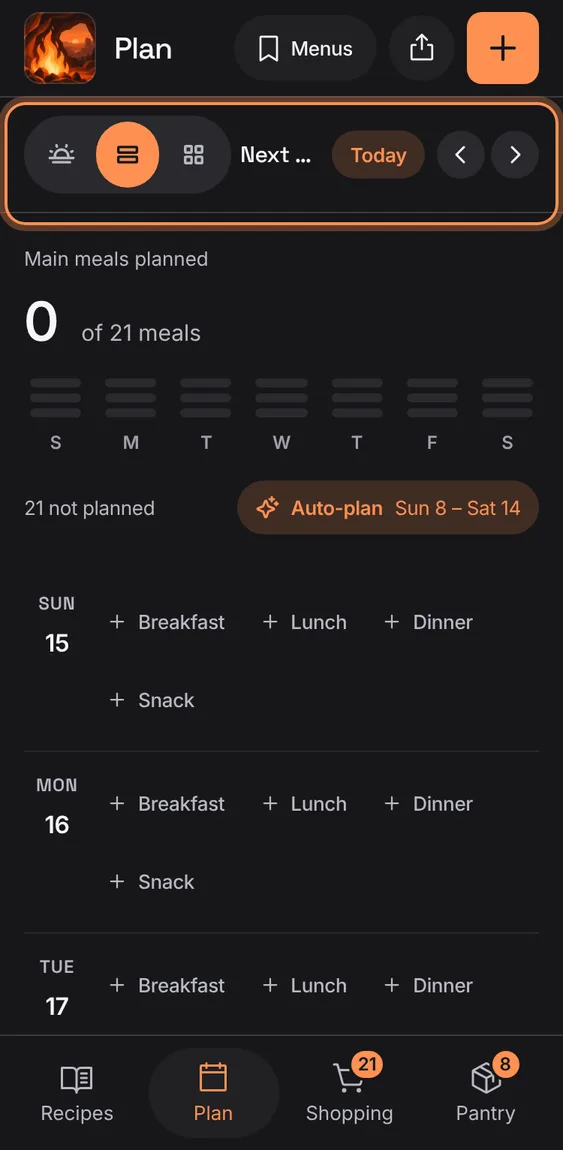
Step back or forward a day, a week or a month.
- Tap the arrows in the Plan bar.
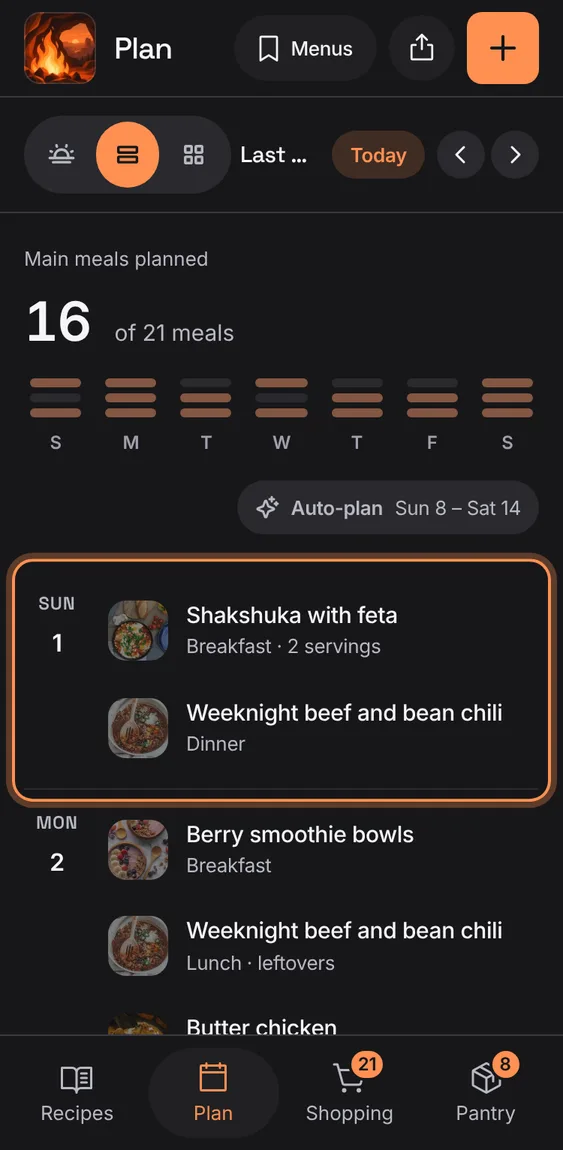
Past days show only what was planned; a run of days with nothing planned folds into one line.
- Nothing to do.
When you've stepped to another week, day or month, Today brings you back.
- Tap Today in the bar.
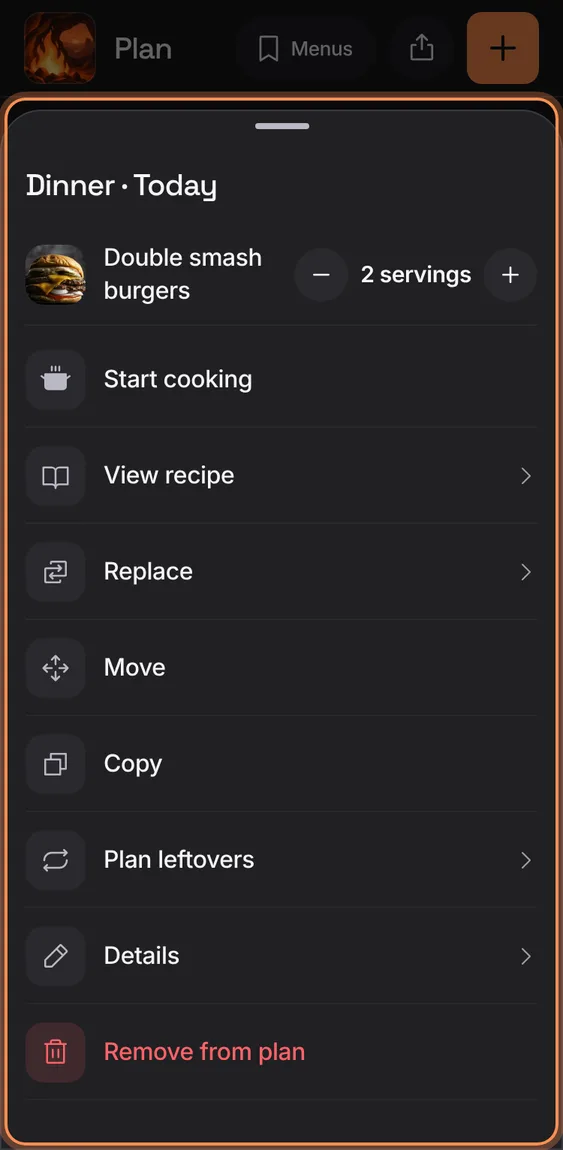
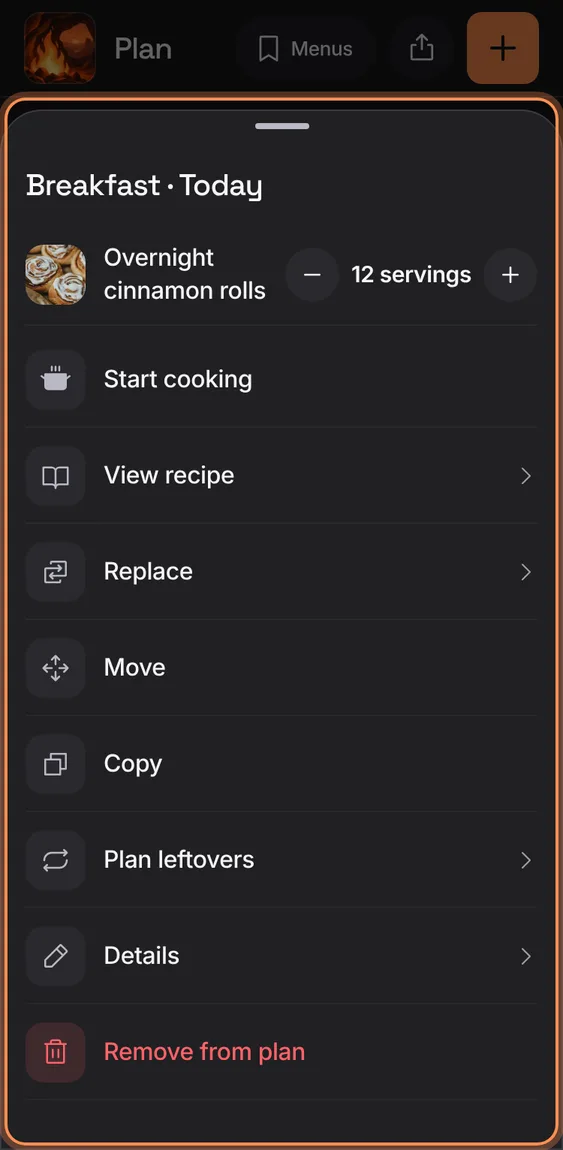
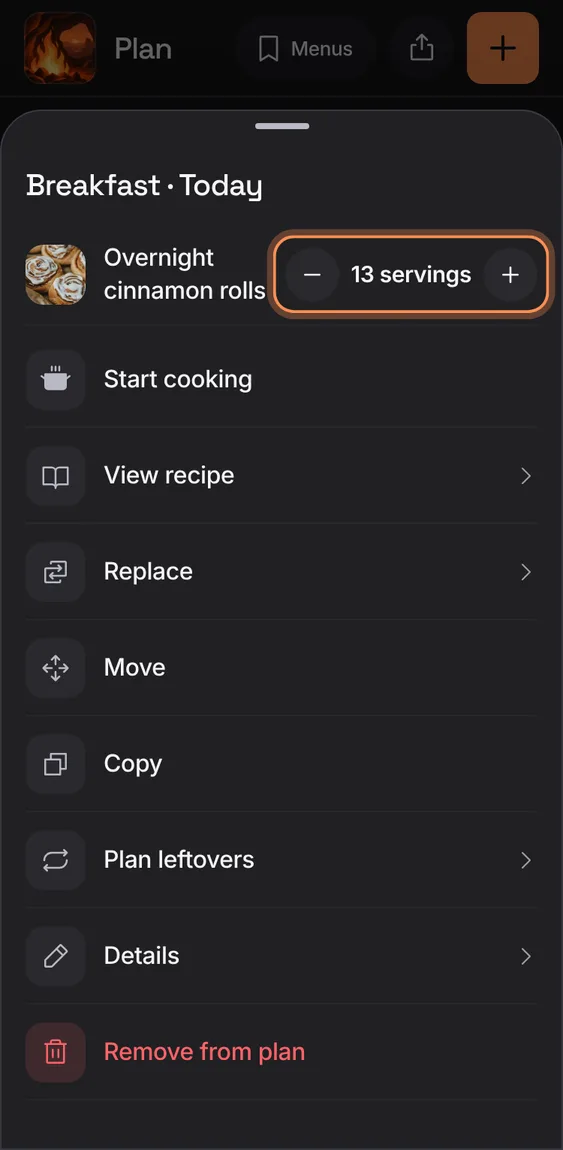
A meal opens on its actions: Start cooking, View recipe, Replace, Move, Copy, Plan leftovers, Details and Remove from plan, with its servings on top.
- Tap a meal on the plan.
- Change its servings with − and +.
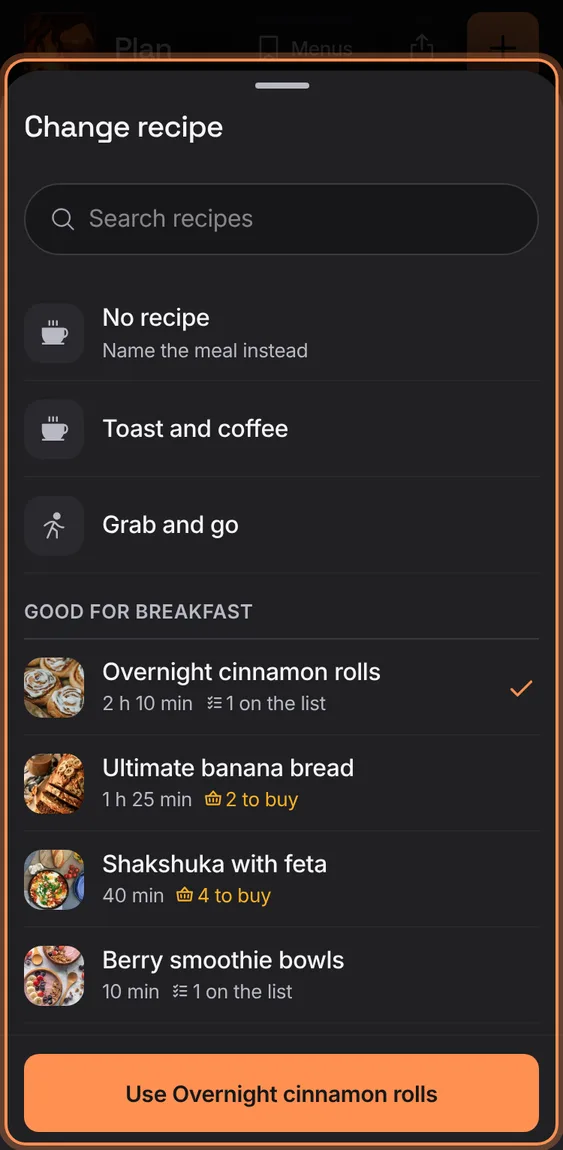
Swap a meal's recipe with the same picker, the current choice checked, or name it without a recipe.
- Details › Recipe row.
- Tap a recipe, then Use it.
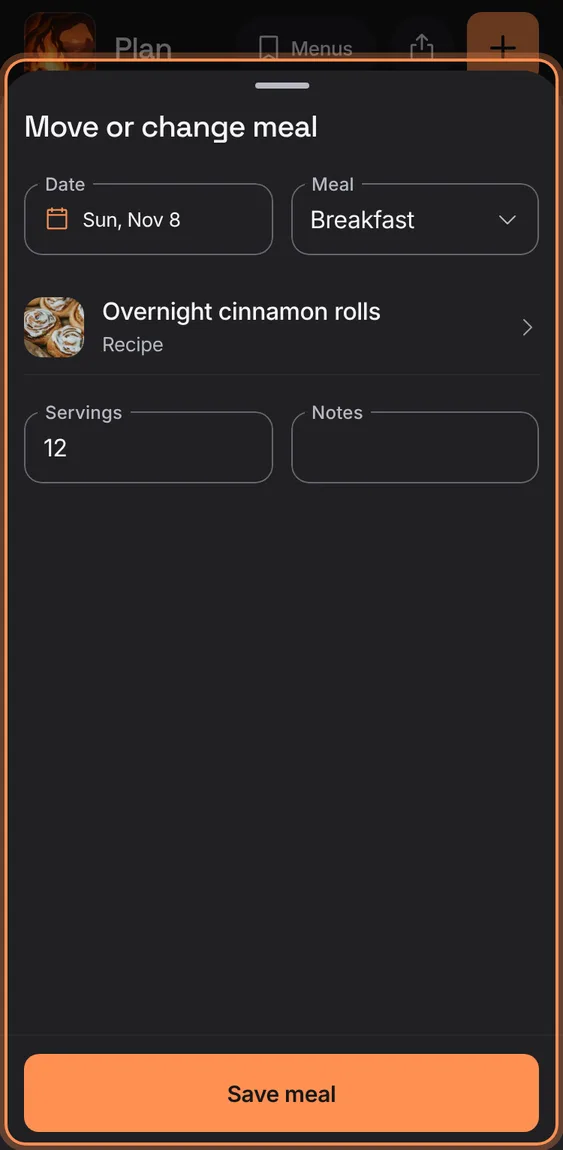
A meal's date and slot, recipe or name, servings and notes; closing with changes asks first.
- Tap a meal › Details.
- Change the recipe with the Recipe row.
- Tap Save meal.
Copy a dinner to the next day's lunch as leftovers.
- Tap a meal › Plan leftovers, then Add leftovers.
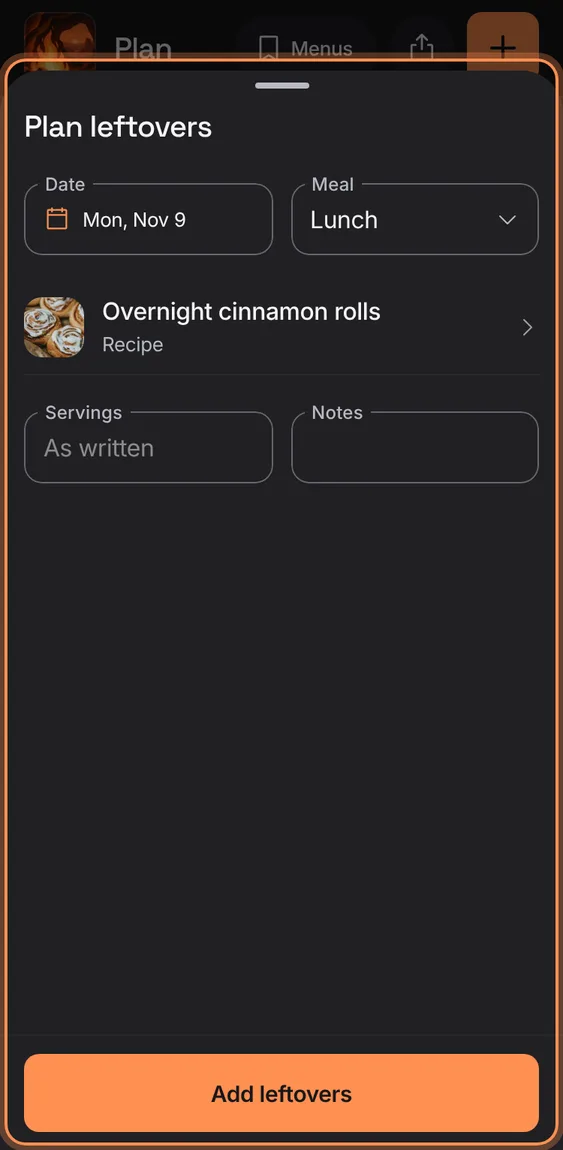
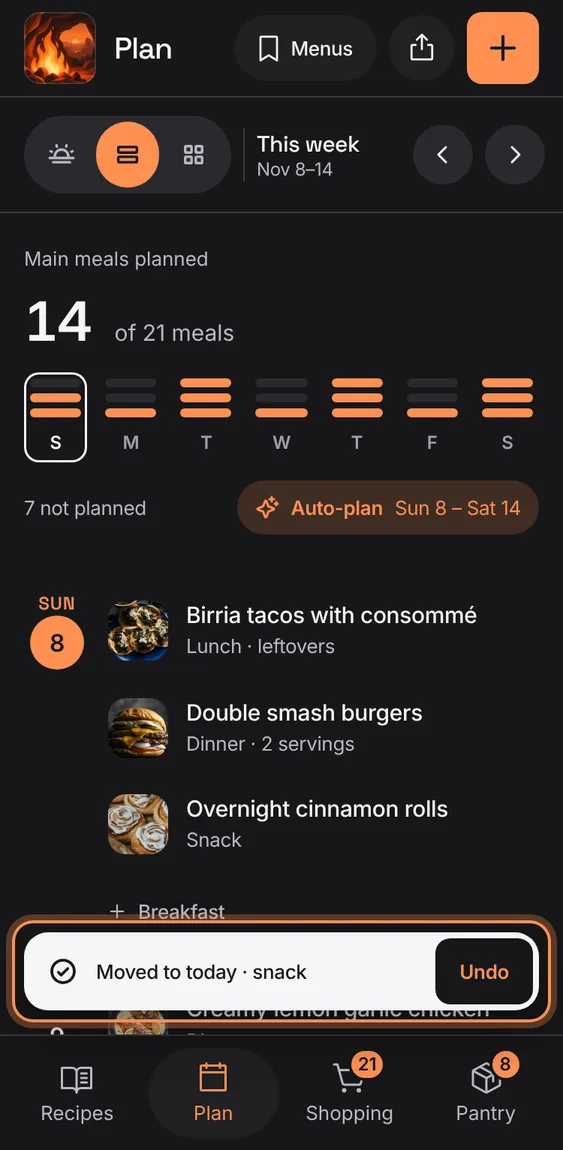
Move or copy a meal by choosing Move or Copy, then tapping an open slot; no dragging needed, and Undo is on the toast.
- Tap a meal › Move (or Copy).
- Tap an open slot; Cancel stops.
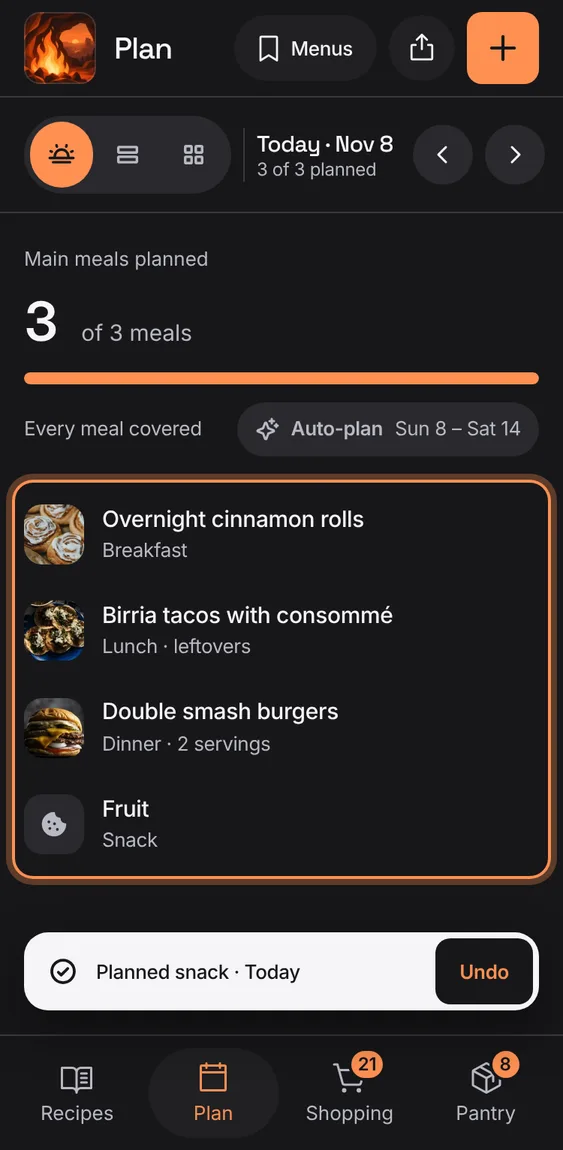
A meal can be just a name (Leftovers, Eat out, Toast and coffee), shown with its own glyph.
- Pick a quick meal, or type a name in Add a meal.
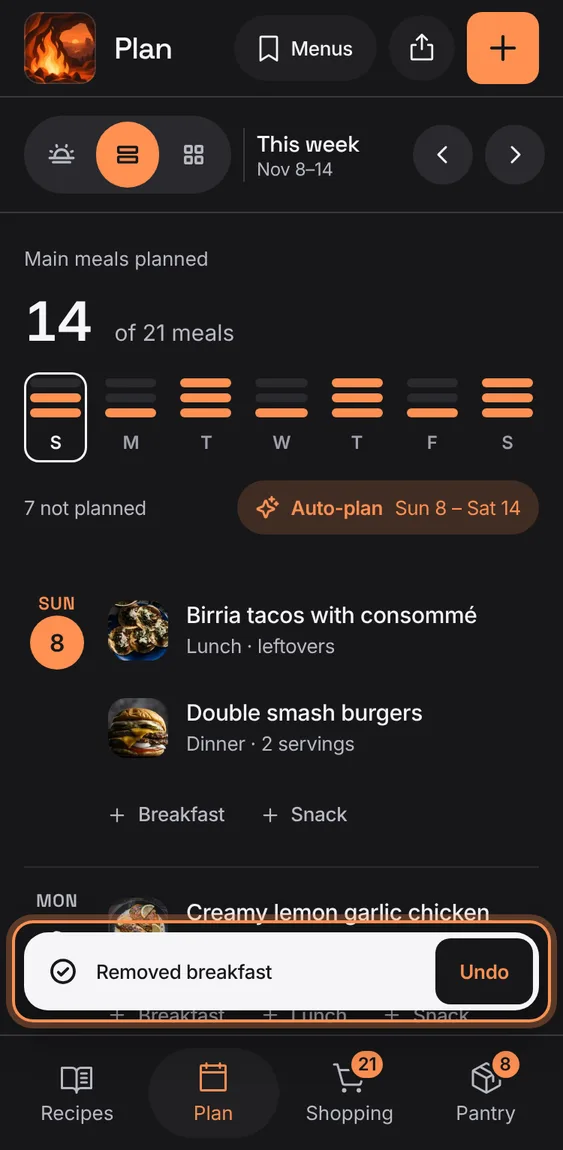
Take a meal off the plan, undone from the toast.
- Tap a meal › Remove from plan.
A planned meal has its own servings, changed right on it; the plan shows them only when they differ from the recipe's.
- Tap a meal, then − or +.
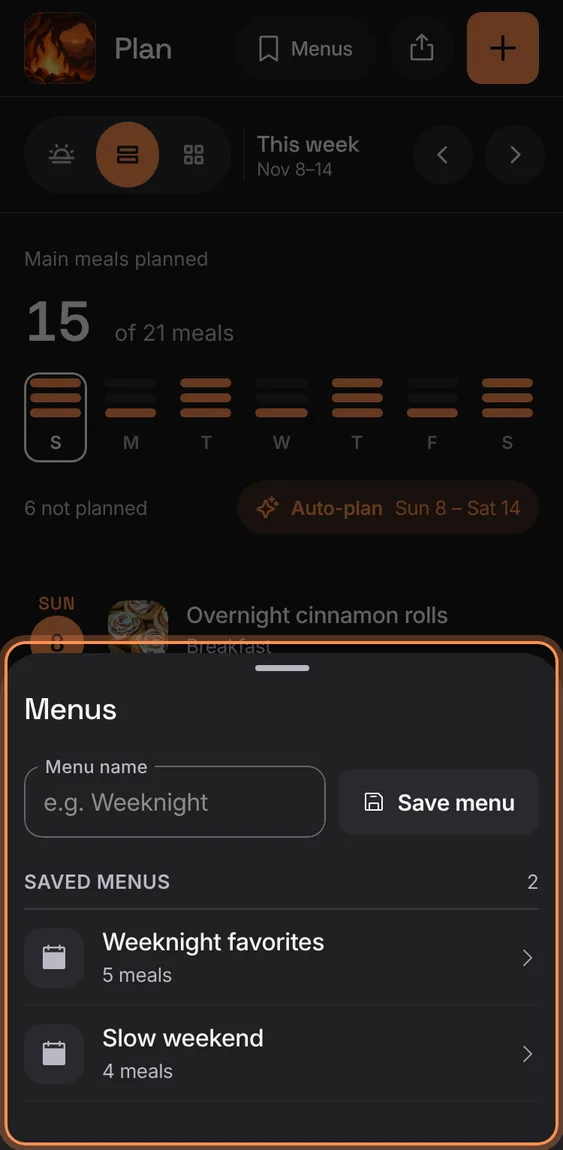
Save a week's meals as a menu, then put it on any dates later after a preview; nothing planned is replaced.
- Tap Menus in the header.
- Name the week and tap Save menu.
- Tap a saved menu, choose Starting on, and Add.
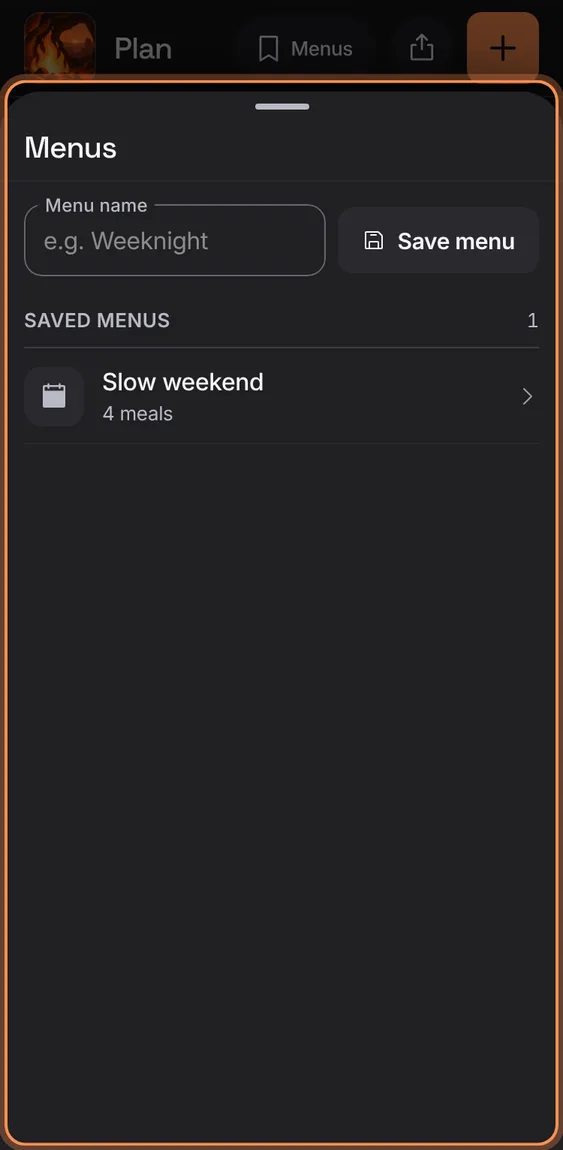
Delete a saved menu after a confirmation; meals already planned from it stay.
- Open the menu › Delete.
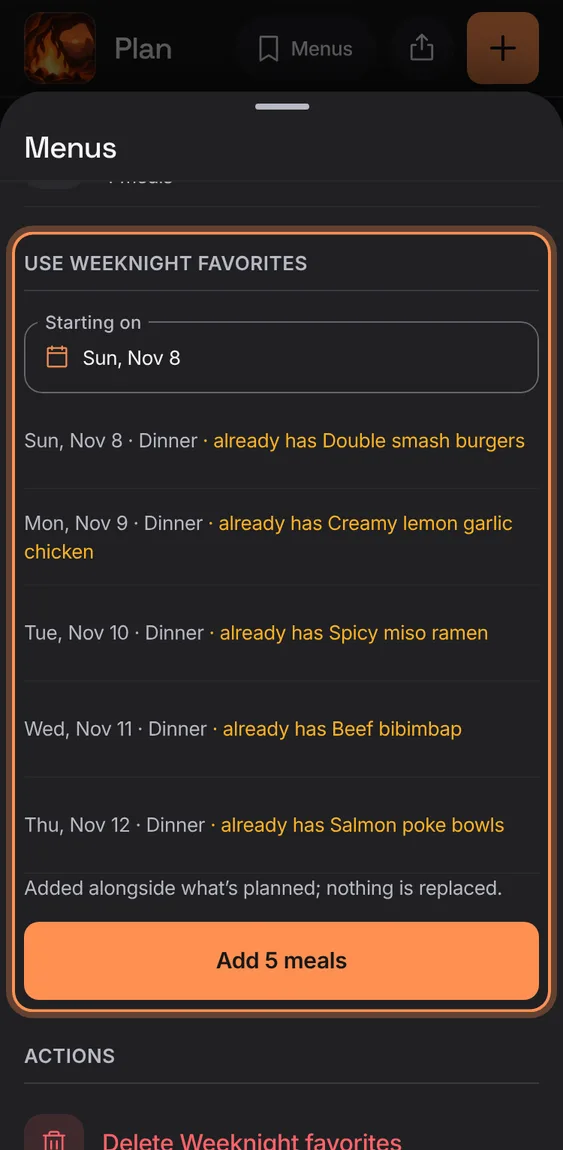
A saved menu previews each meal on its new date, warning where something's already planned.
- Tap the menu, pick Starting on, then Add N meals.
Choose a meal for a day: a quick meal like Leftovers or Eat out, a recipe that suits the meal, or a name of your own.
- Tap + Dinner on a day (or + in the header).
- Search, then tap a recipe or a quick meal; type a name to add a meal without a recipe.
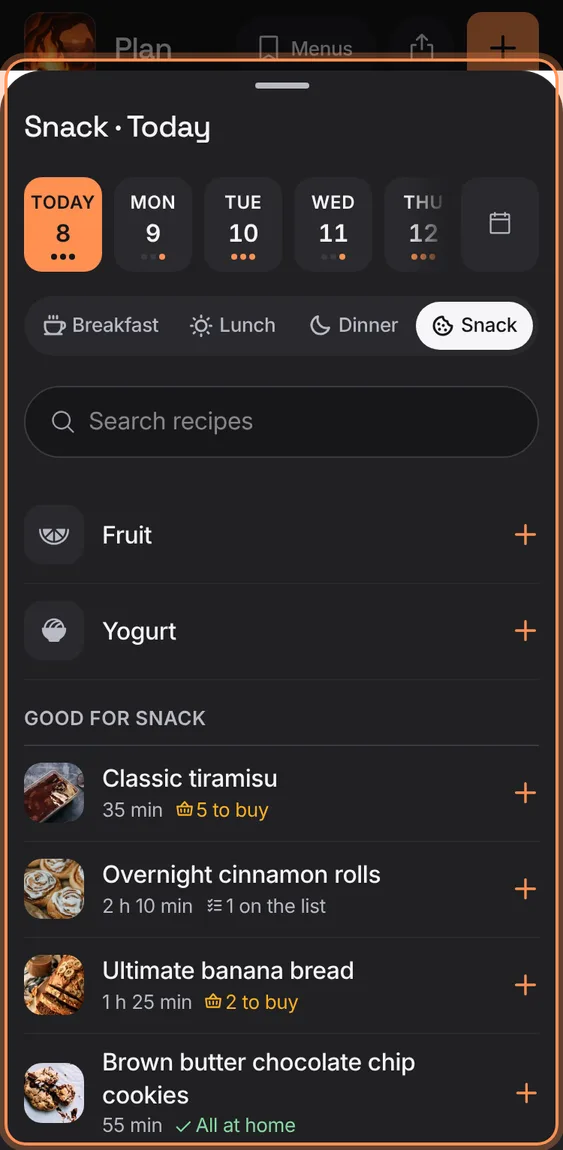
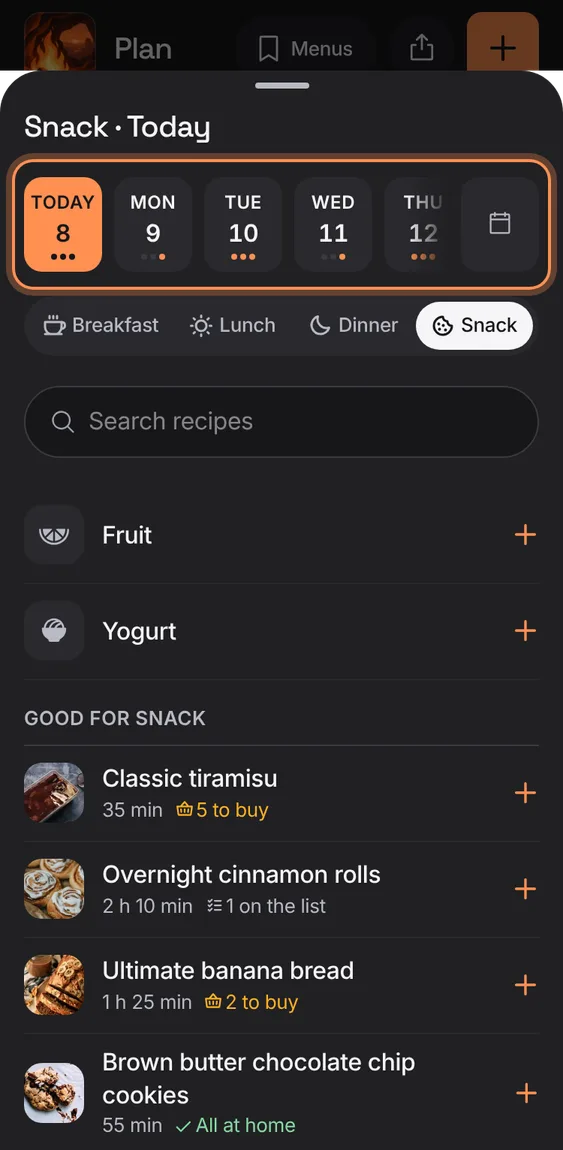
The next two weeks as a strip of days, each marked with its planned meals, any other date from the calendar beside it, then the meal.
- Tap a day, or the calendar for another day; then Breakfast, Lunch, Dinner or Snack.
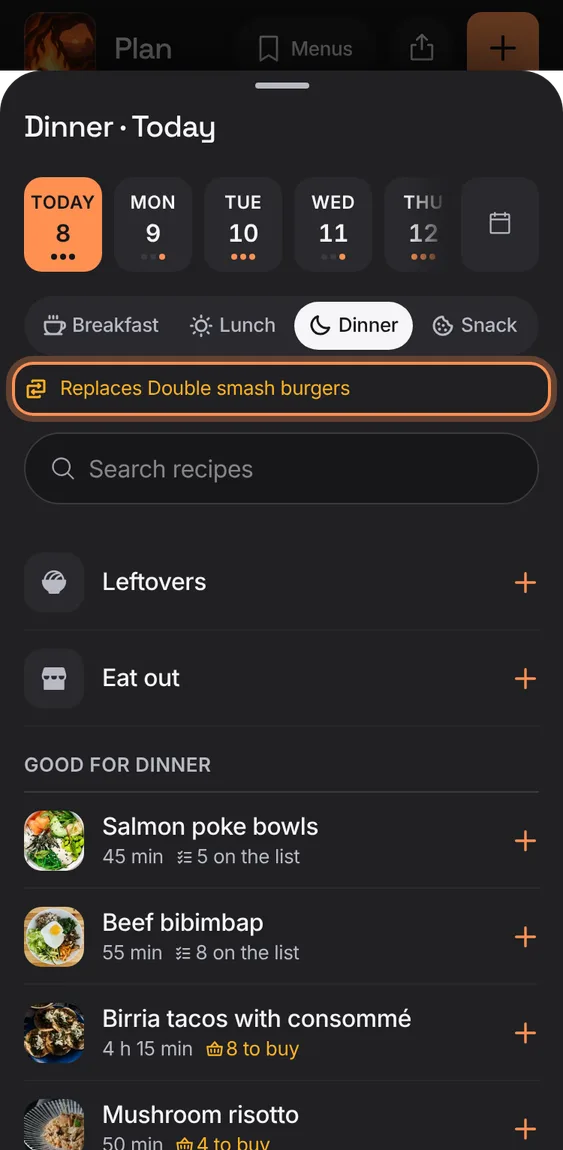
A taken slot says what your pick will replace.
- Pick a recipe; the old meal goes, with Undo.
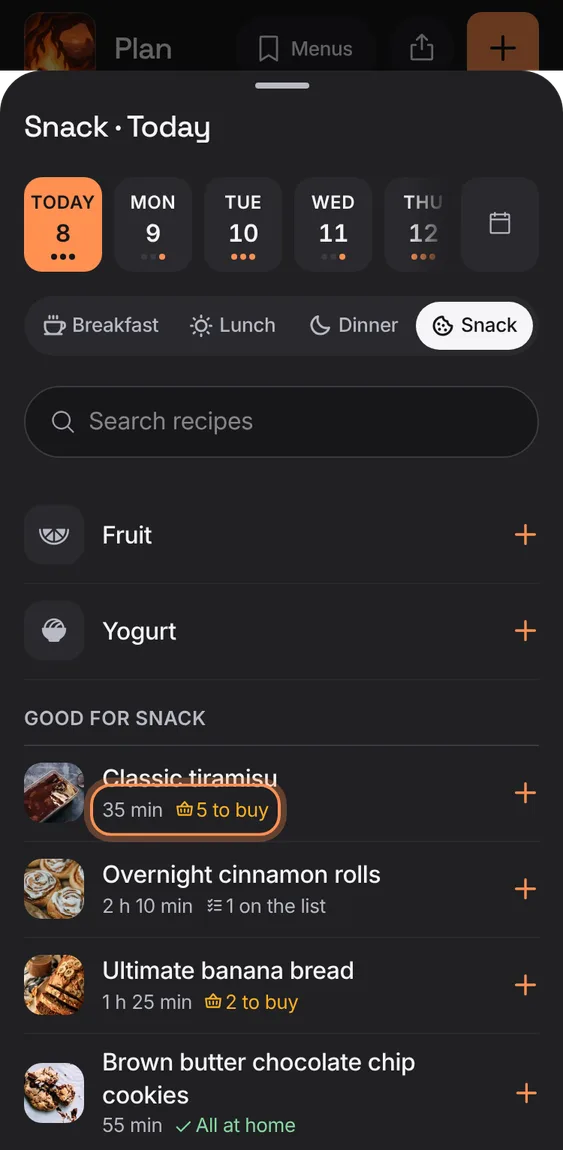
Each recipe in the picker says "3 to buy", "8 on the list" or "All at home".
- Read it under each recipe.
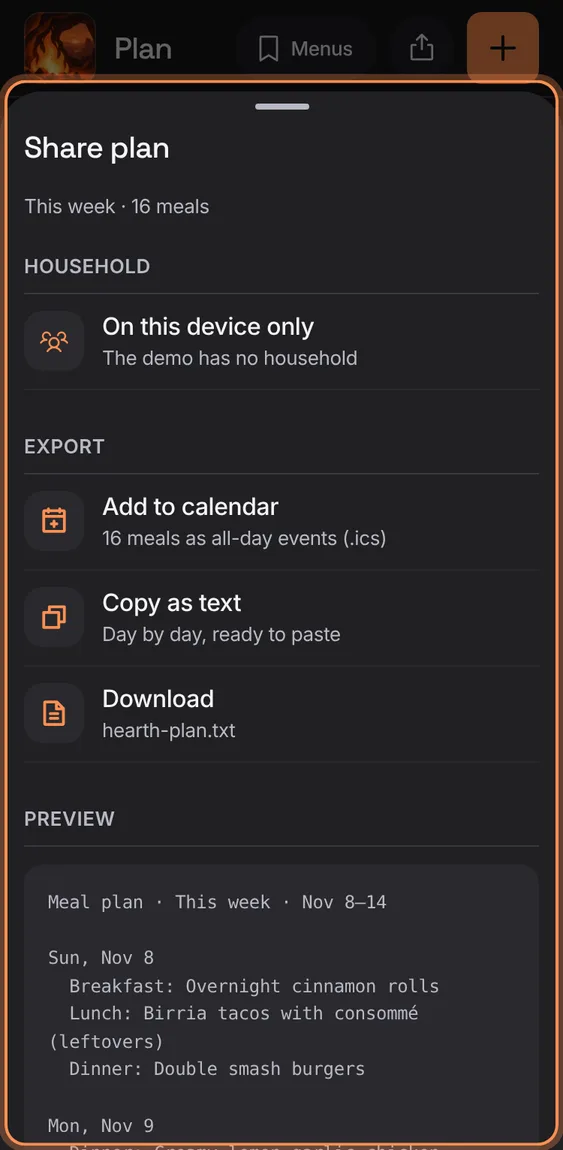
Take the plan you're looking at out of Hearth: as calendar events, as text, or as a file.
- Tap the share icon in the header.
- Add to calendar (.ics), Copy as text, or Download.