Hearth
Meal plan
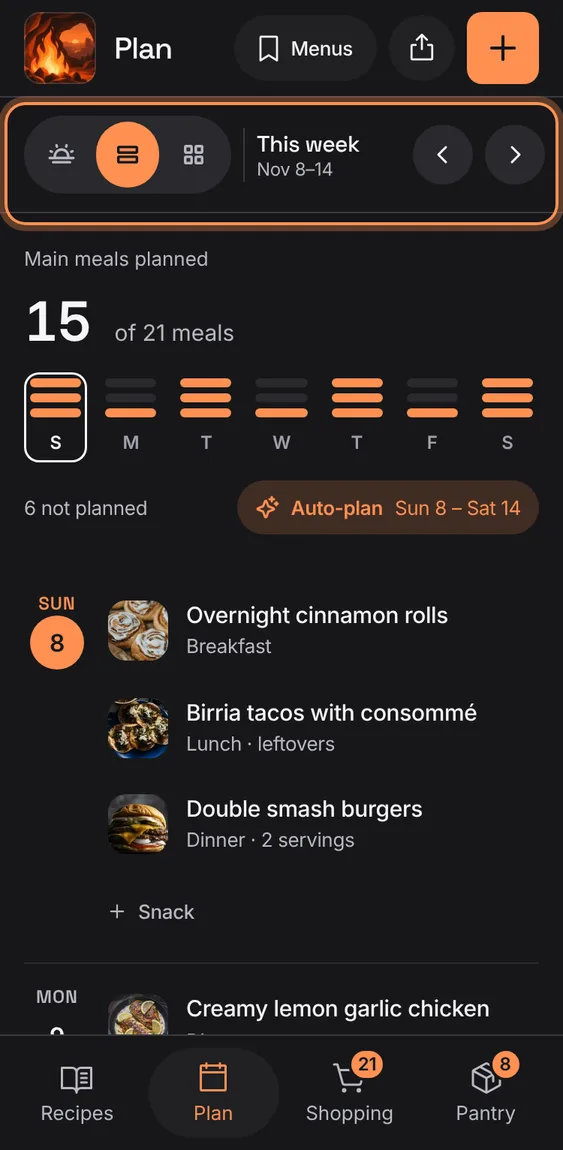
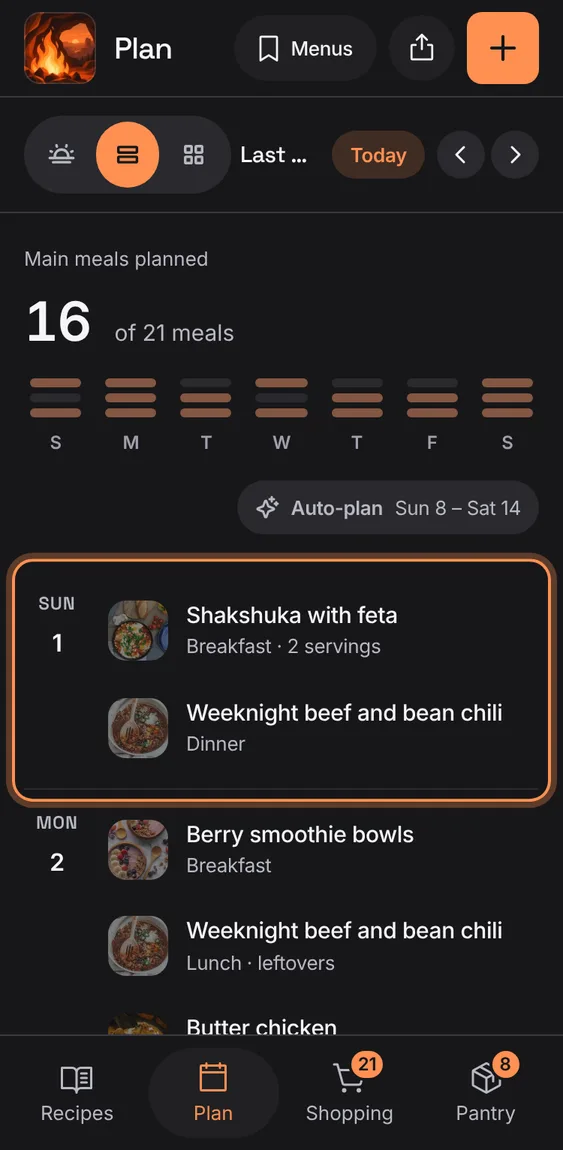
Each day with its meals, a + for each open one, and your recipes' photos.
Every Meal plan feature
From tablet width the week is a board, seven days across and a row per meal; drag a meal to move it (hold Alt or Ctrl to copy).
- Tap + in a cell to add.
- Drag a meal to an open cell.
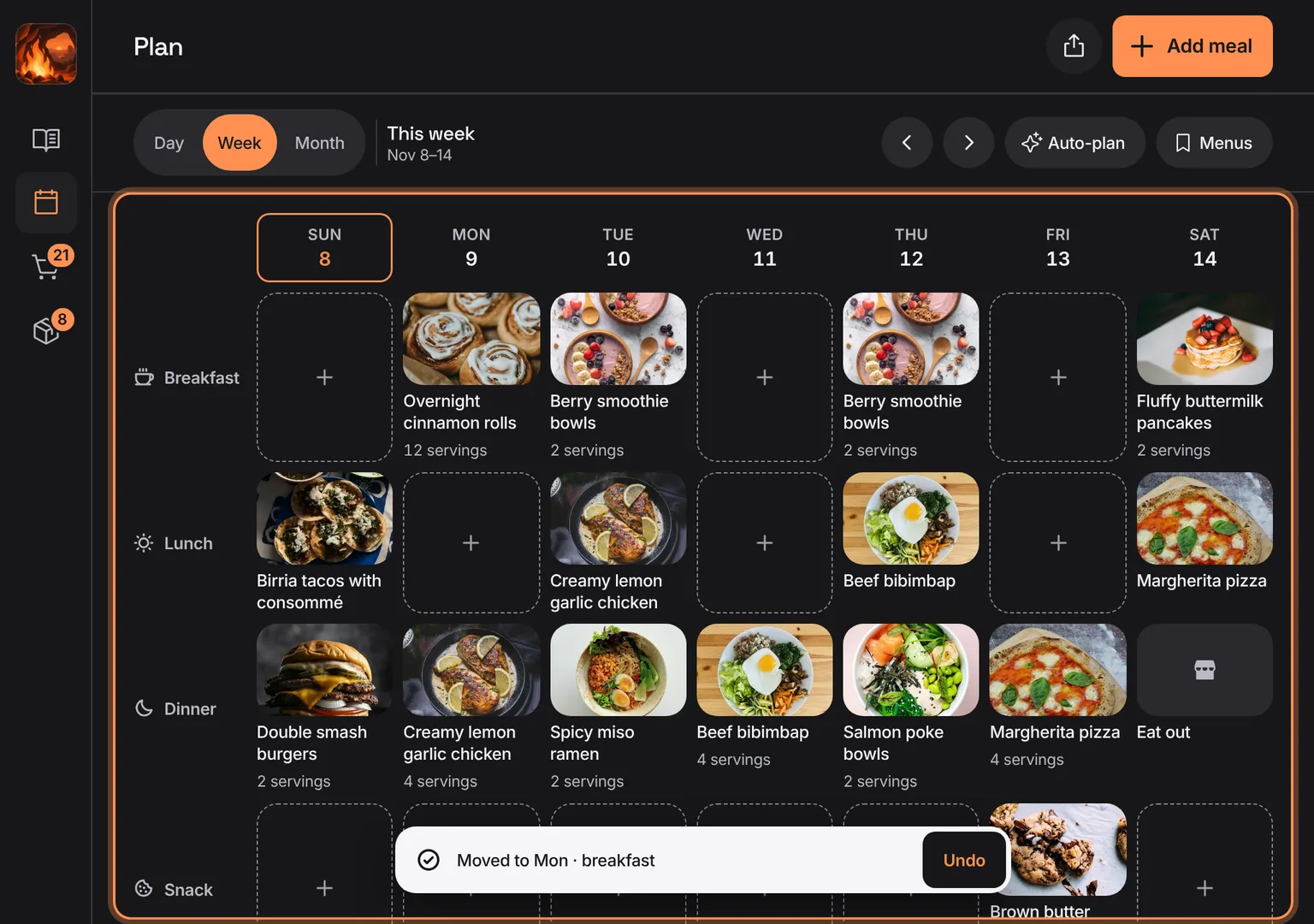
Shown at a computer’s width.
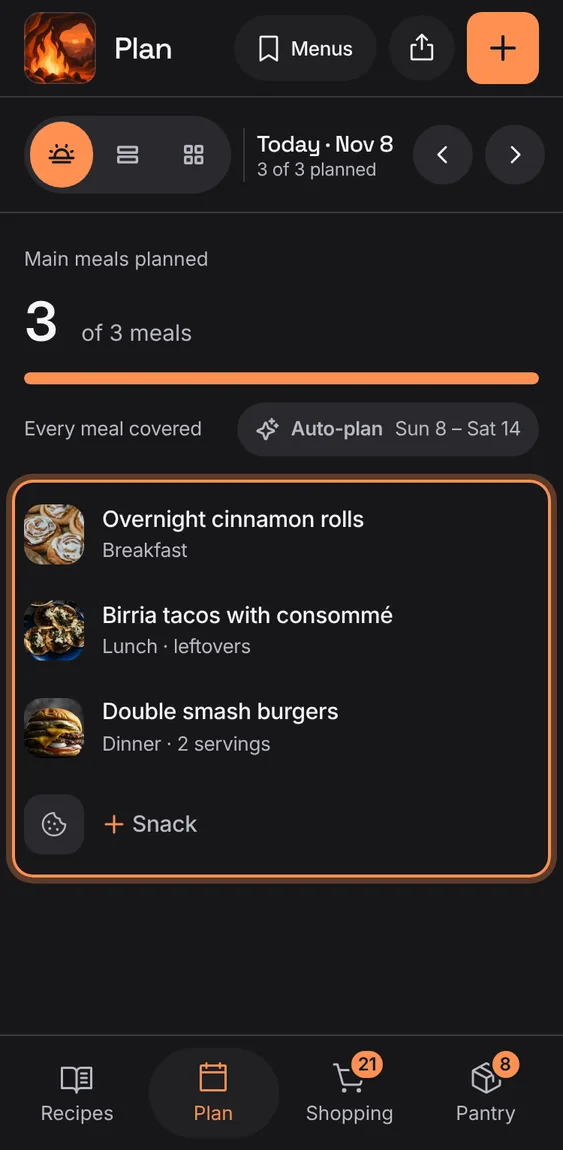
One day's meals in slot order, with a quiet + row for each open meal.
- Tap Day in the bar.
- The bar says "2 of 3 planned".
On a big screen the Day view shows the chosen meal's recipe beside the day, with Start cooking, View recipe and Change.
- Tap Day, then a meal.
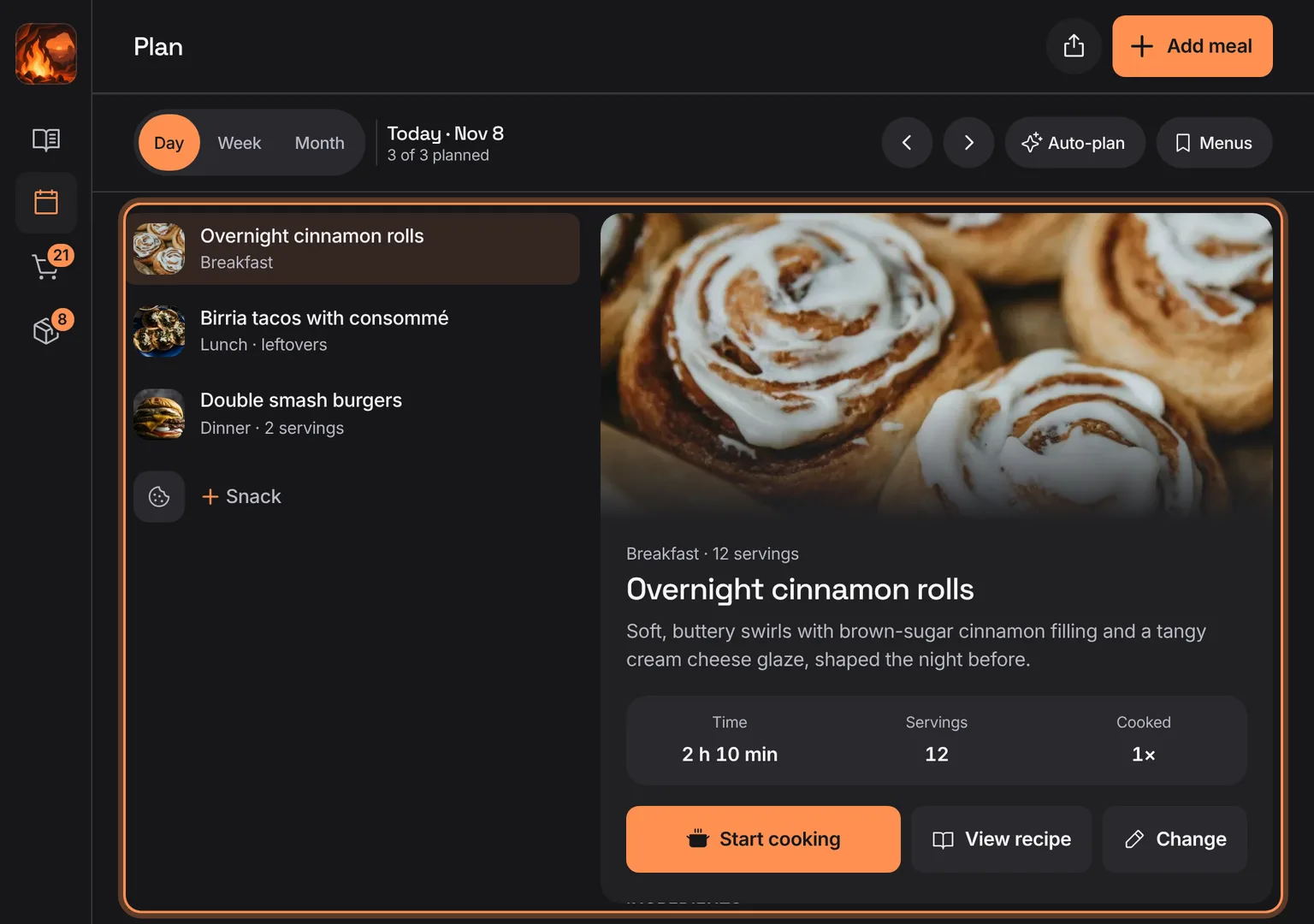
Shown at a computer’s width.
Before there's a recipe, the plan says meals come from your recipes, with Add recipe.
- Tap Add recipe.
Not in the demo. Shows before anything is saved; the demo has sample data.
How many main meals are planned in the period, with a week strip of dots per day and how many are still open from today.
- Tap a day in the strip to open it.
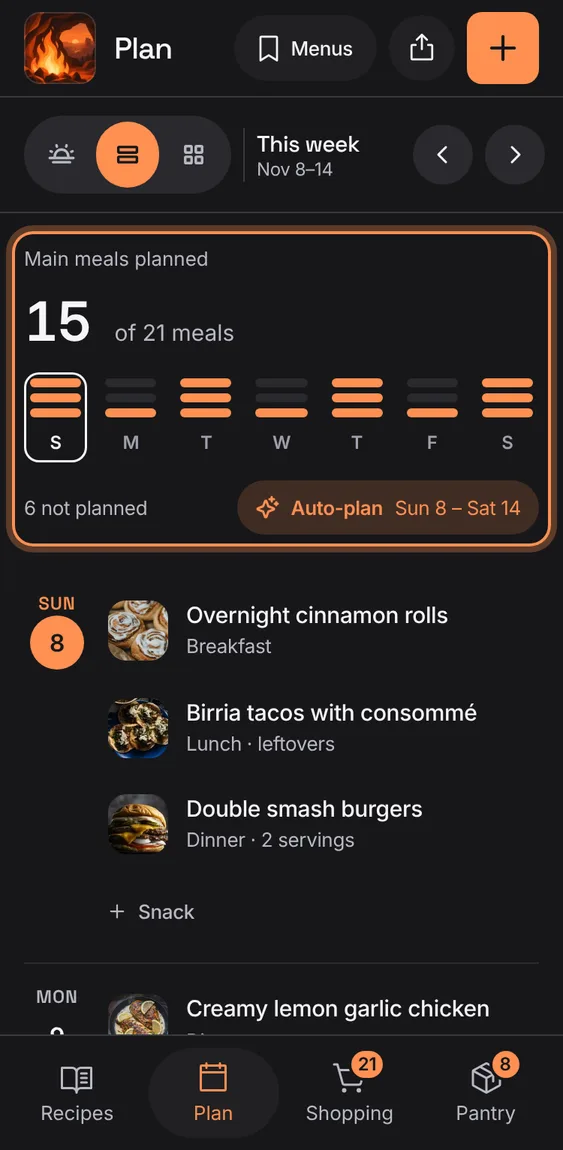
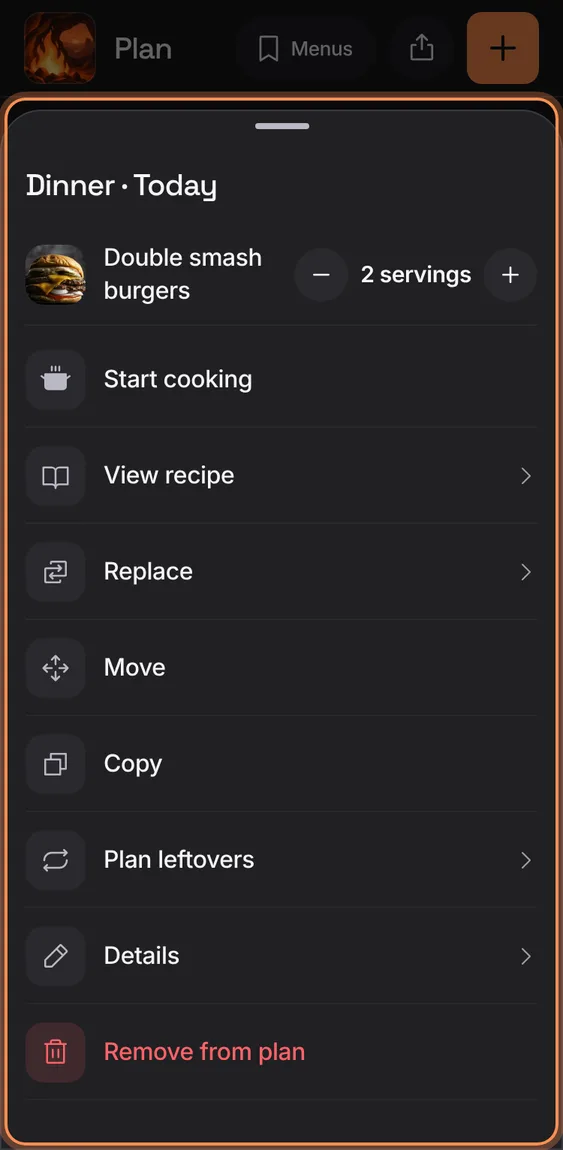
The Hub's Plan dinner opens tonight's dinner: the planned one, or the picker to choose it.
- Tap Plan dinner on the Hub.
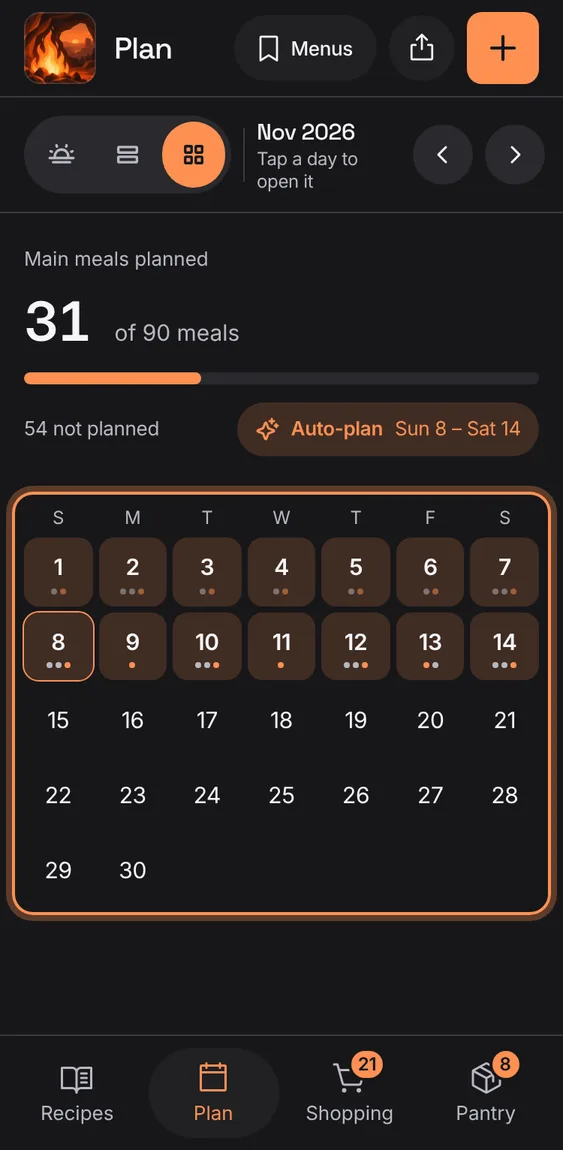
The month as a calendar with a dot for each meal; tap a day to open it.
- Tap Month in the bar.
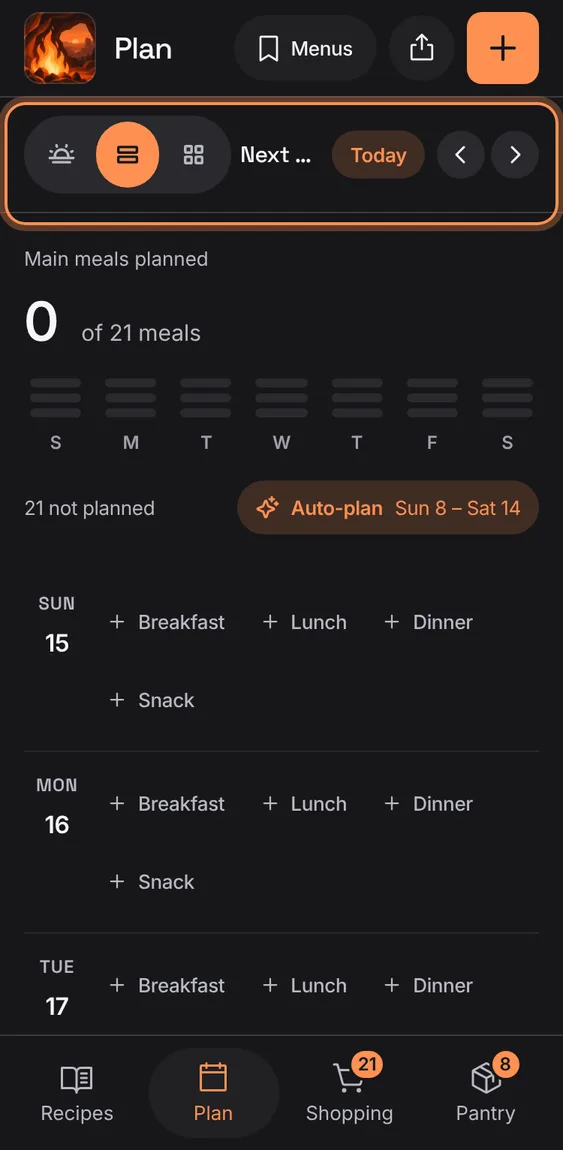
Step back or forward a day, a week or a month.
- Tap the arrows in the Plan bar.
Past days show only what was planned; a run of days with nothing planned folds into one line.
- Nothing to do.
When you've stepped to another week, day or month, Today brings you back.
- Tap Today in the bar.