Hearth
A planned meal
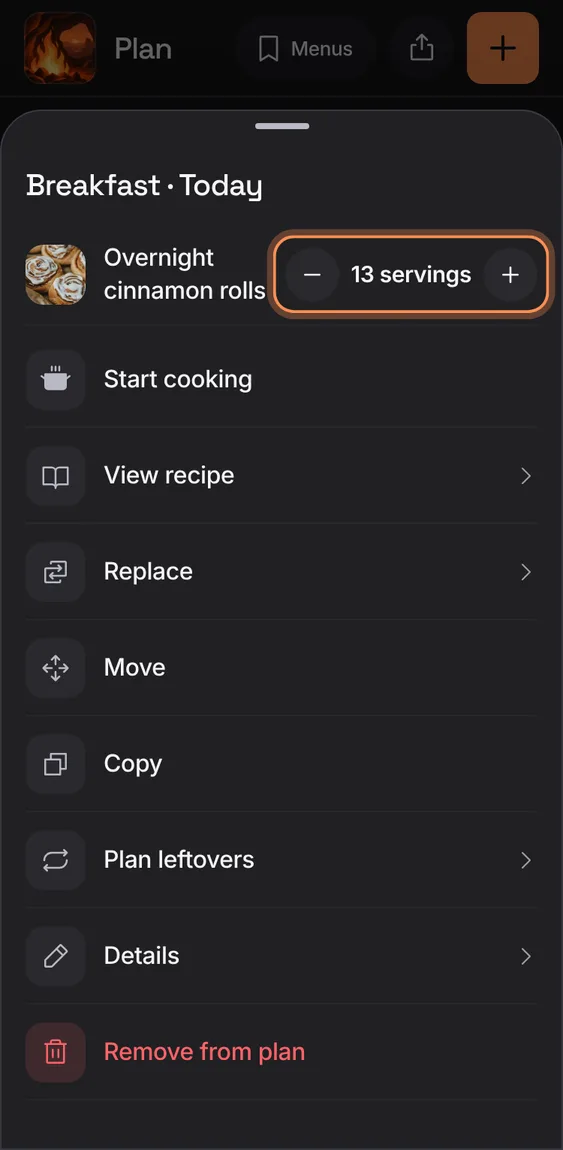
A meal opens on its actions: Start cooking, View recipe, Replace, Move, Copy, Plan leftovers, Details and Remove from plan, with its servings on top.
Every A planned meal feature
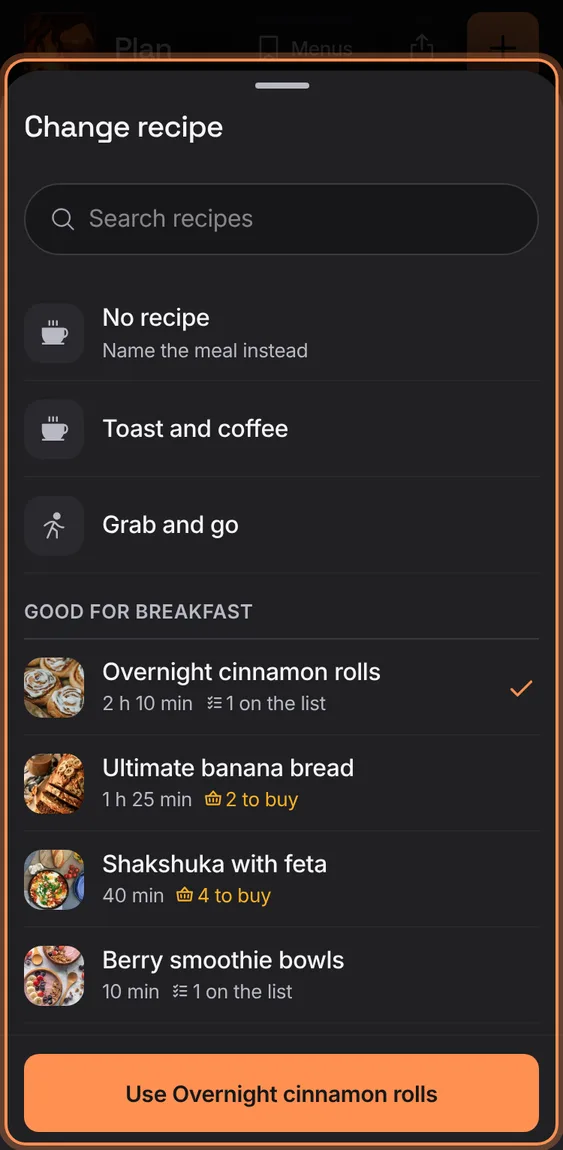
Swap a meal's recipe with the same picker, the current choice checked, or name it without a recipe.
- Details › Recipe row.
- Tap a recipe, then Use it.
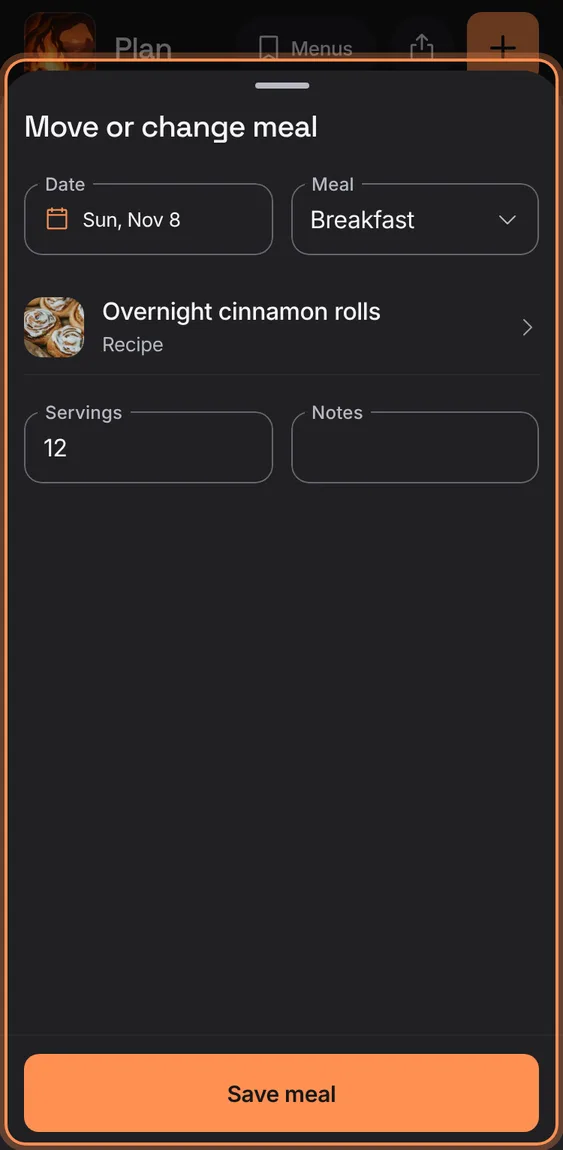
A meal's date and slot, recipe or name, servings and notes; closing with changes asks first.
- Tap a meal › Details.
- Change the recipe with the Recipe row.
- Tap Save meal.
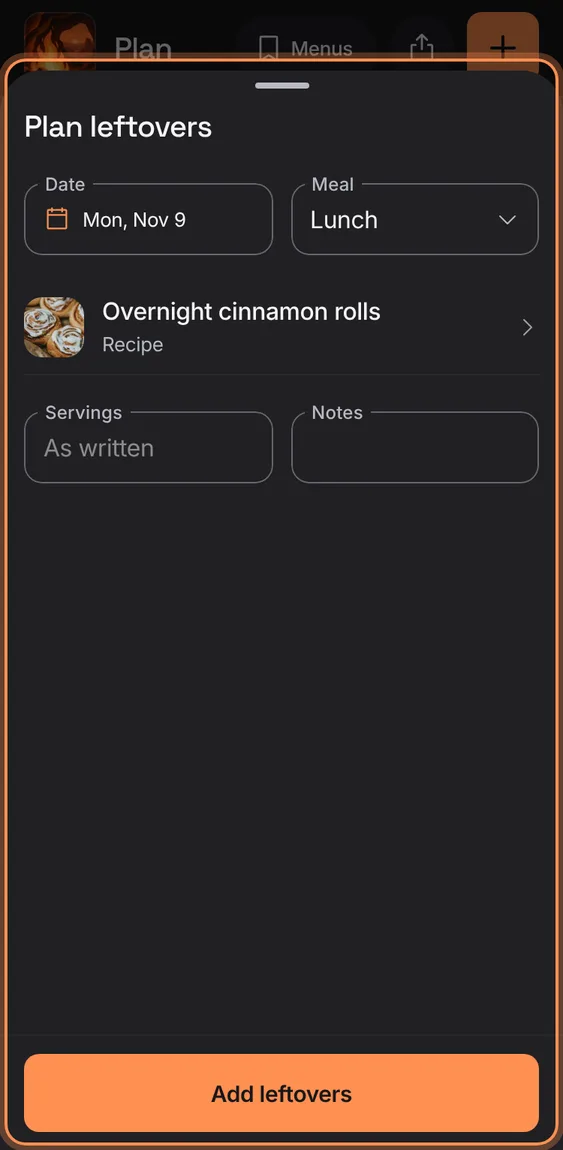
Copy a dinner to the next day's lunch as leftovers.
- Tap a meal › Plan leftovers, then Add leftovers.
Move or copy a meal by choosing Move or Copy, then tapping an open slot; no dragging needed, and Undo is on the toast.
- Tap a meal › Move (or Copy).
- Tap an open slot; Cancel stops.
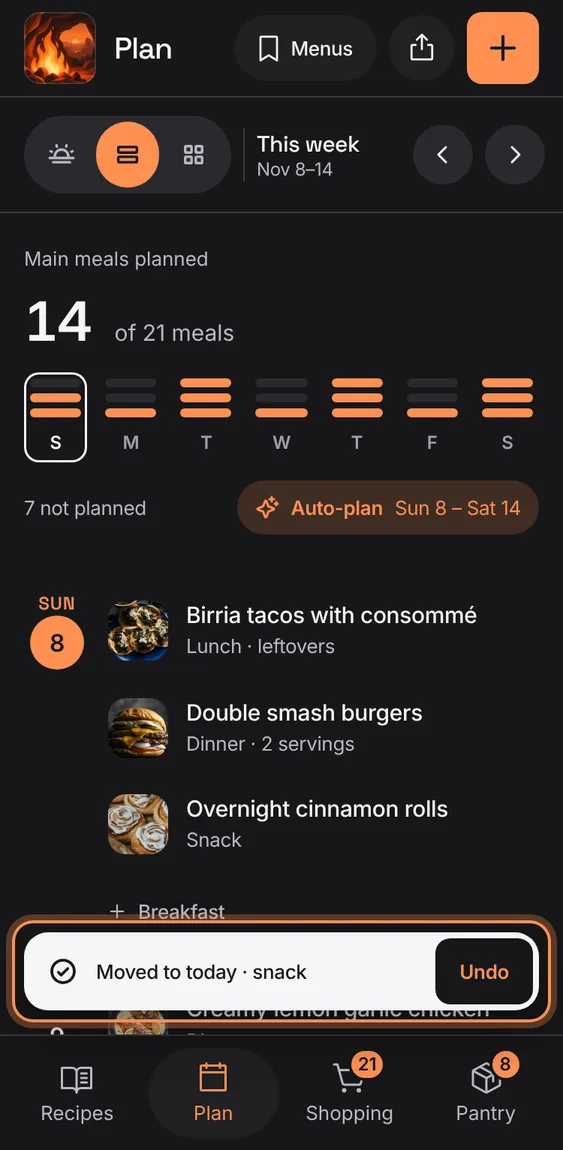
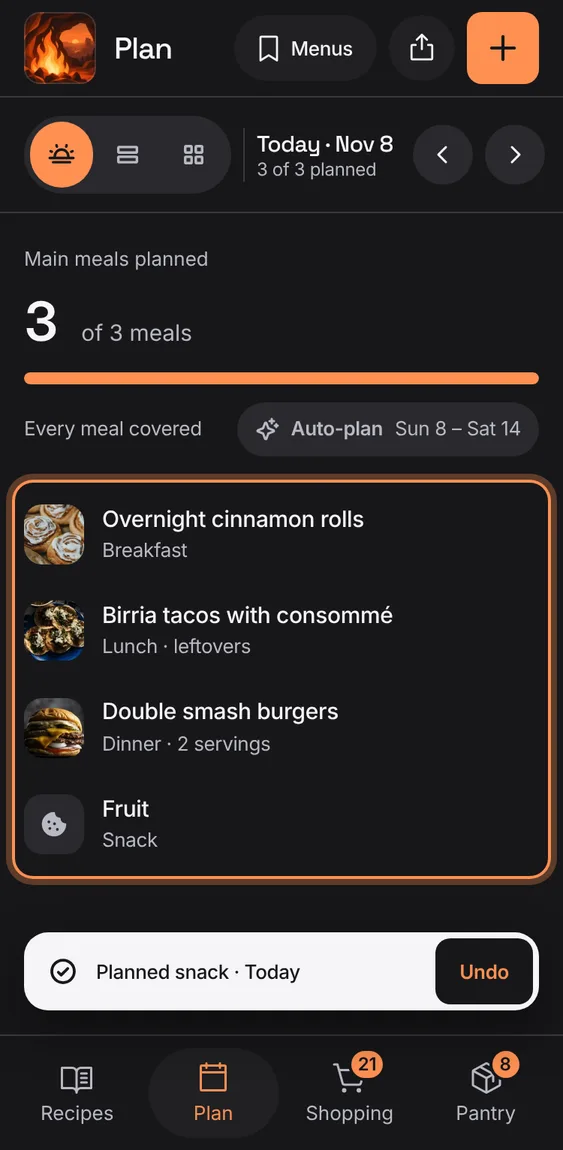
A meal can be just a name (Leftovers, Eat out, Toast and coffee), shown with its own glyph.
- Pick a quick meal, or type a name in Add a meal.
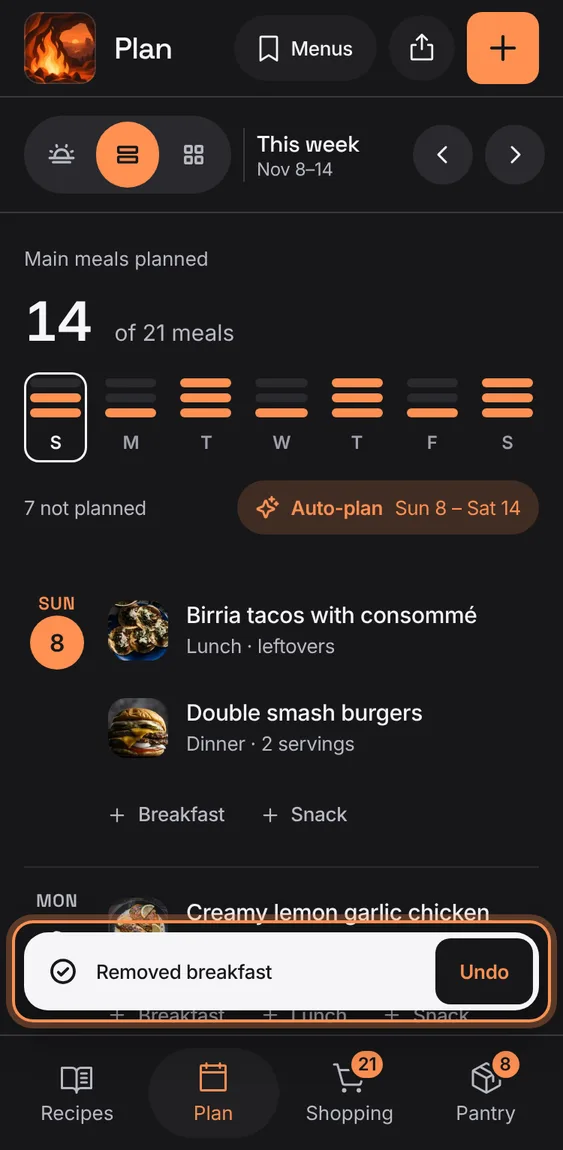
Take a meal off the plan, undone from the toast.
- Tap a meal › Remove from plan.
A planned meal has its own servings, changed right on it; the plan shows them only when they differ from the recipe's.
- Tap a meal, then − or +.