Hearth
An item
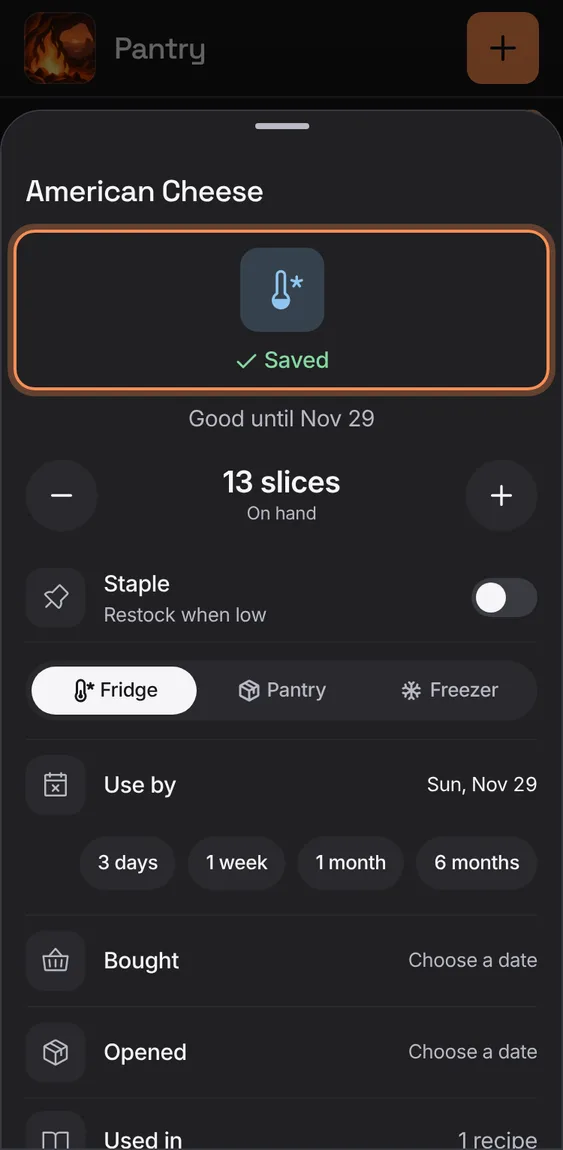
An item's sheet: on hand with − and +, Staple and its restock level, where it's kept, its use-by, bought and opened days, and how many recipes use it; every change saves as you make it.
Every An item feature
Every change in an item's sheet saves at once, with a ring while saving and a tick once saved.
- Nothing to tap: there's no Save.
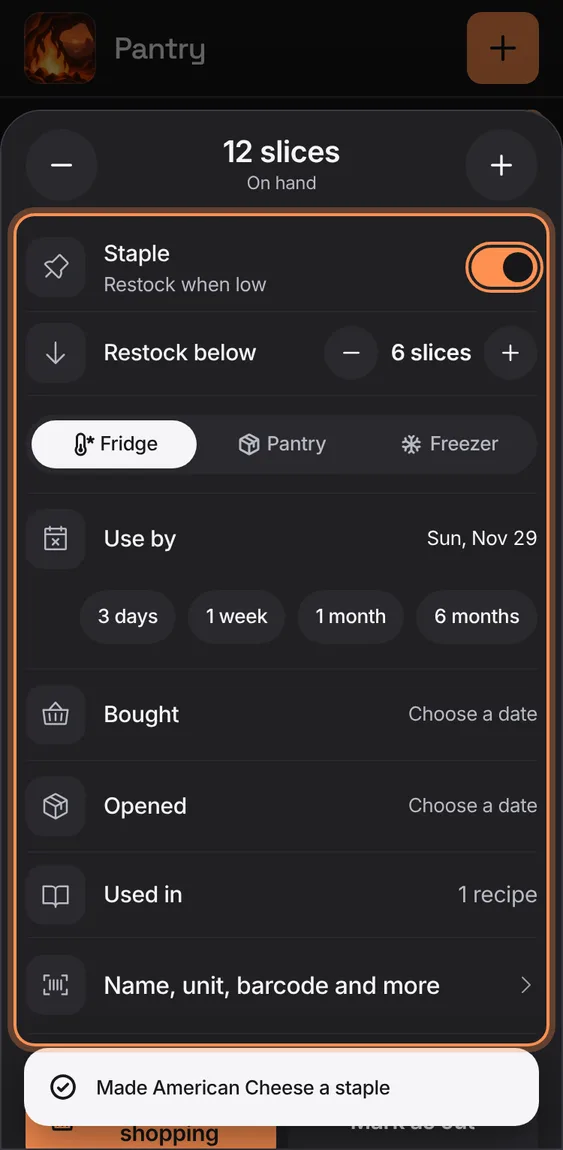
Make an item a staple and set the level it's restocked below; it goes on the list when it runs low.
- In the item's sheet, turn on Staple and set Restock below.
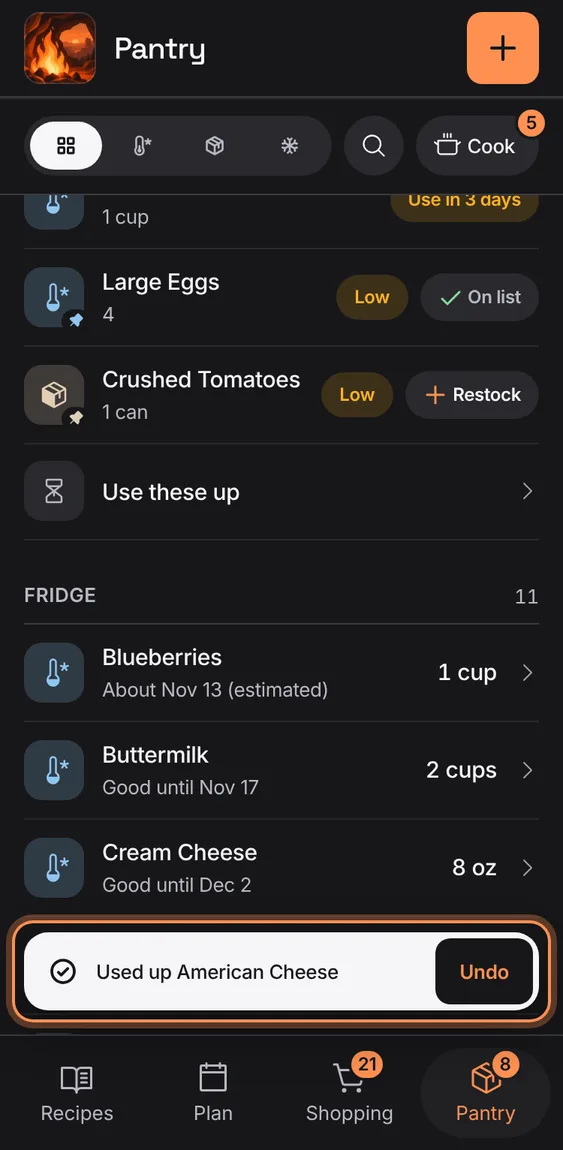
Used up takes an item away; for a staple, Mark as out sets it to none and adds it to shopping. Both undo from the toast.
- Tap Used up (or Mark as out) in the item's sheet.