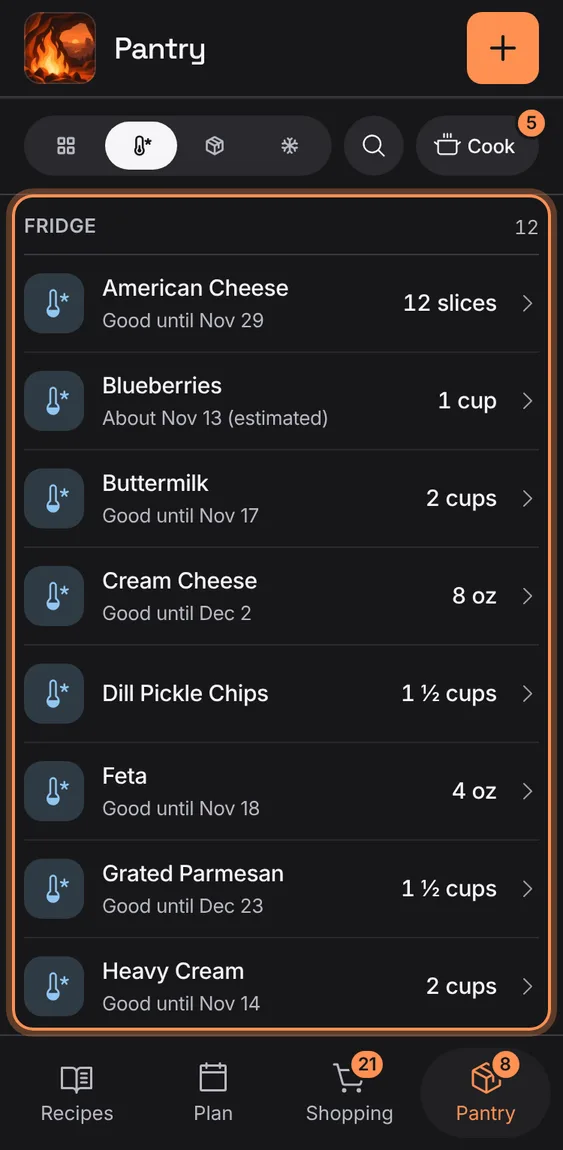
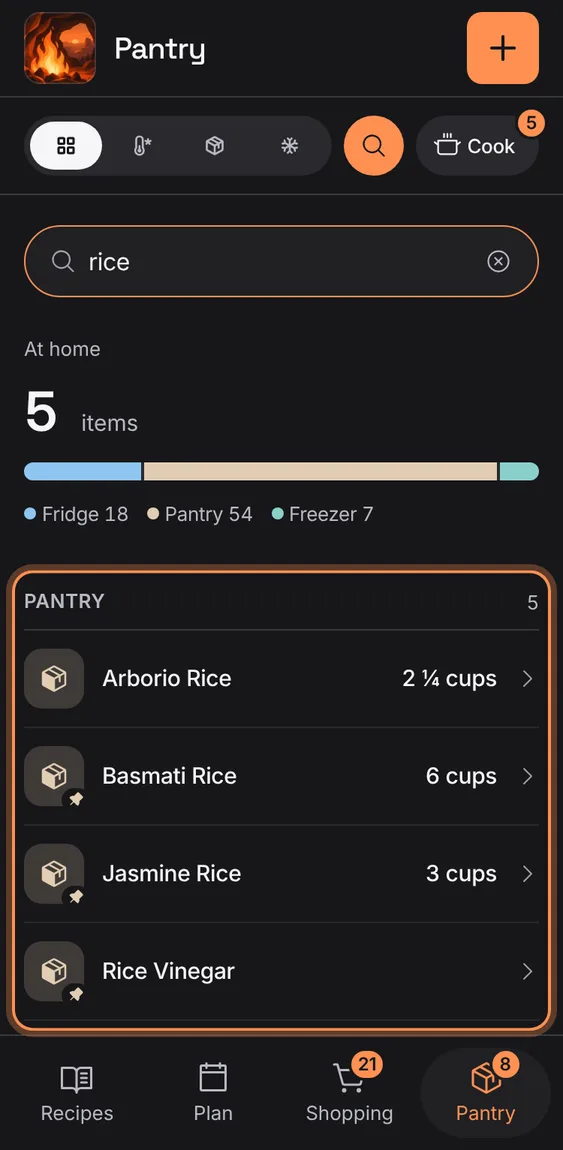
Every item with its amount and use-by, by where it's kept; staples are restocked when they run low, and "always have" items are never counted short.
Every Pantry and staples feature
16
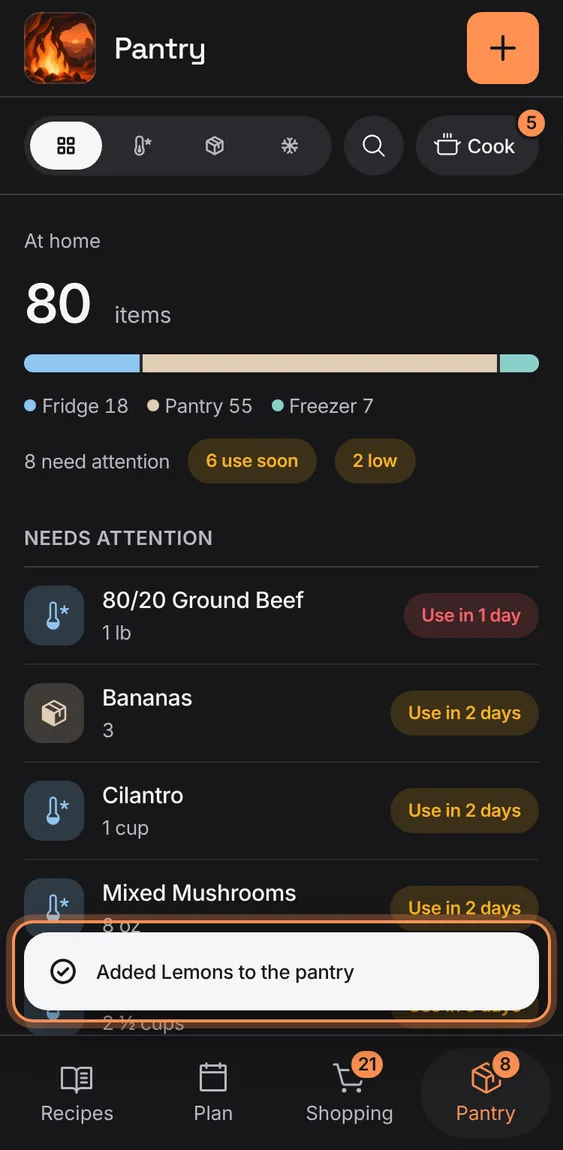
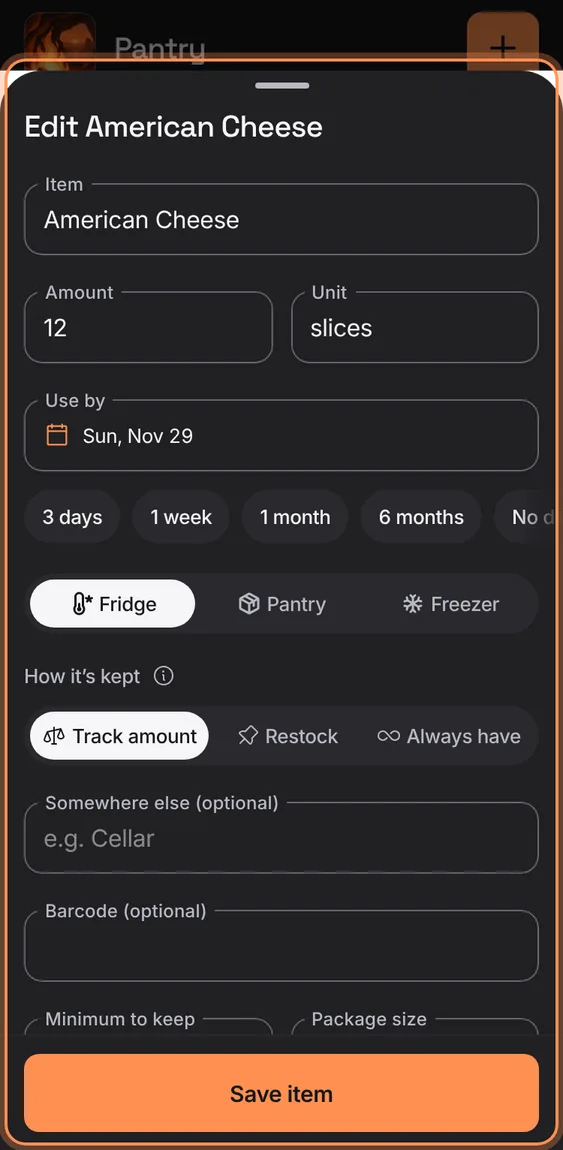
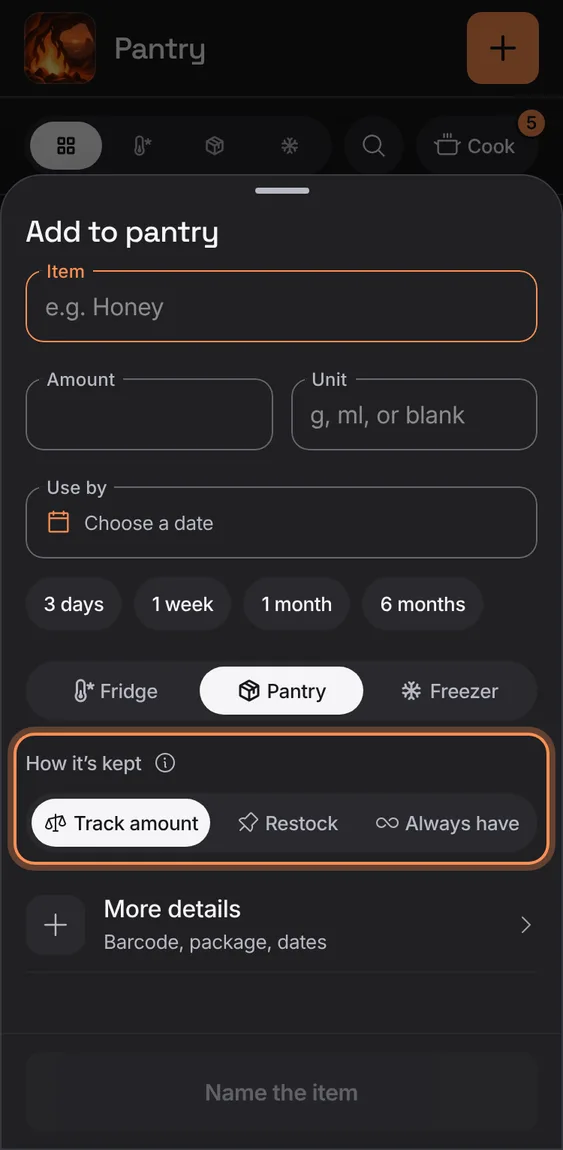
Add an item with its amount, use-by (with quick dates), where it's kept and how: Track amount, Restock, or Always have.
Tap +.
More details holds barcode, package size, minimum, and bought and opened days.
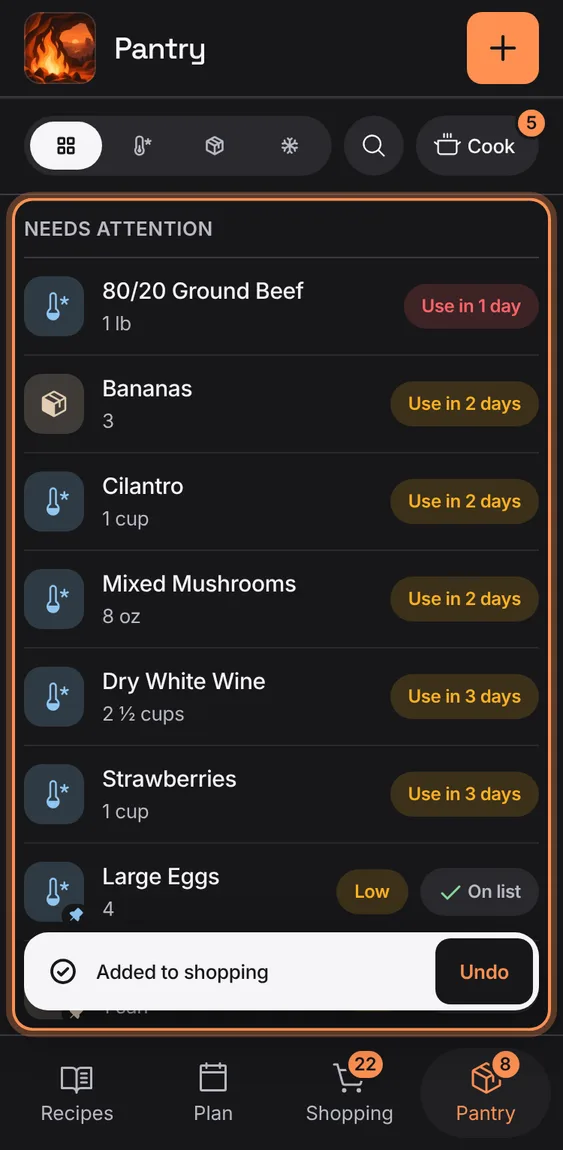
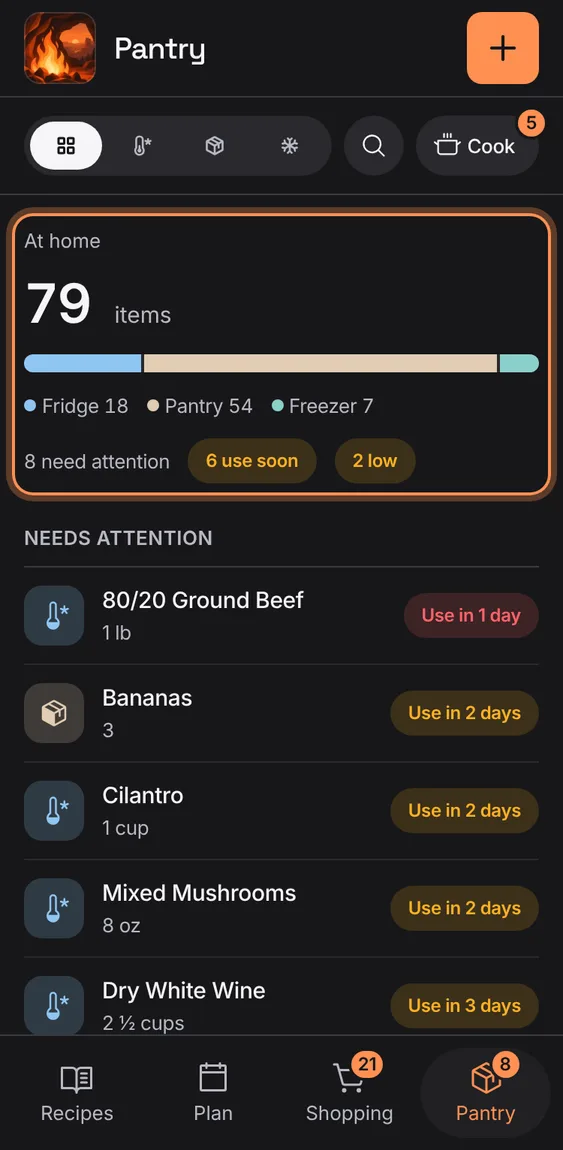
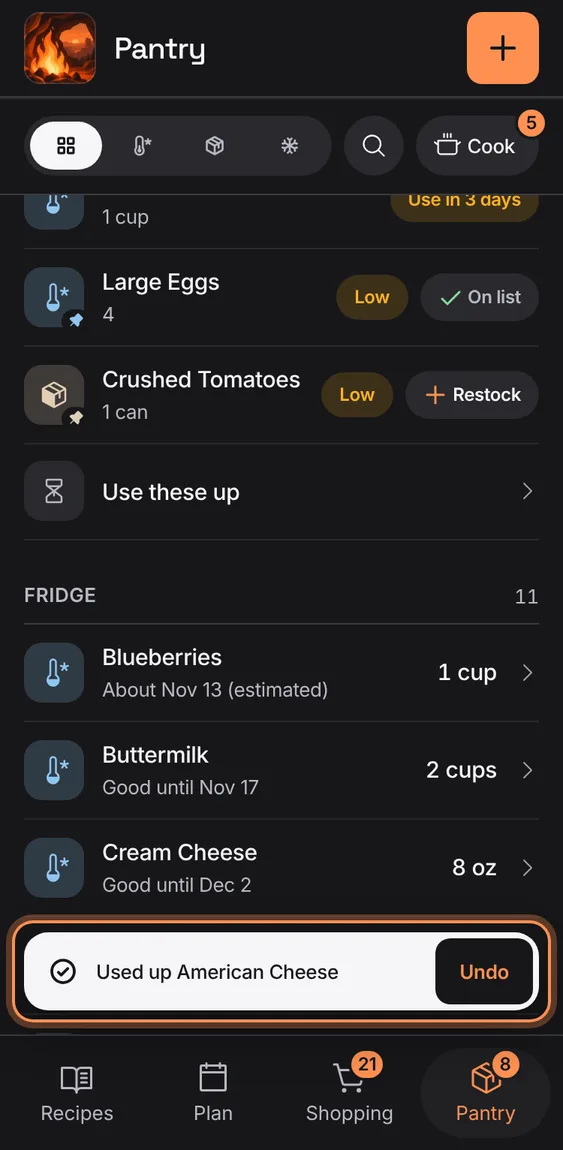
Items to use soon, past their date, running low or out, each with a pill ("Use in 2 days", "Low", "Out") and Restock on low ones.
Tap Restock on a row, or Restock N in the section head.
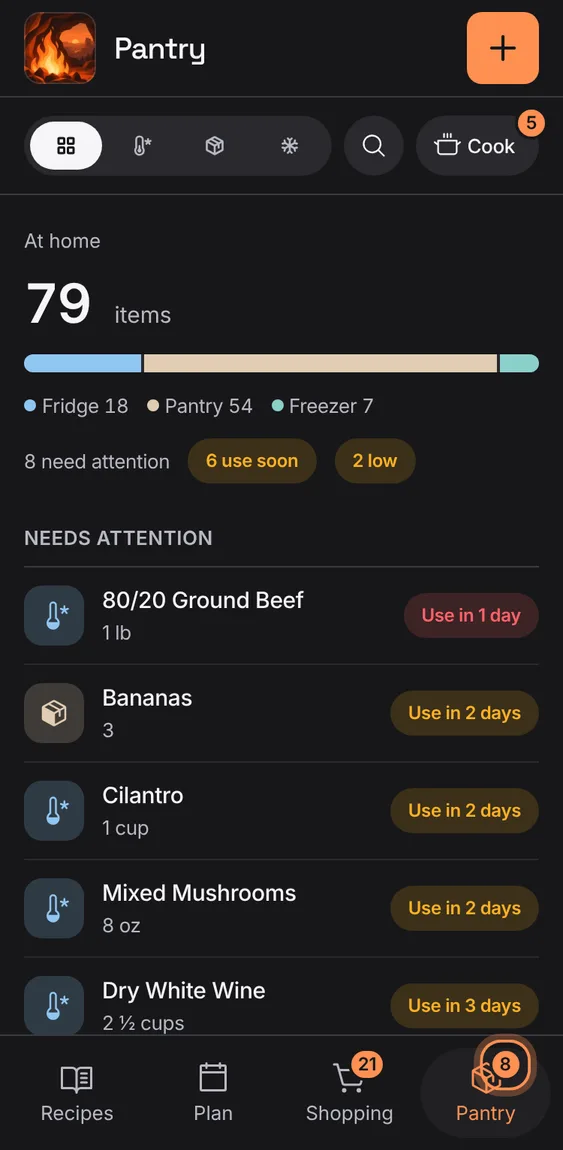
The Pantry tab counts what needs attention, not everything you have.
Read the number on the tab.
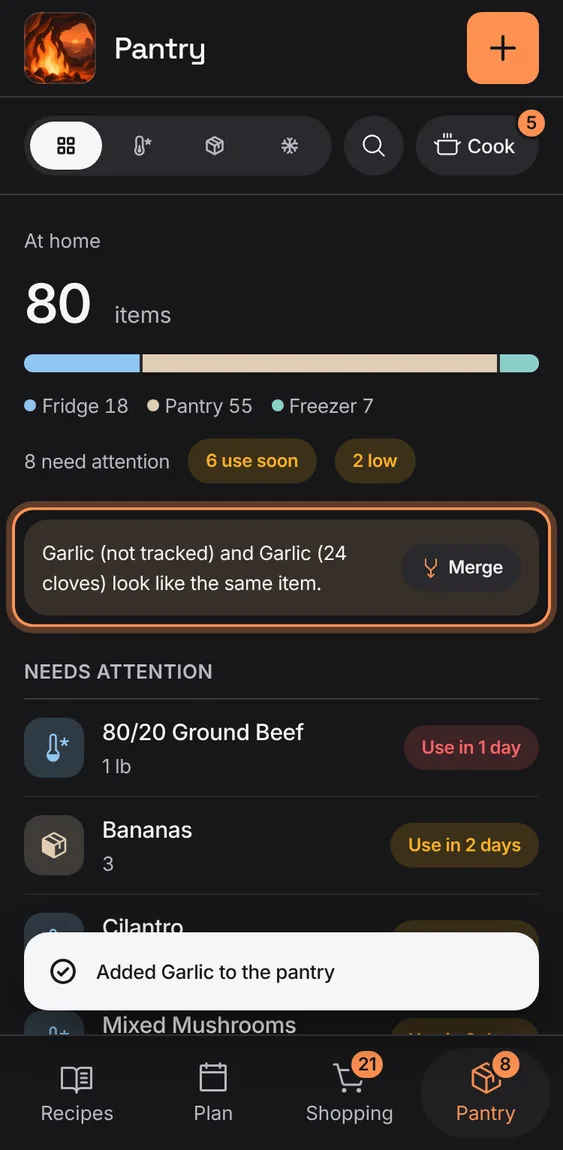
Two items that look like the same food are pointed out, with Merge.
Tap Merge to keep one item with both amounts.
Every field of an item: its name, amount and unit, use-by, place, package size, minimum, barcode and dates; or delete it, with Undo.
Item › Name, unit, barcode and more.
Tap Save item.
An empty pantry says to add what's in your kitchen, and a place with nothing in it says so.
Tap + to add the first item.
Not in the demo. Shows before anything is saved; the demo has sample data.
How many items are at home, a bar split by place with its key in words, and how many need attention, use soon and are low.
Read it at the top of Pantry.
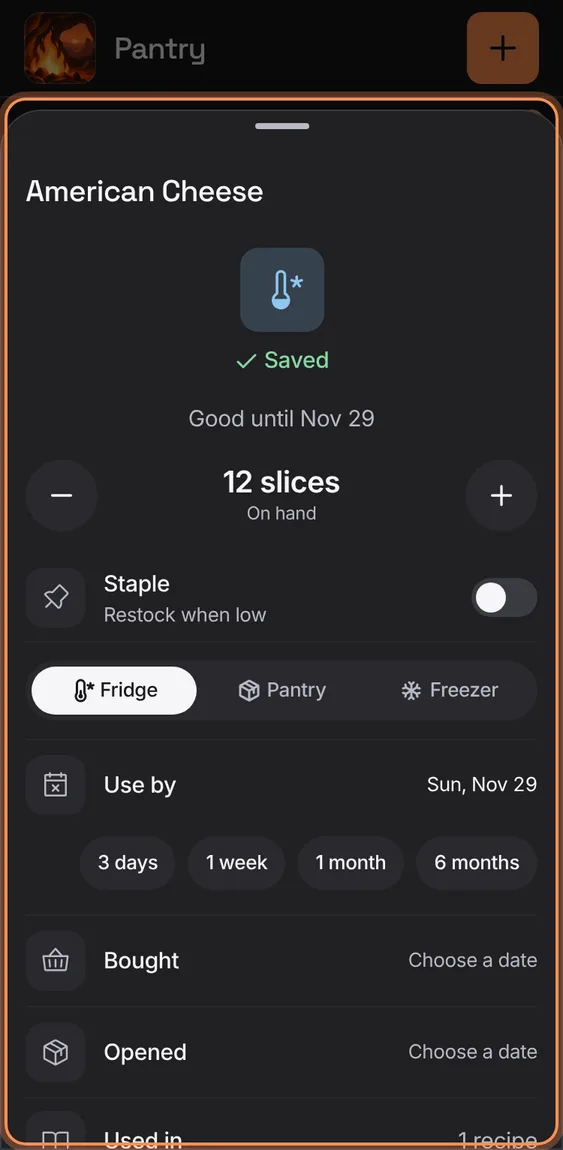
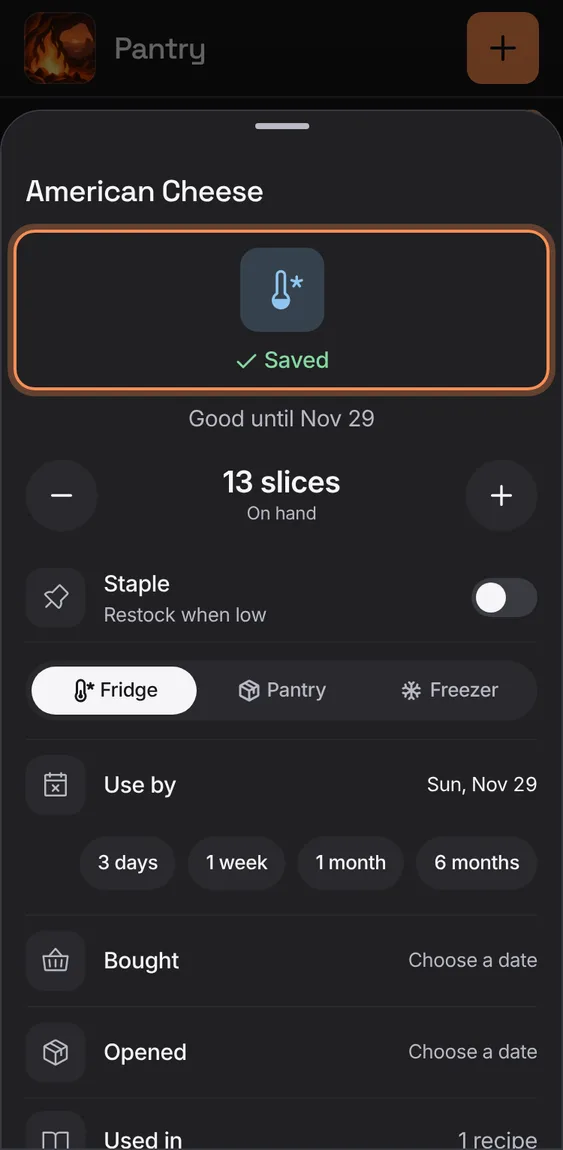
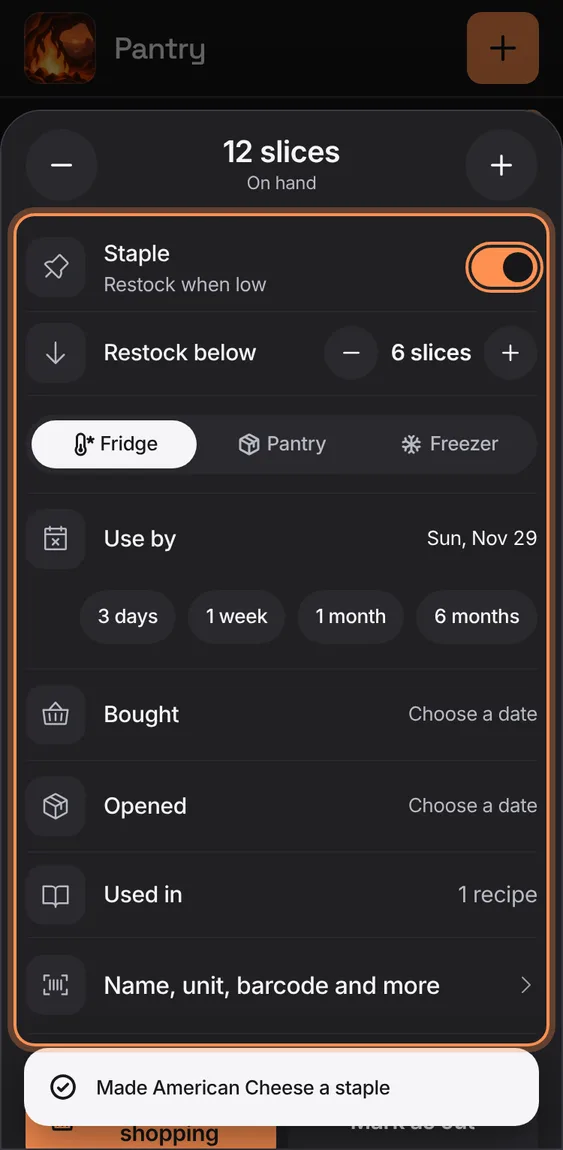
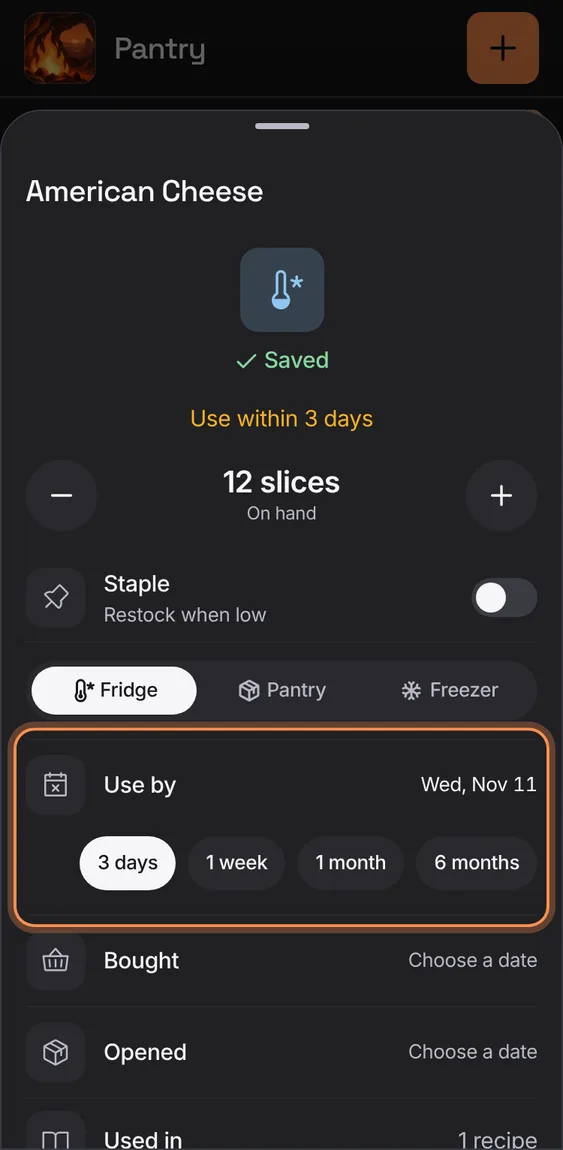
An item's sheet: on hand with − and +, Staple and its restock level, where it's kept, its use-by, bought and opened days, and how many recipes use it; every change saves as you make it.
Tap an item.
Add to shopping (or Restock), or Used up / Mark as out, with Undo.
 Hearth