Alluvium
Edit plan
Change the month's plan: income, every bucket and group, with the total planned against income.
Every Edit plan feature
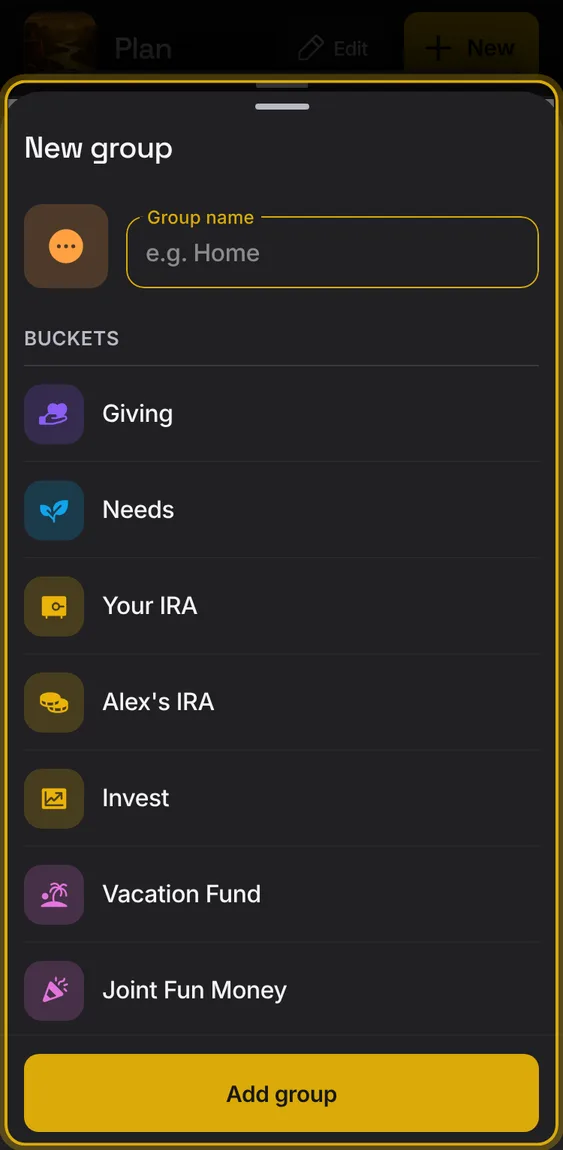
Add a bucket or a group from Plan's + or from Edit plan.
- Tap + → New bucket or New group.
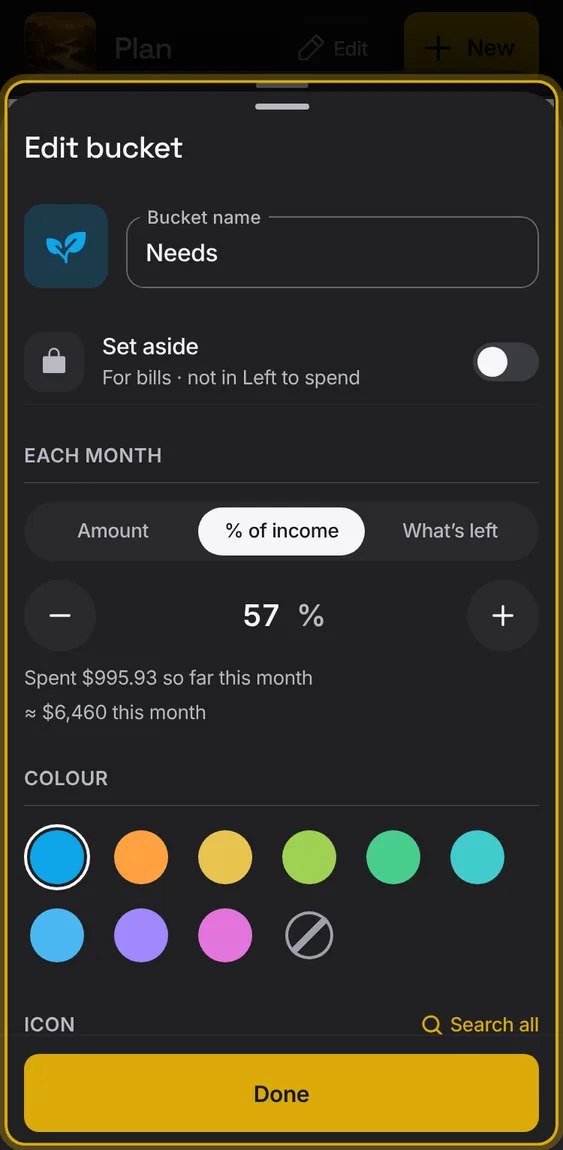
A bucket's name, amount (dollars, % of income or what's left), Set aside, group, colour and icon.
- Tap a bucket in Edit plan.
- Delete it from its sheet, with Undo.
- Search all finds any icon by name or meaning.
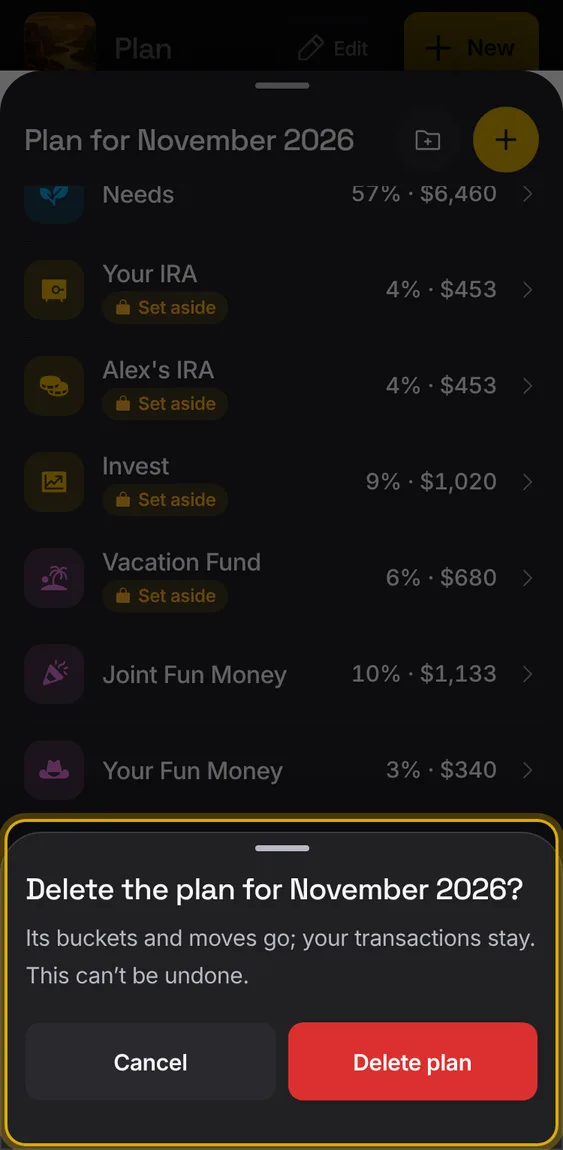
Delete this month's plan; its buckets and moves go, your entries stay.
- Last row of Edit plan, then confirm.
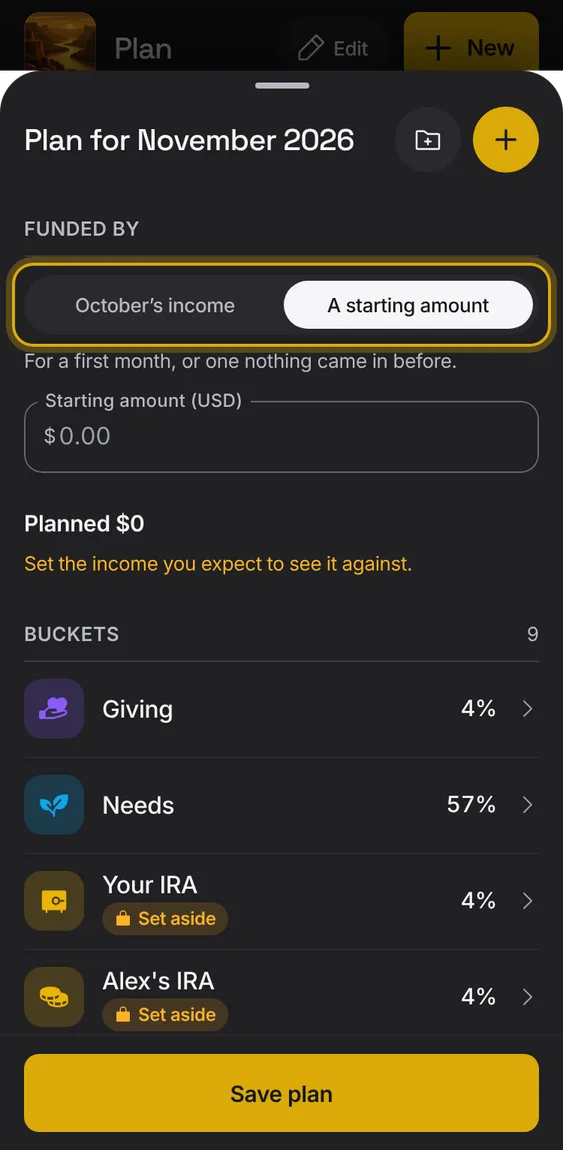
A month is funded by last month's income, or starts from an amount you set.
- In Edit plan, under Funded by, choose last month's income or A starting amount.
- A starting amount is for a first month, or one nothing came in before.