Alluvium
Actions
What a rule does to a matching entry. Each rule can have up to ten.
Every Actions feature
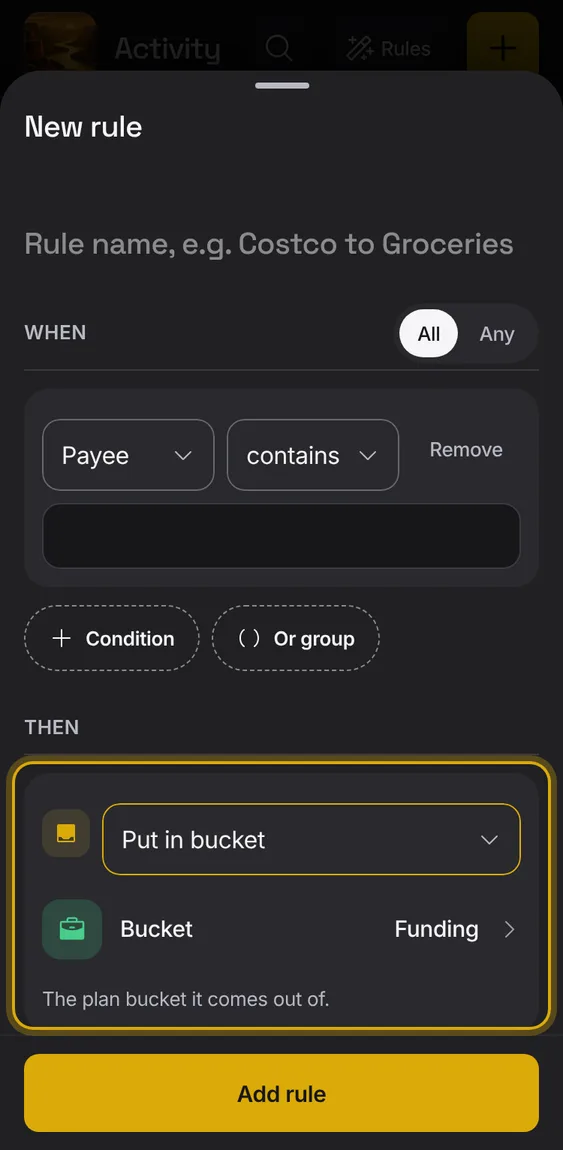
Put the entry in a plan bucket.
- Under Then, choose Put in bucket.
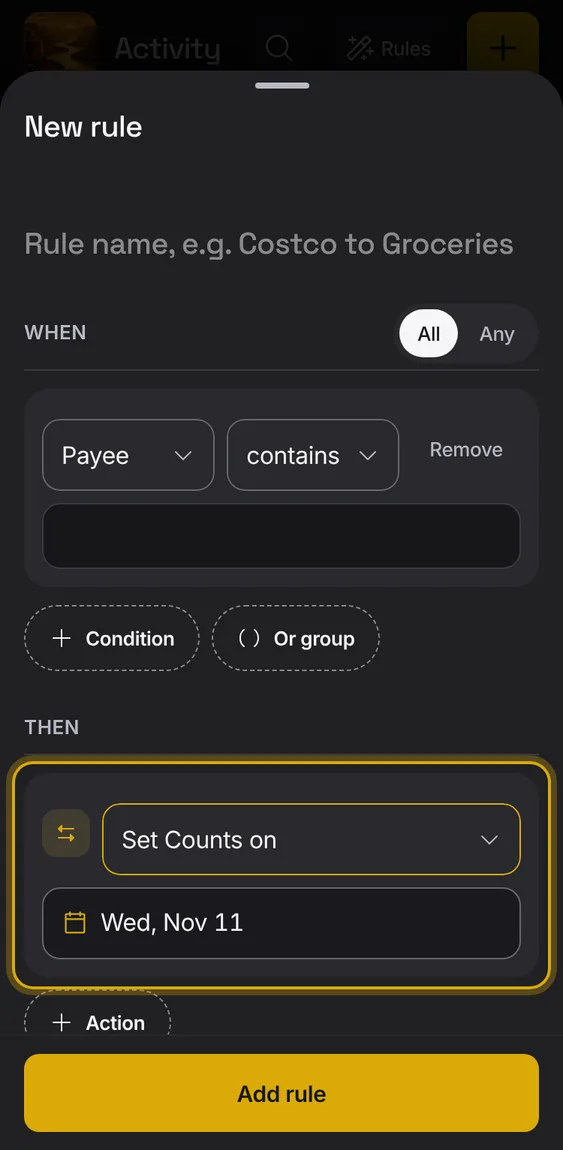
Set the day the entry counts in plans.
- Under Then, choose Set Counts on.
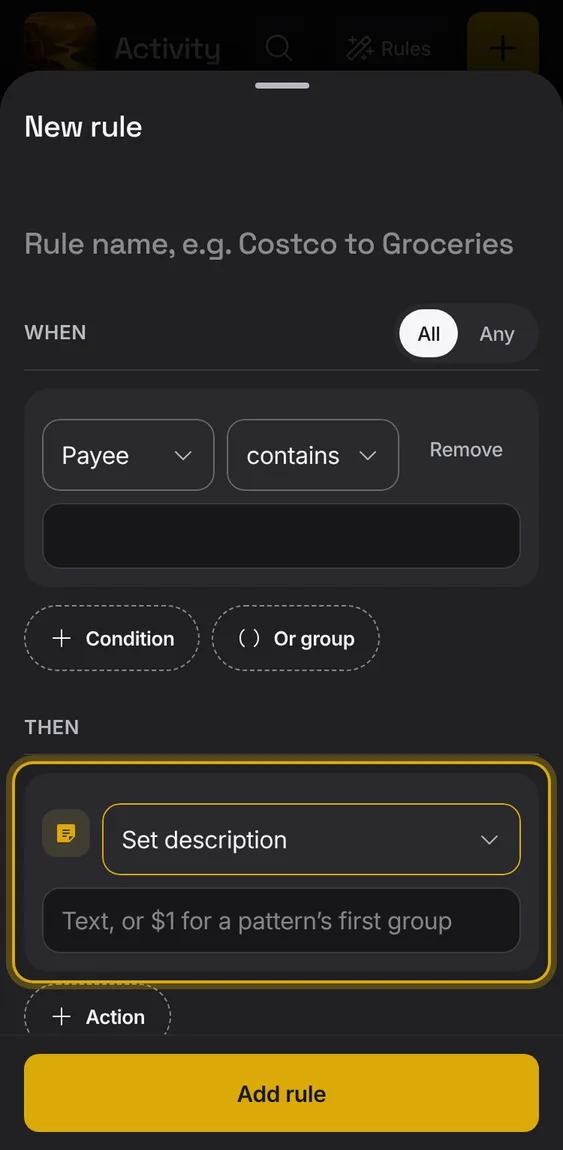
Set the description, using parts of the bank's text if you like.
- Under Then, choose Set description.
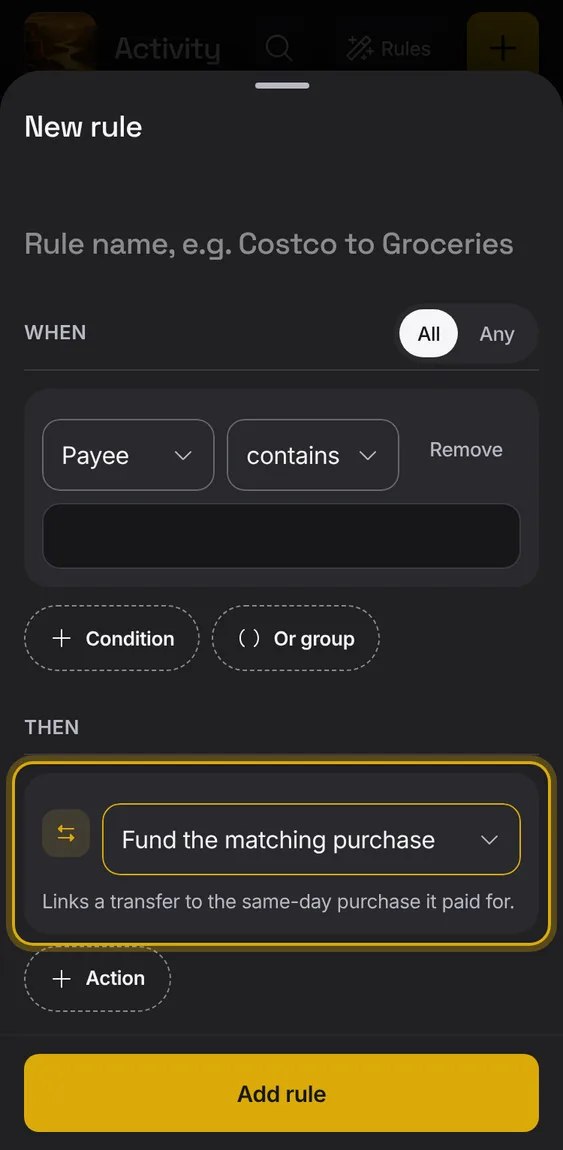
Link a transfer to the same-day purchase it paid for.
- Under Then, choose Fund the matching purchase.
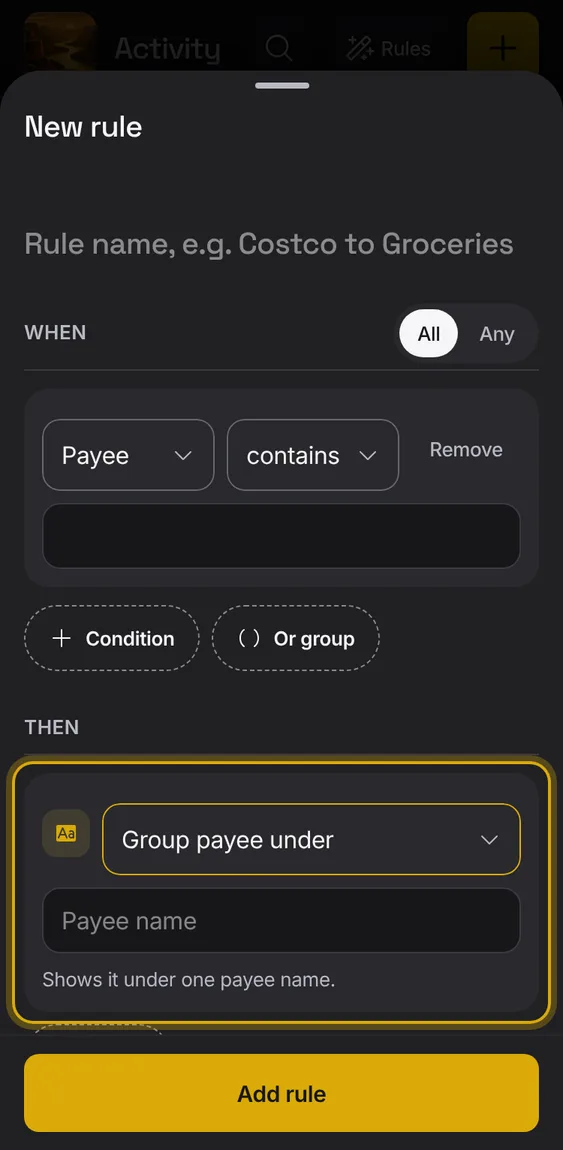
Show the entry under one payee name, without changing the bank's text.
- Under Then, choose Group payee under.
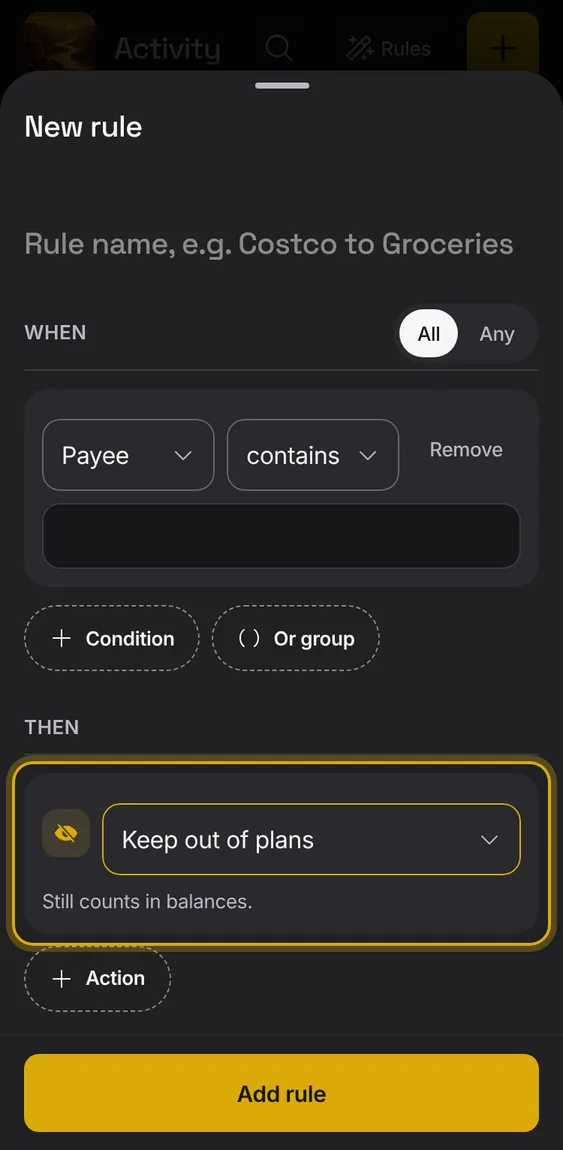
Keep the entry out of plans; it still counts in balances.
- Under Then, choose Keep out of plans.
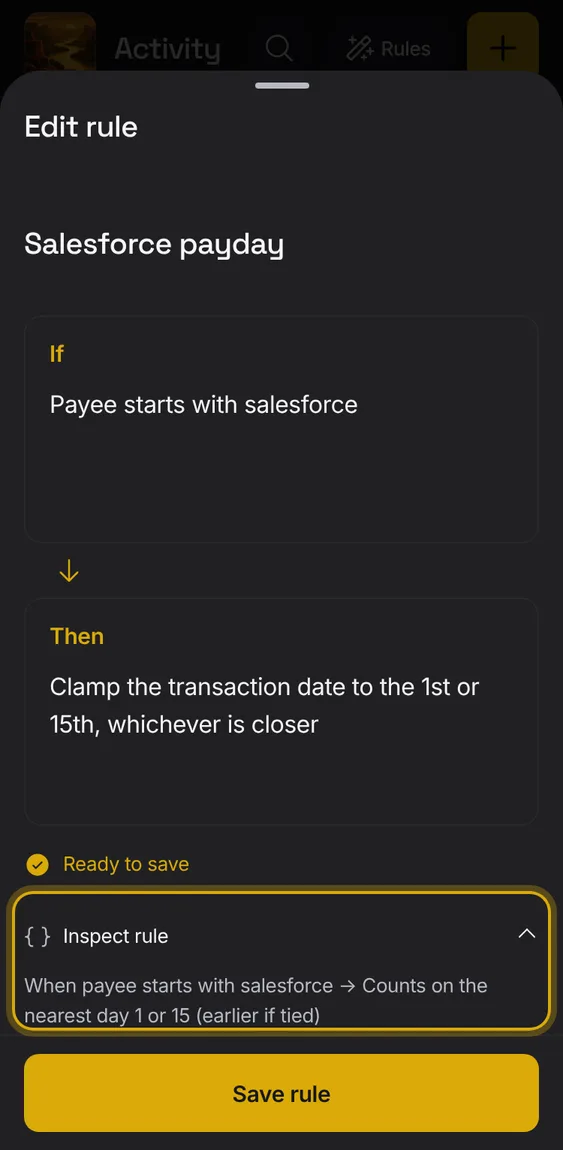
Rules written in your words can also shift Counts on, set or append notes, format the payee, replace text, and clear or remove tags, buckets and splits.
- Write it in Then; Inspect rule shows the action.
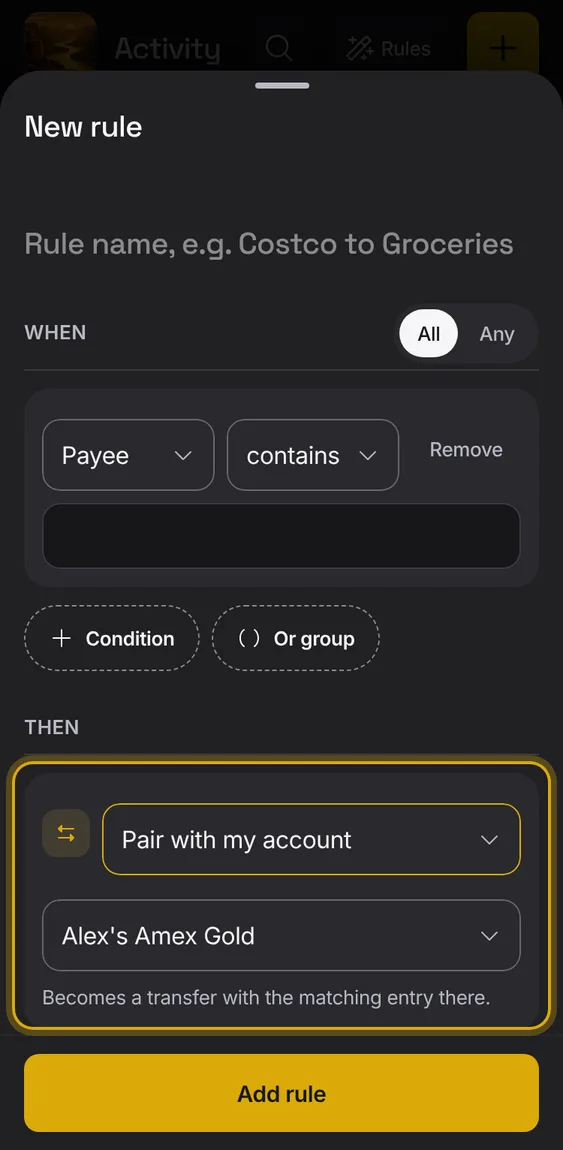
Make the entry a transfer with the matching entry in one of your accounts.
- Under Then, choose Pair with my account.
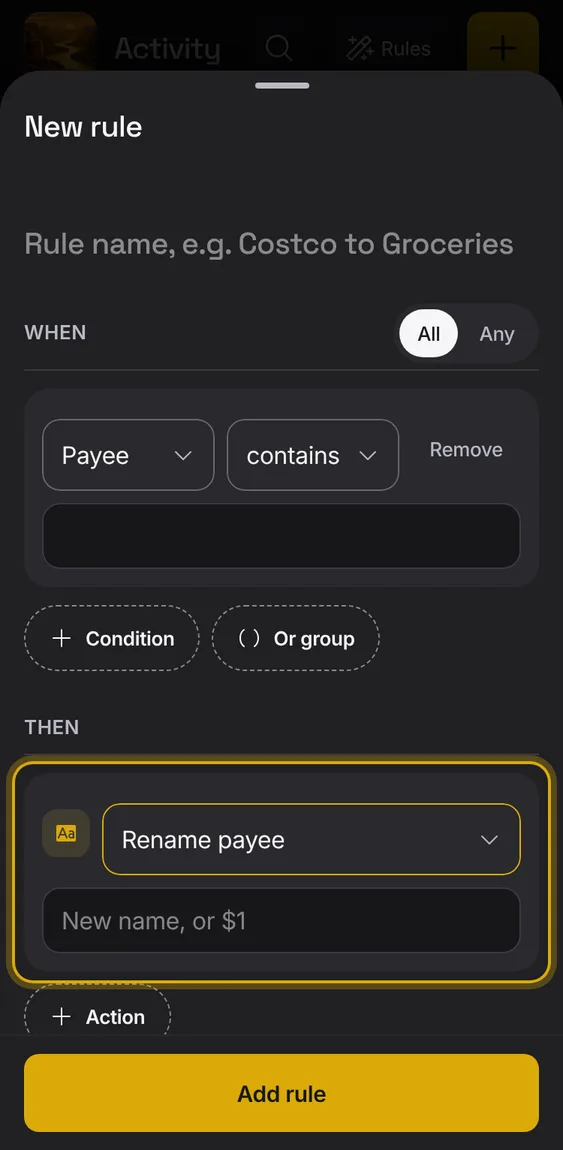
Give the payee a new name, using parts of the bank's text if you like.
- Under Then, choose Rename payee.
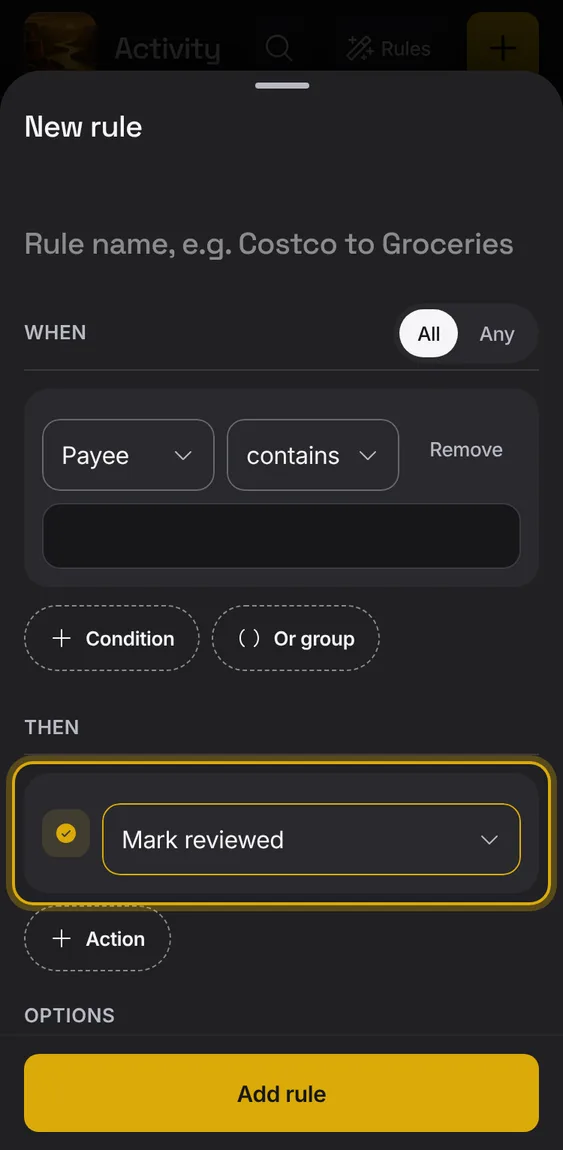
Mark the entry reviewed.
- Under Then, choose Mark reviewed.
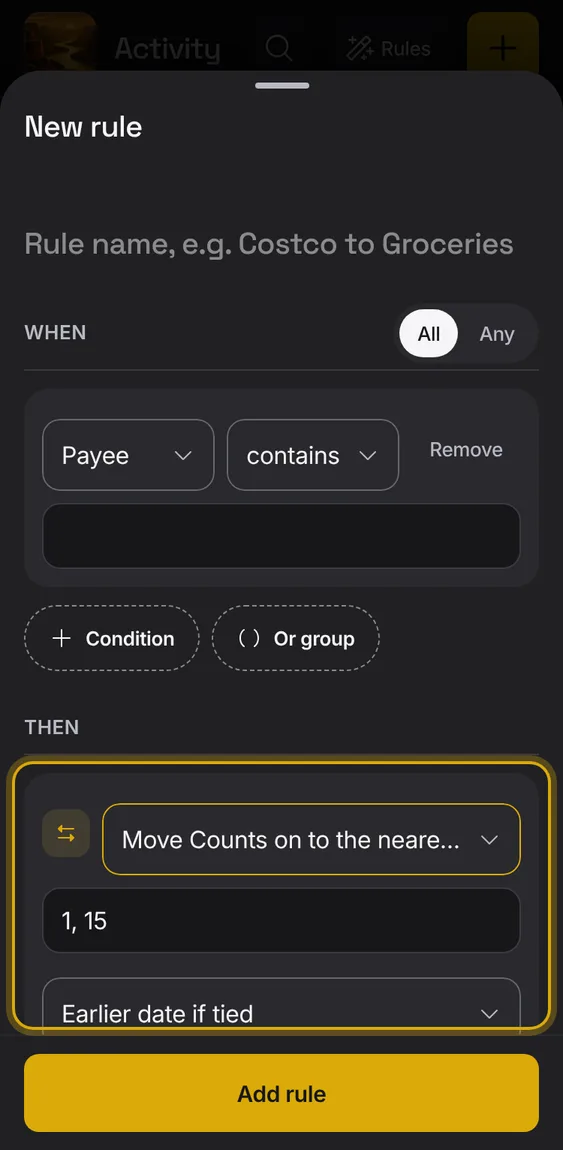
Move Counts on to the nearest of chosen days of the month, like the 1st or 15th.
- Under Then, choose Move Counts on to the nearest day.
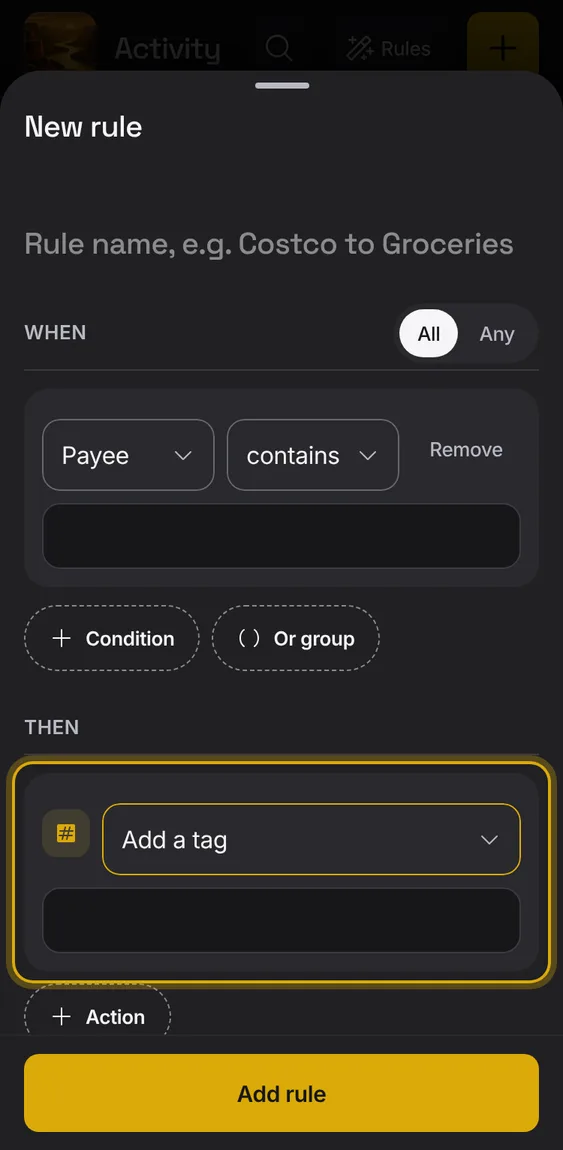
Add a tag to the entry.
- Under Then, choose Add a tag.