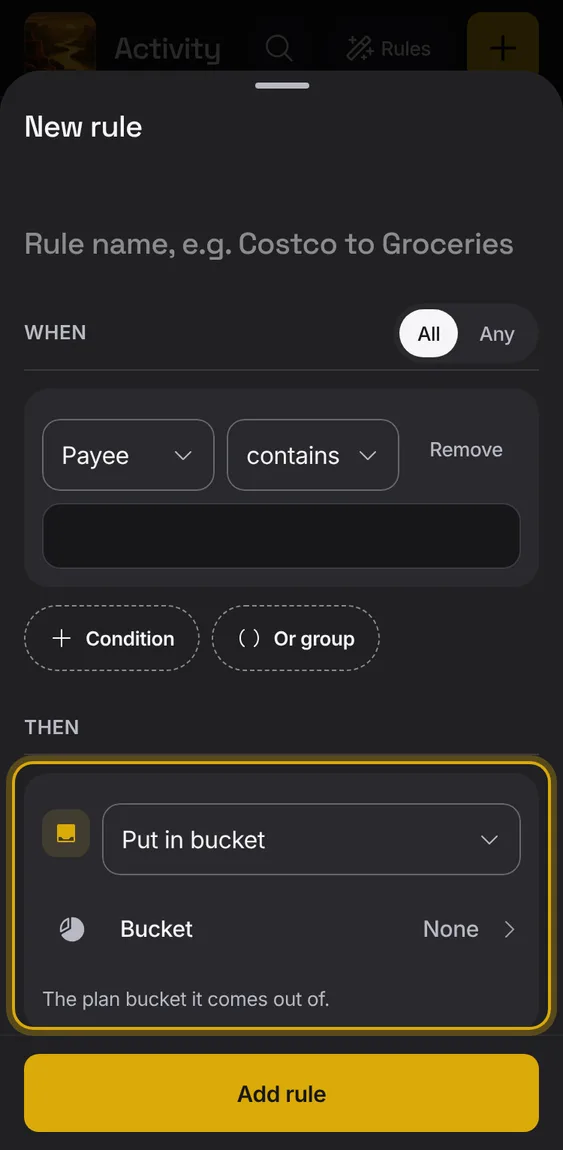
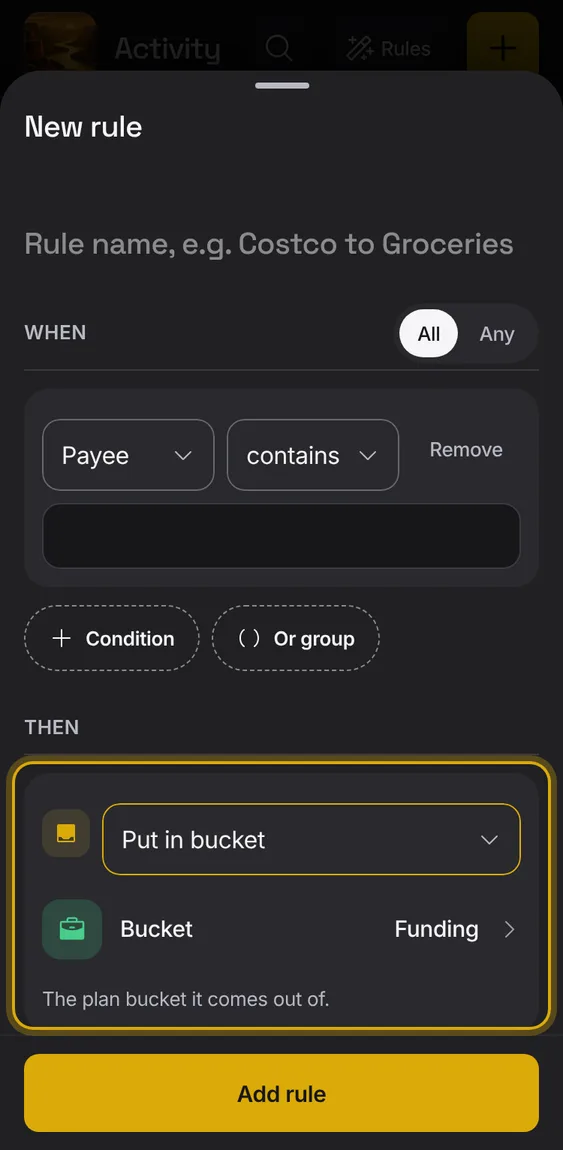
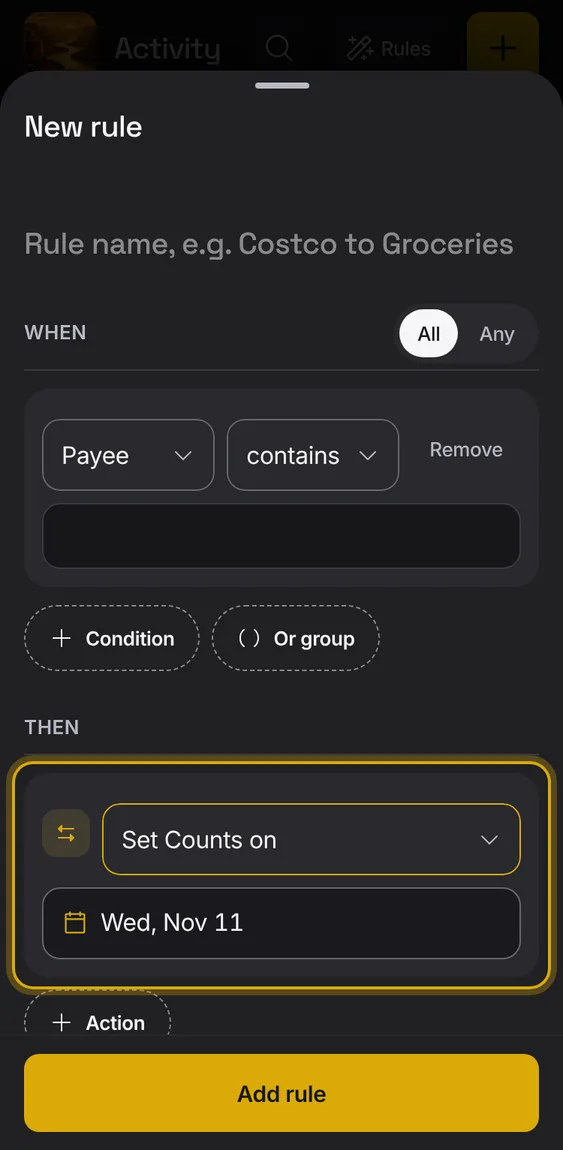
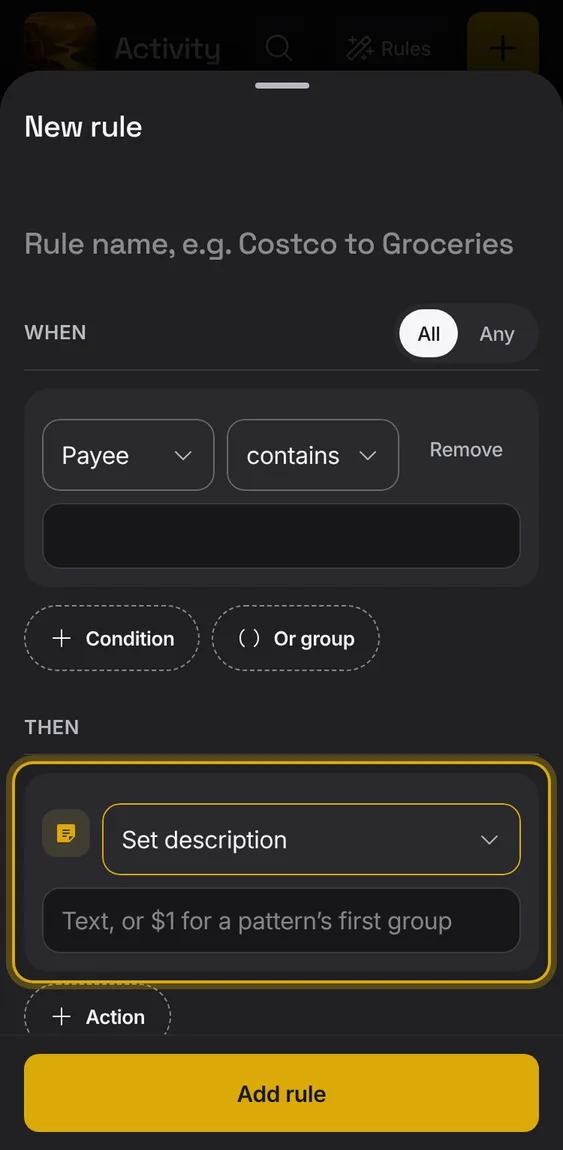
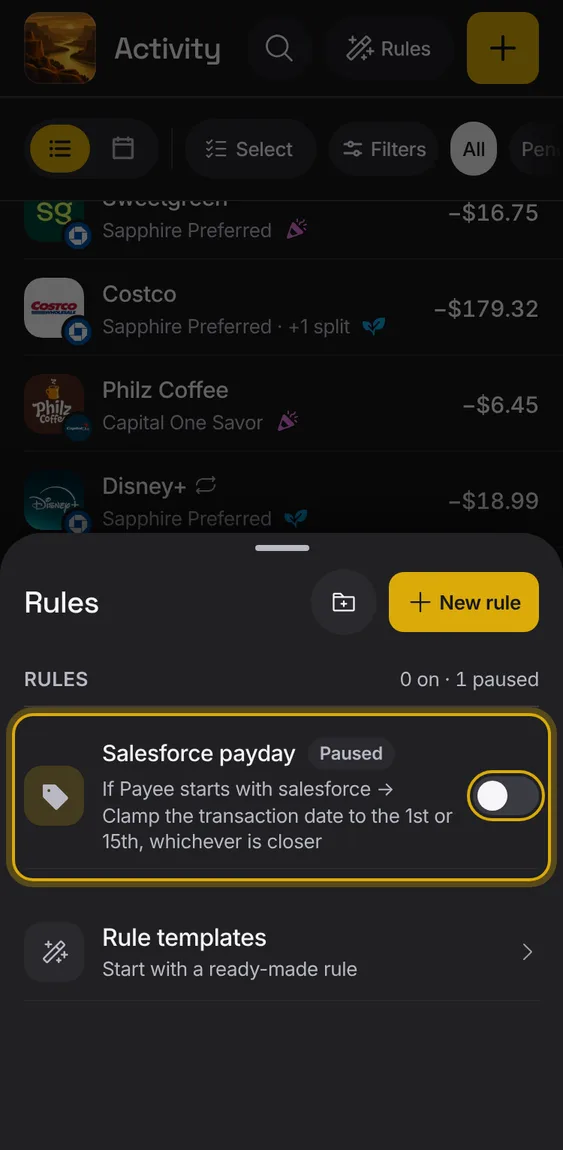
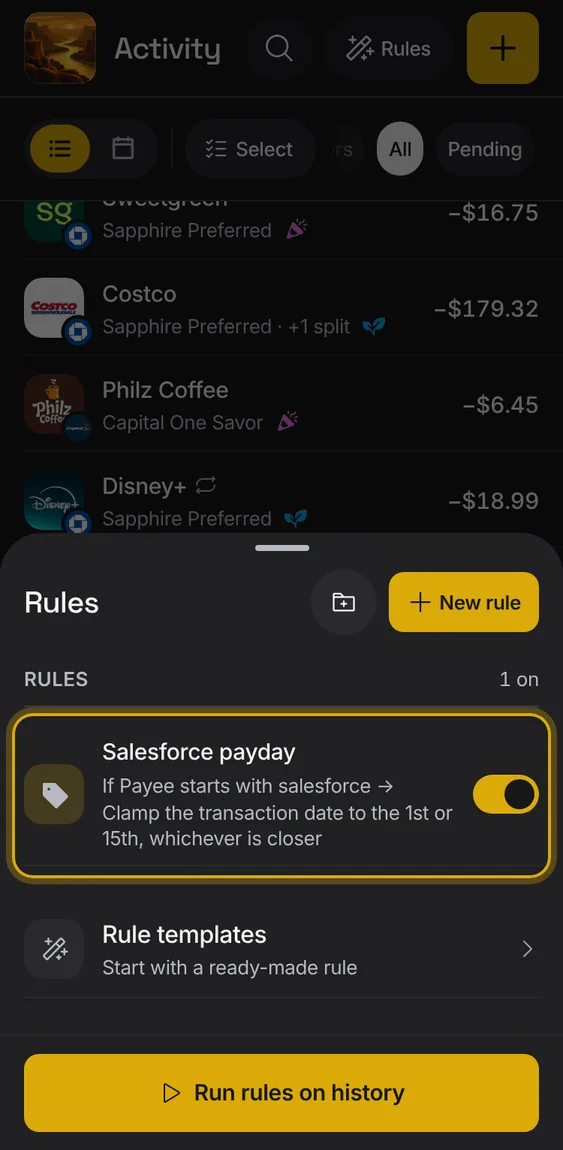
Set the description, using parts of the bank's text if you like.
Under Then, choose Set description.
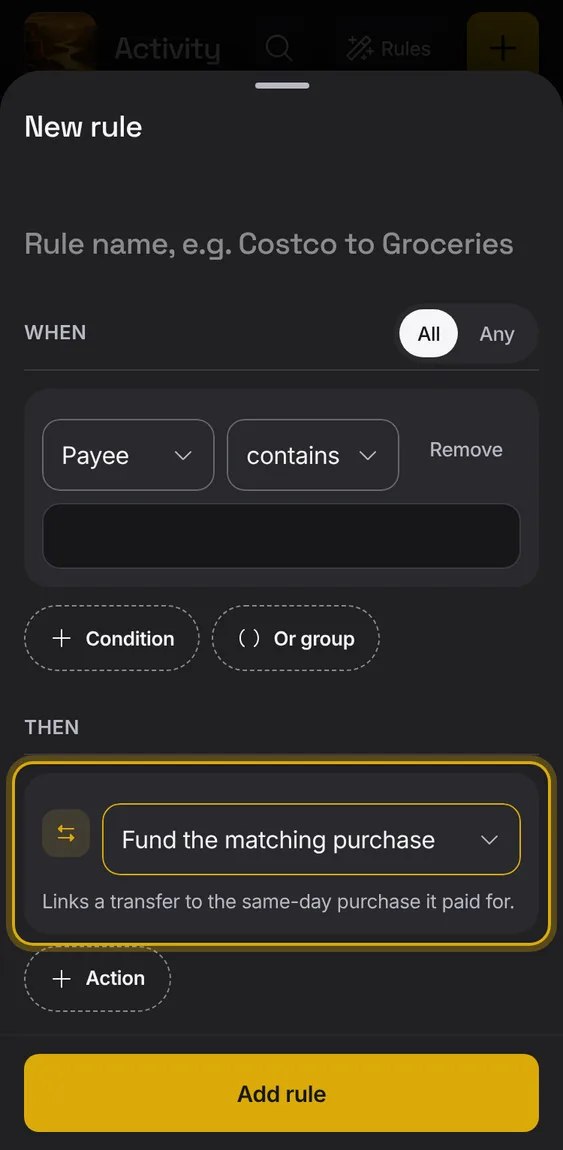
Link a transfer to the same-day purchase it paid for.
Under Then, choose Fund the matching purchase.
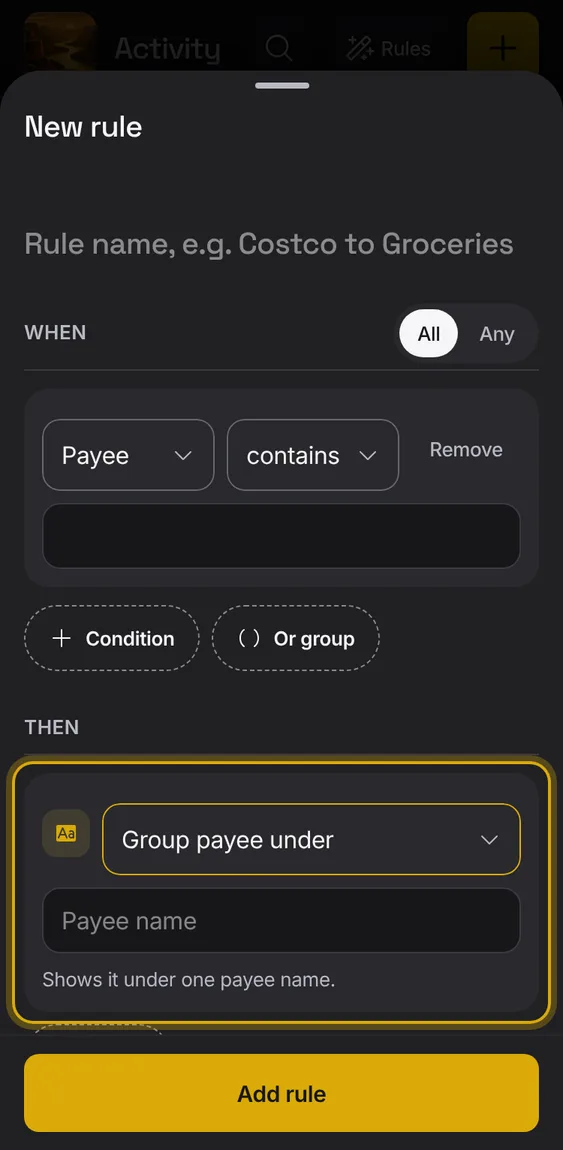
Show the entry under one payee name, without changing the bank's text.
Under Then, choose Group payee under.
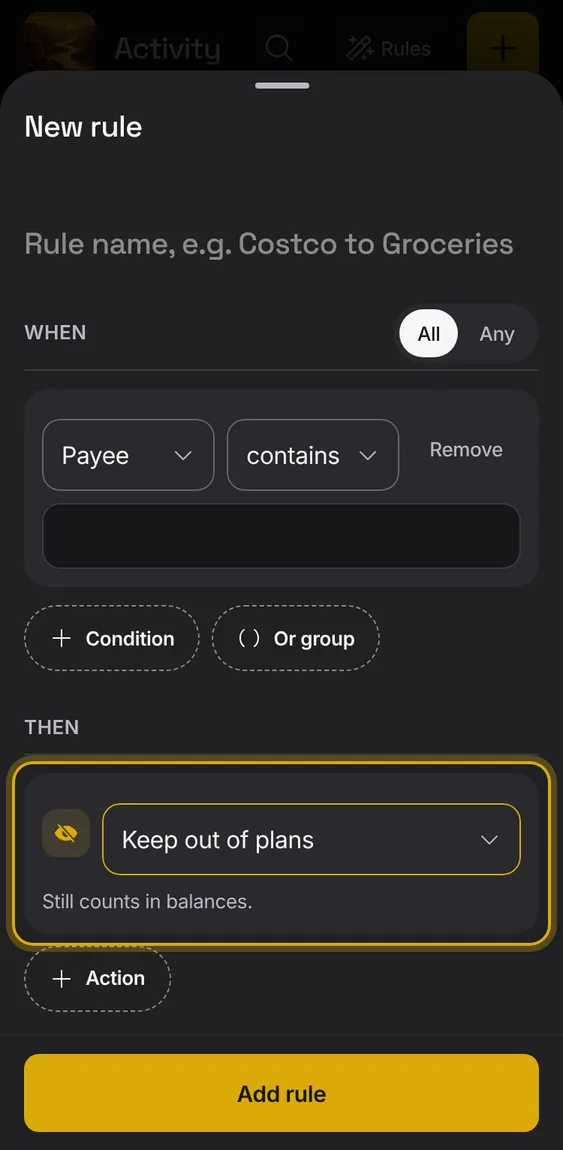
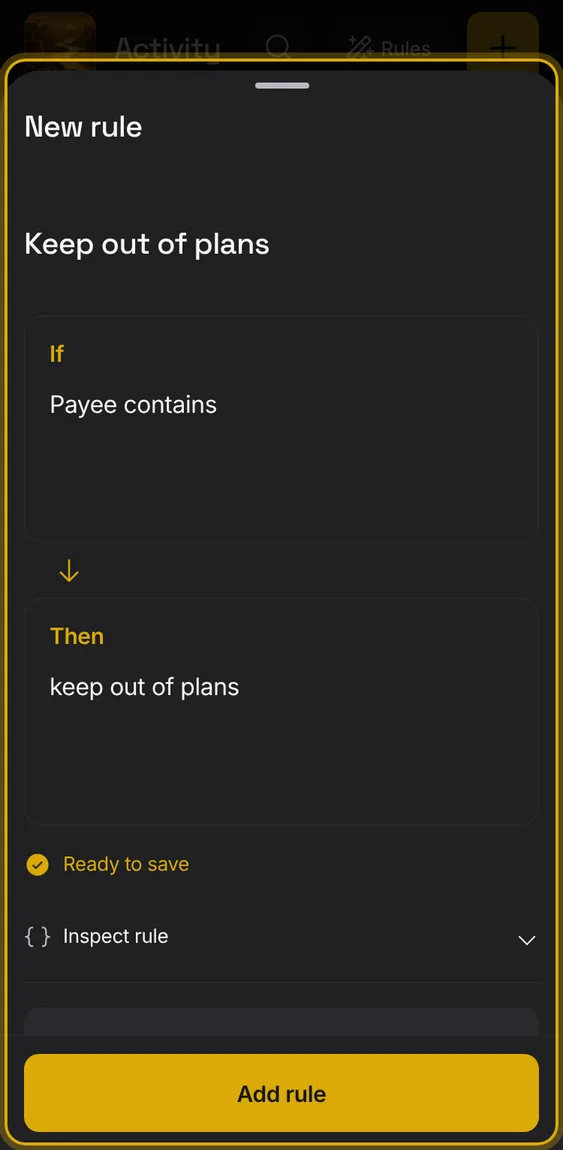
Keep the entry out of plans; it still counts in balances.
Under Then, choose Keep out of plans.
Rules written in your words can also shift Counts on, set or append notes, format the payee, replace text, and clear or remove tags, buckets and splits.
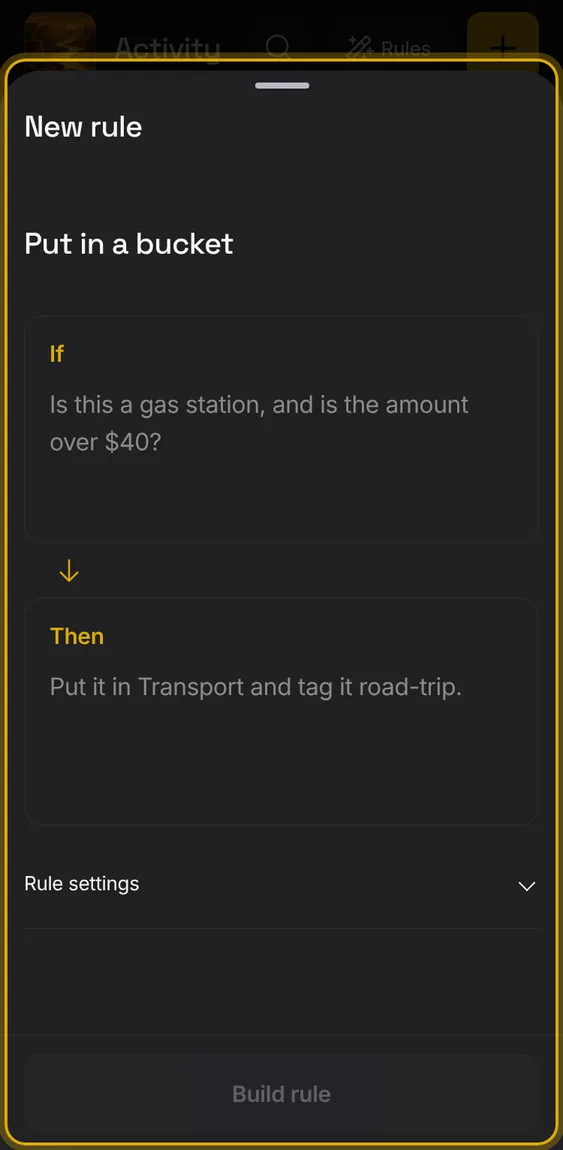
Write it in Then; Inspect rule shows the action.
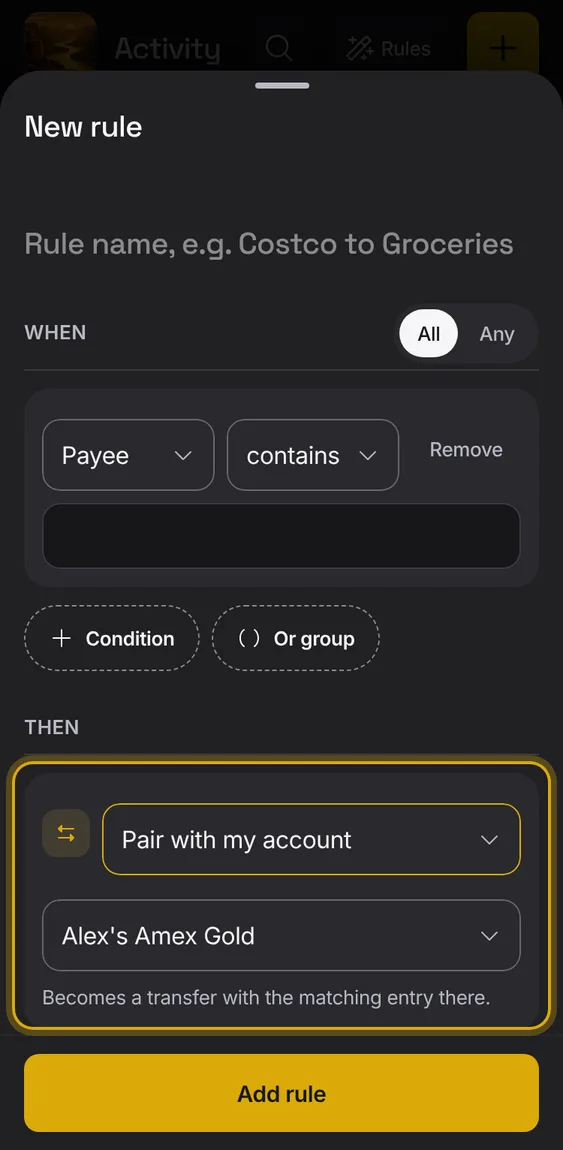
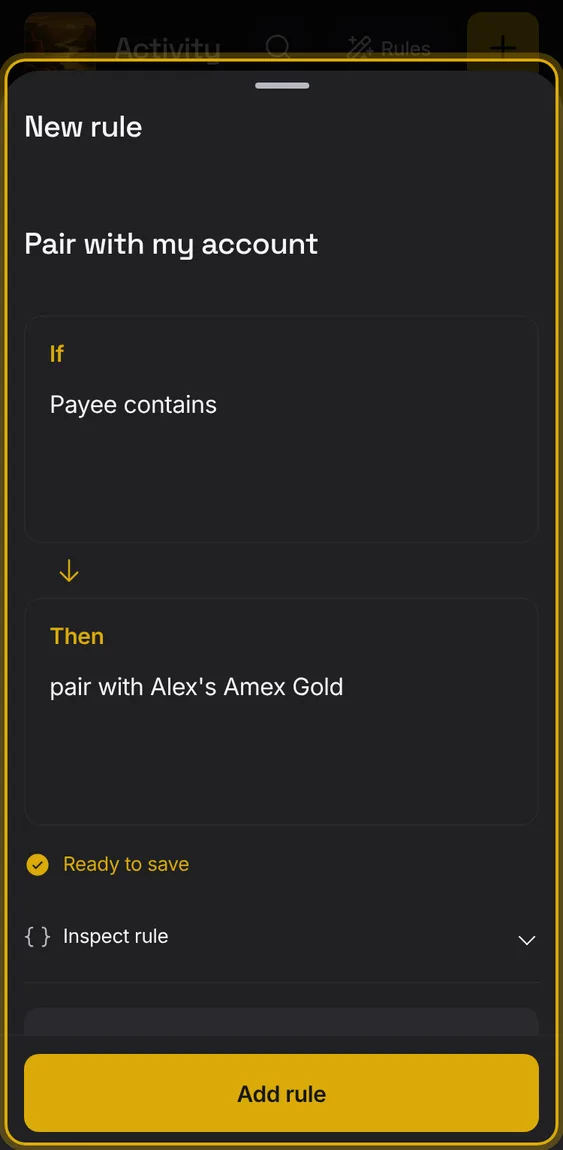
Make the entry a transfer with the matching entry in one of your accounts.
Under Then, choose Pair with my account.
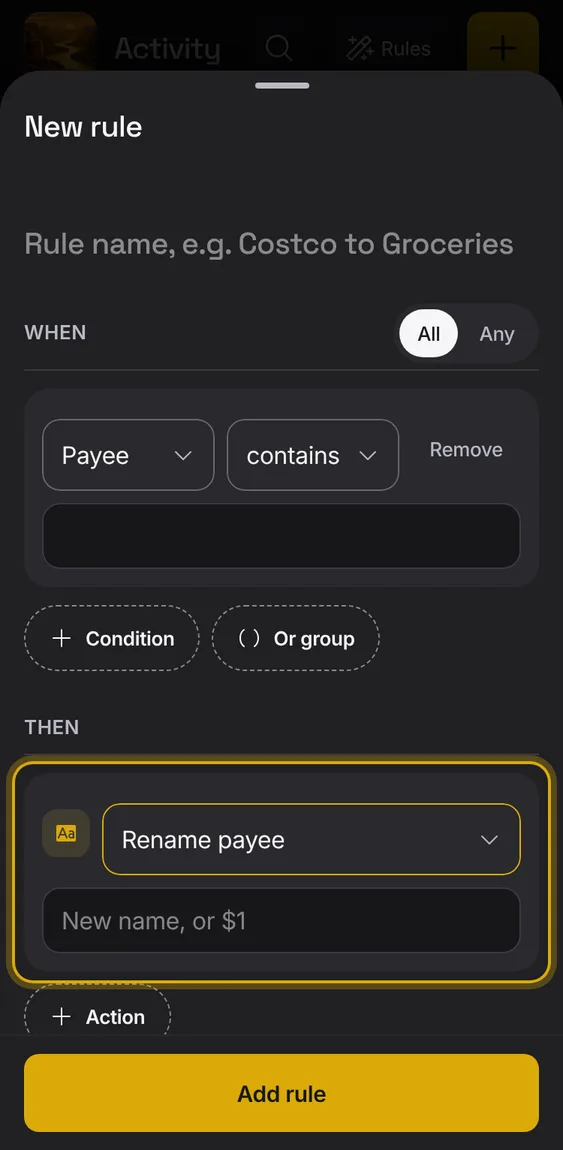
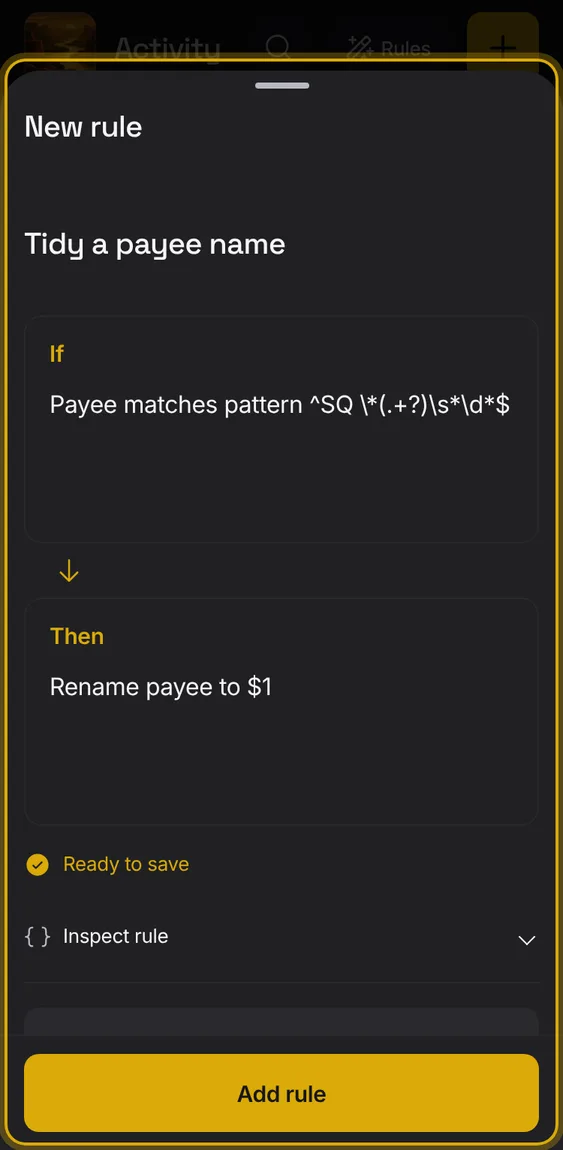
Give the payee a new name, using parts of the bank's text if you like.
Under Then, choose Rename payee.
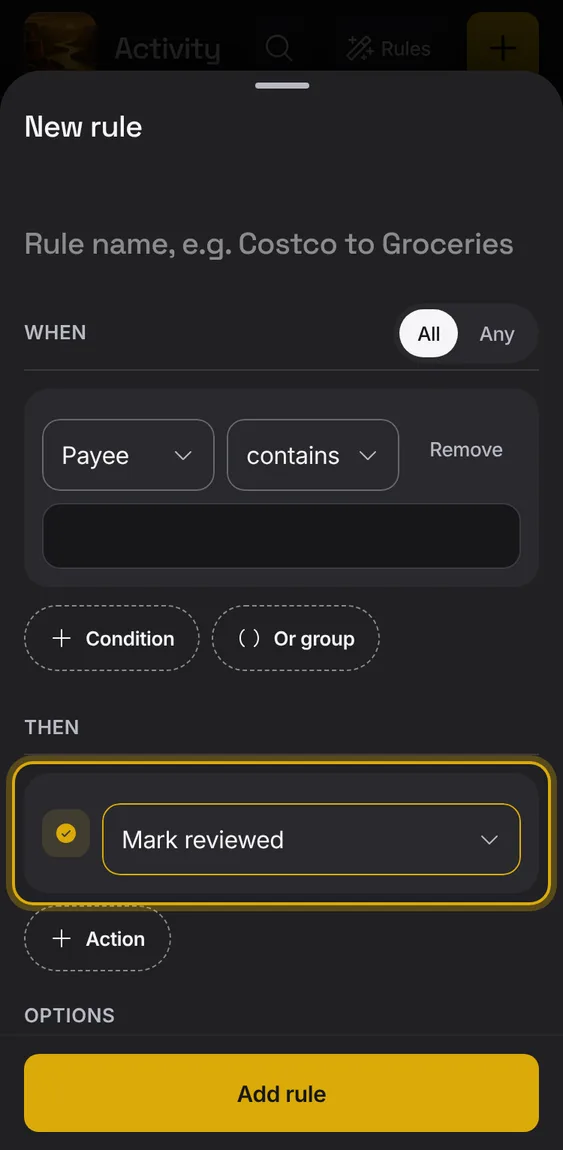
Mark the entry reviewed.
Under Then, choose Mark reviewed.
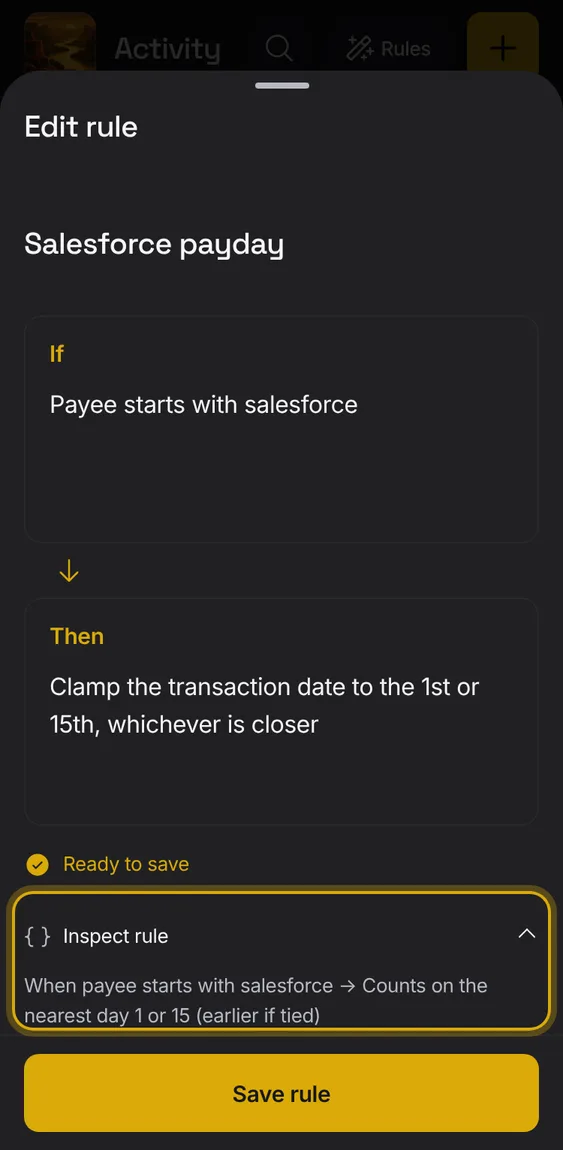
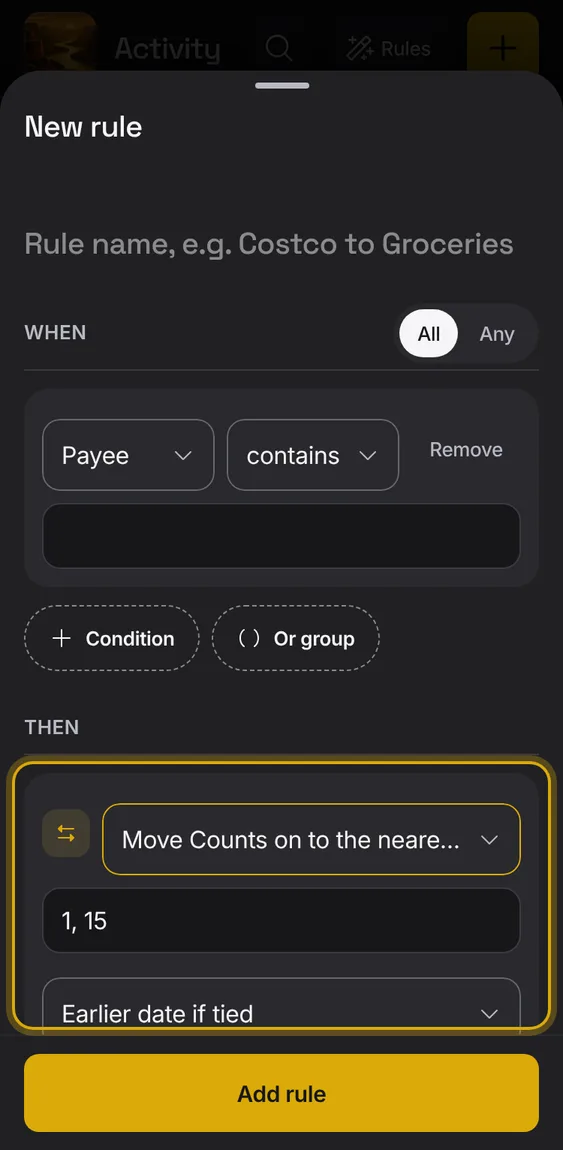
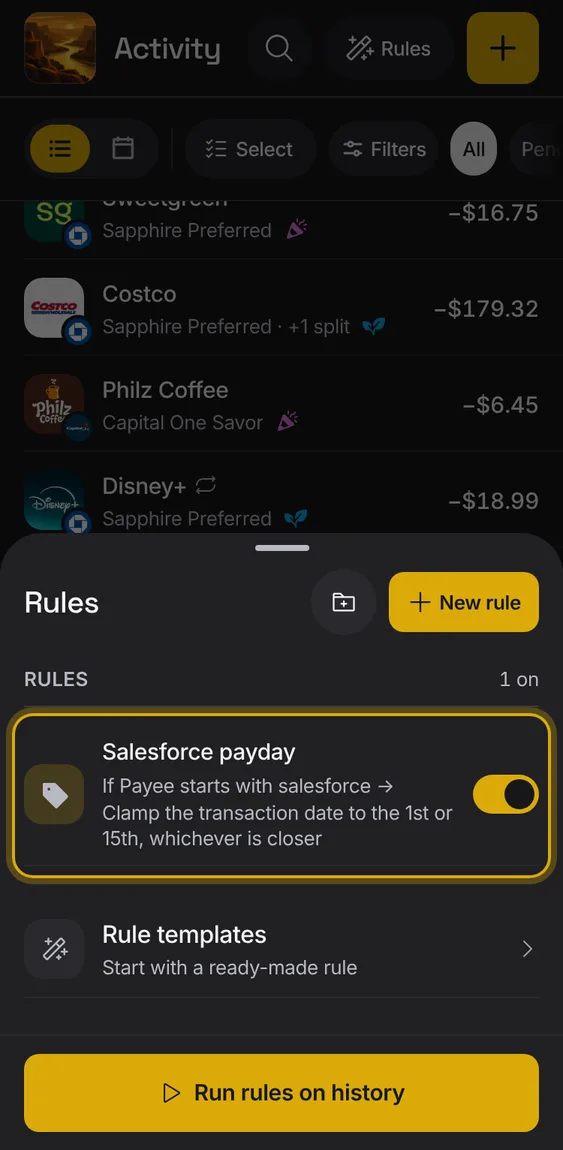
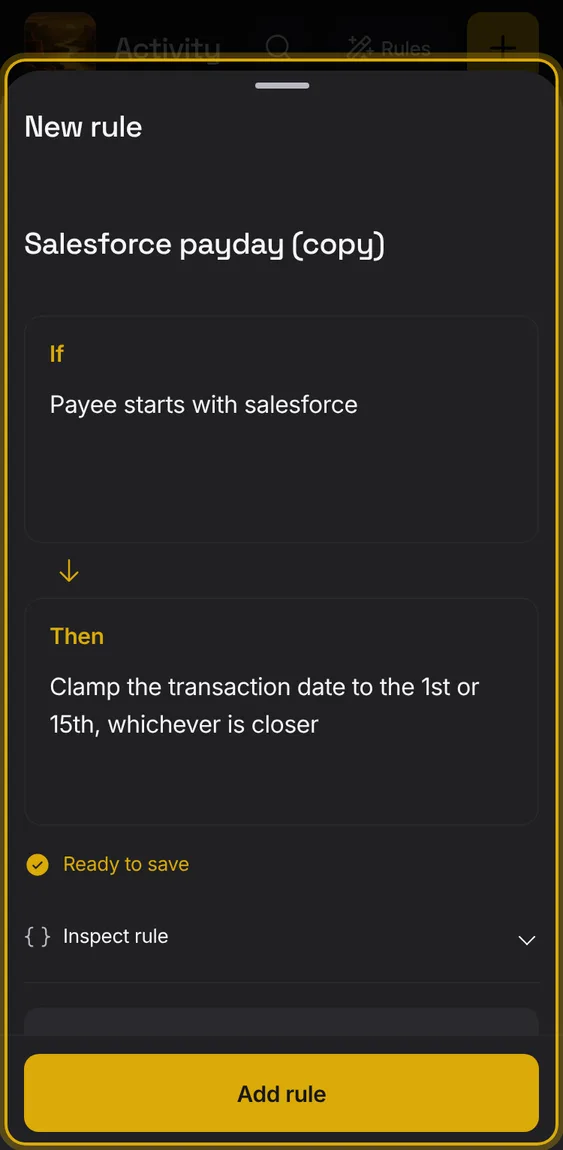
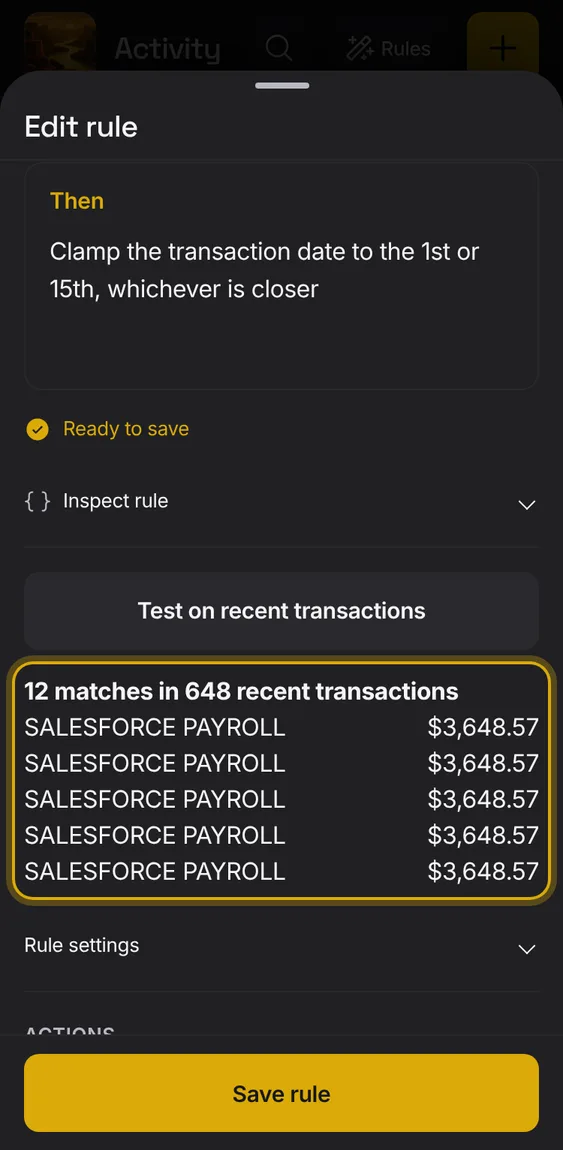
Move Counts on to the nearest of chosen days of the month, like the 1st or 15th.
Under Then, choose Move Counts on to the nearest day.
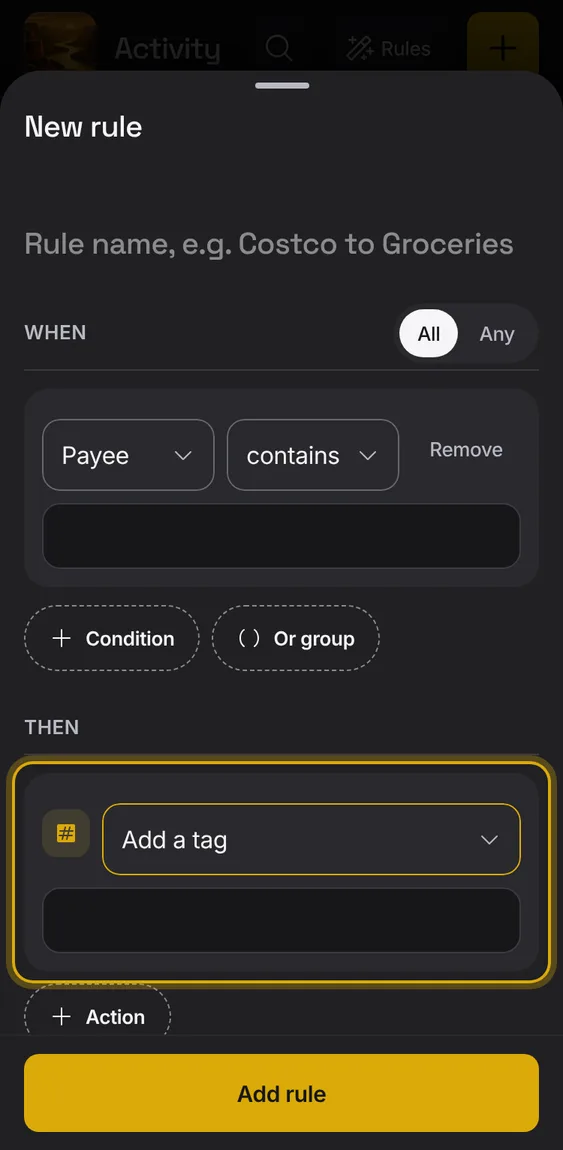
Add a tag to the entry.
Under Then, choose Add a tag.
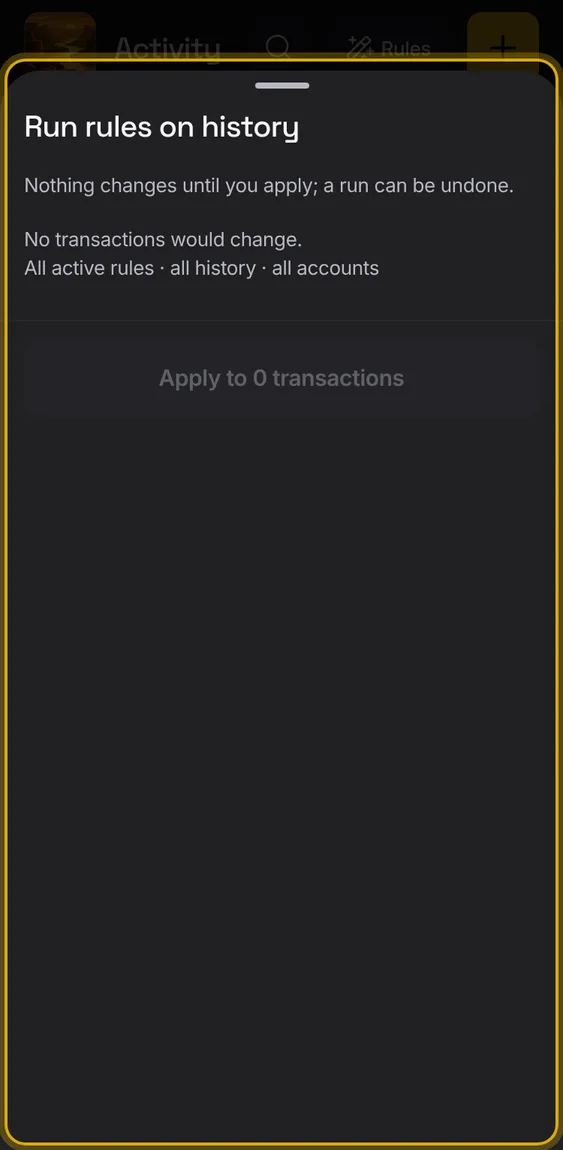
What Alluvium tidied for you lately, each with Undo.
Under Recent cleanups in Rules, tap Undo.
Not in the demo. Shows with more than the demo holds.
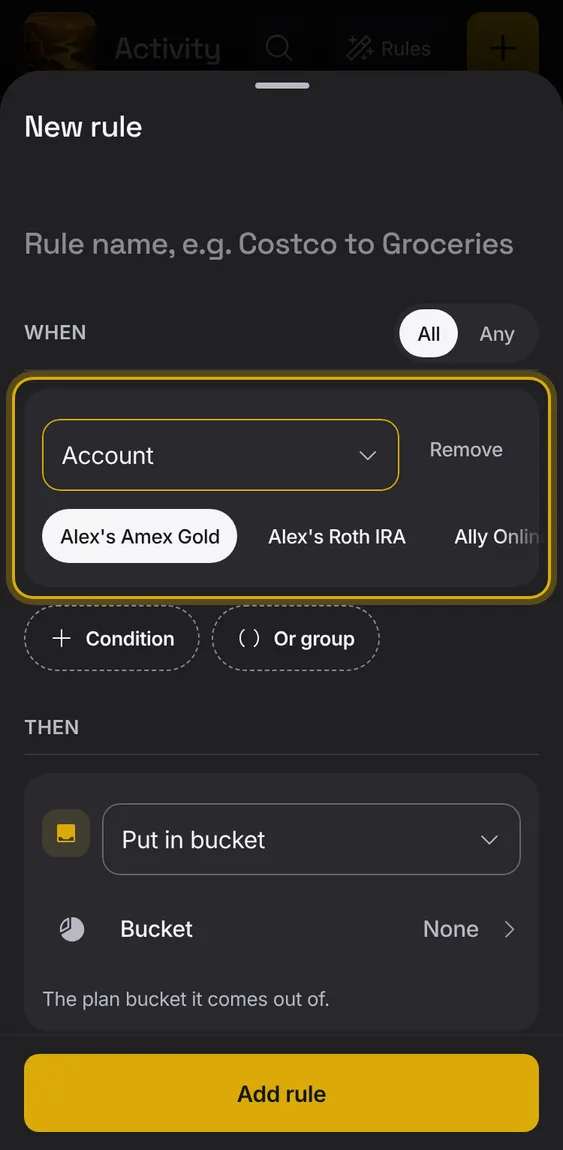
What a rule matches: payee, description, any text, notes, the bank's label, amount, type, account or date.
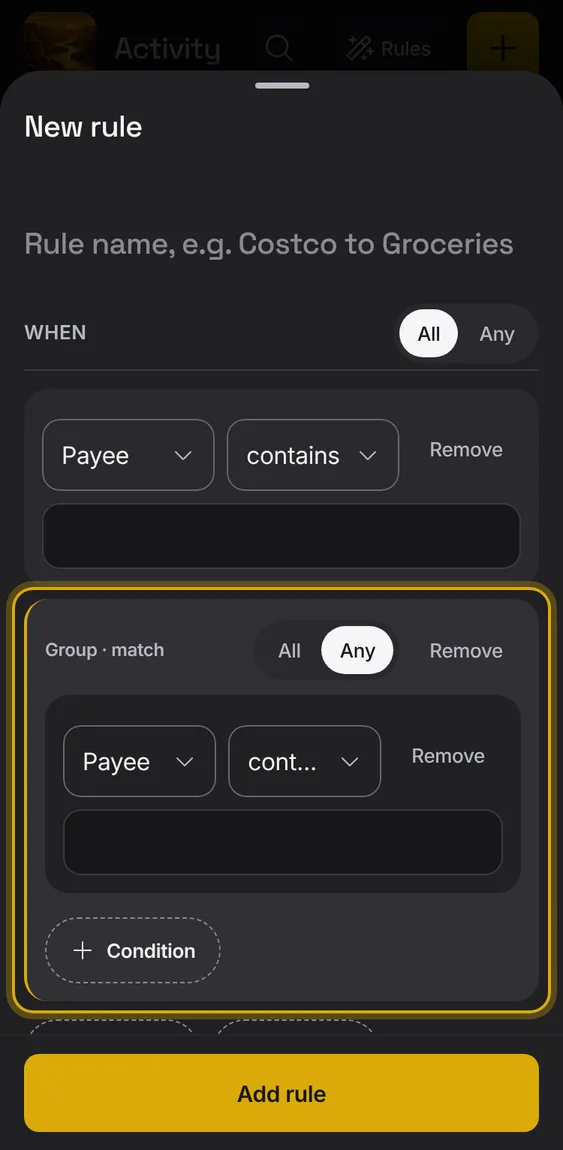
Combine conditions with all or any, and nest groups.
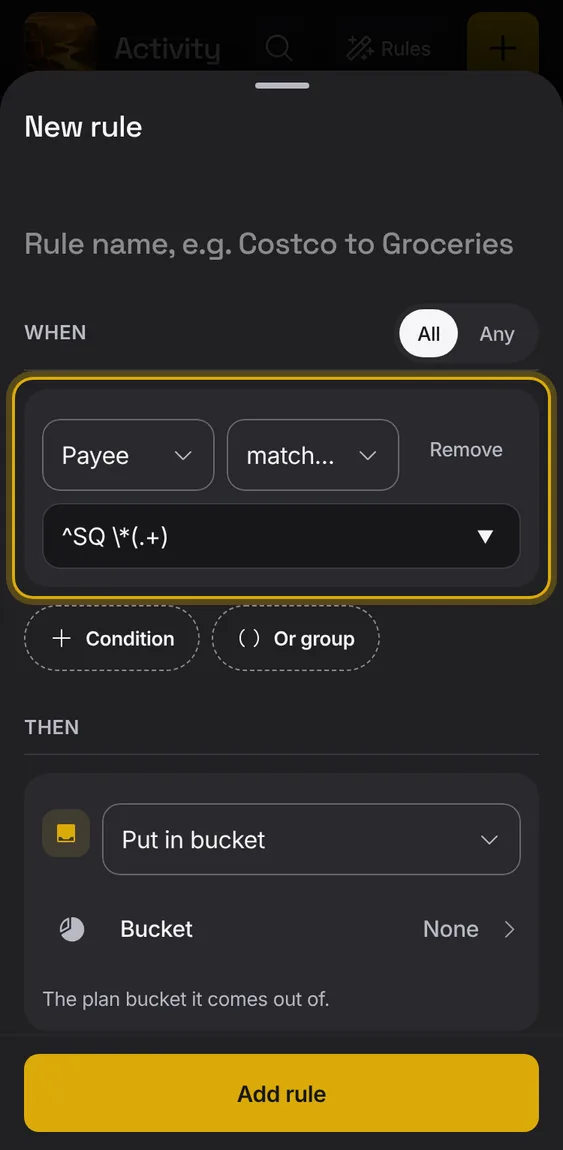
Text can contain, be, start or end with, be one of a list, or match a pattern.
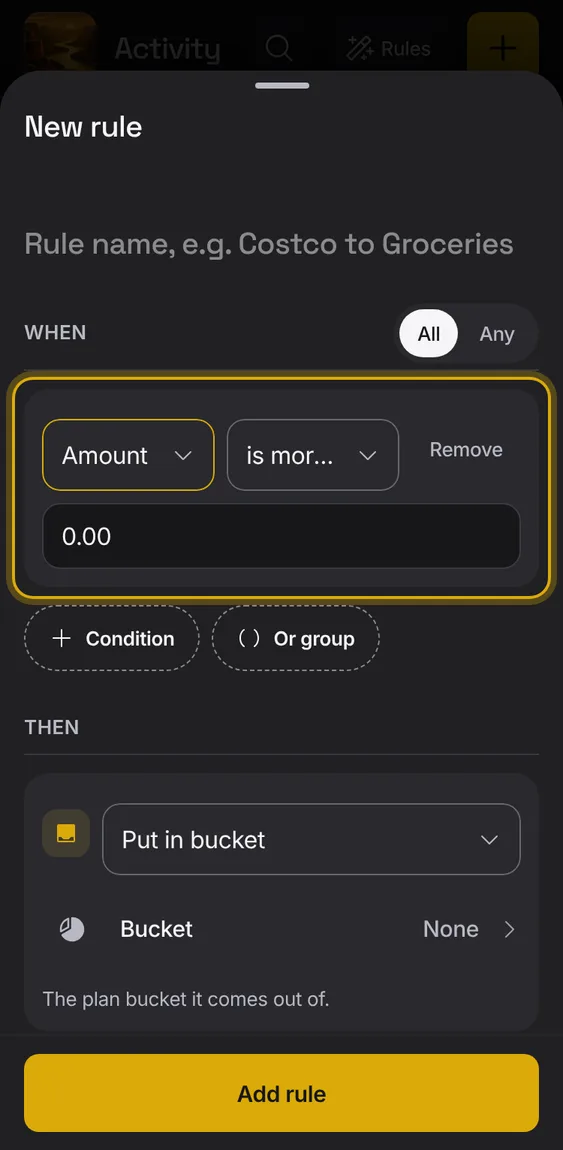
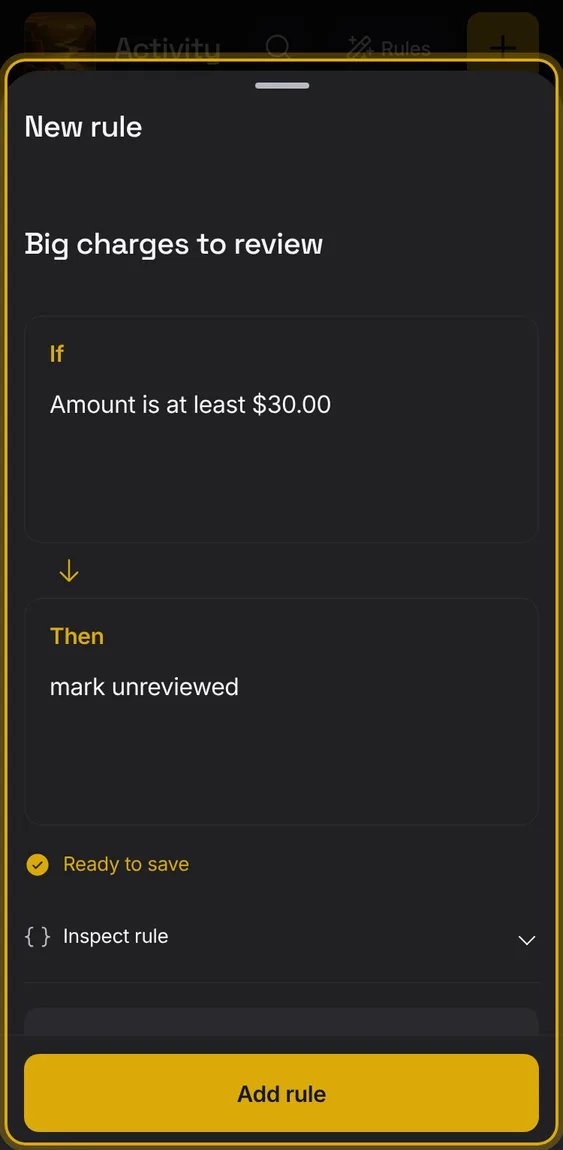
Match amounts that are exactly, more than, at least, less than, at most or between figures.
Under When, choose Amount.
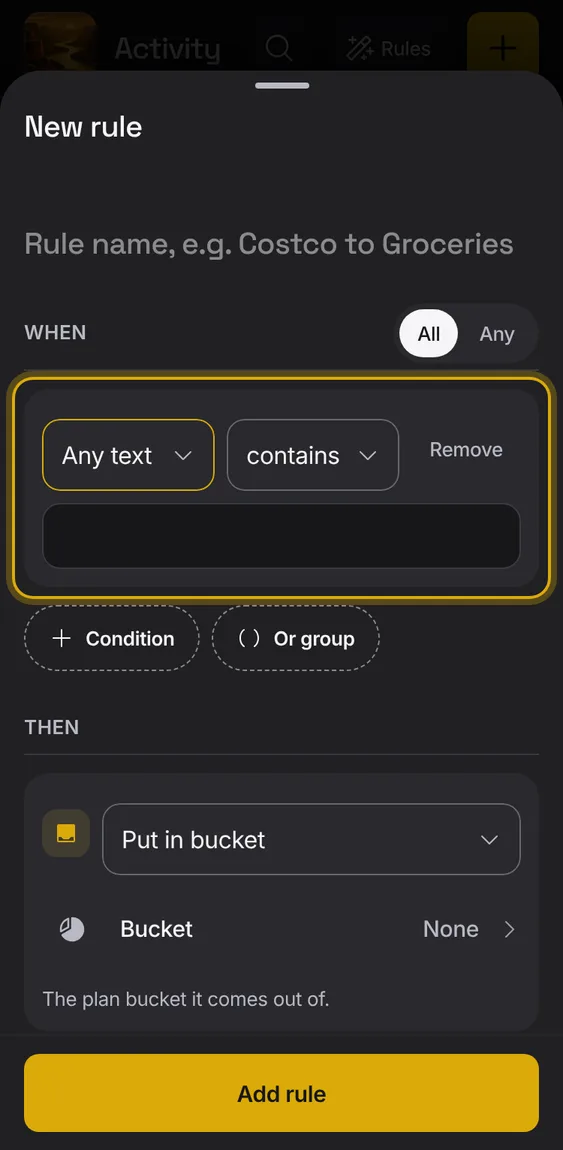
Match words anywhere in the entry.
Under When, choose Any text.
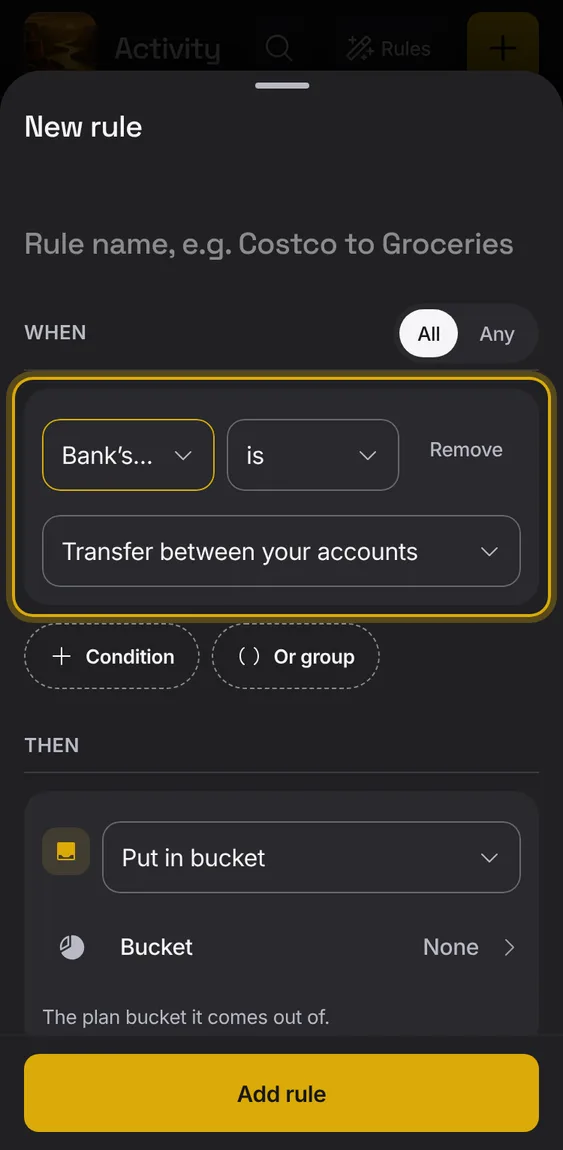
Match by the label your bank gave, like Paycheck or Credit card payment.
Under When, choose Bank's label.
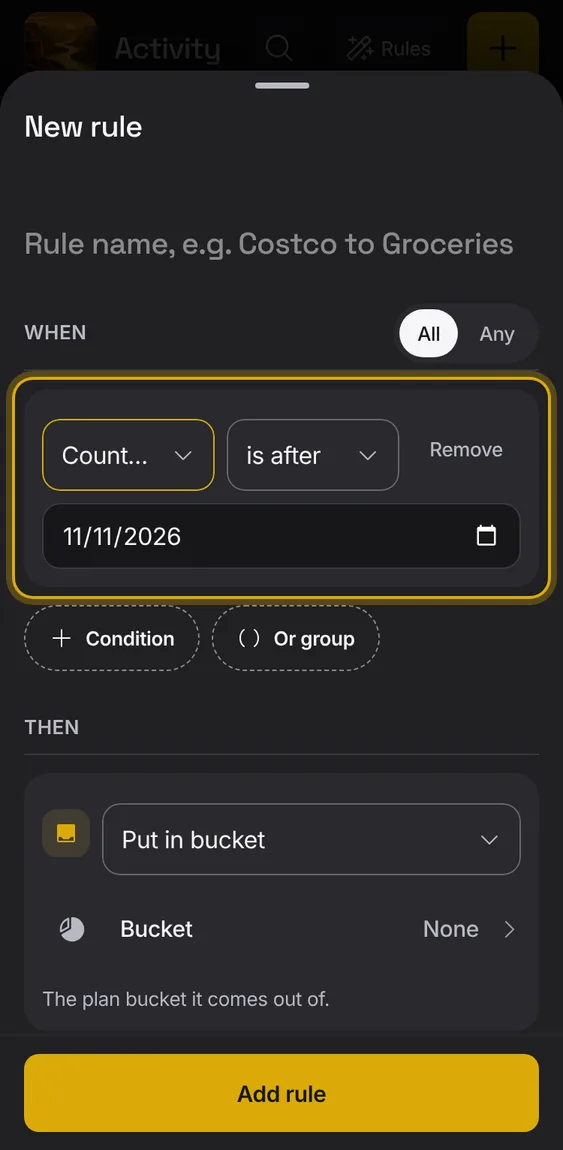
Match entries before, after or on a date.
Under When, choose Counts on date.
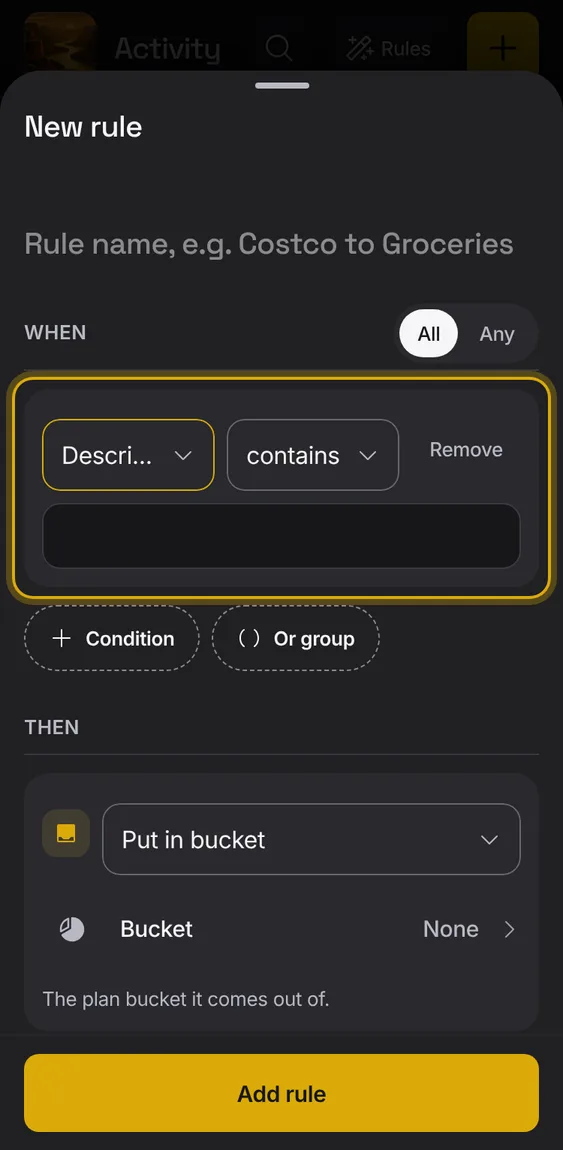
Match by the entry's description.
Under When, choose Description.
Group conditions so all of them, or any of them, must match; groups can sit inside groups.
Add an And group or an Or group.
Rules written in your words can also match the bank date, weekdays or days of the month, tags, currency, bucket, reviewed, kept out, splits or a bucket.
Write it in If; Inspect rule shows the condition.
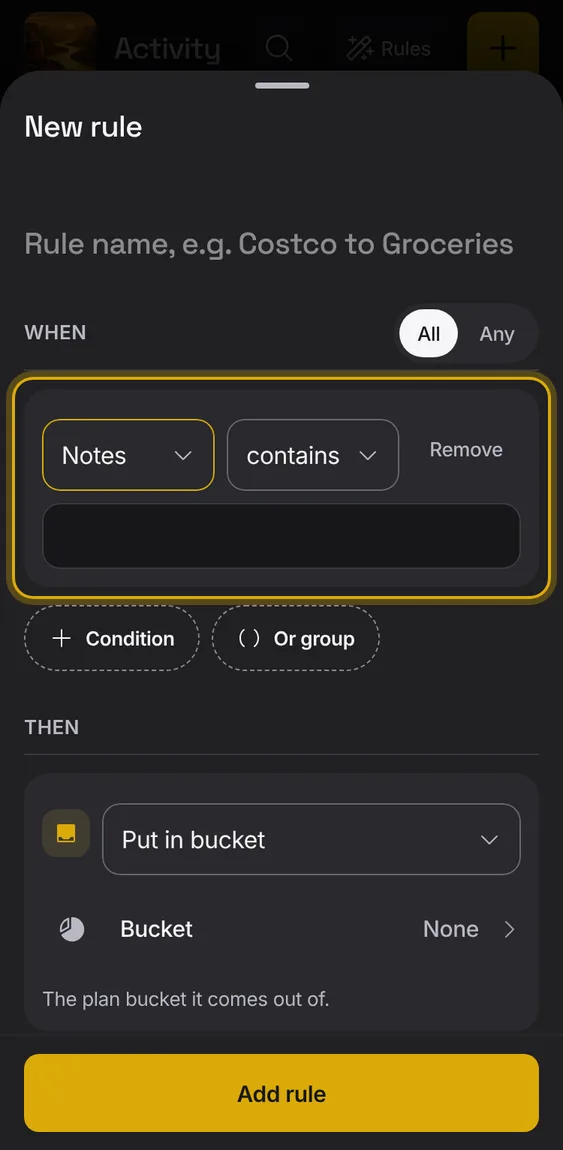
Match words in the entry's notes.
Under When, choose Notes.
A pattern can pick parts of a name to reuse, and patterns that could run slowly are refused when saved.
Use $1 in an action for a pattern's first group.
A saved pattern that can't run is skipped and the rules after it still run.
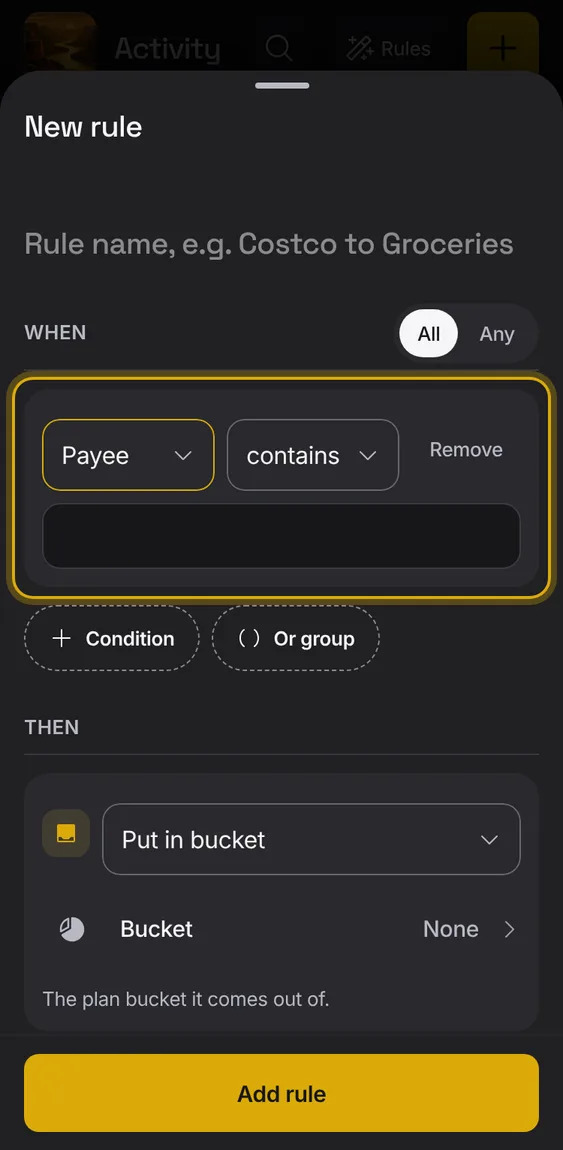
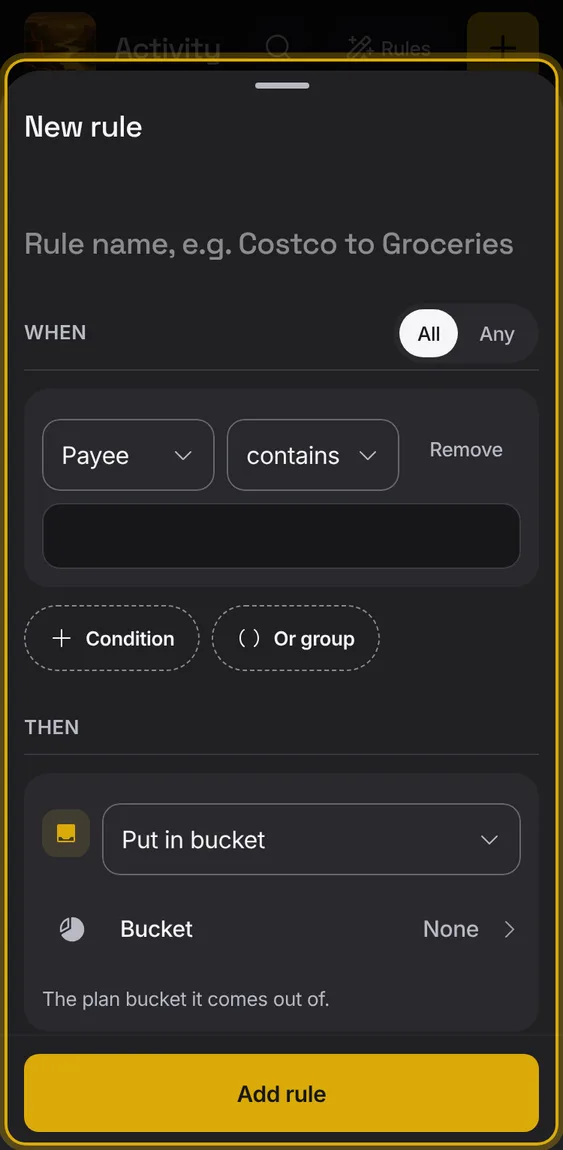
Match by who the money went to or came from.
Under When, choose Payee.
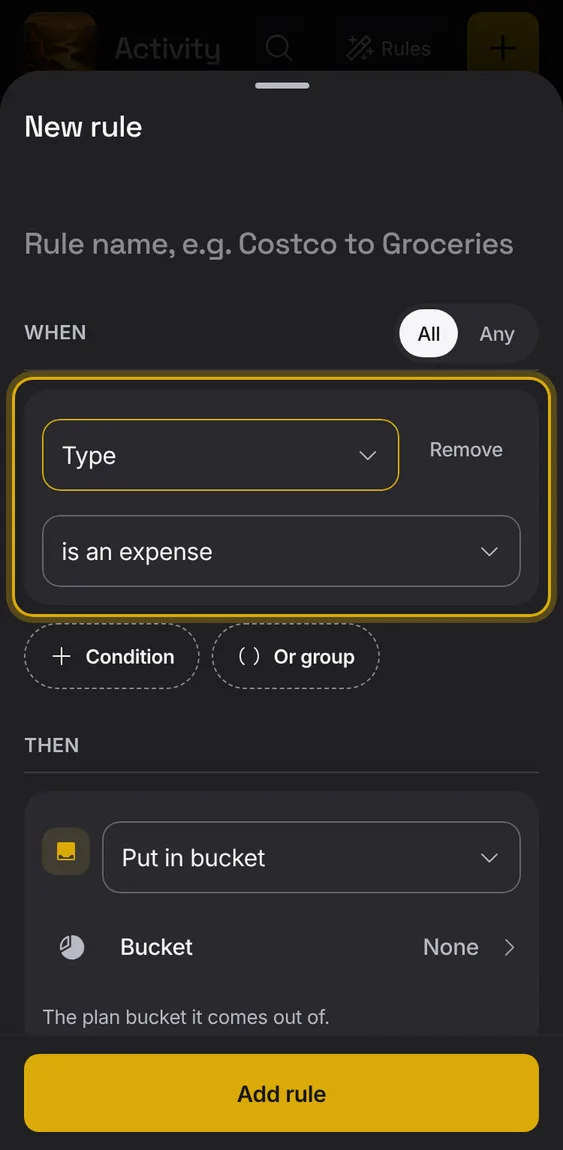
Match spending, income or transfers.
Under When, choose Type.
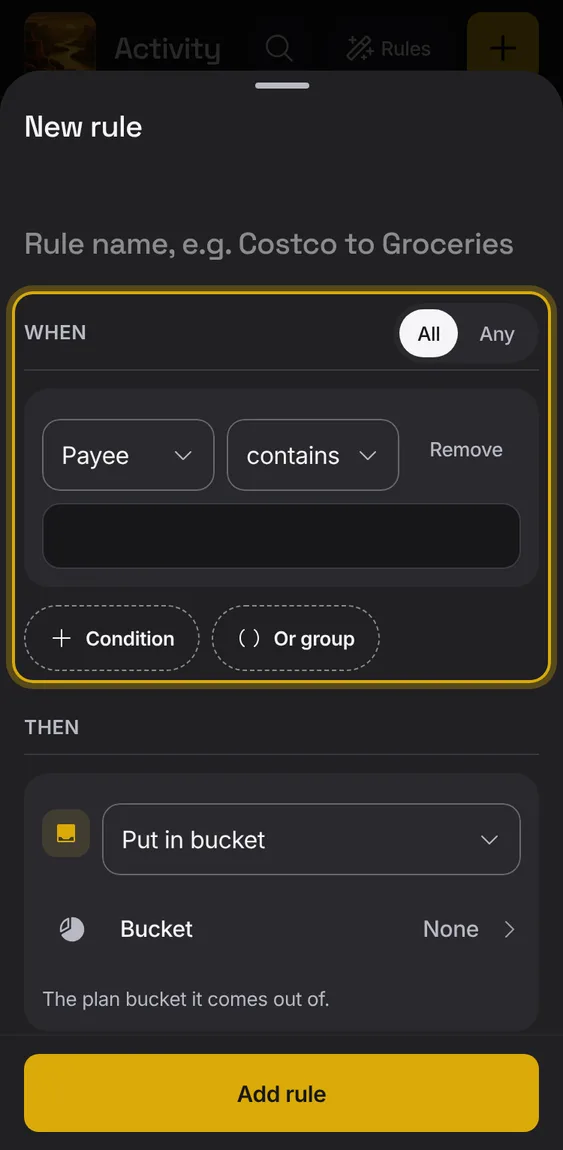
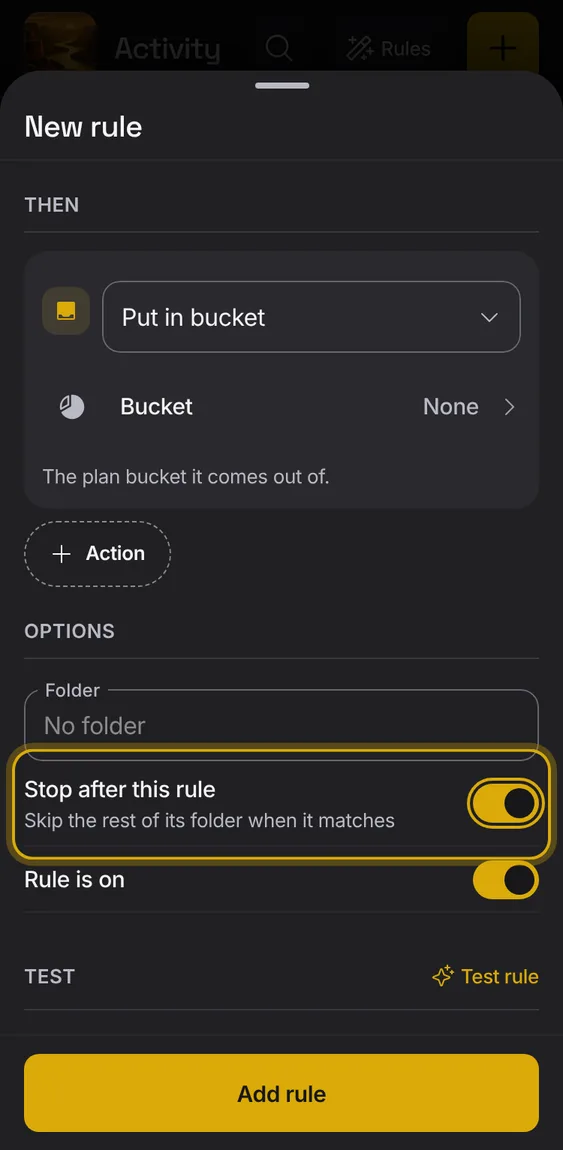
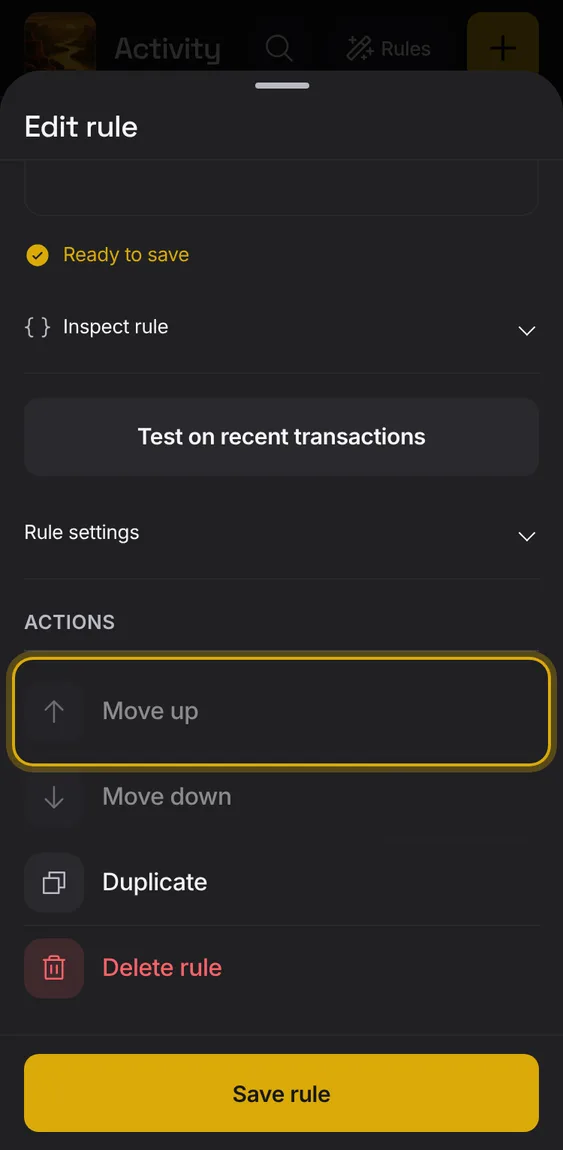
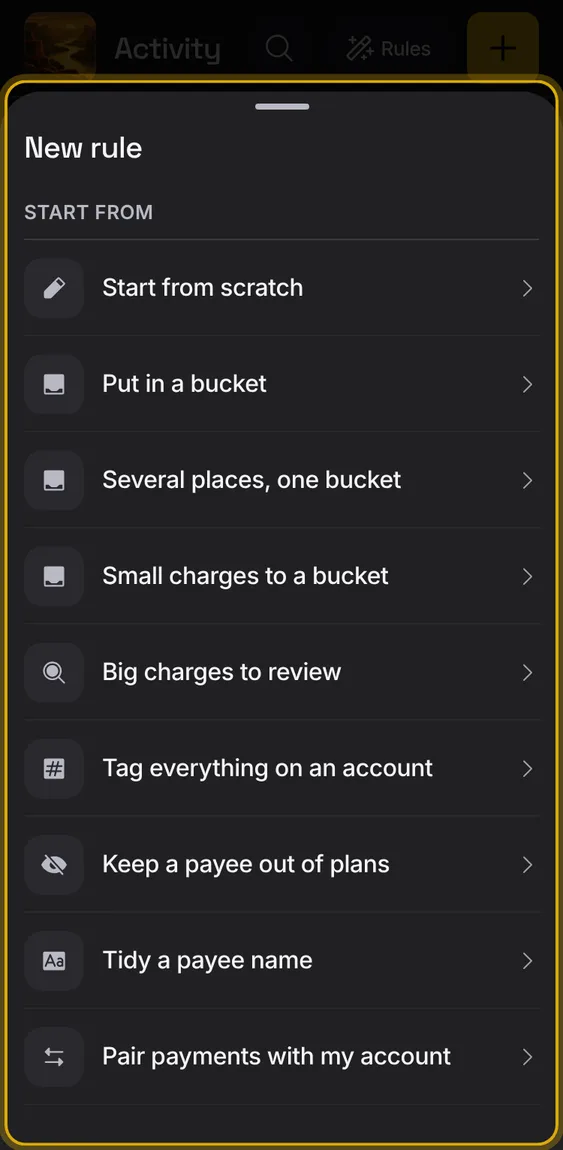
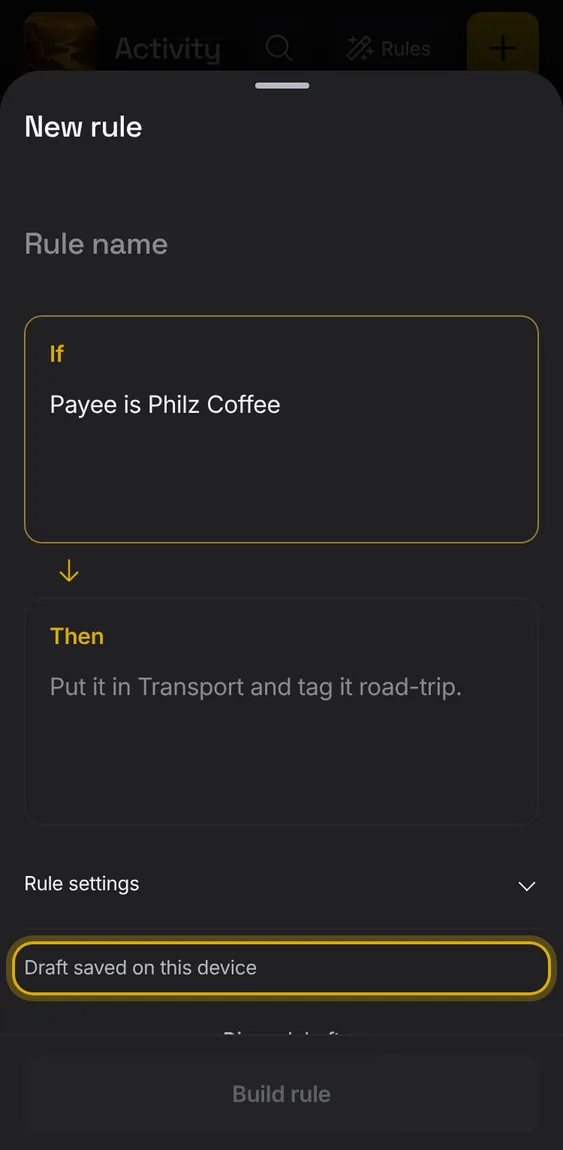
Build a rule step by step: When (conditions), Then (actions), its folder, and whether it's on.
Add conditions and groups under When.
Add up to ten actions under Then.
Test it, then Save rule.
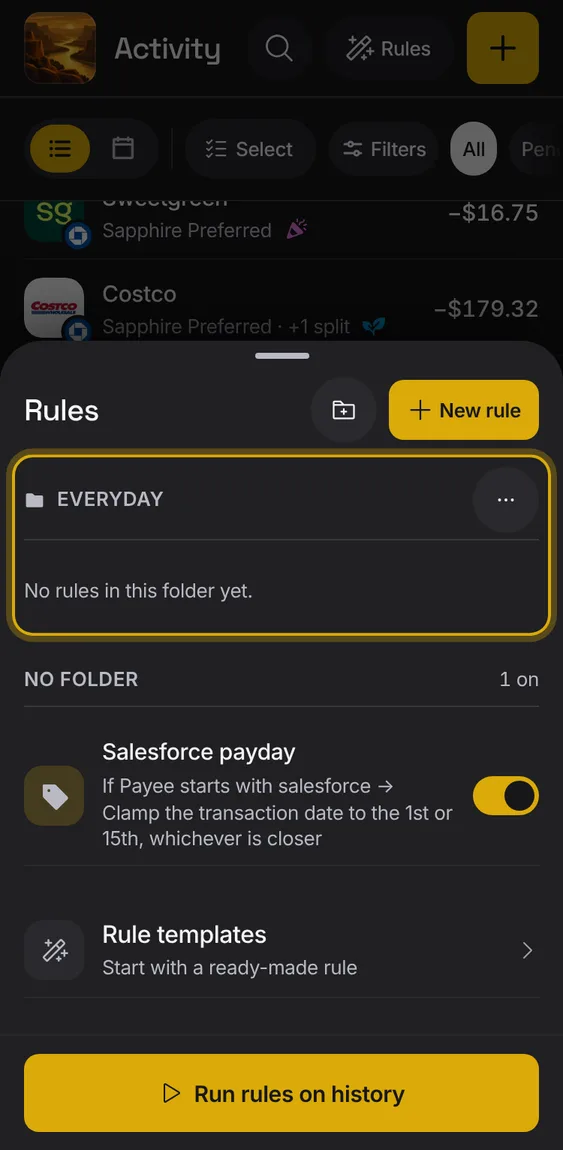
Keep rules in folders, and run one folder on its own.
Tap the folder button to make a folder.
A folder's options: rename it, add a rule in it, run it, or delete it (its rules stay).
 Alluvium