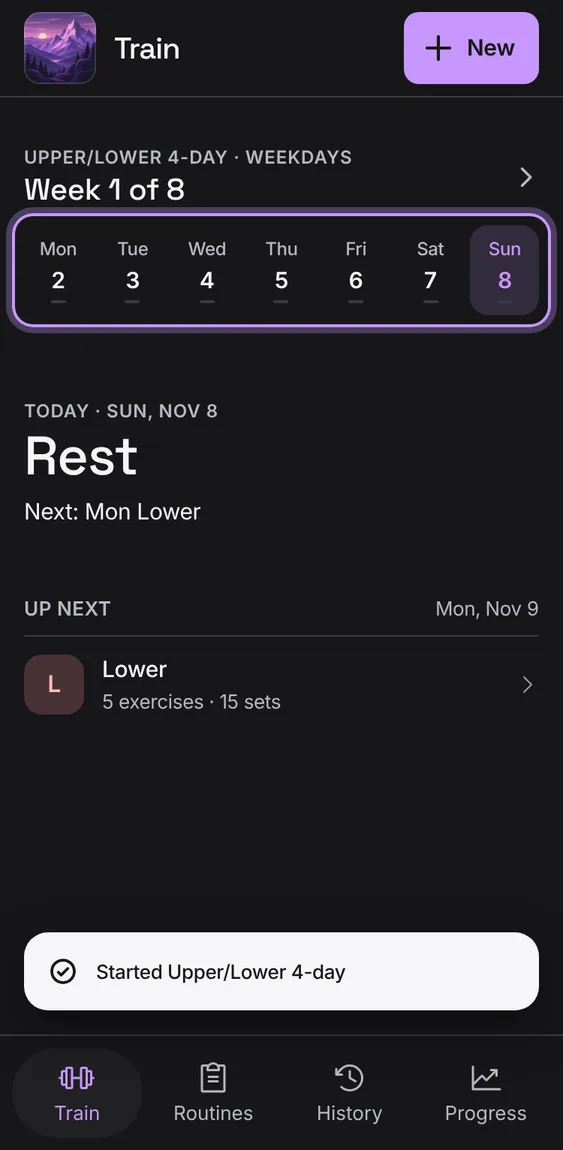
With a program running, Train shows the program's day: what to do today, the week or the rotation, and what's next. Every figure comes from your own workouts.
Every Train follows your program feature
9
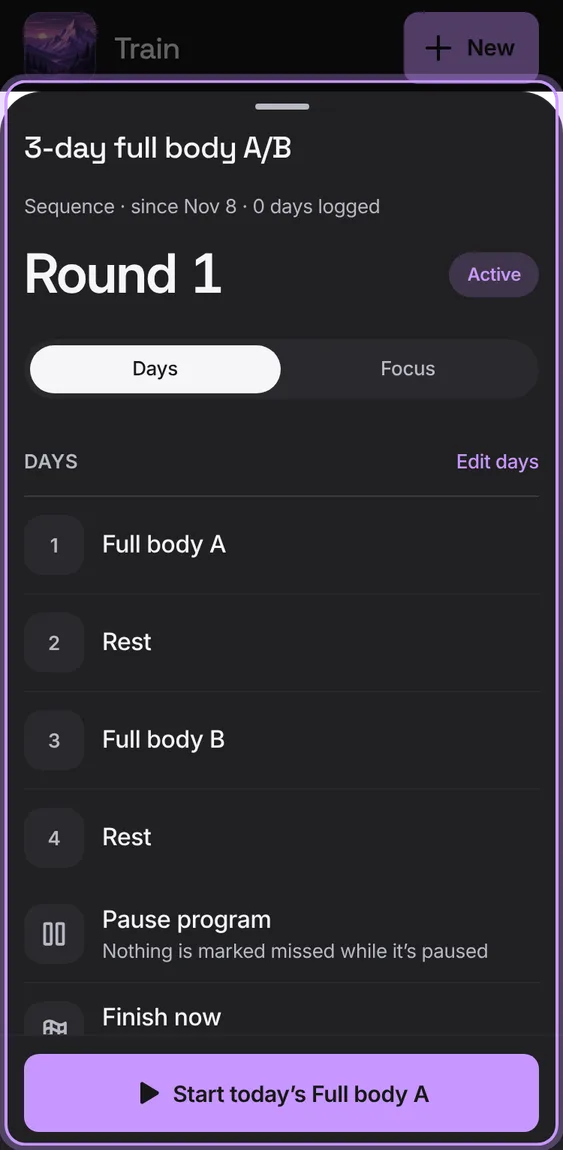
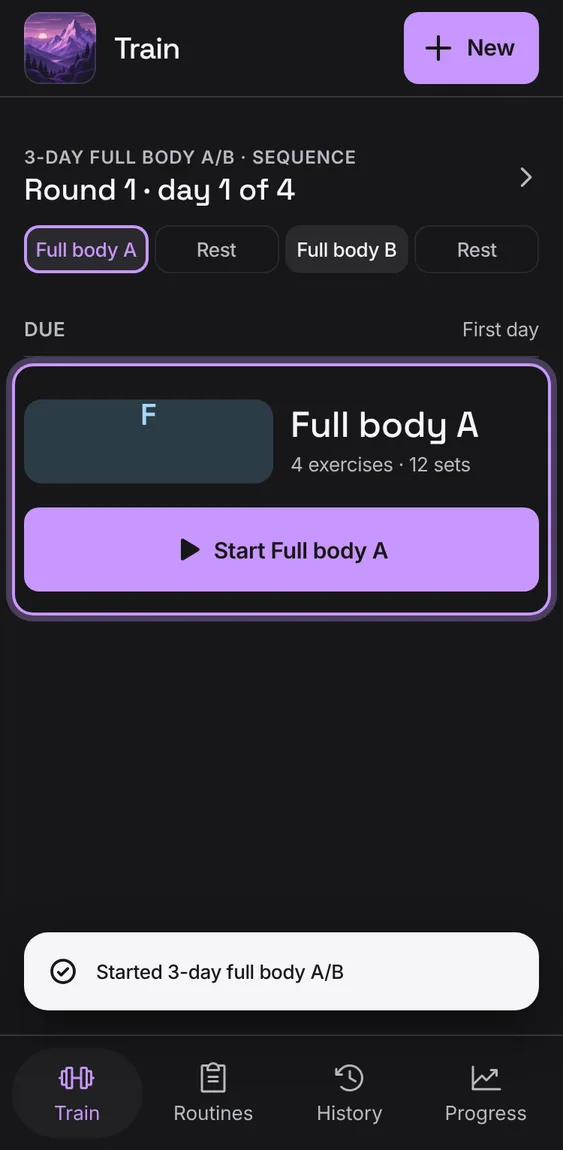
The program's name and kind over where it is: week 3 of 8 (and lighter weeks), or round and day of a sequence. Tap it to open the program.
Tap the program's name at the top of Train.
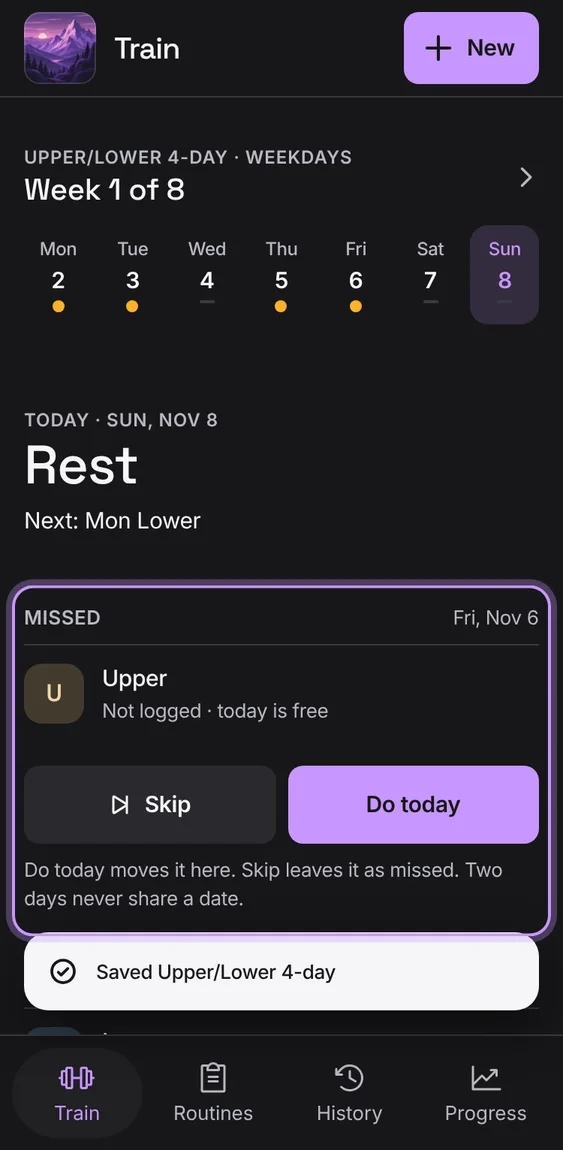
A planned day you didn't log shows under Missed. Skip leaves it missed; Do today or Move day puts it on a free day.
Tap Skip, or Do today (Move day when today is taken).
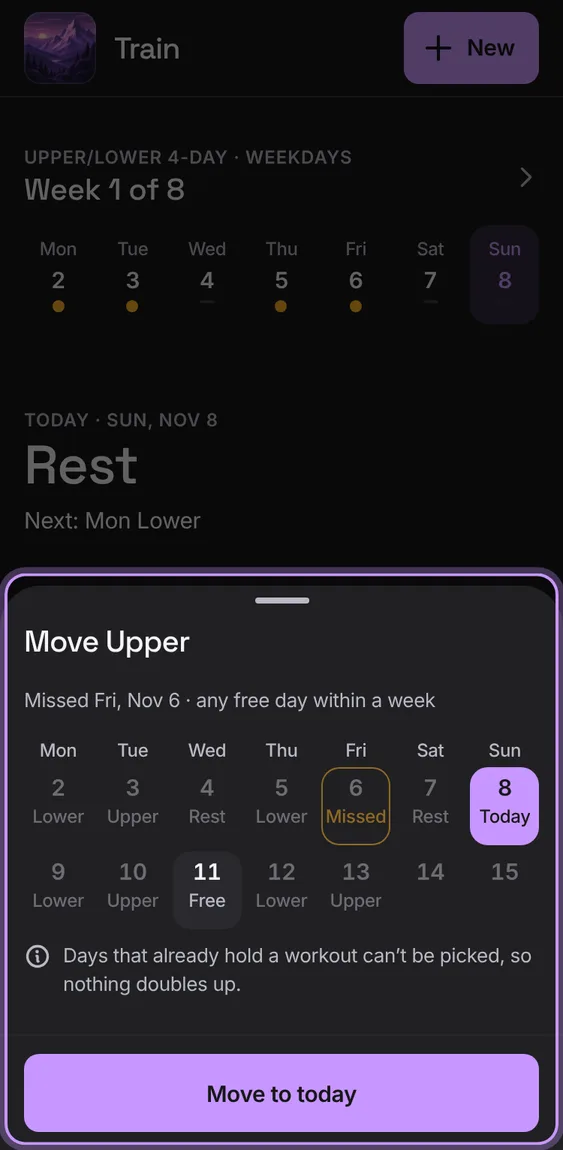
Choose any free day within a week of the missed one. Days that already hold a workout can't be picked, so nothing doubles up.
Tap Move day, pick a day, then Move to that day.
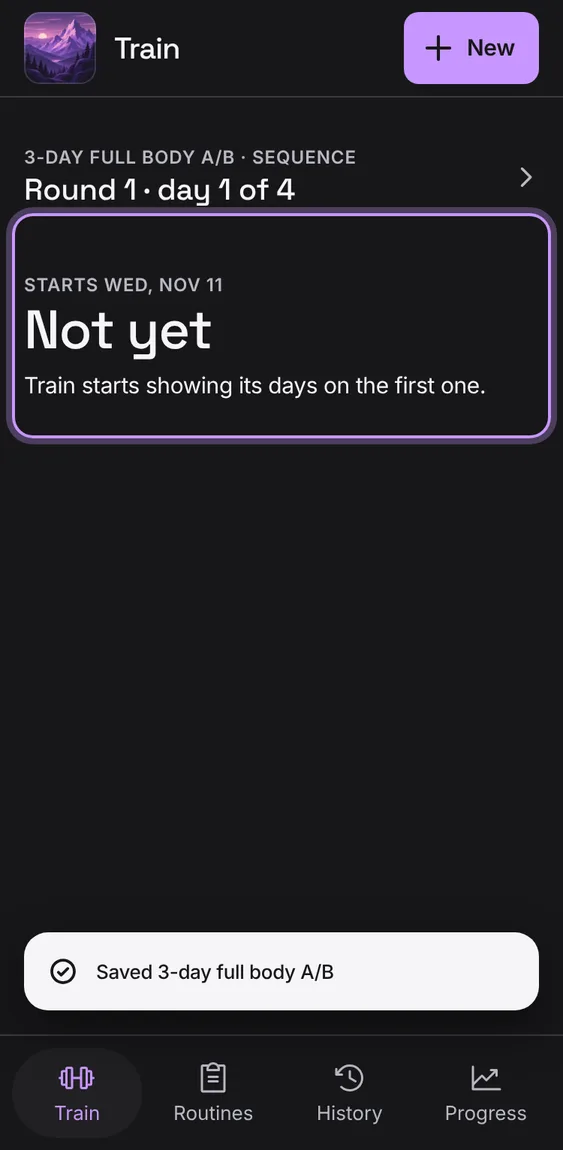
A program that starts later says when; a finished one says Well done and how to repeat it.
Open Train before the start date, or after the last week.
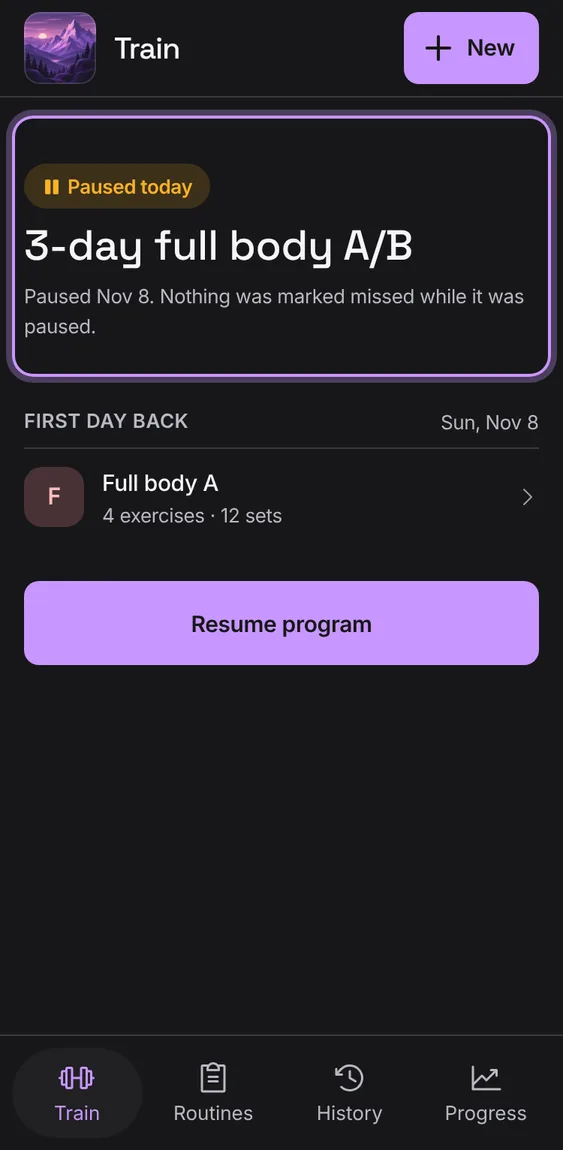
A paused program waits: nothing is marked missed. Coming back, choose Extend (keep your place and move the end) or Continue (keep the end date).
Tap Extend or Continue, then Extend and resume or Continue and resume.
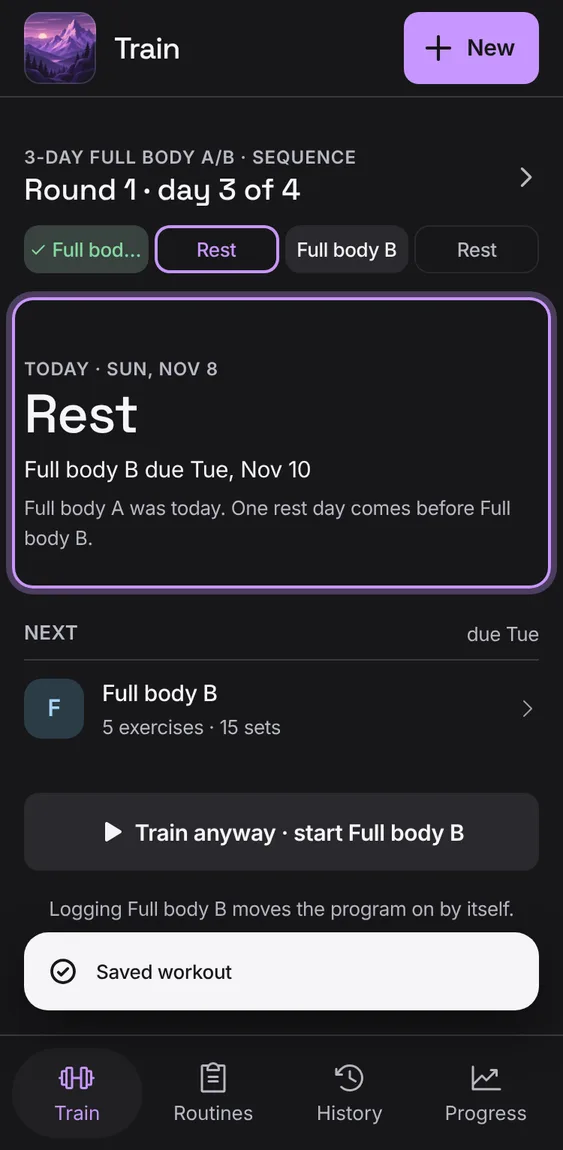
On a rest day Train says Rest and names the next day; Up next lists the next planned day's routines.
Open Train on a day with nothing planned.
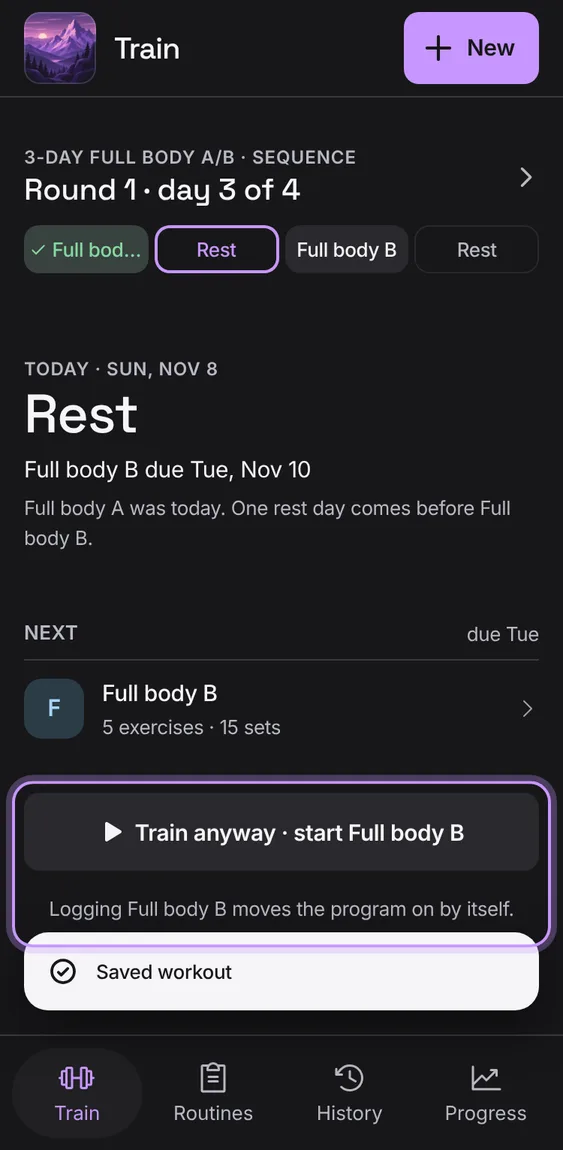
A sequence moves on when you log its day: the rotation shows what's done this round, what's due and how long since the last one. On a rest you can still Train anyway.
Log the day that's due; the next one follows.
On a rest, tap Train anyway to start the next routine early.
Today's first routine large, with when you last did it, its volume and working sets, and Start; any other routine of the day under it. Done ones get a Done pill.
Tap Start and the routine's name.
Once every routine is logged, Today says Done for today.
A strip of the week, Monday first: each day done, today, rest, missed or planned.
Shown under the program's name for a weekdays program.
 Talus