Talus
Logging sets
Log reps and weight quickly, check each set off, label warm-ups and drop sets, and note how hard a set felt.
Every Logging sets feature
Add a set under an exercise, or remove one you don't need.
- Tap Add set.
- Open a set's options and tap Remove set.
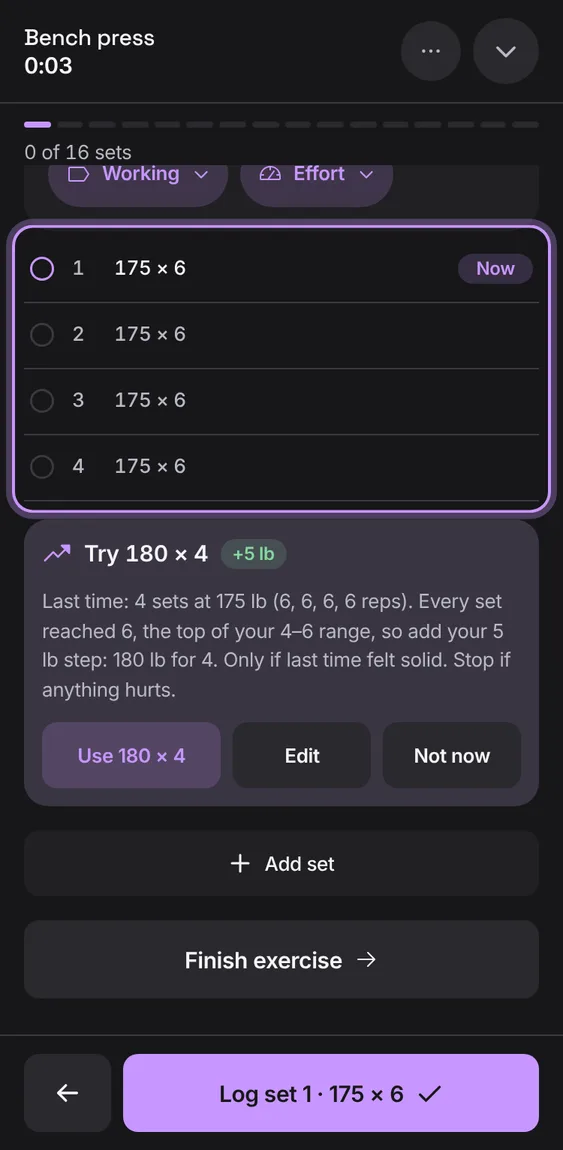
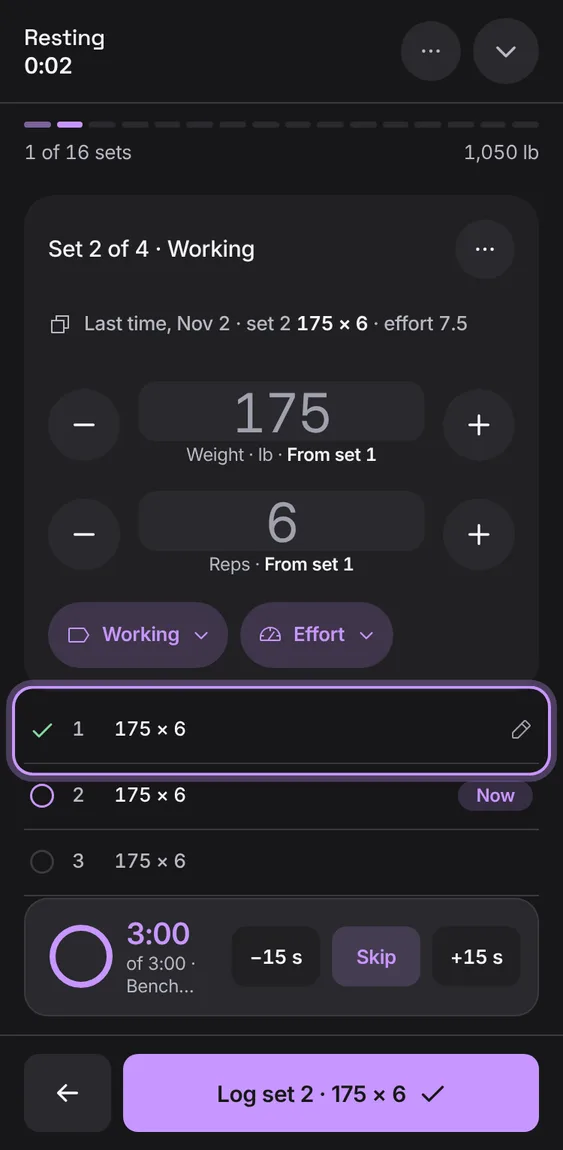
A set counts once you check it. Uncheck it again any time; unchecked sets are kept as not done and never count toward volume or records.
- Tap the check on a set, or Log set.
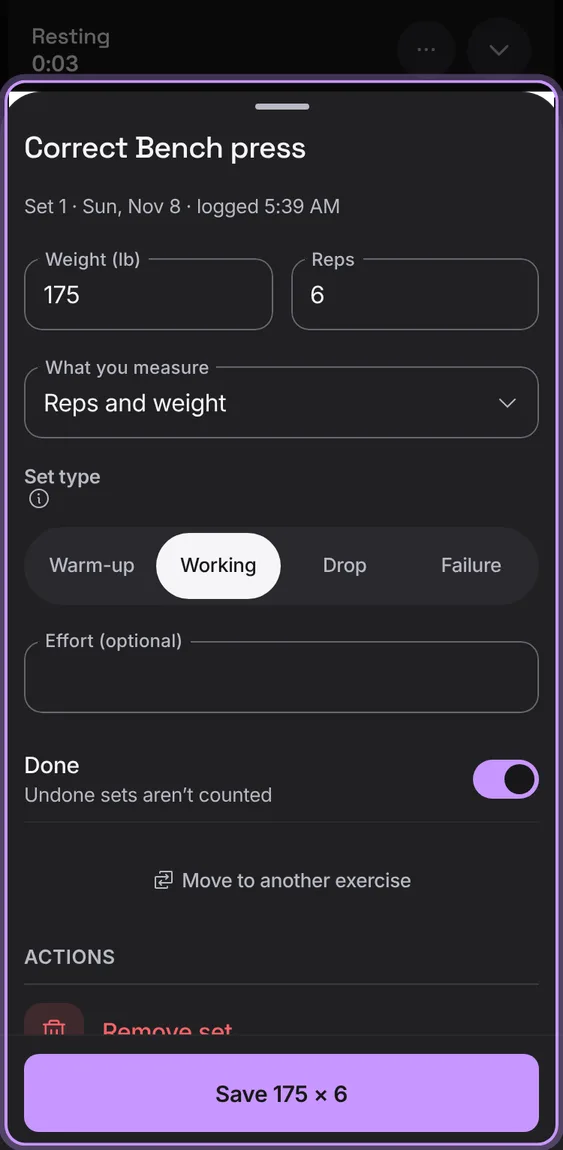
Tap a logged set to correct it in the workout: its numbers, type, effort or whether it's done.
- Tap a set marked done in the set list.
Every number you type is kept on this device as you type it, so a reload, a closed tab or a crash never loses a set.
- Nothing to do: reopen Talus and the set is still there.
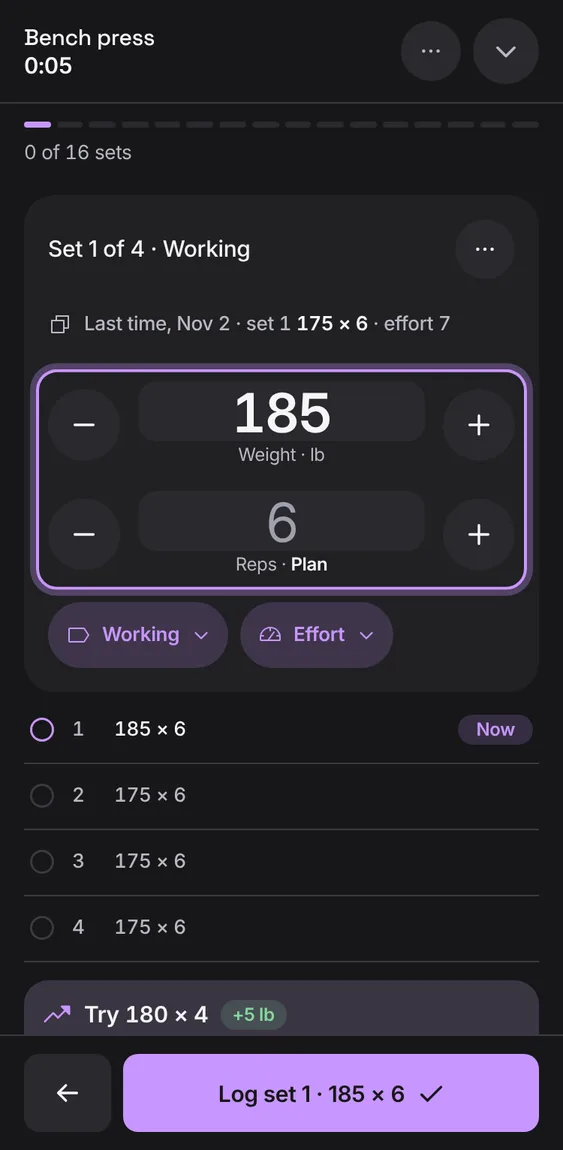
How hard a set felt, from 1 to 10 in half steps, with reps in reserve beside the higher ones. Optional.
- Tap Effort on the set and choose a number, or None.
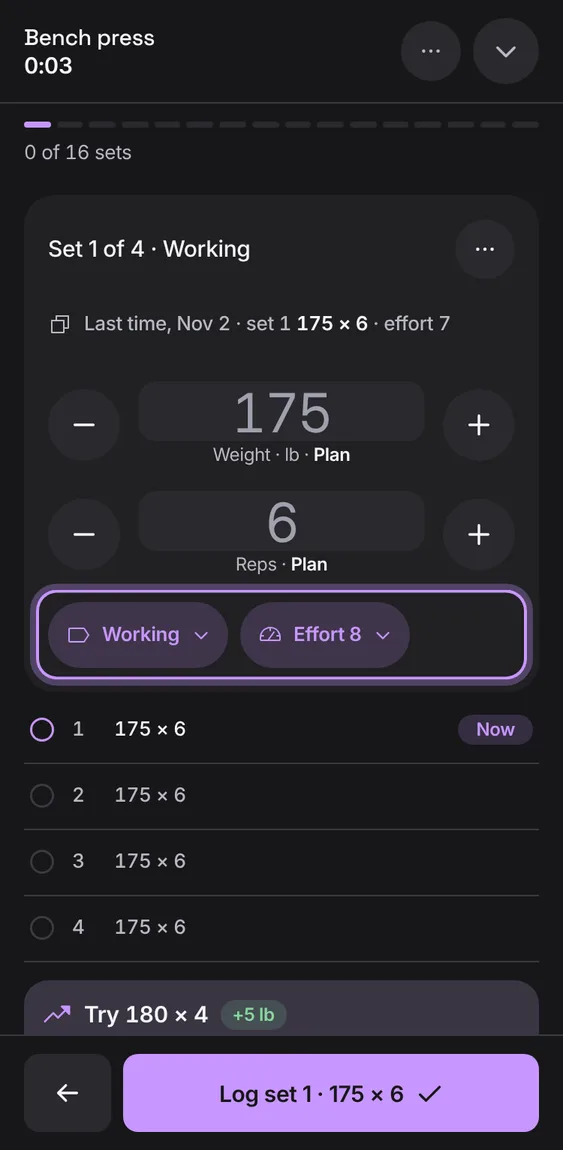
A set measures what the exercise does: weight and reps (0 is bodyweight), assistance and reps, a time, or a distance.
- Open a set's options and choose its Measure, or set it on the exercise.
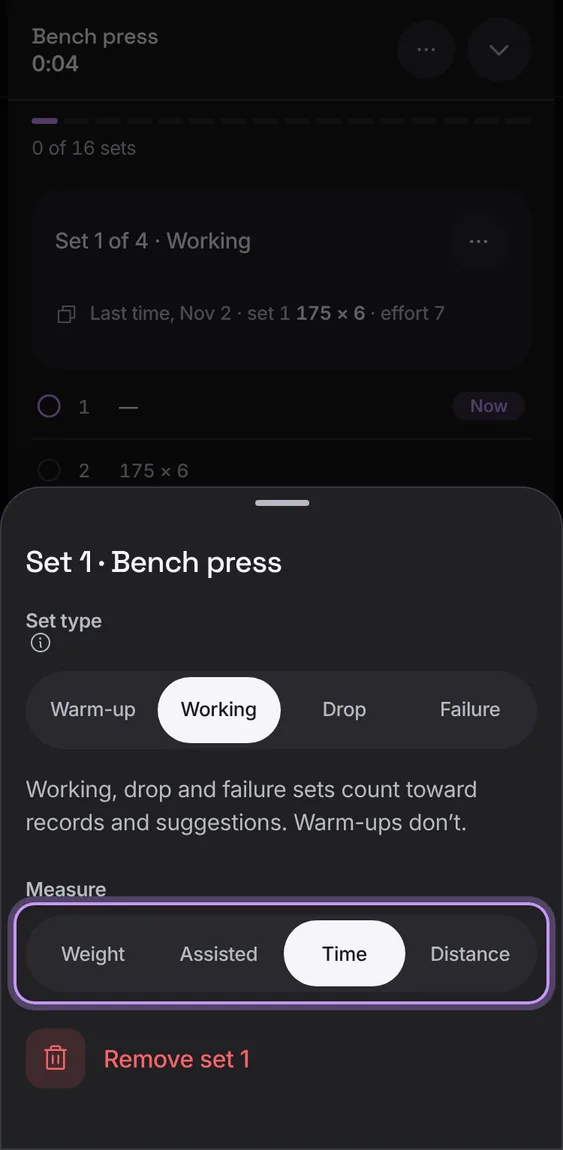
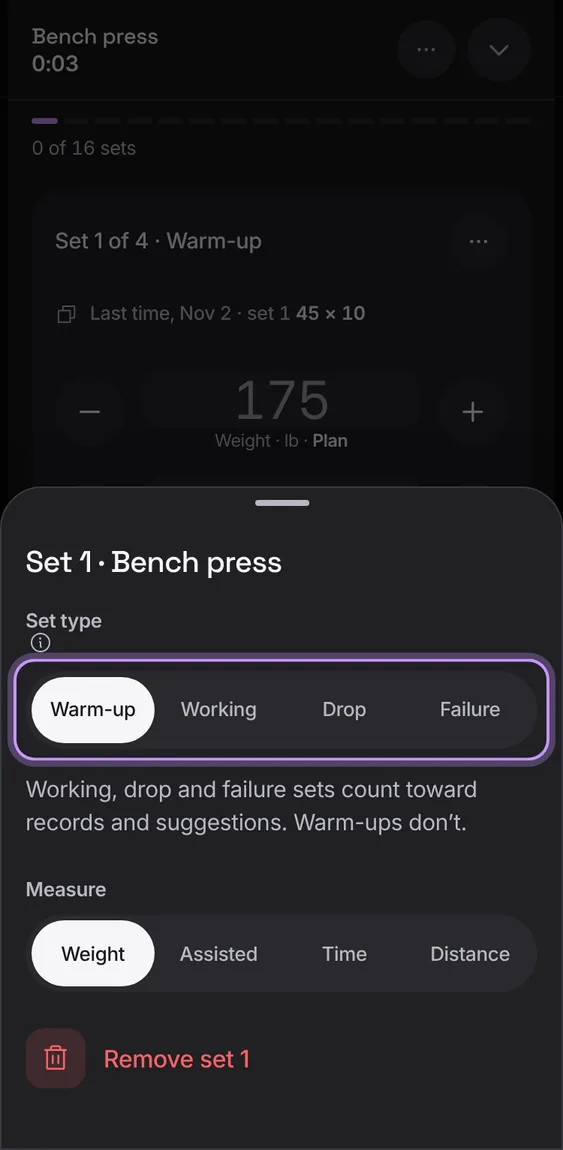
Mark a set as Warm-up, Working, Drop or Failure. Warm-ups don't count toward records or suggestions.
- Tap a set's number, or the type chip on the set, and choose its type.