Talus
Exercise library
Every exercise you use and the library's own, to search, favourite, add and edit.
Every Exercise library feature
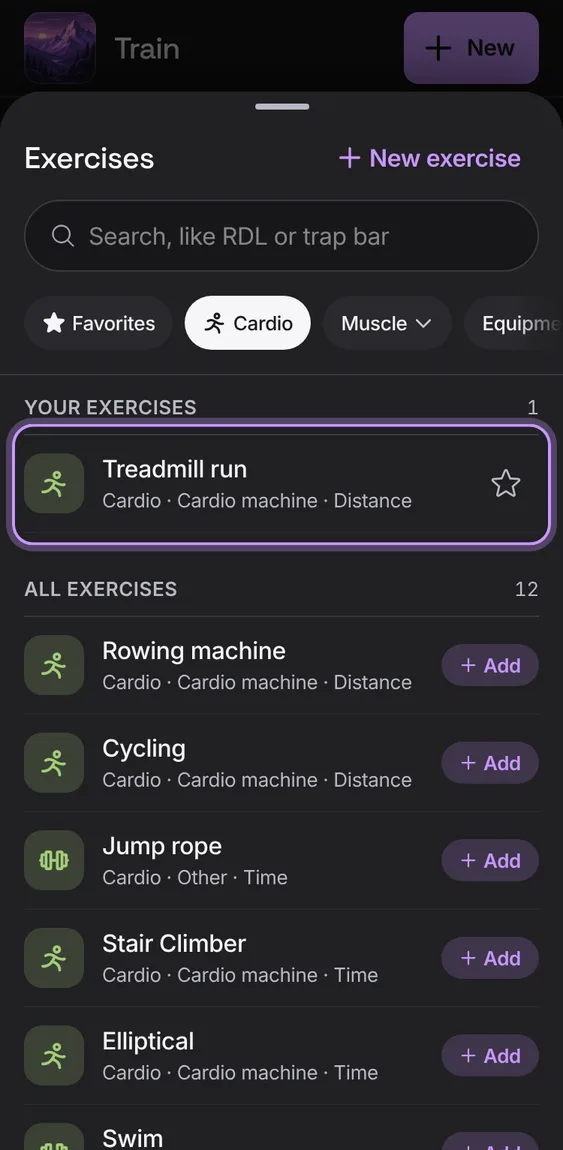
Cardio is a kind of exercise: filter by Cardio, add it to a routine like any other, and each set logs a distance, a time or both.
- Tap Cardio in the filters.
- In a workout, enter km, a time, or both for each set.
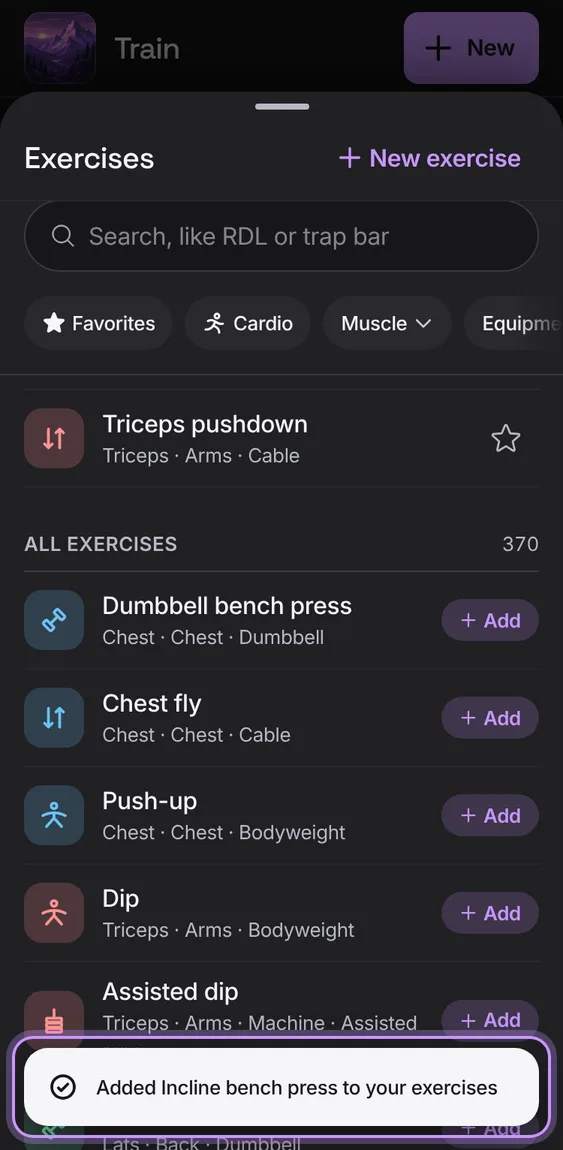
Hundreds of exercises under All exercises, each with Add. One becomes yours when you add it or pick it.
- Tap Add on a library row, or tap the row to open it first.
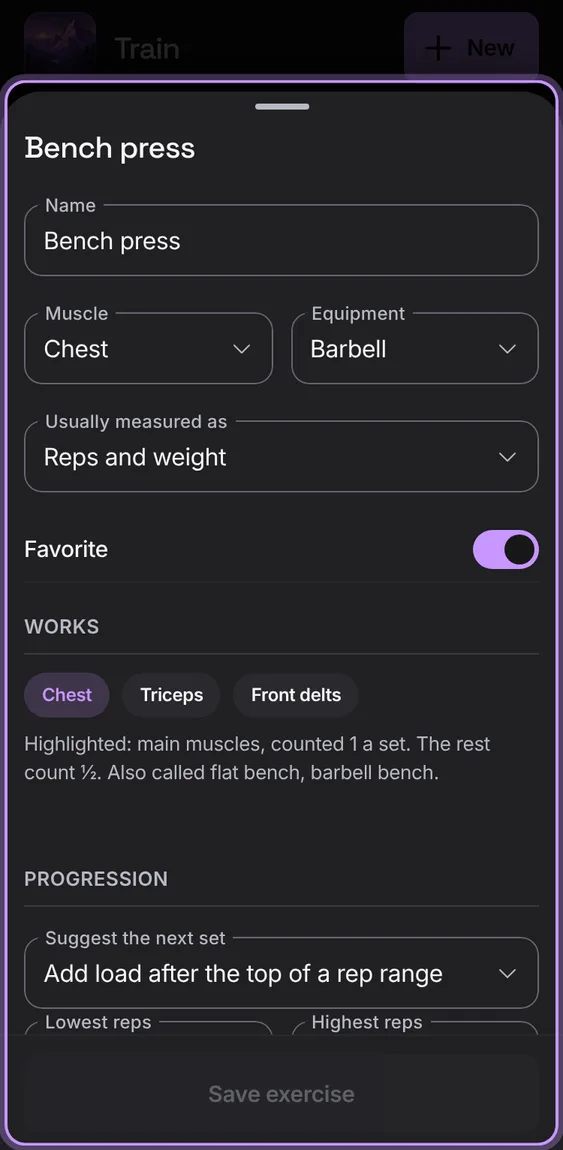
One exercise: its name, muscle, equipment, how it's usually measured, whether it's a favourite, and Save exercise.
- Tap an exercise in the library.
- Change what you need and tap Save exercise.
The exercise's completed sets, newest first, with the day and workout, a page at a time.
- Scroll to History in the exercise.
- Older and Newer move between pages.
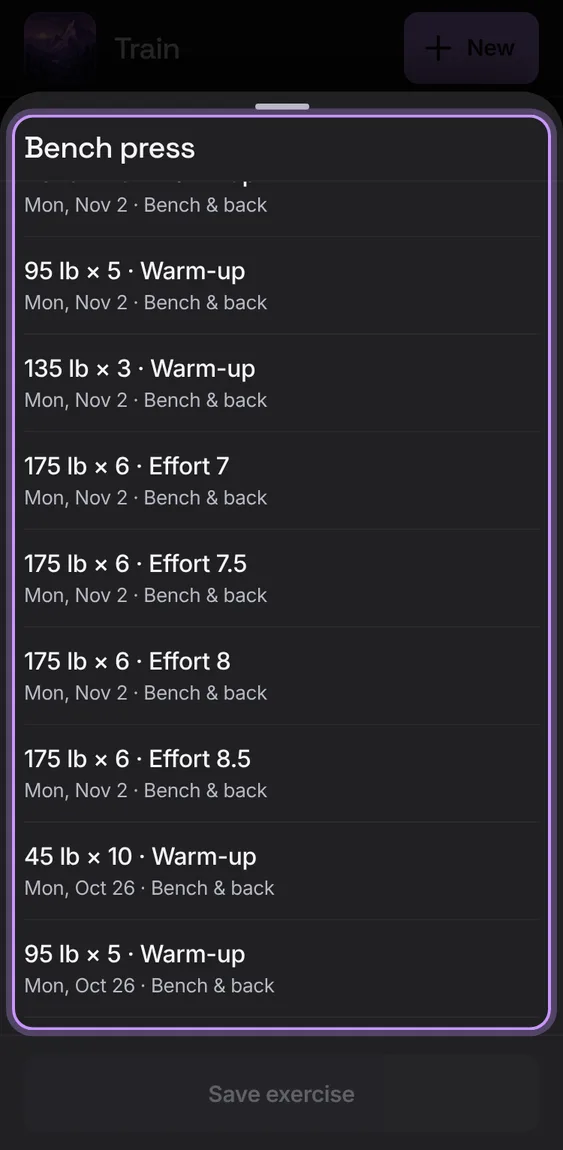
Renaming keeps the exercise's history; past workouts keep the old name, and either name still logs to it.
- Change the name and tap Save exercise.
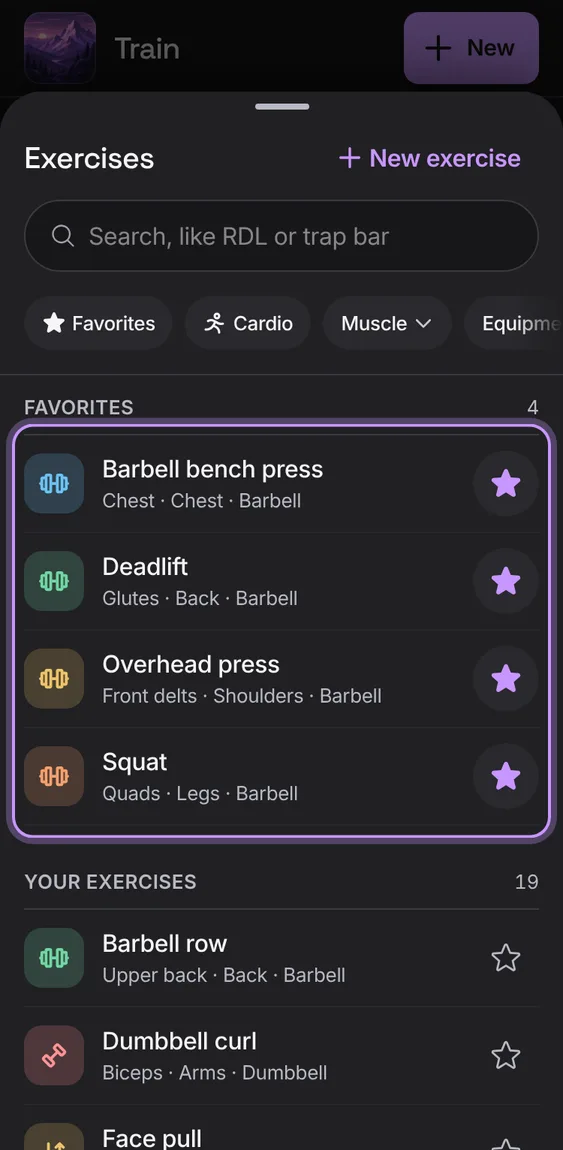
Which muscles the exercise counts for (main ones highlighted, counted 1 a set; the rest ½) and its other names.
- Shown under Works in the exercise.
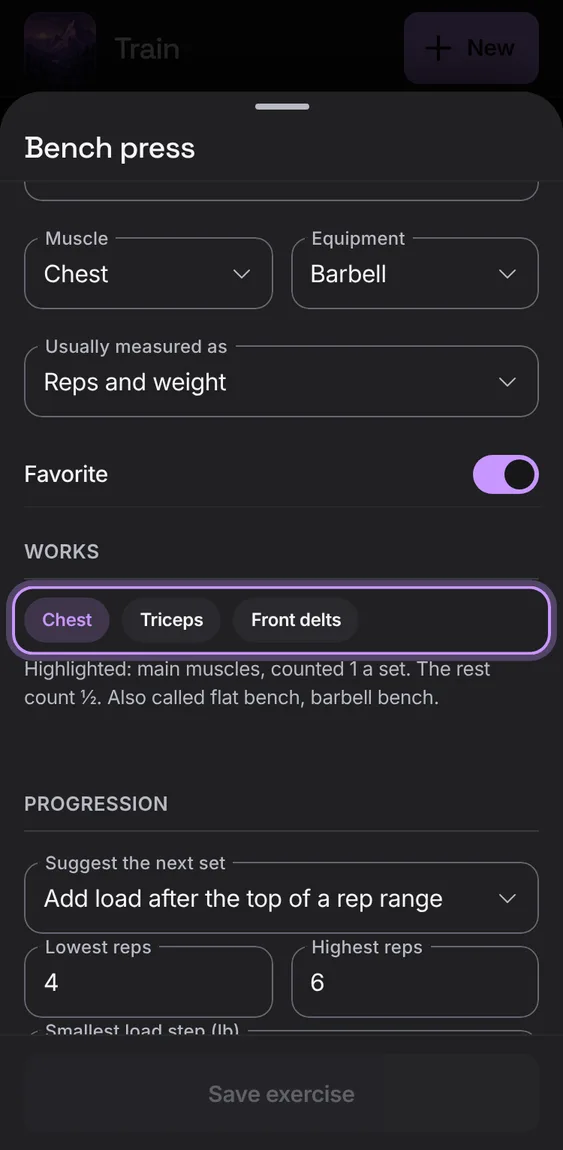
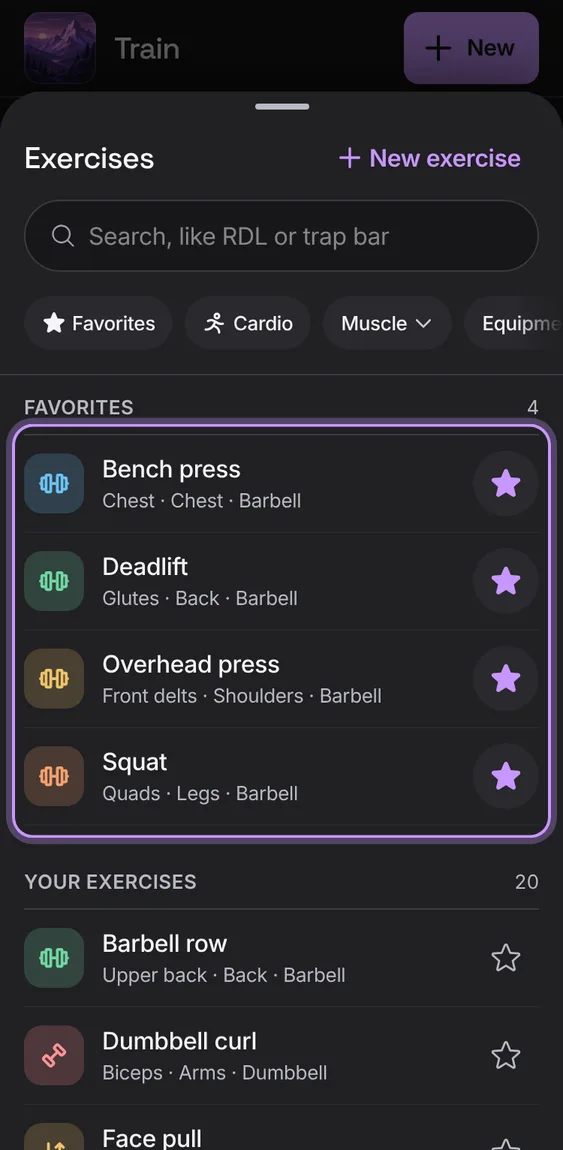
Star the exercises you use most; they come first in every picker.
- Tap the star on one of your exercises.
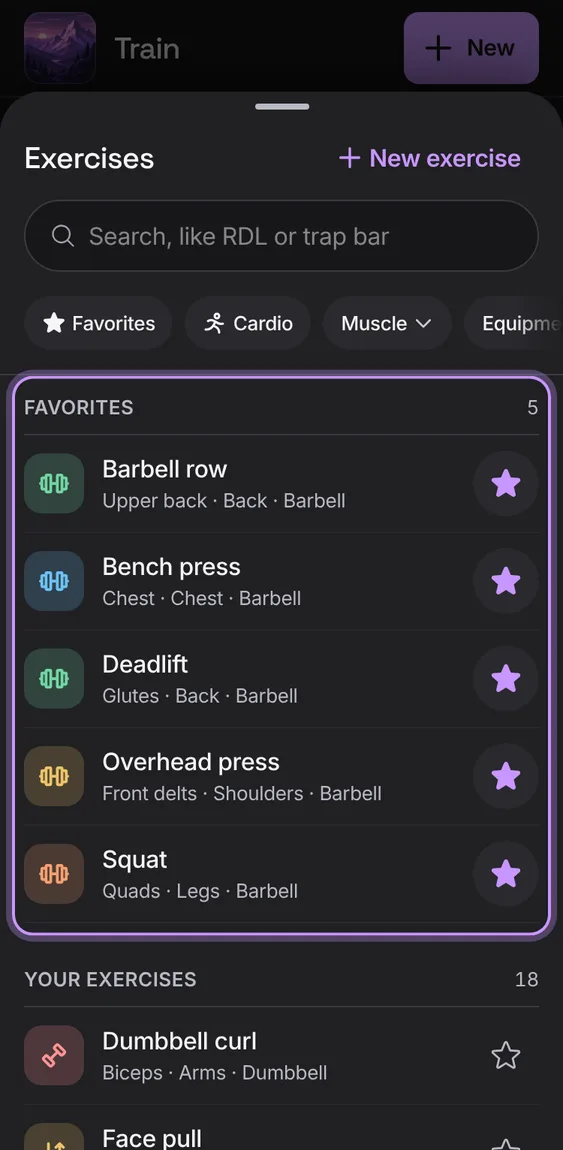
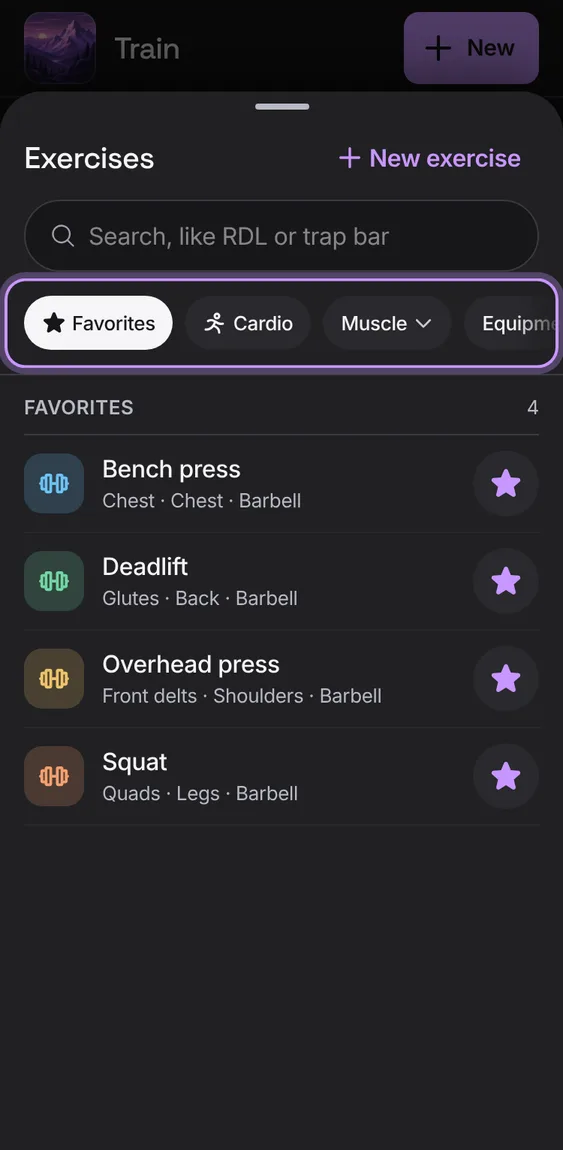
Narrow the list to your favourites, to cardio, to one of 19 muscle groups, or to one kind of equipment.
- Tap Favorites or Cardio, or choose from Muscle or Equipment.
Make your own exercise, or use a name that isn't there: it comes after the matches as New exercise.
- Tap New in the library, or type a name and tap New exercise “name”.
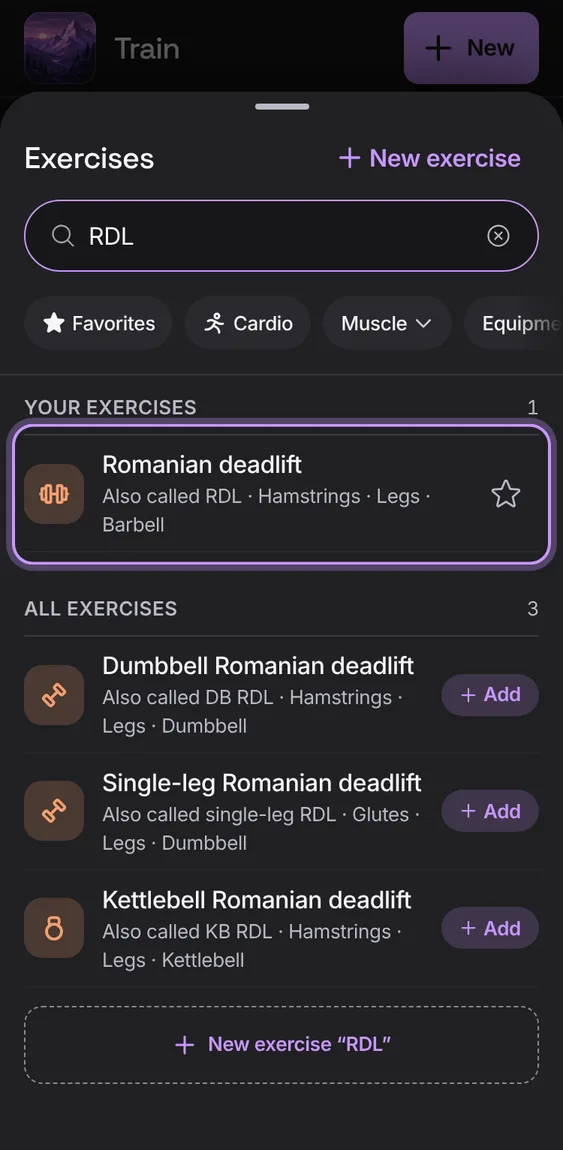
Search by name, muscle or equipment, and by the names people use (RDL, OHP, trap bar). A match by another name says so on the row.
- Type in Search, like RDL or trap bar.