 Talus
Your workout data
Workouts are saved on this device first and work offline; signed in, they sync to your account. Import, export and backups live in Account.
Every Your workout data feature
A recovery file with every workout, draft and unsent change, to restore on any browser, even offline.
- Account › Import › Backup and restore.
Not in the demo. Needs an account: the demo has none.
Workouts, measurements and routines (with supersets) from the earlier Talus are brought over as they were, without invented targets, and can be undone while untouched.
- Nothing to do: they appear in History and Routines.
Not in the demo. Needs an account: the demo has none.
Download your workouts, and bring in your history from Strong or Hevy.
- Account › Import › Talus, or History's Import.
- Export saves all data (JSON) or one row per set (CSV).
Not in the demo. Needs an account: the demo has none.
All 3 in Workout export and importAll data as JSON to keep or move, or every set as CSV (kg, metres, UTC).
- Tap All data (JSON) or Sets (CSV).
Not in the demo. Needs an account: the demo has none.
Choose a CSV and see it all before anything is saved: each exercise matched or new, units, time zone, columns and any rows that need attention. Importing the same file again adds nothing.
- Choose a CSV file, check the preview, then Import.
Not in the demo. Needs an account: the demo has none.
Each import is listed with what it added; download the original file or undo it. Workouts you've changed since are kept.
- Tap a past import, then Download original or Undo import.
Not in the demo. Needs an account: the demo has none.
After you sign in, Talus offers once to copy what you logged signed out (workouts, readings, routines and goals) into your account. Nothing moves until you ask.
- Tap the offer at the top of Talus to copy them in.
Not in the demo. Needs an account: the demo has none.
Every set, draft and change is saved on this device as it happens, and survives going offline, a reload, a closed tab or the app being stopped. If storage won't open, Talus says so and your work stays safe.
- Nothing to do: log offline and finish later.
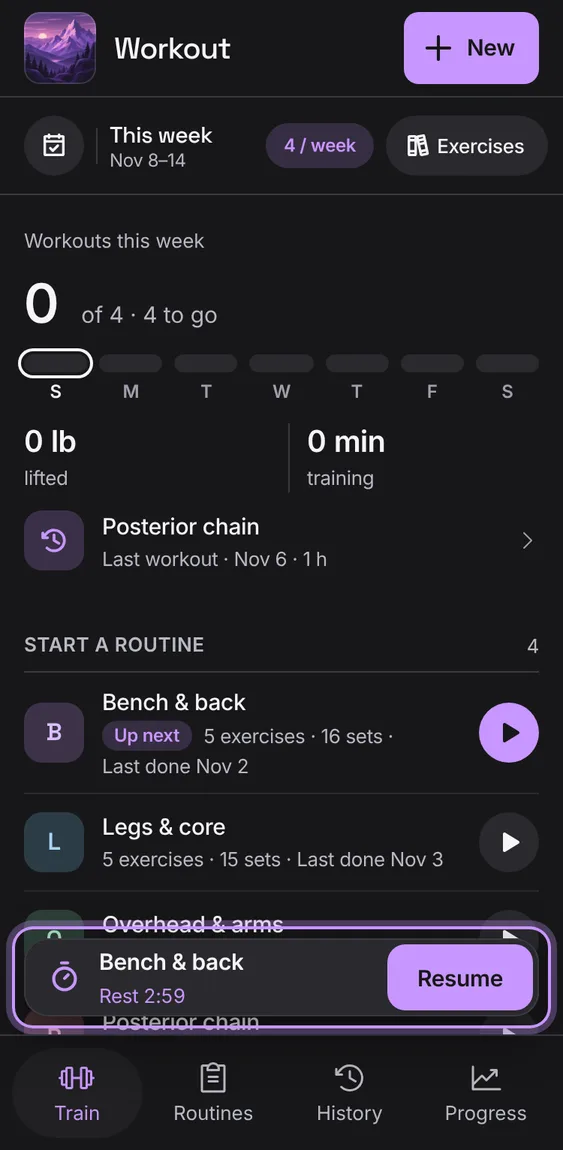
Signed in, your workouts, routines, programs, goals and measurements sync between your devices, and nobody else can read them.
- Sign in; changes sync by themselves.
Not in the demo. Needs an account: the demo has none.