 Hub
Sync status on the app's mark
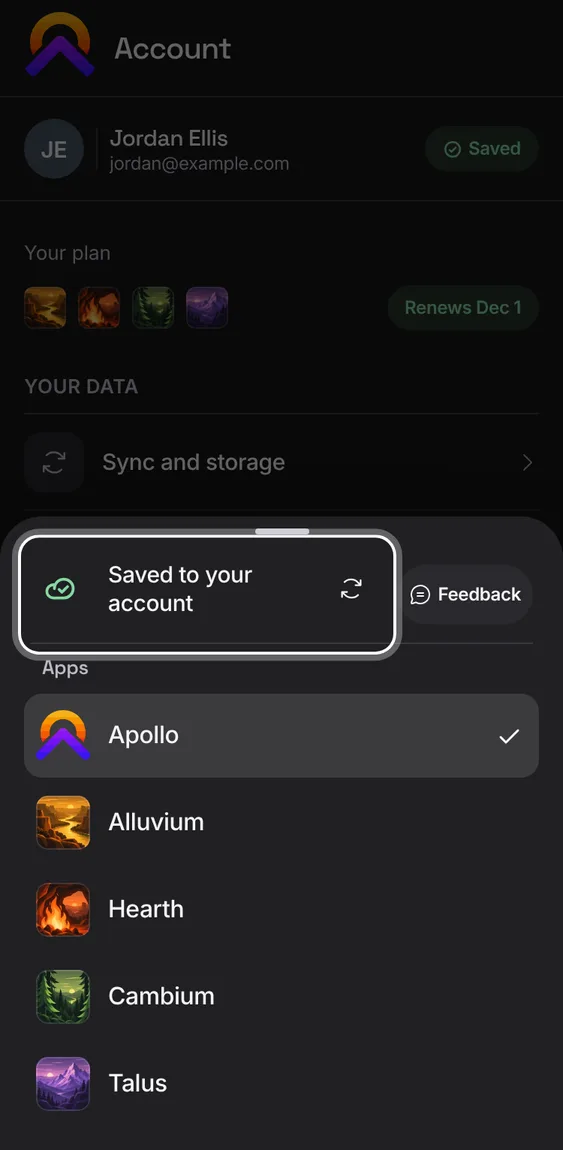
Each app's mark shows sync at a glance: a badge when changes are waiting or something needs you, a thin ring while a slow sync runs, nothing when all is well.
The Hub’s features play in its own demo, not on this page.
Every Sync status on the app's mark feature
When sync needs something from you, the mark shows !, one message says what, and the fix is at the top of the switcher.
- Tap the mark and follow the fix.
Not in the demo. Asks Apollo’s server, which the tour site doesn’t reach.
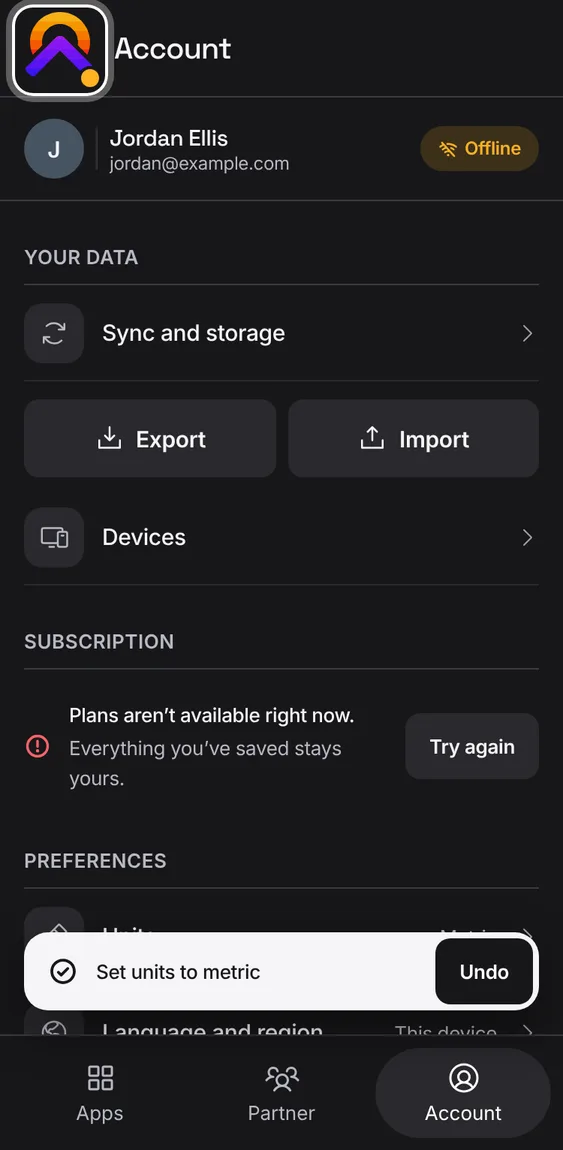
Offline, changes wait with a count on the mark, and sync once you're back.
- Keep working; the badge clears when they're sent.
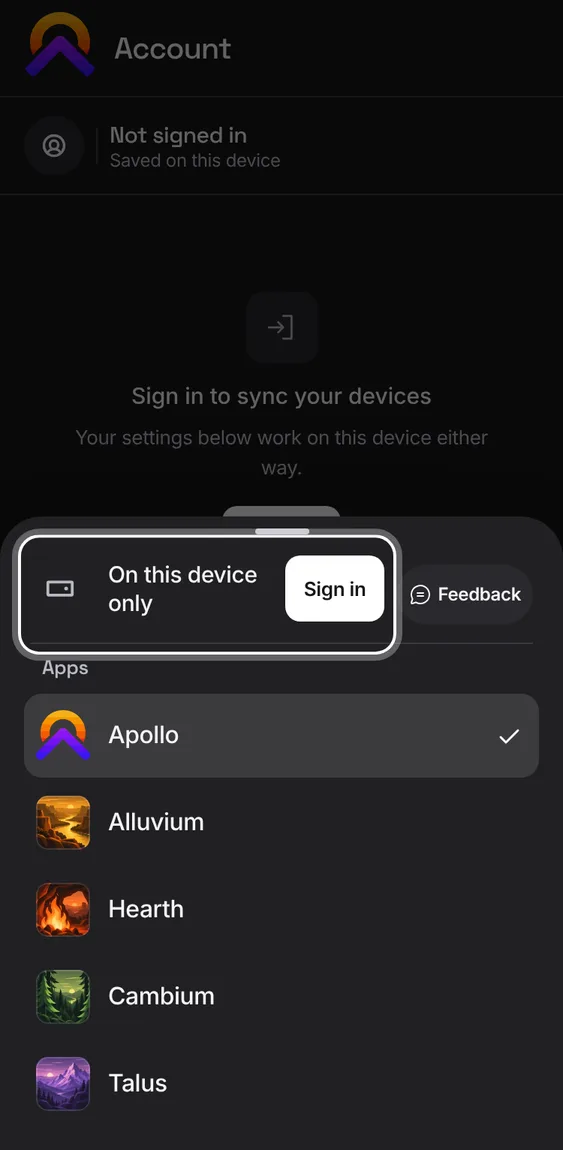
Signed out, the mark and the switcher say your work is on this device only.
- Sign in to sync it to your account.
The switcher's sync row has Sync now to send waiting changes straight away.
- Tap the app's mark, then Sync now.