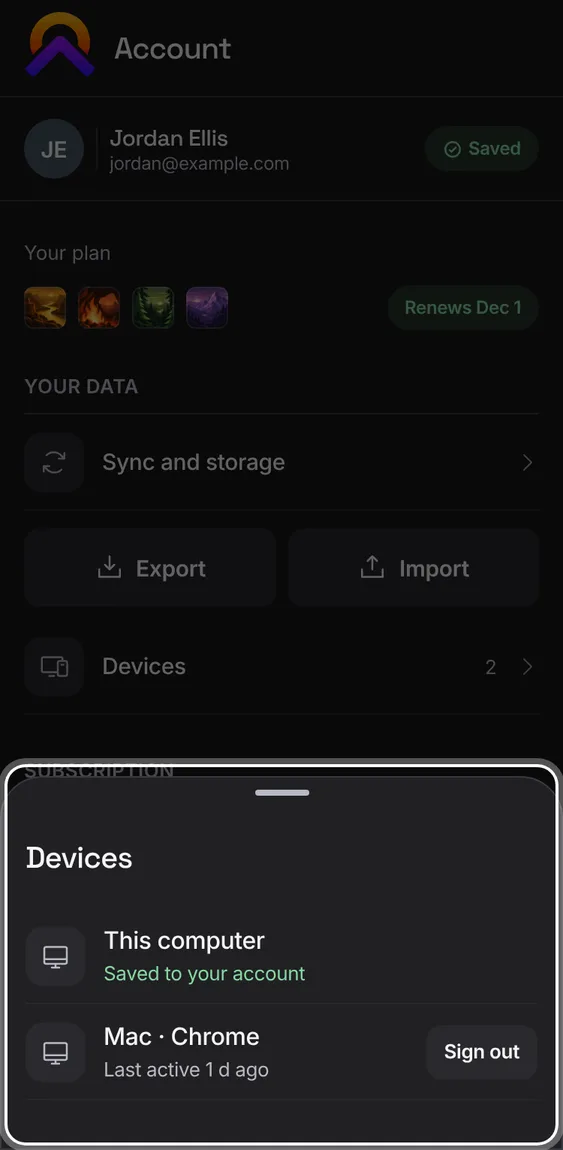
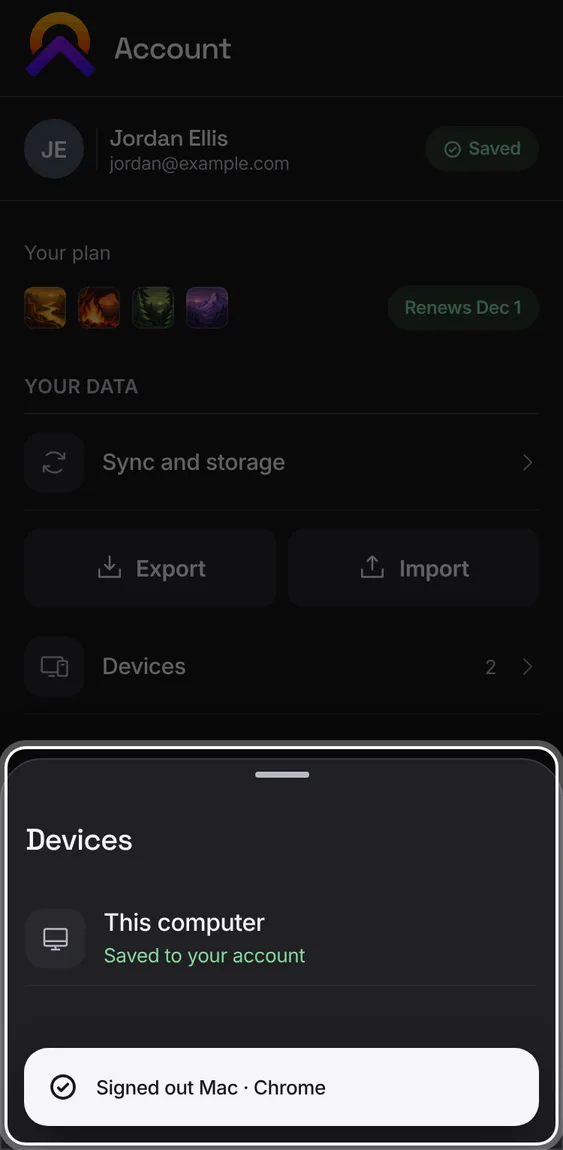
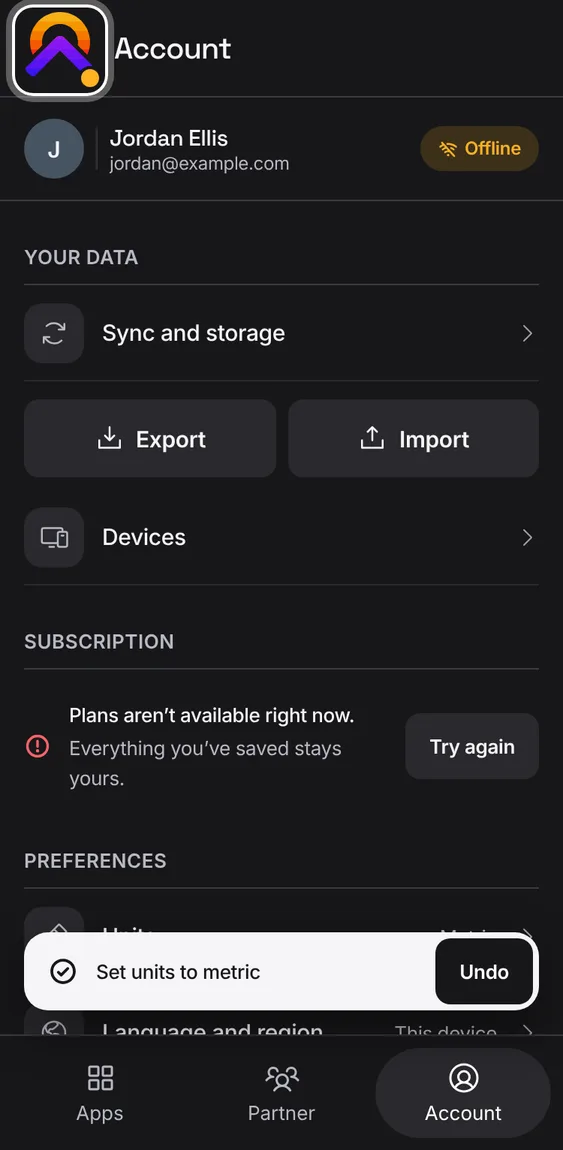
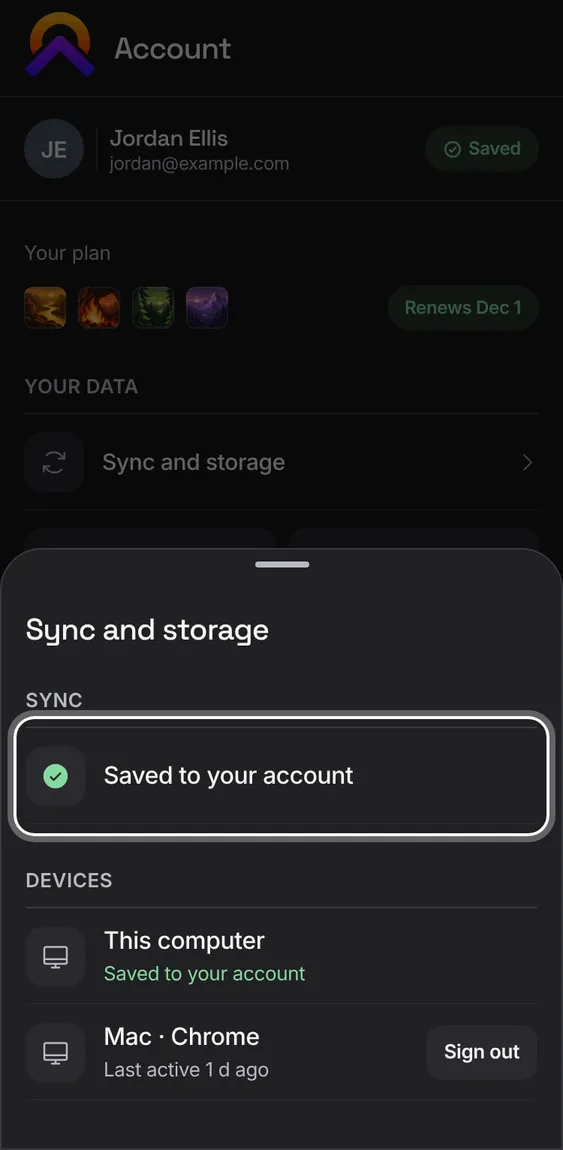
Sign out a device you no longer use. You confirm with its name and last activity; what's on it stays there.
Devices › Sign out beside the device, then Sign out device.
A note or workout you're in the middle of survives a reload, a closed tab and another tab's changes; nothing is overwritten without you choosing.
Come back to the app and carry on where you were.
Not in the demo. Shows for writing left unsaved when the app closed.
Each change is sent until the server has it, never twice and never to the wrong account or shared home. A busy or refused server keeps your work waiting.
Nothing to do: sync runs when the app opens, after changes, and when you're back online.
Not in the demo. Asks Apollo’s server, which the tour site doesn’t reach.
A reopened app shows its last page straight away while its data loads, and anything you change meanwhile is saved.
Nothing to do; it's how every app opens.
Not in the demo. Shows in Alluvium, Hearth, Cambium or Talus, not in the Hub.
Changes made in the previous version of Apollo that never reached the server are found in this browser and sent once, when you ask.
If any are found, Account offers to send them.
Not in the demo. Shows with more than the demo holds.
The installed app keeps each app's data in its own database in the browser, separate for each account and shared home, and saves even offline.
Nothing to do; if the database is slow to start, the app says so and then opens.
Not in the demo. Shows in the installed app, not in a browser tab.
If the device's database can't start, the app says so and keeps your saved work, and can restore it from your account.
Follow the message; nothing saved is thrown away.
Not in the demo. Shows in the installed app, not in a browser tab.
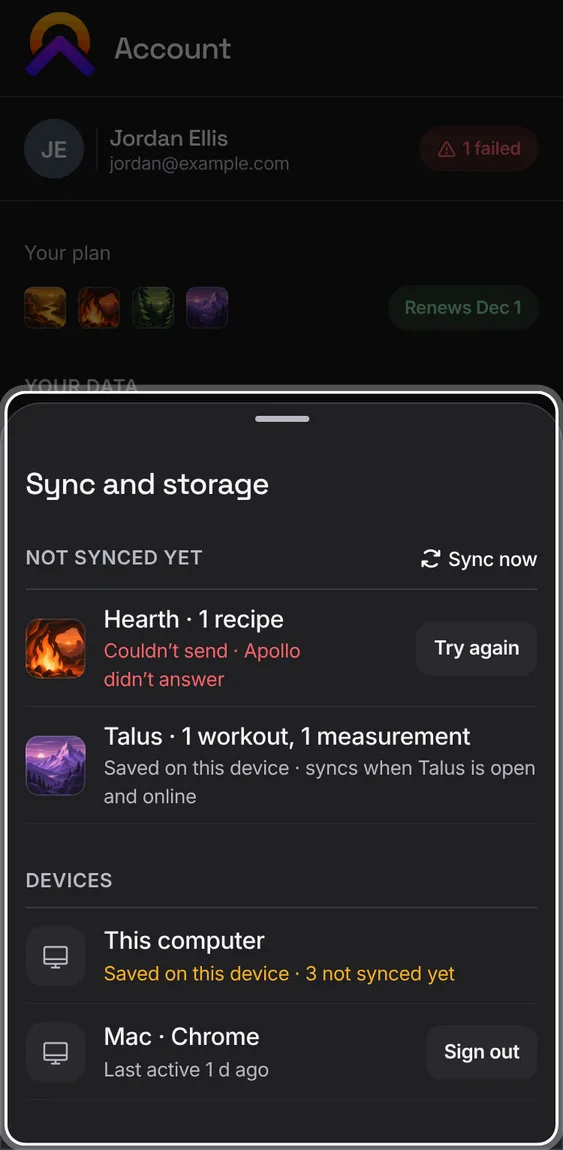
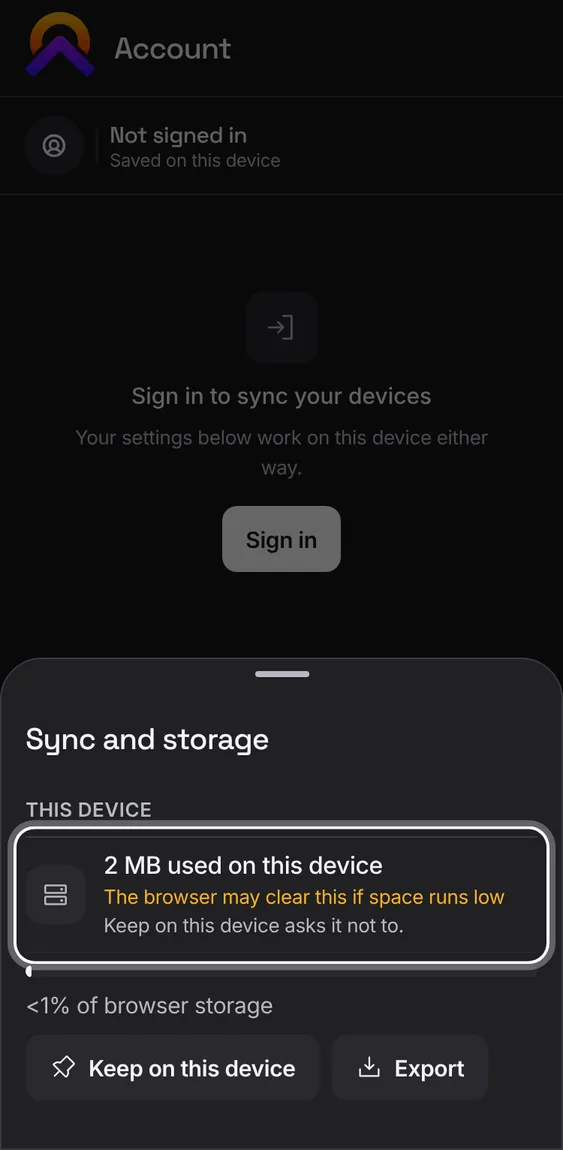
Account's Sync and storage sheet lists what each app hasn't synced yet, your devices and this device's storage.
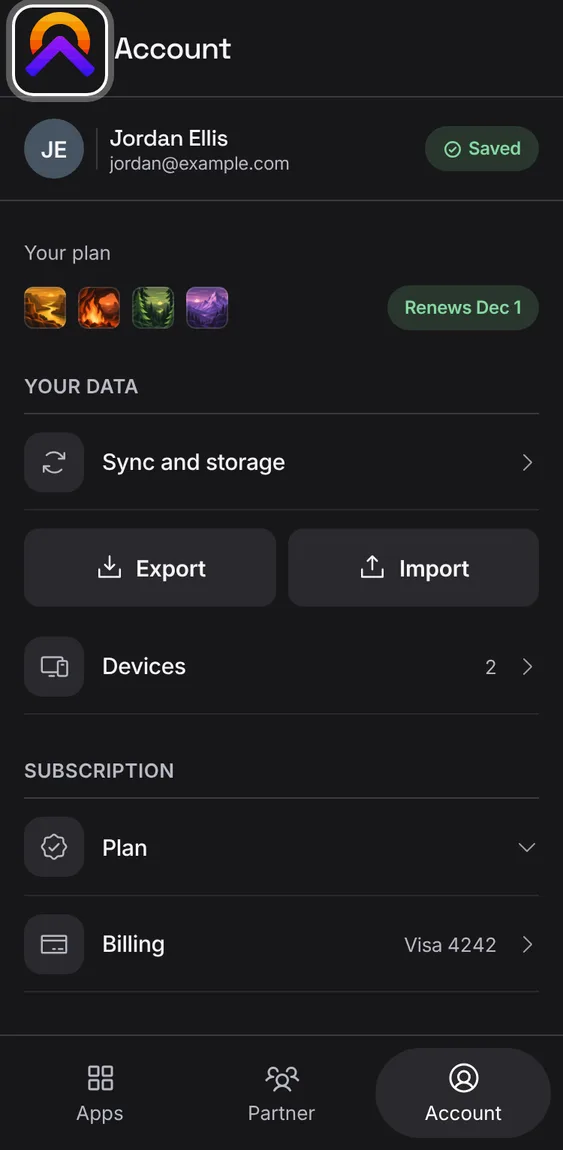
Tap the sync pill at the top of Account, or Sync and storage under Your data.
Sync now opens the first app with something waiting; a failed one has Try again.
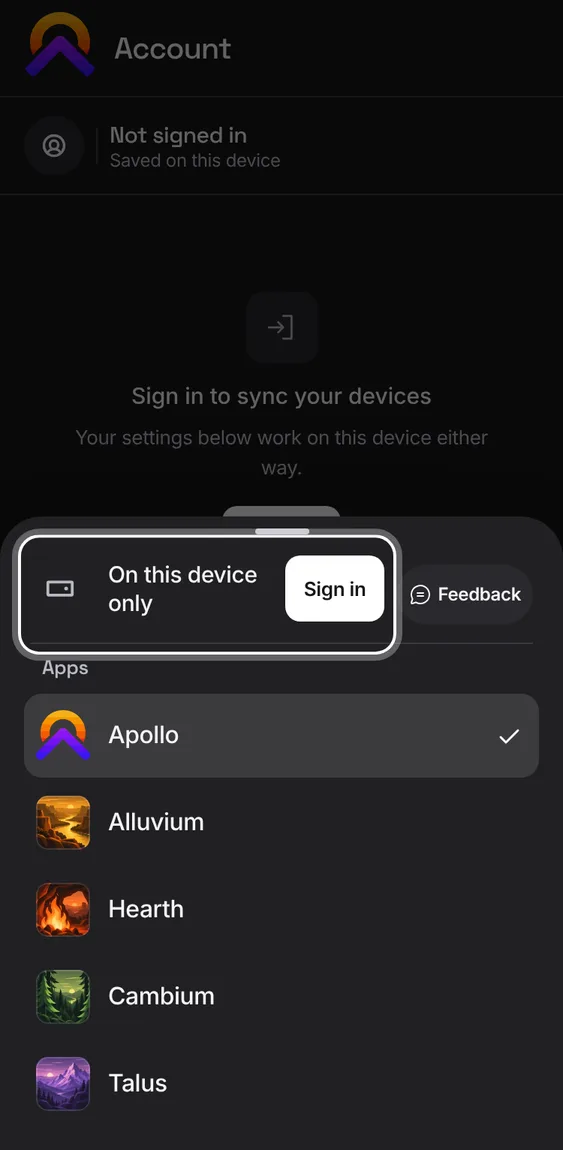
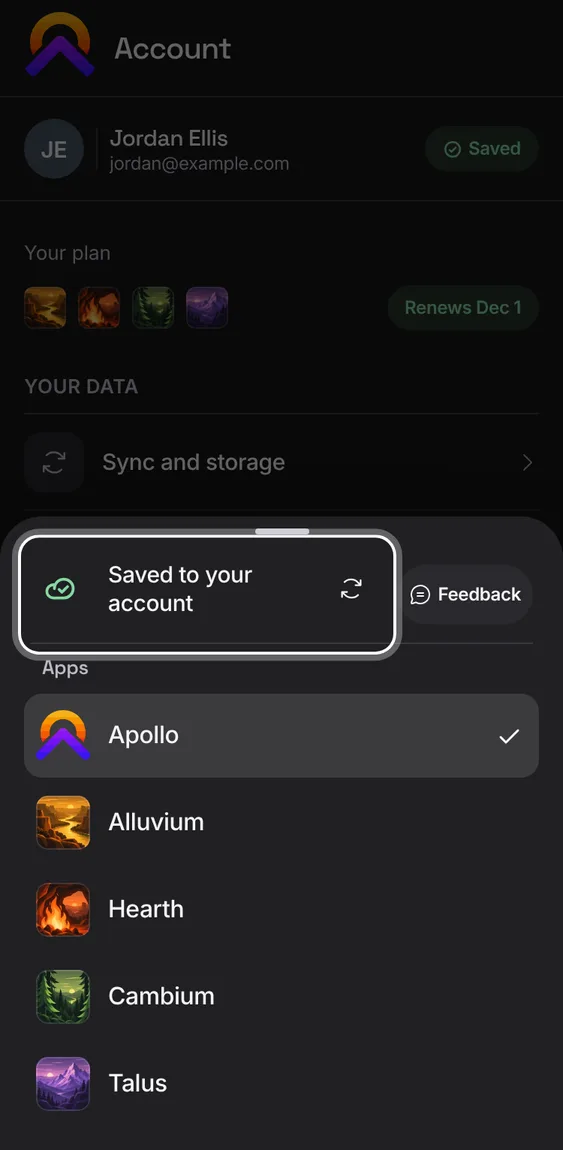
Each app's mark shows sync at a glance: a badge when changes are waiting or something needs you, a thin ring while a slow sync runs, nothing when all is well.
Tap the mark to see the status line and Sync now.
A change in state is said once, in a short message.
 Hub