 Hub
The plans screen
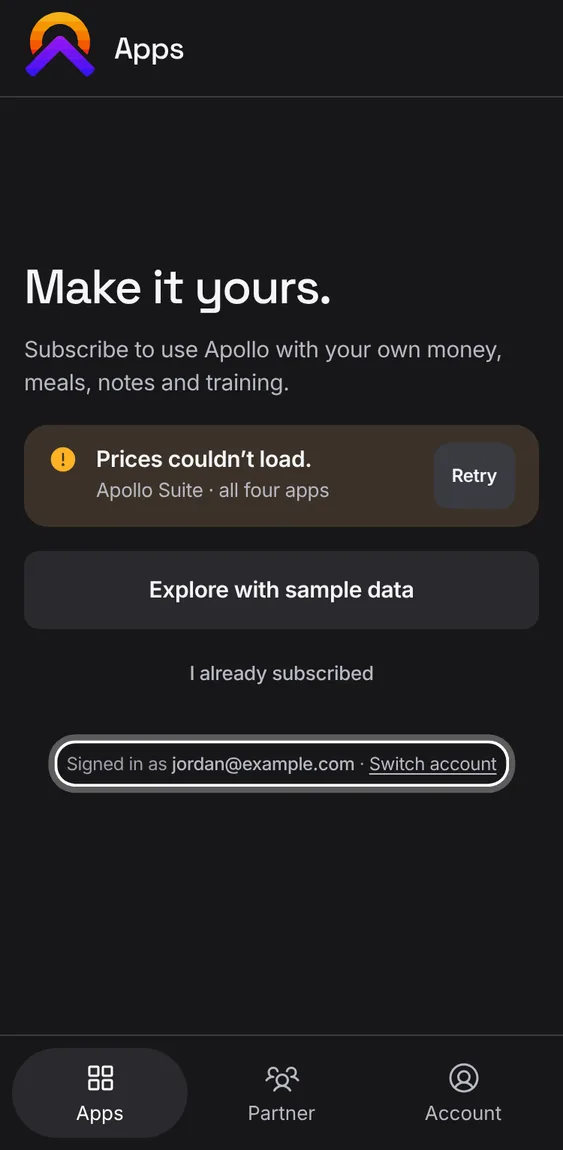
Signed in without a plan, the apps show a calm full screen with the plans, never a pop-up. The demos stay open.
The Hub’s features play in its own demo, not on this page.
Every The plans screen feature
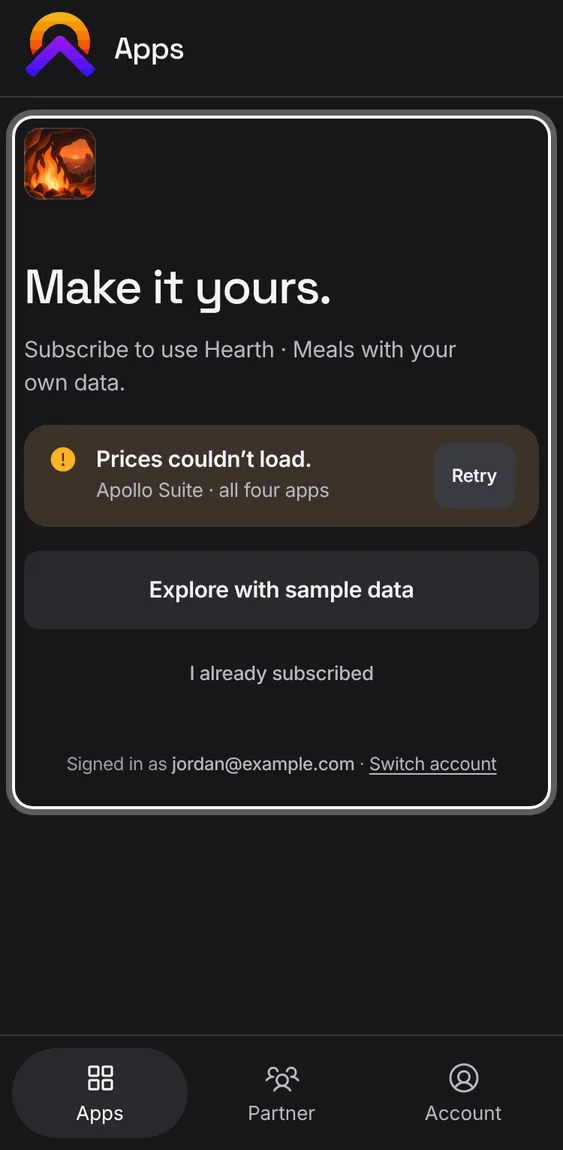
Opened from an app, or from a locked tile, the plans screen leads with that app's own plan and price.
- Tap a locked tile on Apps, or open an app you don't have.
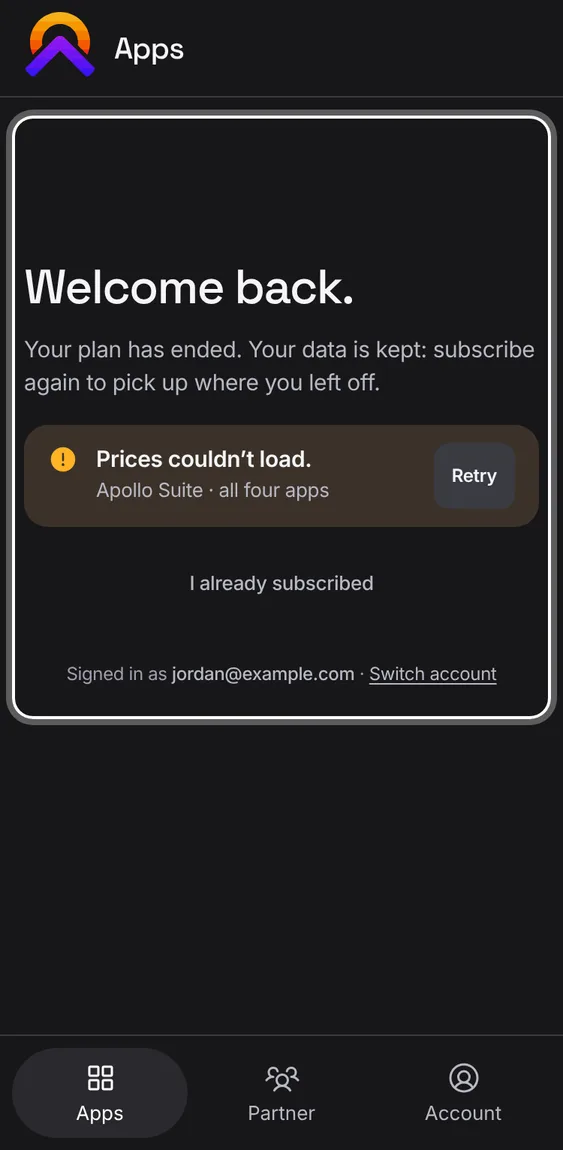
When your plan has ended, the app welcomes you back. Your data is kept: open it to read and export, or subscribe again.
- Tap View and export my data to open it read-only.
- Or choose a plan to pick up where you left off.
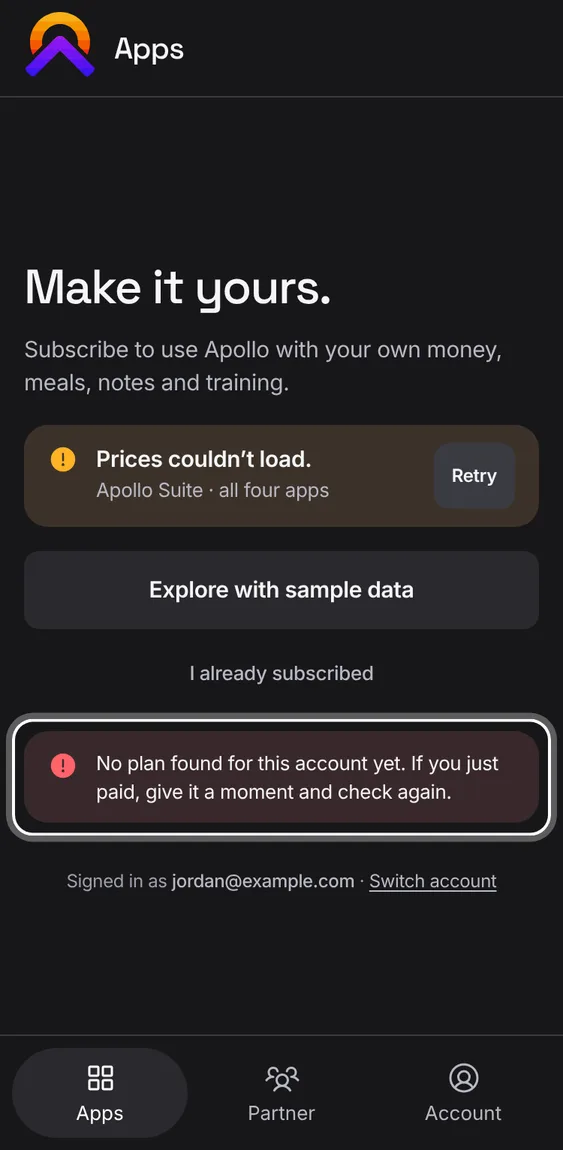
If you've just paid and the plans still show, check again without leaving the page.
- Tap I already subscribed. If the payment hasn't arrived yet, it says so.
If your plan was refunded, the screen says so and offers no plans. Your data is still there to view and export.
- Refunds are once per person, so that account, email and card can't subscribe again.
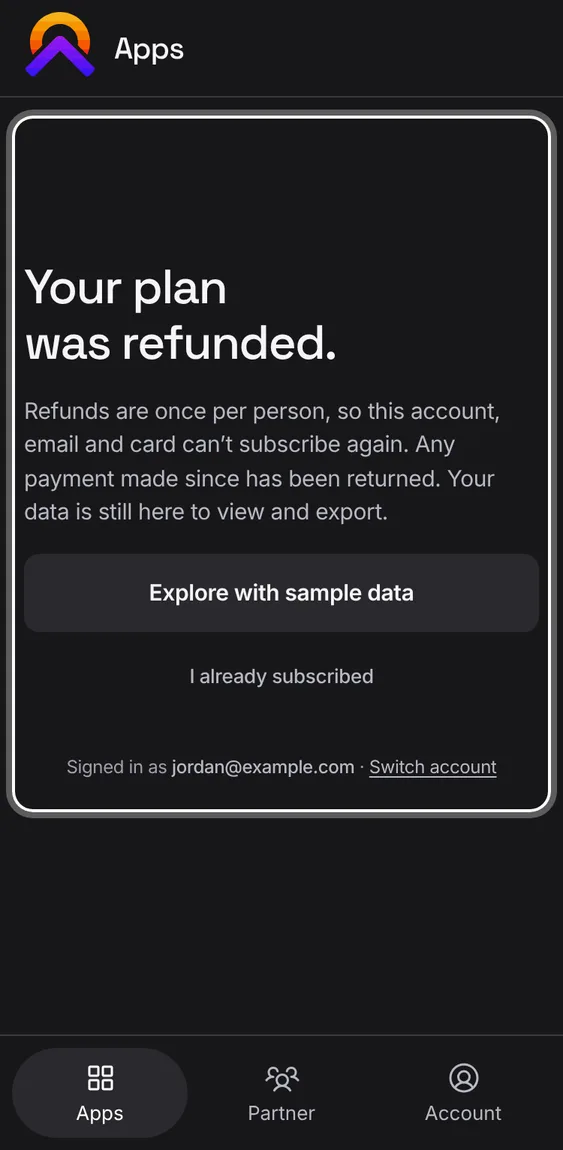
The plans screen says which account you're signed in with, and lets you sign in as another.
- Tap Switch account at the foot of the page.