 Hub
Plans and checkout
Choose one app or all four, monthly or yearly, at the prices in the live price list, and pay through Stripe.
The Hub’s features play in its own demo, not on this page.
Every Plans and checkout feature
Choosing a plan takes you to Stripe's secure checkout. If you chose a plan before signing in, sign-in carries you straight on to pay.
- Pick a plan, pay on Stripe's page, and you come back to Apollo.
- If checkout can't start, it says why and nothing is charged.
Not in the demo. Goes on at Stripe or Google, which the demo never calls.
After you subscribe, an email confirms the plan, when it renews, how to cancel and the refund rule.
- It's sent once, to the email you sign in with.
Not in the demo. Asks Apollo’s server, which the tour site doesn’t reach.
A link with a promotion code shows that code's offer, with the list price struck through, and carries the code through sign-in to checkout.
- Open a link like apollo-suite.com/?code=…, choose a plan and pay.
- If the offer has ended, checkout says so and nothing is charged.
Not in the demo. Goes on at Stripe or Google, which the demo never calls.
Signed in without a plan, the apps show a calm full screen with the plans, never a pop-up. The demos stay open.
- Choose a plan to go to checkout.
- Explore with sample data opens the demo instead; Switch account signs in as someone else.
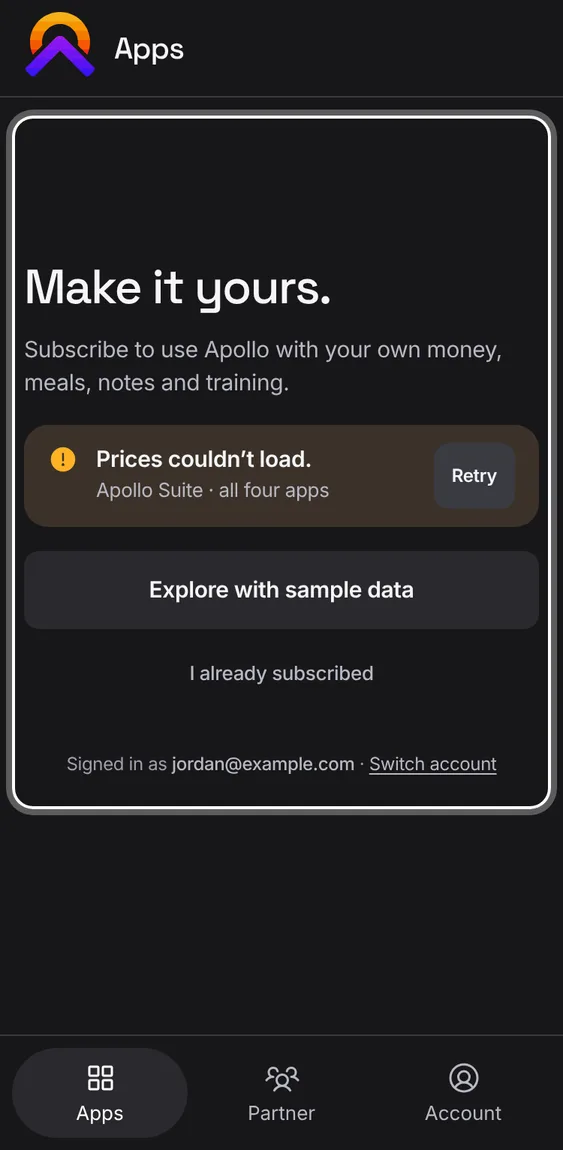
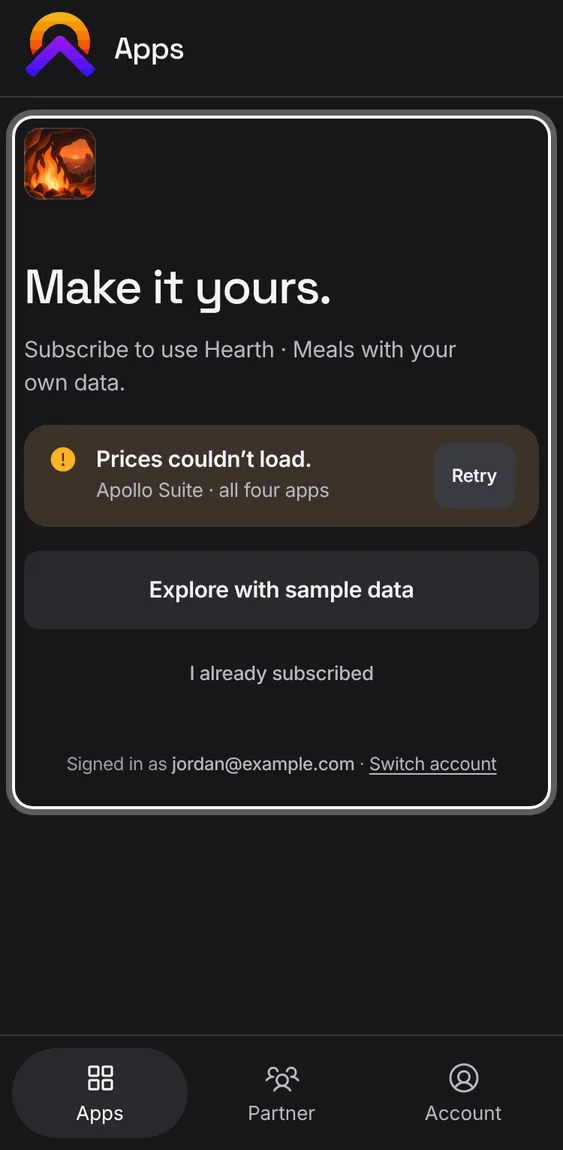
Opened from an app, or from a locked tile, the plans screen leads with that app's own plan and price.
- Tap a locked tile on Apps, or open an app you don't have.
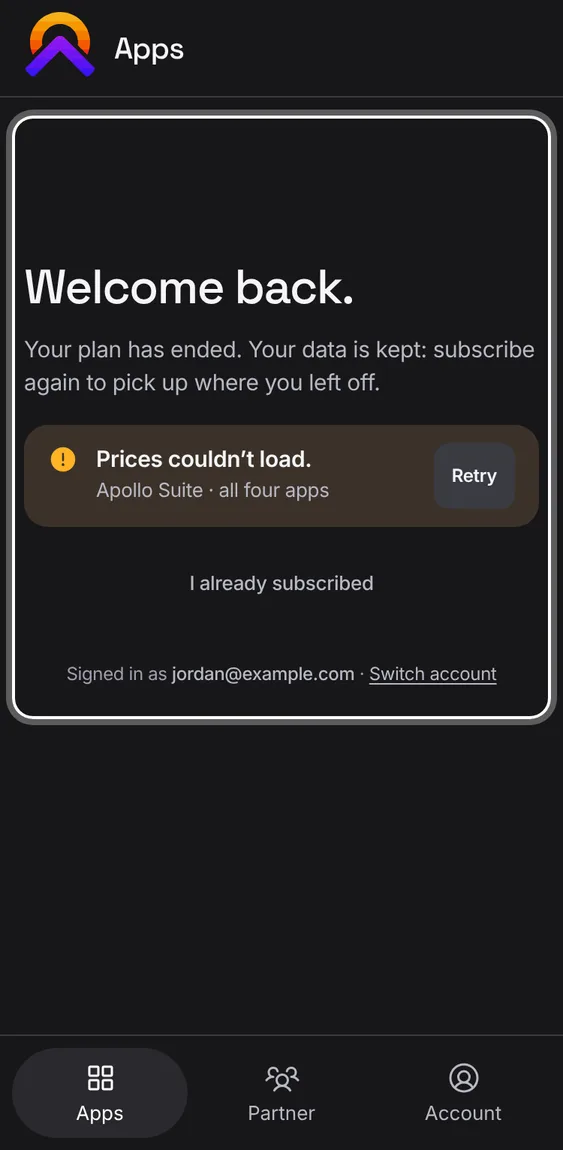
When your plan has ended, the app welcomes you back. Your data is kept: open it to read and export, or subscribe again.
- Tap View and export my data to open it read-only.
- Or choose a plan to pick up where you left off.
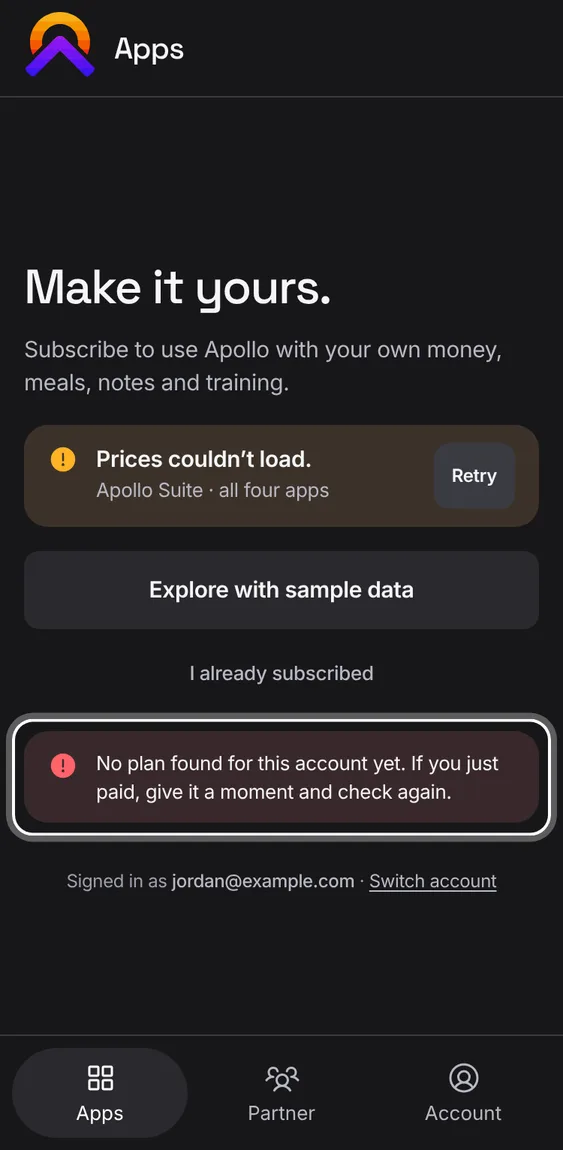
If you've just paid and the plans still show, check again without leaving the page.
- Tap I already subscribed. If the payment hasn't arrived yet, it says so.
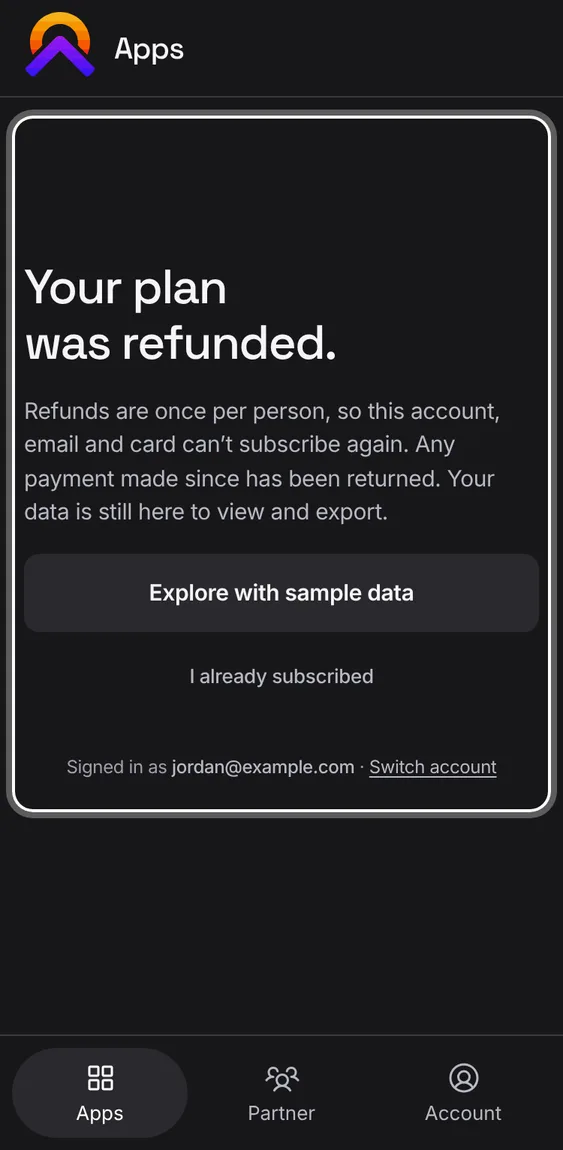
If your plan was refunded, the screen says so and offers no plans. Your data is still there to view and export.
- Refunds are once per person, so that account, email and card can't subscribe again.
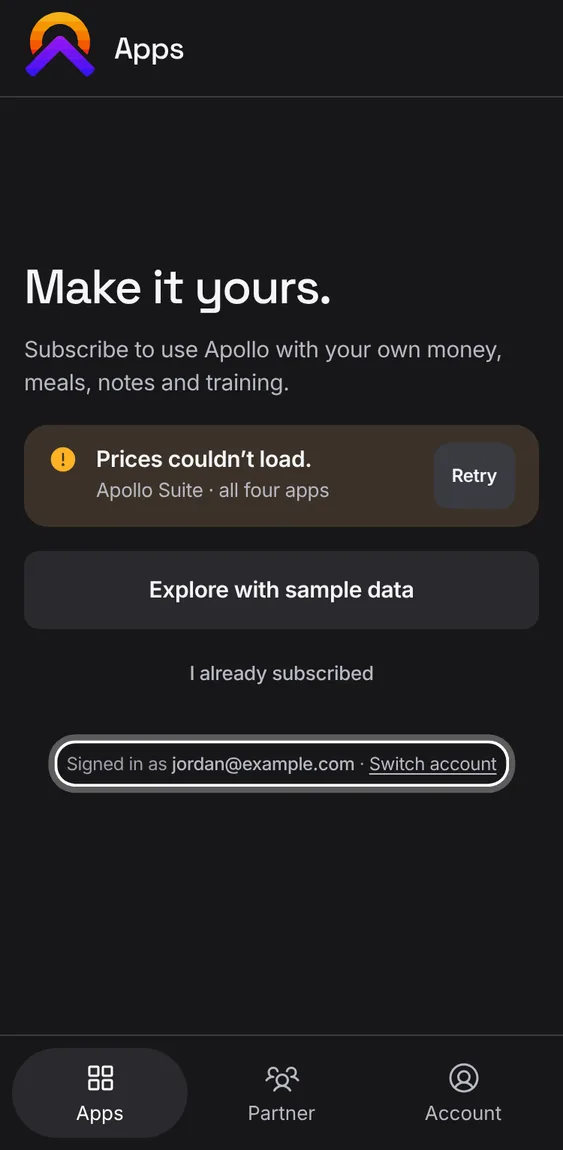
The plans screen says which account you're signed in with, and lets you sign in as another.
- Tap Switch account at the foot of the page.
Switch between monthly and yearly prices. Yearly shows how much you save, worked out from the real price list.
- Tap Monthly or Yearly above the plans.
Not in the demo. Goes on at Stripe or Google, which the demo never calls.
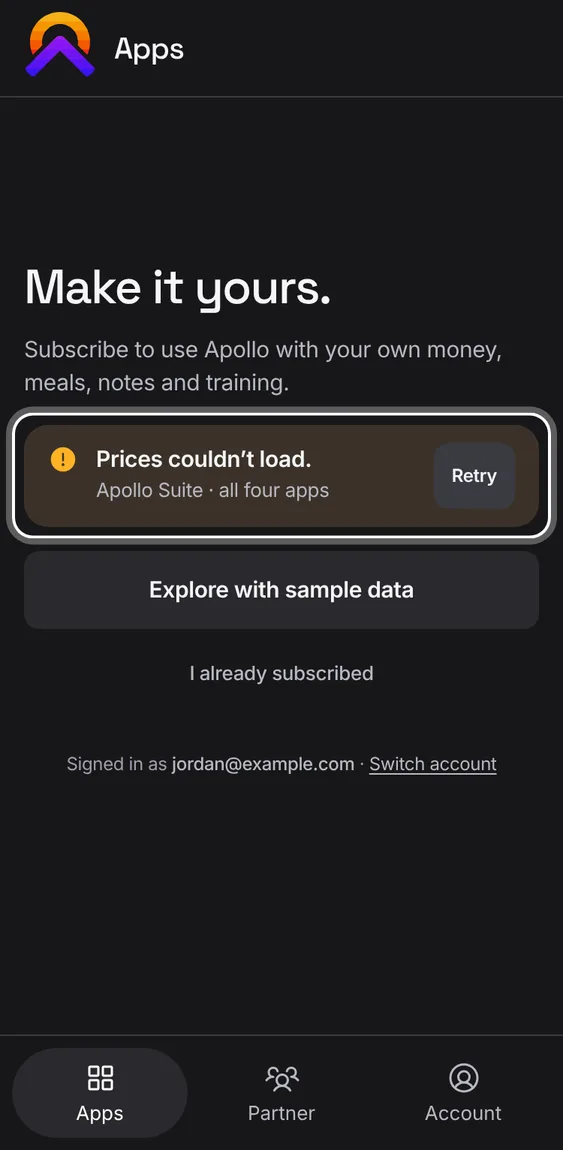
Prices come straight from the live price list. If it can't be read, no price is shown and you can try again.
- Tap Try again if the plans couldn't load.
Back from checkout, Apollo confirms the plan with Stripe and then shows the apps it opened for you.
- Tap an app to start. If the payment is still going through, the page waits and updates by itself.
Not in the demo. Goes on at Stripe or Google, which the demo never calls.