 Hub
Profile
Your name, picture and sign-in email. Signed in, the name and picture follow you to your other devices.
The Hub’s features play in its own demo, not on this page.
Every Profile feature
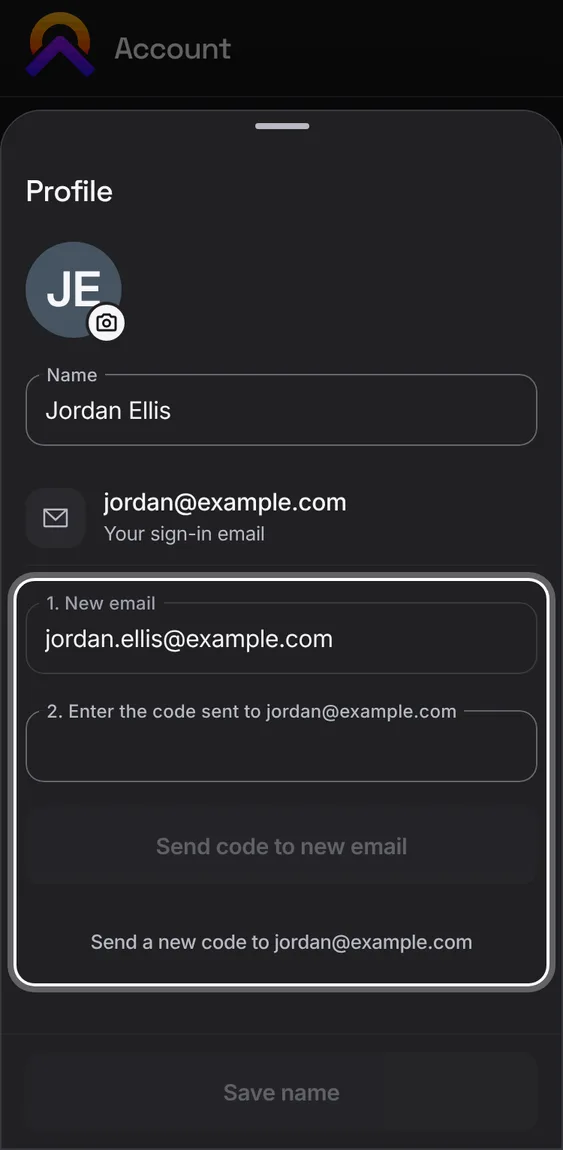
Move your account to a new email in three steps: the new address, a code sent to the old one, then a code sent to the new one.
- Profile › Change, then follow the numbered steps.
- The old address is told when it changes.
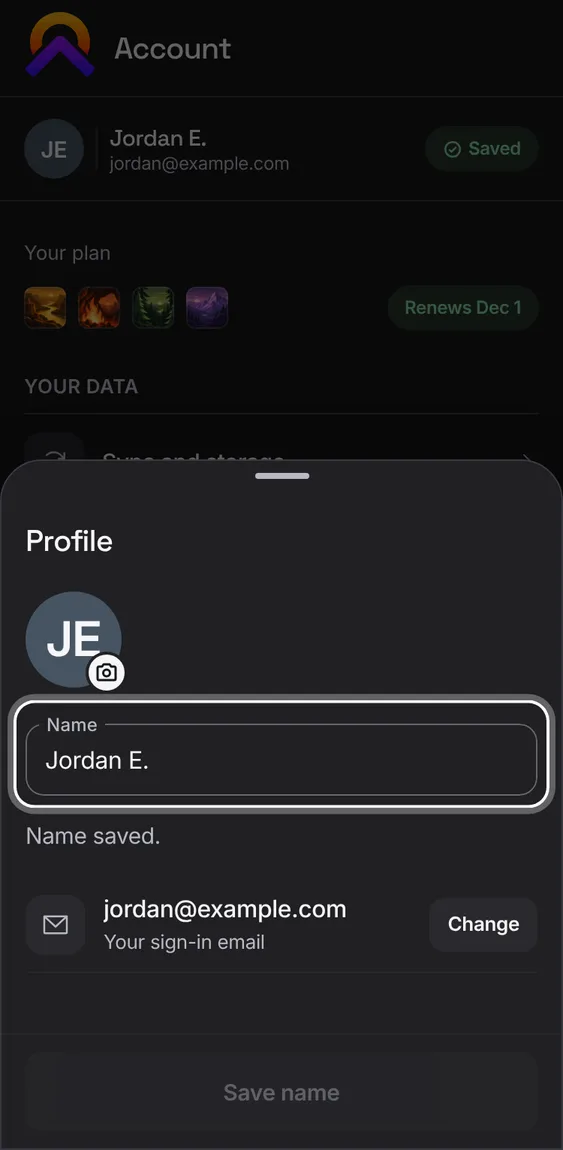
The name Apollo greets you by and shows your partner. Without one, it uses your shared-home name, then your email.
- Type your name in Profile and tap Save name.
Pick a photo; it's cropped to a square and made small enough to sync.
- Tap the picture in Profile and choose a photo.
Not in the demo. Needs a file from your device.
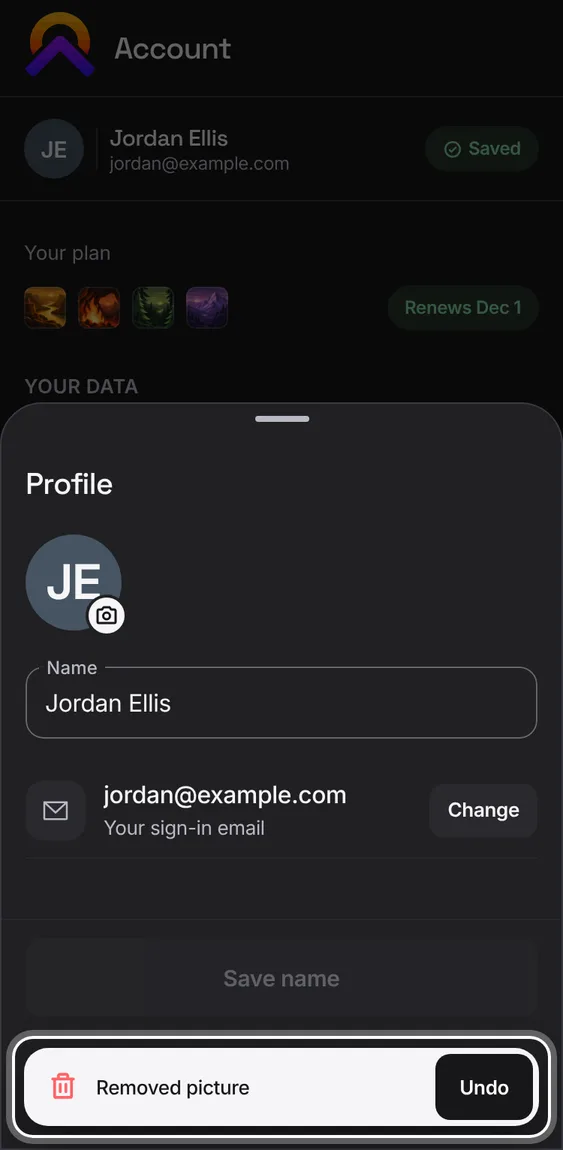
Remove the picture; Undo puts it back.
- Profile › Remove picture.