 Hub
Preferences
Units, language and region, the first day of the week, accessibility, Today and logo look-ups, the same on every device you sign in on.
The Hub’s features play in its own demo, not on this page.
Every Preferences feature
Reduce motion, larger text and more contrast, for every app.
- Account › Preferences › Accessibility, then the switches.
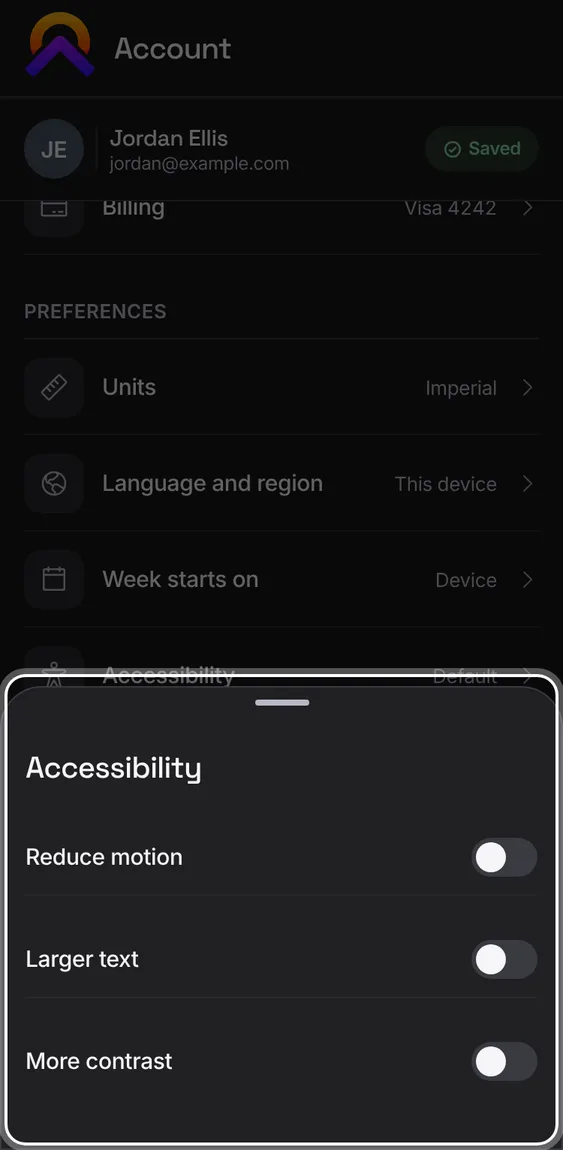
Makes text bigger everywhere in Apollo.
- Turn on Larger text.
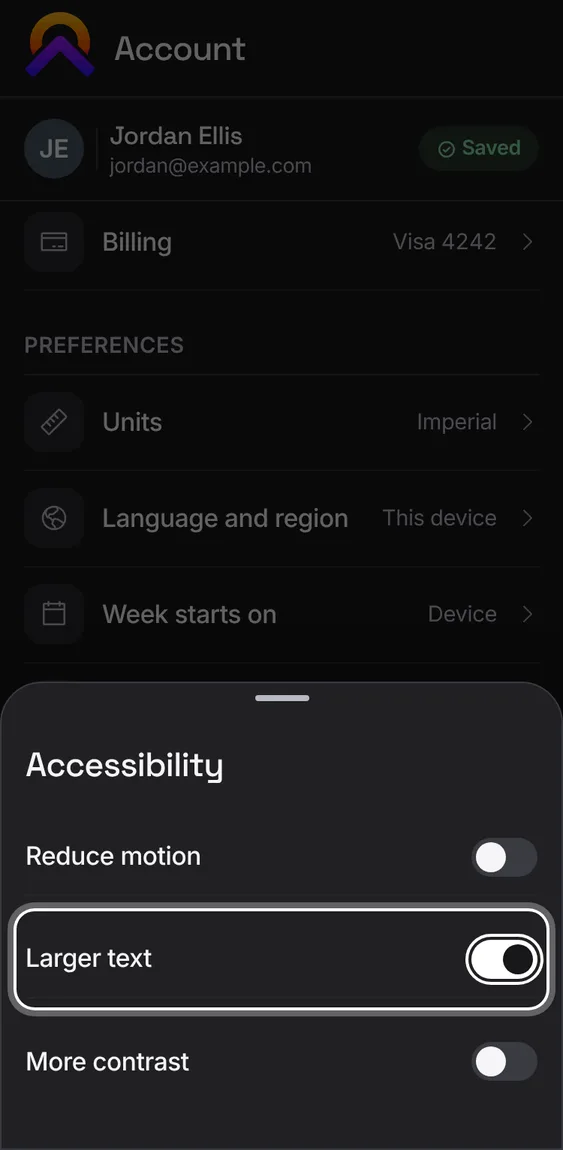
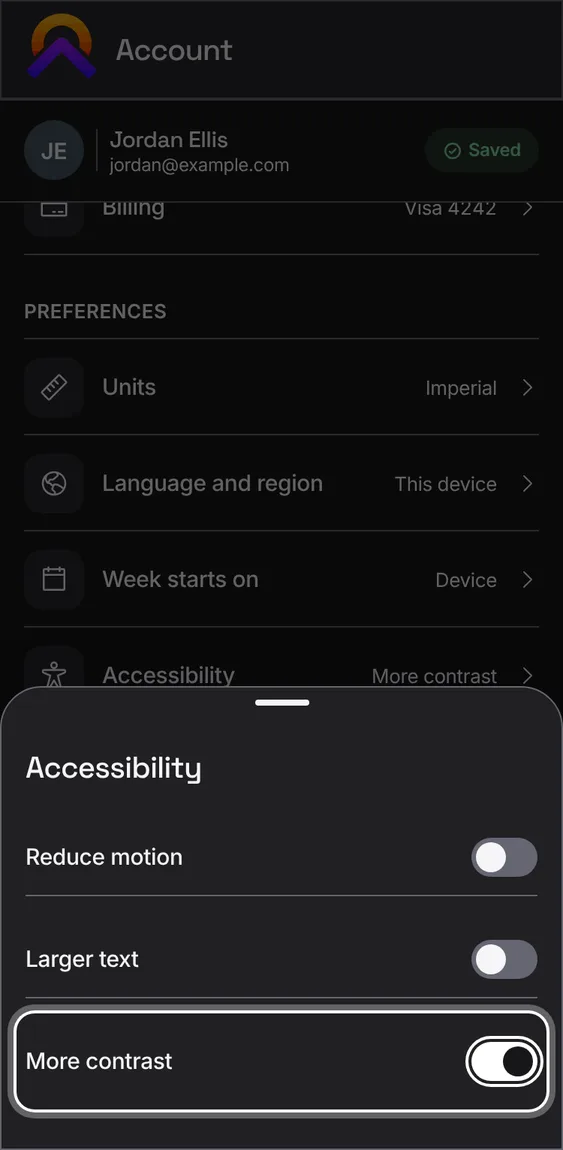
Makes text and lines stand out more against the dark background.
- Turn on More contrast.
Stops sliding, tilting and moving pictures across the apps.
- Turn on Reduce motion.
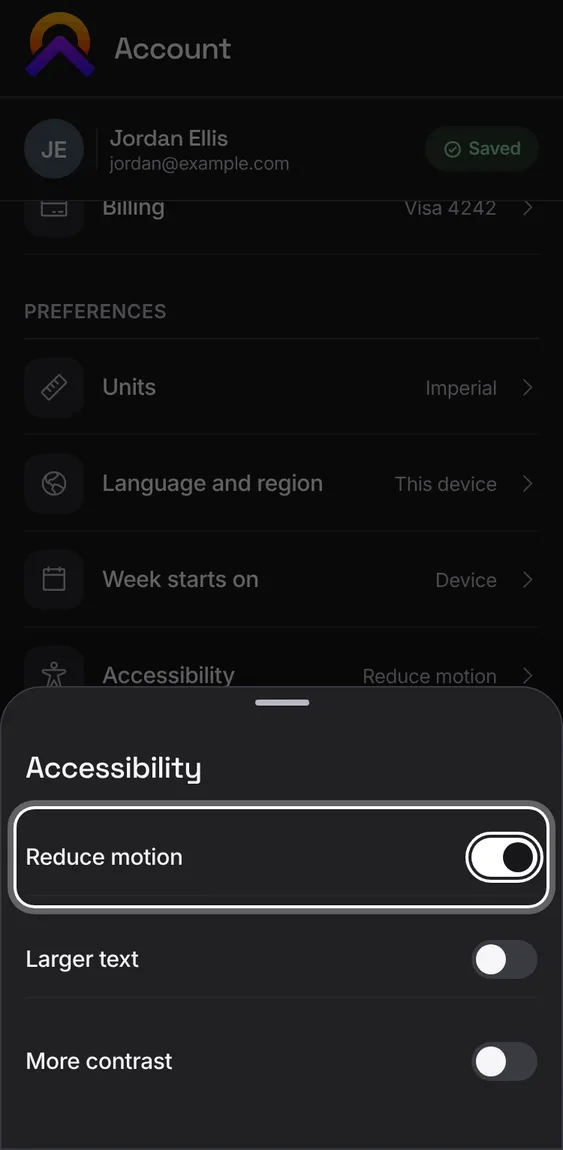
Every Apollo app is dark, on every device, so there's no light or theme setting. Text size, contrast and motion settings still apply.
- Nothing to set: even a device set to light shows Apollo dark.
Signed in, your preferences sync to your other devices without overwriting a newer change made on one of them. Signed out, they stay on this device.
- Change a preference on one device and it appears on the others.
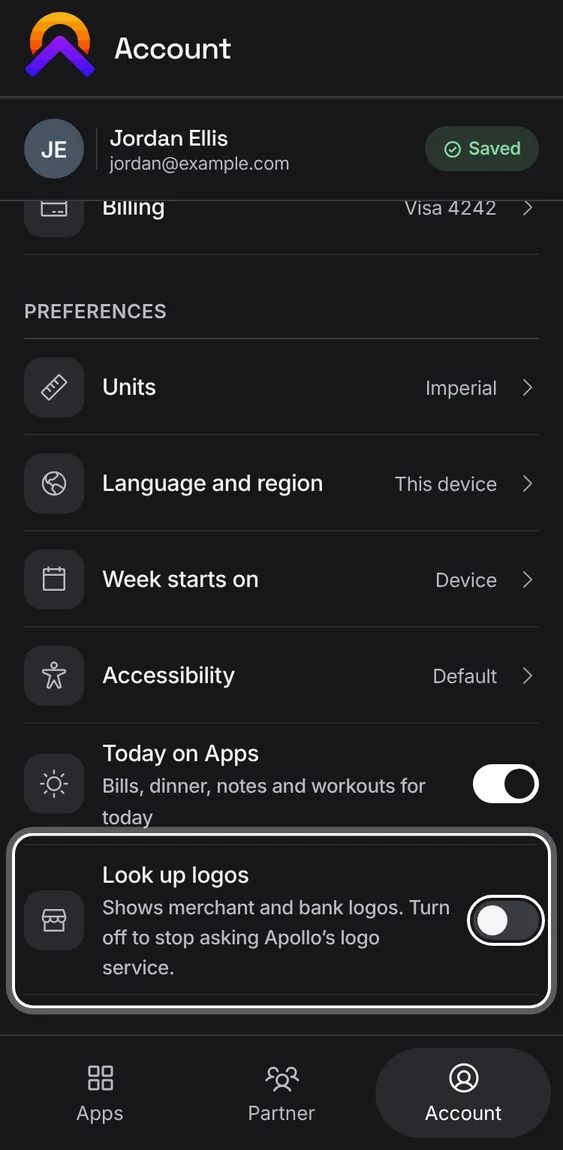
Shows merchant and bank logos in every app. Turn it off and no app asks Apollo's logo service; logos you added yourself still show.
- Account › Preferences › Look up logos.
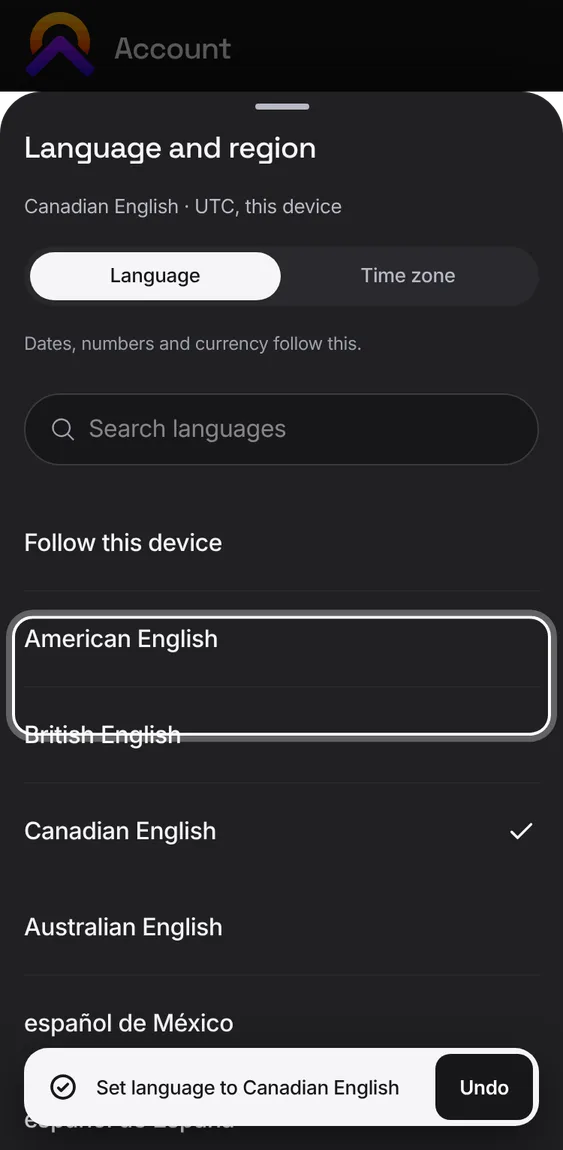
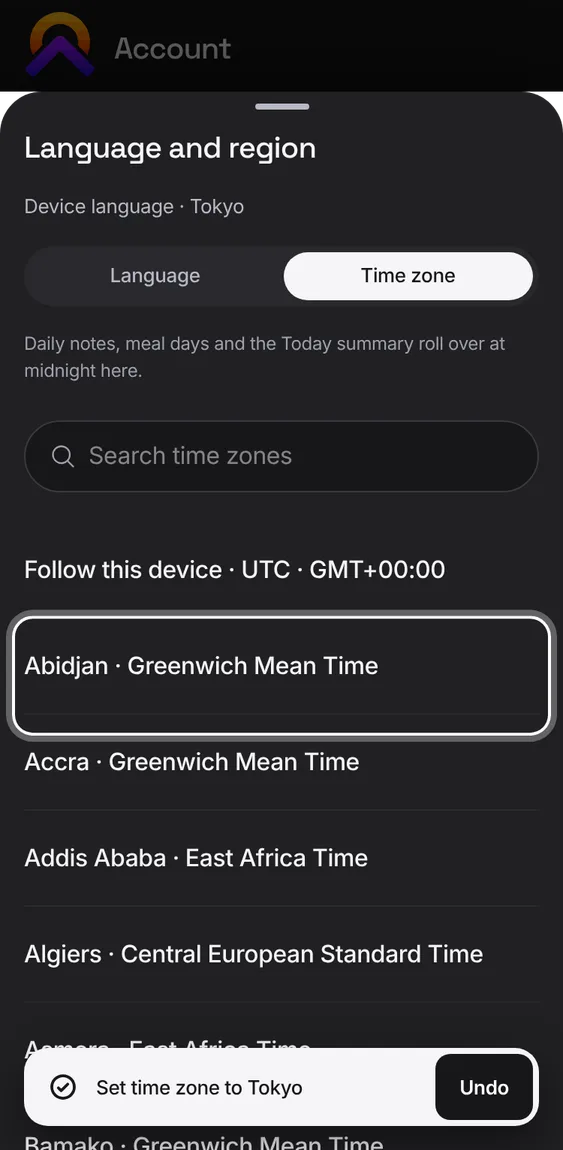
Choose the language that dates, numbers and money are written in, and your time zone. Both can follow this device.
- Account › Preferences › Language and region. Search either list and tap a choice.
- The time zone decides when Today, daily notes and meal days roll over.
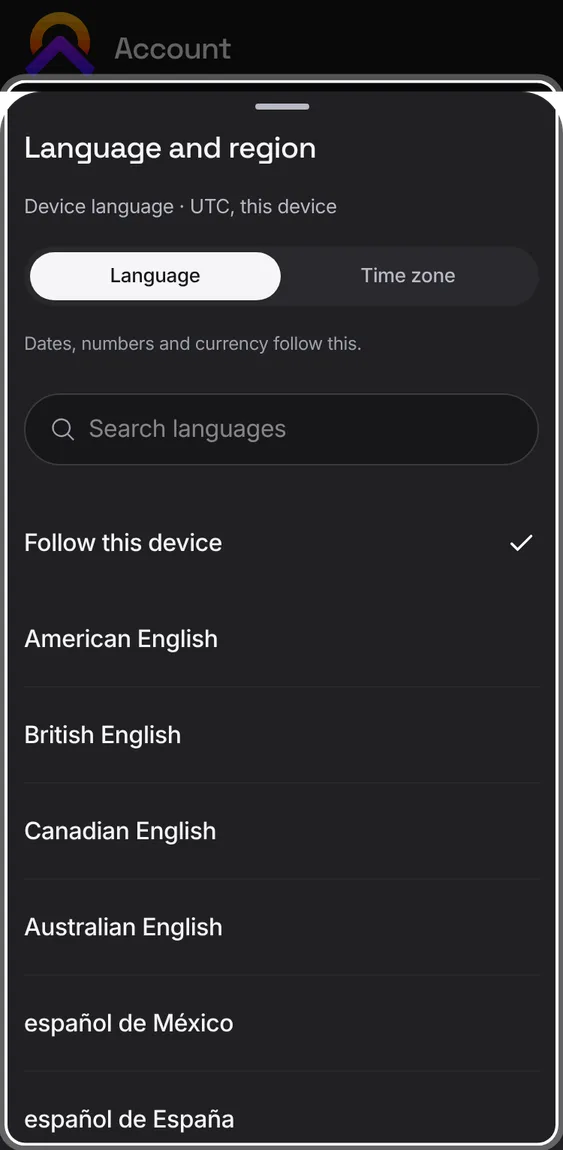
How dates, numbers and currency are written, from 16 languages, or the device's own.
- Language tab, then pick one.
Any time zone, searchable by city or name, or the device's own.
- Time zone tab, then search and pick.
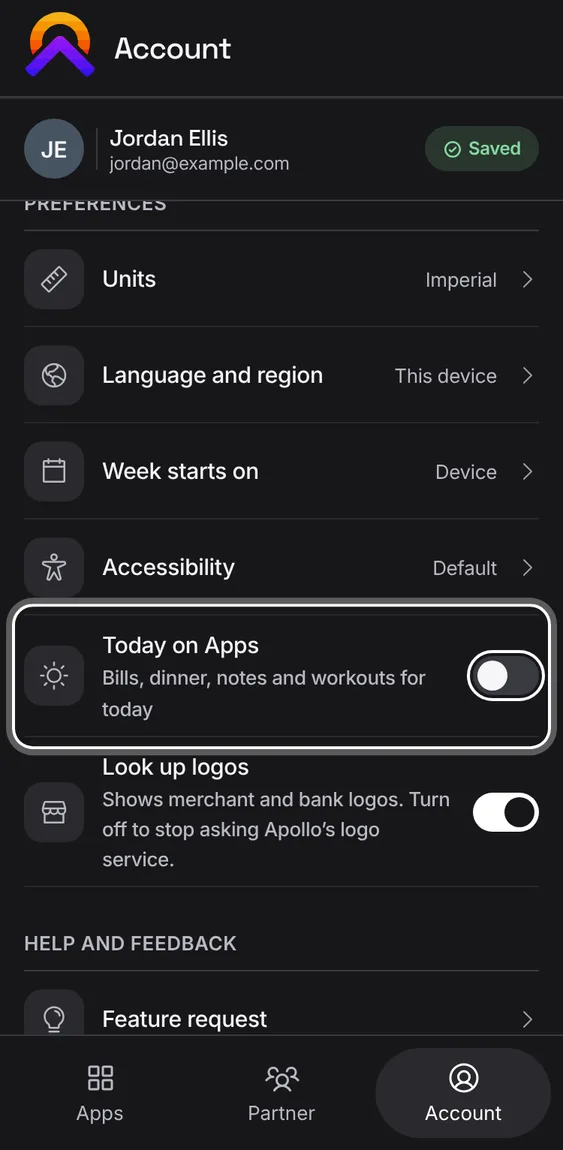
Show or hide Today on the Apps tab on this device.
- Account › Preferences › Today on Apps.
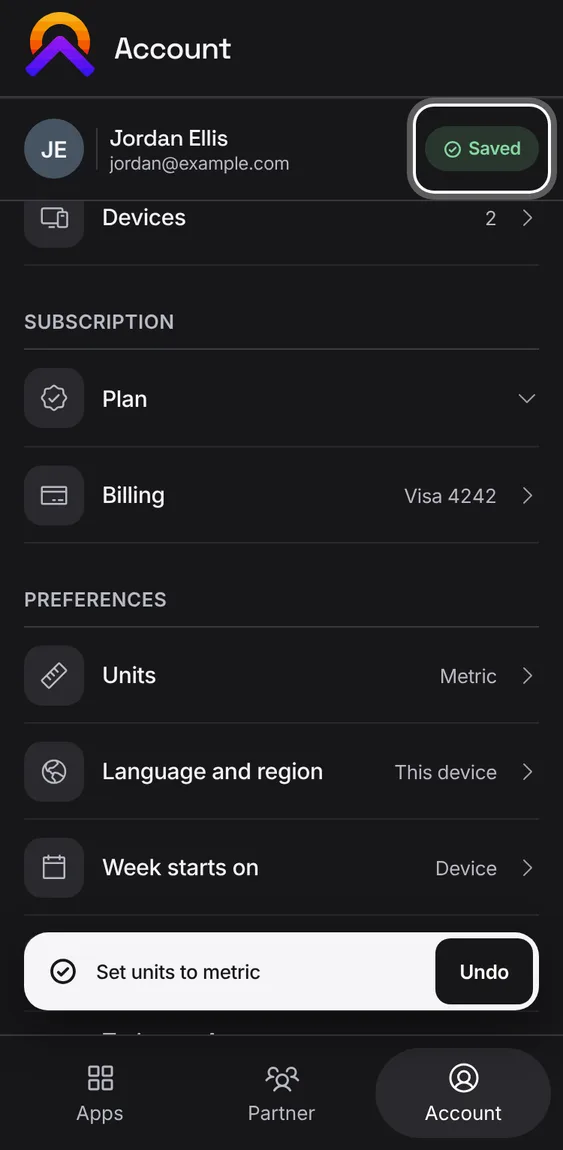
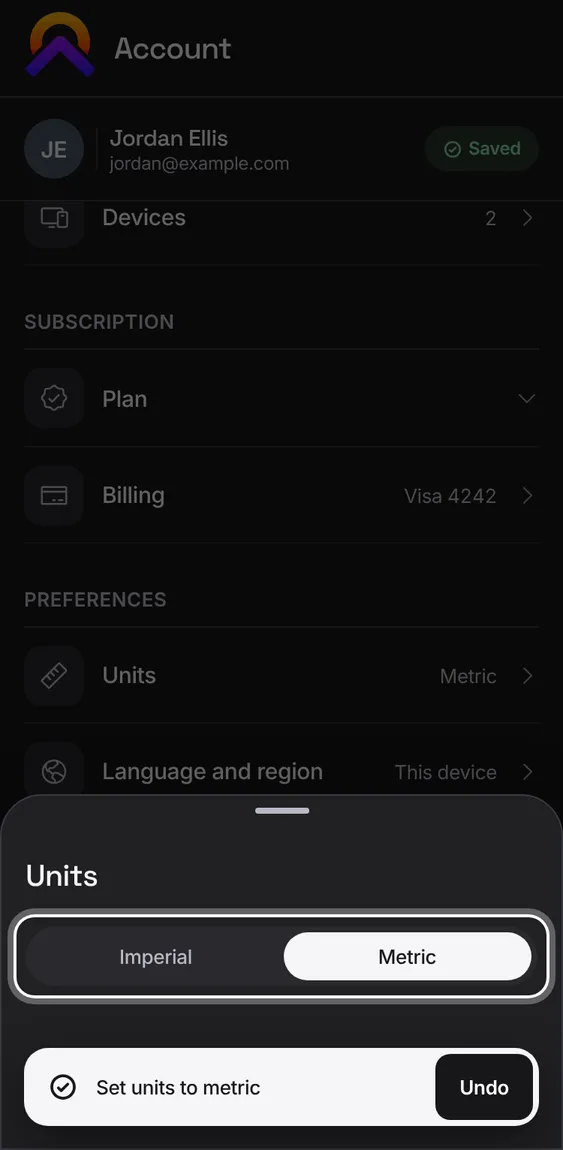
Imperial or metric for weights and lengths. Weight and length can also differ, like kilograms with inches.
- Account › Preferences › Units, then Imperial or Metric. Undo puts both back.
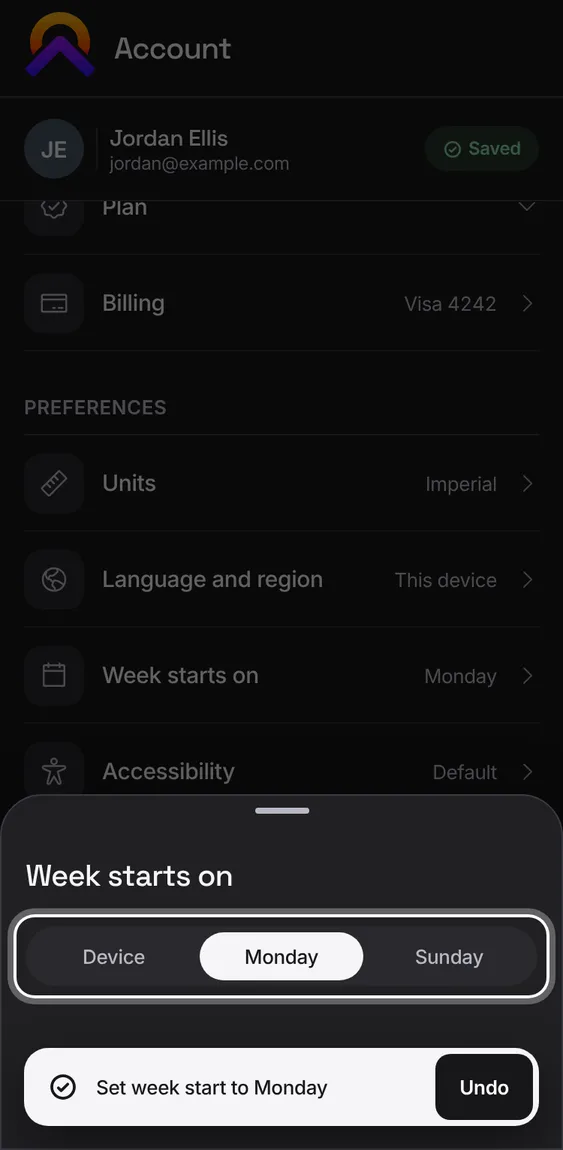
Start weeks on Monday, Sunday, or whatever the device uses, for calendars and weekly totals across the apps.
- Account › Preferences › Week starts on.