 Hub
Report a bug
Describe a problem, review exactly what will be sent, and send it with a short diagnostic summary.
The Hub’s features play in its own demo, not on this page.
Every Report a bug feature
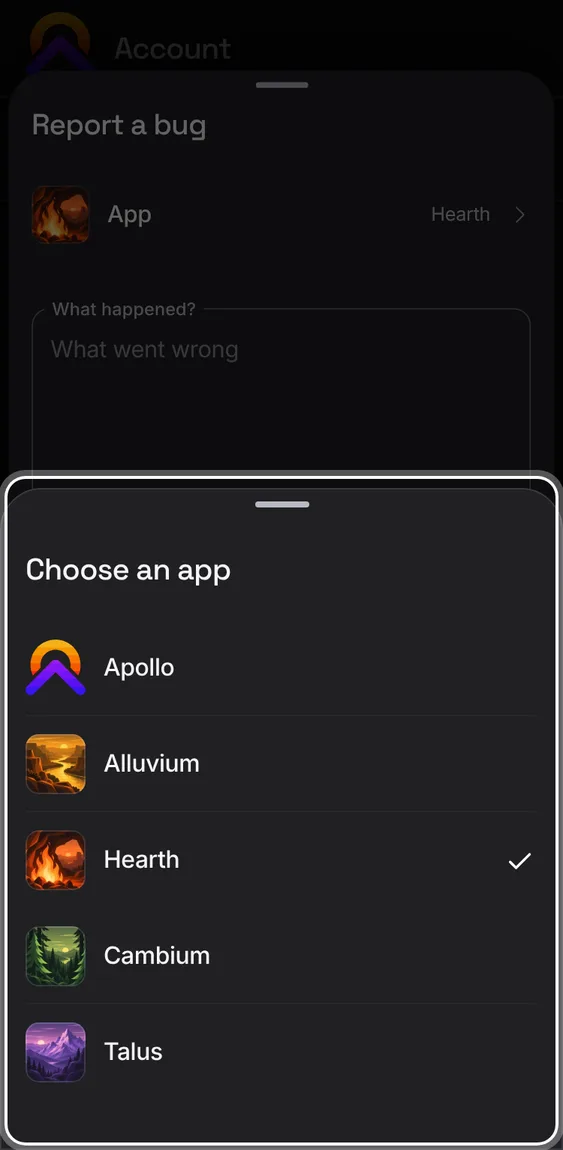
The form starts with the app you were in; change it to any of the five.
- Tap App in the form and pick one.
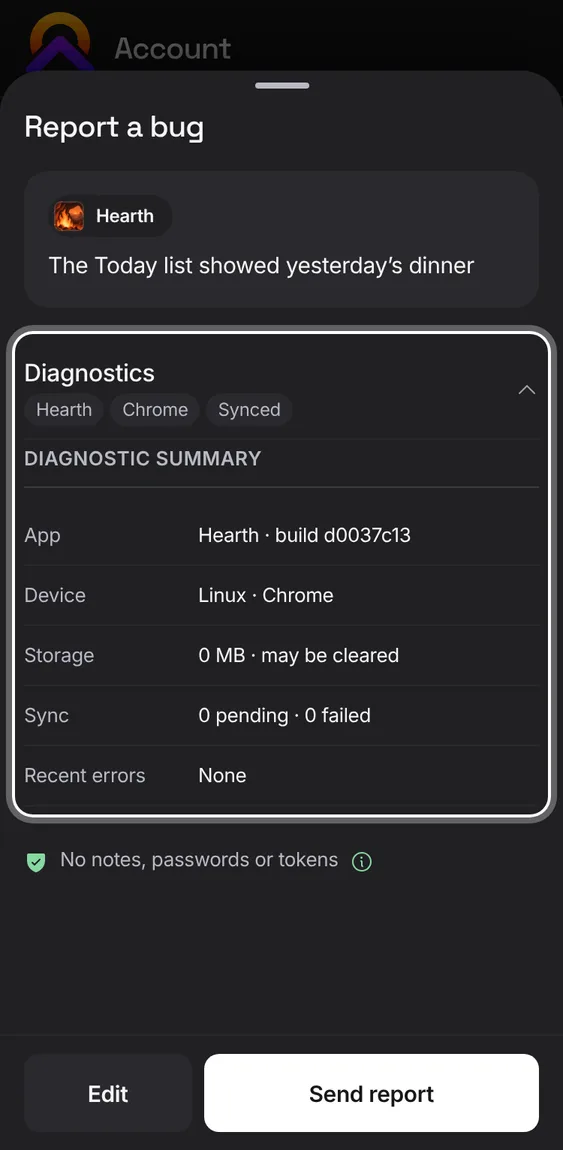
Before sending, see the app, browser and sync status that go with your report. Note text, transactions, recipes, workouts and passwords are left out.
- Open Diagnostics to see each line. The (i) lists what's left out.
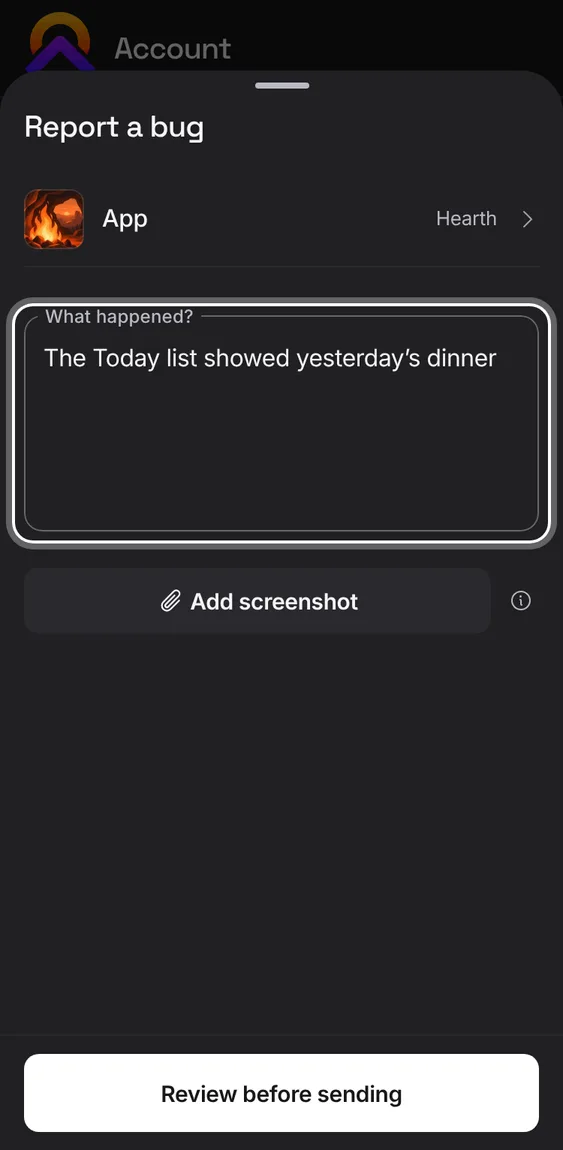
What you've written is kept if you close the form or reload, separately for each account, app and form. If sending fails, you can try again or copy it to email.
- Close the form and come back; your words are still there.
Add one PNG, JPEG or WebP image up to 3 MB. It's sent exactly as shown, and you can remove or replace it.
- Tap Add a screenshot in the form.
Not in the demo. Needs a file from your device.
Once sent, you see a reference for it and the address replies will come from.
- Tap Done to close.
Not in the demo. Asks Apollo’s server, which the tour site doesn’t reach.
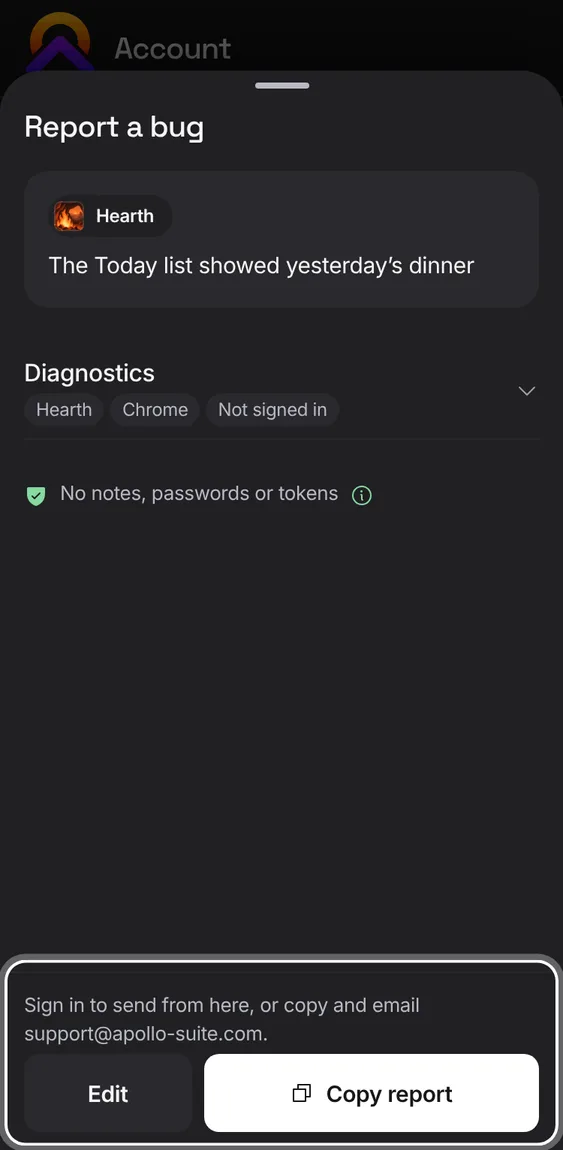
Signed out, the form lets you copy your message to email to support, and save a screenshot to attach yourself.
- Write it, then Copy and email it to the address shown.