Hearth
Stores and Kroger
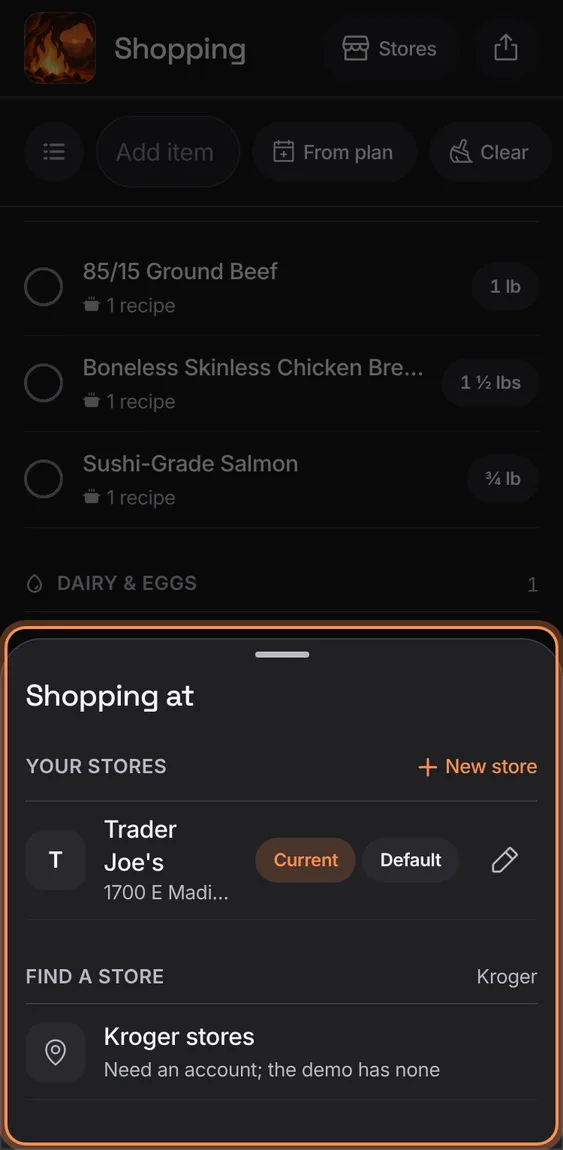
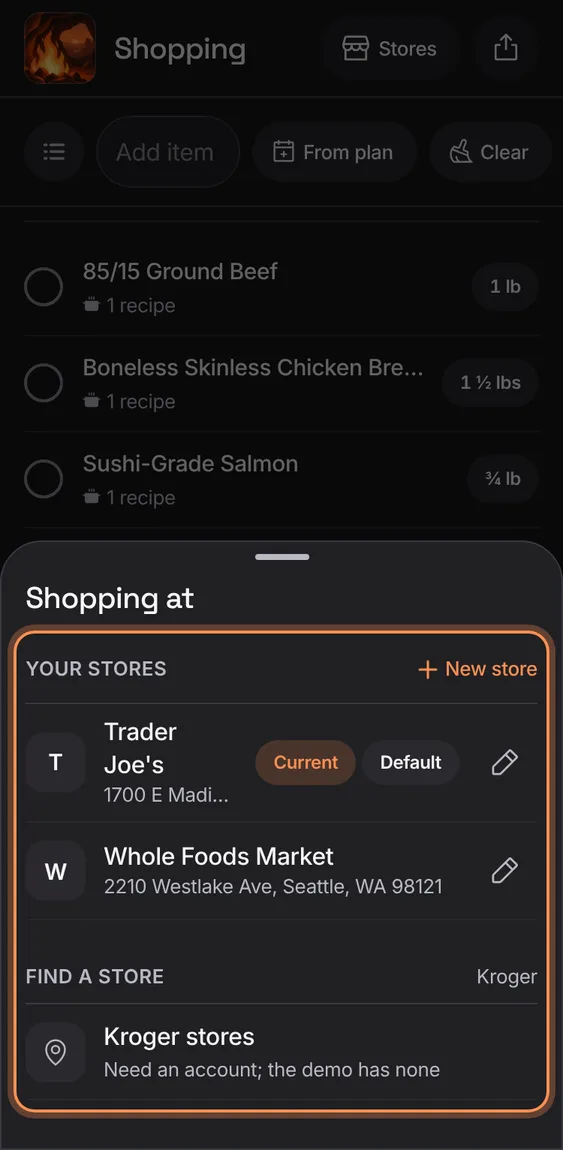
Your stores with their aisle walk order, the one you're shopping at, and a Kroger store to match items with prices.
Every Stores and Kroger feature
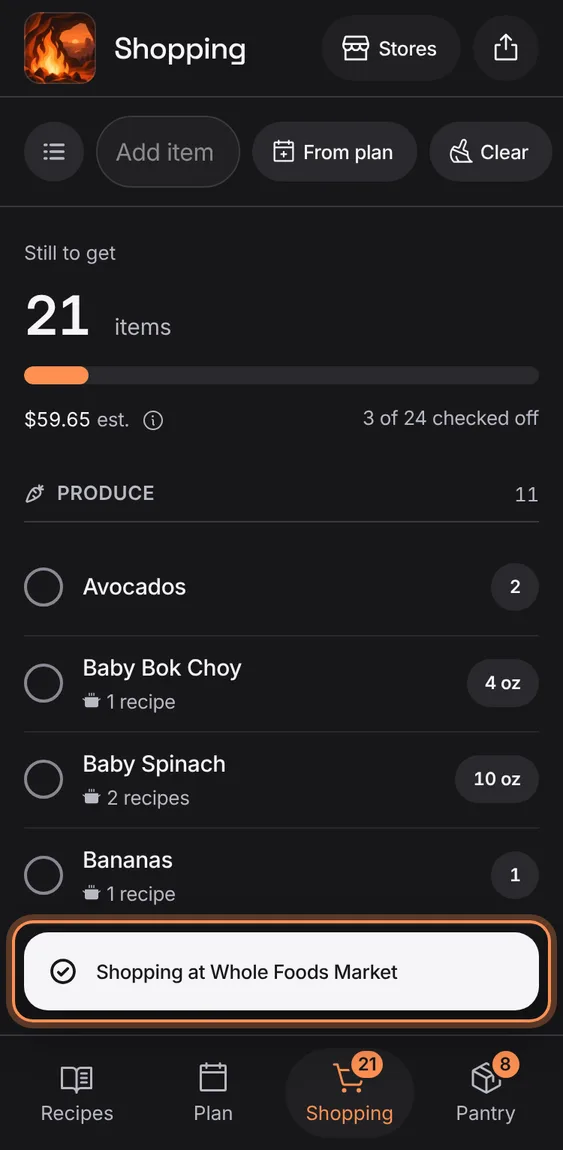
Tap a store to shop there: the list follows its aisles and Kroger matches; Current and Default show as pills.
- Stores › tap a store.
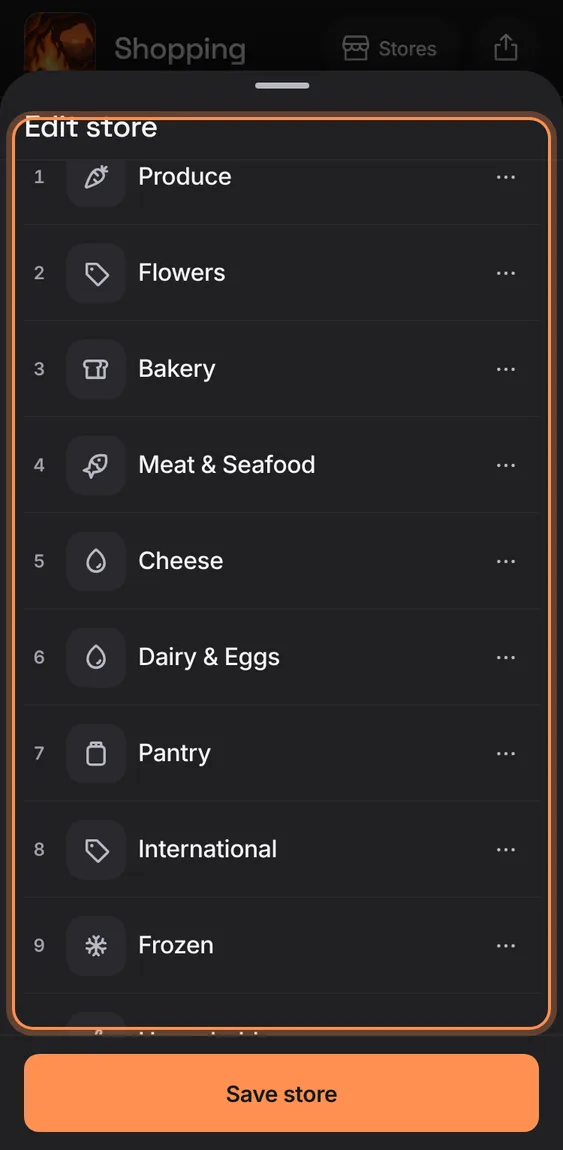
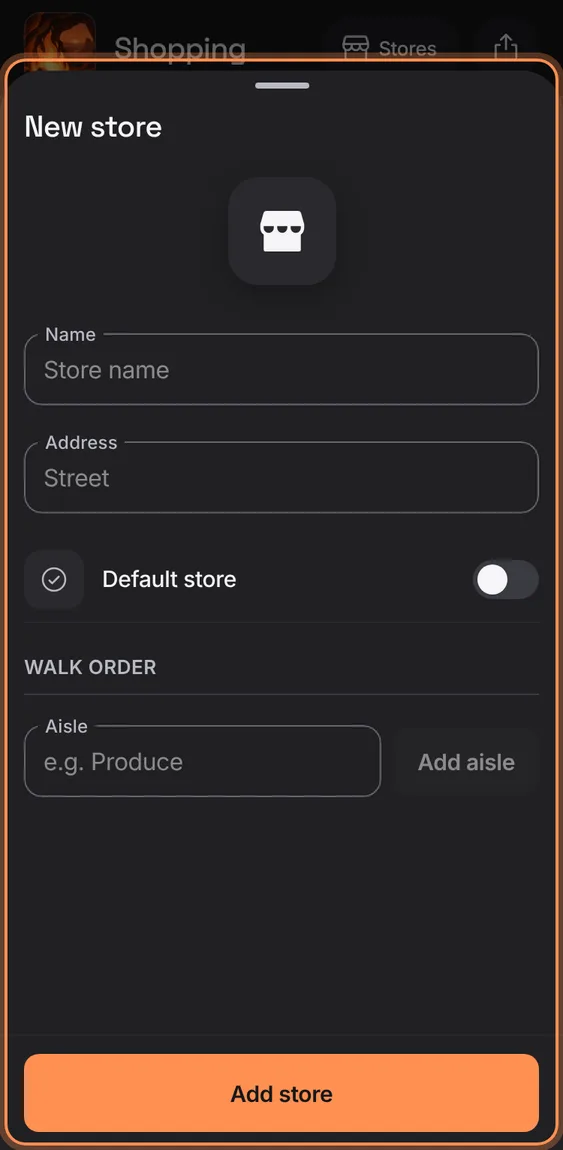
A store's name, address, whether it's your default, and its aisles in the order you walk them.
- Stores › pencil, or New store.
- Add aisle, then ⋯ › Move earlier, Move later or Remove aisle (with Undo).
- Save store; closing with changes asks first.
Review the whole list for Kroger, include or swap each match, and send them to your own Kroger cart to check out there; nothing is bought here.
- Tap Review N for Kroger at the end of the list.
- Connect Kroger once; you sign in on kroger.com.
- Tap Send N to cart; the demo has no account, says so and sends nothing.
Search Kroger for an item and choose a product, best fit first, each saying why: the packages needed, total, unit price.
- Tap the item's thumbnail.
- Search, then Choose; tap a photo to see it bigger.
Connect your Kroger account once to send items; Hearth never sees your password.
- Tap Connect Kroger account.
Not in the demo. Needs an account: the demo has none.
Disconnect Kroger after a confirmation; matches and prices stay on your list.
- Kroger › Disconnect Kroger.
Not in the demo. Needs an account: the demo has none.
Find a Kroger-family store near a ZIP code and use it, so items are matched to its products.
- Stores › Find a store: type a ZIP and tap Search.
- Tap Use on a store.
- Signed out it says Sign in; the demo finds its own Kroger store, recorded once.
Each item still to get is matched to a product at your Kroger store, automatically and in parallel, with its photo, price and aisle; your own choice is kept.
- Nothing to do once a Kroger store is chosen.
- The item's thumbnail shows its product.
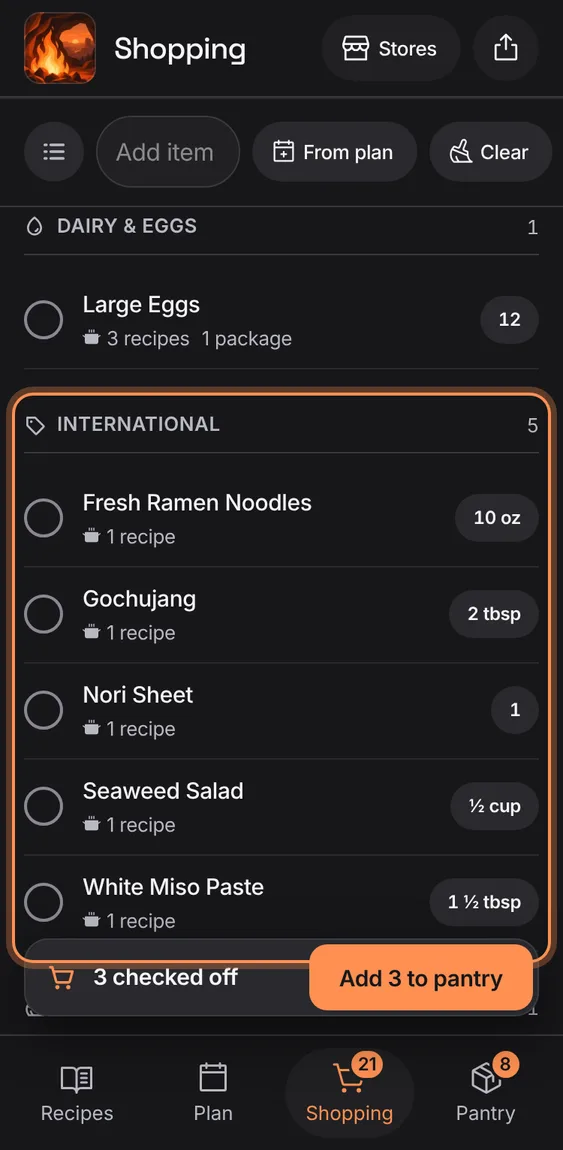
Put an item in an aisle once and it's remembered for that store.
- Choose the aisle in the item's sheet.
A known chain shows its own icon; any other store shows its initial.
- Nothing to do.
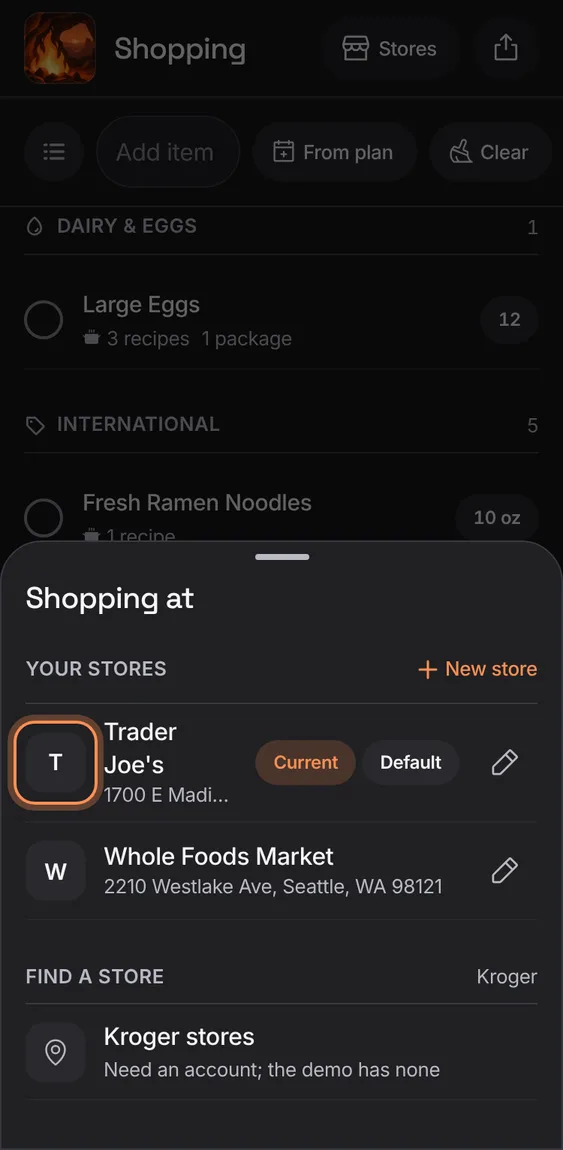
Stores, aisles, the list and its estimate all work with no Kroger store or when Kroger can't be reached.
- Nothing to do: Kroger only adds matches.
Add a store of your own, with its walk order.
- Stores › New store.
Remove a store after a confirmation; its aisle order and learned aisles go, the list stays.
- Edit store › Remove store.