 Hearth
Recipe page
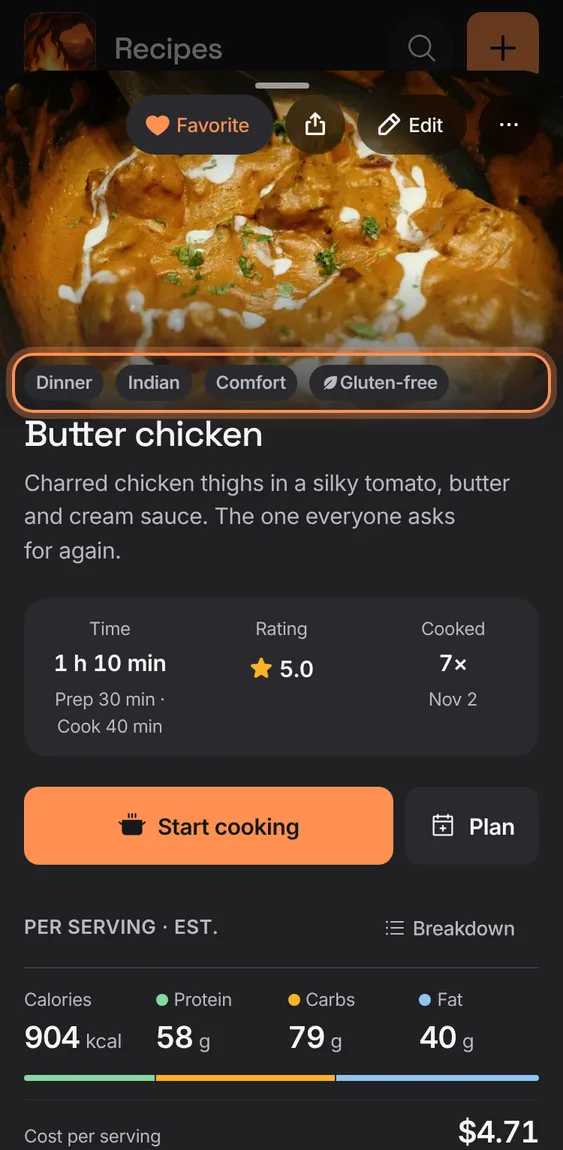
A recipe on one page: its photo, what it is, time, rating and cooks, Start cooking and Plan, nutrition, ingredients against your pantry, the steps, notes and ratings.
Every Recipe page feature
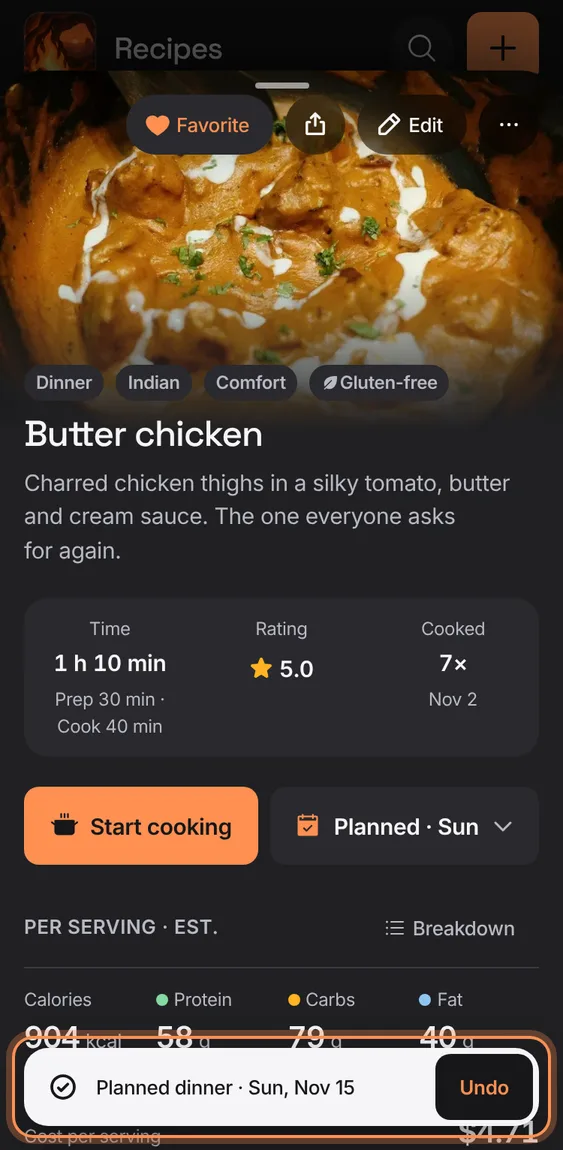
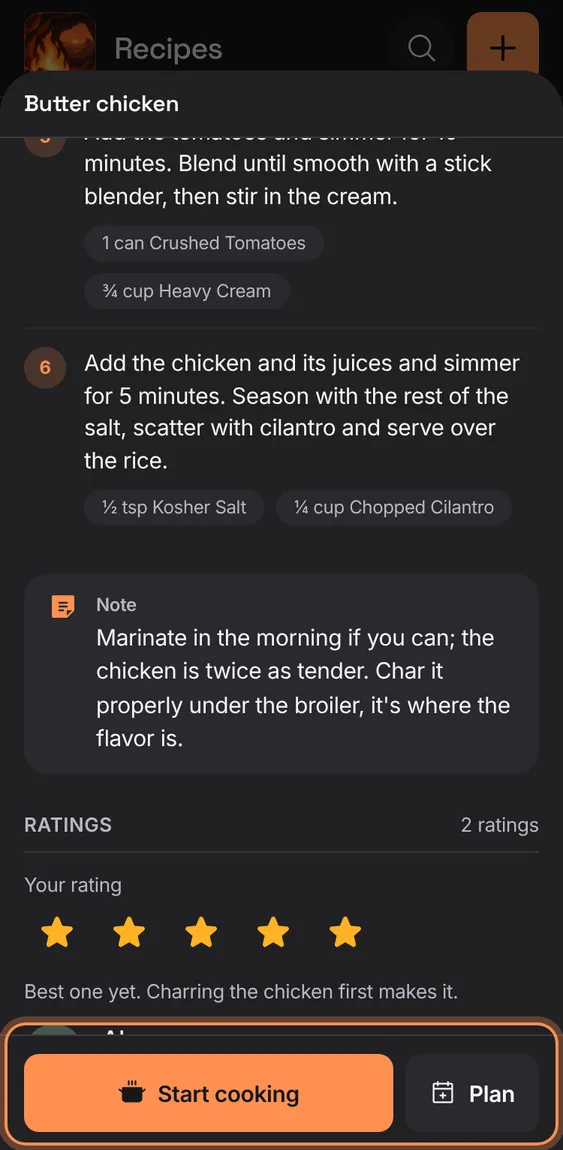
Two big buttons under the facts: Start cooking, and Plan, which reads "Planned · Wed" once it's on the plan.
- Scroll down and they stay pinned at the foot of the screen.
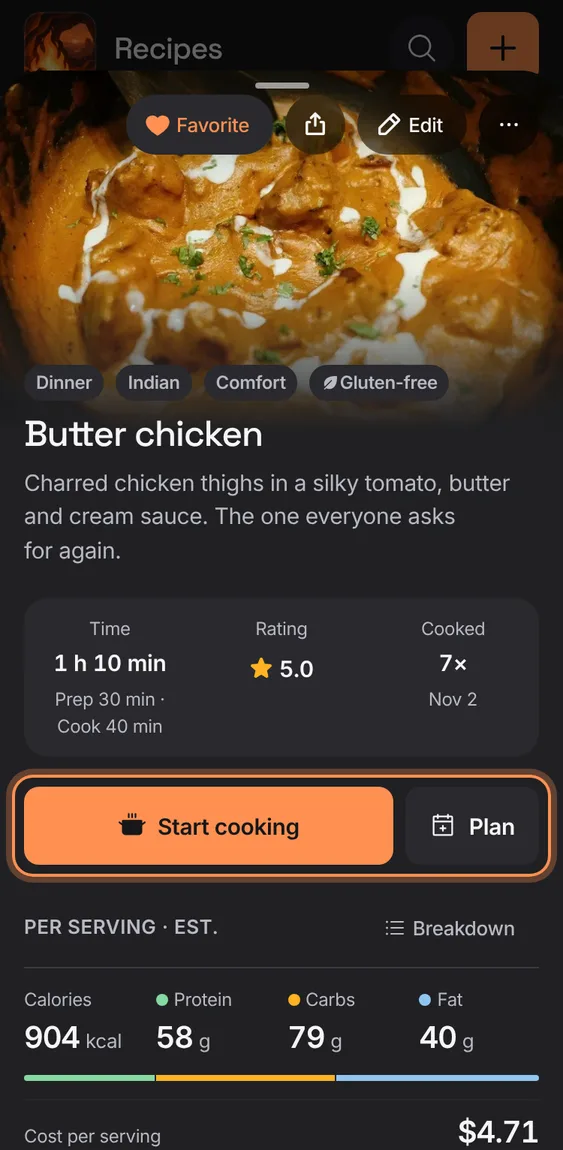
Put the recipe on a day and meal in a few taps, at the servings you want.
- Tap Plan.
- Pick a day from the next two weeks (or another date), then the meal.
- If something is already planned there, choose Replace or Add alongside.
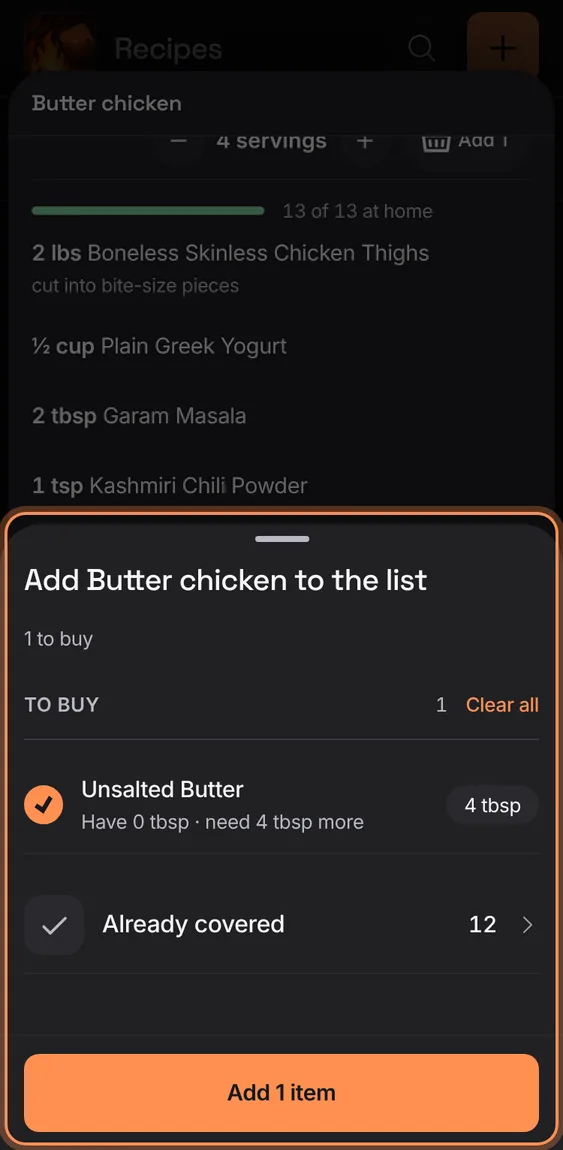
The basket by Ingredients adds what's missing to the shopping list, at the servings shown.
- Tap the basket ("Add 3").
- Check what to add and tap Add.
- When everything's covered, a toast says so; Show lists what covers it.
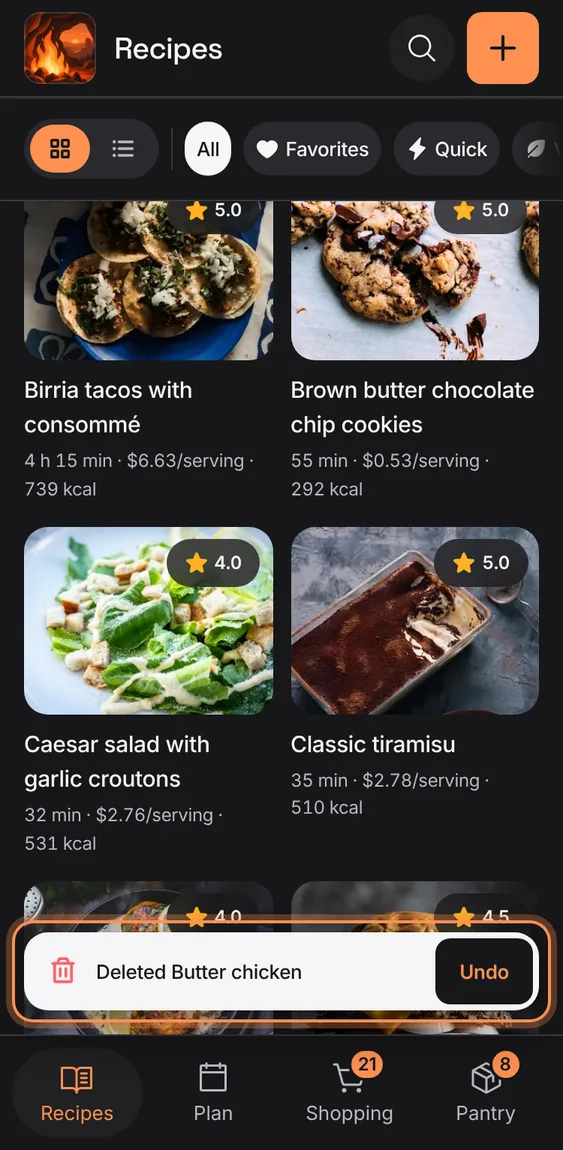
Deleting a recipe asks first, says which planned meal goes with it, and then can be undone from the toast.
- ⋯ › Delete recipe, or Delete recipe at the end of the editor.
- Tap Undo on "Deleted …" to bring it back with its cooks, ratings and planned meals.
Scroll down a recipe and its title stays on top while Start cooking and Plan are pinned at the foot.
- Scroll the recipe.
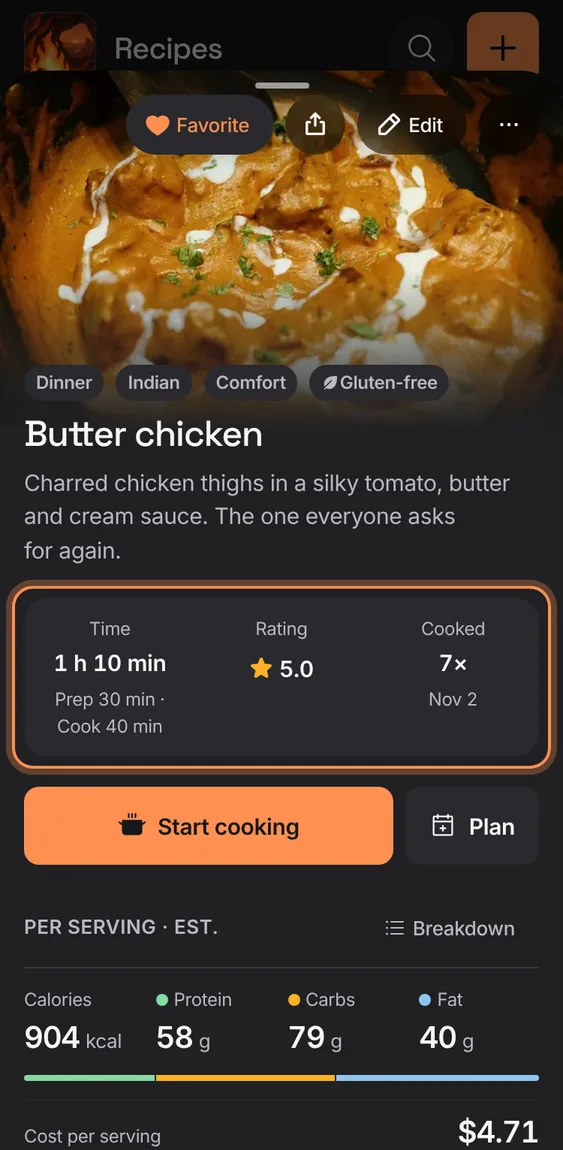
Three figures under the title: the total time with prep and cook, the household's average rating, and how often it's been cooked and when last.
- Tap the rating to rate it yourself.
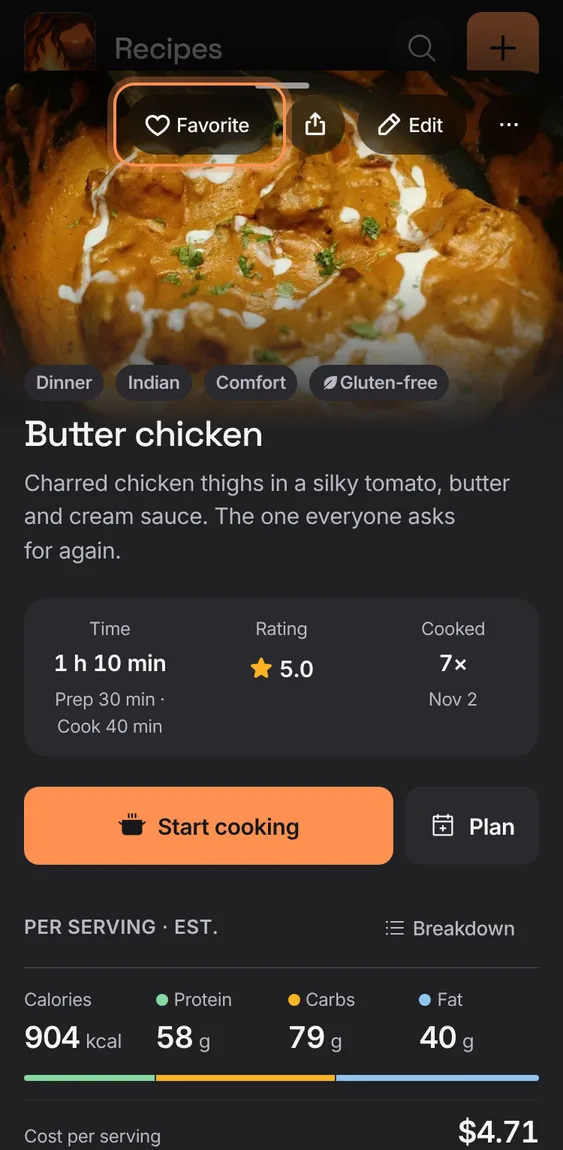
Mark a recipe with a heart so the Favorites chip finds it.
- Tap Favorite on the photo; tap again to unmark.
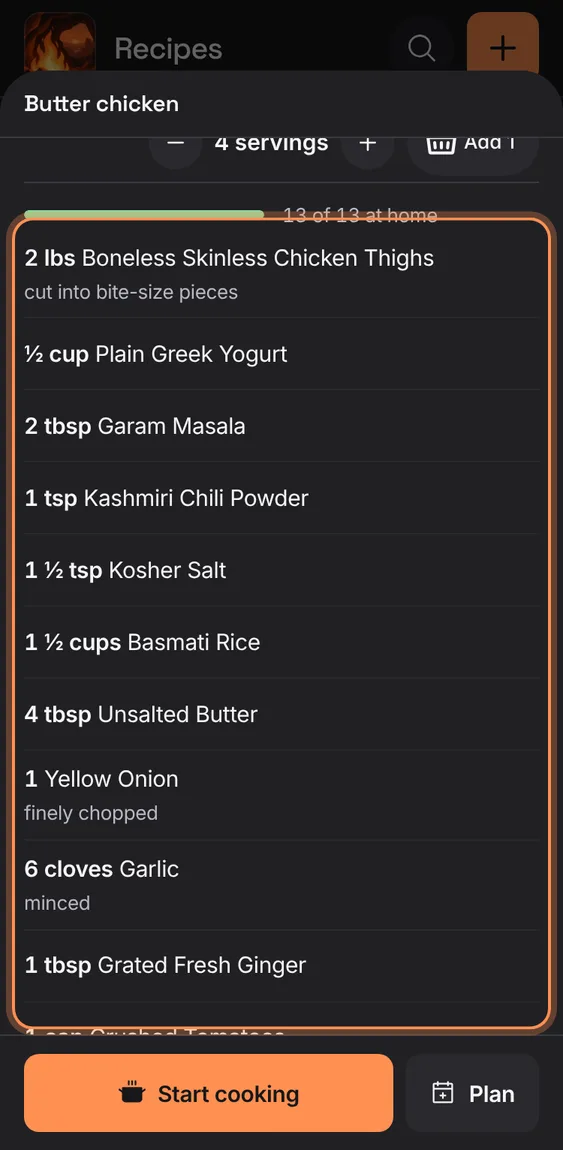
Each ingredient reads like a cook writes it: the amount in kitchen fractions, the food by name, and its preparation underneath, under the recipe's own headings.
- Headings such as "For the sauce" group the lines as the recipe does.
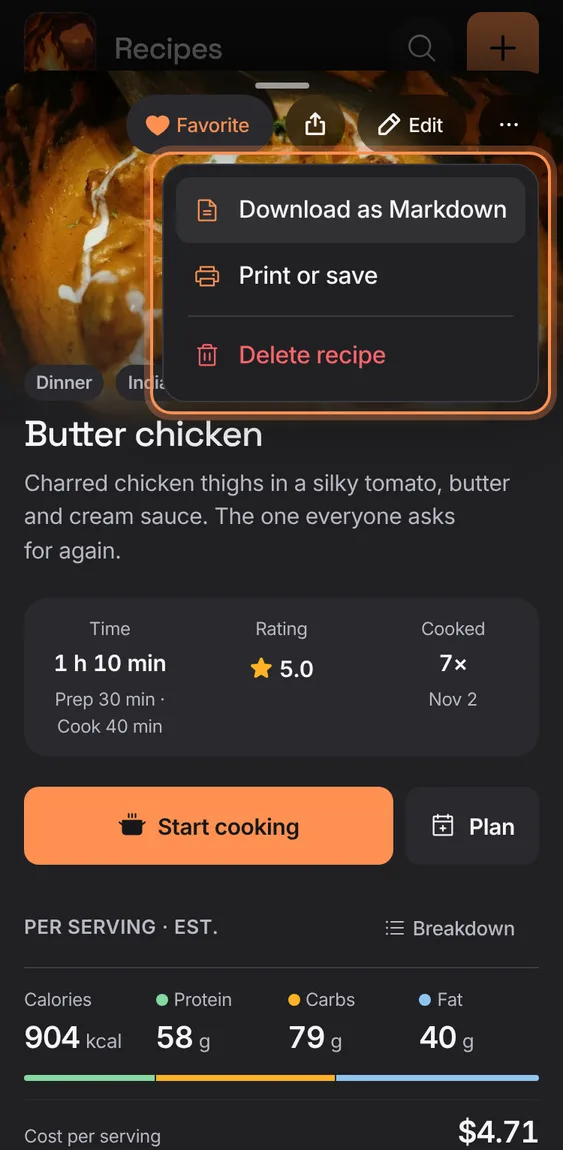
The recipe's ⋯ menu saves it as a Markdown file, prints it, or deletes it.
- Tap ⋯ on the photo.
- Download as Markdown, Print or save, or Delete recipe.
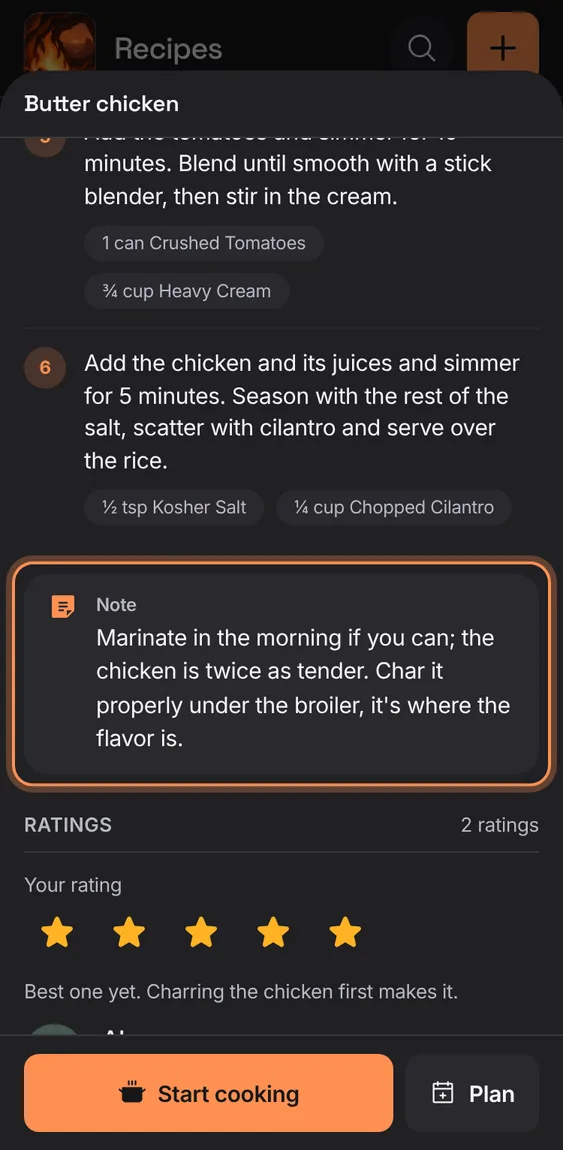
The recipe's note (swaps, tips, what the kids thought), labelled as a note.
- Write it in the editor's Notes.
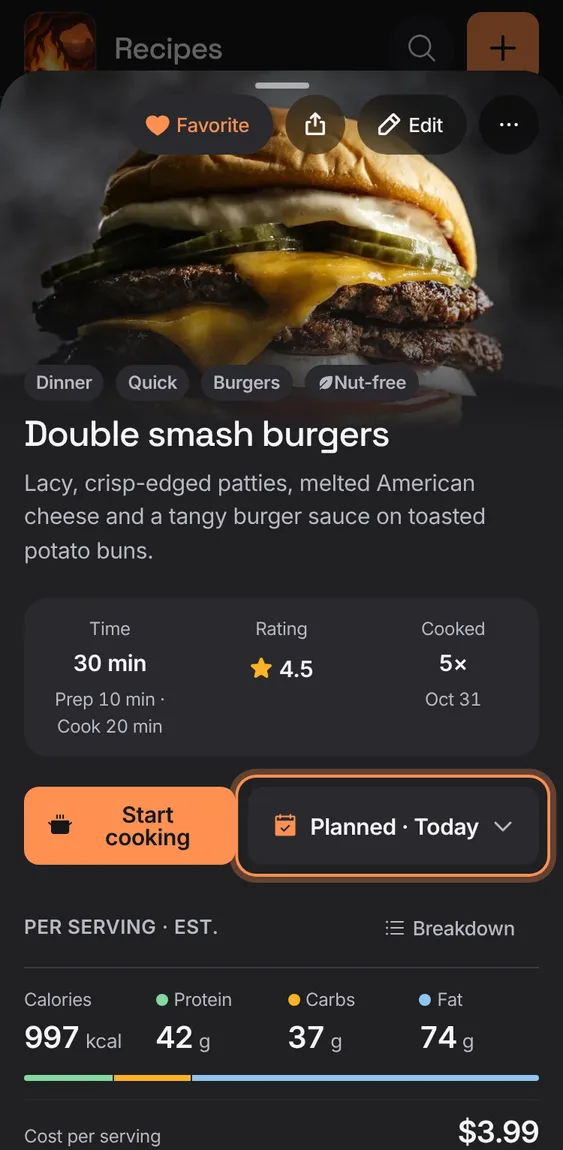
Once a recipe is planned in the next two weeks, its Plan button says when, and opens that meal to change it.
- Tap "Planned · Wed" to move it or change its servings; it never replaces another meal unless you choose Replace.
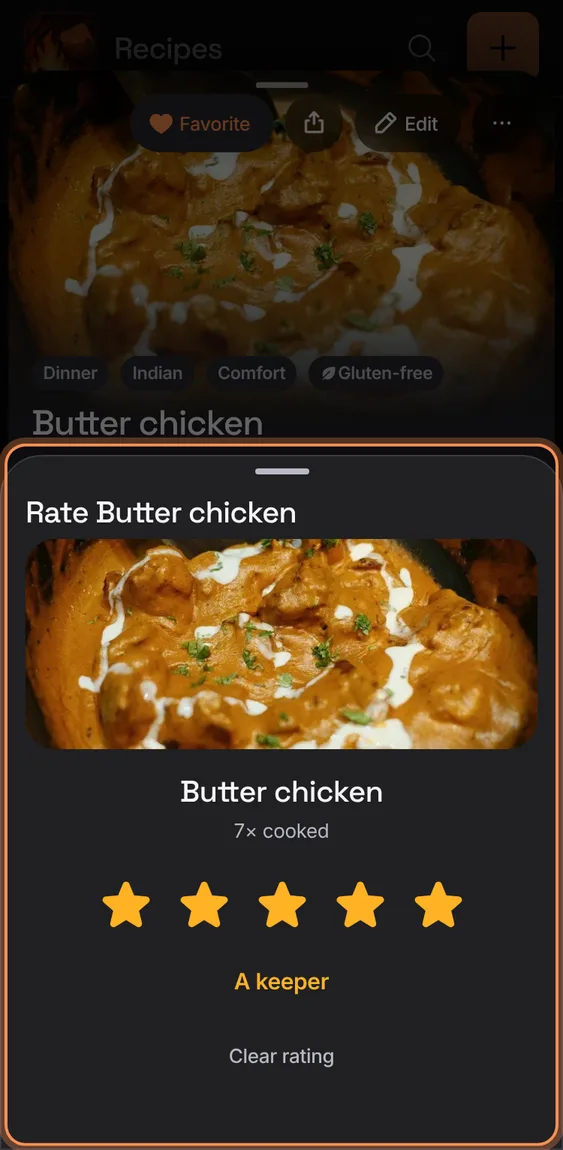
A small dialog with five stars that save as you tap, a word for each ("A keeper"), and Clear rating.
- Tap the rating figure on the recipe.
- Undo is on the toast.
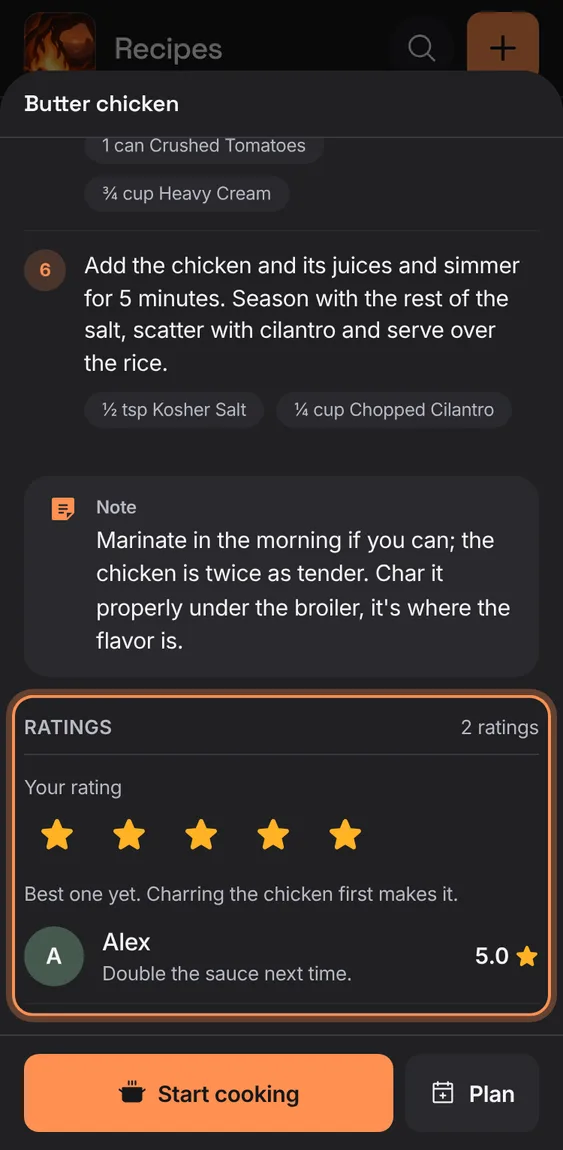
Your own star rating, and every household member's rating and note under their name.
- Tap a star under Your rating; it saves at once.
- Ratings by others show their name and note.
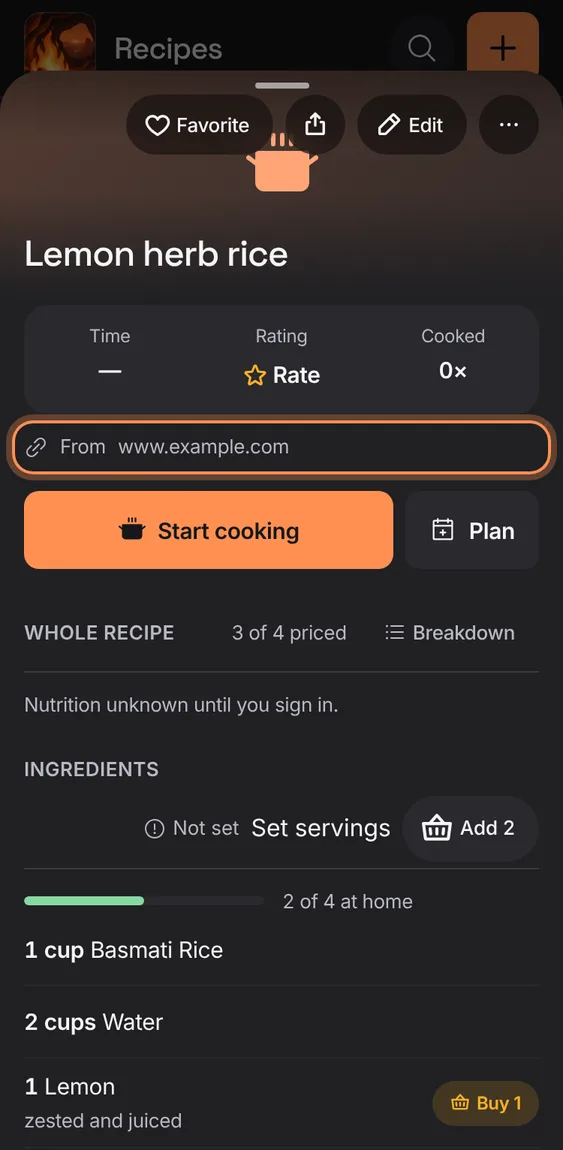
A recipe from the web links back to its page, credited by name, and says what it makes.
- Tap the source to open the original page.
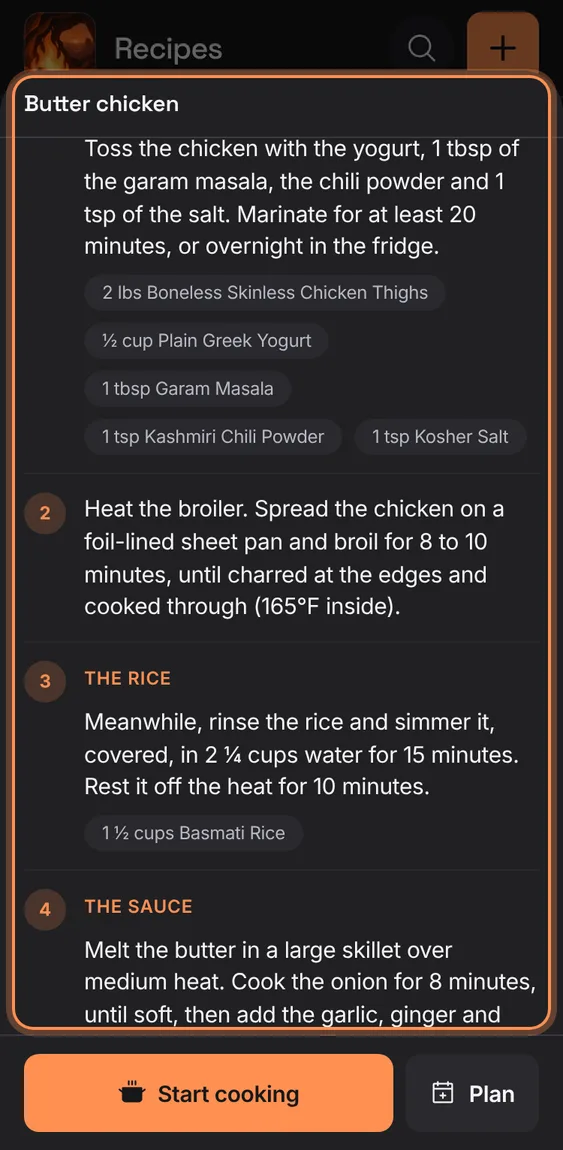
Each numbered step lists the ingredients it uses, with that step's own amount.
- A step's amounts follow the servings you choose.
- Recipe-wide totals are marked "Recipe total".
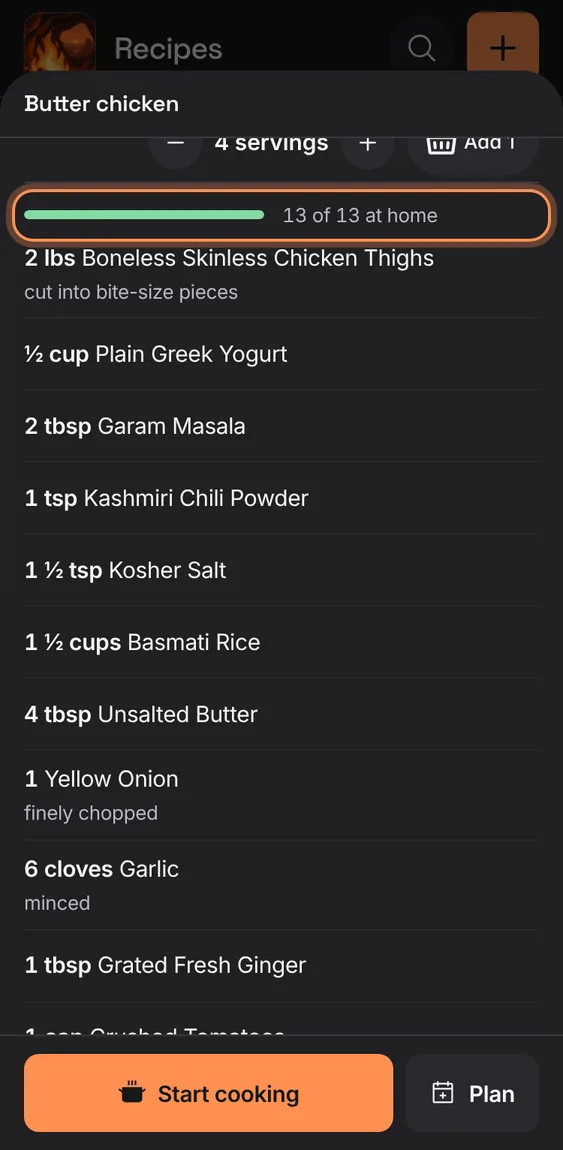
The ingredients are checked against your pantry and list: "9 of 11 at home", and each missing line says what to buy or that it's on the list.
- Lines you have enough of say nothing.
- "Buy 1 lb", "On list" or "Check" marks the others.
The recipe's first tags above its title; a diet shows with a leaf and reads "Tagged dairy-free" to a screen reader.
- Tags come from the editor's Tags.
From laptop width the recipe is two columns beside the list, with Start cooking and Plan in a bar on top.
- Open a recipe on a computer or a large tablet.
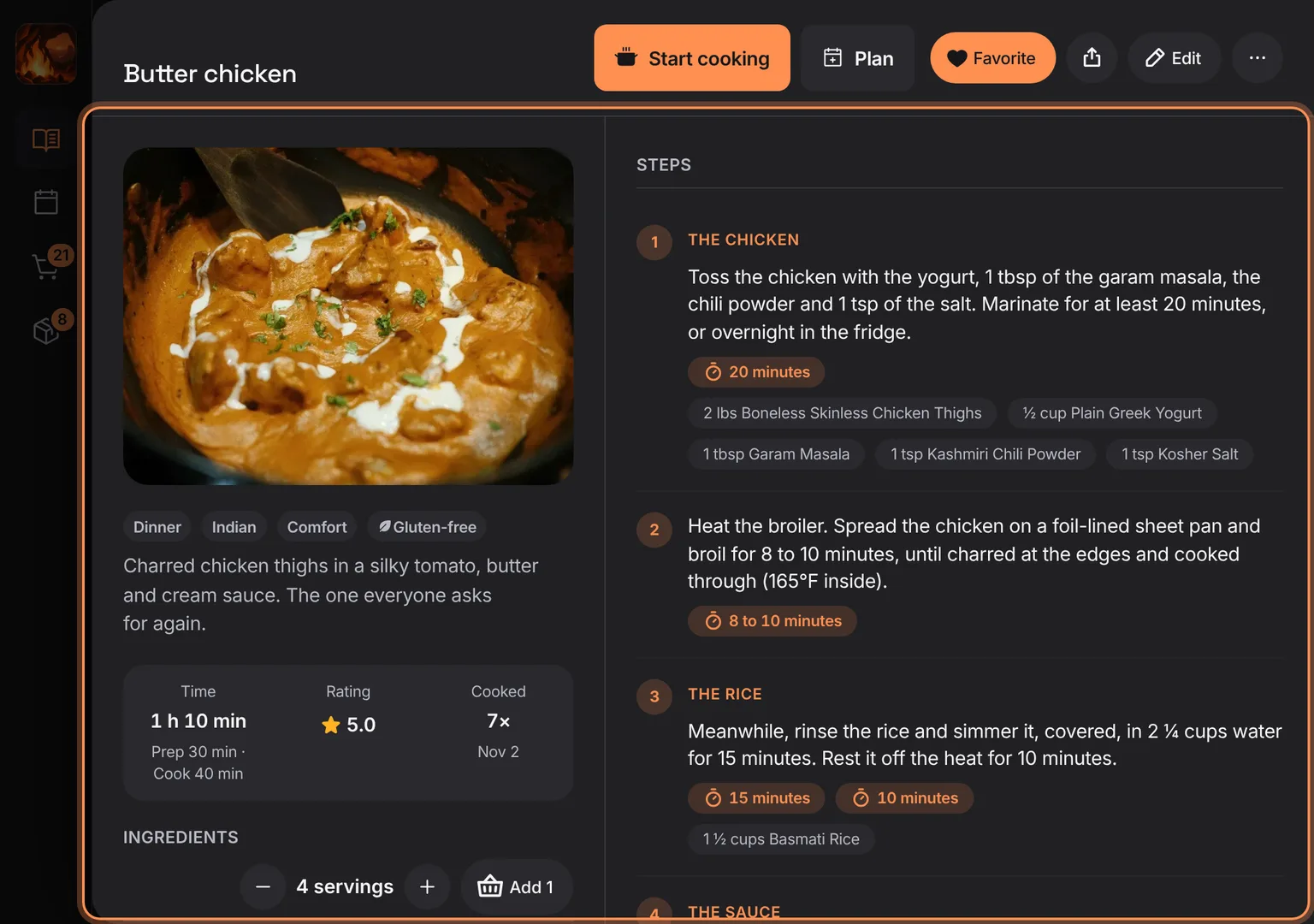
Shown at a computer’s width.