 Hearth
Add recipes from anywhere
Bring a recipe in from a web link, pasted text, a photo or screenshots, a short video or a saved page, then check the draft before saving.
Every Add recipes from anywhere feature
A recipe imported without a photo of the finished dish gets a watercolor painting of it; a source's own photo is kept.
- Nothing to do: it's painted during the import, signed in.
Not in the demo. Needs an account: the demo has none.
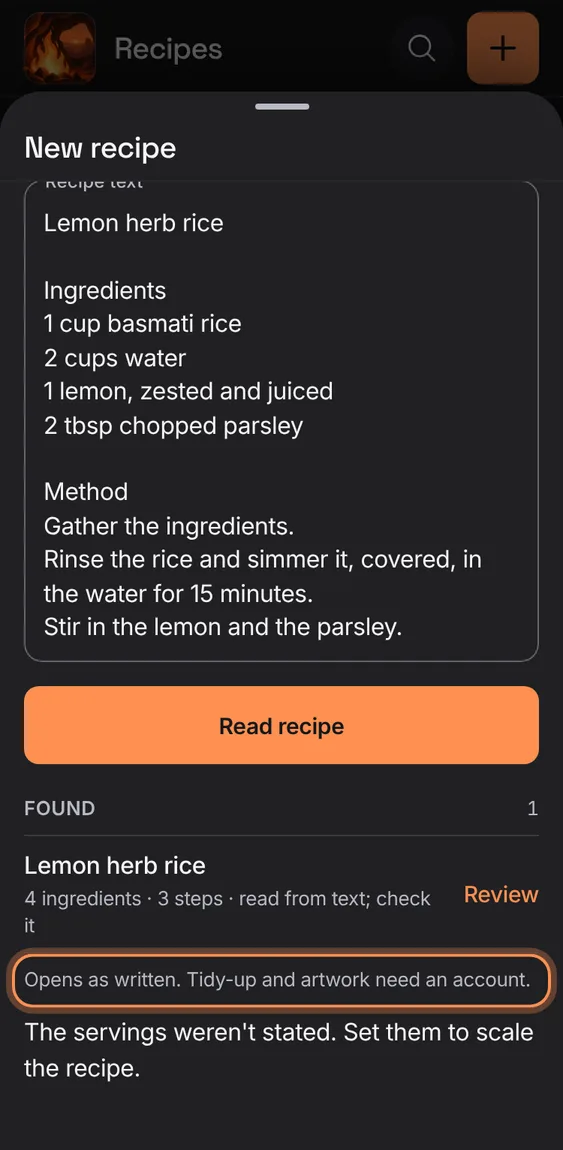
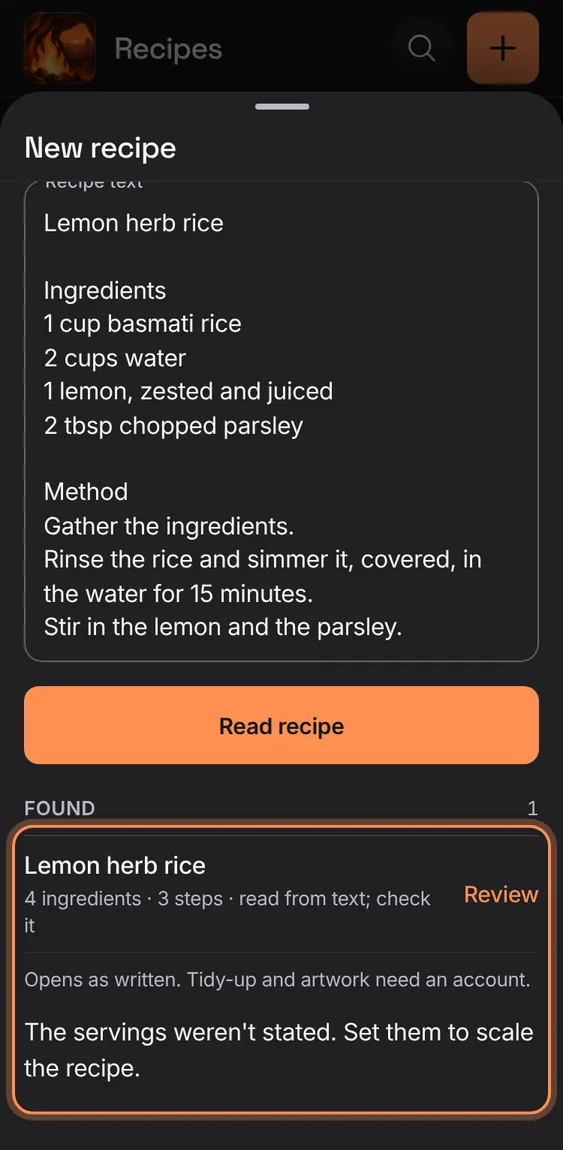
Signed out, offline or in the demo, a pasted or saved recipe still opens as a draft, as written, and says what's left out.
- The found recipe's row says "Opens as written".
- Signed in, its method is tidied once you're back online.
Paste up to 20 addresses, one per line; each is read in turn with its own result, and a failed one can be retried or its text pasted.
- Link › Several addresses (or paste several).
- Tap Read all, then Review each recipe found.
- A failed address offers Retry and Paste its text.
Not in the demo. Needs an account: the demo has none.
When a page or photo holds several recipes, each is listed with its counts and any warnings, to review one at a time.
- Tap Review on the one you want.
Not in the demo. Needs a file from your device.
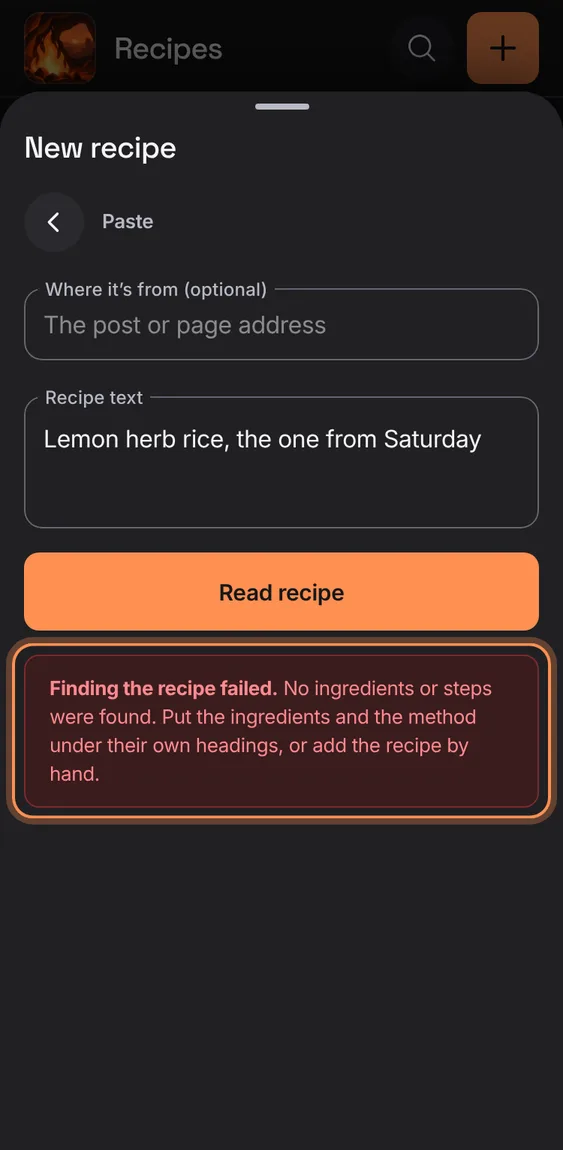
A failed import says which stage failed (fetching the page, finding the recipe…) and keeps your source to retry; it never saves an empty recipe.
- Tap Retry, or Paste text instead.
A web page saved to your device, or a text or JSON file, is read like a link.
- Upload › choose the .html, .txt or .json file.
Not in the demo. Needs a file from your device.
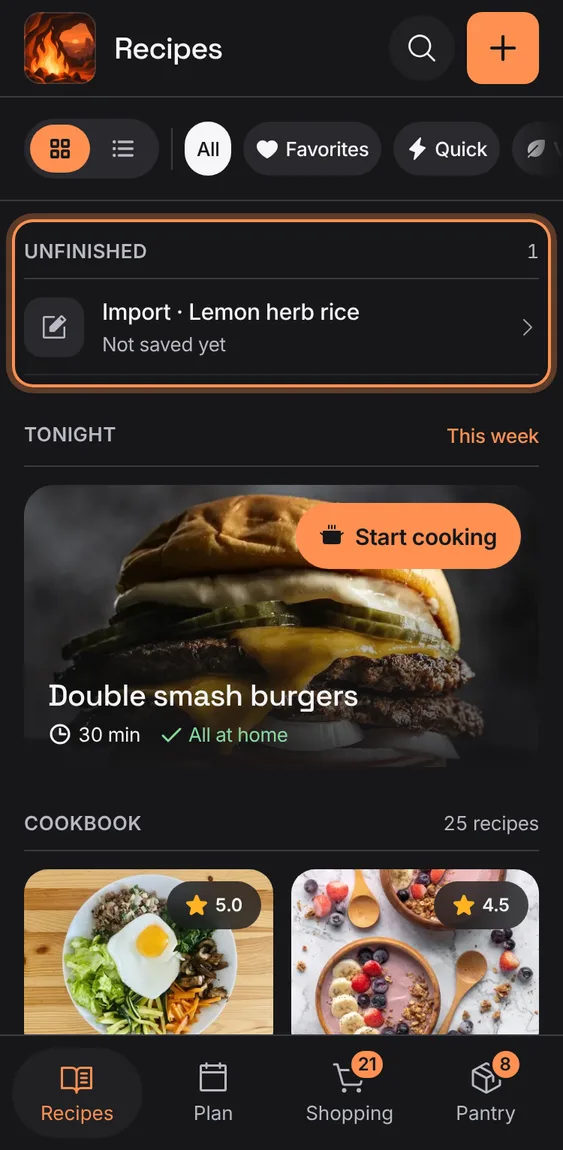
What you pasted or the addresses you gave are kept on this device until the recipe is reviewed, through reloads and failures; Discard this import lets them go.
- Find it under Unfinished on Recipes.
- Discard this import asks first.
Paste a recipe's web address; the page's recipe is read on the server and shown as a draft with where it came from.
- New recipe › Link.
- Paste the address and tap Read recipe.
- A page with several recipes lets you choose one.
Not in the demo. Needs an account: the demo has none.
All 1 in From a linkFor a link to a post, the creator's own recipe page is looked for, so the draft has their exact amounts and method.
- Nothing to do: it runs when a post has no full recipe.
Not in the demo. Needs an account: the demo has none.
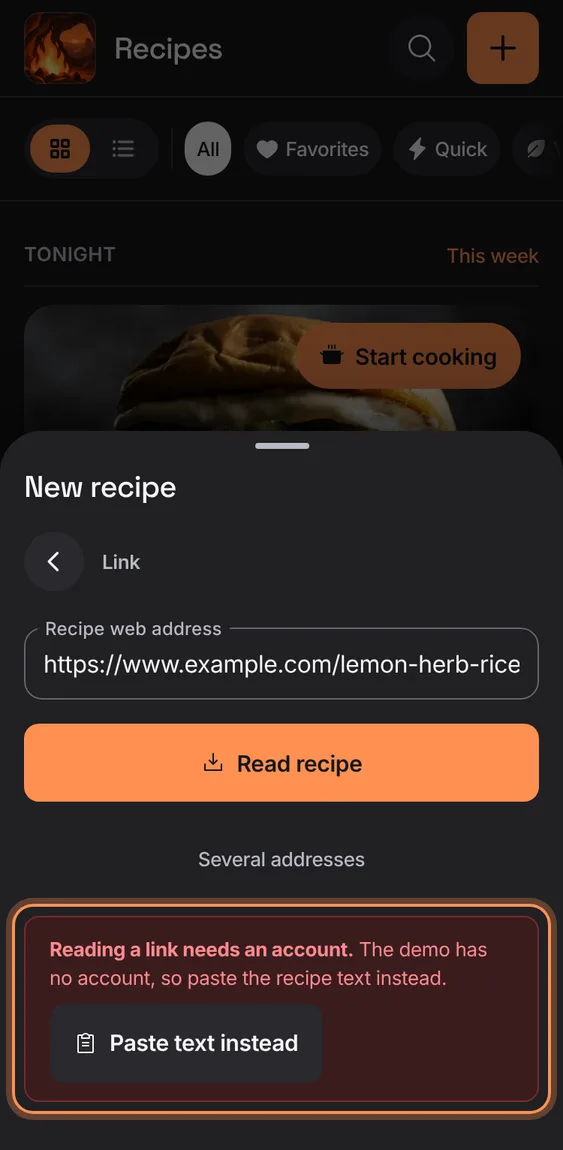
Reading a link, photo or video happens on the server, so signed out it says so, with Sign in and Paste text.
- Tap Sign in, or Paste text instead.
Up to four photos or screenshots of a recipe are read as written into a draft; a page with two recipes offers both.
- Upload › choose photos.
- Check the result before saving.
Not in the demo. Needs an account: the demo has none.
Before the editor opens, the method is split into one action per step and each step is linked to the ingredients it uses, checked so nothing is lost or invented.
- Nothing to do: it runs on import, signed in and online.
Not in the demo. Needs an account: the demo has none.
While a recipe is read, prepared and painted, an animated fire on a stone hearth shows each stage: read, prepare, paint, keep.
- Wait on the fire; each stage ticks off.
- With reduced motion the fire stays still.
Not in the demo. Needs an account: the demo has none.
Each line's amount, unit, food and preparation are read as the recipe writes them, without guessing what isn't there.
- Nothing to do: every import does this.
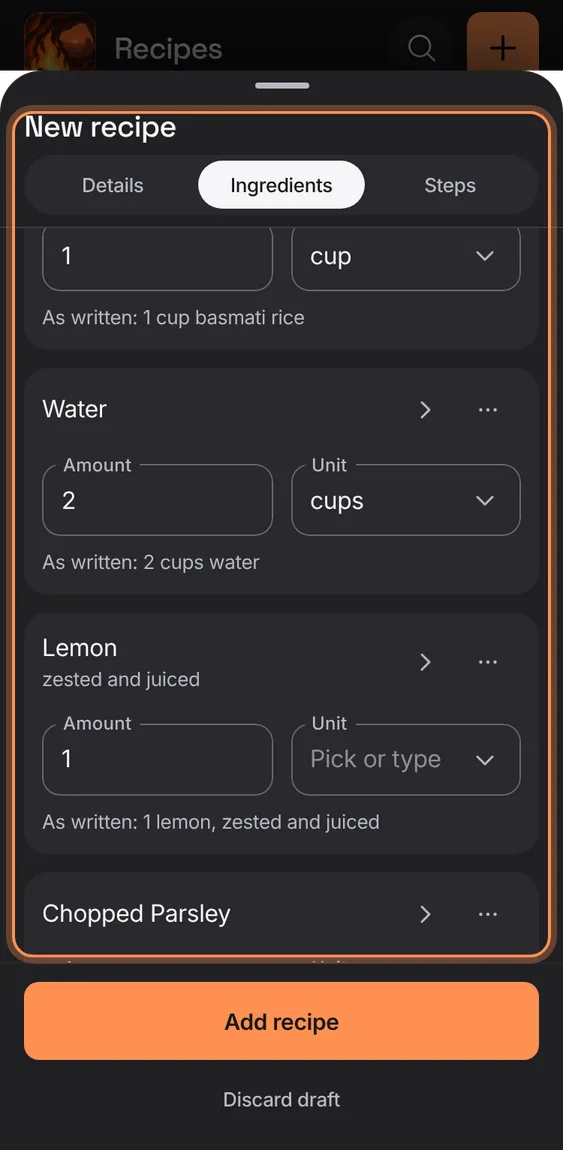
Paste a recipe's text, with or without headings; it's read into a draft that keeps the original text.
- New recipe › Paste.
- Paste the text, add where it's from if you like, and tap Read recipe.
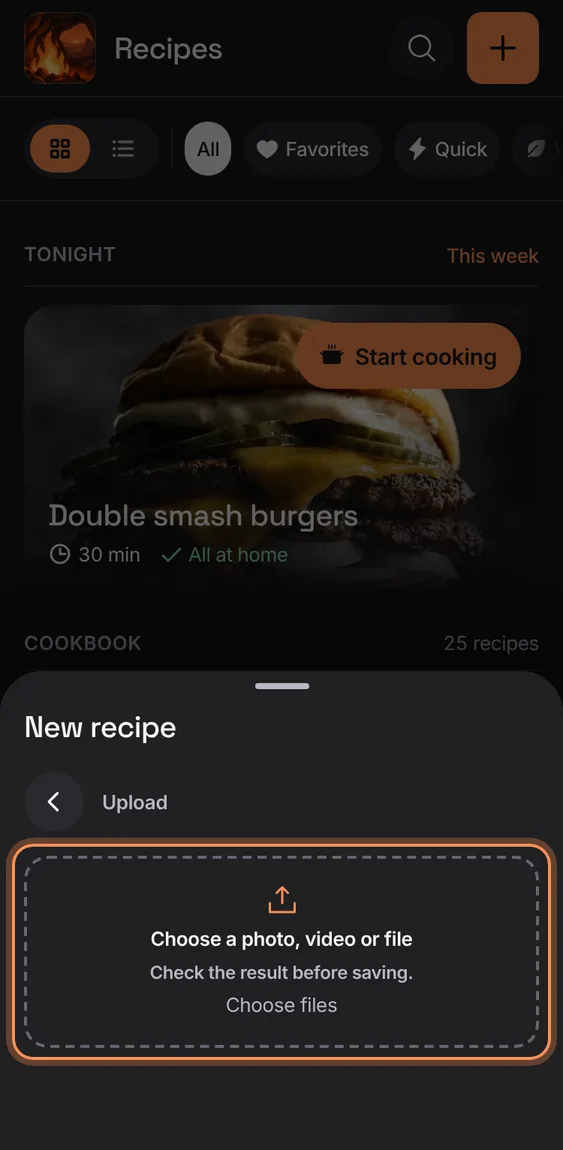
One button takes a photo or screenshots of a recipe, a short video, or a saved web page or text file.
- New recipe › Upload.
- Choose the file: photos are read, a video is transcribed, a page is parsed.
A short clip (up to three minutes, under 25 MB) is read from its frames and its sound into a draft to check.
- Upload › choose the video.
- Or Paste caption, or Use screenshots.
Not in the demo. Needs an account: the demo has none.