 Hearth
Cook mode
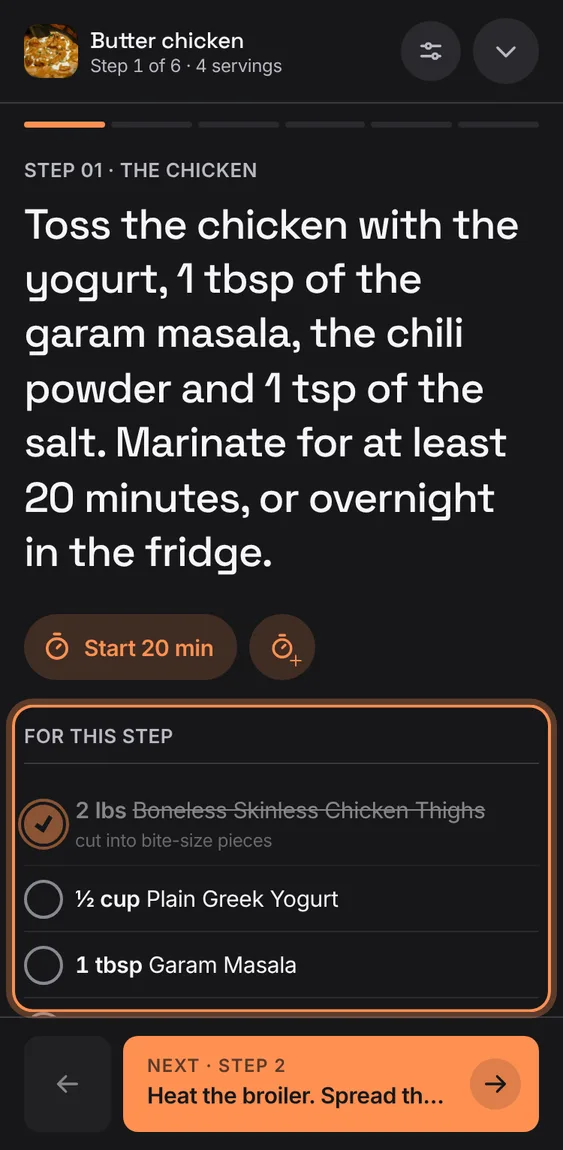
The recipe one step at a time on the whole screen, in large type, with what the step uses, its timers and the next step in view.
Every Cook mode feature
In the installed app, signed in, a timer can notify this device when it ends even with Hearth in the background.
- Tap the bell beside the timers (Notify me in the background).
- A locked phone may still hold it back; the (i) says so.
Not in the demo. Needs an account: the demo has none.
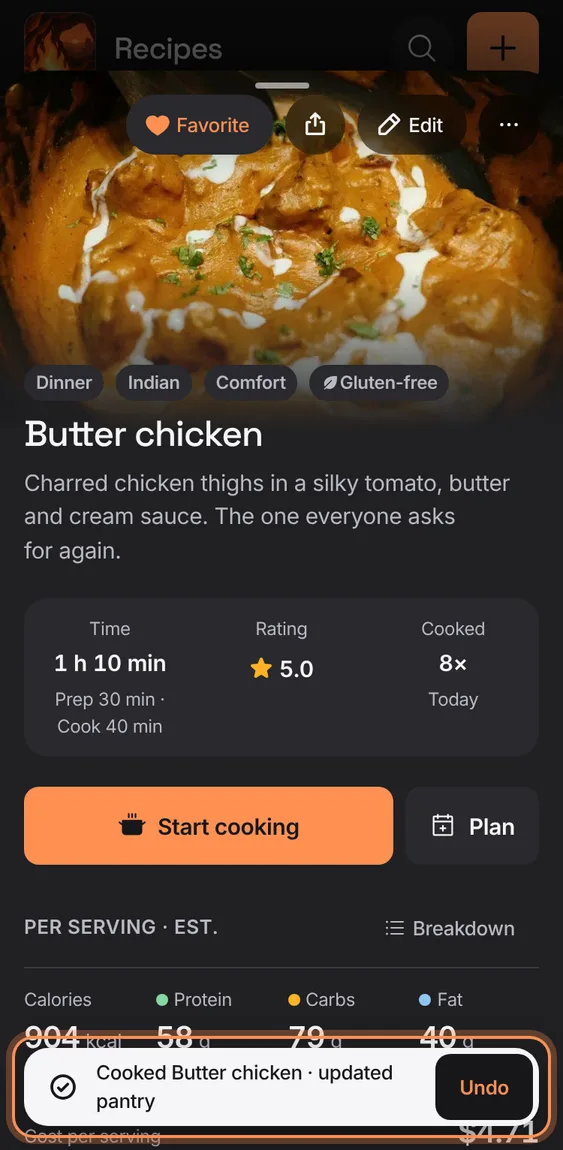
"Nicely done" shows what the cook takes from the pantry, each one switchable; Finish cooking records the cook and those amounts together, with Undo.
- Tap Finish on the last step.
- Switch off anything that shouldn't come out of the pantry.
- Tap Finish cooking; Undo on the toast puts both back.
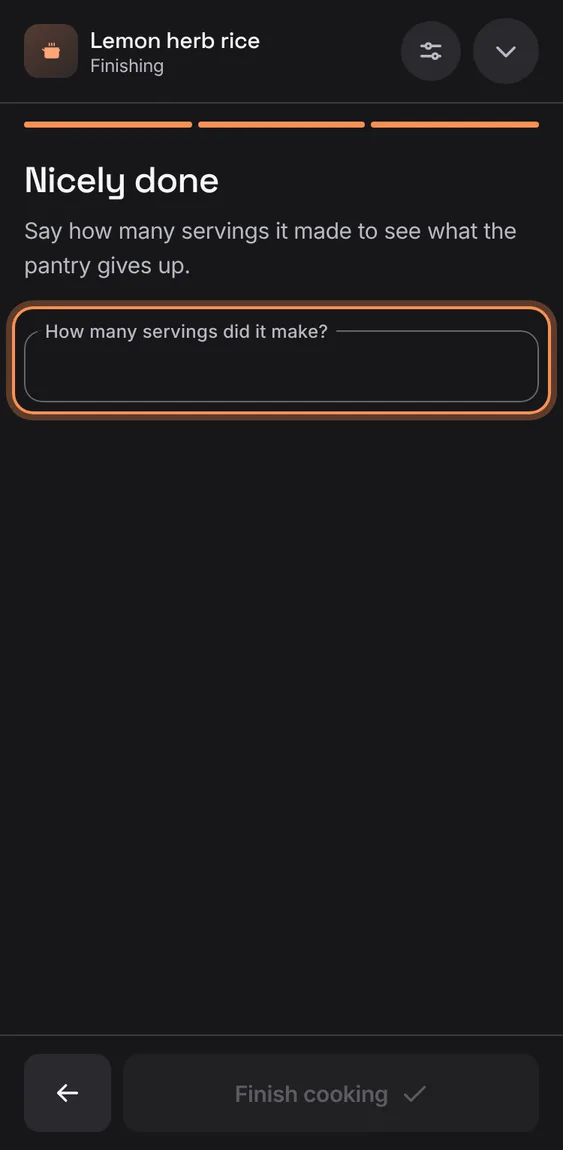
For a recipe without servings, finishing asks how many it made before working out what the pantry gives up.
- Type the number under Nicely done.
Cook mode covers the app and asks the browser for full screen, leaving it when you close.
- Tap Start cooking; Close cook mode returns.
Not in the demo. Needs the full screen.
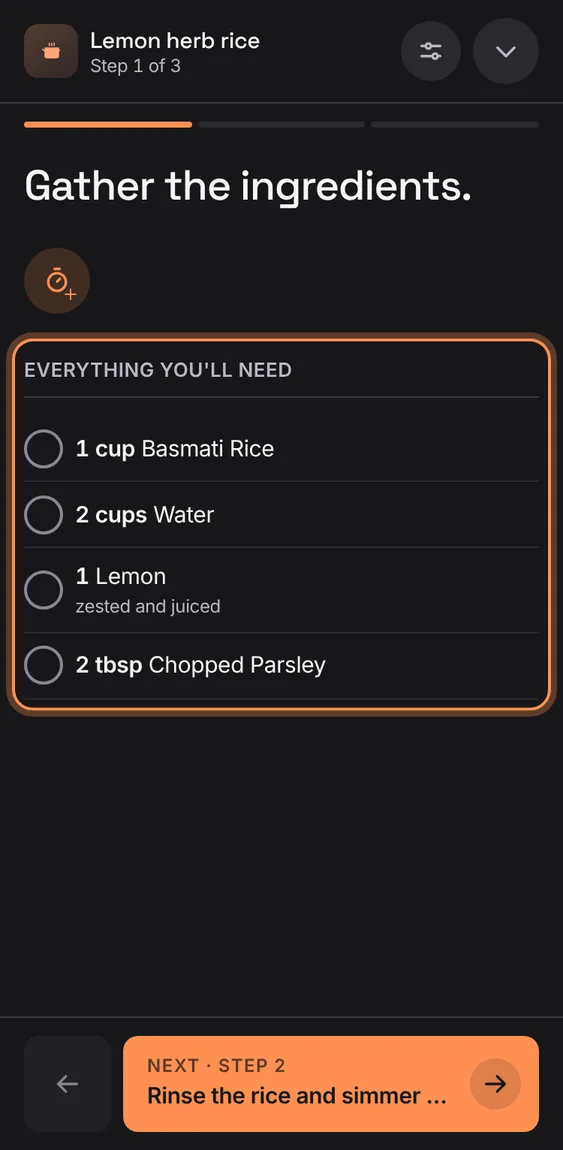
A step that gathers everything, or a recipe without step links, lists the whole recipe.
- Shown on such a step by itself.
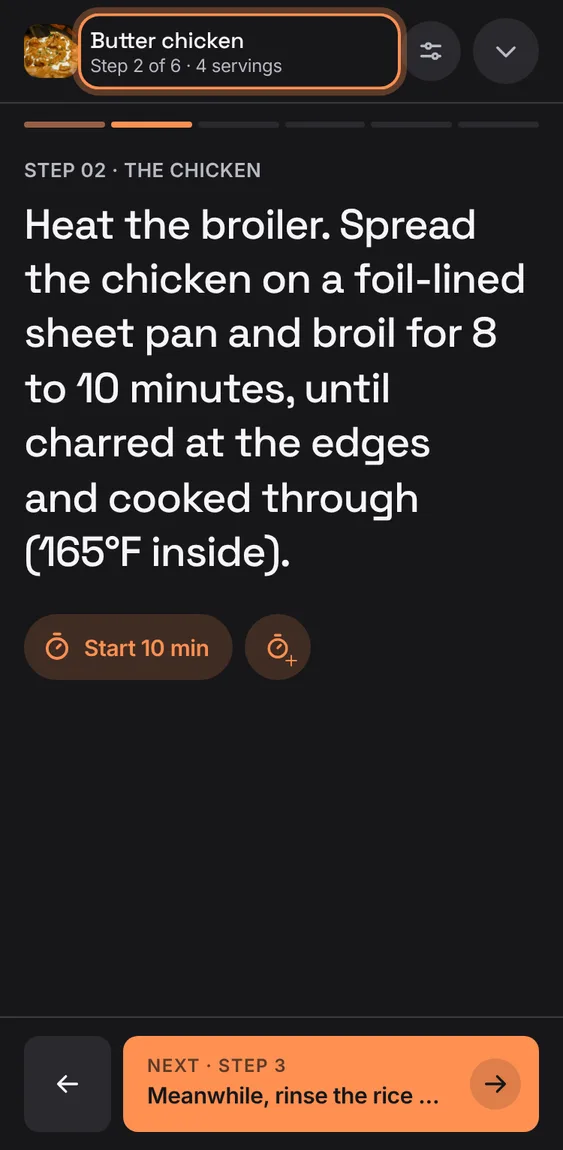
The Next button shows the next step's words, so you see what's coming.
- Tap Next · Step 4 to go on; the back arrow goes back.
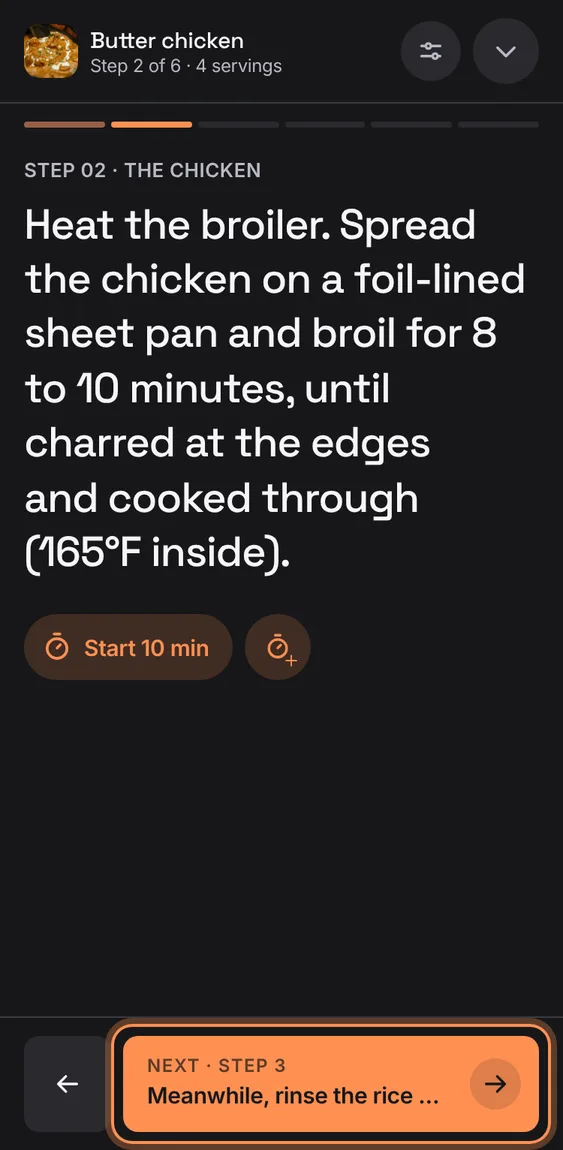
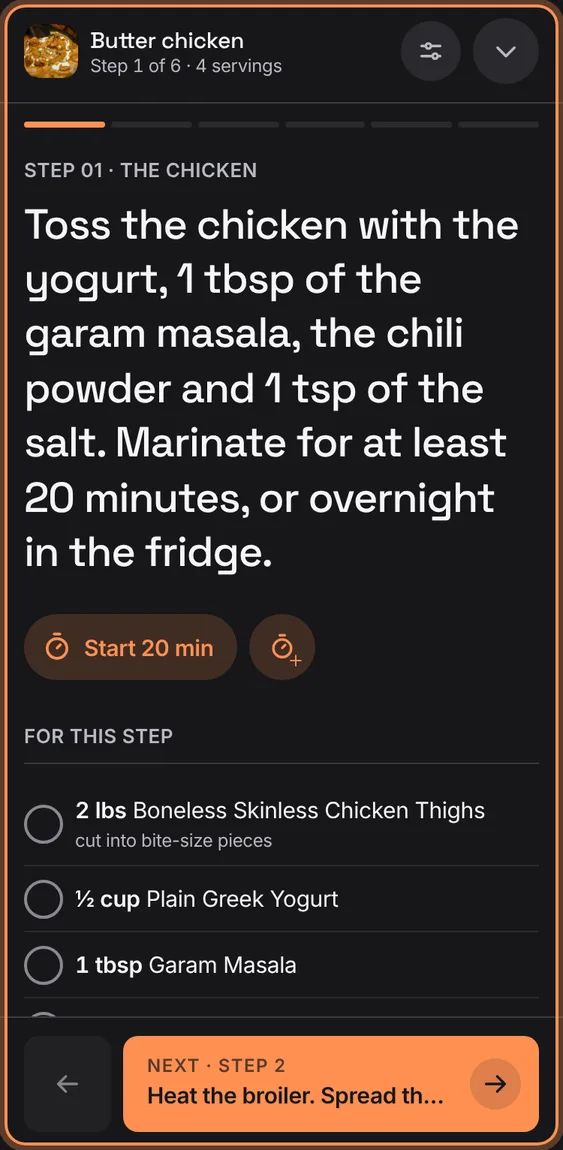
Cook mode's header shows the recipe, which step you're on, the servings and whether it's listening, over a bar of the steps.
- Read it at the top of cook mode.
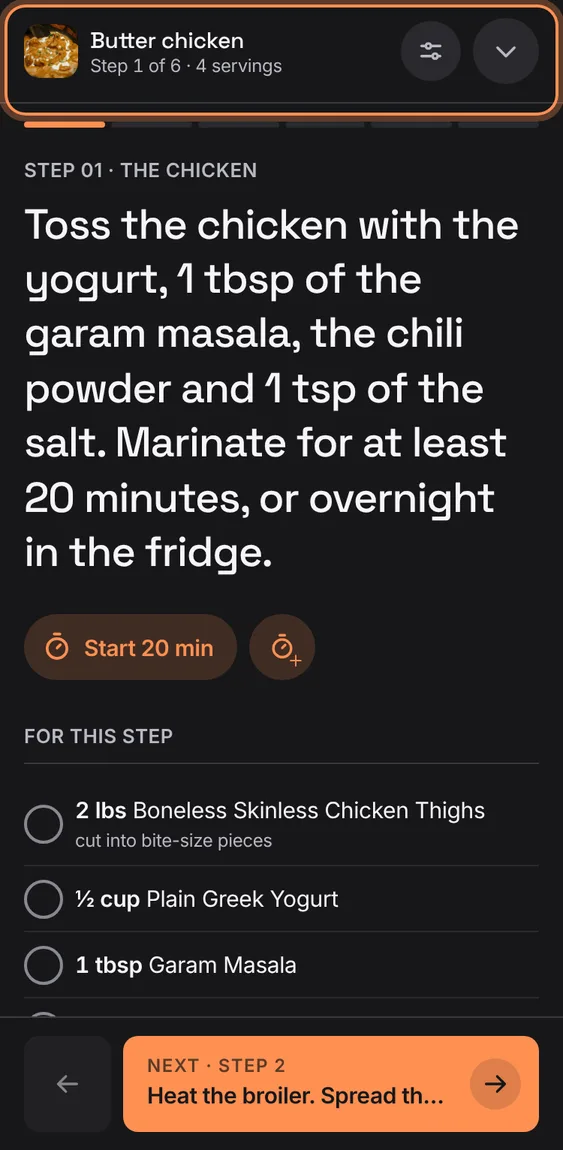
Your step, ticks, servings and every timer's end time are kept, so a reload or a locked phone resumes exactly.
- Open cook mode again on the same recipe.
While cook mode is open and in view the screen doesn't sleep; there's no switch for it.
- Nothing to do. Where the browser can't, nothing is shown.
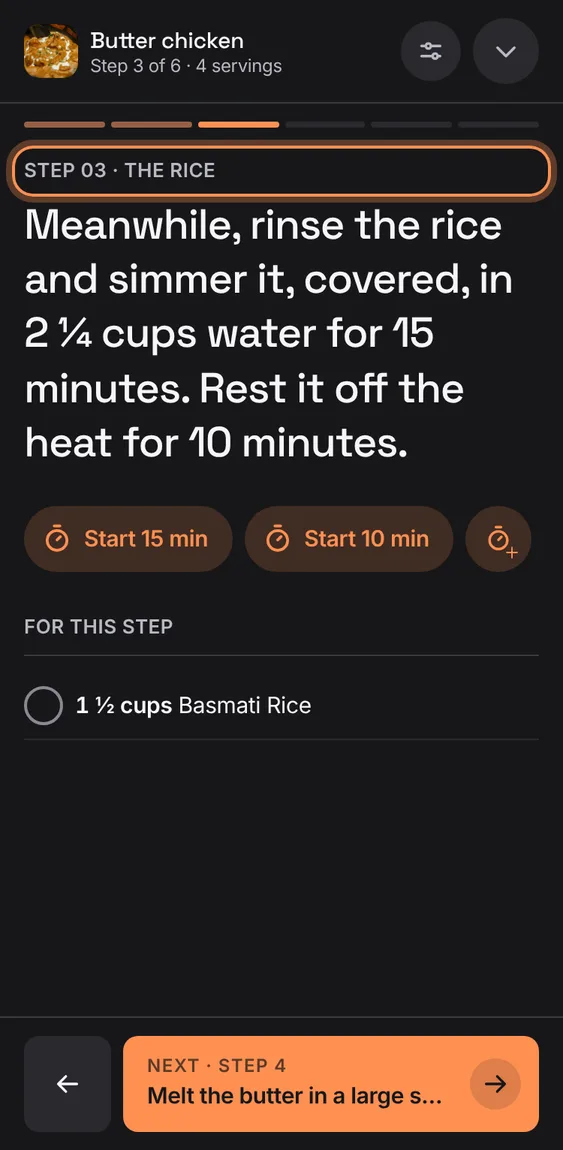
A step under a heading says so above it ("Step 03 · Making the gravy"), as the recipe groups them.
- Add headings in the editor (⋯ › Add heading).
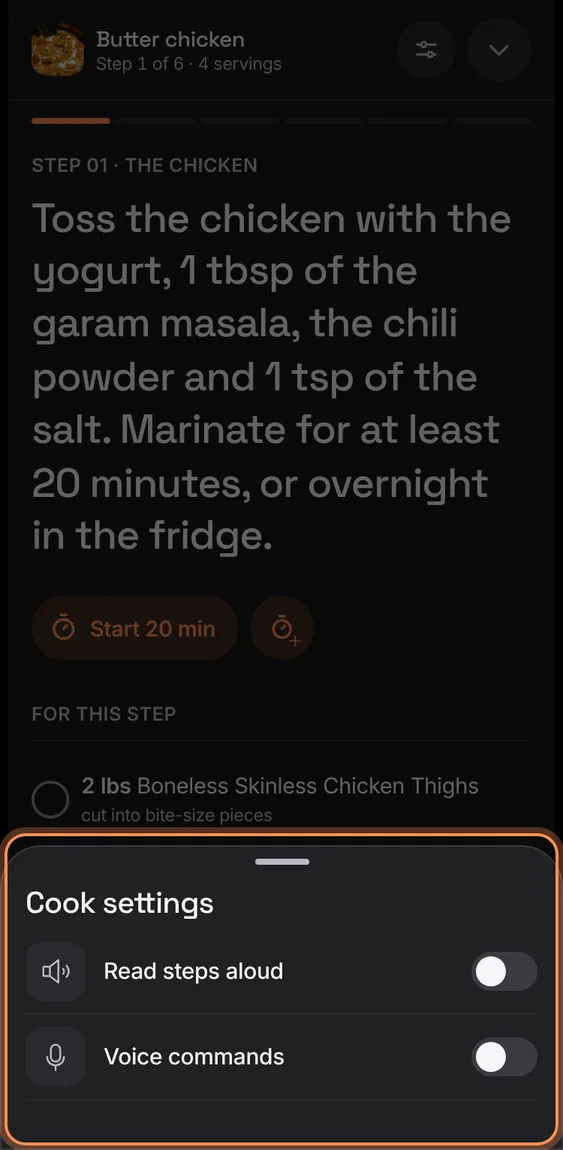
One button holds two switches: Read steps aloud and Voice commands.
- Tap Cook settings in cook mode's header.
The step follows your finger and turns the page when you let go.
- Swipe left for the next step, right for the last one.
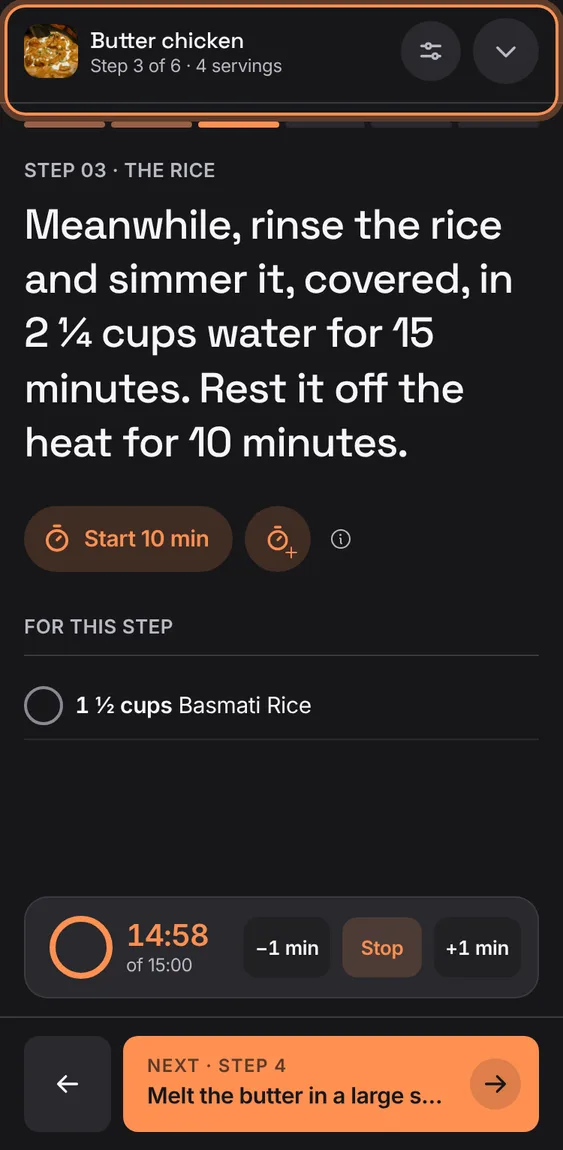
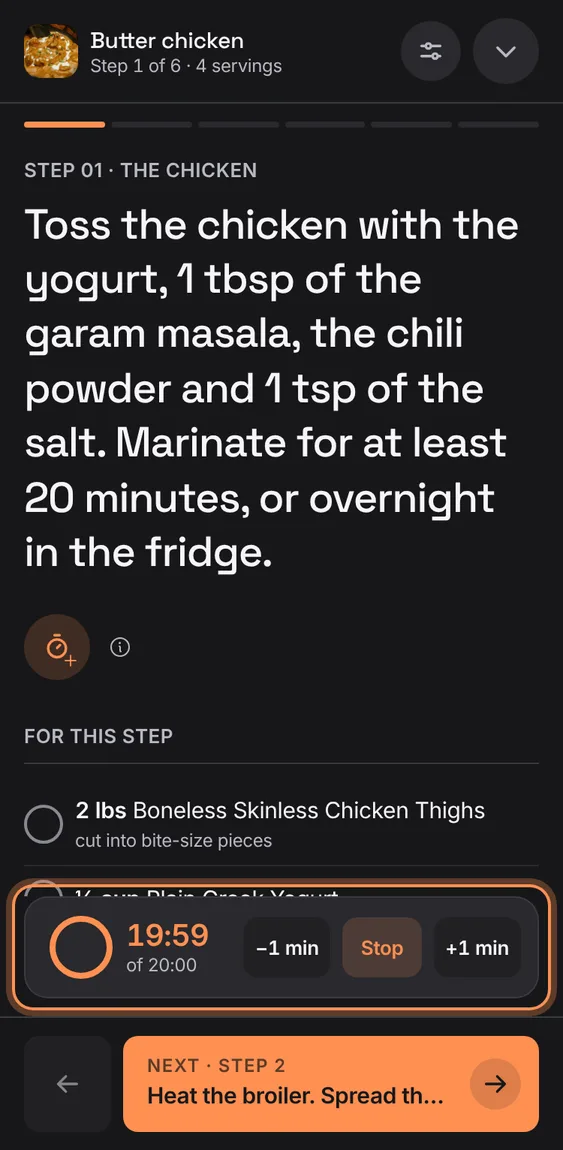
Start the times a step names ("Start 10 min") or a new 1, 5, 10 or 15 minute timer; running timers stay in view on every step.
- Tap Start 10 min, or the timer + for a new one.
- Each timer shows a ring, −1 min, Stop and +1 min.
- A finished timer rings and buzzes while Hearth is open.
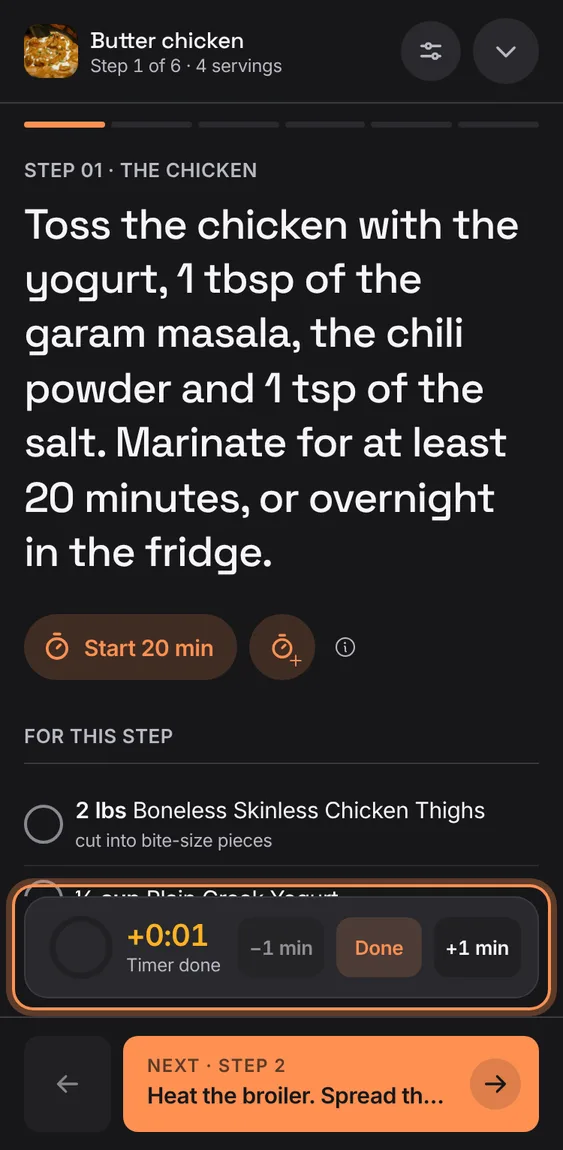
A finished timer rings and buzzes once, says Timer done and counts up the time since; Done clears it.
- Tap Done on the timer.
Each step lists its ingredients with this step's amounts; tick them off as you go, and a tick strikes only the food's name.
- Tap an ingredient to tick it.
Hear each step read aloud, and say next, back, repeat, timer or ingredients instead of touching the screen.
- Cook settings › Read steps aloud, or Voice commands.
- If the microphone is refused, Voice turns off and offers Retry.
Not in the demo. Needs your microphone.
From laptop width cook mode shows the step beside a rail of running timers and every step, the current one marked.
- Tap any step in the rail to jump to it.
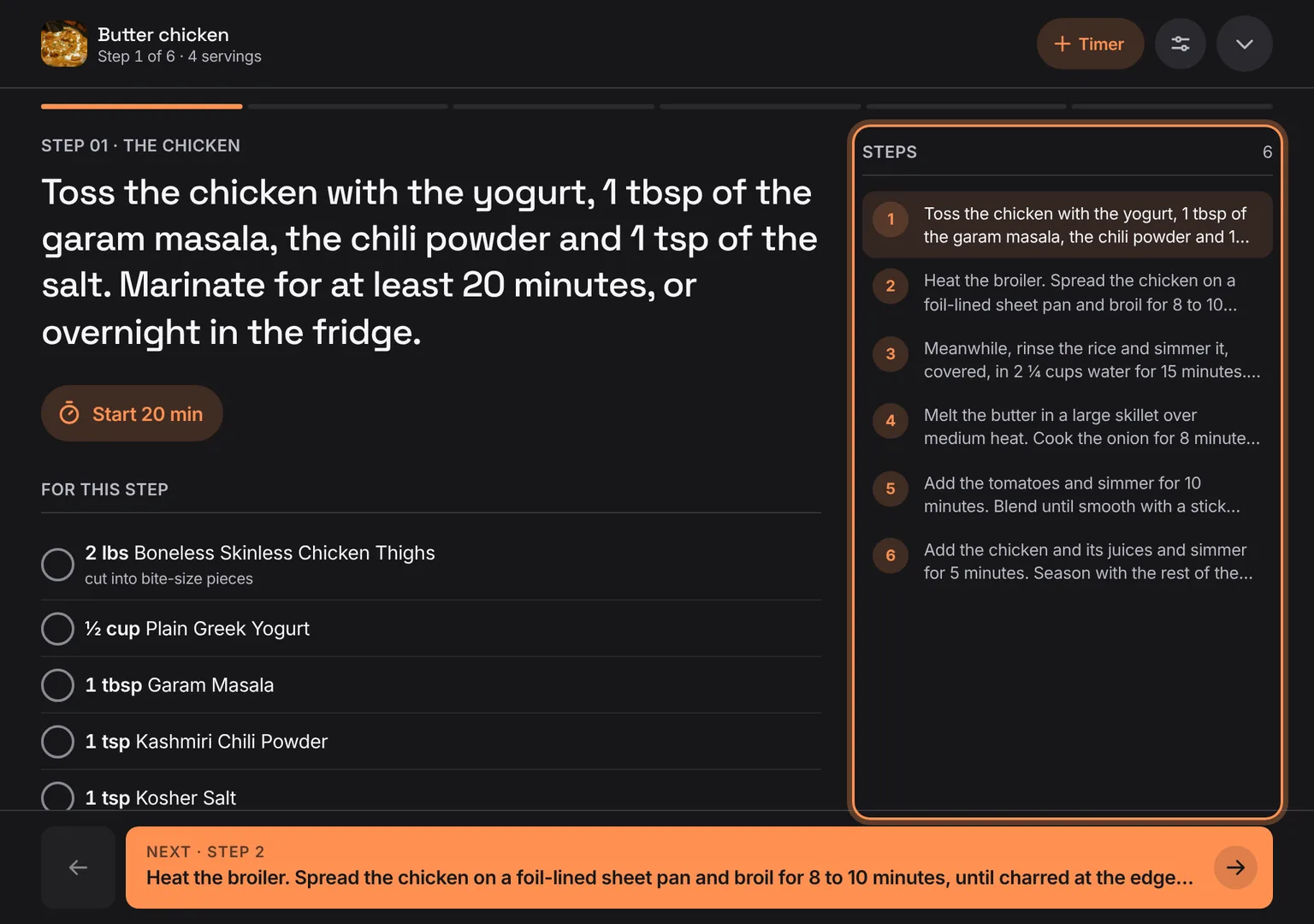
Shown at a computer’s width.