Hearth
Cookbook
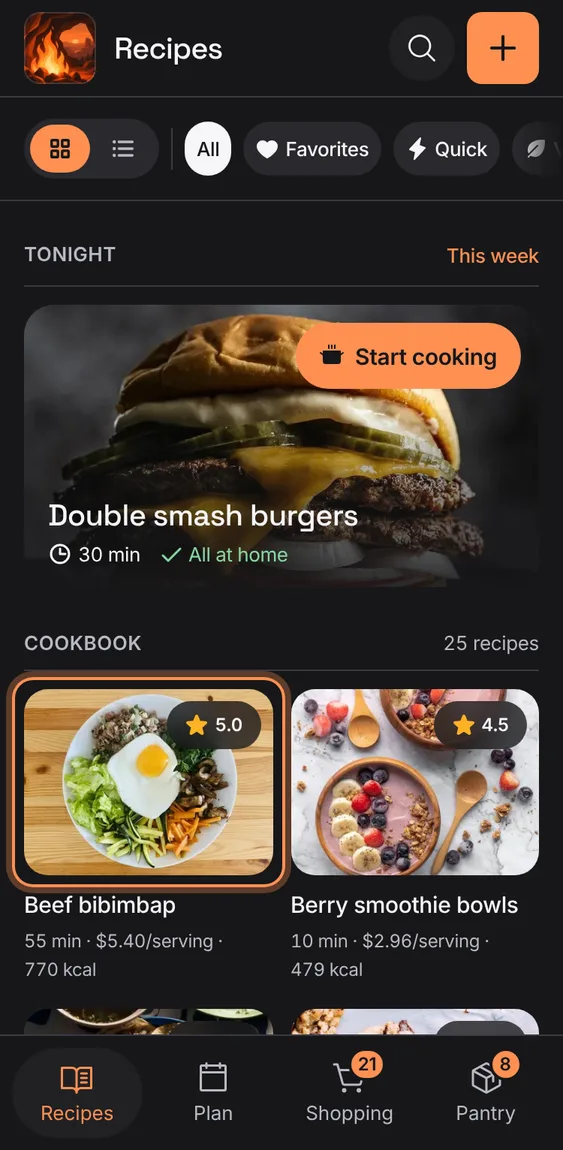
Every recipe you've saved, as a grid of photos or a list, each with its time, cost, calories and rating.
Every Cookbook feature
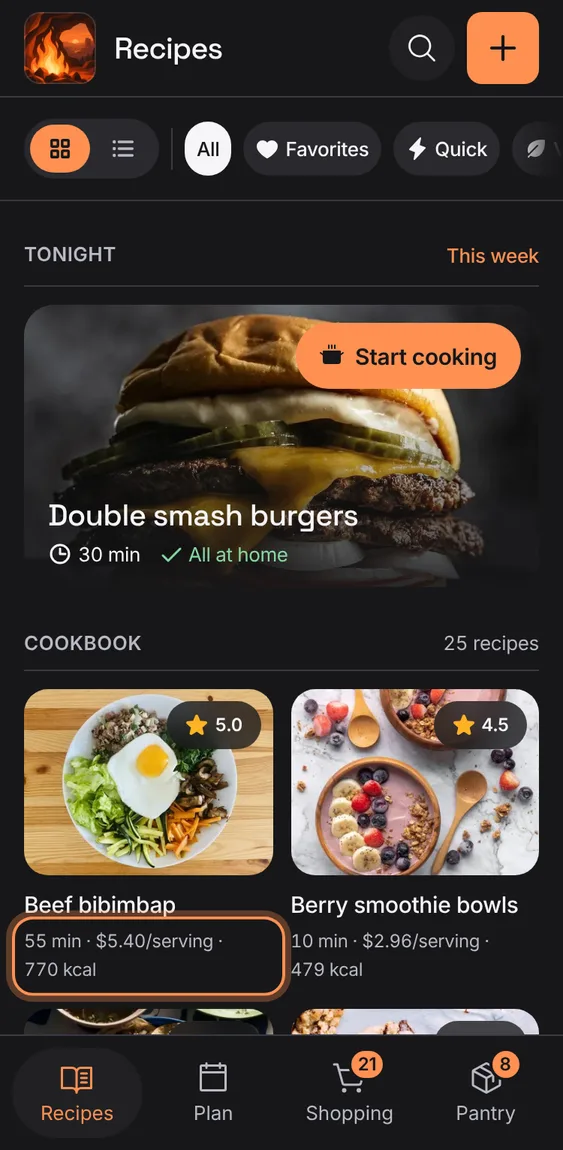
Each recipe shows how long it takes, what a serving costs and its calories, on one line.
- Facts read like "50 min · $5.09/serving · 737 kcal".
- A "+" means some ingredients aren't counted yet.
- "Servings not set" shows when a recipe doesn't say how many it serves.
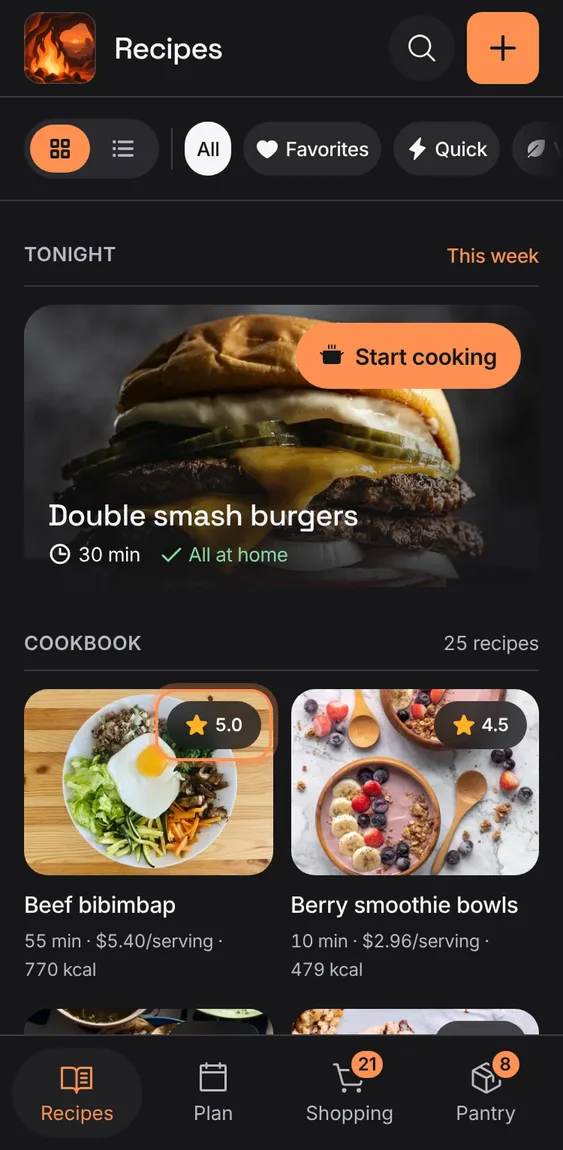
A recipe's average rating sits on its photo as a small star badge.
- The badge only shows; rate a recipe from its page.
A new cookbook says where recipes come from and offers Add recipe and the demo.
- Tap Add recipe to bring one in.
- Or tap "Try the demo with sample recipes".
Not in the demo. Shows before anything is saved; the demo has sample data.
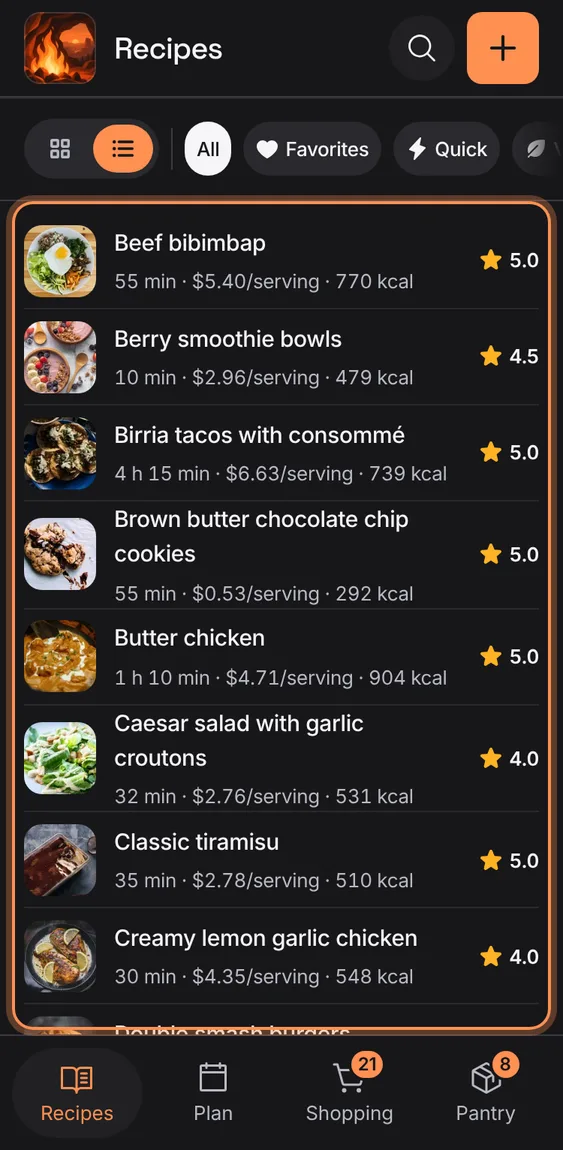
Show the cookbook as big photos or as a compact list.
- Tap the grid or list icon at the start of the bar.
A big cookbook loads 48 recipes at a time, so it opens quickly.
- Tap "Show more recipes" at the end of the cookbook.
Not in the demo. Shows with more than the demo holds.
Recipe photos are kept on this device once seen, so the cookbook shows them offline; a recipe without one shows a plain tile.
- Nothing to do.
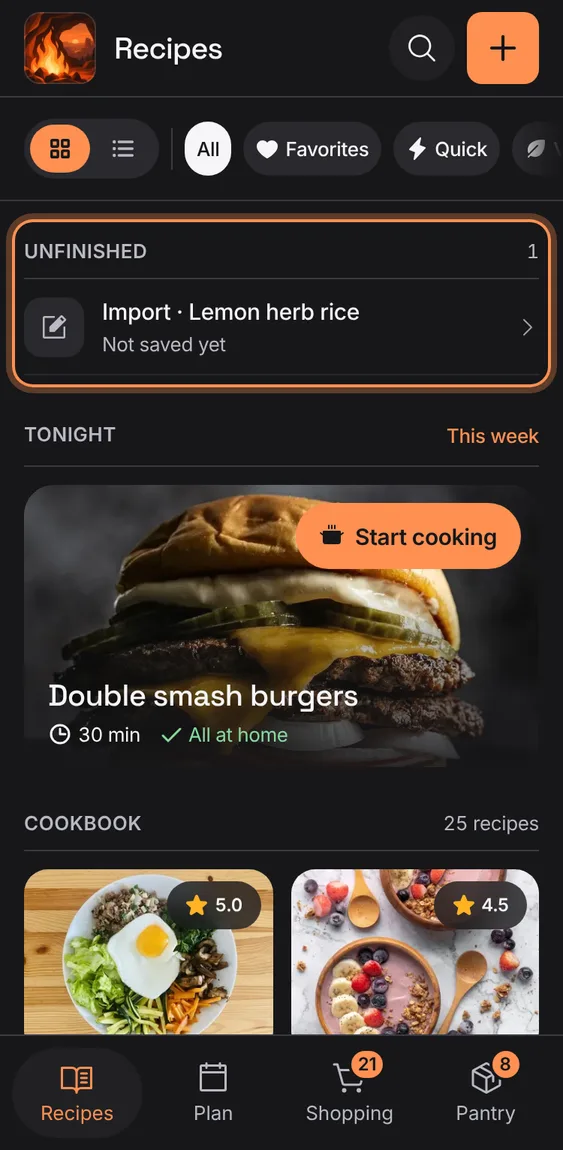
A recipe you were writing or an import you didn't finish waits at the top, to pick up where you left off.
- Tap a row under Unfinished to carry on.
- Discard it from inside the draft.