Cambium
Trash
Deleted notes wait in Trash for 30 days, to restore or delete for good.
Every Trash feature
Deletes every note in Trash and their versions, after saying how many.
- In Trash, tap Empty trash, then confirm.
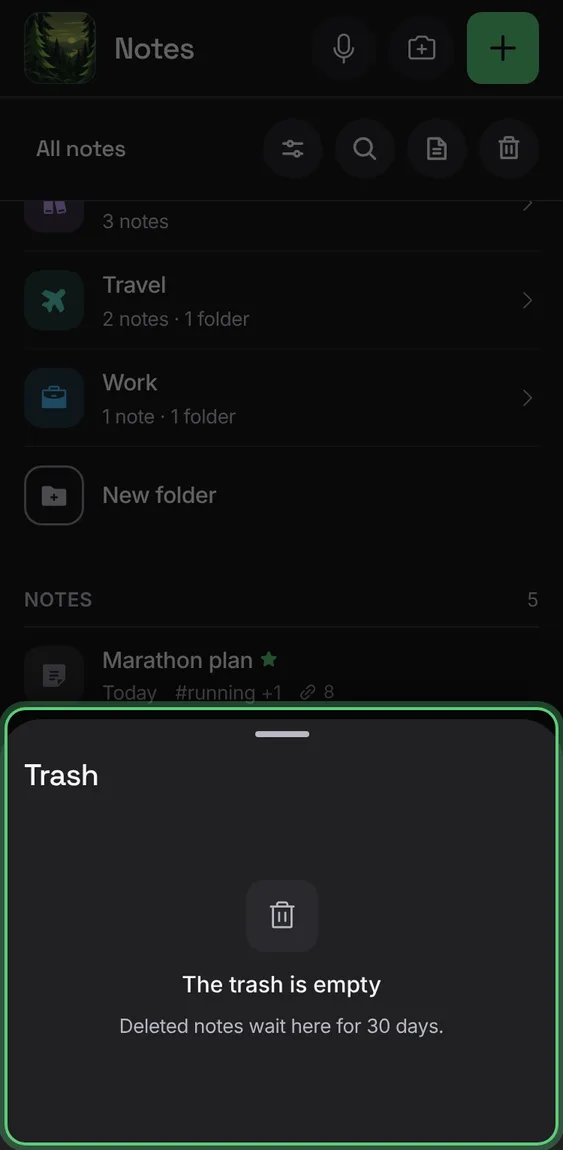
A note moved to Trash can come straight back with Undo.
- In a note, tap More → Move to trash; tap Undo in the message.
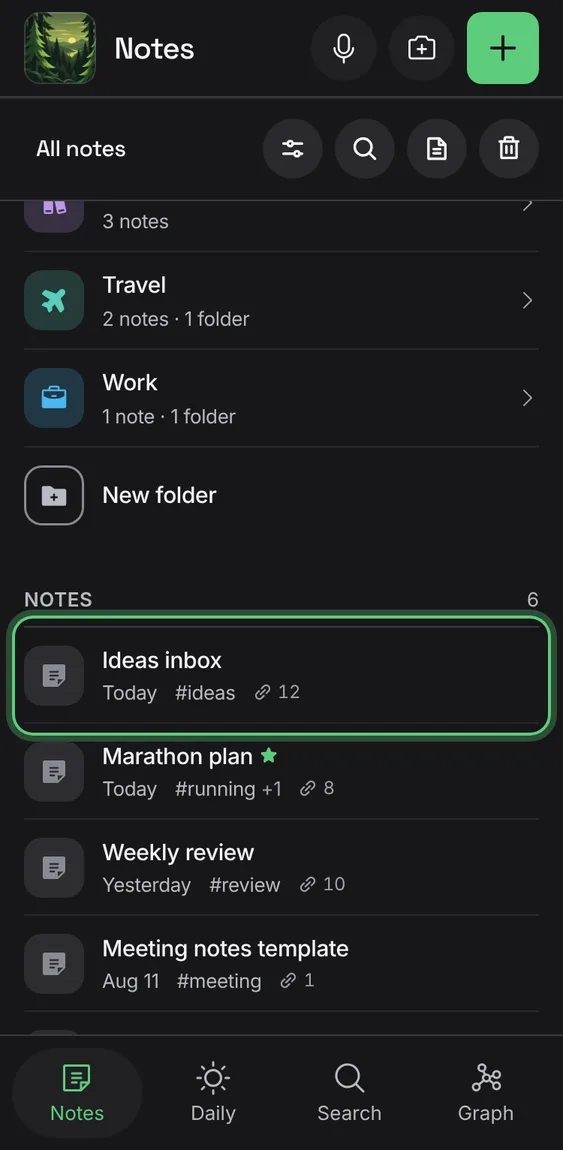
Deletes one note and its earlier versions, after a confirmation.
- In Trash, tap the bin beside a note, then confirm.
Brings a note back where it was.
- In Trash, tap Restore.
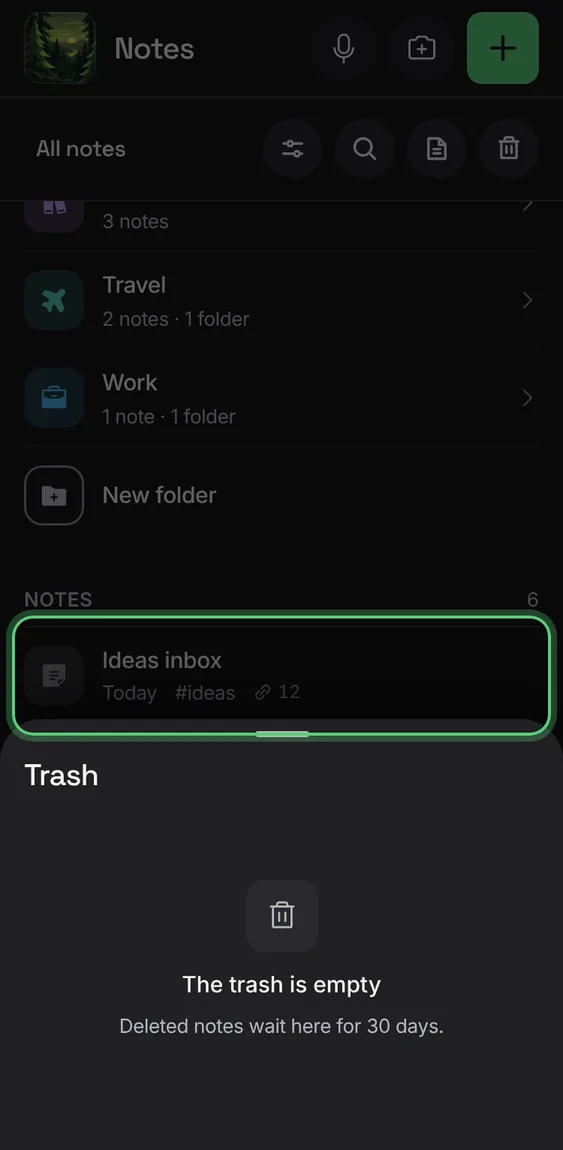
Notes in Trash for 30 days are deleted by themselves; each row says how many days are left.
- Nothing to do.
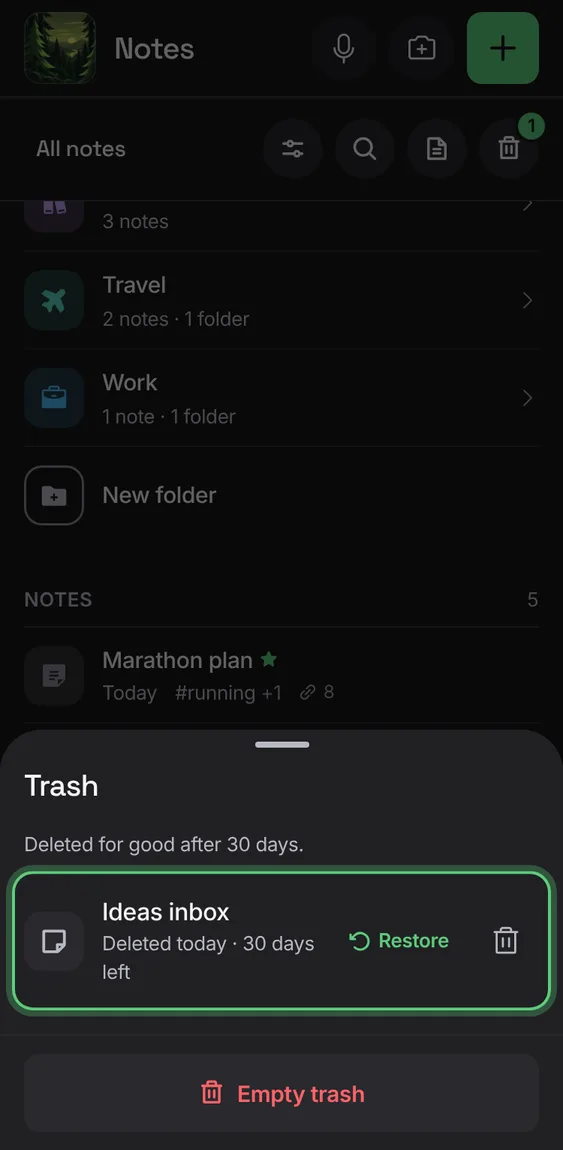
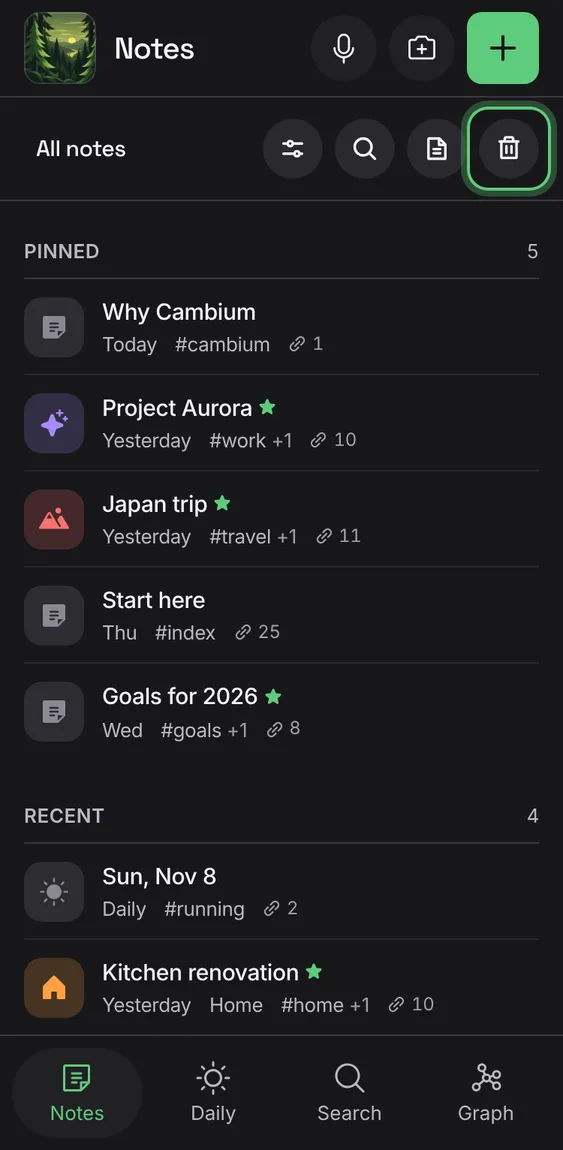
The Trash tool is always in the Notes bar, with a count while notes wait in it.
- Look for Trash in the Notes bar.