Cambium
Pin, favorite and tags
Pin a note to the top, star it as a favorite, and tag it, all optional.
Every Pin, favorite and tags feature
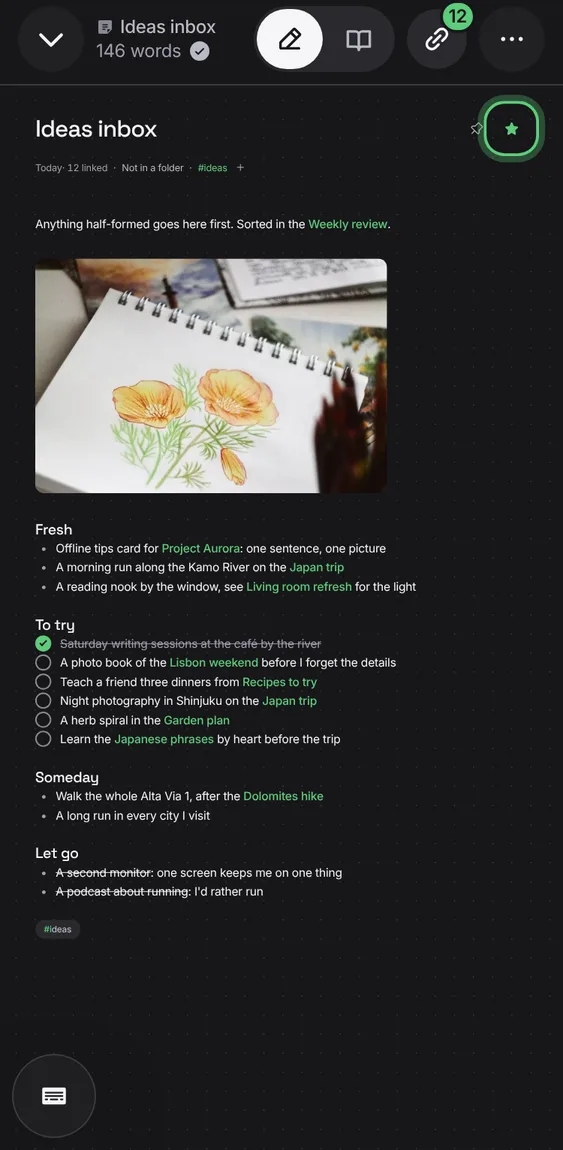
Star the notes you come back to, and show only those.
- Tap the star beside the title, or turn on Favorite in Note info.
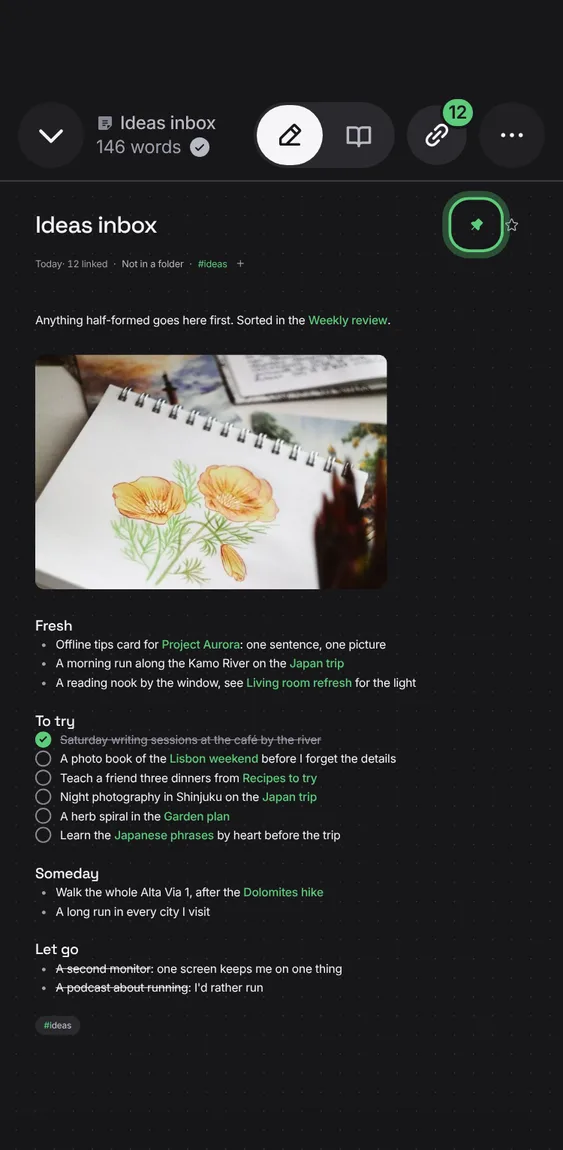
A pinned note sits at the top of Notes.
- Tap the pin beside the title, or turn on Pin to top in Note info.
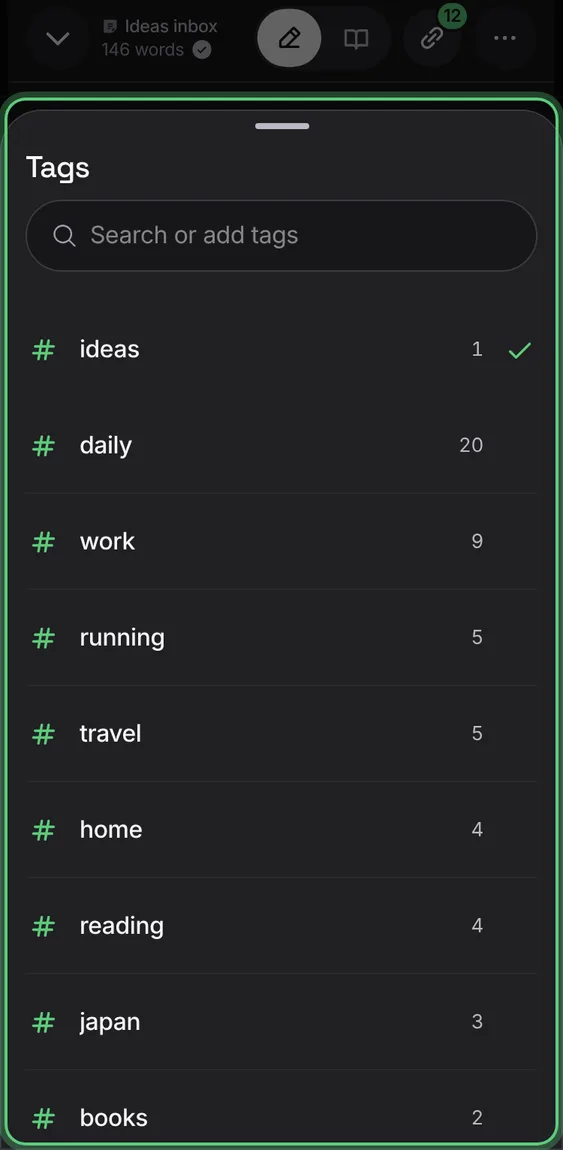
Tag a note from a list of the tags you use, or make a new one. Tags are kept where other Markdown apps read them.
- Tap + after the tags, or Tag in the toolbar.
- Type to find a tag or create it; each row adds or removes it.
Typing #tag in a note tags it; # offers the tags you already use.
- Type # and a word, or pick from the list.
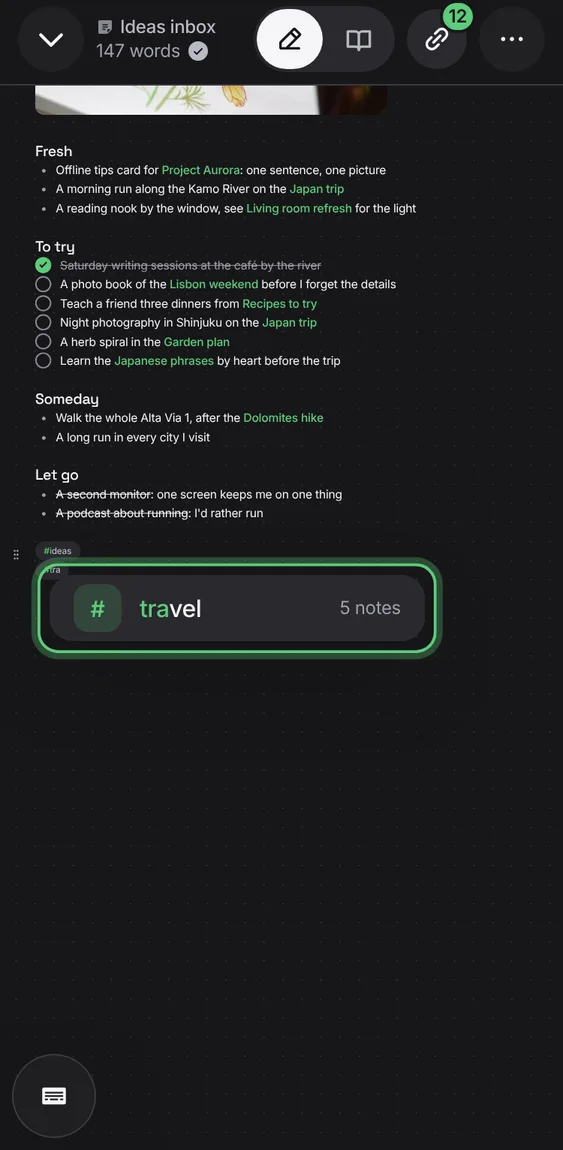
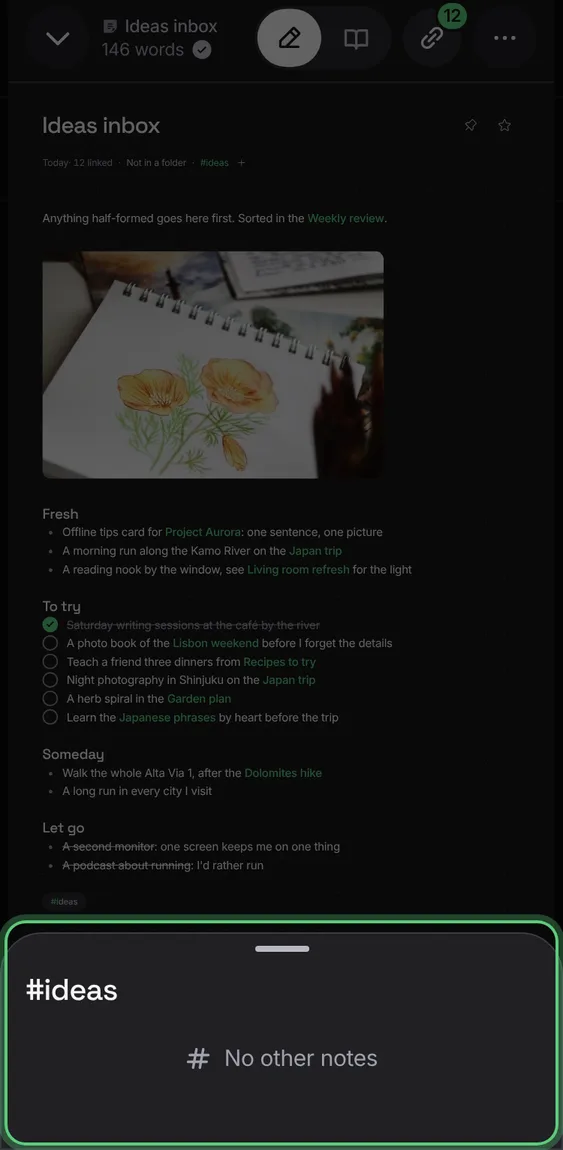
Tap a tag in a note to see every other note with it, over the note, which keeps its place.
- Tap a #tag under the title or in the text.
- Tap a row to open that note.