Cambium
The toolbar
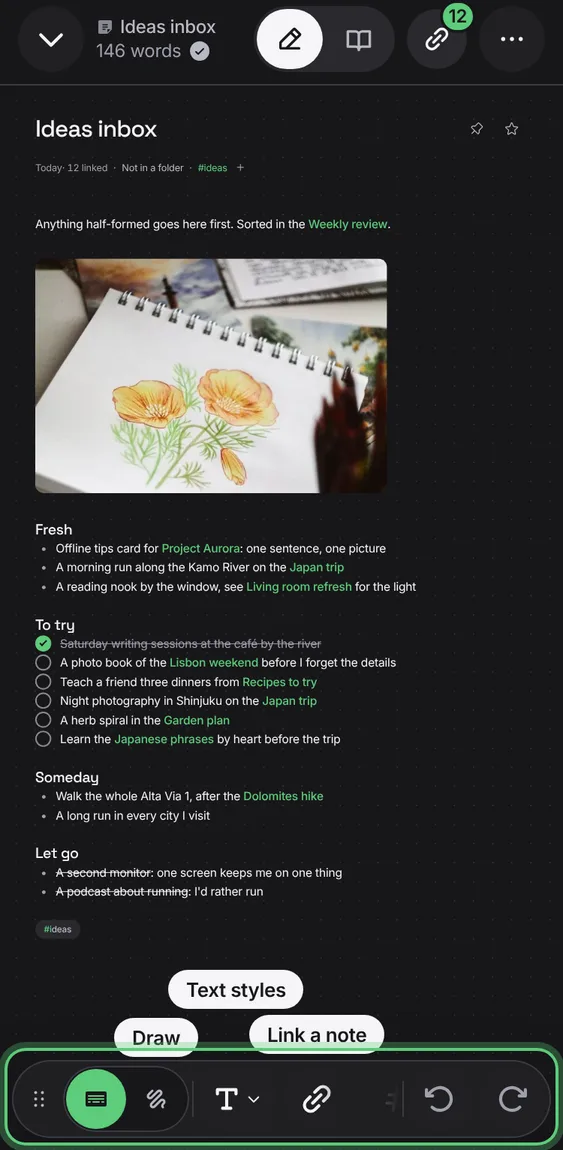
One floating bar: Write or Draw, then text styles, Link a note, Tag, Photo, Table, File, Undo and Redo.
Every The toolbar feature
Each has its own button, so adding a picture or a file is one tap.
- Tap a button; it goes where you're writing.
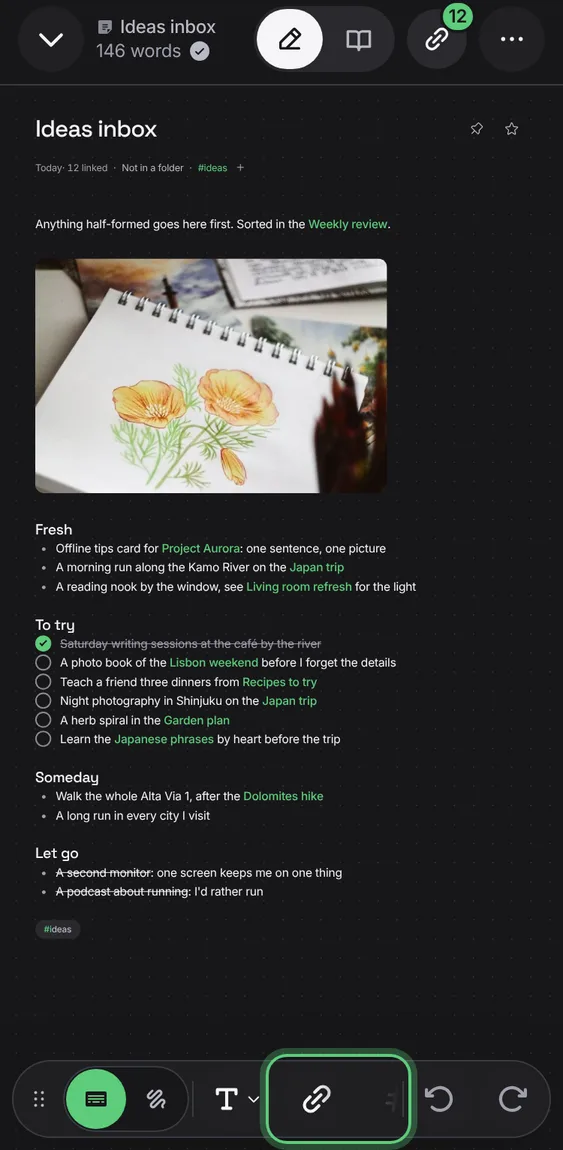
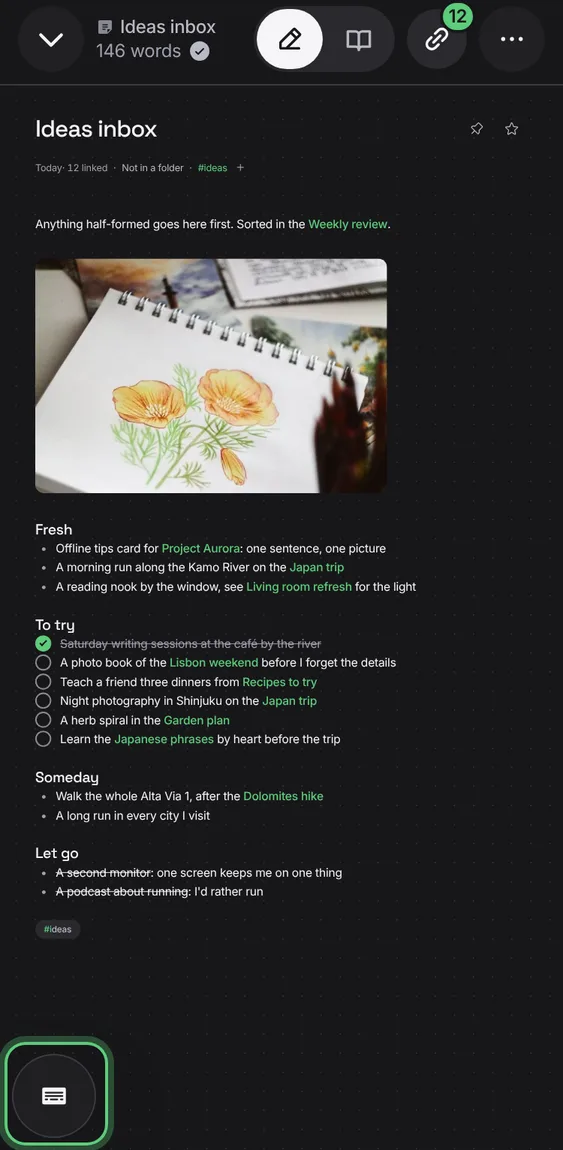
Drag the bar by its handle anywhere over the note, or against a side to stand it up; tap the handle to fold it to one button. It stays where you left it.
- Drag the six dots; tap them to fold.
On a phone, the toolbar's tools say their names the first time you write.
- Nothing to do.