 Cambium
A page to write on
The note is a page the same width on every screen, so text and ink line up everywhere. On a computer or tablet it sits on a desk; on a phone it fills the screen.
Every A page to write on feature
A note opens over the list at every width, which stays as it was underneath; Back returns to it.
- Open a note; tap the caret or Back to go back.
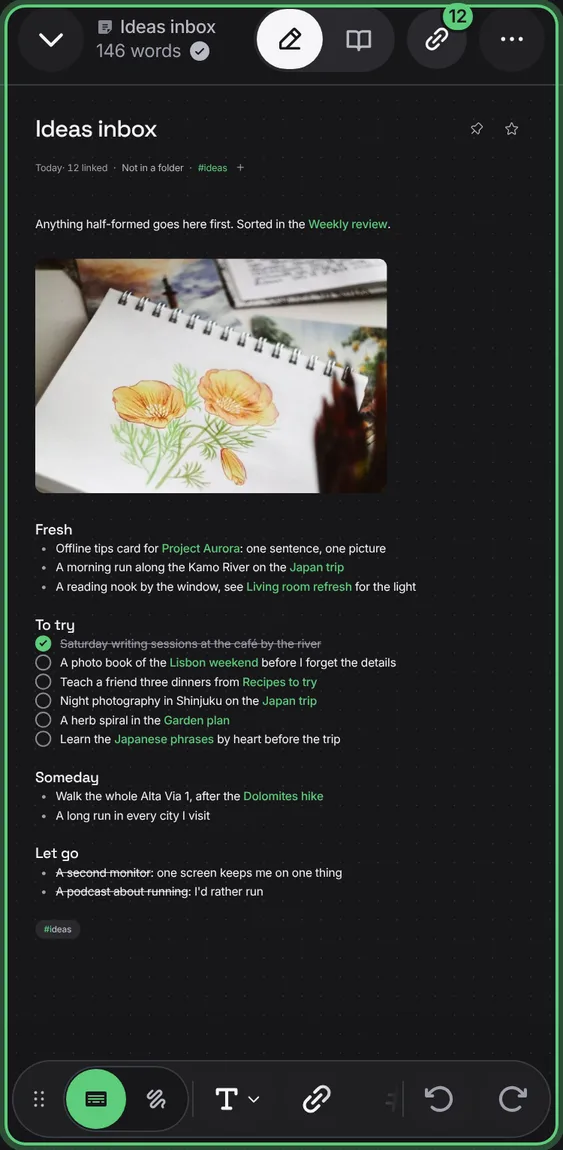
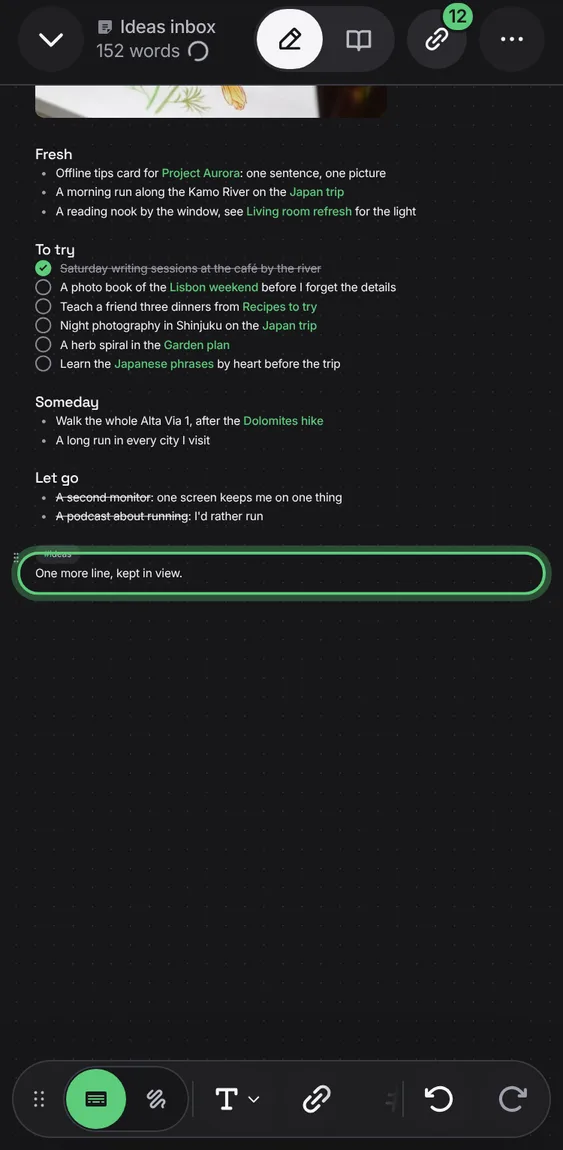
The line you're writing stays clear of the toolbar and, on a phone, near the middle above the keyboard, and the page doesn't jump as you type.
- Type; the page keeps the line in view.
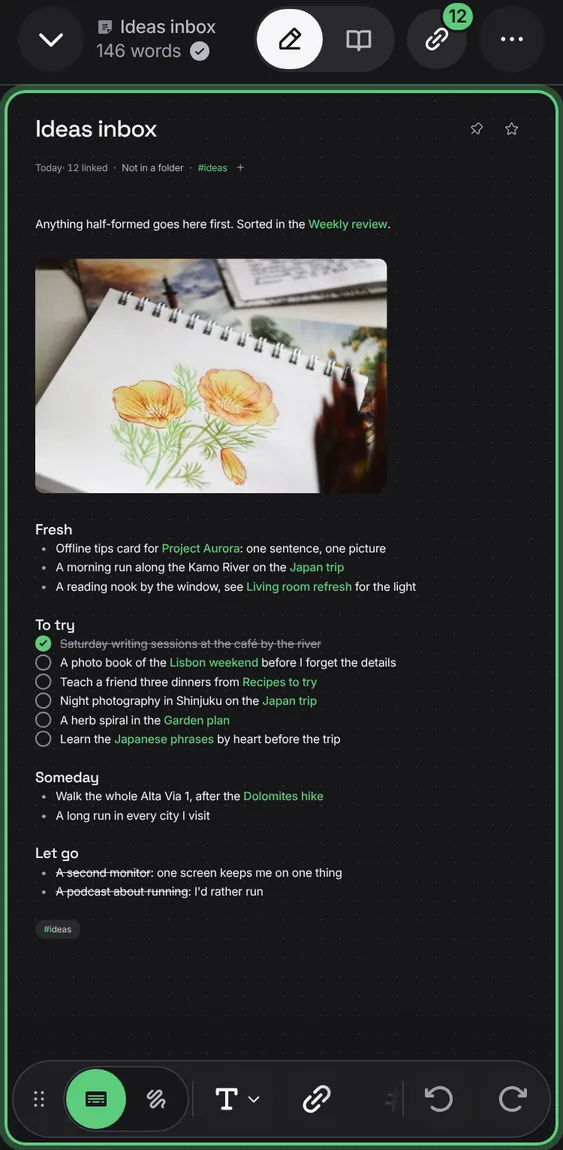
Every note is on dark dotted paper, each line of writing in the middle of its row.
- Nothing to choose: every note has it.
A tap below the writing puts the caret on that line, adding blank lines down to it.
- Tap anywhere on the empty part of the page.
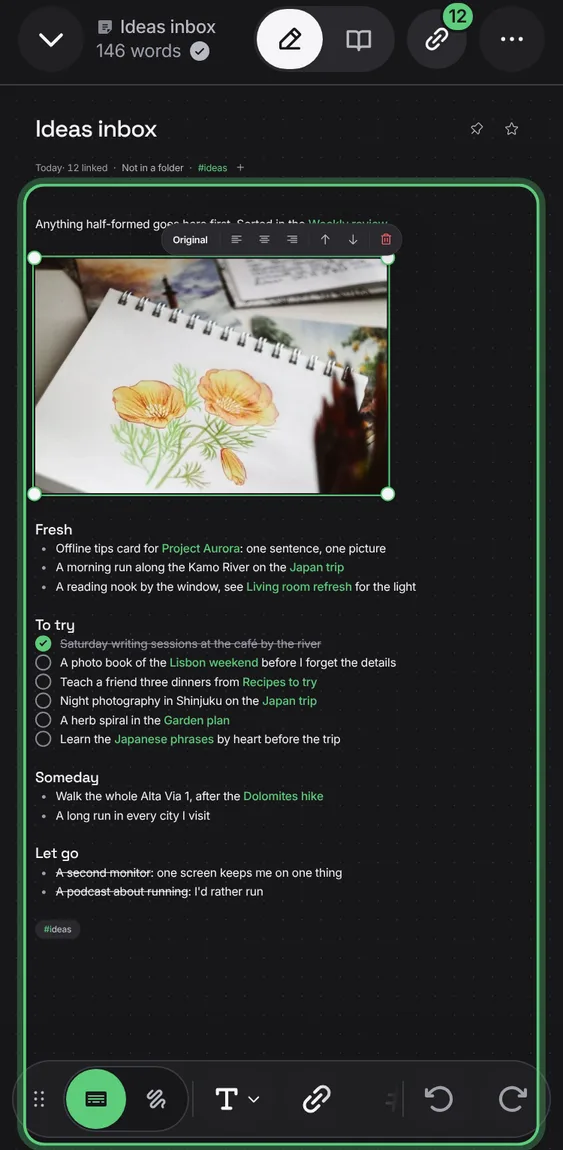
Pinch, Ctrl or ⌘ with the wheel, or the zoom buttons zoom the page from 35% to 400%; two fingers move it. On a phone a tap on the zoom fits it to the width again.
- Pinch the page, or use Zoom in and Zoom out.

Shown at a computer’s width.