Cambium
Edit and Read
Switch a note between writing and reading; on a wide screen, see both side by side.
Every Edit and Read feature
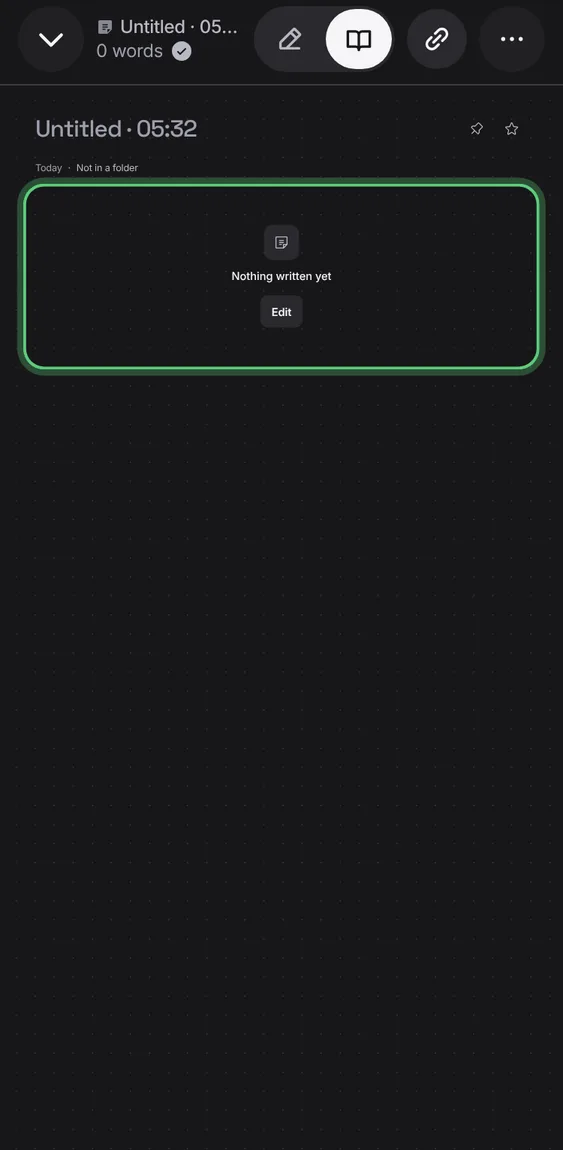
Reading an empty note shows one quiet line with Edit, never a blank page.
- Open an empty note in Read.
On a computer, writing and reading show next to each other.
- On a wide screen, tap Side by side.
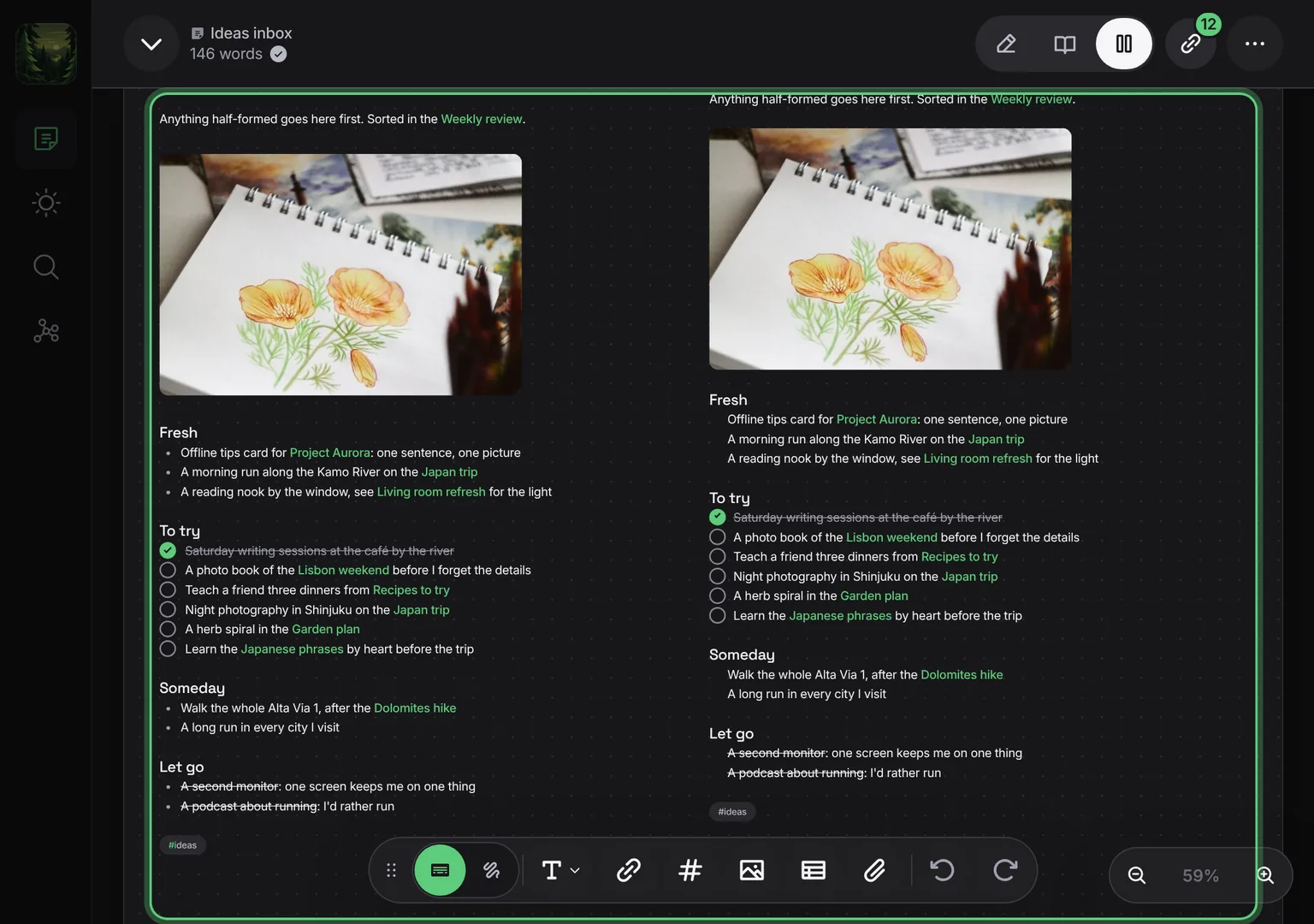
Shown at a computer’s width.
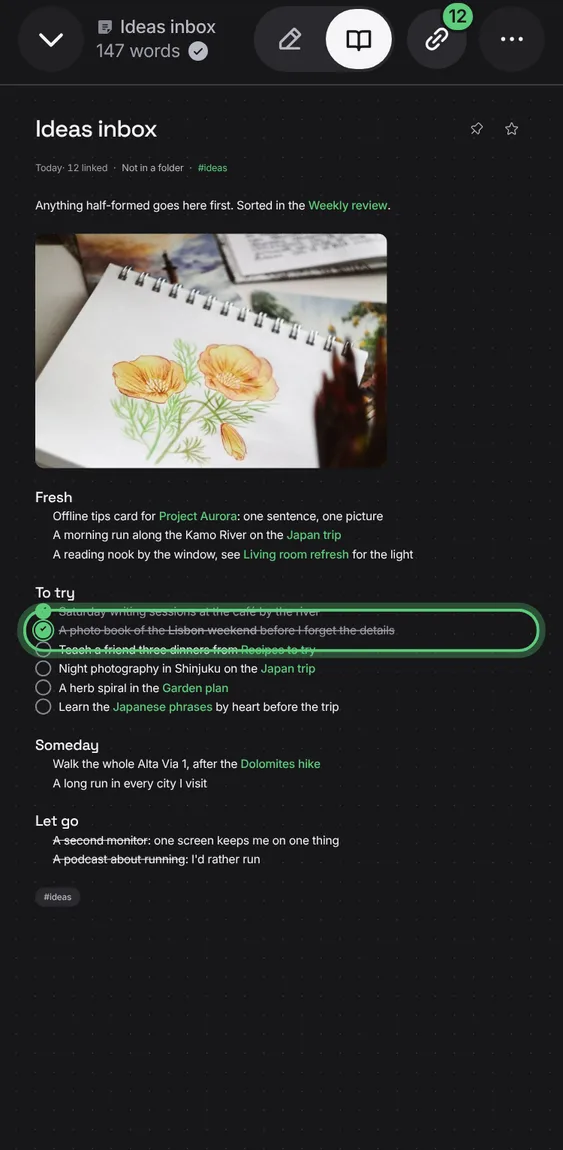
Checklist boxes tick in Read, and in the daily glance, without opening the editor.
- Tap a box in Read.