Cambium
Links
What a note is connected to, in one sheet: Backlinks, Outgoing, Outline and Graph. The bar's Links tool shows how many notes it's linked with.
Every Links feature
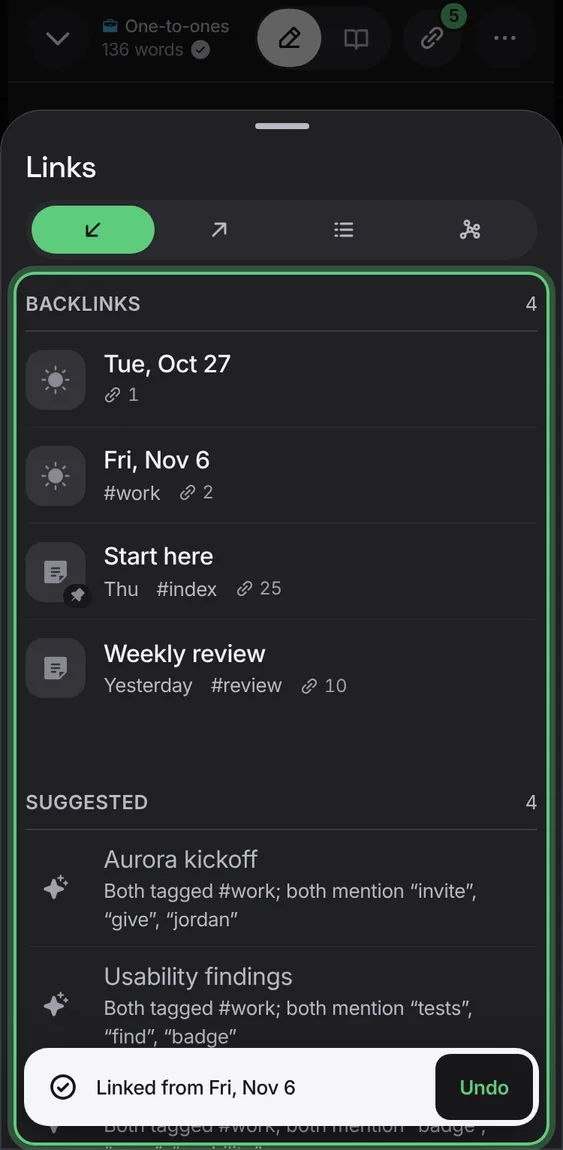
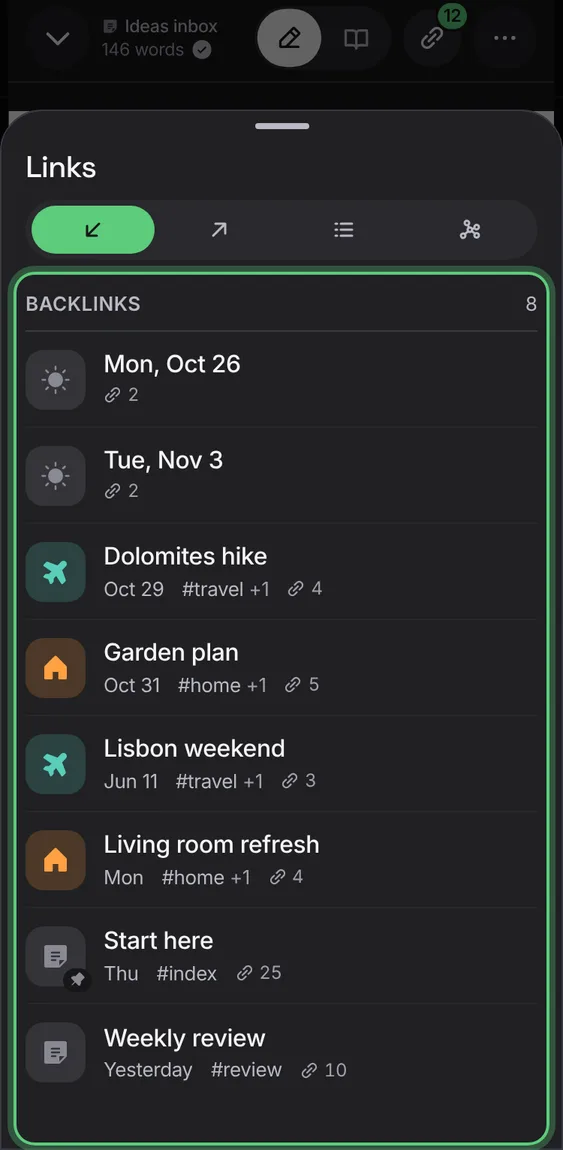
The notes that link to this one.
- Open Links; Backlinks is first.
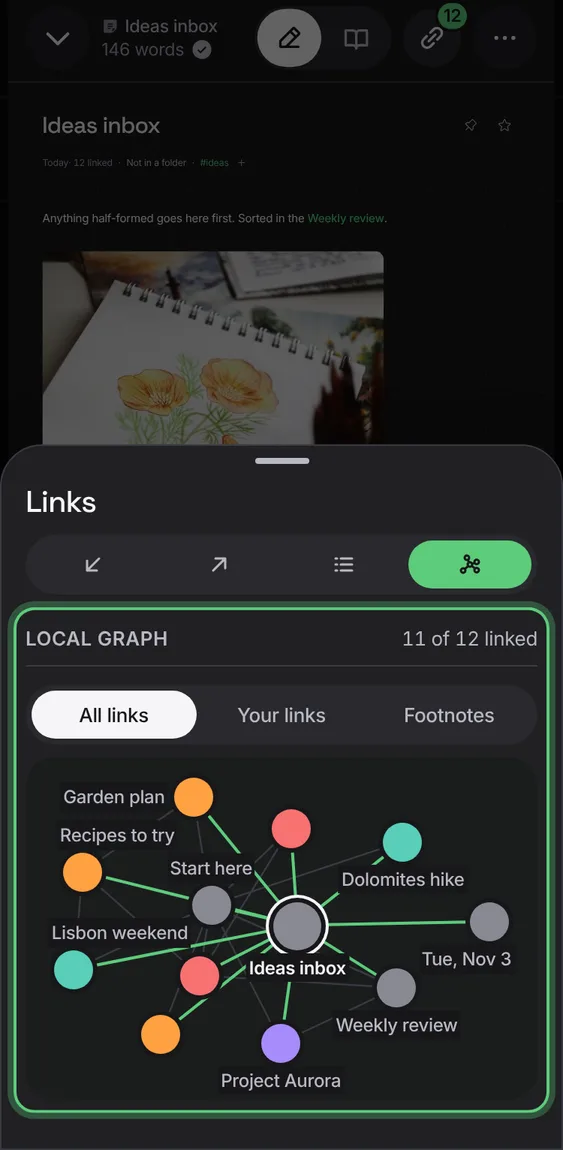
Up to 12 notes around this one: the ones it's linked with, then the ones a link further on, labelled with what it shows.
- In Links, tap Graph.
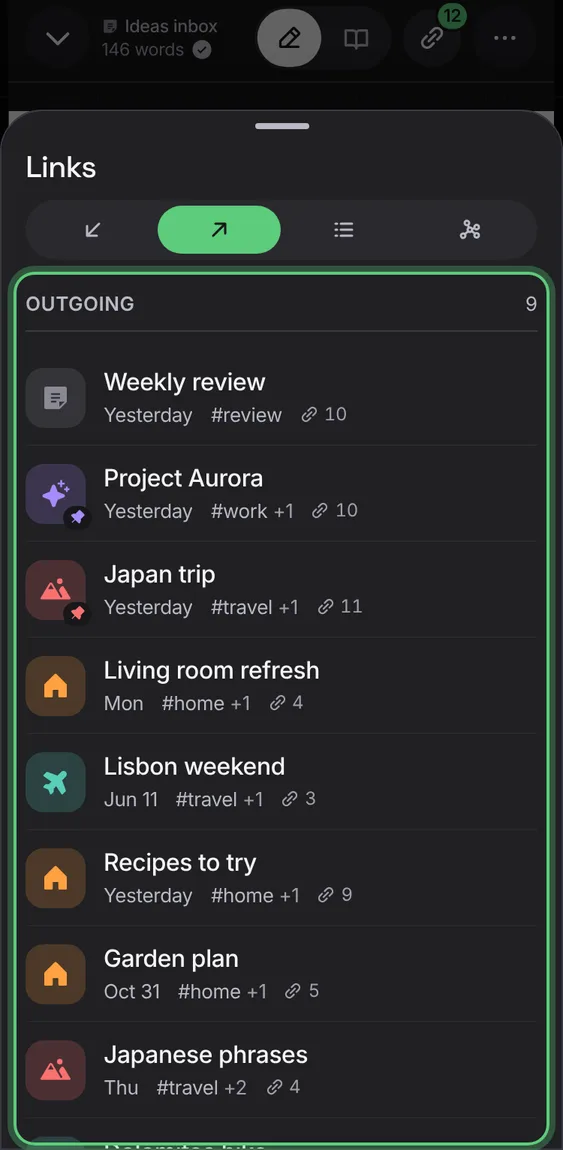
The notes this one links to, and names not created yet, each with Create.
- In Links, tap Outgoing.
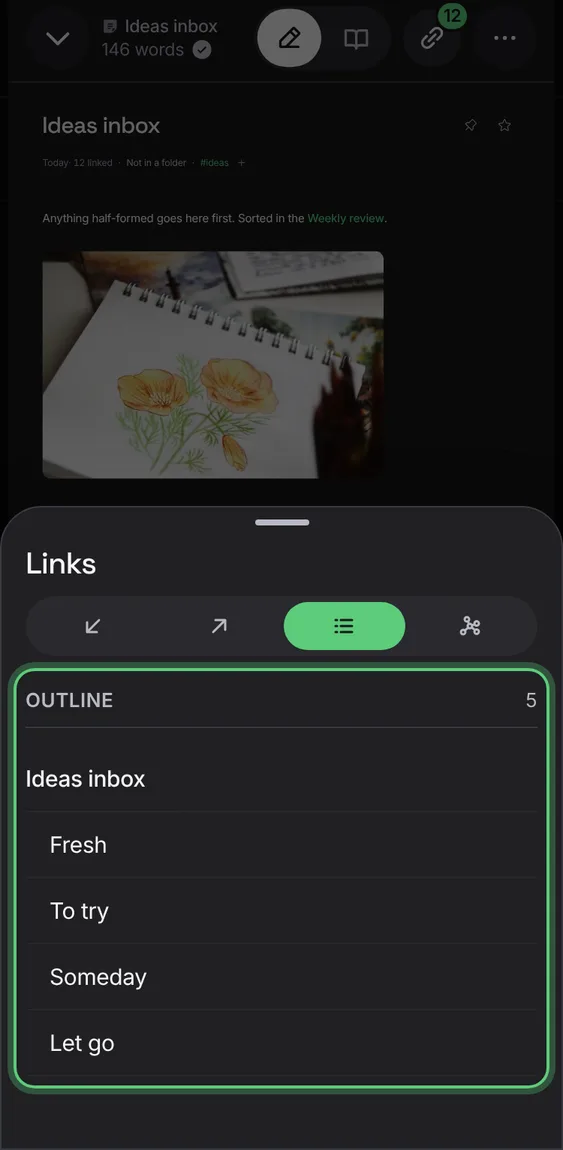
The note's headings; tap one to go to it.
- In Links, tap Outline.
The web pages and files a note links, read so they're searchable with it, each saying honestly whether it could be read.
- In Links, tap Outgoing; Sources follows.
Not in the demo. Needs an account: the demo has none.
Notes that name this one without linking it; Link adds the link in that note, with Undo.
- In Backlinks, tap Link beside a mention.