Cambium
The note's bar
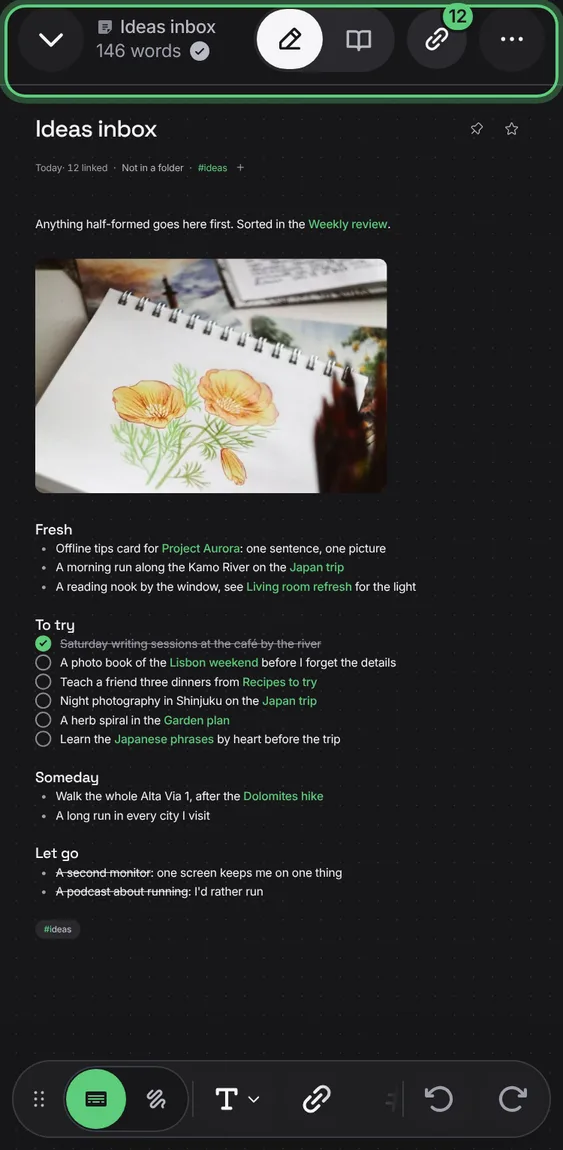
The way back, the note's name with its folder's icon, how many words it has and whether it's saved, Edit or Read, Links and More.
Every The note's bar feature
Following a link opens that note; Back returns to the one you came from.
- Tap a [[link]], then Back.
If the note changed on another device first, your text is never dropped: save it as a separate note, or leave it under Unfinished.
- Tap Save my text as a separate note, or Leave it for now.
Not in the demo. Needs a second device editing at once.
Every keystroke is kept on the device at once and saved moments later; a tick says it's saved. Leaving a note without changing it changes nothing.
- Just write. The tick shows when it's saved.
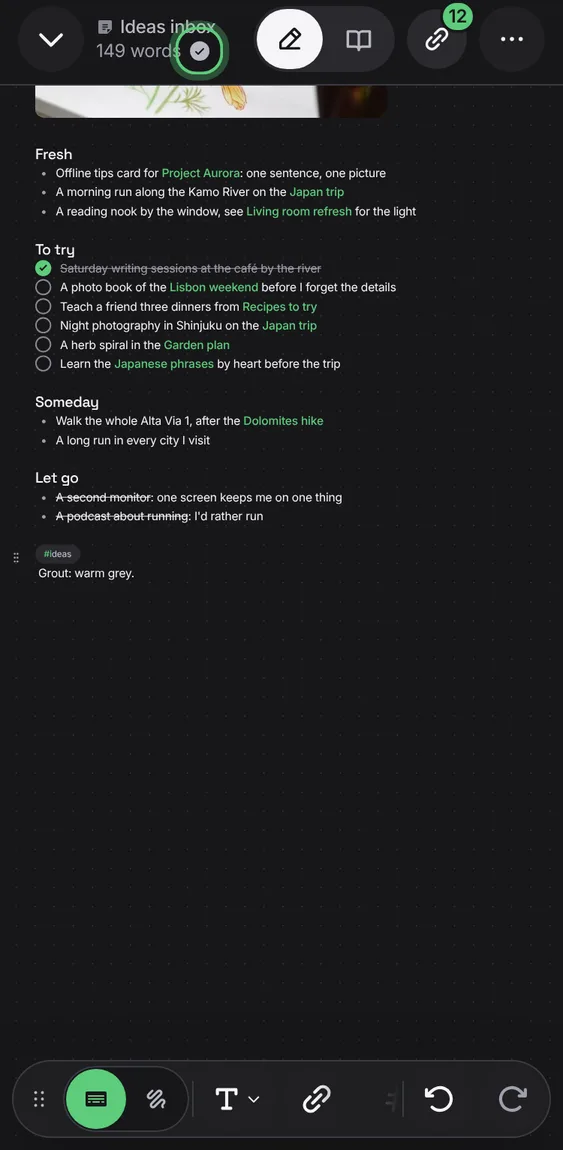
The bar says how many words the note has; pictures and drawings don't count.
- Read it beside the note's name.