Cambium
Templates
Start a note from one of your templates, with its date, time and title filled in and the note named after it.
Every Templates feature
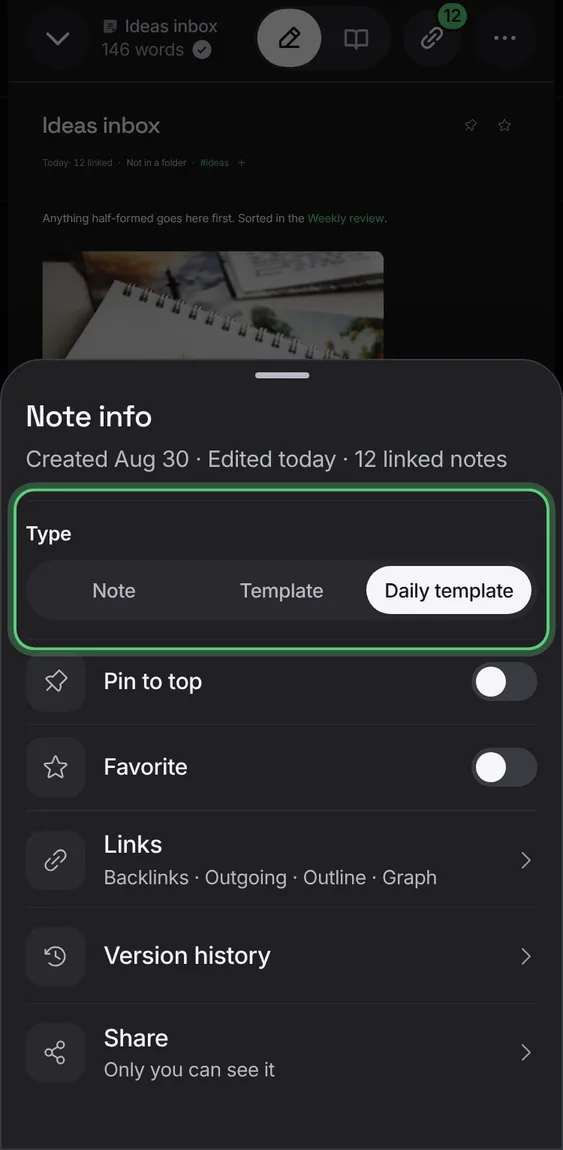
Set one note's Type to Daily template and every new daily note starts from it.
- In Note info, set Type to Daily template.
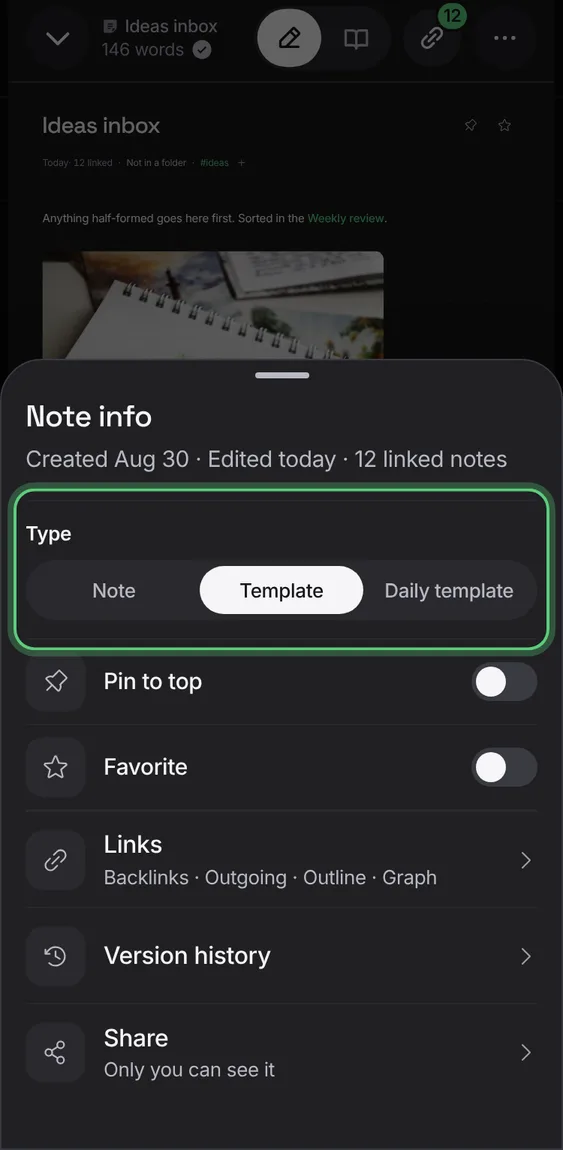
Any note can be a template: set its Type in Note info. With none yet, New template starts one.
- In Note info, set Type to Template.
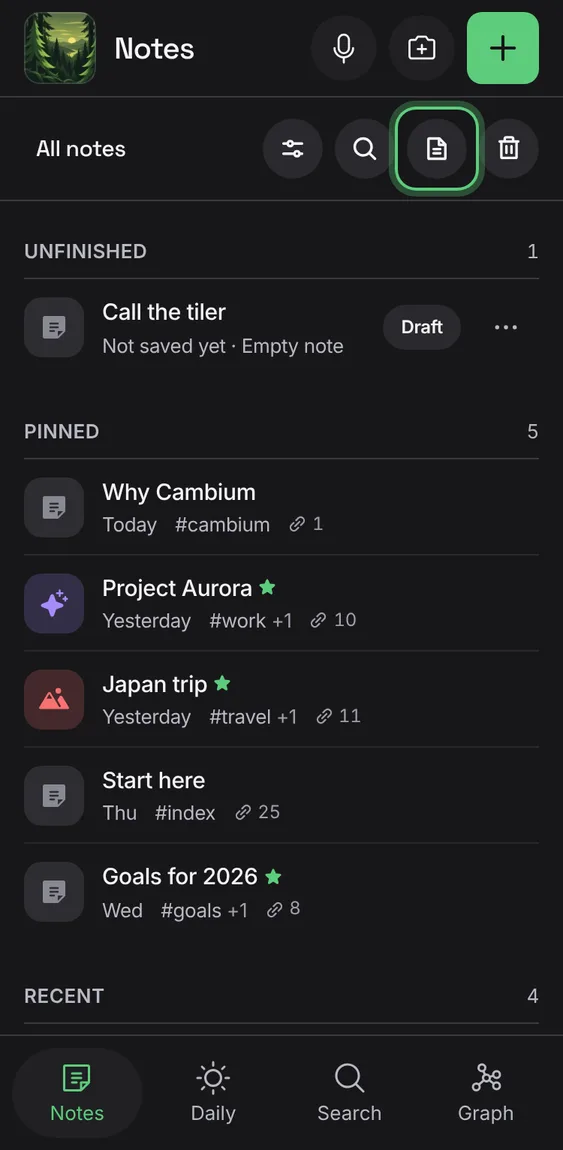
The Templates tool says its word on wider phones; on narrow ones it's a circle that says its name the first time.
- Tap Templates in the Notes bar.