Alluvium
Moving money and overspending
Move money between buckets when plans change, see clearly when a bucket is over, and borrow from next month if you must.
Every Moving money and overspending feature
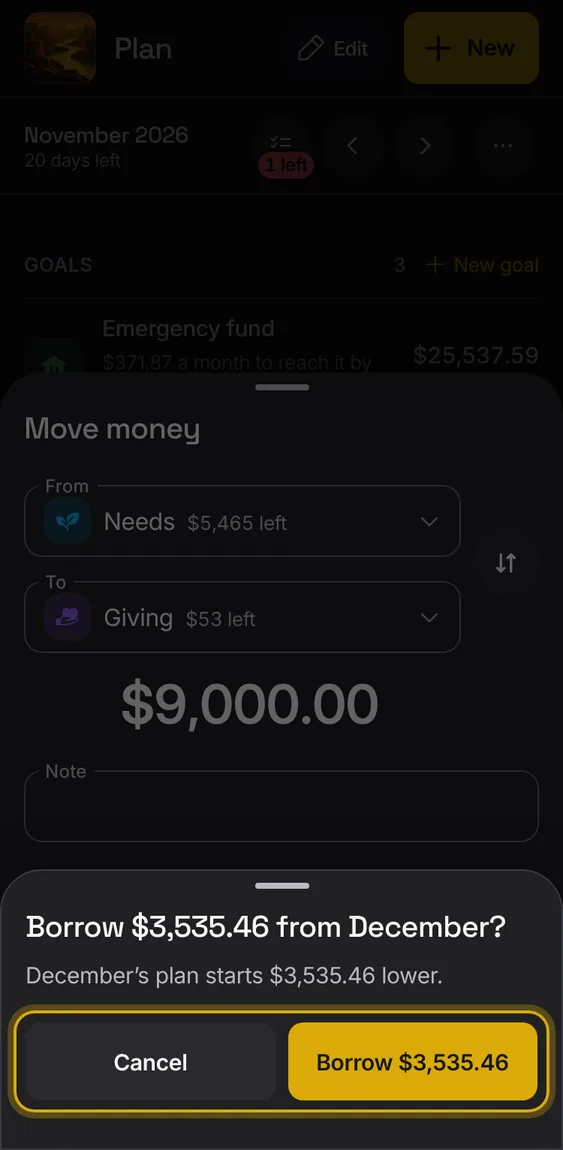
With expected income, a move or plan that needs more than is left asks to borrow the difference from next month.
- Confirm "Borrow $X from November?".
- This month says it includes the borrowed money; next month starts that much lower.
- Undo takes both back.
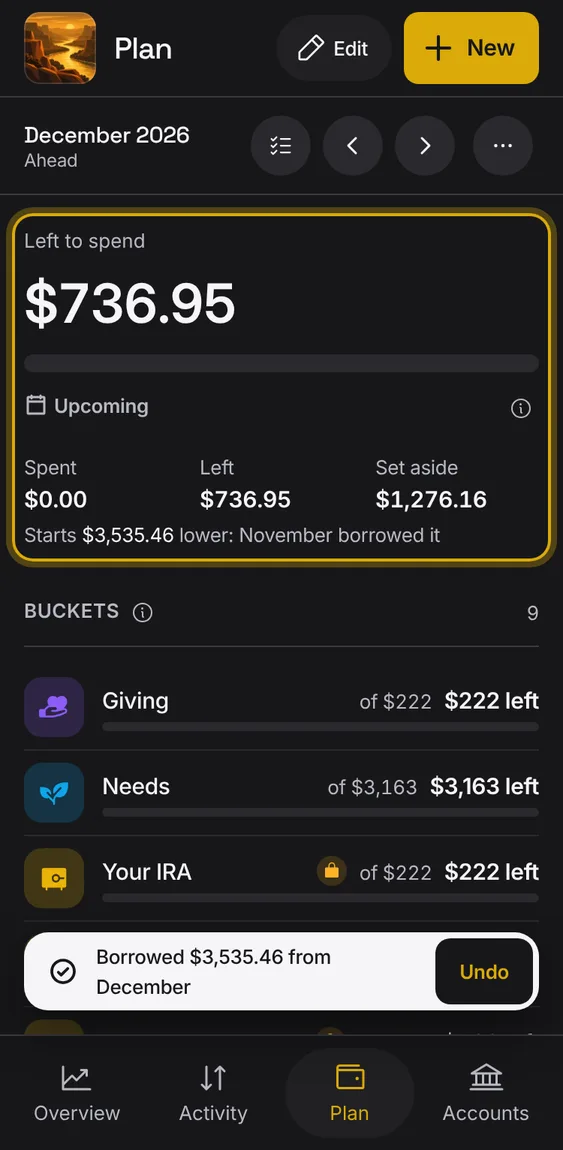
The month after a borrow says it starts lower because the month before borrowed it.
- Shown in next month's figure.
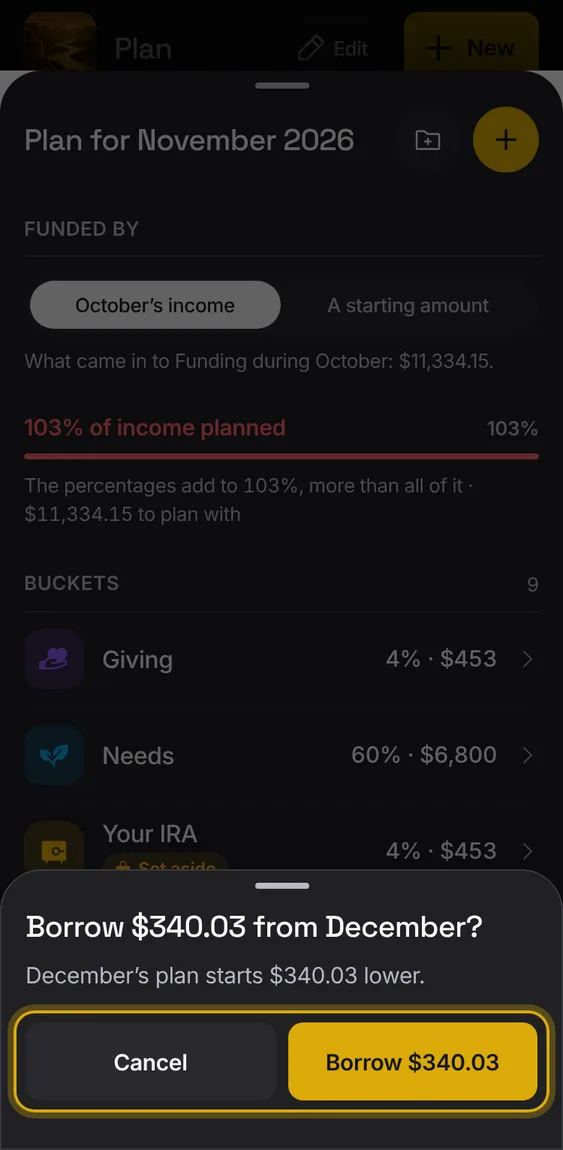
Saving a plan whose buckets need more than the expected income borrows the difference, once you confirm.
- Save plan, then confirm the borrow.
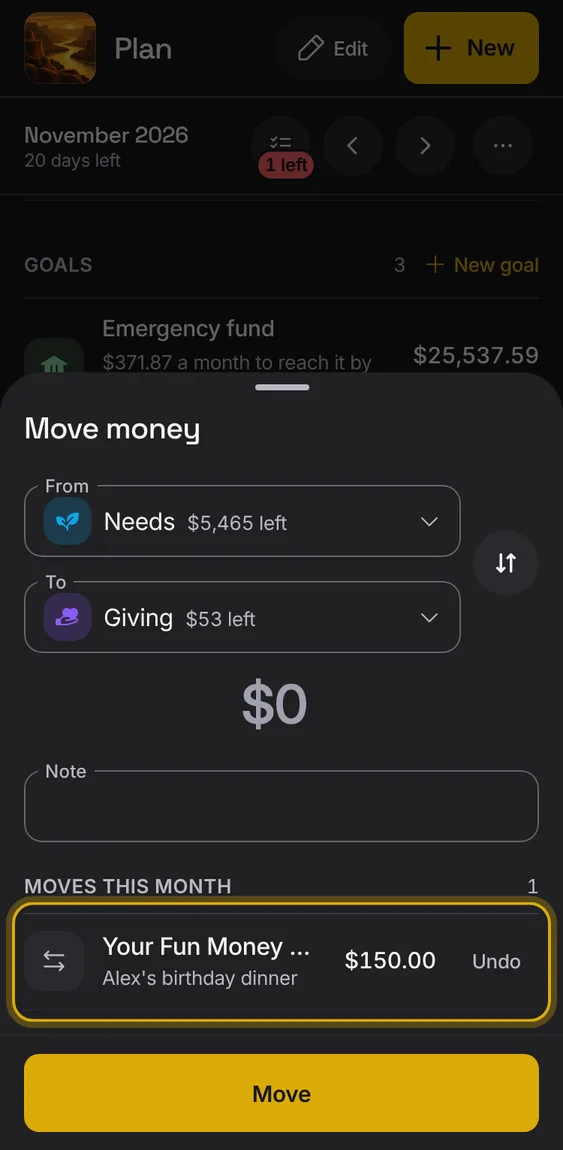
Move an amount from one bucket to another, with what's left in each shown.
- Choose From and To, the amount and a note.
- The swap button flips them.
The month's moves are listed, each with Undo, and a bucket's moved amount shows on its row.
- Tap Undo beside a move.
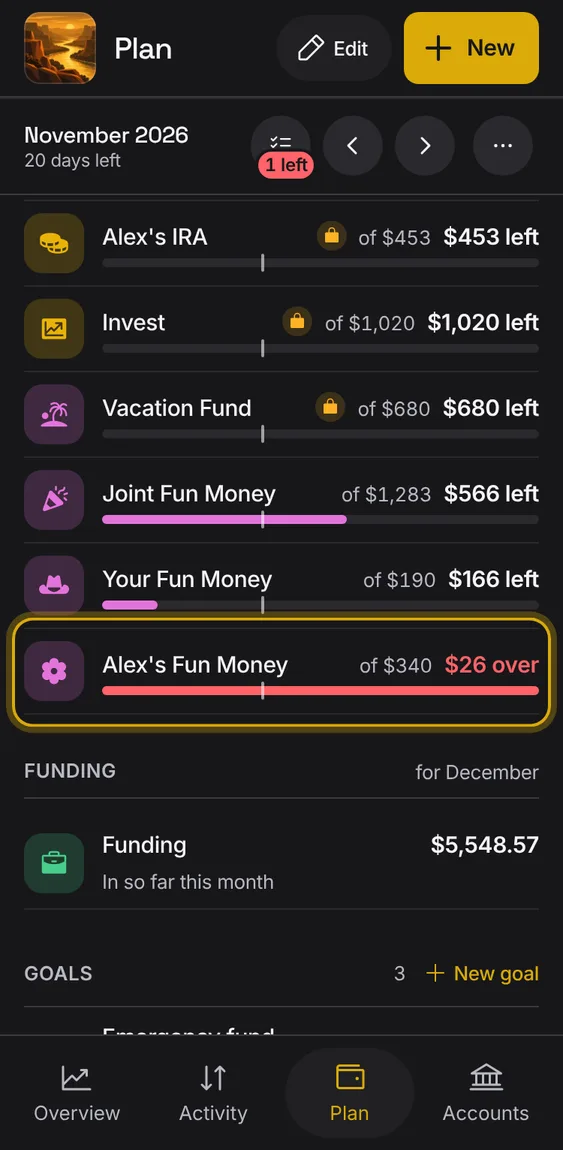
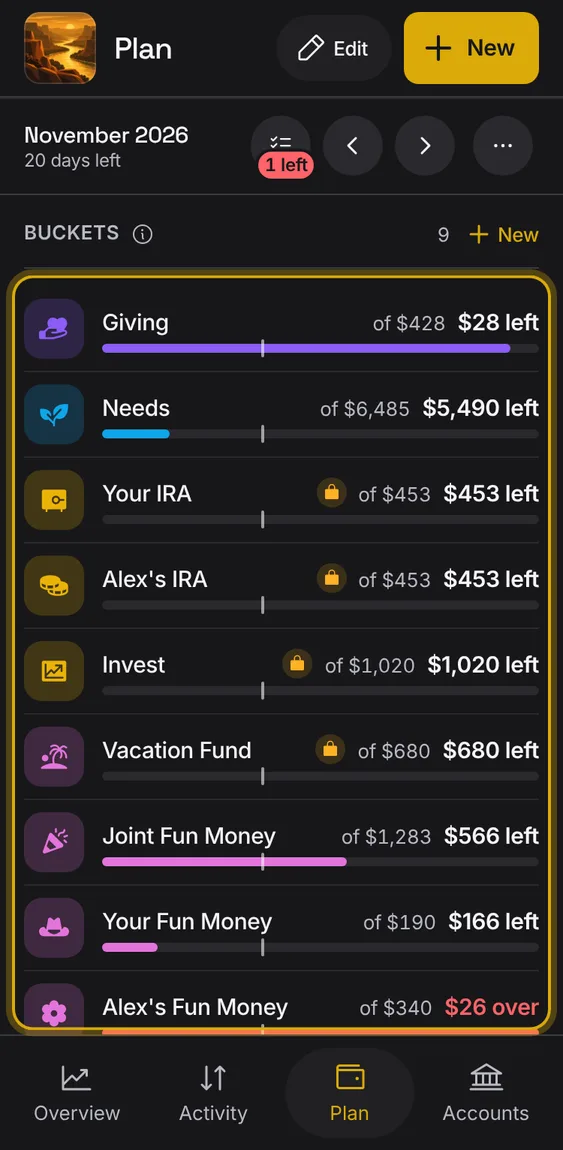
A bucket that spent more than planned says how much it's over, in red and stripes, everywhere it shows.
- Move money into it, or raise it in Edit plan.