Alluvium
Funding
Every plan has a Funding bucket: the month's income is the money in you file there.
Every Funding feature
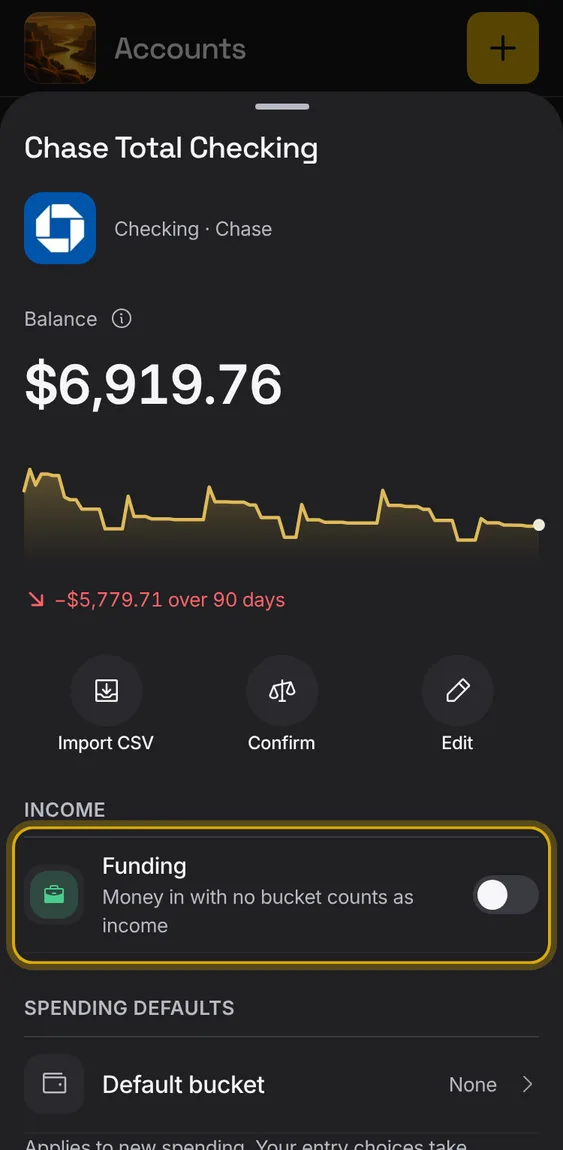
Set an account so its money in with no bucket counts as income.
- In the account's screen, turn on Funding under Income.
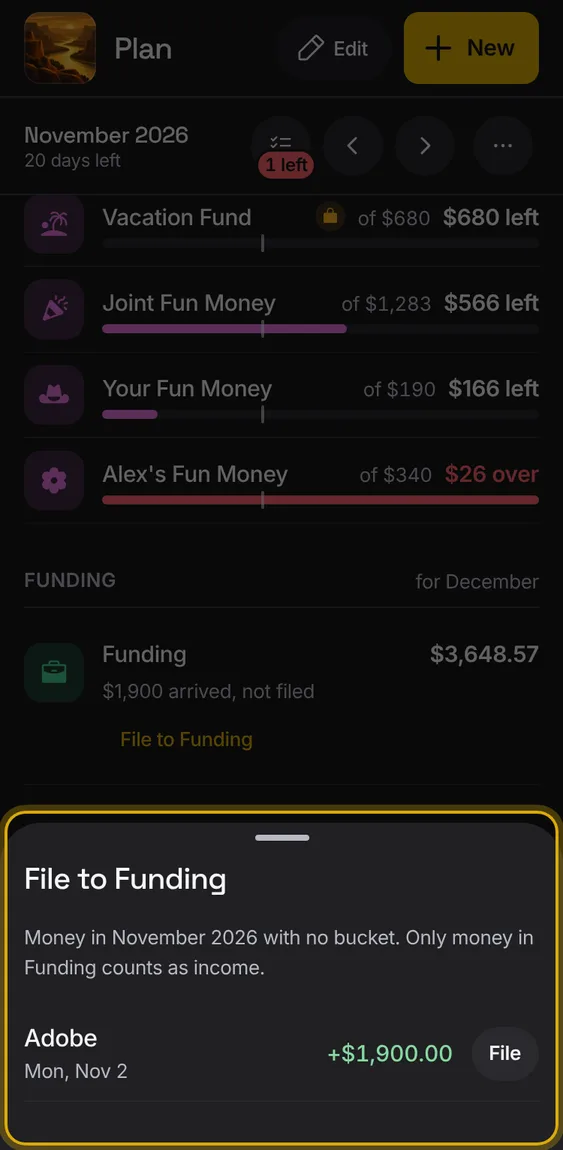
Money in that you haven't filed is listed, so you can file each to Funding, or all at once.
- Tap File to Funding under Funding's row.
- Tap File on each, or File all; Undo takes it back.