Alluvium
Close the month
A short check before you approve the month together: everything spent has a bucket, nothing is overdrawn, then approve.
Every Close the month feature
Each member approves the month; a bucket overdrawn blocks approval until it's fixed.
- Tap Approve, or Fix the overdrawn first.
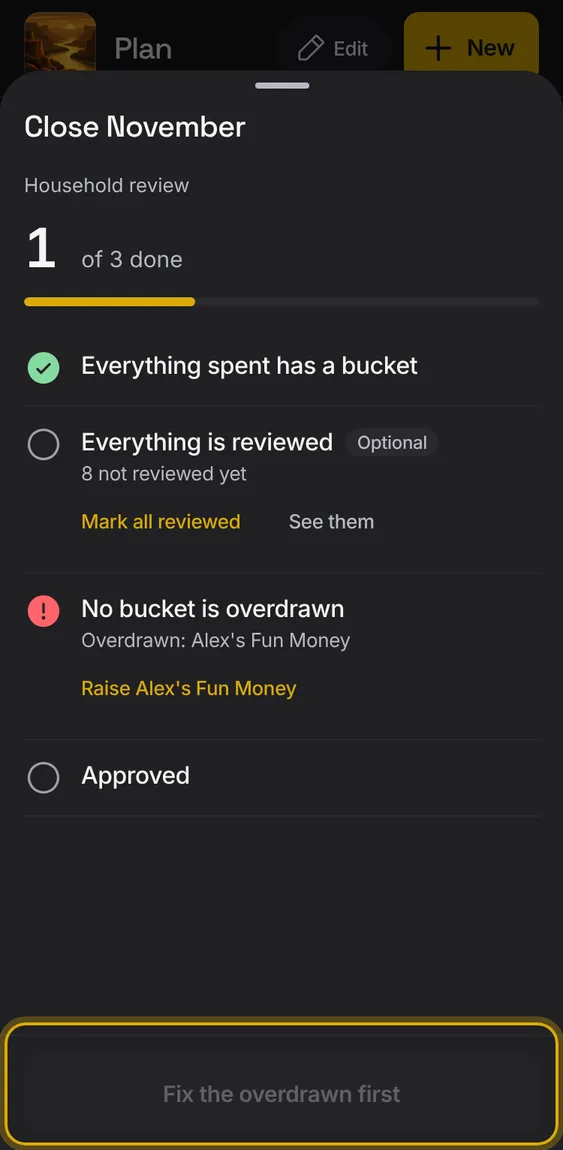
Everything spent has a bucket, no bucket is overdrawn, and the household's approval; reviewing everything is optional.
- Each check shows its state and what's still open.
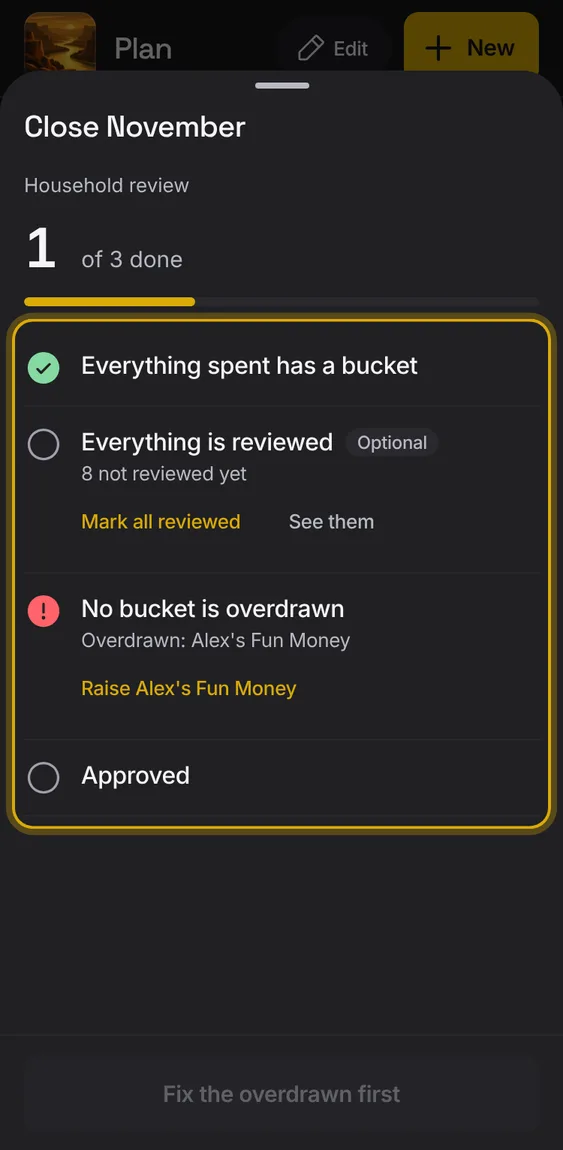
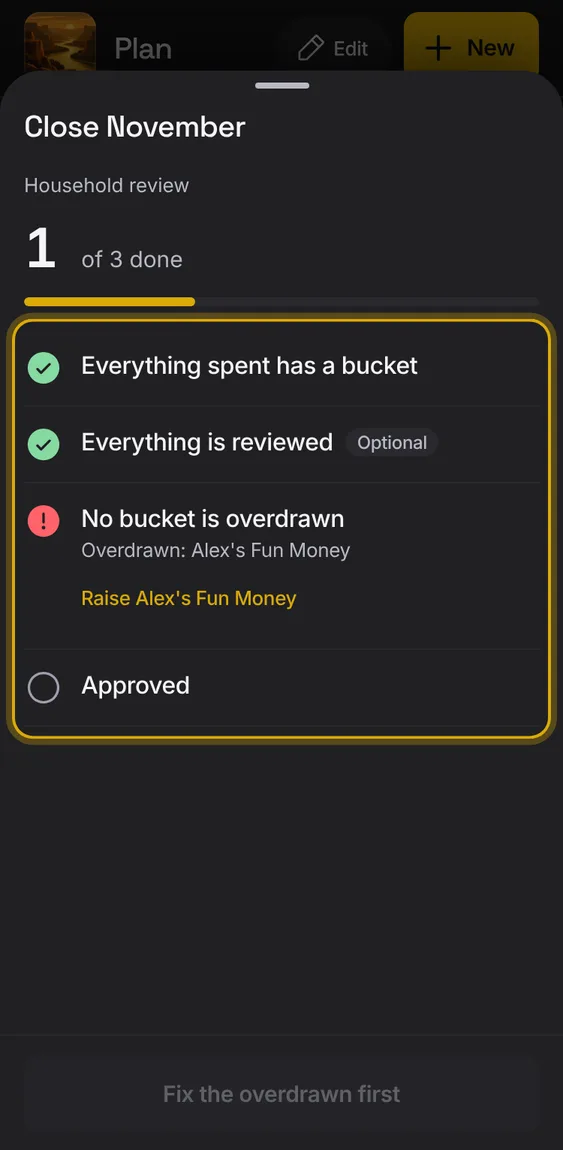
Mark the month's entries reviewed in one go.
- Tap Mark all reviewed in the review check.
When the month's money changes after approving, the approval says it was for an earlier version.
- Tap Approve again.
Not in the demo. Shows with more than the demo holds.
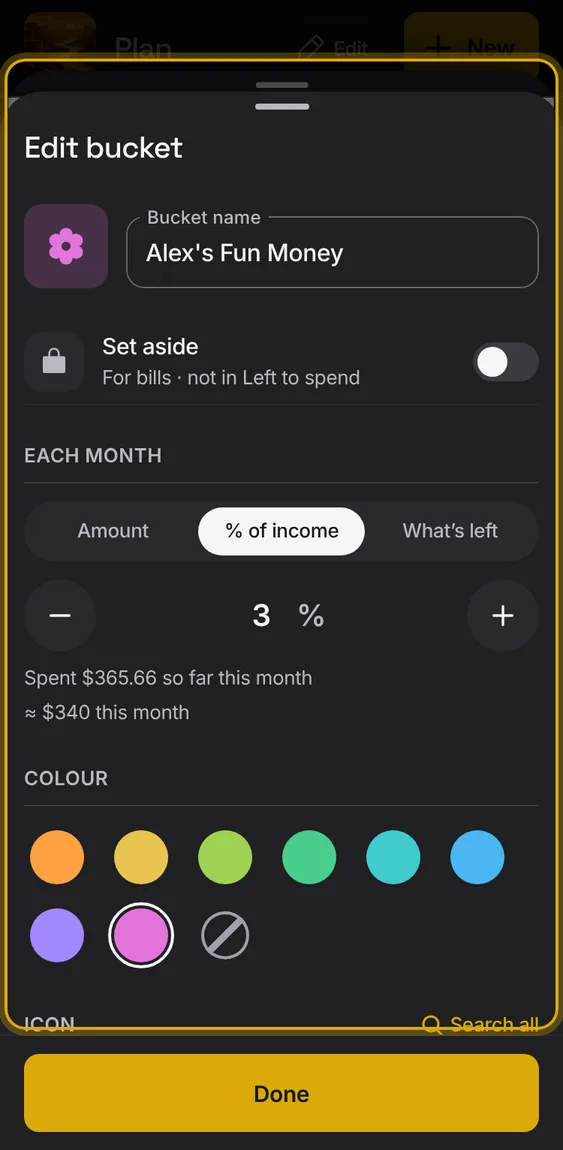
From the check, raise an overdrawn bucket: Edit plan opens on it.
- Tap Raise beside the bucket.