Alluvium
Swipe a row
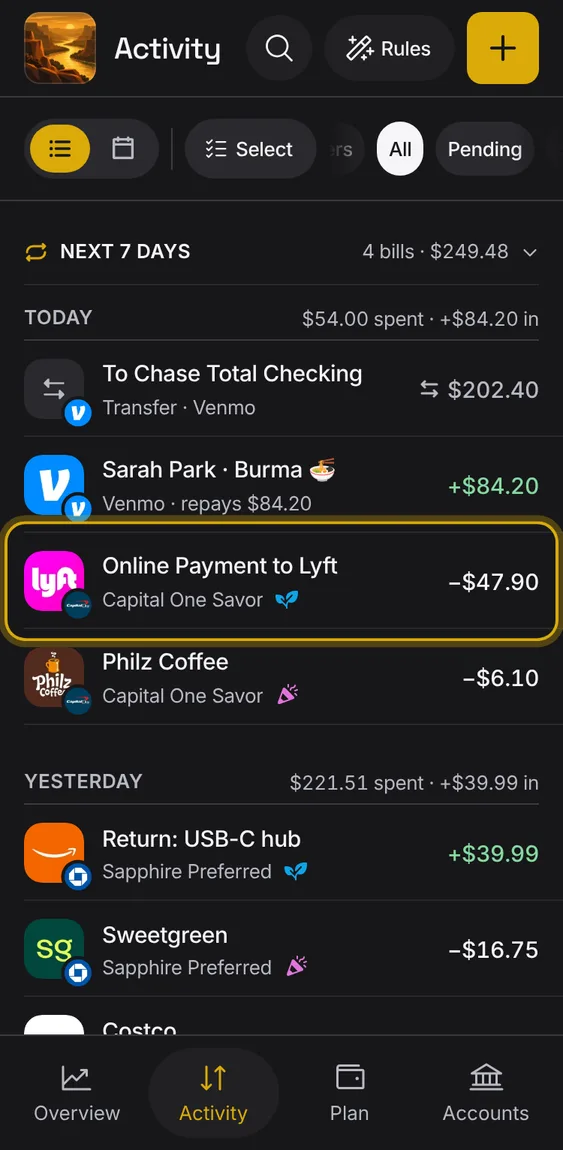
Swipe an entry for quick changes: right to rename it, left for its bucket and delete.
Every Swipe a row feature
Entries you entered by hand or imported can be deleted with a left swipe, with Undo.
- Bank entries have no Delete.
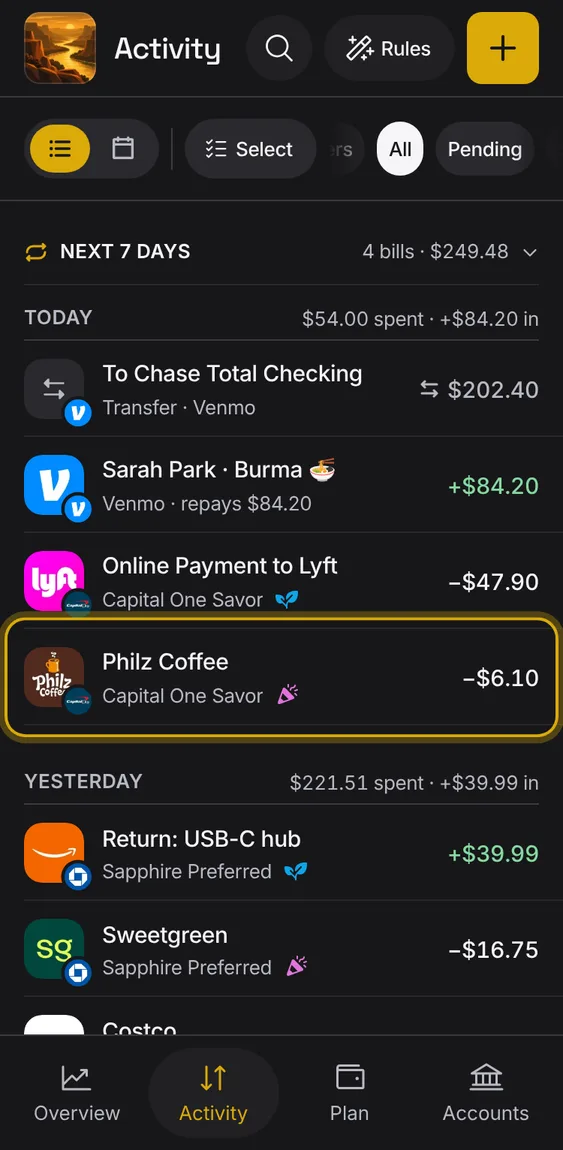
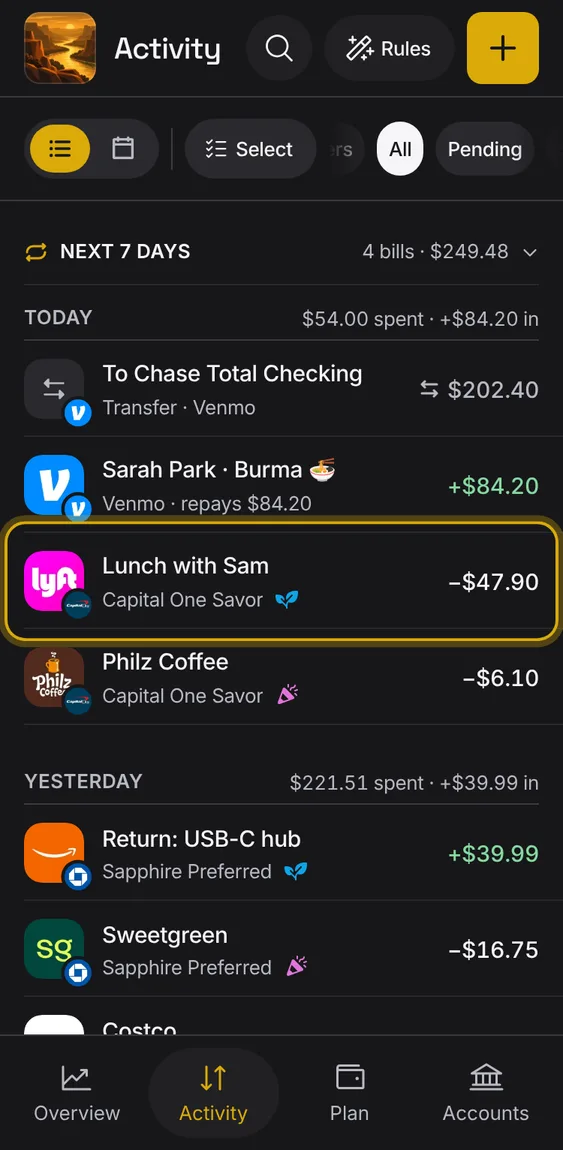
Swipe right to change the entry's description: one field, saved when you close it.
- Swipe right, type, then tap outside, press Enter or pull down to save.
- The cancel icon throws the change away.
- The bank's own name is kept.
With a mouse, a row shows Edit description and Delete on hover, and its menu adds Move to a bucket.
- Hover or focus a row, or right-click it.
- The Delete key deletes a row you entered by hand.
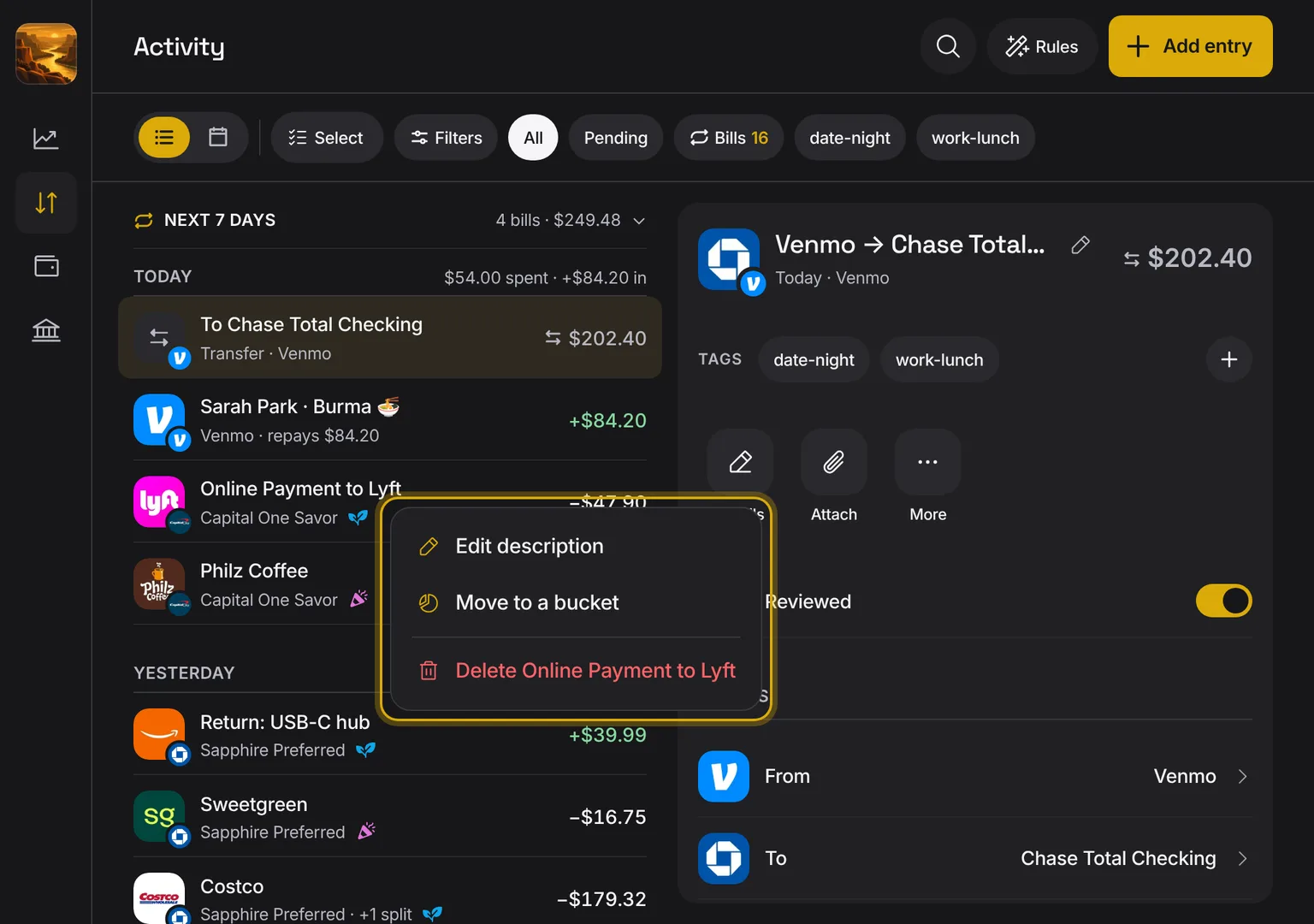
Shown at a computer’s width.
Swipe left for Bucket; the change applies at once with Undo.
- Swipe left and tap Bucket.
- A tap elsewhere closes the row.