 Alluvium
Select and change many
Choose several entries and change them together: tag, bucket, reviewed, keep out, delete, or make a rule.
Every Select and change many feature
Put every selected entry in one bucket.
- Tap Bucket and pick one.
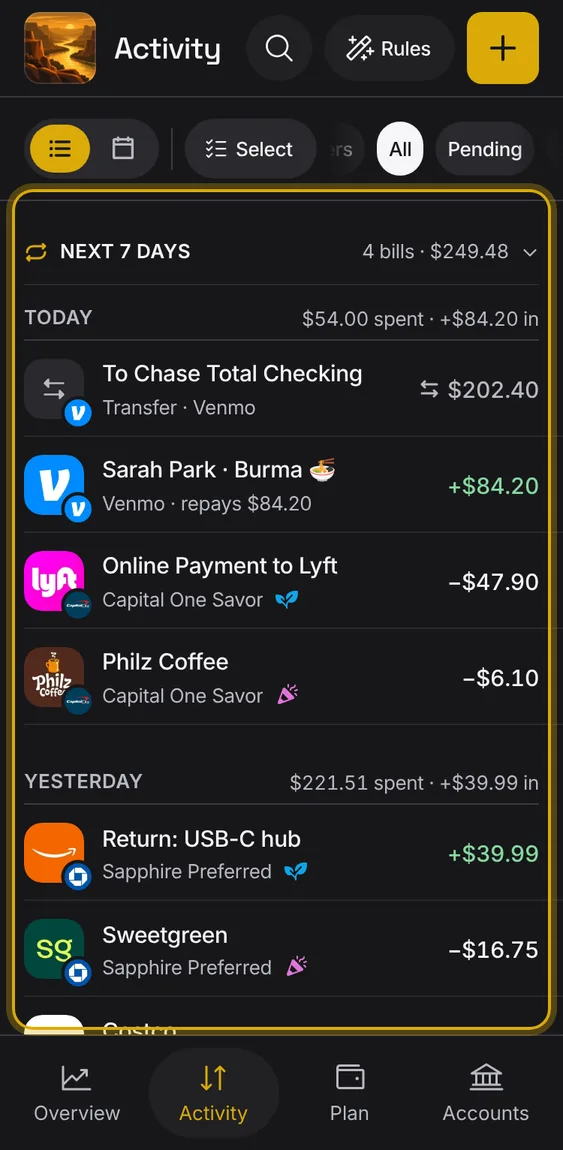
Delete the selected entries you entered by hand or imported.
- Not offered when a bank entry is selected.
- Undo brings them all back.
Keep every selected entry out of your plans; they still count in balances.
- Tap Keep out.
Mark every selected entry reviewed.
- Tap Reviewed.
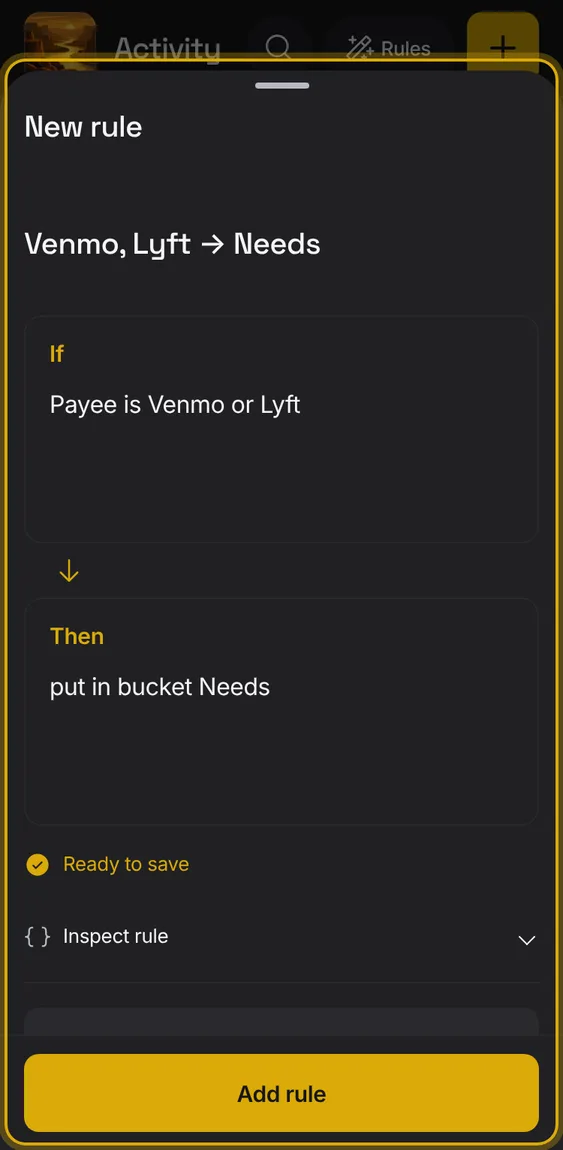
Start a rule from the selected entries' payees and bucket.
- Tap Rule: the rule editor opens filled in.
- Save it, then run it on history if you like.
Add one tag to every selected entry.
- Tap Tag, type the tag and Apply tag.