Alluvium
Search and filters
Find any entry in your whole history by words, and narrow the list by account, type, period, payee or tag.
Every Search and filters feature
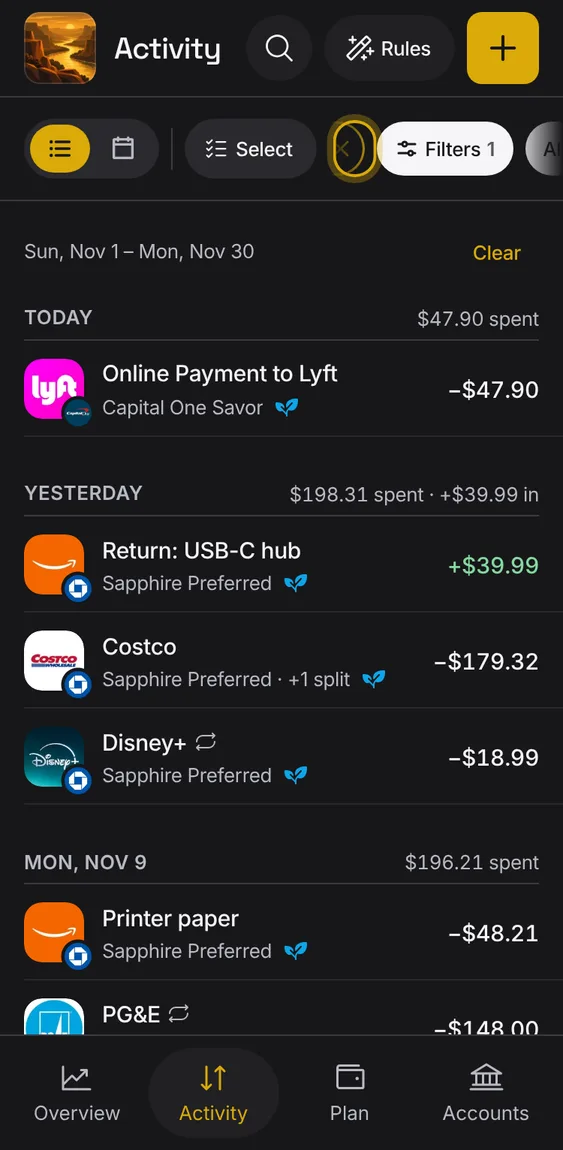
From a Plan bucket, All in Activity opens Activity filtered to exactly what that bucket counts.
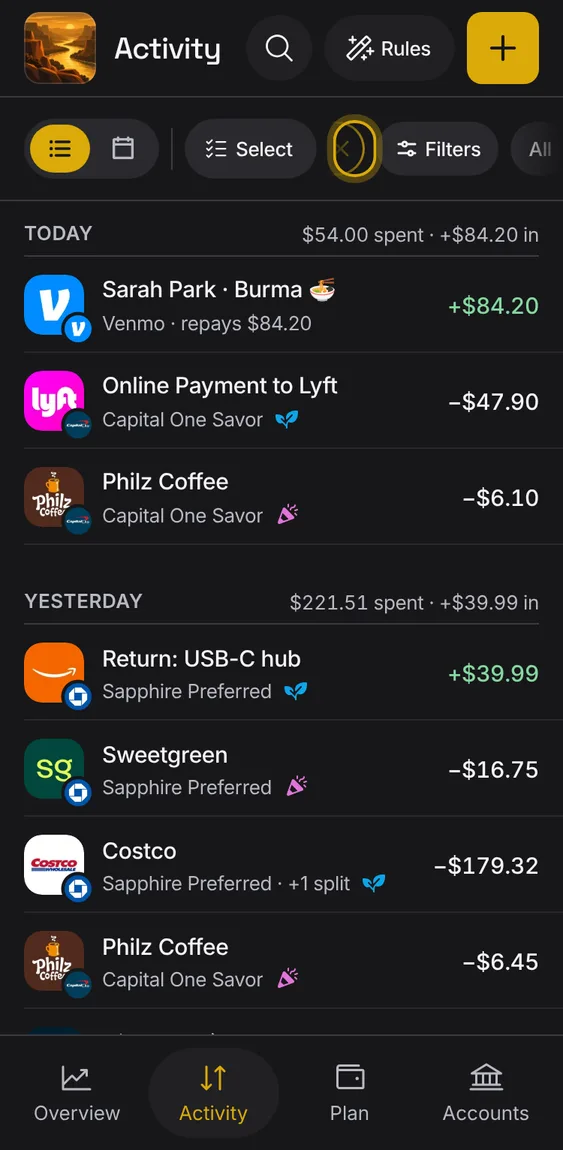
- A chip names the bucket; its × takes the filter off.
- It stays while you change other filters.
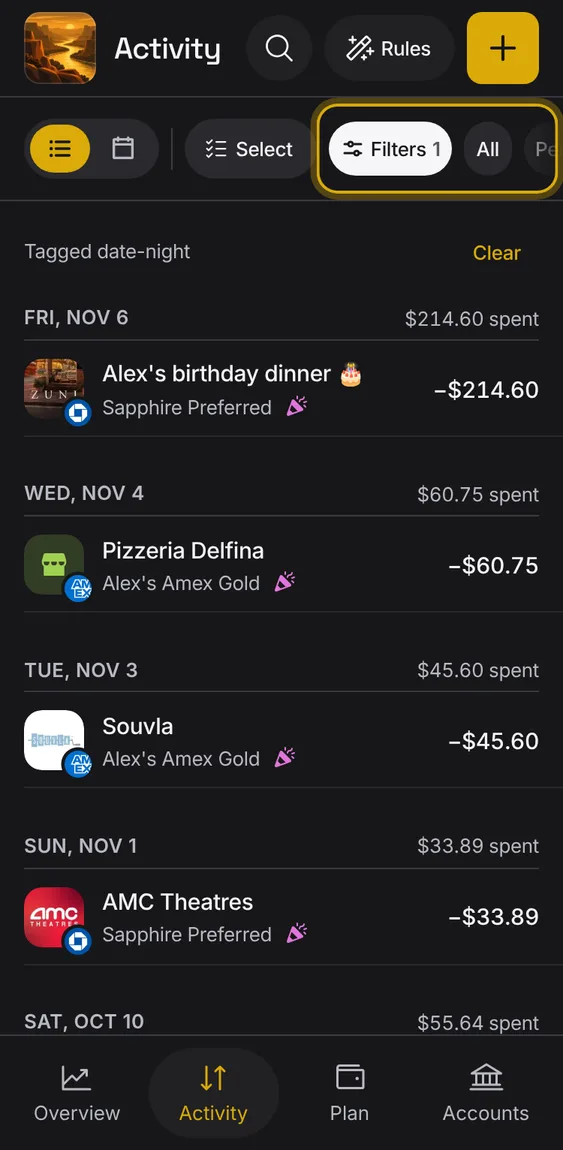
Chips under the bar: All, Pending, Bills, then your tags, one pill each.
- Pending shows only entries your bank hasn't posted.
- Tap a tag to see only its entries; tap it again to take it off.
- Bills shows your bills instead of the days.
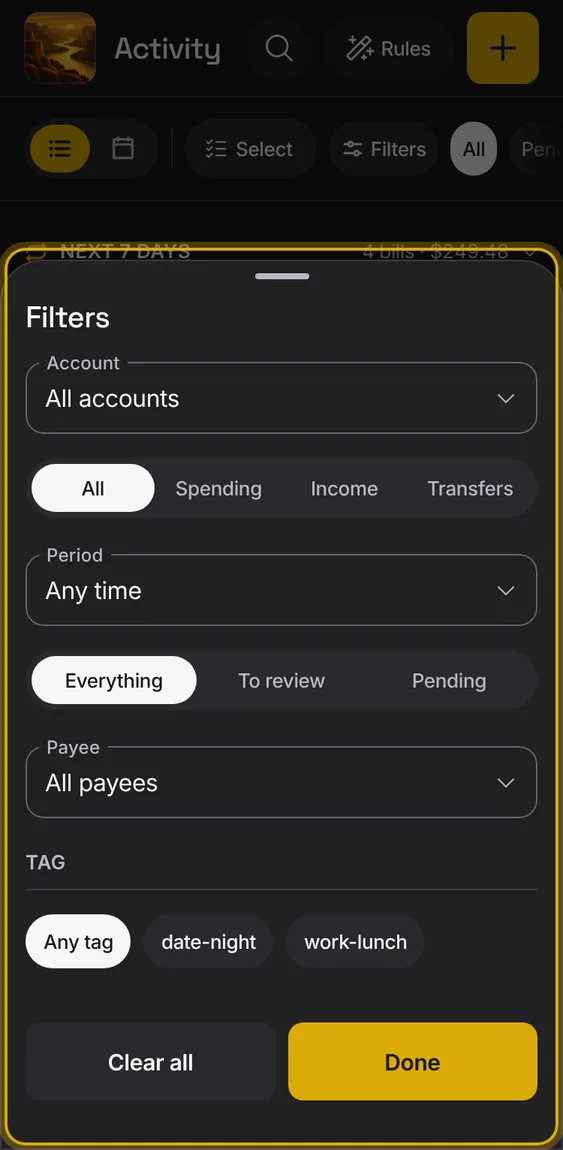
A sheet of filters: account, type, period, what to show, payee and tag.
- Tap Filters; the chip shows how many are on.
- Clear all resets them; Done closes the sheet.
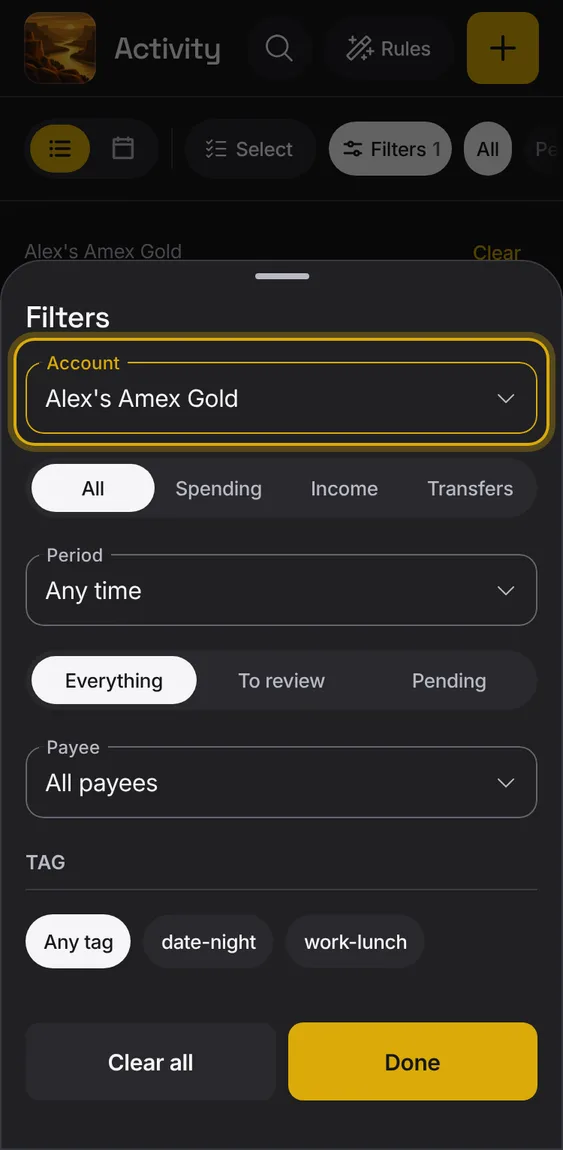
Show the entries of one account.
- Choose it under Account.
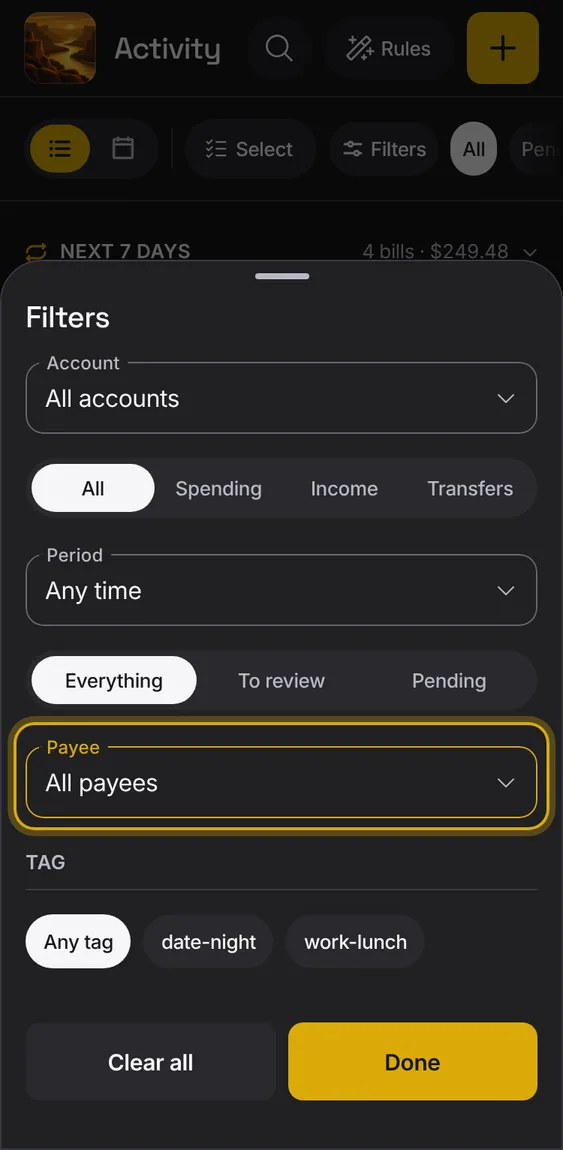
Show one payee's entries, whatever name the bank used.
- Tap Payee and pick from every payee, busiest first.
- A payee's other names are included.
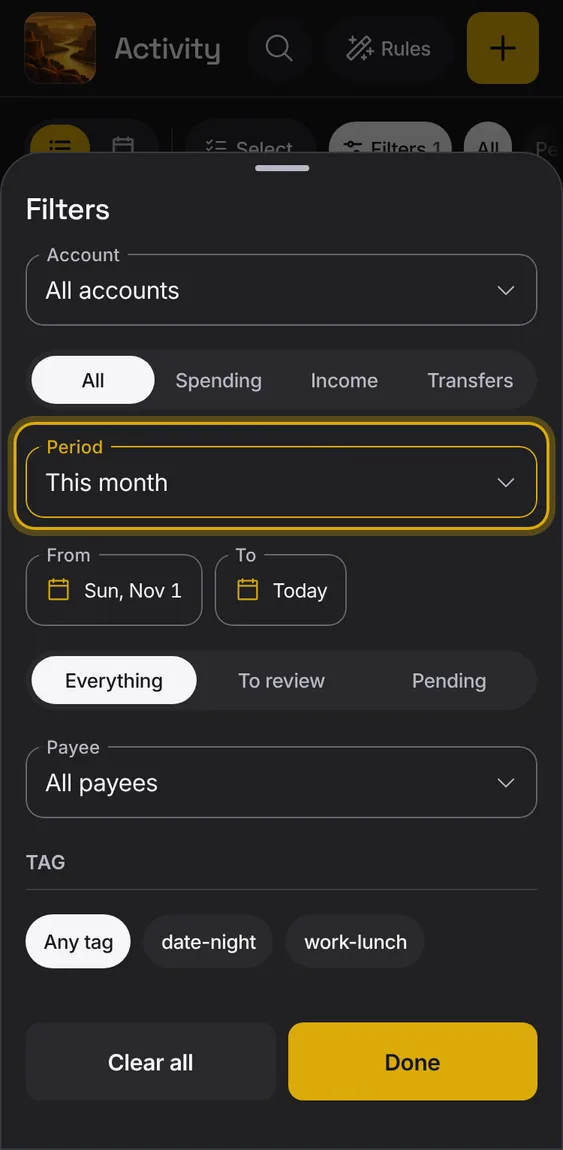
Show this month, last month, the last 90 days, this year, or dates you choose.
- Choose a period, or Choose dates for a From and To.
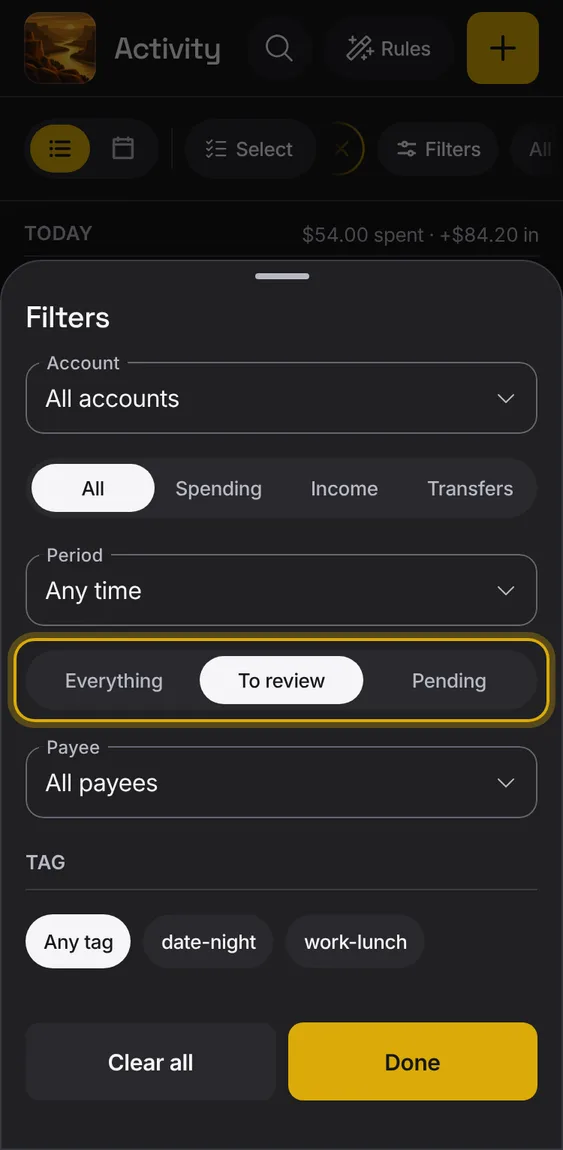
Show everything, only entries to review, or only pending ones.
- Pick Everything, To review or Pending.
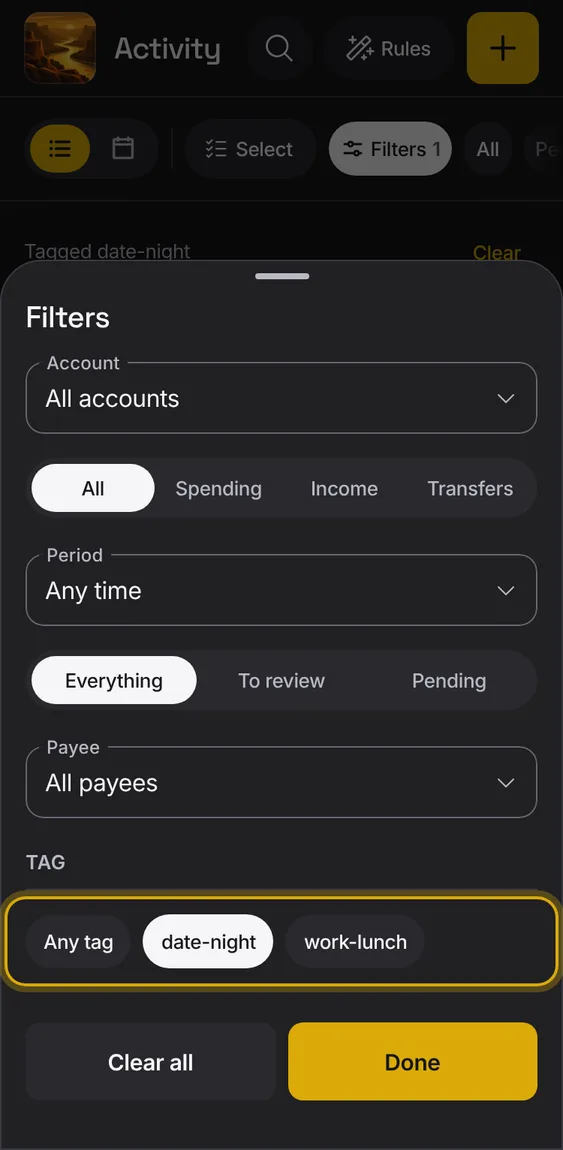
Show the entries with one tag.
- Shown when some entry has a tag.
- Pick a tag chip; Any tag clears it.
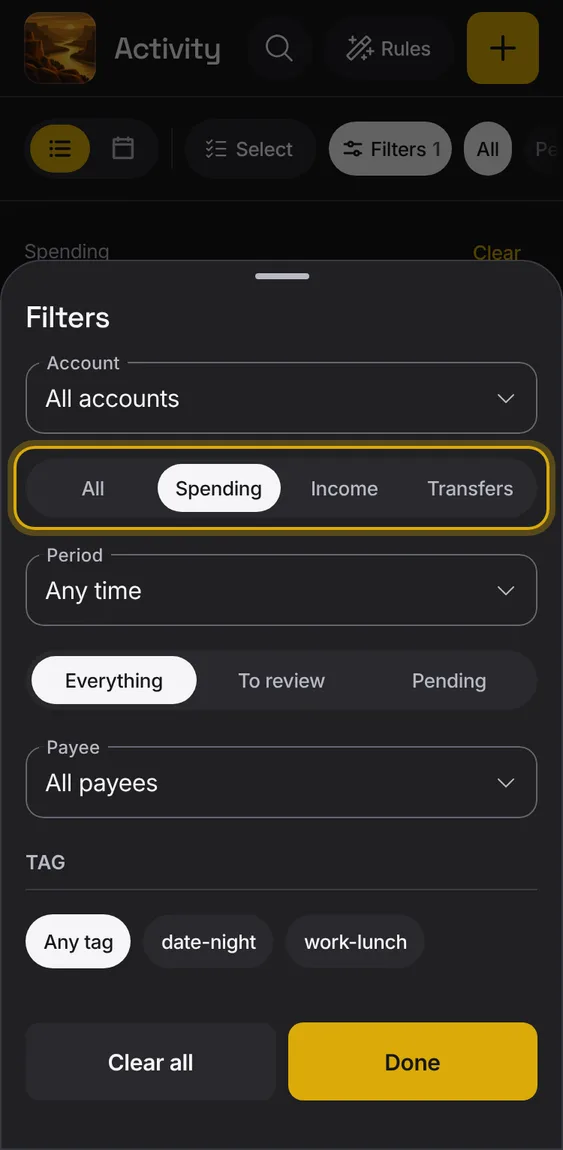
Show only spending, income or transfers.
- Pick All, Spending, Income or Transfers.
Rows elsewhere open Activity already filtered: a bucket above usual, entries to review, a day on the calendar, a bill.
- The filter a link put on leads the chips, with its ×.
- Old links still open the right place.
Entries can be marked reviewed, and the list can show only those still to review.
- Turn on Reviewed in an entry, or mark many at once.
- Bank entries come in reviewed as the bank sent them.
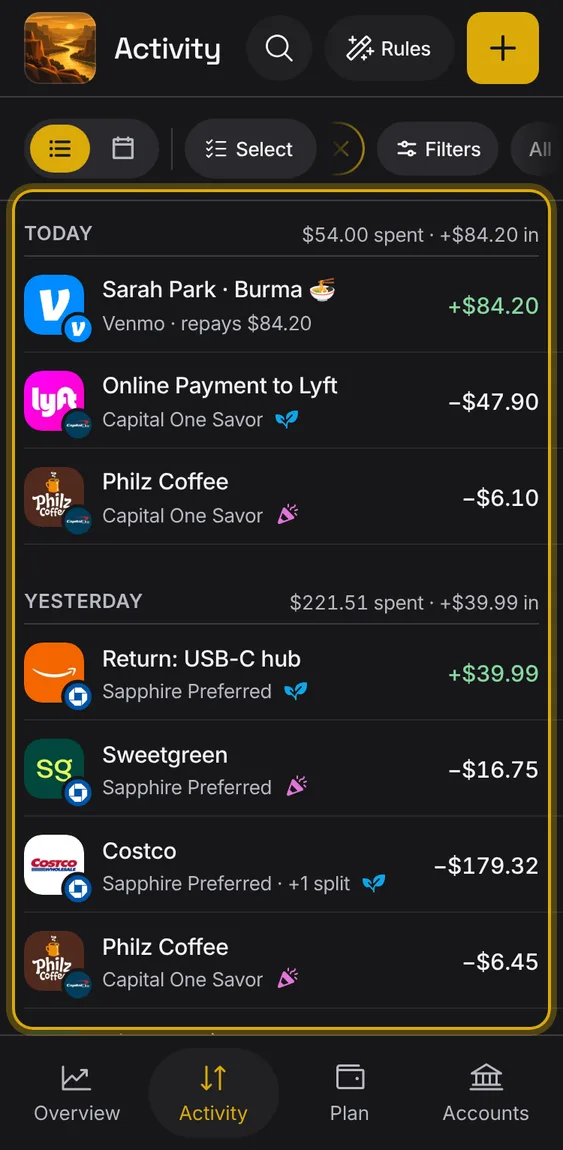
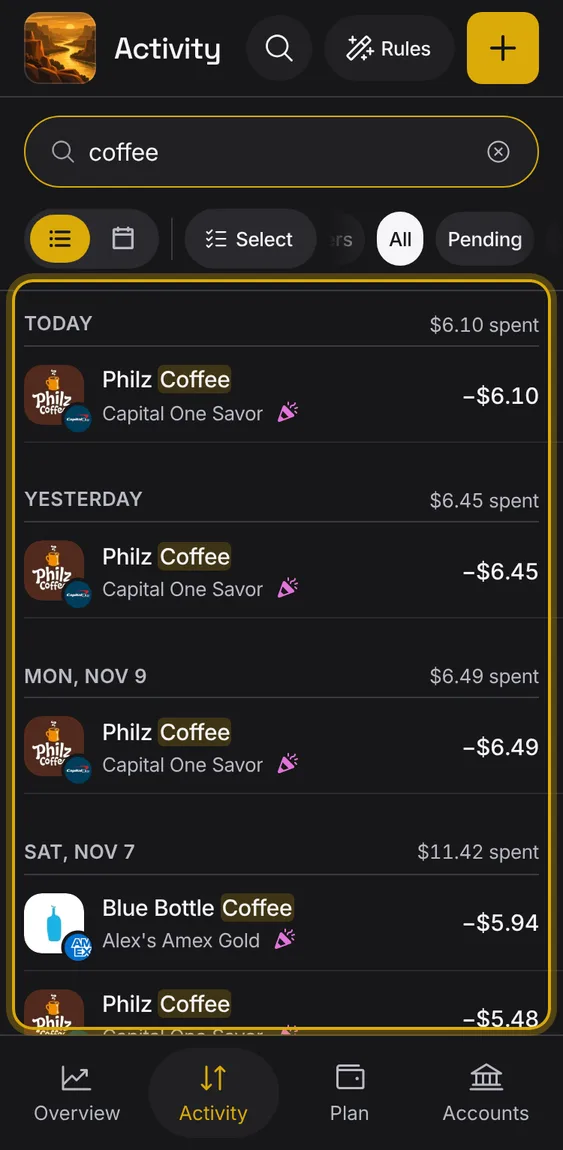
Search every entry by payee, note or tag, and see the words marked in the results.
- Tap the magnifier and type.
- No results says so, with Clear search.