 Alluvium
Entries by day
All your entries grouped by day, newest first, with each day's spending.
Every Entries by day feature
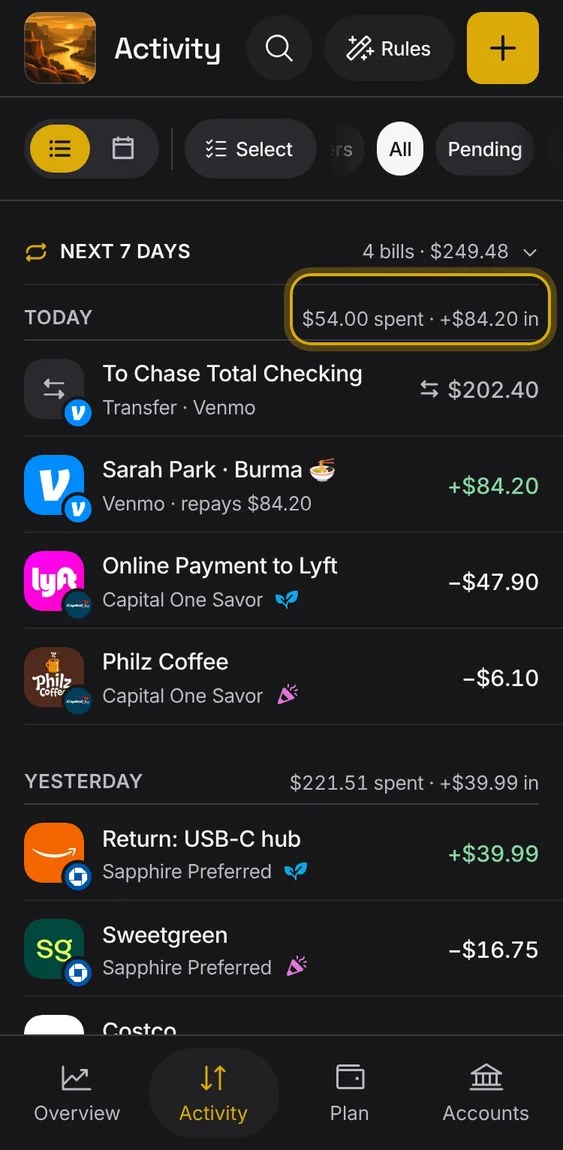
Each day's heading says what was spent and what came in that day.
- Pending entries are listed but not counted.
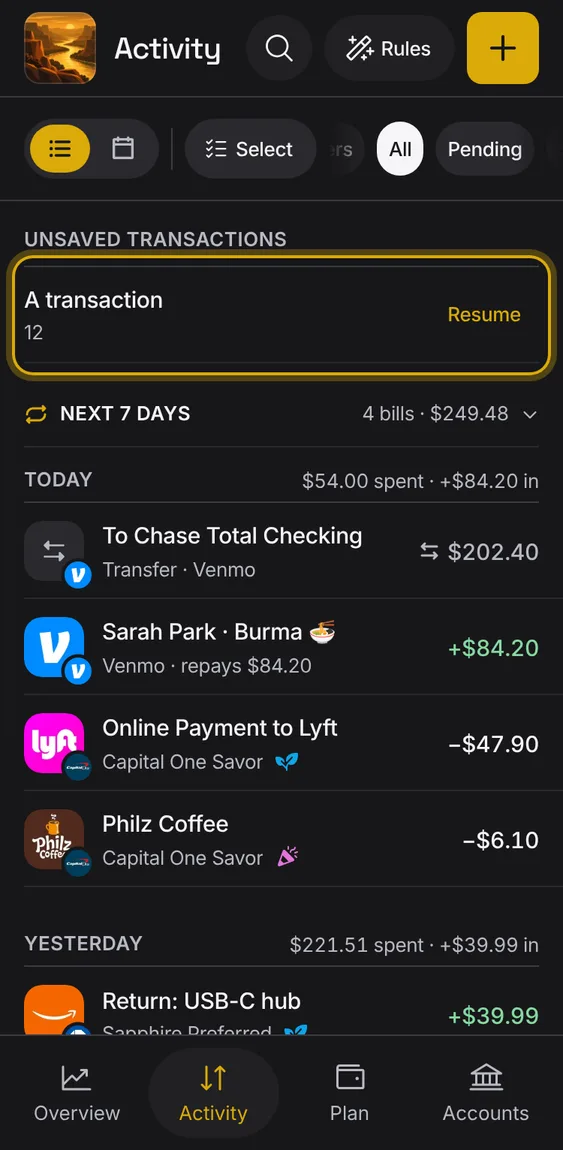
An entry you started but didn't save waits at the top of Activity so you can finish it.
- Tap Resume to pick up where you left off.
An empty ledger shows one line and one button to add the first entry.
- Tap Add entry.
Not in the demo. Shows before anything is saved; the demo has sample data.
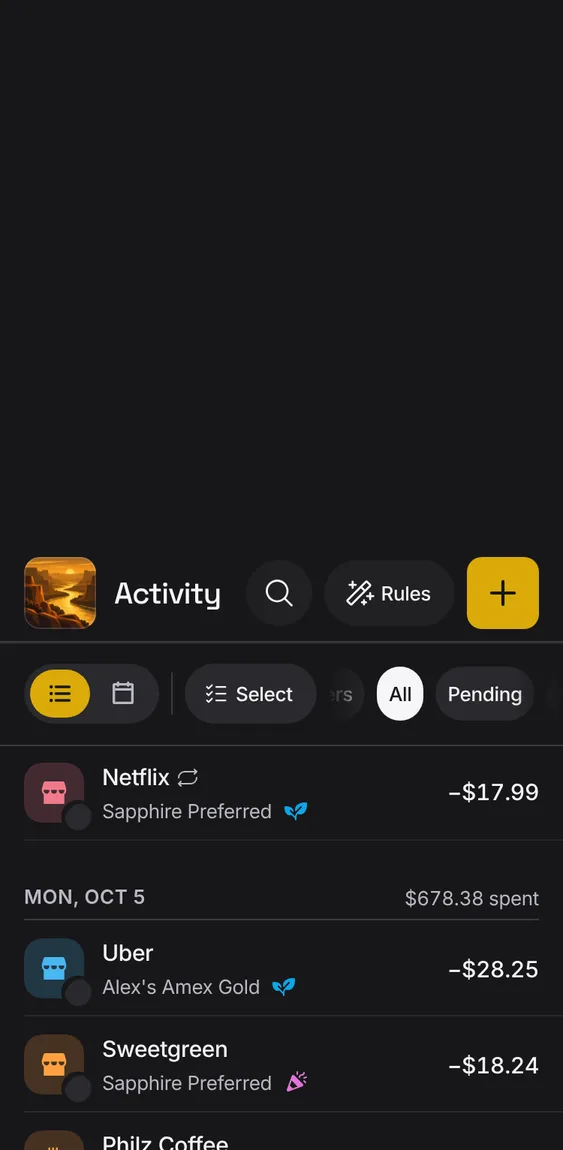
Older entries load on their own as you reach the end of the list, with no limit on how far back.
- If a page doesn't load, the list keeps what it has and offers Try again.
- Changing a filter starts the list again.
Entries your bank hasn't posted yet show an amber dot and a muted amount, and count toward nothing until they post.
- The dot sits in the row's line under its name.
- Your bank decides when it posts; there's no cleared switch.
- A pending entry moves to its posting day when it posts.
Not in the demo. Needs an account: the demo has none.
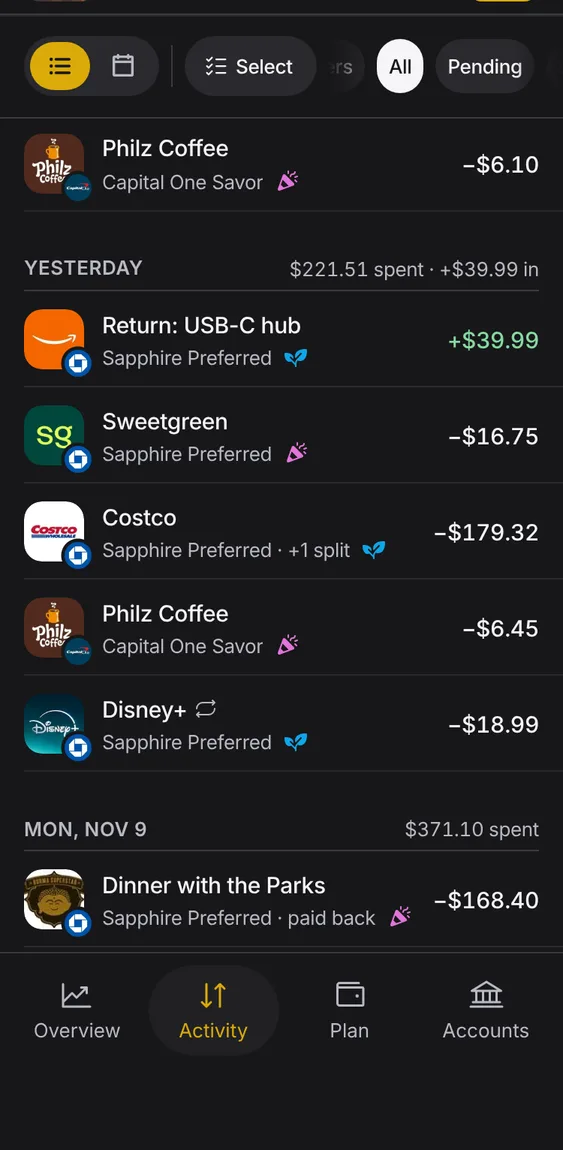
Each row shows the payee's picture, its name, the account, its bucket as a small icon, and the amount.
- Money in is green; a pending amount is muted.
- A transfer is titled by where the money went.
- Hover an icon to see its name.
On a wide screen the list and the chosen entry sit side by side.
- The newest entry opens first.
- Choose another entry to see it beside the list.
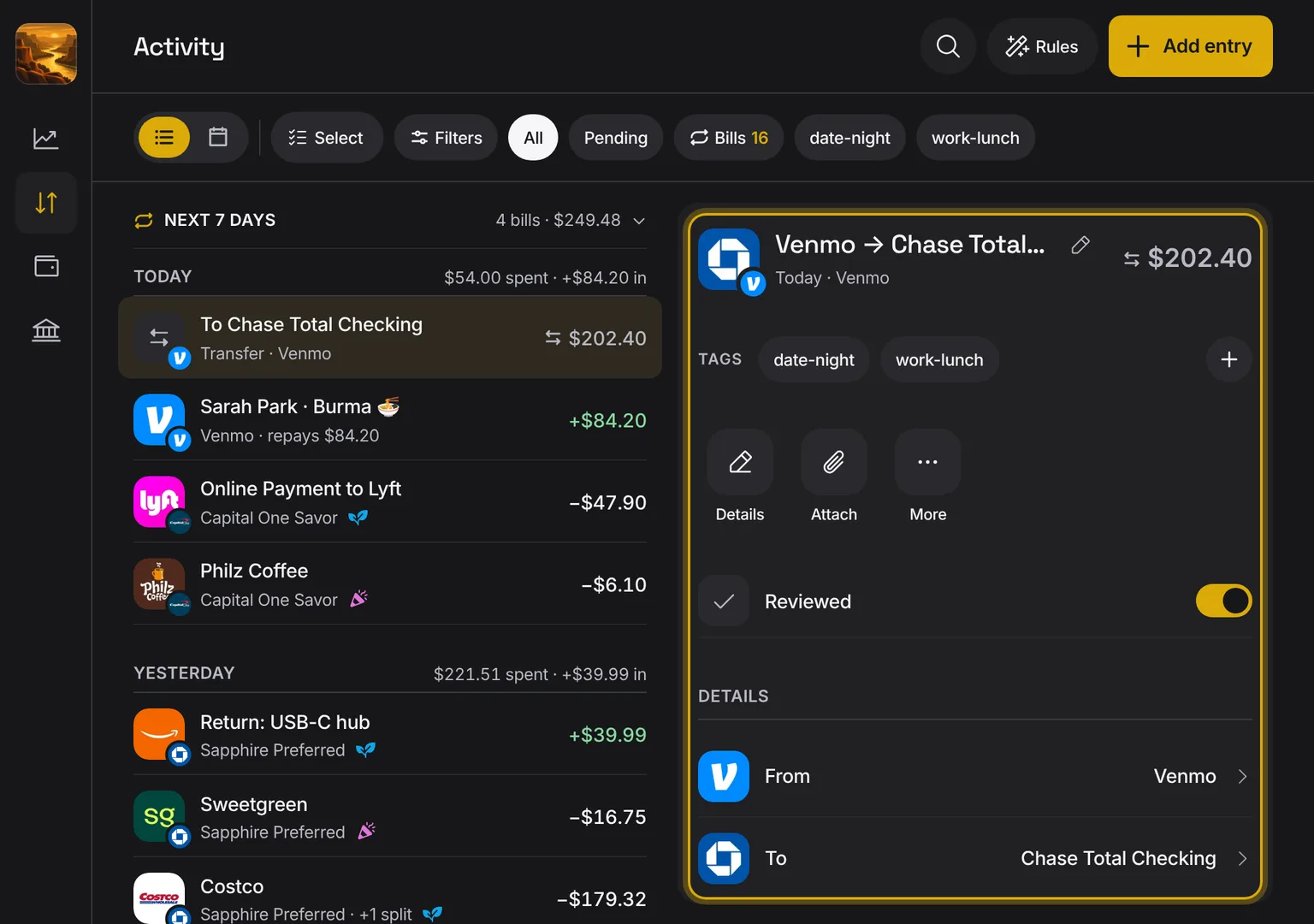
Shown at a computer’s width.