 Alluvium
Bills
Your bills and subscriptions: found in your history or added by you, by due date or on a calendar, with what they cost a month.
Every Bills feature
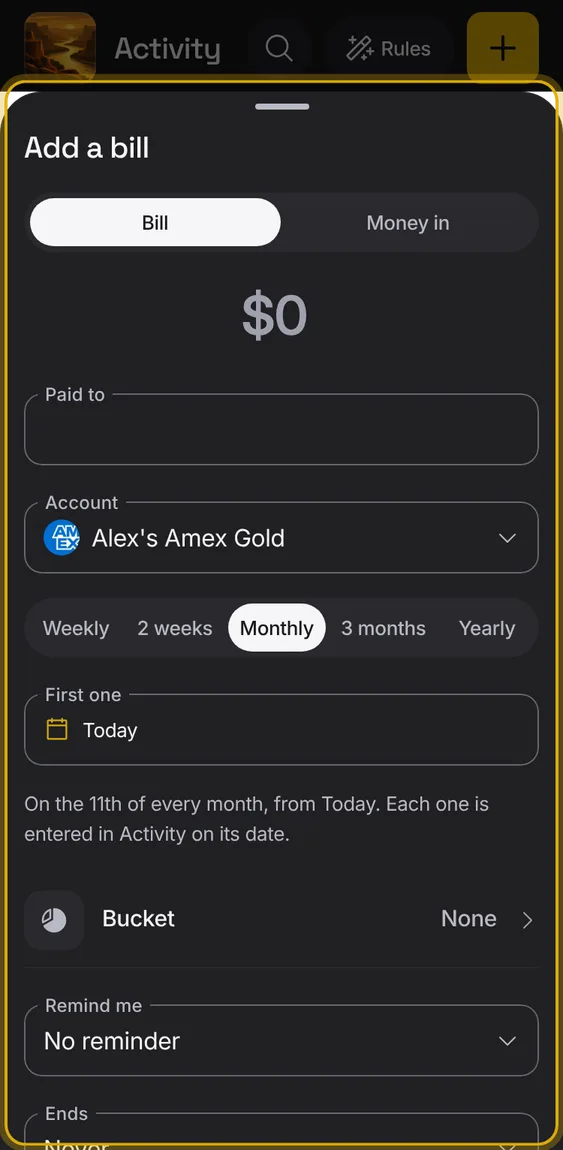
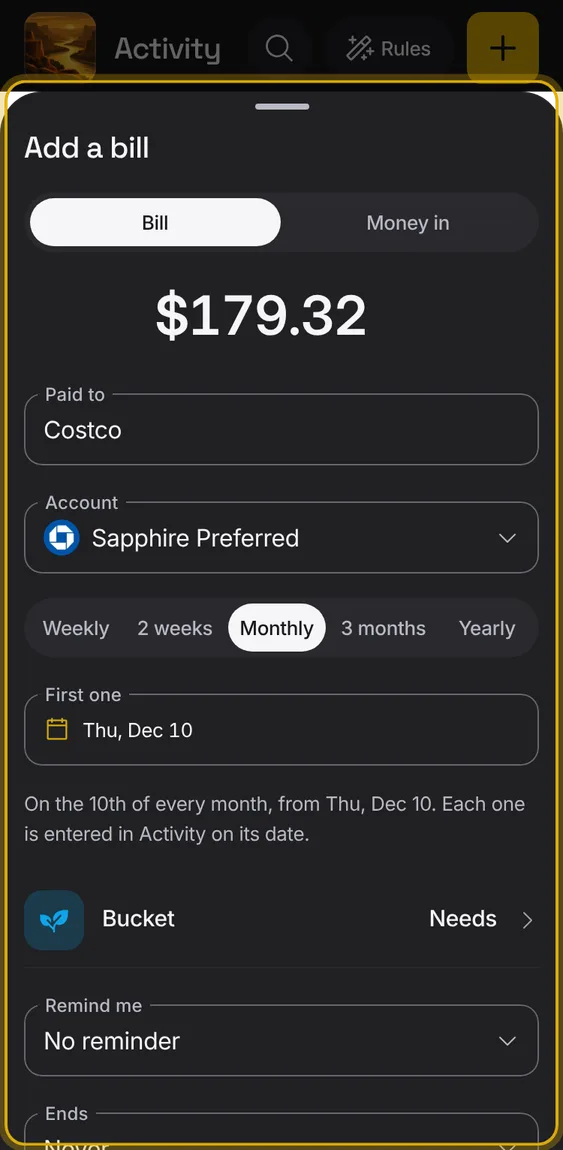
Add a bill or regular income yourself; its entry is added on each date by itself, with nothing to approve.
- Tap Add a bill.
- Set the amount, who it's paid to, the account, how often and the next date.
- Add a bucket, reminder and an end if you like.
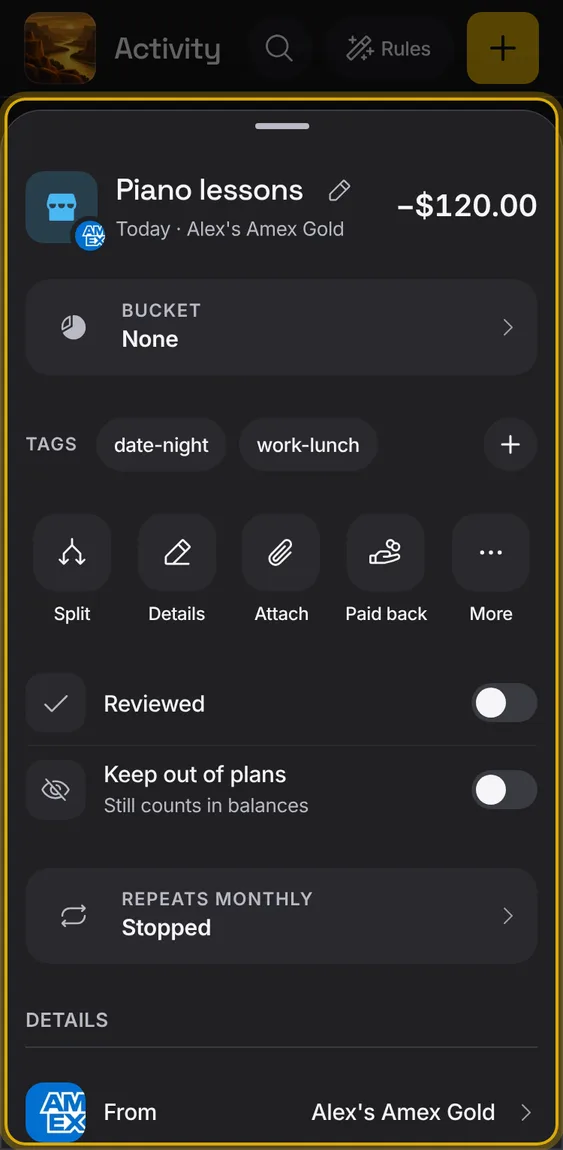
Stop a bill you added, start it again, or delete it; entries already added stay.
- In the bill's sheet, tap Stop or Delete bill.
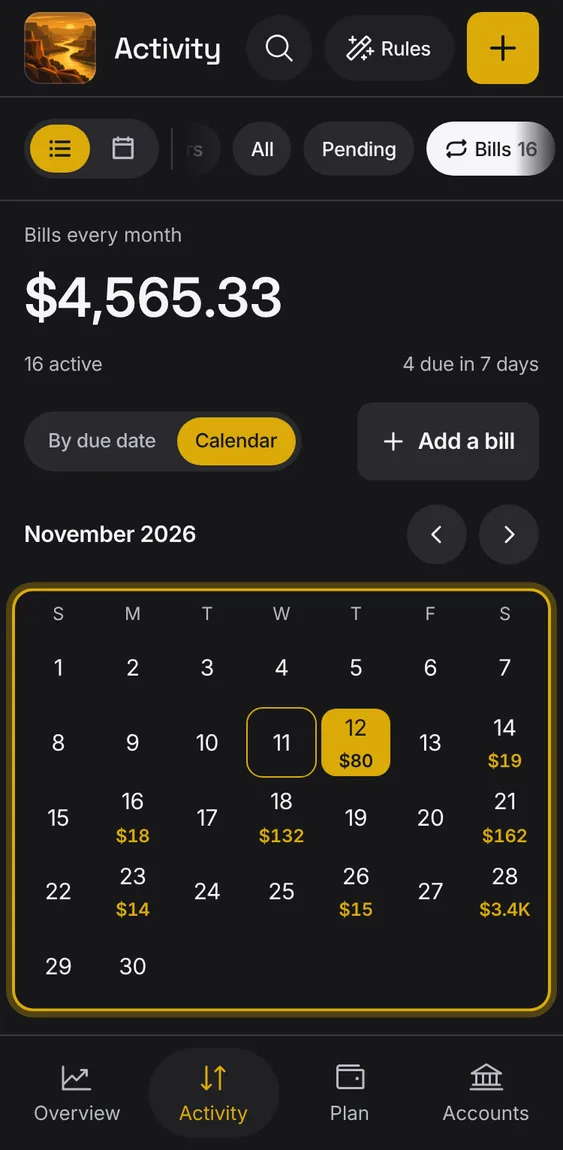
The bills on a month calendar, each due day showing its amount.
- Switch By due date to Calendar.
- Step between months; it opens on the next due day.
Set a reminder to cancel a subscription, mark it cancelled, and get flagged if it charges again.
- Remind me to cancel picks a day.
- I cancelled this moves it to Marked cancelled.
- A charge after cancelling is flagged.
Charges that come back regularly are found in your history as bills, with how often they come and what they usually cost.
- Detection is a suggestion you can correct.
- A card payment is never a bill.
A bill is overdue only after a few days' grace, since banks post late.
- Monthly bills get five days.
Not in the demo. Shows with more than the demo holds.
When the bank changes a merchant's name, the bill stays one bill, matched by the statement text.
- Nothing to do: your choices for it are kept.
A bill that missed two charges in a row moves to Stopped, out of the totals, the calendar and reminders.
- It shows when it was last charged.
Not in the demo. Shows with more than the demo holds.
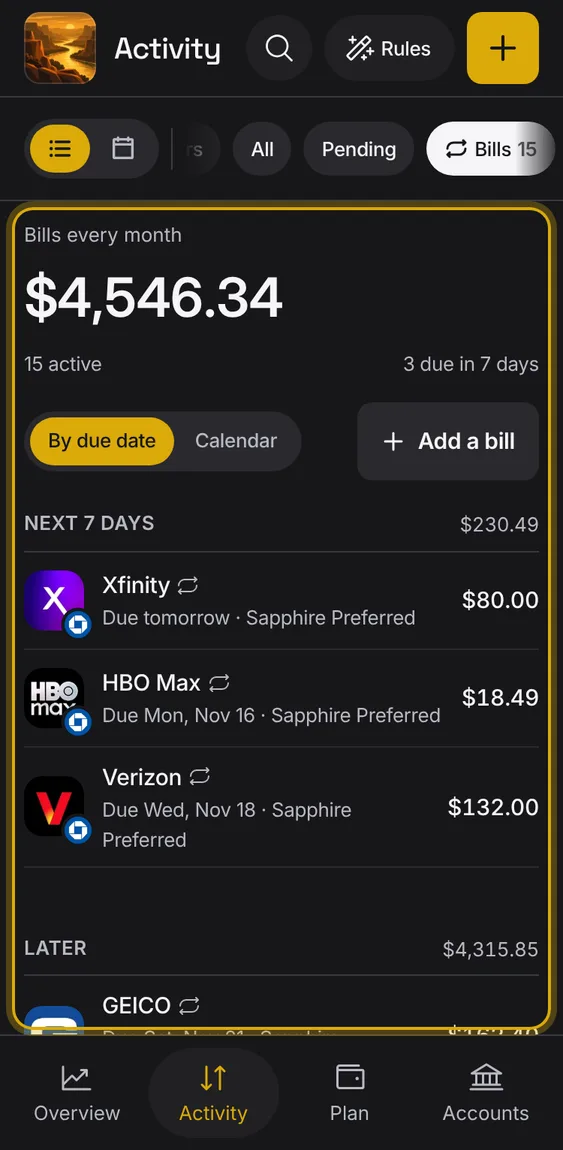
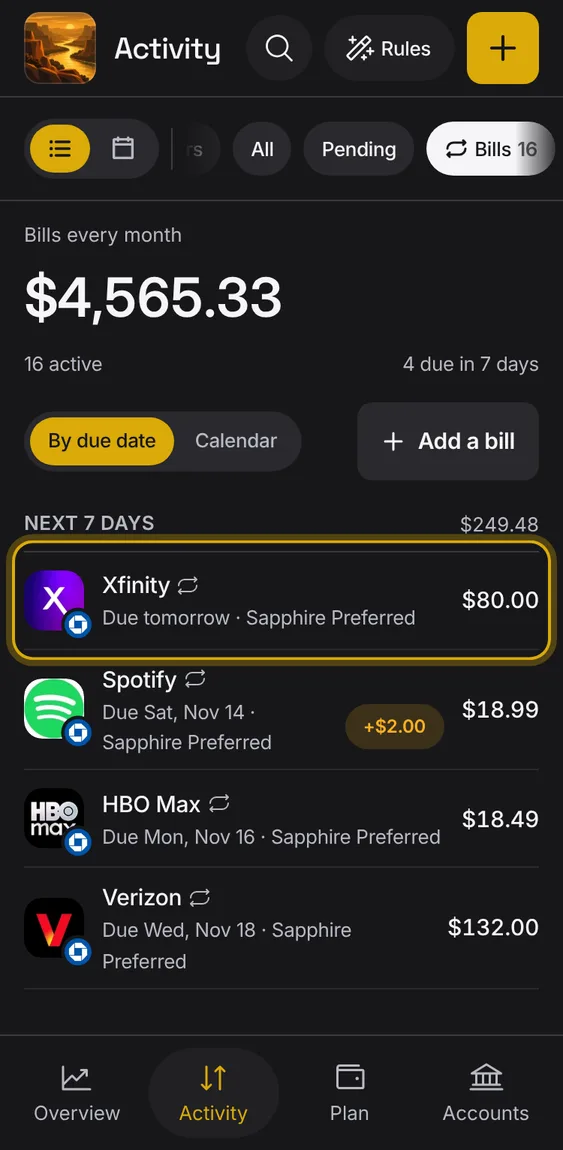
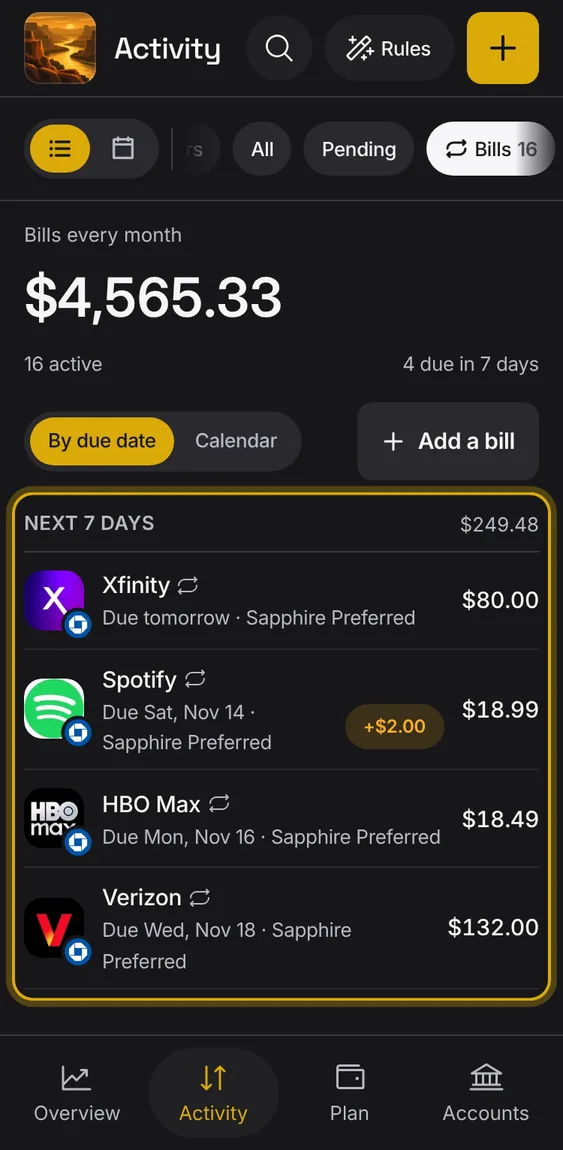
Bills are grouped by when they're due, with money in, stopped, cancelled and not-recurring ones after.
- Each row shows the payee, the account it's paid from, the due day and the amount.
Turn any entry into a bill from its More menu.
- In an entry, More → Make it repeat.
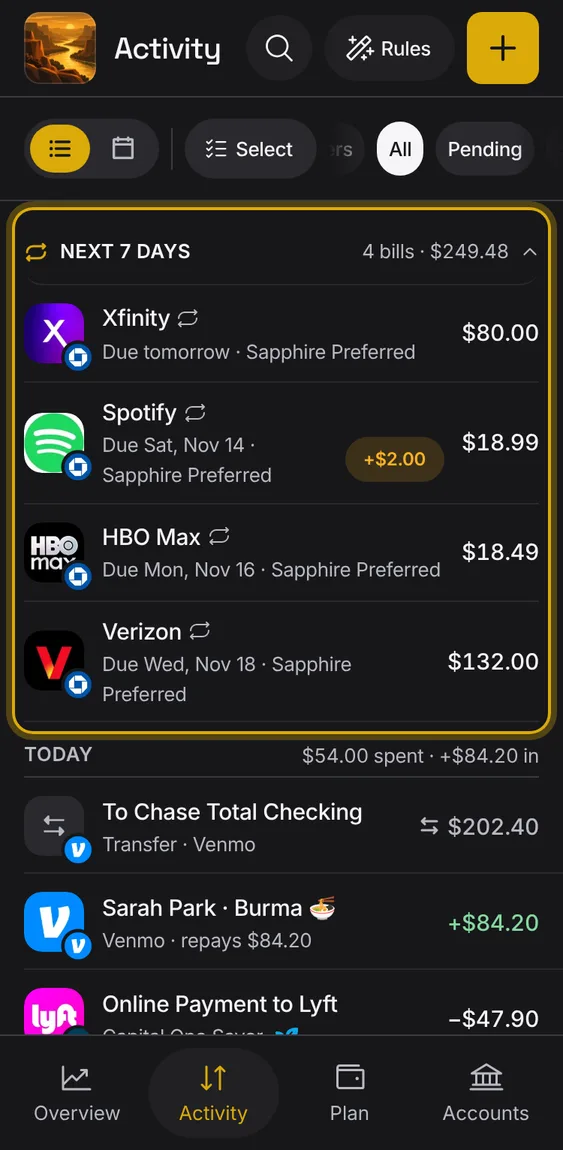
Above the days in Activity, one line says what's due in the next week; it opens to those bills.
- Tap the line to open it; tap again to fold it.
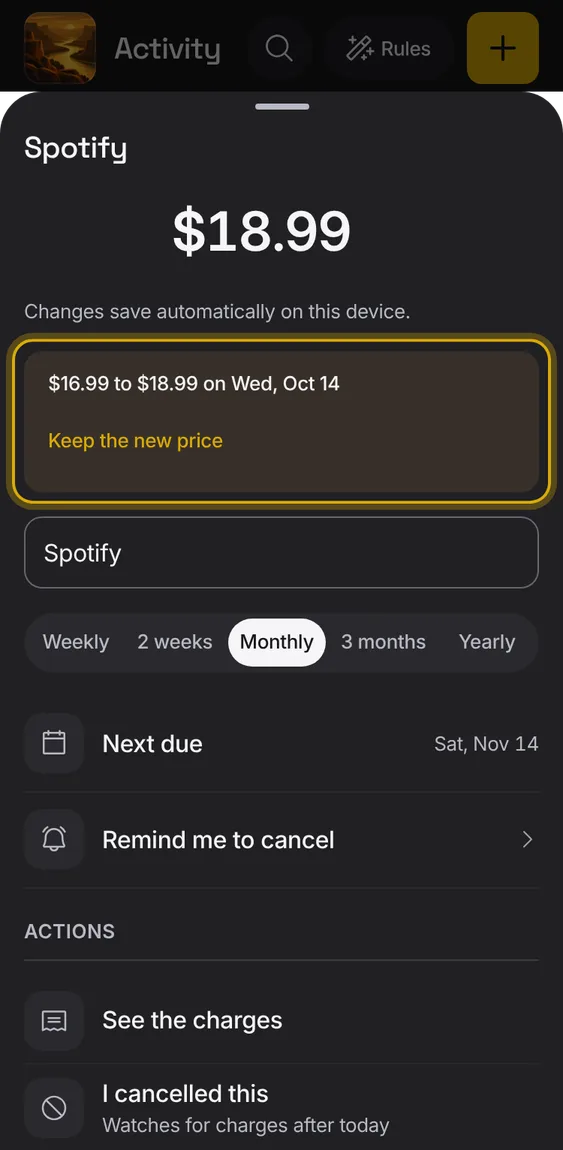
A bill whose price went up is flagged, so you notice.
- The row shows a price-rise mark.
- Accept the new price in the bill's sheet.
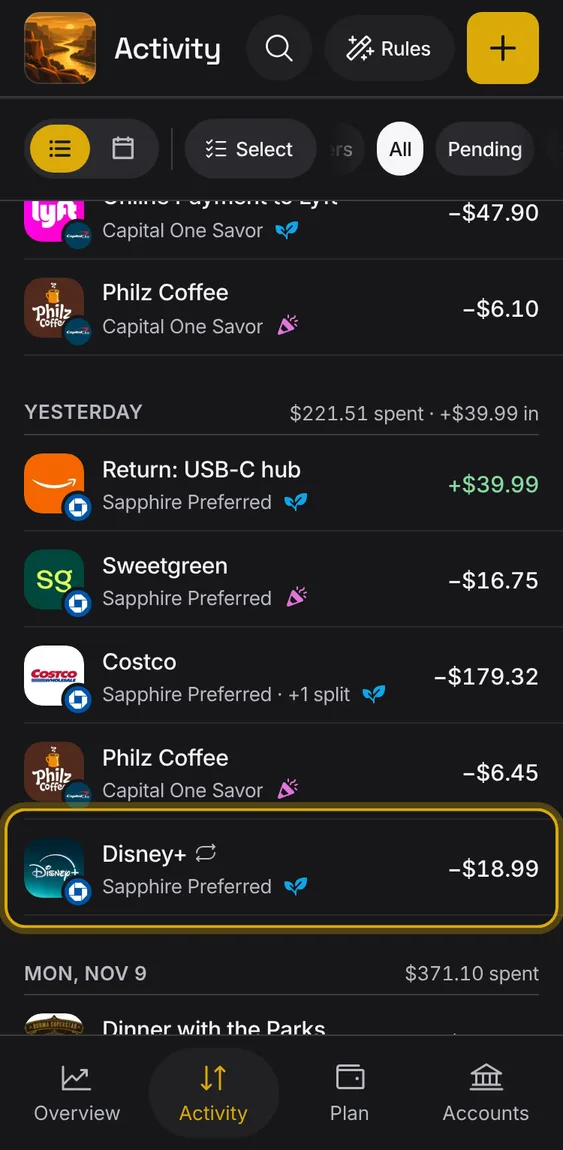
Entries of a bill carry a repeat mark after their name.
- Look for the repeat glyph in Activity.
A found bill's own sheet: its amount, name, how often, next due, and actions.
- Change the name, amount or cadence; changes save as you make them.
- See the charges opens its entries in Activity.
- Use the detected values undoes your changes.
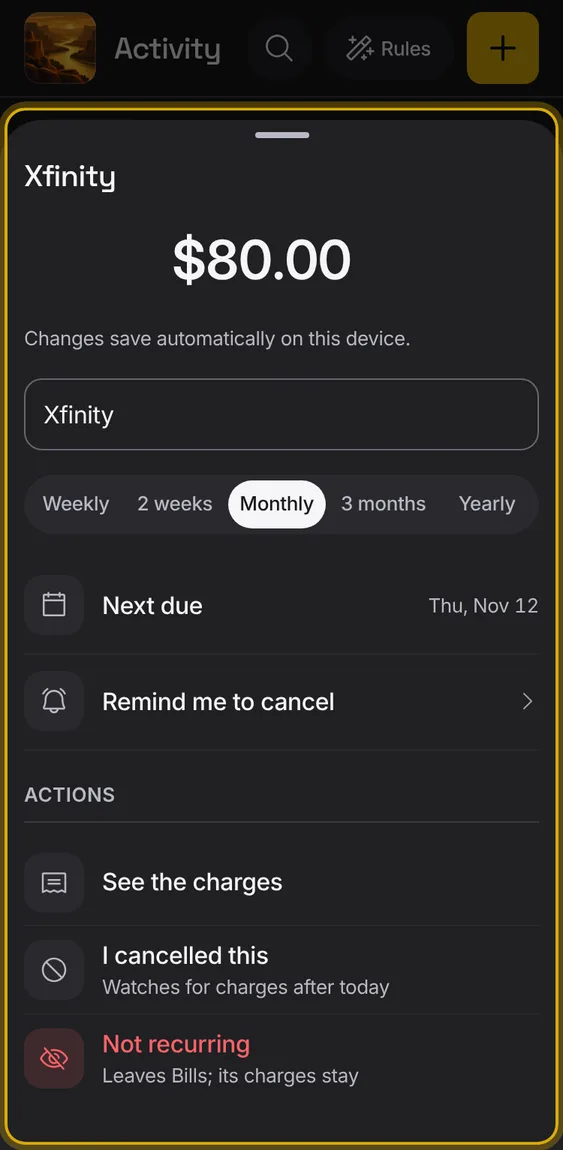
Tell Alluvium a found bill isn't a bill; it moves to Not recurring.
- In the bill's sheet, tap Not recurring.