Alluvium
Add an entry
Record spending, income or a transfer by hand: the amount, the account, the day, who it was with, its bucket and its tags.
Every Add an entry feature
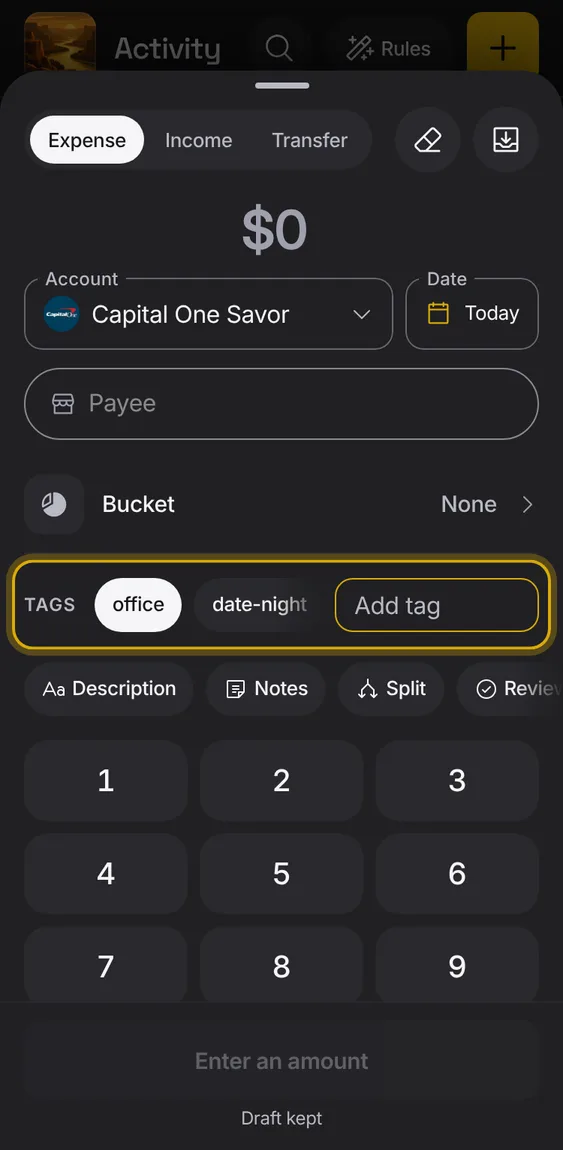
Describe an entry in your own words with tags: text pills in one row that scrolls sideways.
- Type in Add tag and press return to make one.
- Tap one of your other tags to put it on; tap a tag that's on to take it off.
- There is no list of tags to manage: a tag exists while an entry has it.
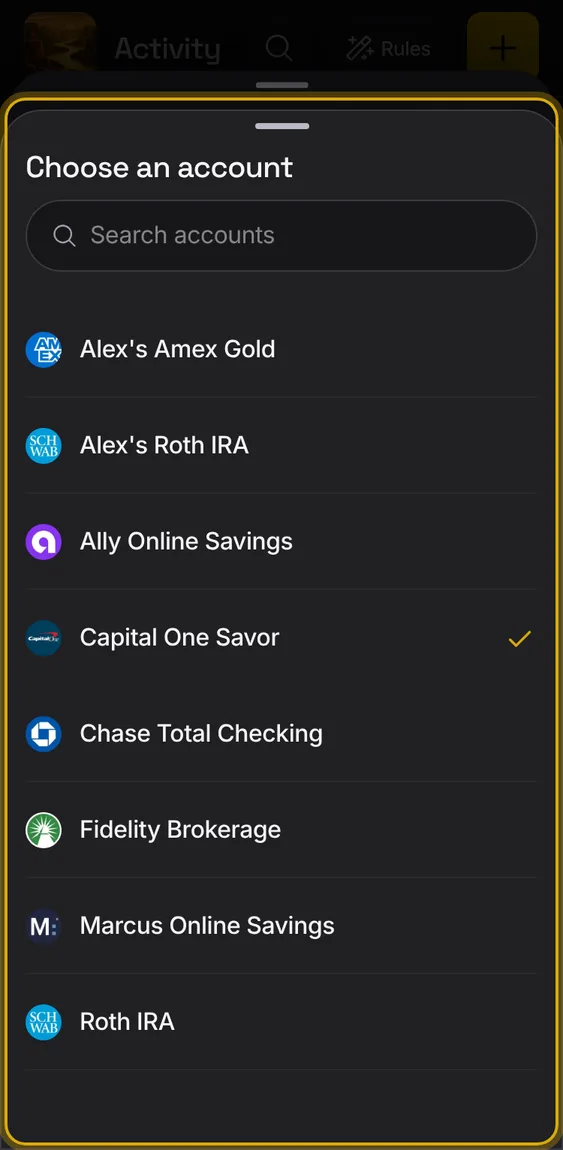
Which account it was and the day, set to the account you used last and today.
- Tap either field to change it.
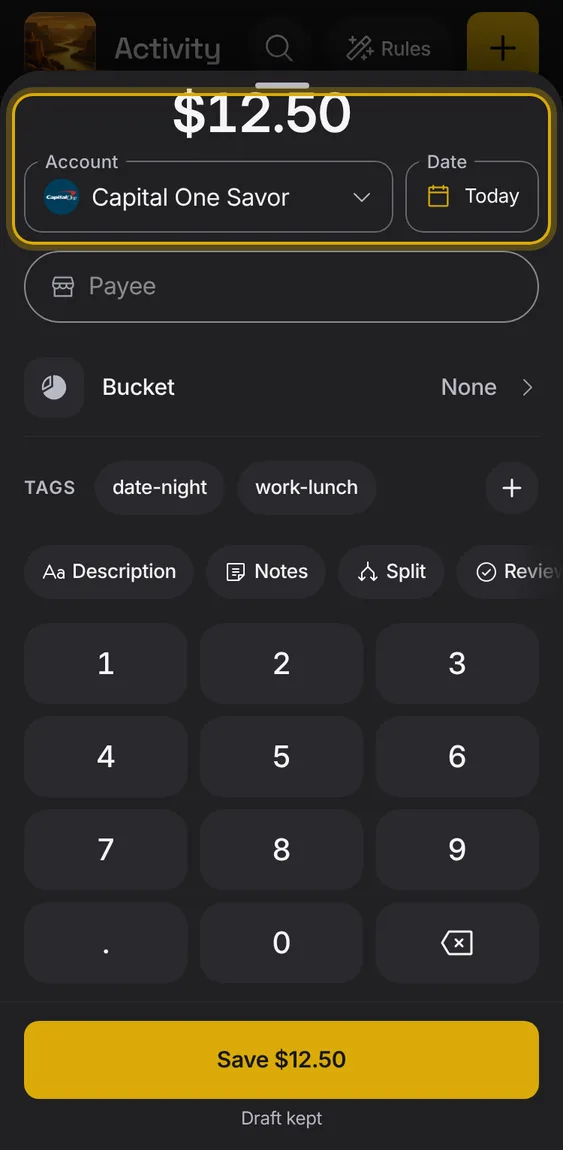
A keypad for the amount, with the figure shown large as you type.
- Tap the digits; ⌫ removes the last one.
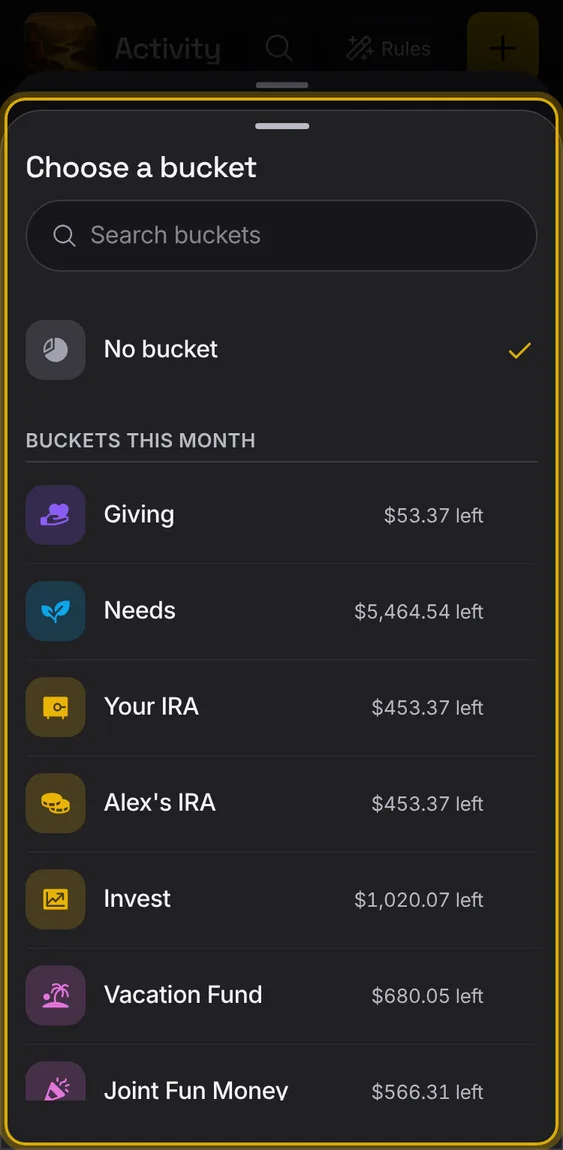
Pick which plan bucket the money comes out of.
- The payee's usual buckets come first, under You usually use.
- Each bucket says what's left this month.
- No bucket is always a choice.
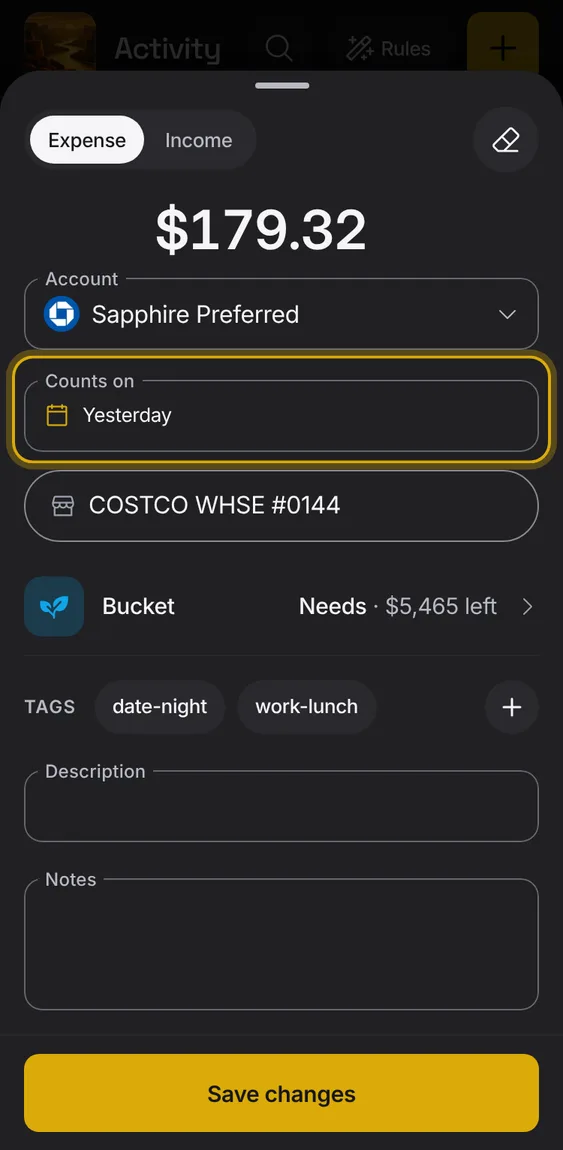
The day an entry counts in plans, which you can change apart from the bank's date.
- Change Counts on to move an entry into another month's plan.
- The bank's date stays as it was.
- Rules can set it too.
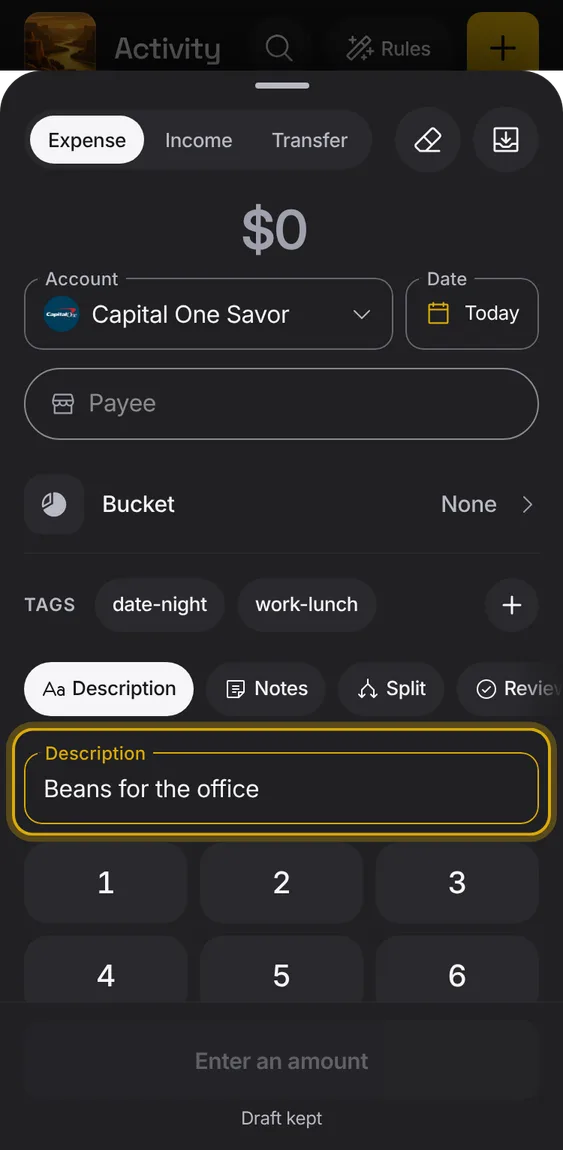
Description, notes and tags, behind More details.
- Tap More details to add them.
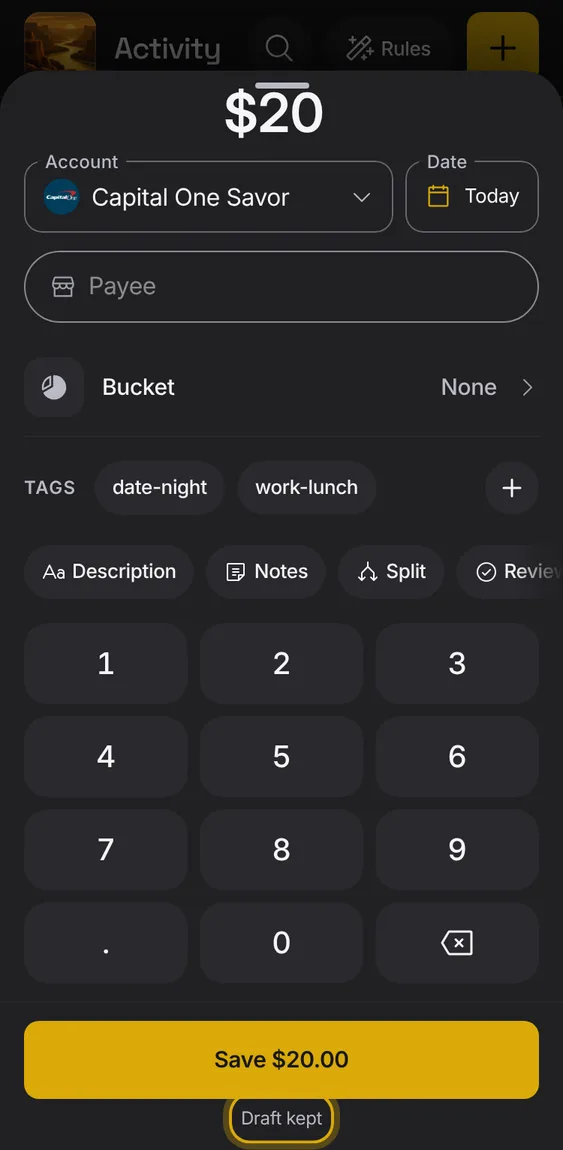
What you type is kept as a draft, so closing by mistake loses nothing.
- The footer says Draft kept; reopening says Draft restored.
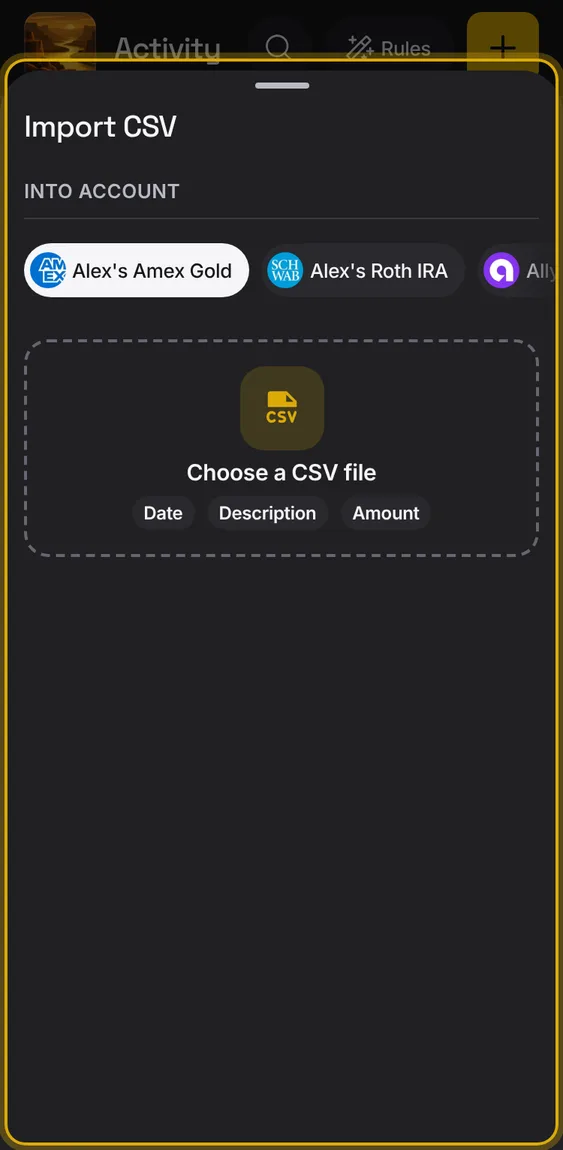
An Import button in Add entry opens the bank file import.
- Tap Import.
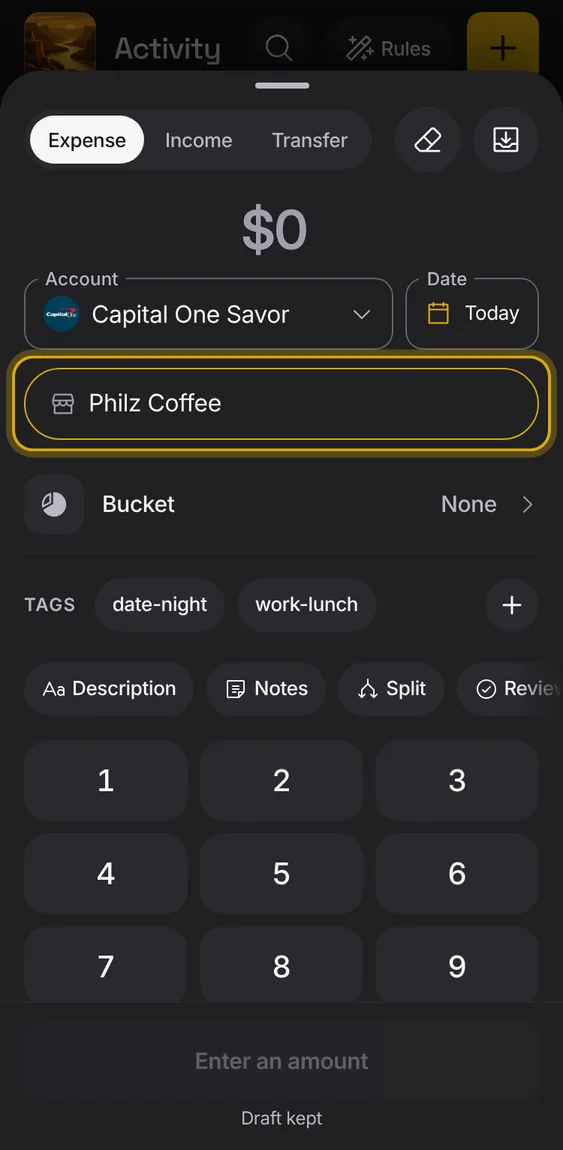
Who the money went to, or for income, who paid you.
- Type a name; known payees are offered.
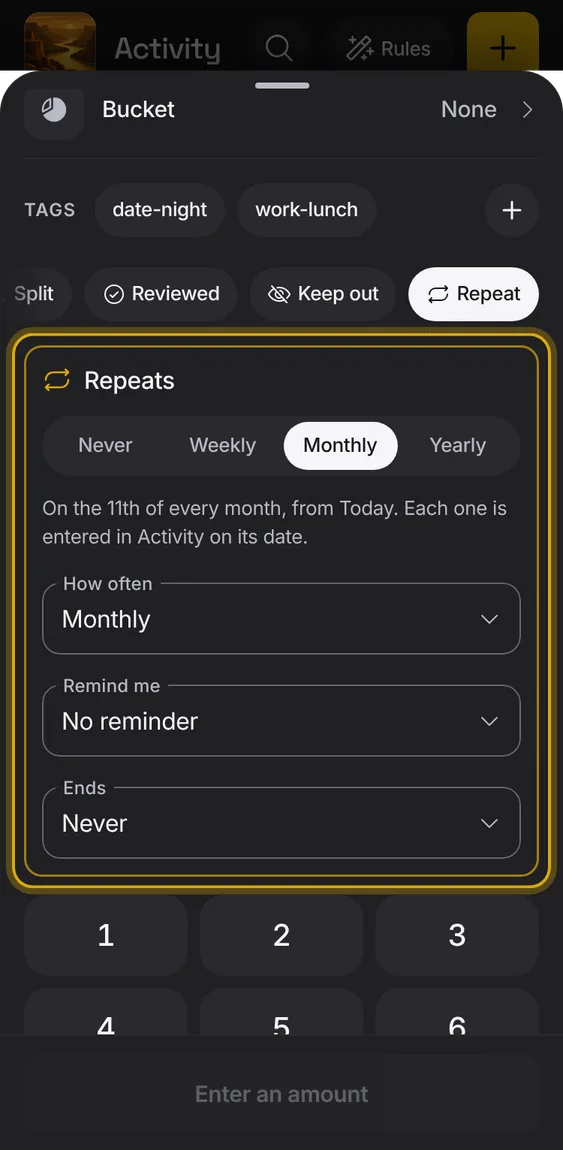
Make a new entry repeat weekly, monthly or yearly, so it becomes a bill that enters itself.
- Tap Repeat and choose how often.
- Set a reminder and an end date if you want.
- Save says how often.
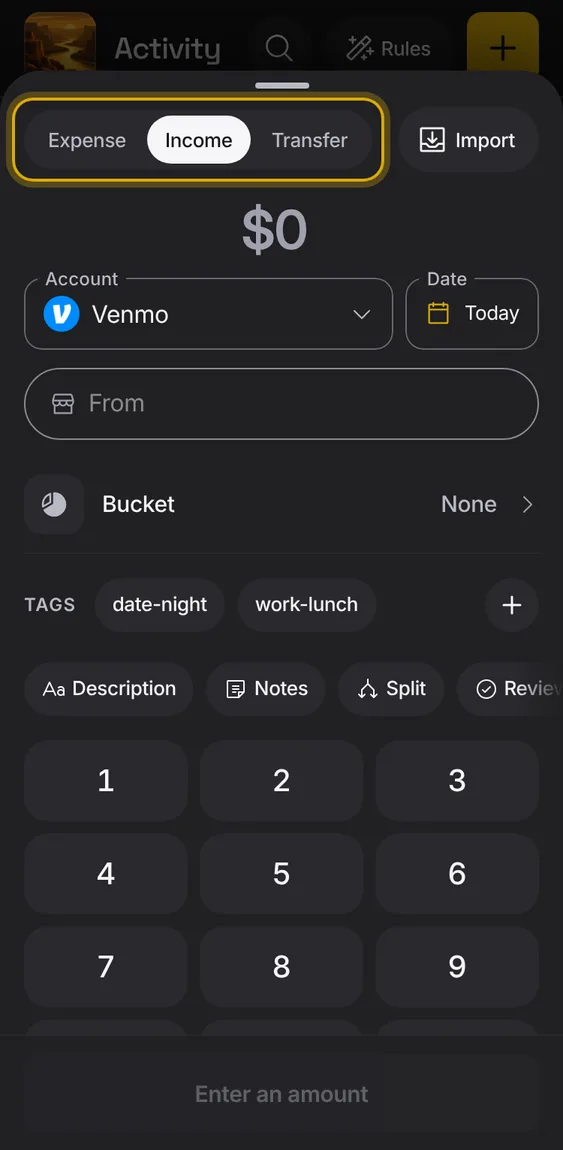
Choose whether the entry is spending, money in, or a move between your own accounts.
- Pick Expense, Income or Transfer.
- Income names who paid you; a transfer names both accounts.