Alluvium
Payees
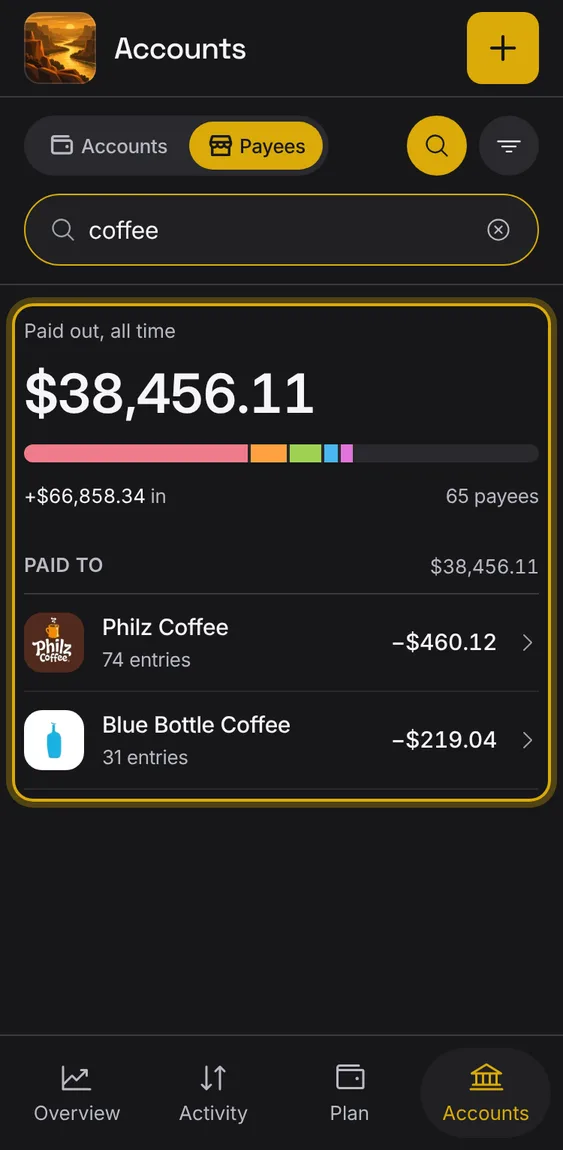
Everyone you pay or who pays you, each once, with what you paid them and their entries.
Every Payees feature
A bar of who you paid most in the period, with each one's share.
- Shown at the top of Payees.

Show who you paid or who paid you, over a period.
- Tap the filter on Payees.
- Pick Show and Period.

One payee: their entries, totals, defaults, names and linked account.
- Tap a payee.
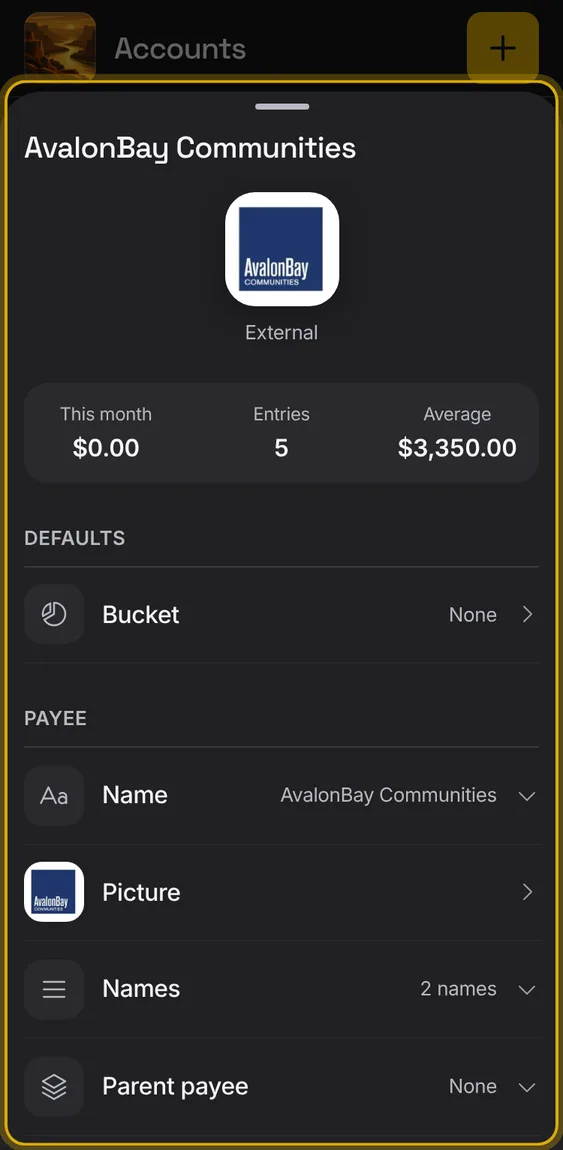
A payee's default bucket, used for its new entries and kept as its one rule.
- Under Defaults, pick Bucket.
- Funding can be a payee's bucket, set only by you.

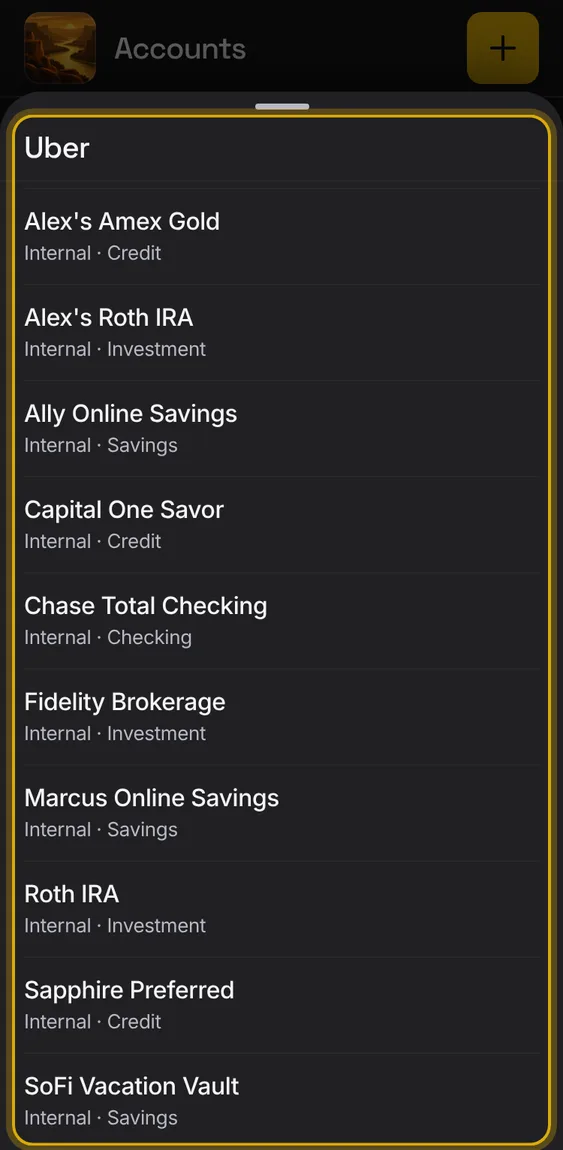
Link a payee to one of your accounts, so its payments pair as transfers with it.
- Pick the account under Linked account.
- Undo puts it back as it was.
- Past entries stay as they are.
A payee's other names, each with Remove, and Ungroup all.
- Remove takes one name out.
- Ungroup all undoes the grouping.

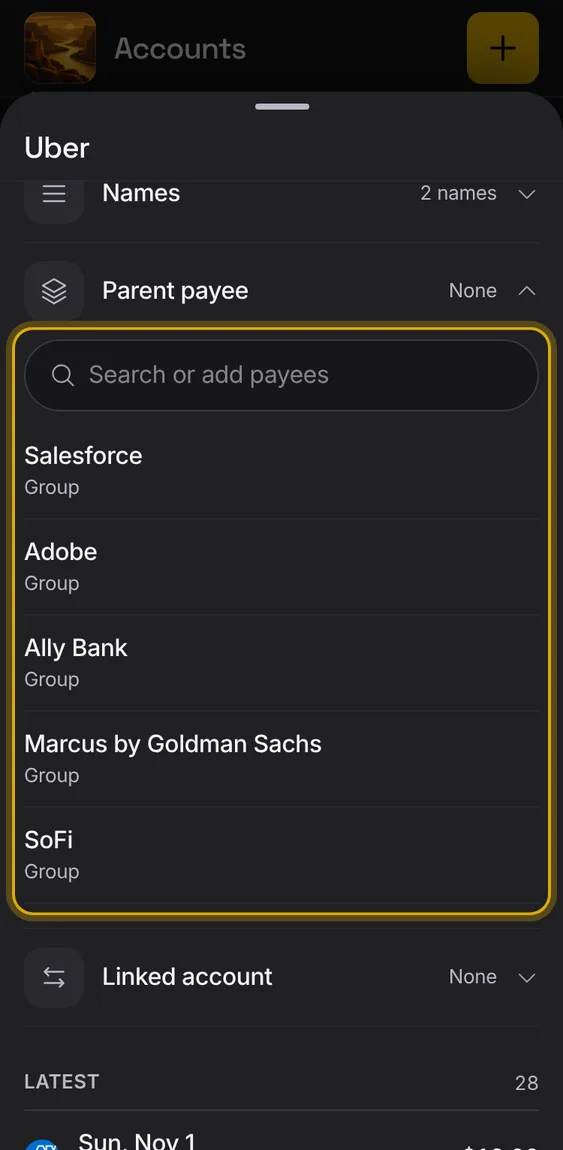
Show this payee as another one, so several names count as one.
- Set Parent payee.
Give a payee a clearer name; the bank's texts stay as they were.
- Tap the payee's name.

Find a payee by name.
- Tap the magnifier on Payees and type.