Alluvium
Balances you can trust
Every screen shows the same balance, worked out one way, with the date the bank last reported it.
Every Balances you can trust feature
The bank's available balance, or a card's available credit, and when it was read, under the balance.
- Shown only when your bank gives one.
Not in the demo. Needs an account: the demo has none.
A connected bank's history starts at the first balance it reported, so a short feed never makes up a wrong balance.
- Nothing to do.
Not in the demo. Needs an account: the demo has none.
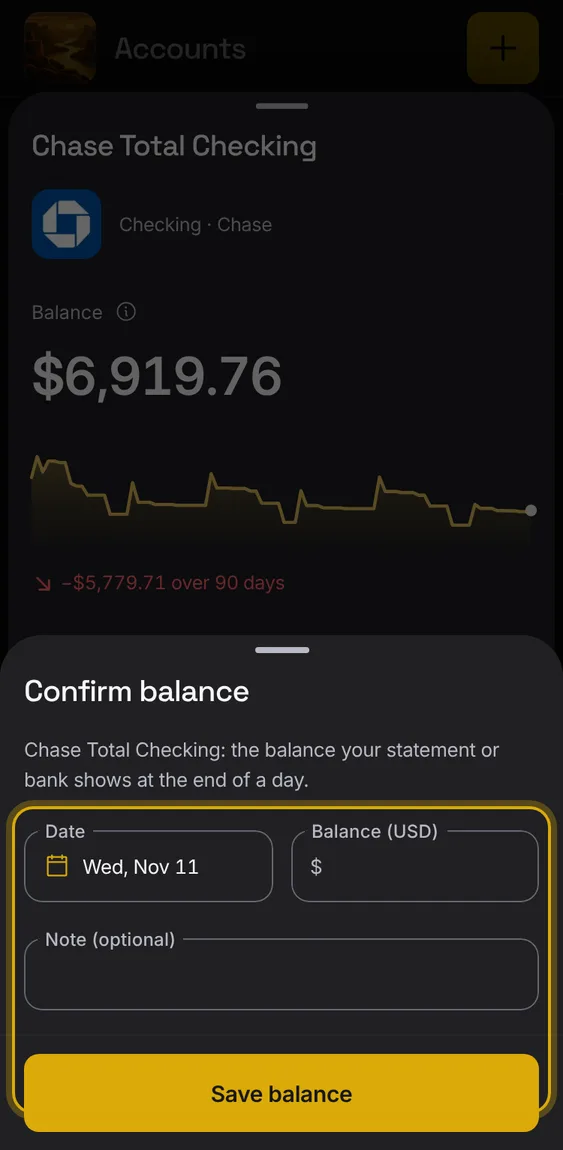
Record the balance your statement shows on a date; Alluvium checks your entries against it.
- Tap Confirm balance in the account.
- Remove a confirmed balance from the same sheet.
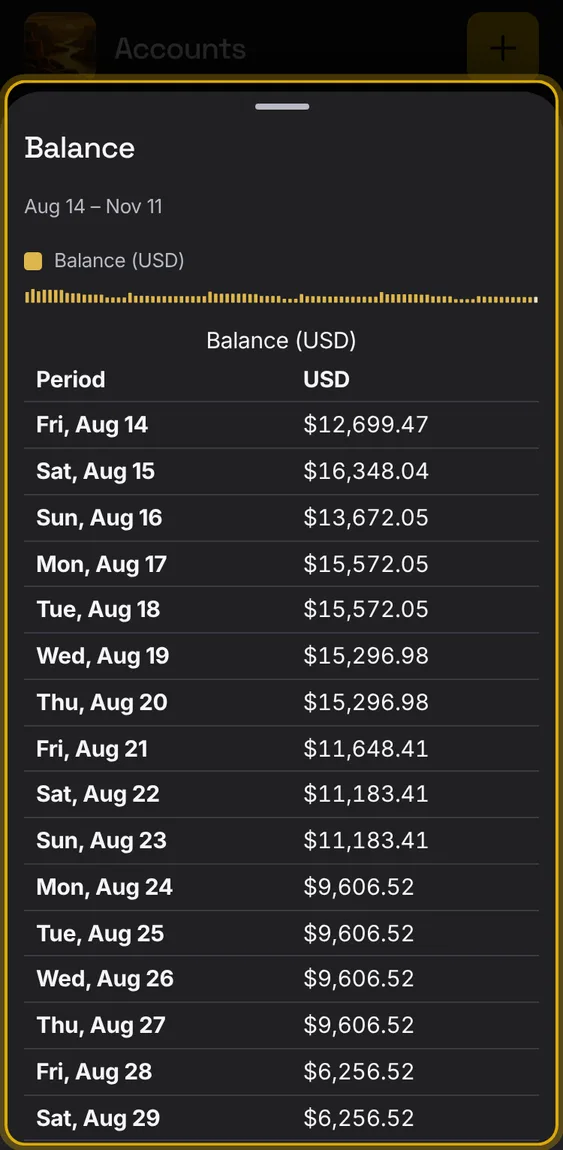
A chart of the account's balance over the last 90 days, and a table of every day's balance.
- Tap Balance details.
- The change says how much it moved since the start.
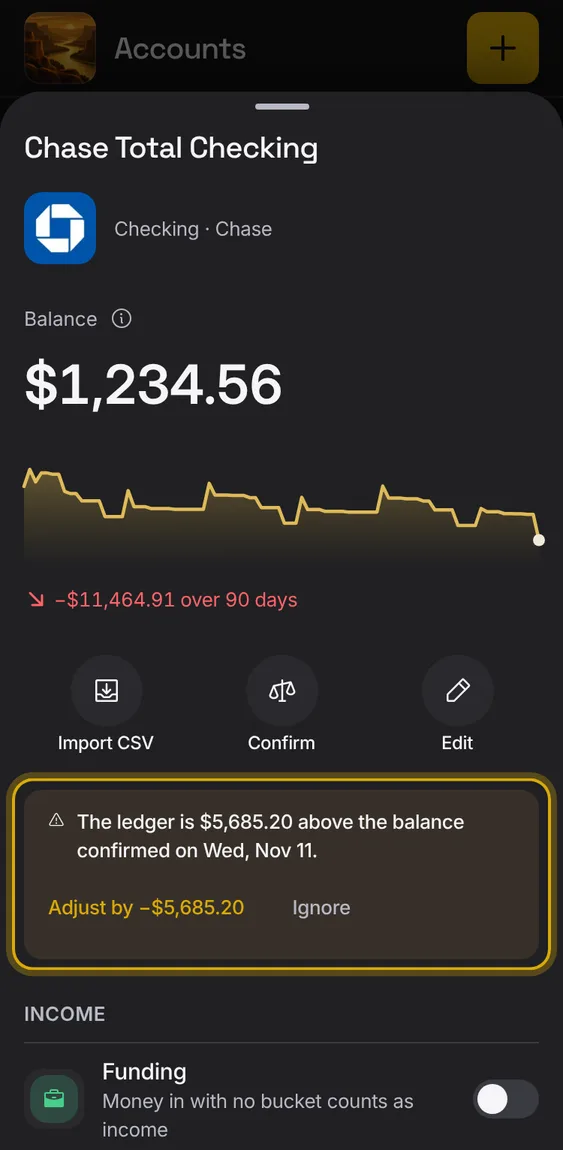
When entries and a confirmed or bank balance disagree, the account says how much it's off, with Adjust and Ignore.
- The row shows a small amber Off by line.
- Adjust adds a balance adjustment; Ignore dismisses it.