Talus
A finished workout
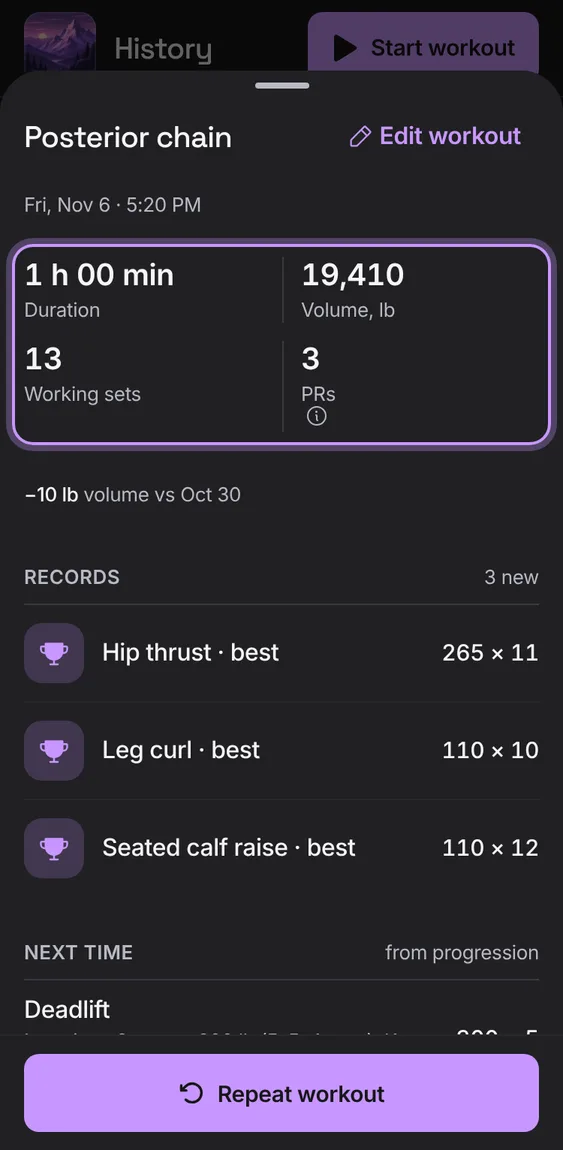
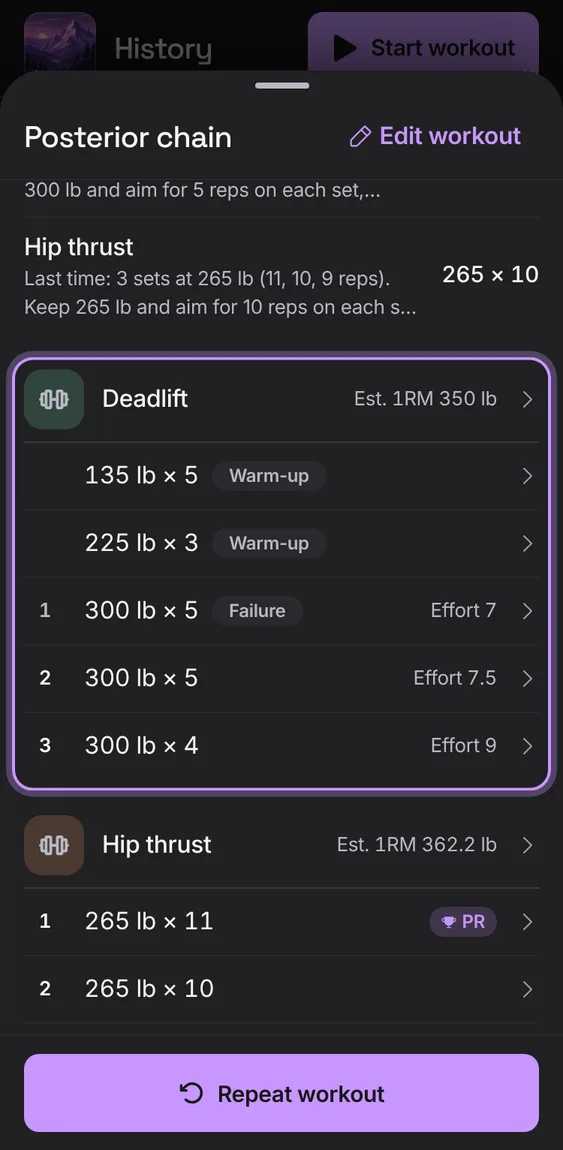
A workout's duration, volume, working sets and PRs, then each exercise's sets (identical ones as one row), notes, Edit workout, Delete workout and Repeat workout.
Every A finished workout feature
Change what a set really was (numbers, type, effort, done), move it to another exercise, or remove it. Totals and records follow.
- Tap a set, change it and tap Save.
- Remove set asks first.
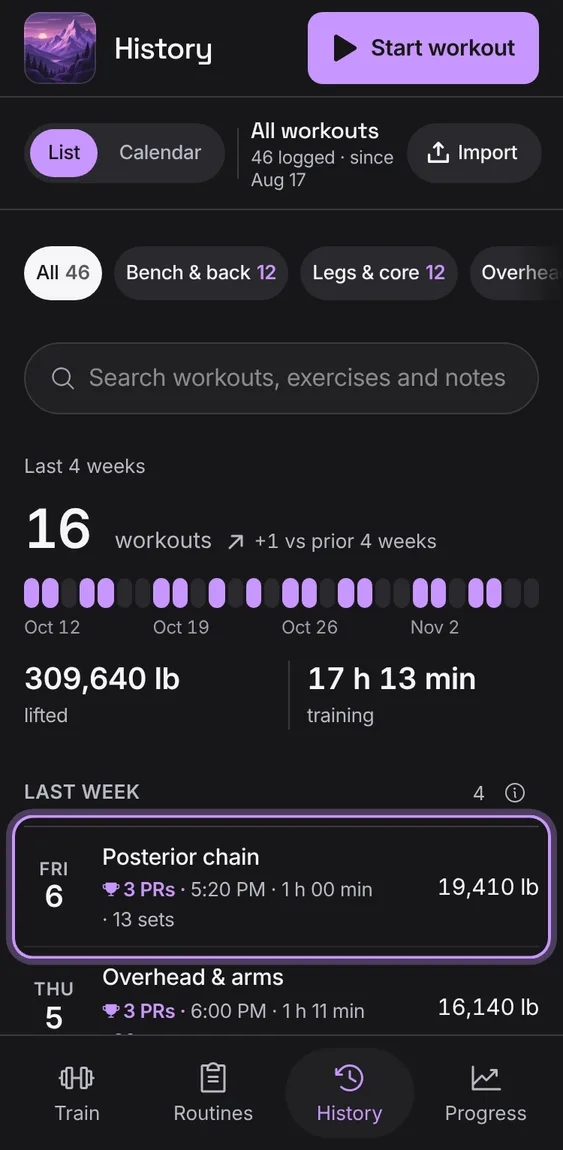
Delete a workout after a confirmation that says what goes with it. Undo brings it back with its sets, totals and records.
- Tap Delete workout, then Delete workout again.
- Tap Undo in the message.
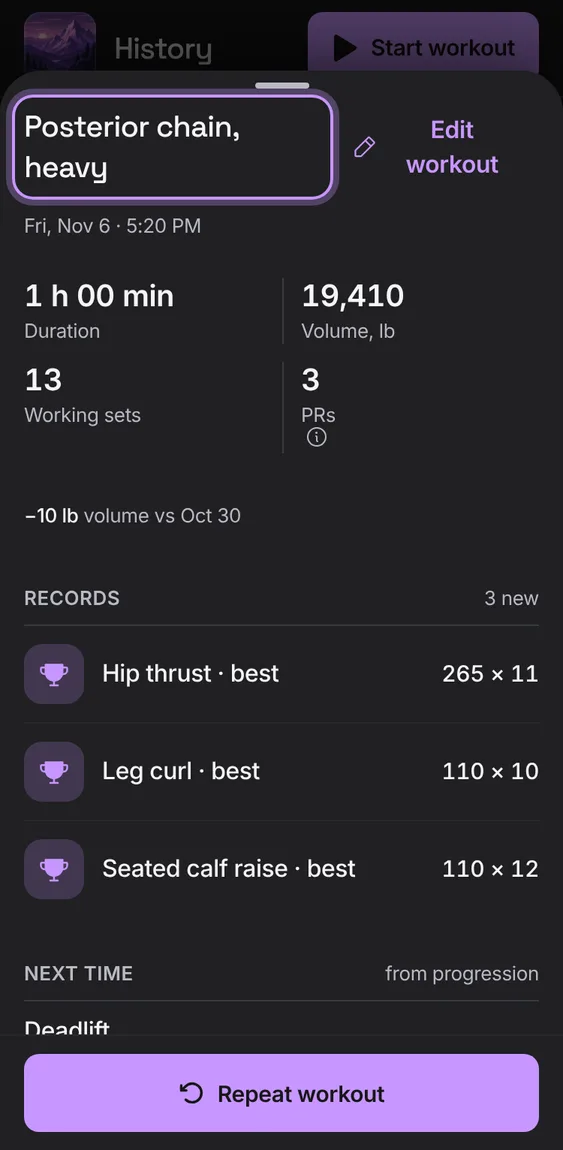
Rename a finished workout.
- Tap Edit workout, change the name and tap Save workout.
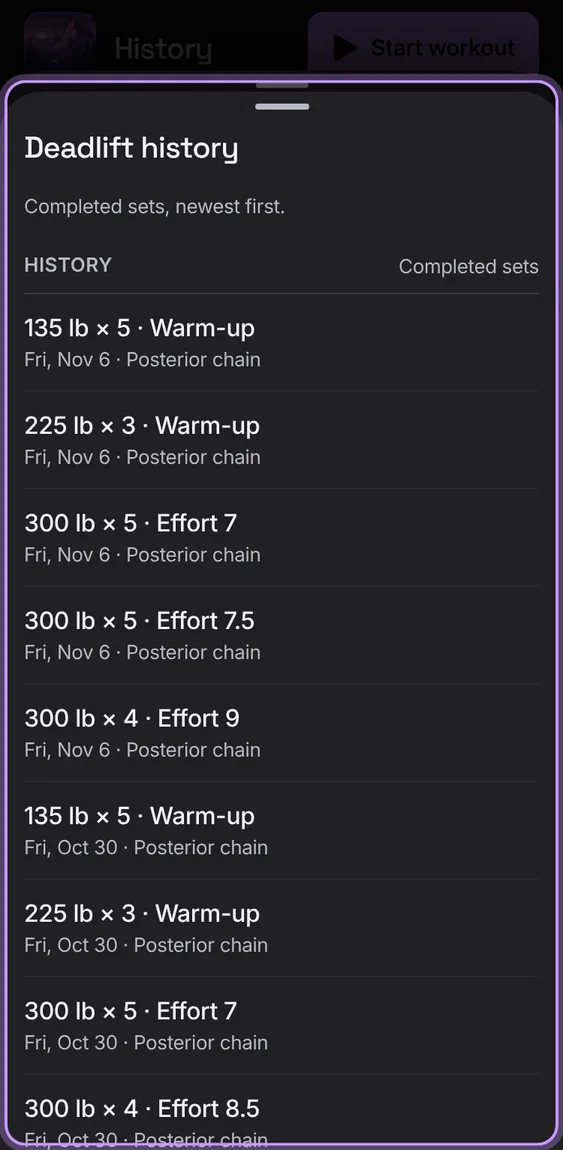
Every completed set of one exercise, newest first, from a finished workout.
- Tap an exercise's name in the workout.
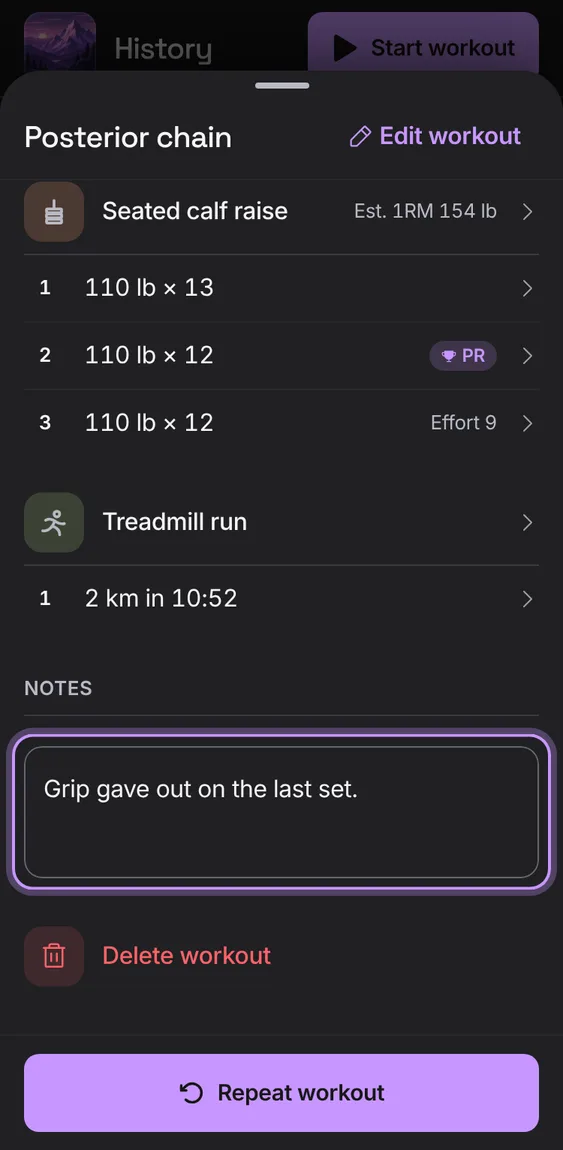
Add to or change a finished workout's notes in place.
- Write under Notes; it saves when you leave the field.
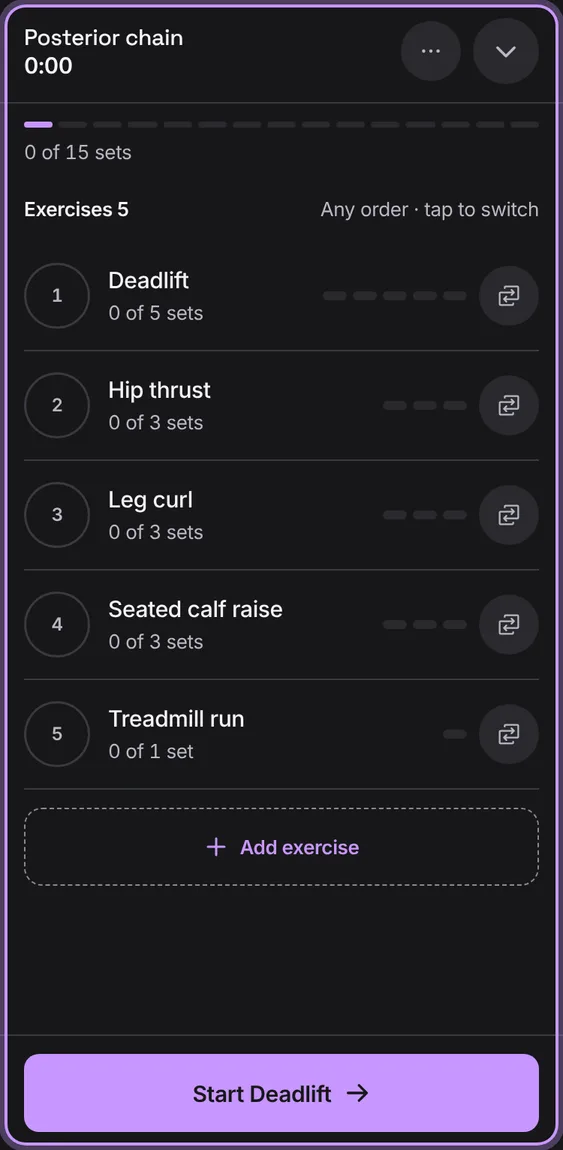
Start a new workout with the same exercises and sets filled in to check off. With a workout going, it takes you back to that one.
- Tap Repeat workout.
A workout's volume against the last time you did that routine, the records it set, and what progression suggests next time.
- Shown at the top of a finished workout.